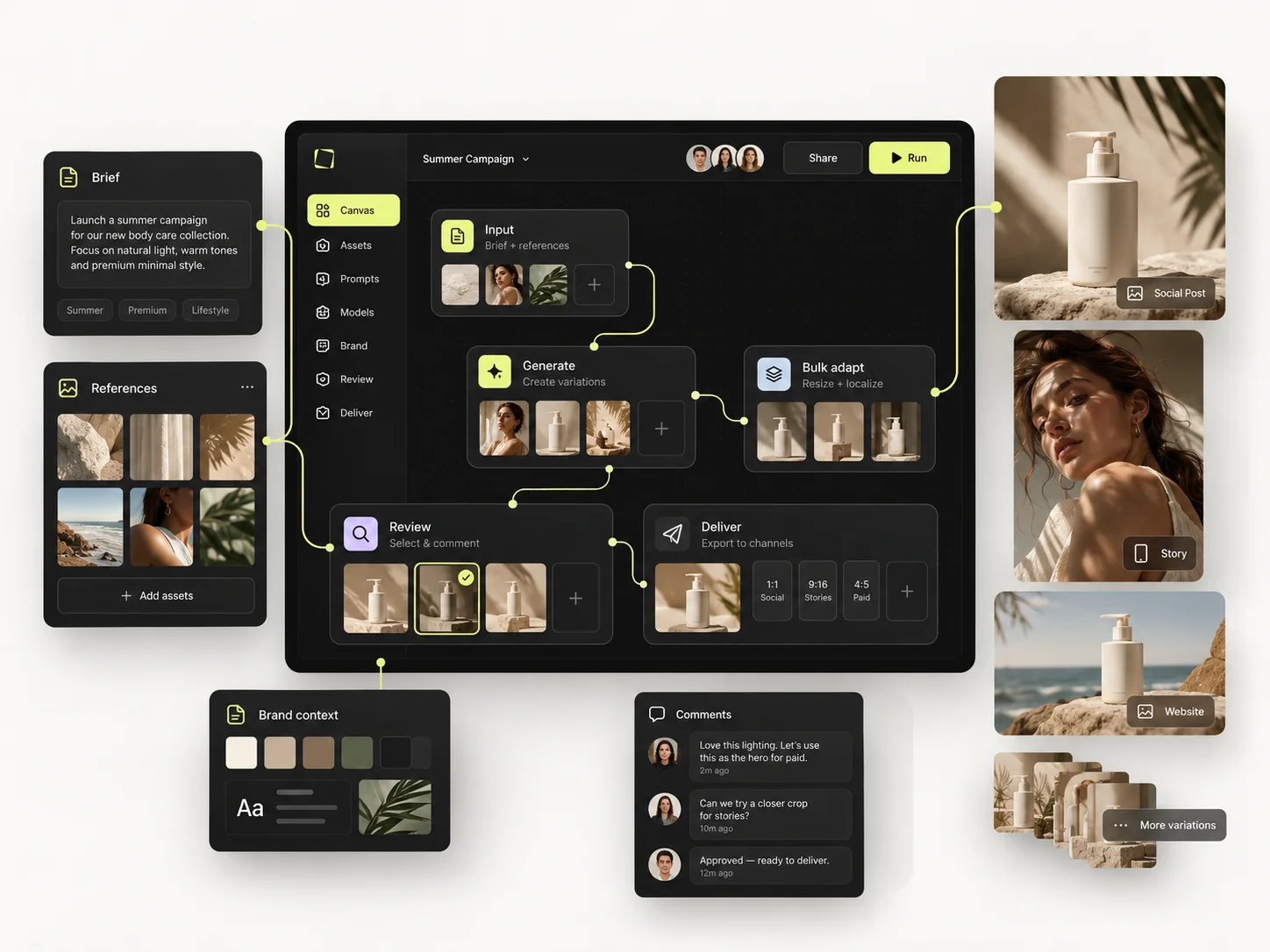
Automating creative production means moving the repeatable parts of your output — adaptations, resizes, market versions, seasonal refreshes — out of the design queue and into a defined process that runs on inputs, while the parts that require judgement stay with people. The goal is not fewer creatives. It is creatives spending their time on the work that is actually creative.
Every marketing team has the same shape of problem. A campaign takes three weeks to approve and three more to roll out, and the second three weeks contain almost no creative decisions — just the same visual rebuilt forty times in different sizes, languages and placements.
This guide covers how to work out which parts of your production can be automated, in what order, and what to leave alone — using Mujo's creative production stack.
The short version
- Automate repetition, never judgement. The line is whether a decision is being made.
- Start with adaptation, not with ideas — it is the largest and least loved part of the work.
- Fix the inputs first: references, characters and saved settings. Automation on messy inputs multiplies the mess.
- Keep a human approval step. Remove the manual labour, not the accountability.
- Measure the time the team gets back, not the number of assets produced.
What creative production automation actually means
It does not mean an AI that produces campaigns. It means the mechanical steps between an approved idea and a delivered set of files stop being done by hand.
Concretely, the candidates are:
- Adaptation — one approved master into every required format and placement.
- Localisation — market versions with appropriate references and language inputs.
- Range application — one treatment applied across products or SKUs.
- Seasonal refresh — last quarter's setup rerun with new styling.
- Variation production — controlled versions for creative testing.
Every one of those is the same visual decision, executed repeatedly. None of them is a creative decision, which is exactly why they are the right place to start.
Step 1: Sort your output into three buckets
Before automating anything, look at what your team actually produced last quarter and sort it. The categories are not subtle:
Most teams discover that the third, fourth and fifth rows account for the majority of hours and almost none of the satisfaction. That is the automation target, and it is also the reason people leave creative jobs.
Step 2: Fix the inputs before you automate anything
Automation applied to disorganised inputs produces disorganised output faster. Before building any process, get three things in order:
- References — real product and brand material, in one shared library.
- Saved settings — camera, lighting and composition as reusable creative controls, not as prompt text.
- Saved characters — the cast, built once, as described in AI characters.
This step is unglamorous and it is where the value actually comes from. A team with clean inputs and no automation outperforms a team with automation and messy inputs, every time.
Step 3: Automate adaptation first
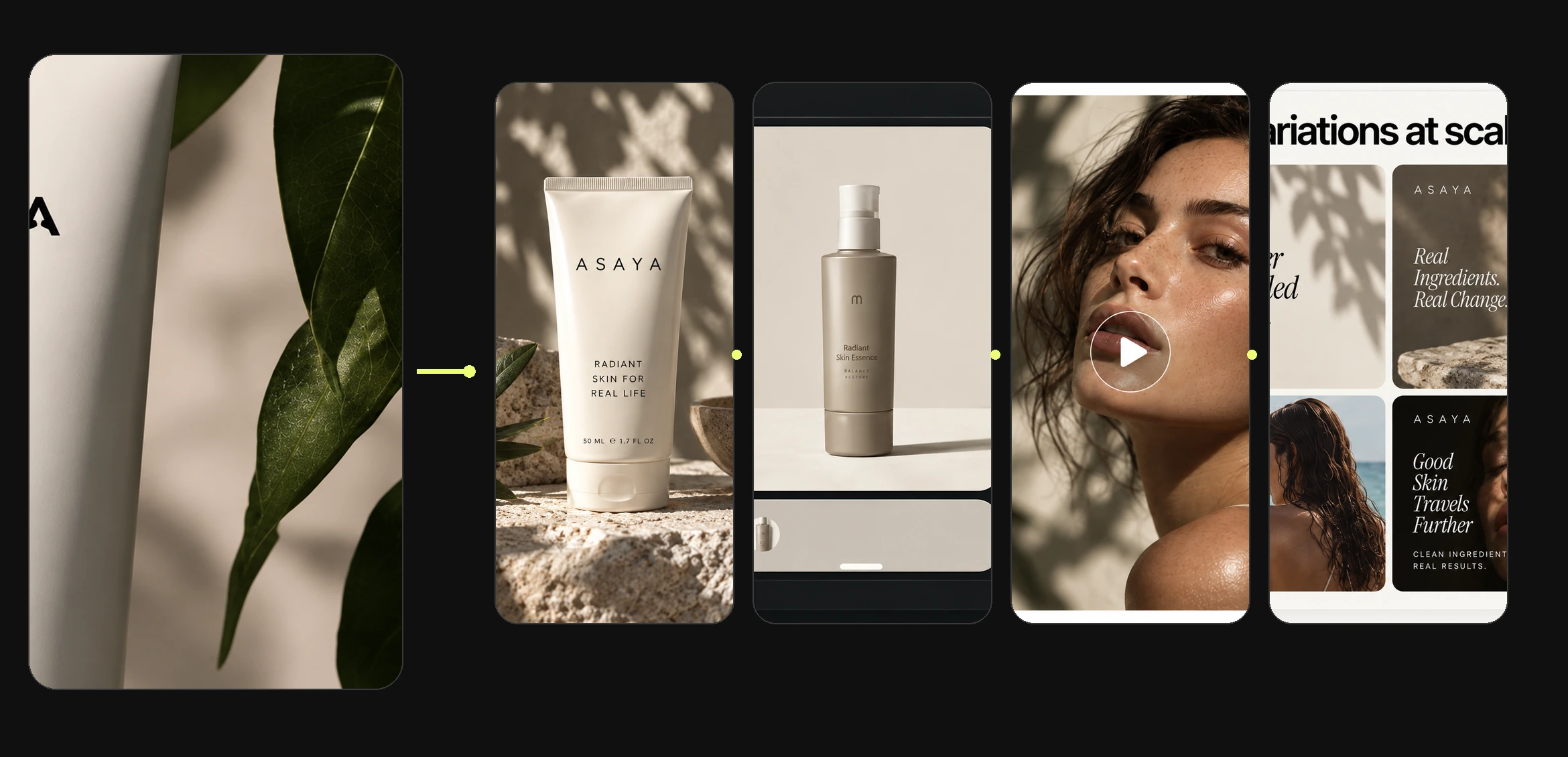
Adaptation is the best first target for three reasons: it is the largest volume, it involves no creative decisions, and the result is immediately verifiable — either the format is right or it is not.
The mechanism is the production table: one approved master, rows for each required version, columns for what differs. See Bulk Editing for how this works in practice, and campaign creatives for where it sits in a campaign.
Step 4: Turn the process into something reusable
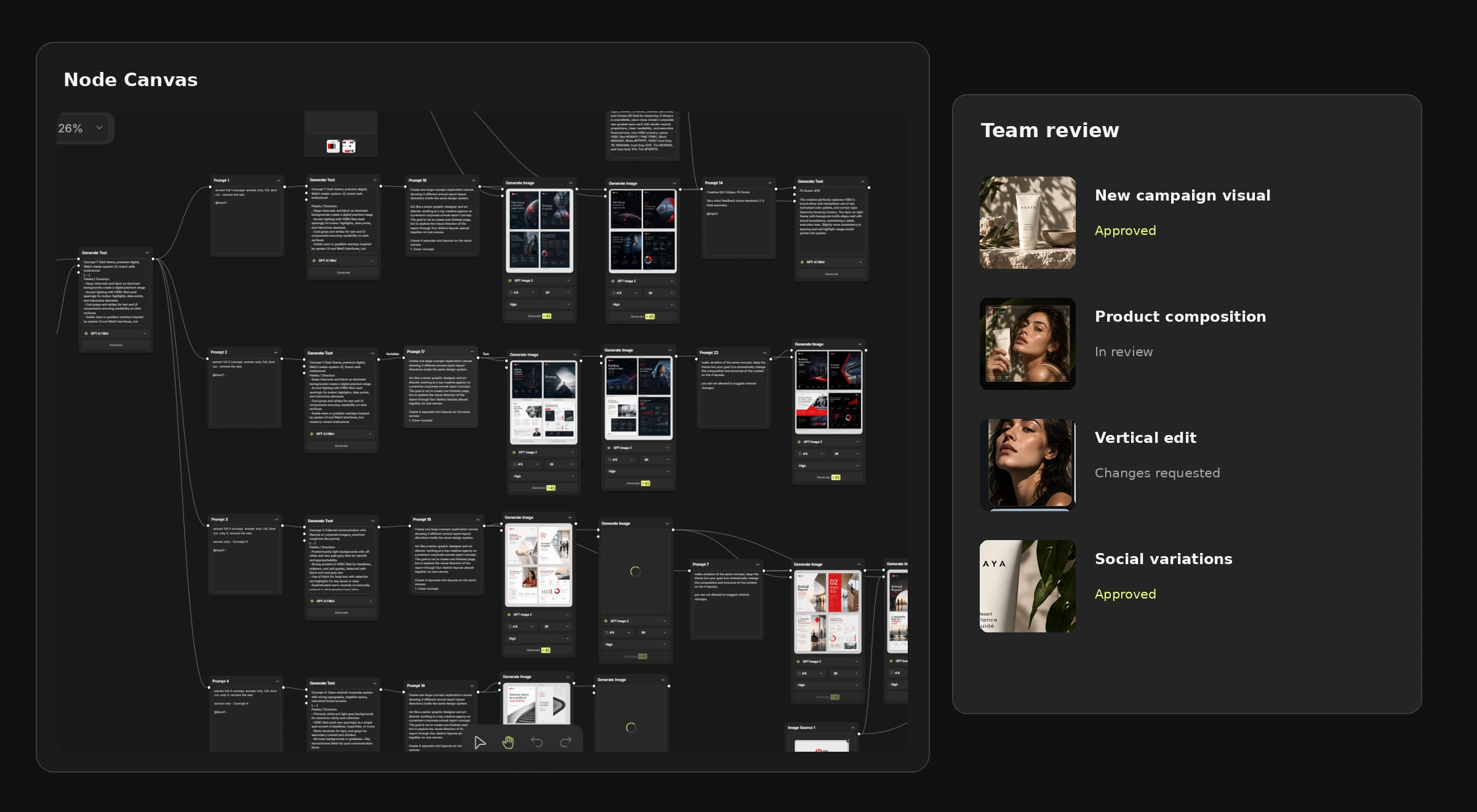
Once a production sequence has run three times the same way, it is a process, and a process can be built once rather than remembered. That is what the Node Editor is for: define the logic as a workflow, then run it against new inputs.
The practical test of whether you have automated anything: could somebody else on the team run it tomorrow without asking you? If not, you have a personal shortcut, not a production process.
Step 5: Keep a human at approval
Automating production does not mean automating responsibility. Generated output still needs review before it is published — for product fidelity, generated text, packaging details and brand consistency.
Keep approval as an explicit, recorded step in a shared workspace. It is what makes the rest defensible, and it is the one part of the chain that should get slower, not faster, as volume rises. See Team Workspace for how review and roles work alongside production.
What usually goes wrong
Automating the wrong end
Teams start with concept generation because it is the exciting part, and end up with more ideas and the same rollout bottleneck. Fix: start at the end of the process, where the volume is.
Automating before the process exists
A workflow gets built for a process nobody has agreed on, and it is rebuilt within a month. Fix: run it manually three times first.
Removing the approval step
Volume rises, review feels like a bottleneck, and someone quietly stops checking. The first misspelled packaging label in a live campaign ends that experiment. Fix: keep approval, speed up everything before it.
Measuring the wrong thing
"We produced 4,000 assets this quarter" is not a result — it might be waste at scale. Fix: measure what the team stopped doing and what they did instead.
What not to automate
Worth being explicit, because the category oversells this constantly:
- The idea. A brief becoming a concept is judgement, and judgement is the job.
- Brand decisions. What the brand looks like is not a production variable.
- Final approval. Someone signs off. That person should be a person.
- Anything you cannot check. If nobody reviews the output, the process is not automated — it is unsupervised.
Who this is for
In-house marketing teams
Where the same campaign structure repeats monthly and adaptation eats the calendar. See Mujo for marketing teams.
Creative agencies
Where adaptations are the least profitable line on the retainer. See Mujo for agencies.
Ecommerce and catalogue teams
Where volume is structural rather than occasional. See product catalog production.
Frequently asked questions
What is creative production automation?
It is moving the repeatable parts of creative output — adaptations, formats, market versions, range application — into a defined process that runs on inputs, while concept, brand decisions and approval stay with people.
Will this replace designers?
It replaces the part of design work that is mechanical repetition, which is the part most designers would happily lose. Concept, art direction and judgement are not automatable, and a team producing more versions needs more direction, not less.
Where should we start?
With adaptation — formats, placements and versions of an already approved creative. Highest volume, no creative decisions, and results you can verify immediately.
How long before it pays off?
The first process takes longer to set up than doing the work manually once. The return appears on the third or fourth run, which is why it is worth choosing something that genuinely repeats.
Do we need a shared workspace for this?
For a single person, no. For a team, yes — automation built in one person's account stops at that person, and shared references and settings are what make output consistent between people.
Can automated output go live without review?
No. Generated output needs a human check for product fidelity, text, packaging and brand consistency before publication. Automate the labour, not the accountability.
How do we measure whether it worked?
Not by asset count. Better measures: time from approved concept to delivered assets, share of output rejected before publication, and how much of the team's week goes to adaptation versus new work.
Automate the repetition, keep the judgement
The bottleneck in most marketing teams was never ideas. It was the six weeks between a good idea and everything the idea has to become.
Fix the inputs, automate the adaptation, build the process once it has proven itself, and keep a person at approval. What comes back is not a higher asset count — it is the part of the week that used to be spent resizing.
Automate the repetition. Keep the judgement.
Build creative production around reusable setups, workflows and shared review.