Studio
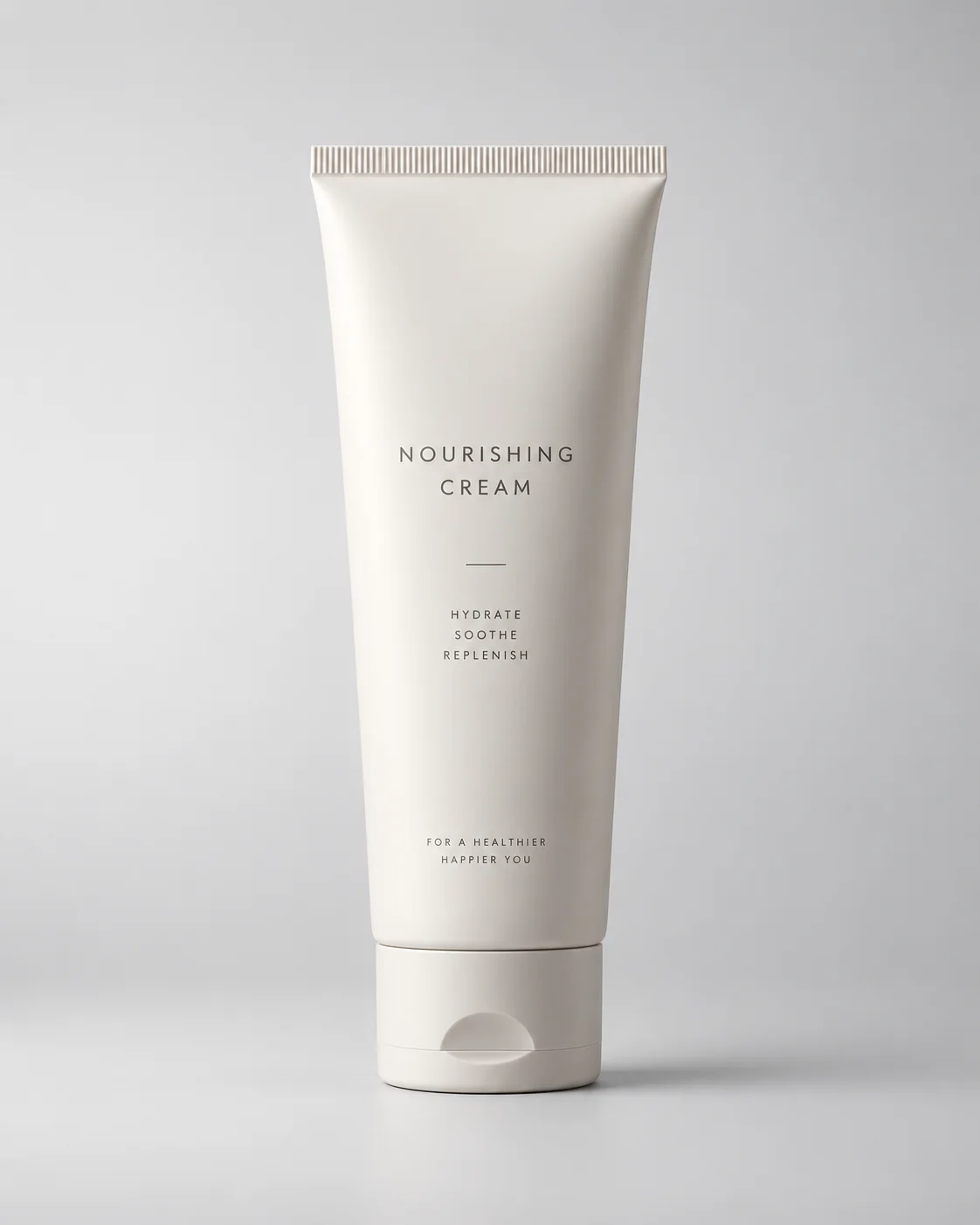
Turn an existing product photo into studio shots, lifestyle scenes and campaign-ready creative variations. Explore new backgrounds, lighting and settings without planning a separate shoot for every image — and keep the whole set looking like it came from one session.
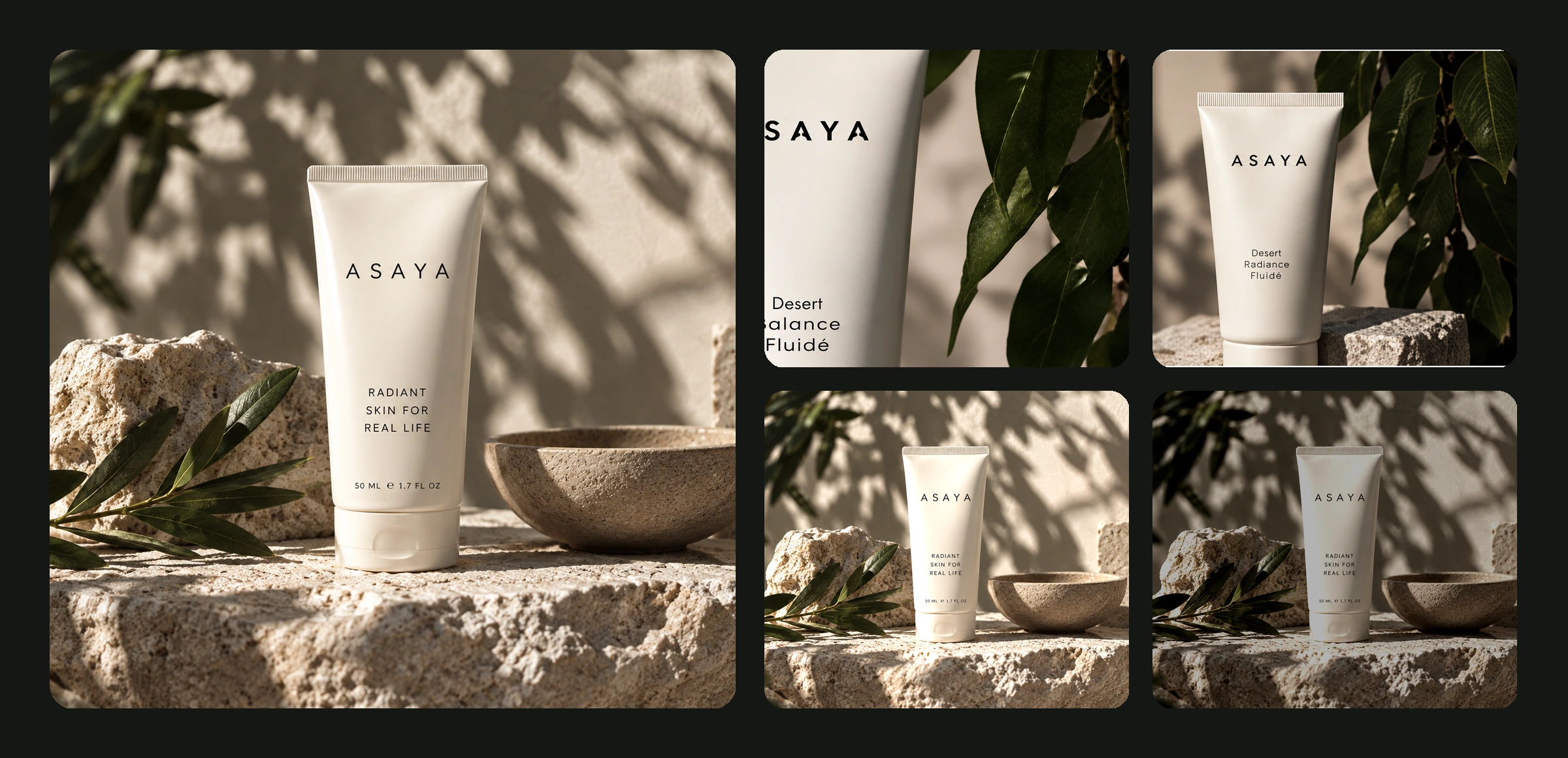
From a clean studio shot to a lifestyle campaign, these are different ways to present the product you already have. Same item, same reference image — six different rooms to put it in.


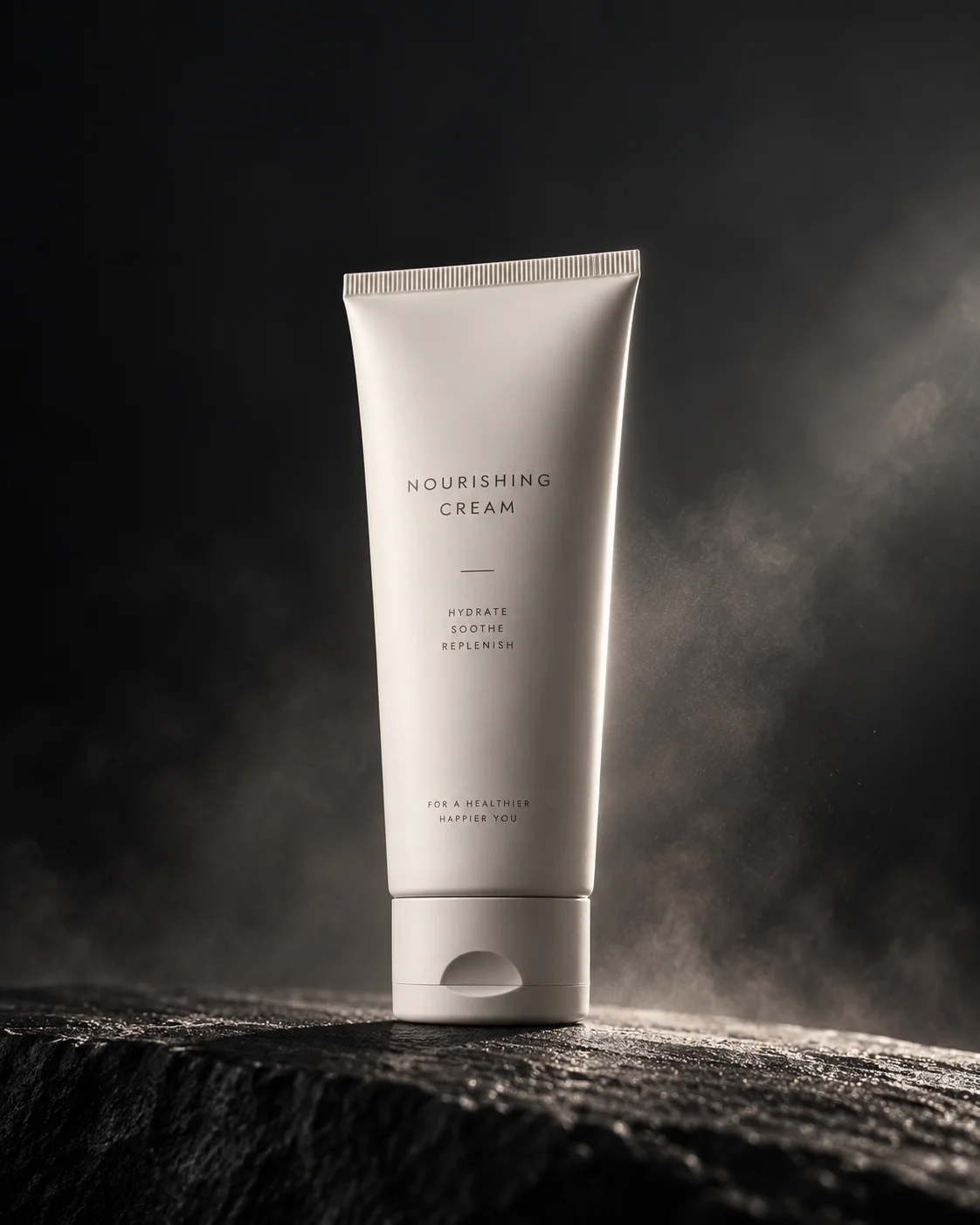
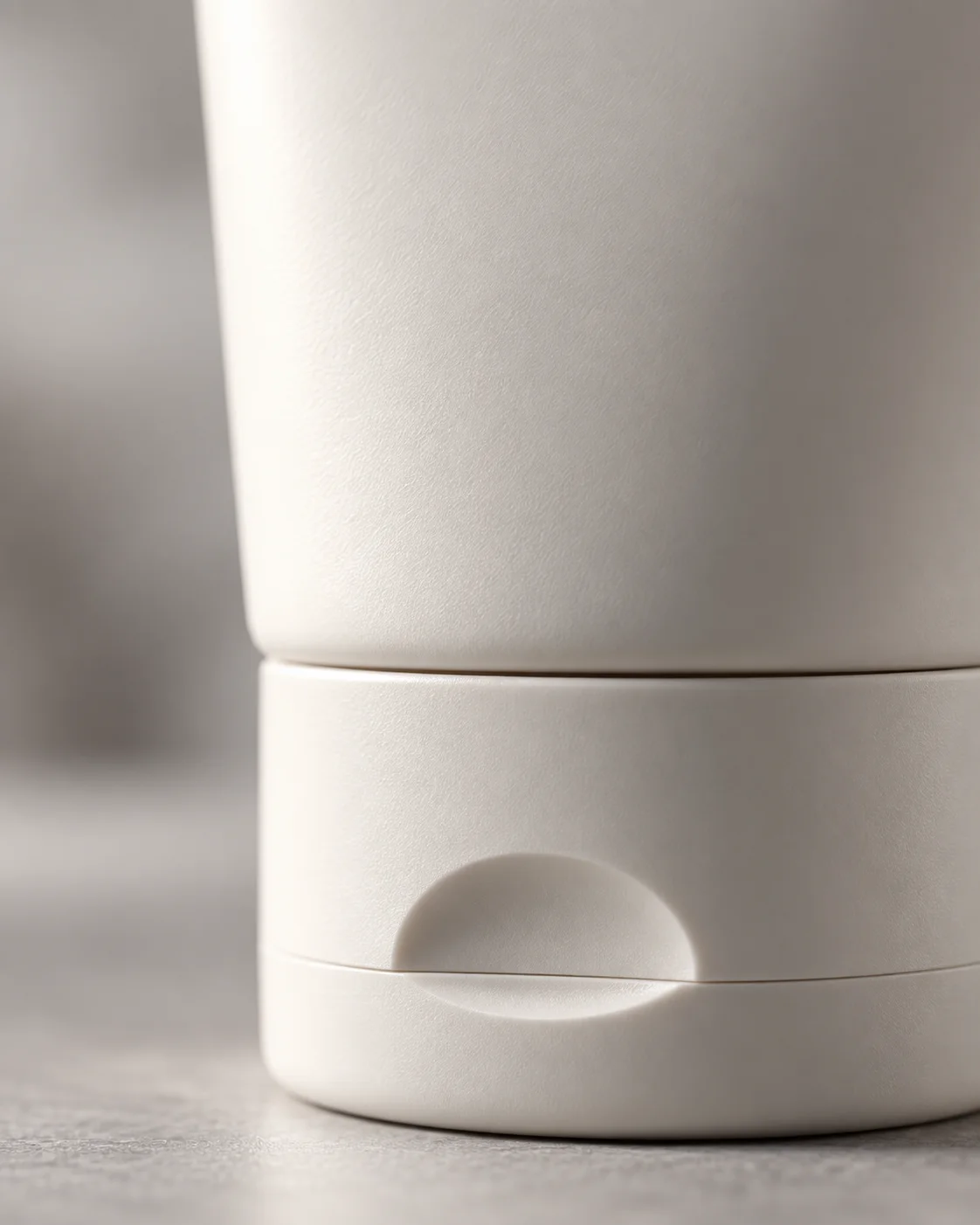
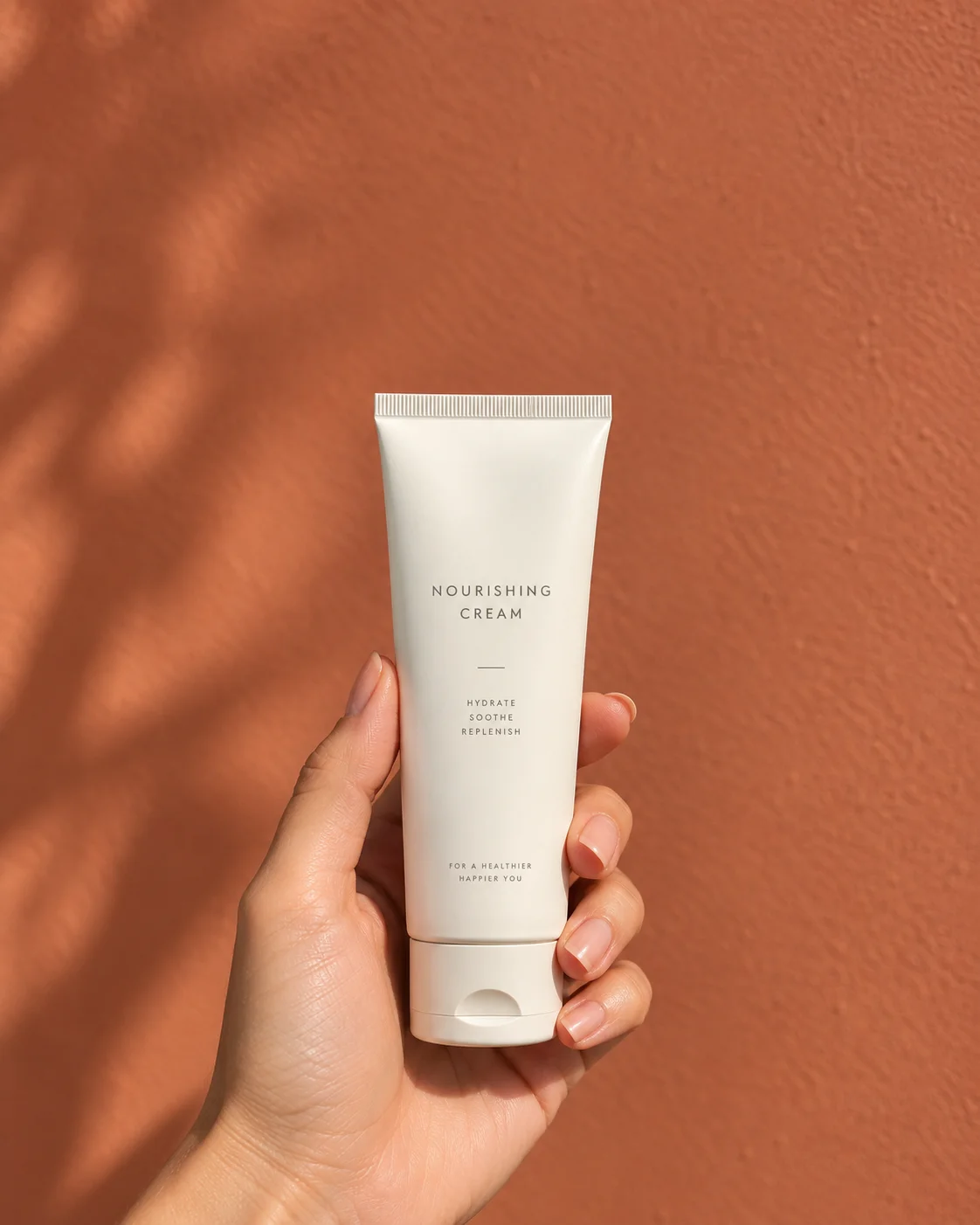
AI product photography uses an existing image of a product as a visual reference to create new product scenes and creative variations. Instead of starting from text alone, you begin with the item you actually need to show, then explore new backgrounds, lighting, compositions and contexts around it. That difference matters: a description can produce any bottle, a reference produces yours.

Build a visual set suited to your product, your channel and your creative direction. Most catalogues need four or five of these at once, which is exactly the problem a single shoot day never solves.
Clean background, product-first framing. The shot a product page opens with.
The product in context — a bathroom shelf, a table, a pair of hands.
Organic lighting and materials for products that sell on their ingredients.
Richer art direction for launches, hero banners and brand pages.
Close framing on texture, cap, label and finish. Check the fine details before use.
Vertical and square crops ready for paid social and content calendars.
Start with your product image, choose a visual direction, and build a reusable set of creative assets rather than a folder of one-offs.
Start from a clear photo of the item — the sharper and better lit the reference, the closer the result.
Set the scene, background and lighting, and add reference images where you have them.
Compare several creative directions side by side instead of committing to the first one.
Verify packaging, shape, colours, text and product details before anything goes near a listing.
Keep the setup that worked and apply it to the next product in the range.
Step three is where most of the value sits. Generating three versions and choosing is faster than describing the one you imagined and hoping it arrives.
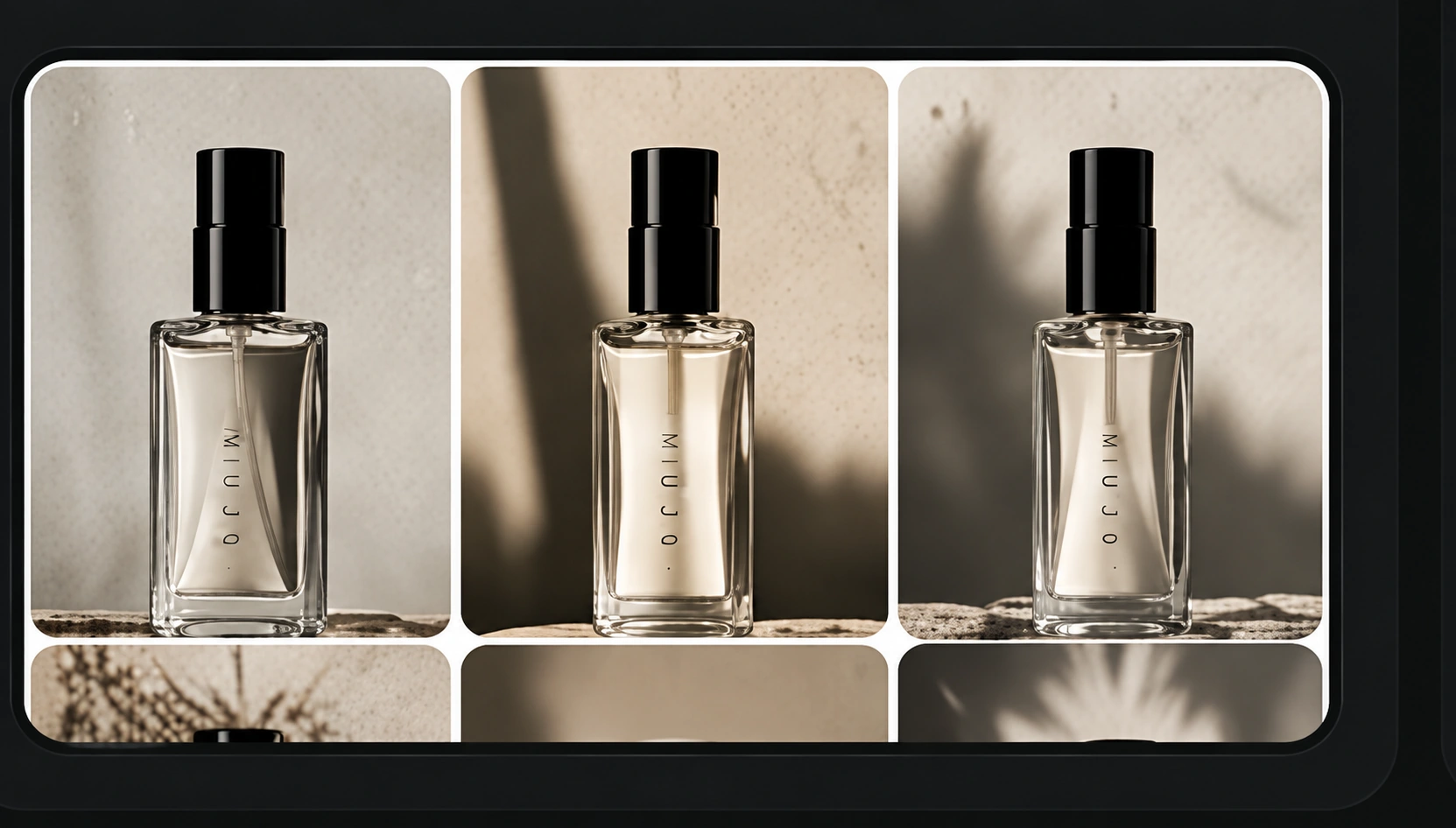
Explore new art direction while keeping the real product as the reference. The scene changes; the thing you are selling should not. AI-generated text, logos and fine packaging details should always be checked against the original product before an image goes into a live listing or campaign.
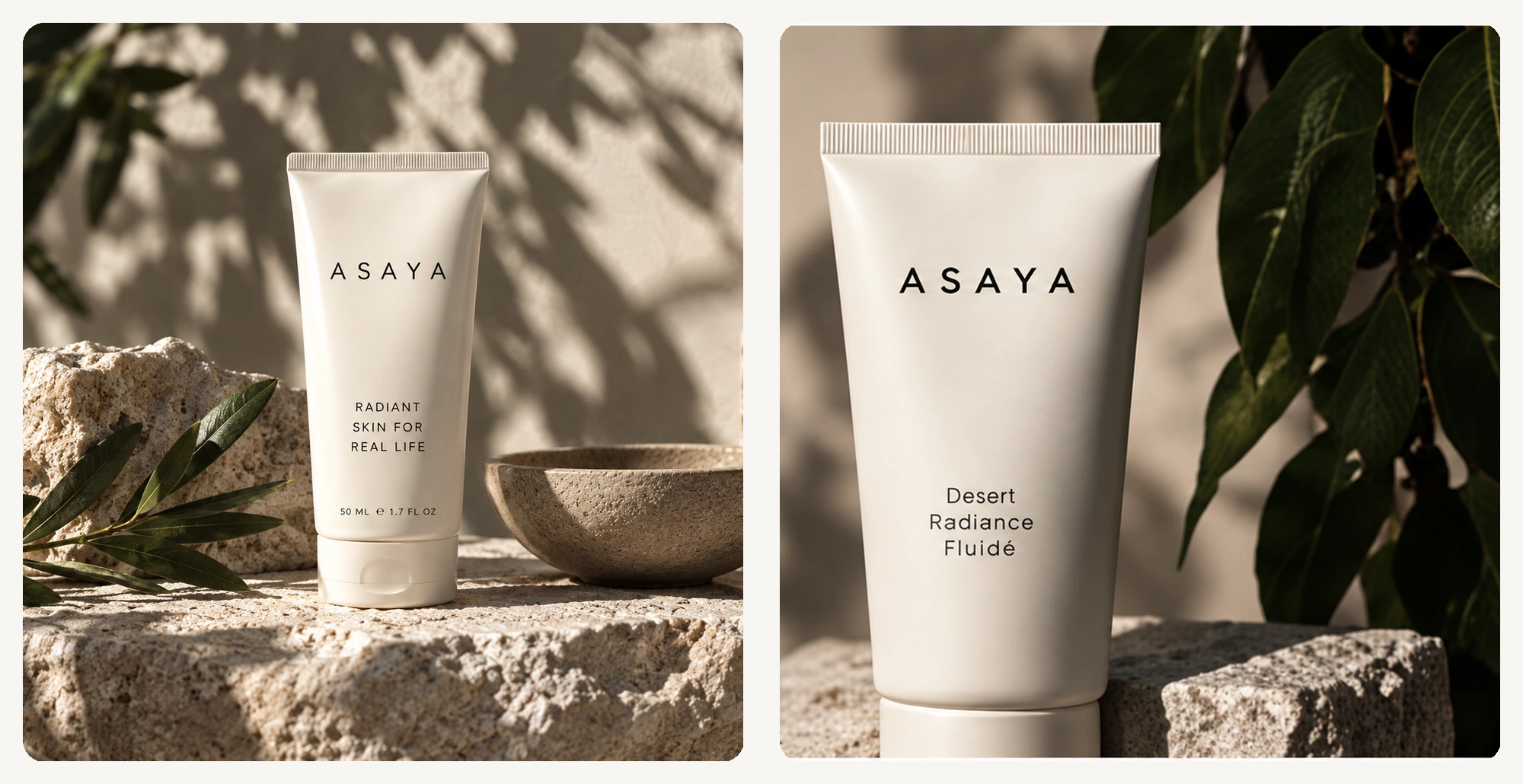
Different products fail in different ways. A cream tube needs its label legible, a bag needs its stitching, a chair needs a room around it and headphones need light that does not blow out the plastic.
Texture, packaging and ingredient cues — the details this category is judged on.

Leather, hardware and stitching shown at the scale a buyer actually inspects.
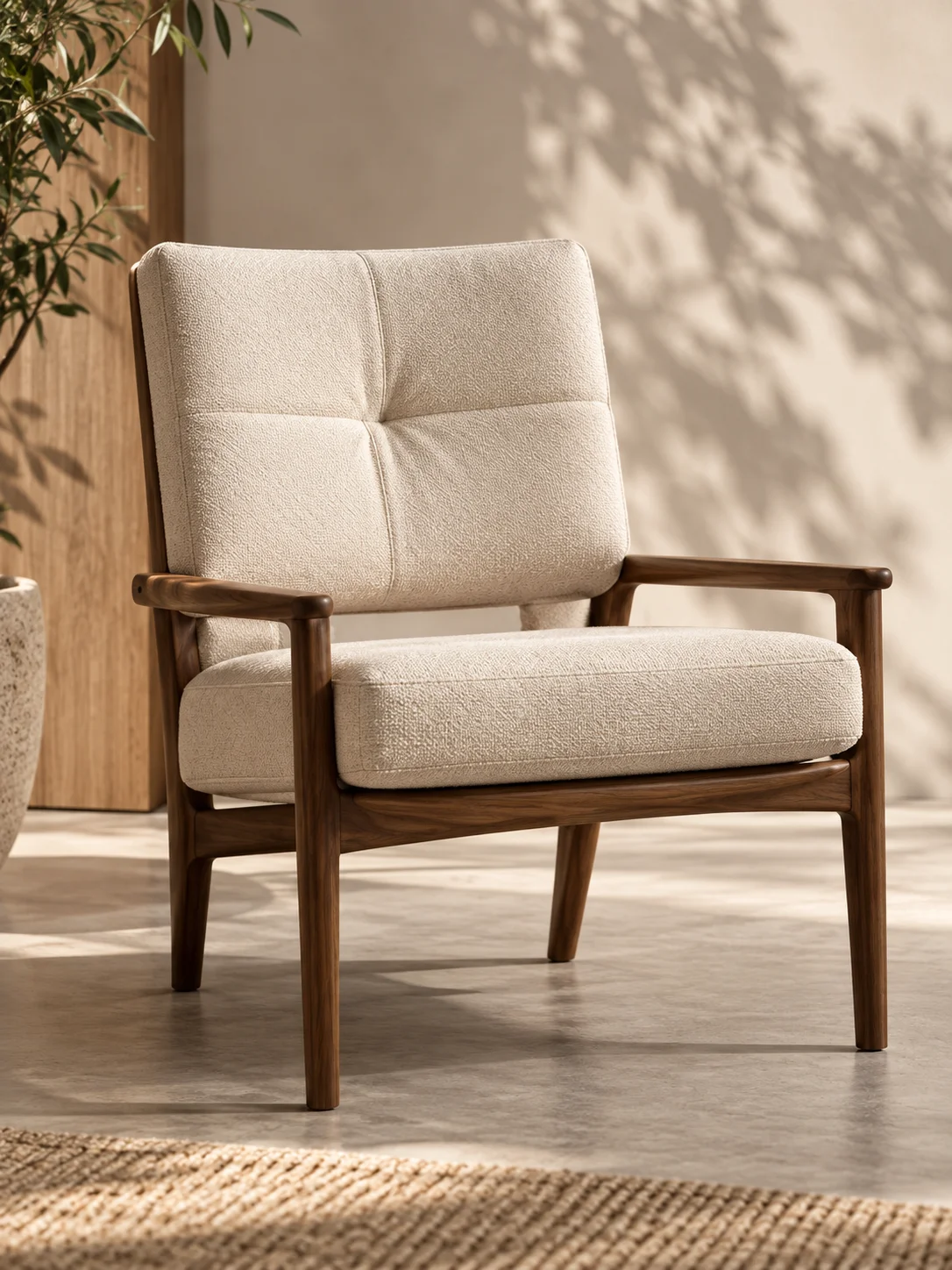
Furniture and homeware placed in a room instead of floating on white.

Matte and reflective surfaces, which are the hardest thing to light well.
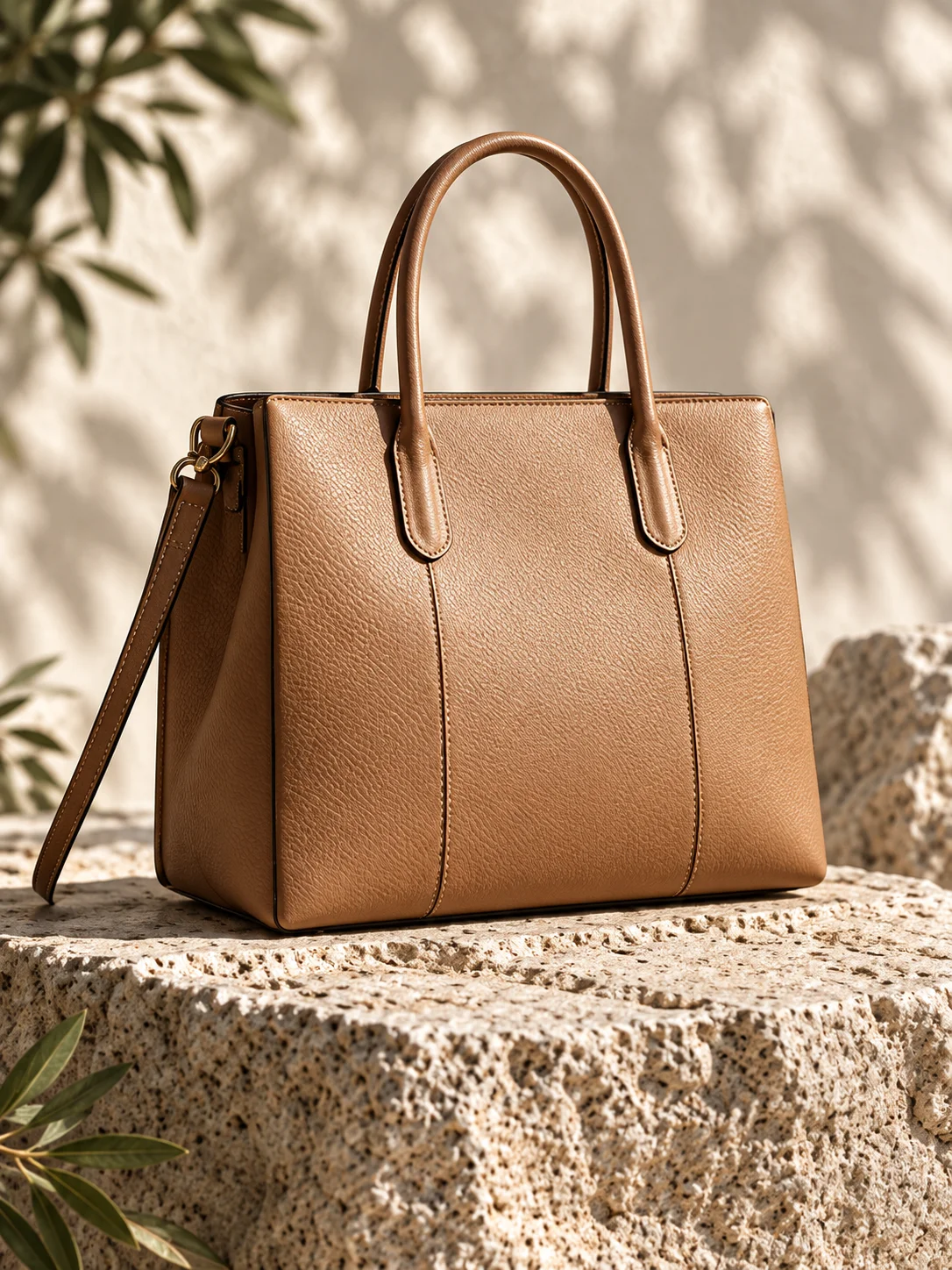
The same product usually needs a different picture in every place it appears — a clean packshot on the listing, a lifestyle scene on the homepage, a vertical crop in the feed. Producing them from one reference keeps them looking related.
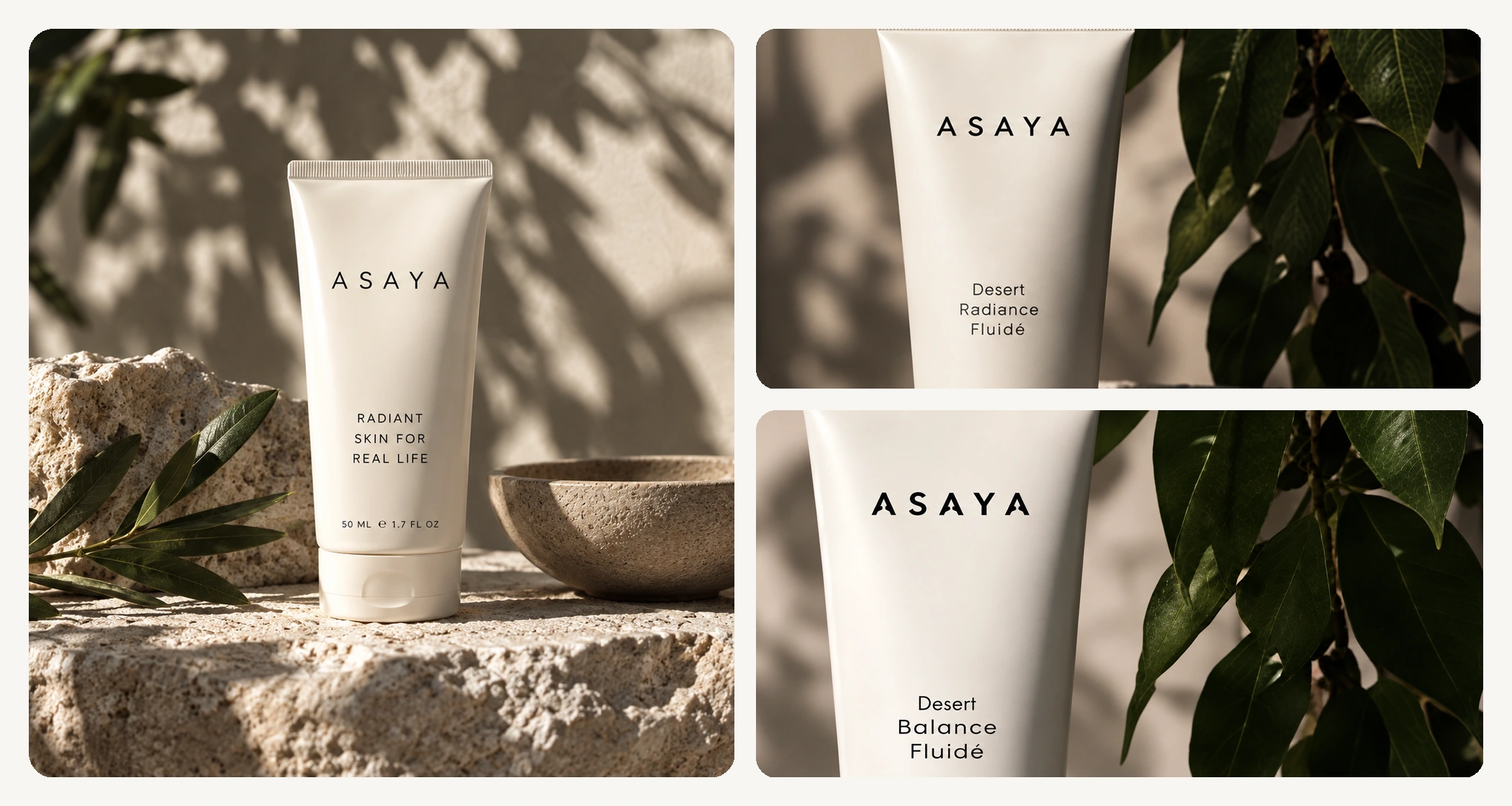
Bring your references, creative settings and variations into a repeatable process. A catalogue is not a hundred separate tasks — it is one approved direction applied a hundred times. The visual below is an illustration of that idea, not a screenshot of the production board.
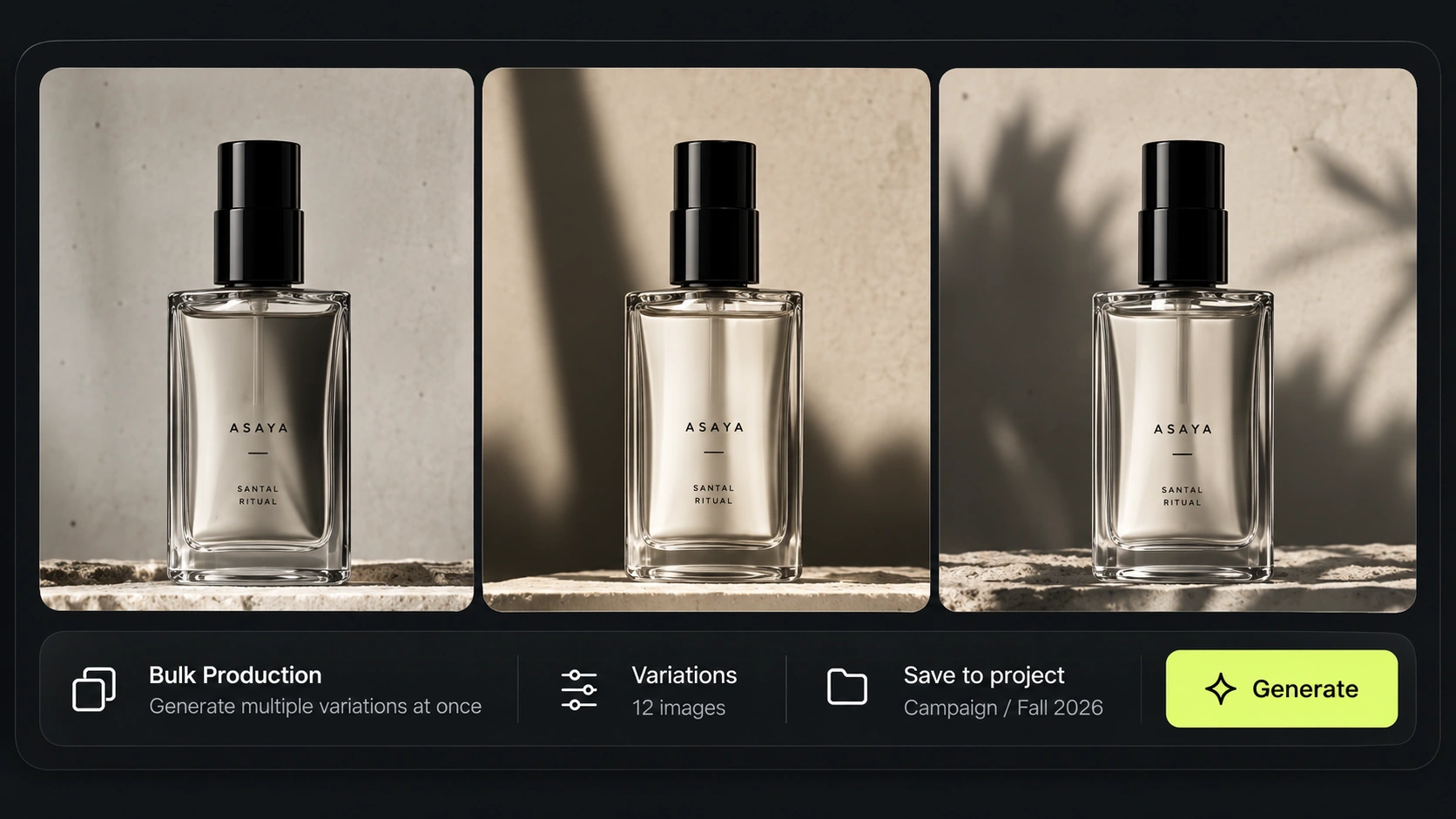
Keep product references and approved shots where the whole team can find them.
Save the lighting, camera and composition that worked and apply them again.
Turn the shoot into a reusable workflow when it repeats every season.
Run one approved setup across an entire product range.
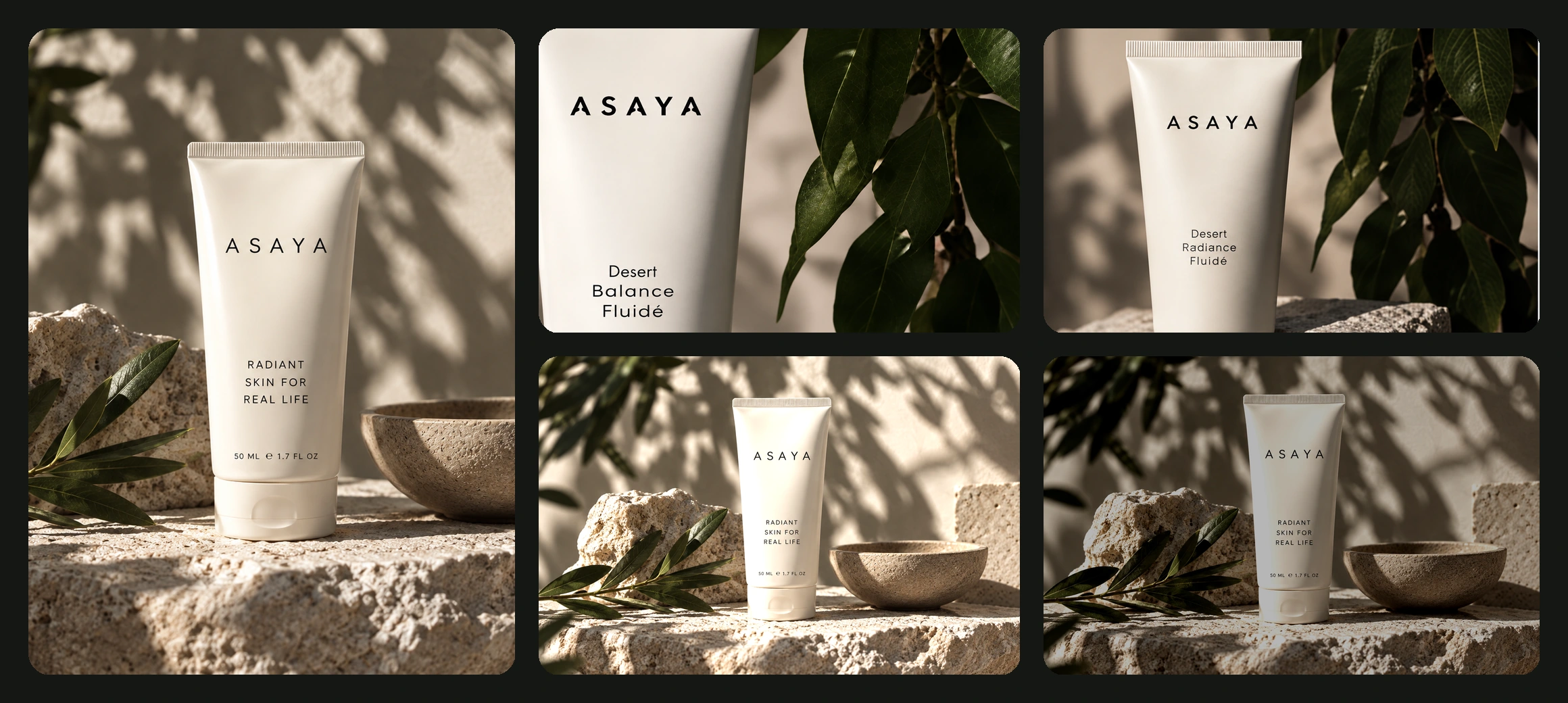
One product concept, taken through several visual directions — studio, natural, detail and campaign — as a single coordinated collection. Illustrative product photography concept; generated details should be reviewed before publication.
They get confused constantly, and the confusion costs sales. A product photo shows the item. A listing image explains it. A good marketplace gallery needs both, and they are made in different ways.
The shot is rarely the deliverable. It becomes a listing gallery, a paid creative, a video, a set of market variants — and all of that runs on the same references and settings.
See all use casesThe generator behind these shots, with the leading models in one place.
Set camera, lighting and composition as reusable settings.
Product photography prompt packs with the result each one produced.
Run the approved setup across a whole catalogue.
When the product needs a person holding it, keep the same face throughout.
Turn an approved product shot into motion for social and ads.
Product images created or adapted with AI using a photo of your product as the reference and a chosen visual direction — background, lighting, composition and context.
Yes. You can start with a single clear product image and explore multiple scenes from it. Quality and accuracy depend on how good the source photo is and on the generation settings you use.
Yes. Use the product as a reference and explore different settings, surfaces, materials and lighting, then review the result before you use it.
Treat this as something to verify, not to assume. Fine text, logos and packaging elements can come back imperfect and should be checked against the original product before publication.
They can be used in commerce workflows, subject to each platform's current policies and any product-specific requirements. Check the rules of the marketplace you are publishing to.
Reuse the same source references and save the creative settings that produced the approved image, then apply them to the rest of the range and review the results as a set rather than individually.
Product photos focus on photography — how the item looks in a scene. Listing images add structured copy, benefits, infographics and designed layouts to explain what the product does.
For the reference image, a good one helps enormously — the sharper and better lit your source, the better everything generated from it. What changes is the number of separate shoot days needed for every new background, season and format.
Explore studio, lifestyle and campaign-ready product visuals in Mujo — for your store, your campaigns and your creative team.