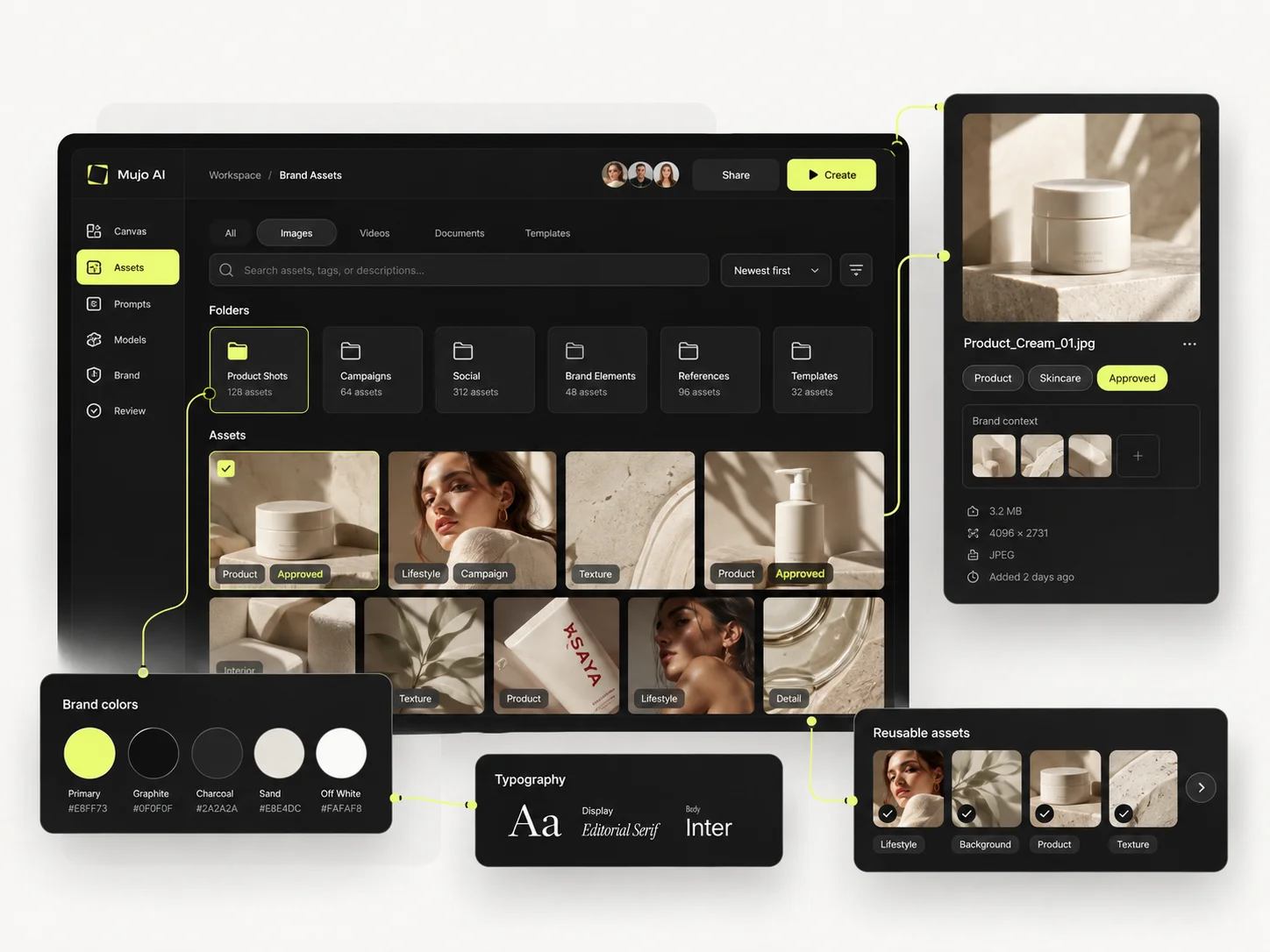
A retouching canvas
Fine masking and per-pixel editing are better handled in Dzine.
Dzine is a canvas: character consistency, style transfer, direct editing of what the model gave you. It is strong at getting one image to be exactly right. Mujo is weaker at that and built for a different moment — when the right image has to become forty, on a schedule, without the person who made it in the room.
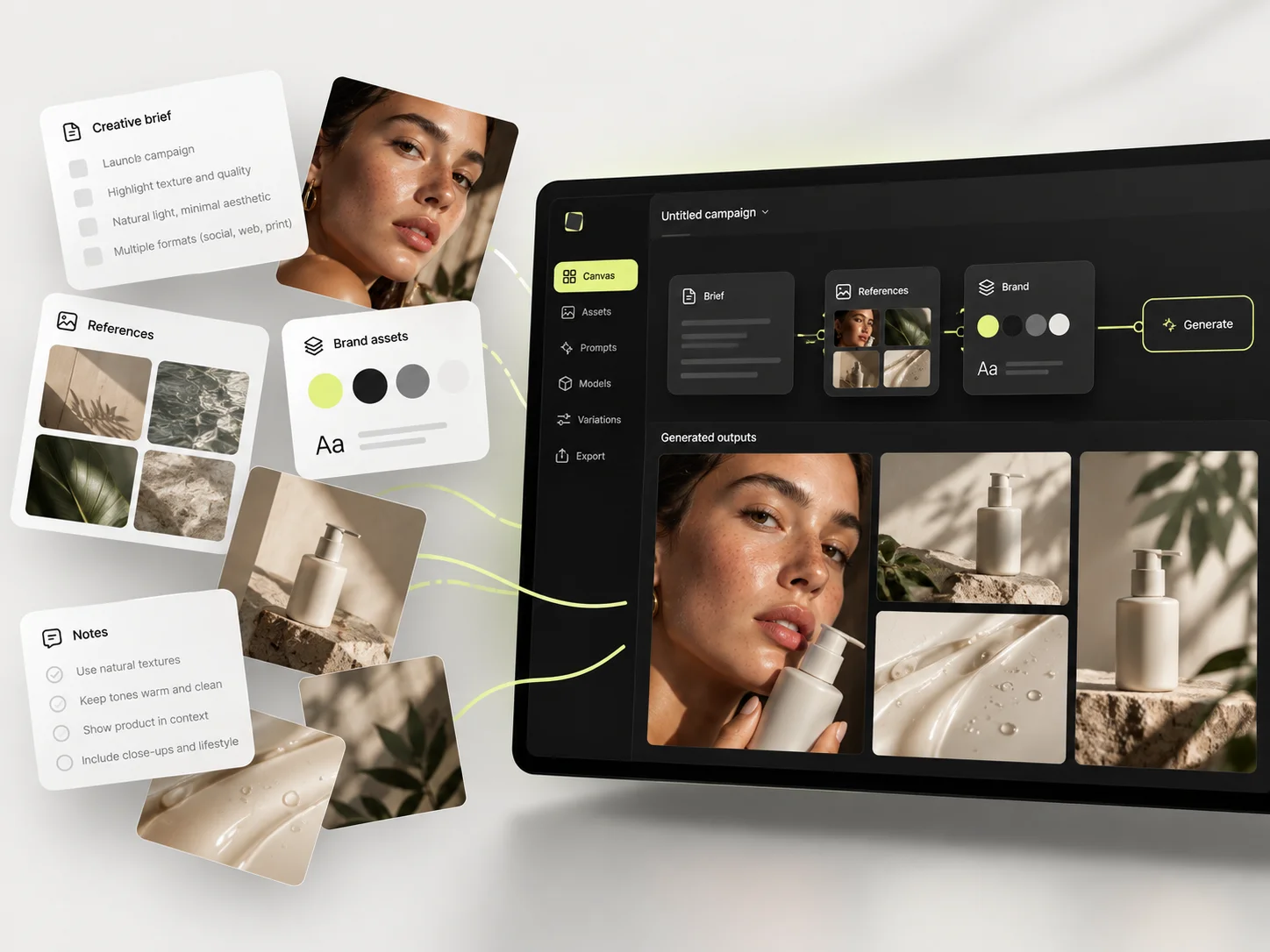
Three things this platform does not do, stated before the arguments in its favour. If one of them is what you came for, Dzine AI is the better answer and this page will not change that.
Fine masking and per-pixel editing are better handled in Dzine.
Stylised art direction is not where Mujo competes.
The value appears at the tenth asset, not the first.
Where an editing canvas and a repeatable production system actually differ.
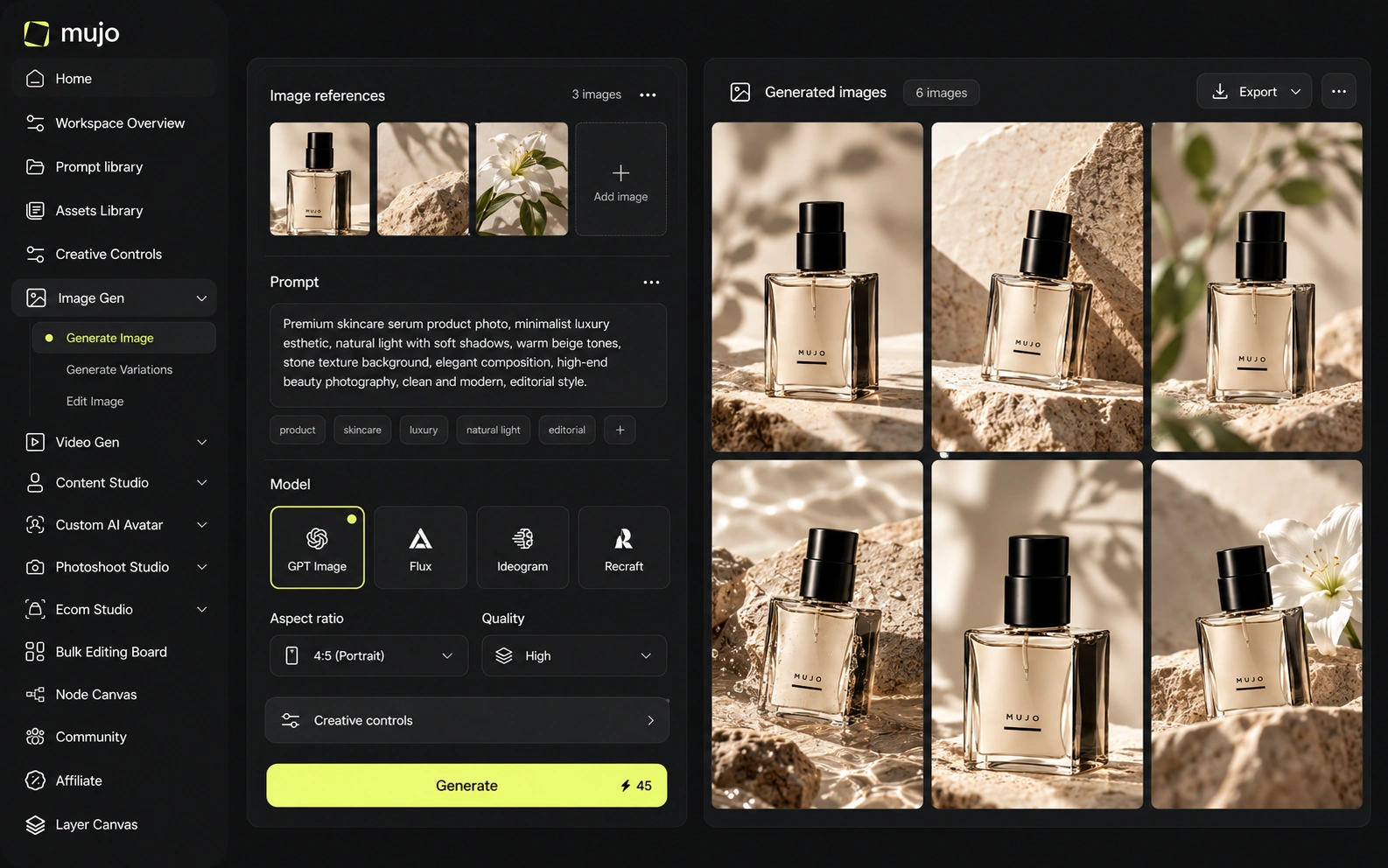
Dzine positions itself as an all-in-one image and video studio. It combines Chat Editor, local editing, AI video, consistent characters, style and character training, storyboards, face tools, product backgrounds, image-to-3D and ad/story workflows. Mujo is less like an AI Photoshop replacement and more like an operating layer for reusable commercial content production.
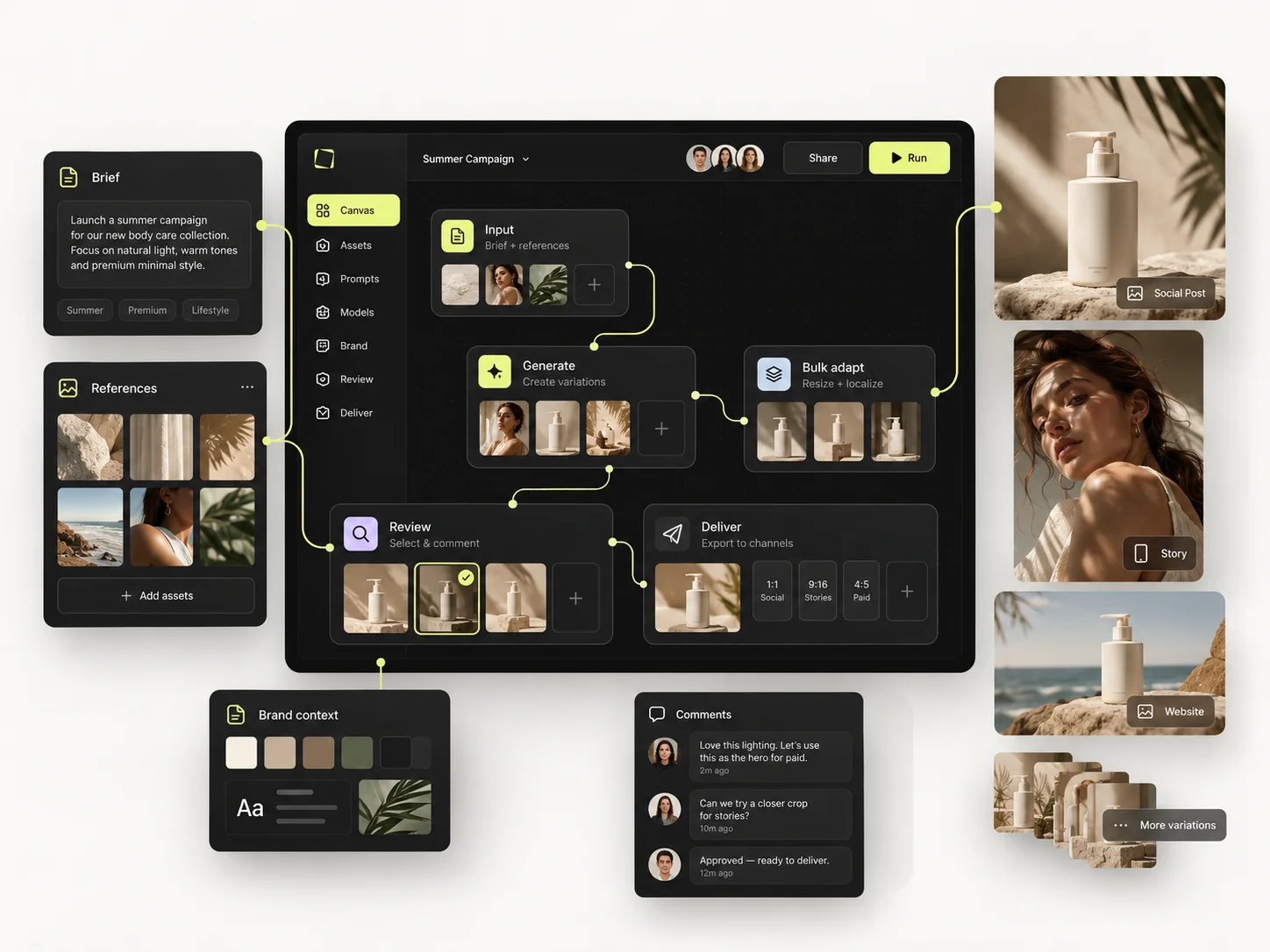
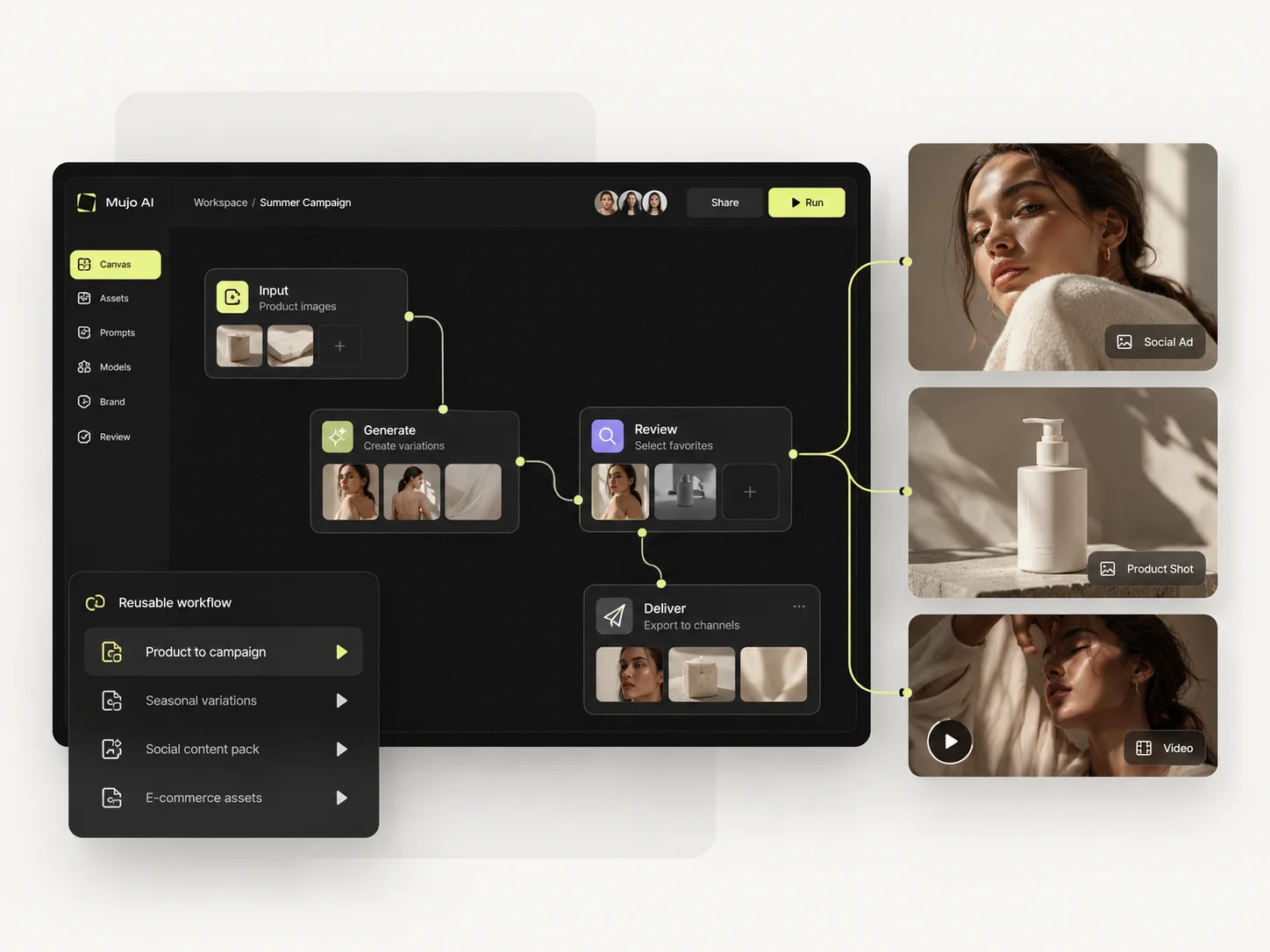
Mujo is a layer over external engines: Nano Banana Lite, Nano Banana 2 and Nano Banana Pro, GPT Image 2, Midjourney, Seedream 5.0 Lite and Seedream 5.0 Pro, Grok Imagine and Kling 3.0 Image for stills and Veo 3.0 and Veo Fast, Kling 3.0, Seedance 2.5 and Seedance 2.0 for motion, with Creative Controls, a shared Prompt Library, references, an Asset Library and a Node Editor around them. Dzine's depth is on the canvas — editing, consistency, control over the single frame. Editing perfects an asset. A workflow reproduces one. Both are legitimate purchases and they solve problems at different points in the month.
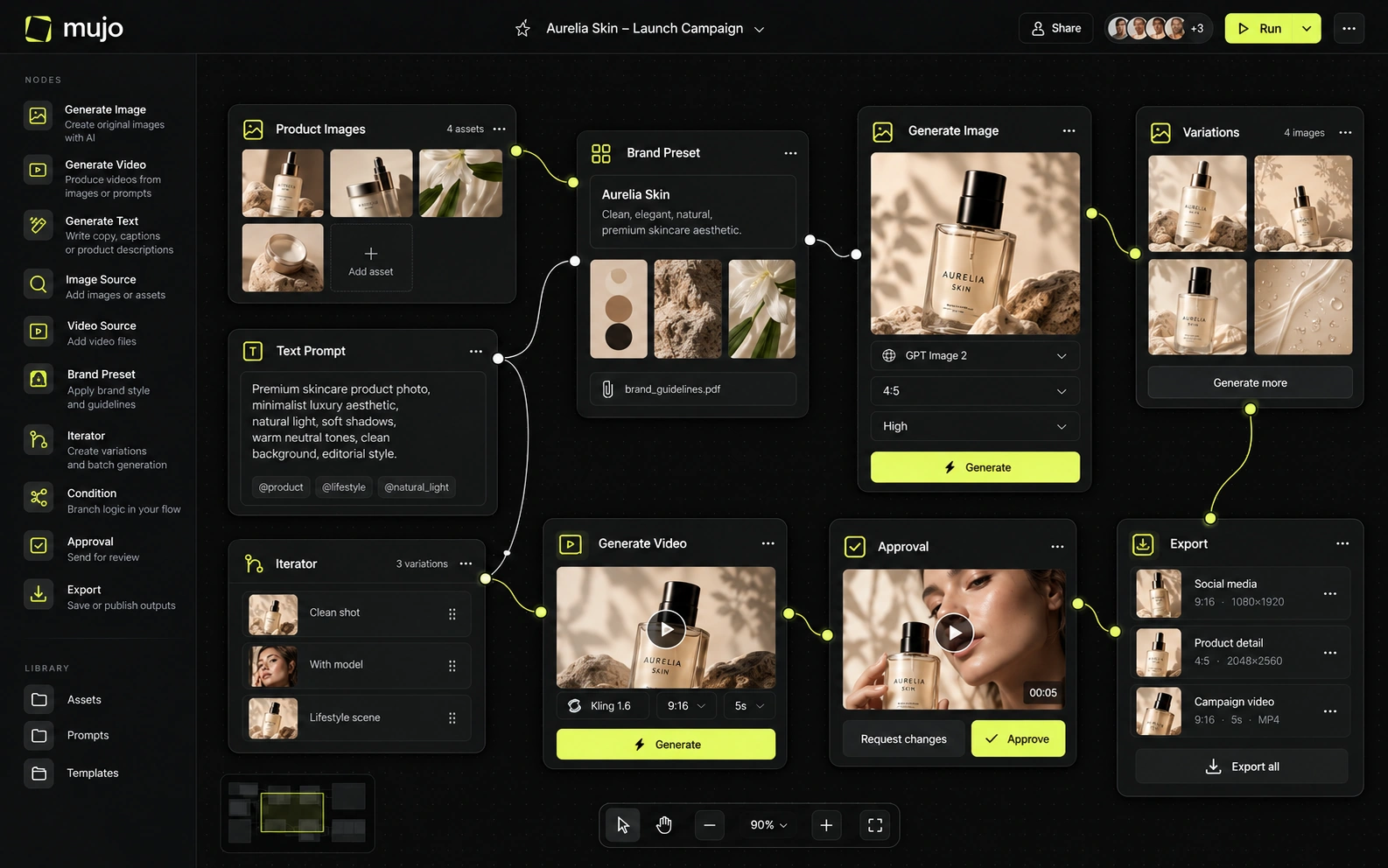
Dzine integrates multiple current external image/video models inside its editor and credit system. Higher tiers include unlimited access to a selected group of image models under a fair-use policy, including several major third-party engines. Mujo also aggregates leading models but uses workflow-specific workspaces and Controls/Prompt Library to keep creative direction reusable.
Both platforms put several engines behind one interface. The difference is what is left afterwards: in Mujo the prompt, references and control set are shared objects, so the direction does not live inside a single canvas session. Separate the questions. Which engines are available today, and what carries over when you change one. Canvas tools are usually built around the first.
Dzine's control is direct and design-oriented: local edits, object insertion/removal, text edits, layer-based composition, face repair/expression changes, style training and consistent-character features. Mujo's control is more declarative: choose structured scene variables, references and prompt patterns, then reuse them across a series. Dzine gives more surgical editing control; Mujo makes production logic easier to repeat.
Dzine gives control after generation — move it, mask it, restyle it, fix it. Mujo gives control before: Creative Controls name lighting, pose, expression, camera angle, location and style so the output arrives closer to right and the settings are reusable. Post-hoc editing does not scale linearly. Forty products means forty edit sessions unless the decisions were stored as parameters, which is the case Creative Controls exist for.
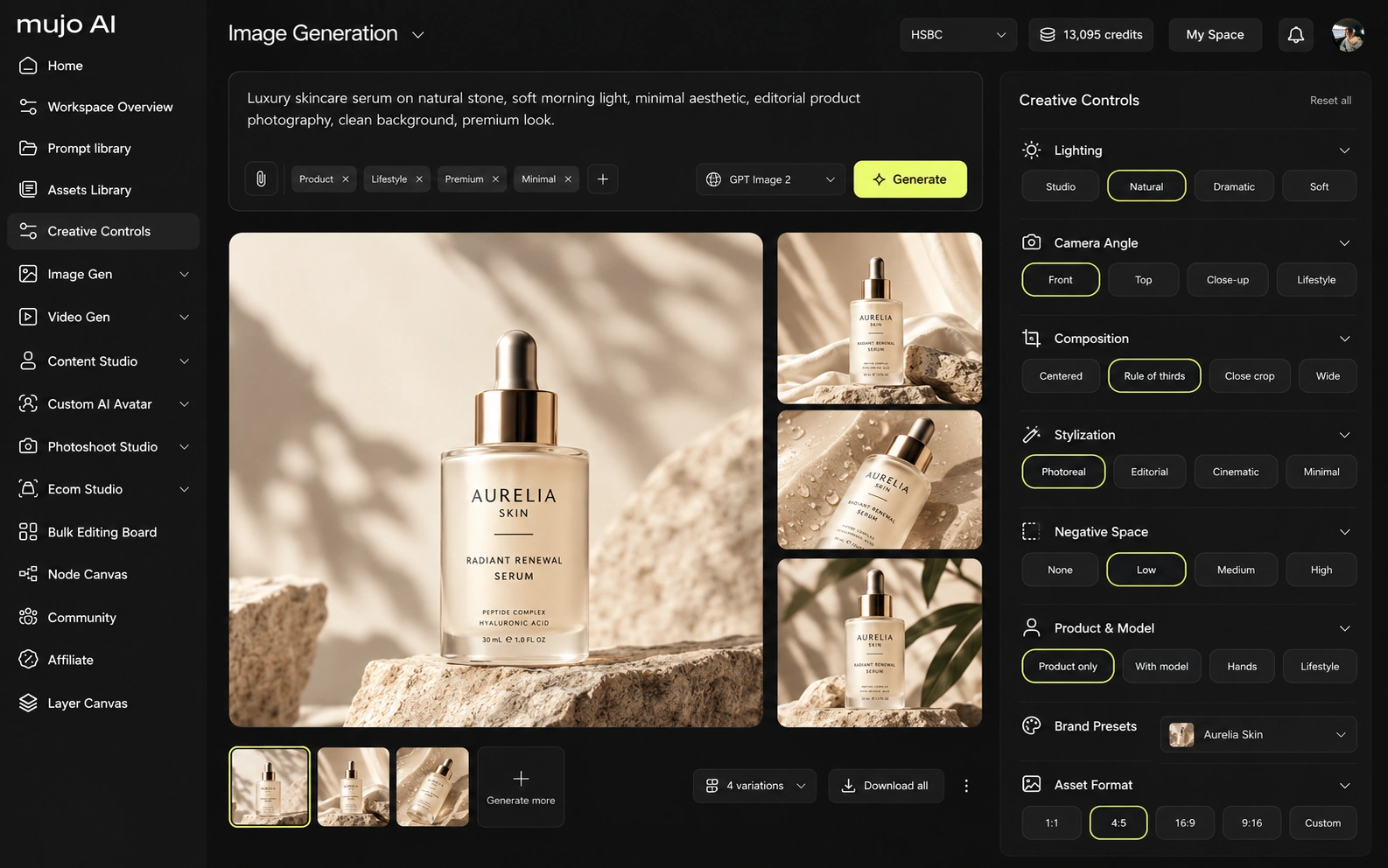
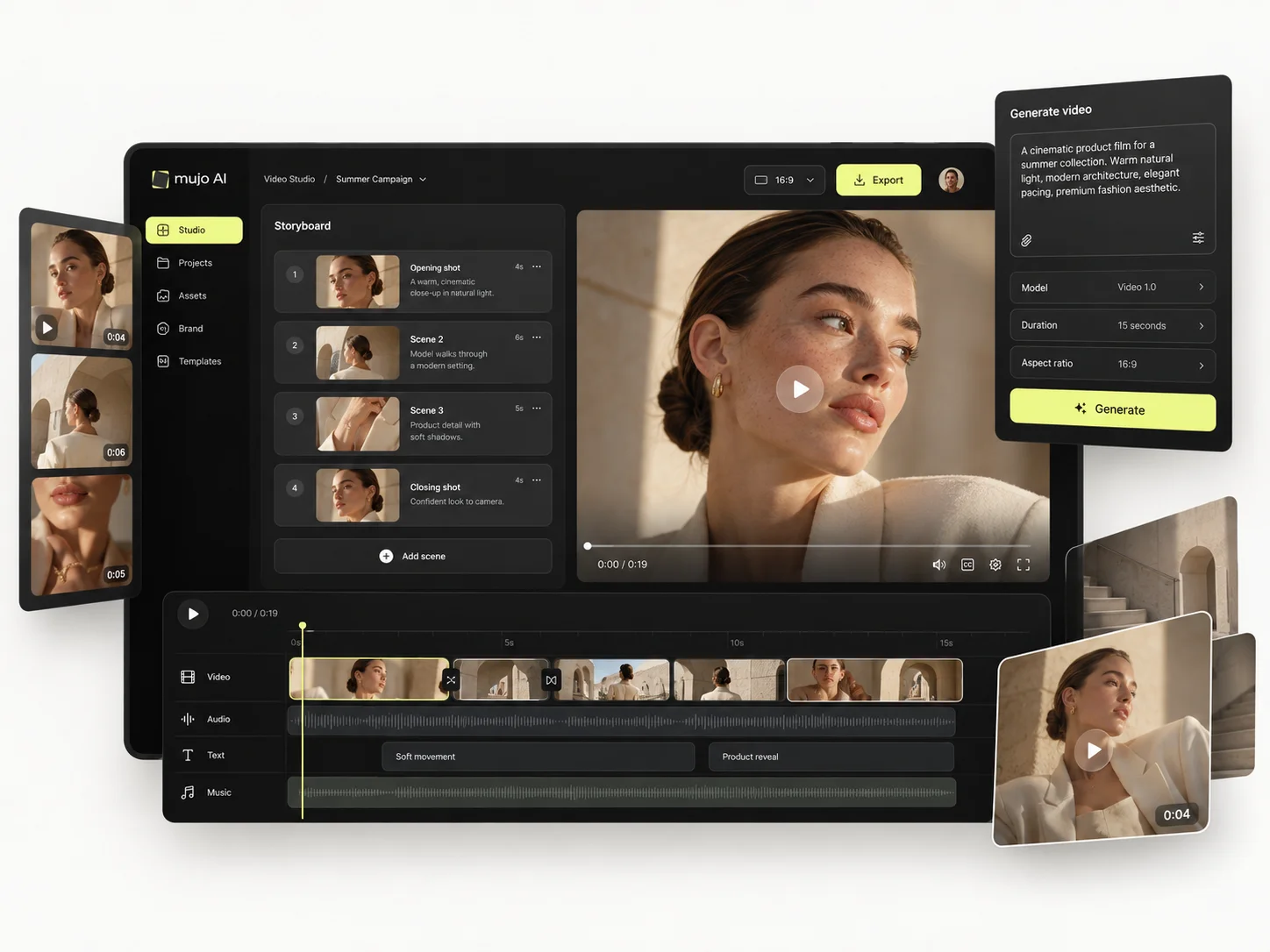
Dzine AI and Mujo both participate in the fast-moving multi-model video market, but they use video differently. Dzine includes Instant Storyboard, Face Kit, style training, character training, Product Background, image-to-3D, SVG export, video enhancement/upscale and talking/story video workflows. Mujo includes product and listing imagery, AI Photoshoots, Creative Controls, a shared Prompt Library, background removal and published portfolio examples. Dzine is richer as an editing/design workstation; Mujo is richer as a reusable content framework.
Video in Mujo runs on several engines beside the image workspace, so an approved still becomes a vertical cut inside one setup. Dzine's motion work is an extension of its editing surface, which fits single-asset production better than campaign cutdowns.
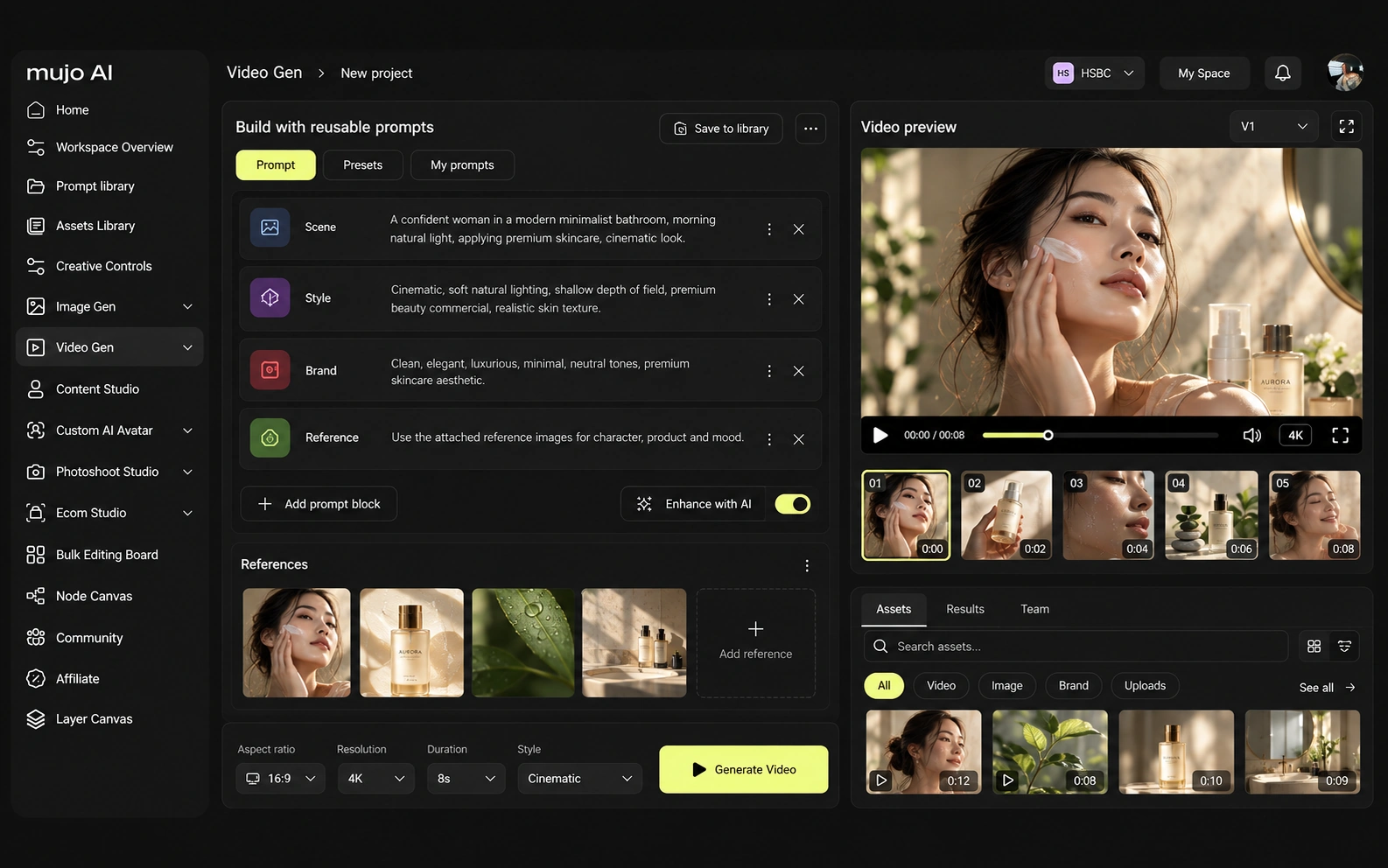
Consistency is four problems: the same person, product, look or process. Dzine invests hard in character and style consistency, and does it well. Process consistency is the one left standing.
Mujo stores the route: references, Creative Controls parameters, saved prompts, saved AI characters, model choice, history, reusable flows. The reusable object is the method. For Dzine AI, the consistency model is different. Dzine's control is direct and design-oriented: local edits, object insertion/removal, text edits, layer-based composition, face repair/expression changes, style training and consistent-character features. Mujo's control is more declarative: choose structured scene variables, references and prompt patterns, then reuse them across a series. Dzine gives more surgical editing control; Mujo makes production logic easier to repeat. If the recurring object is a character you keep returning to, a consistency-focused canvas is the right home. If it is a product line reshot every season, the workflow layer is.
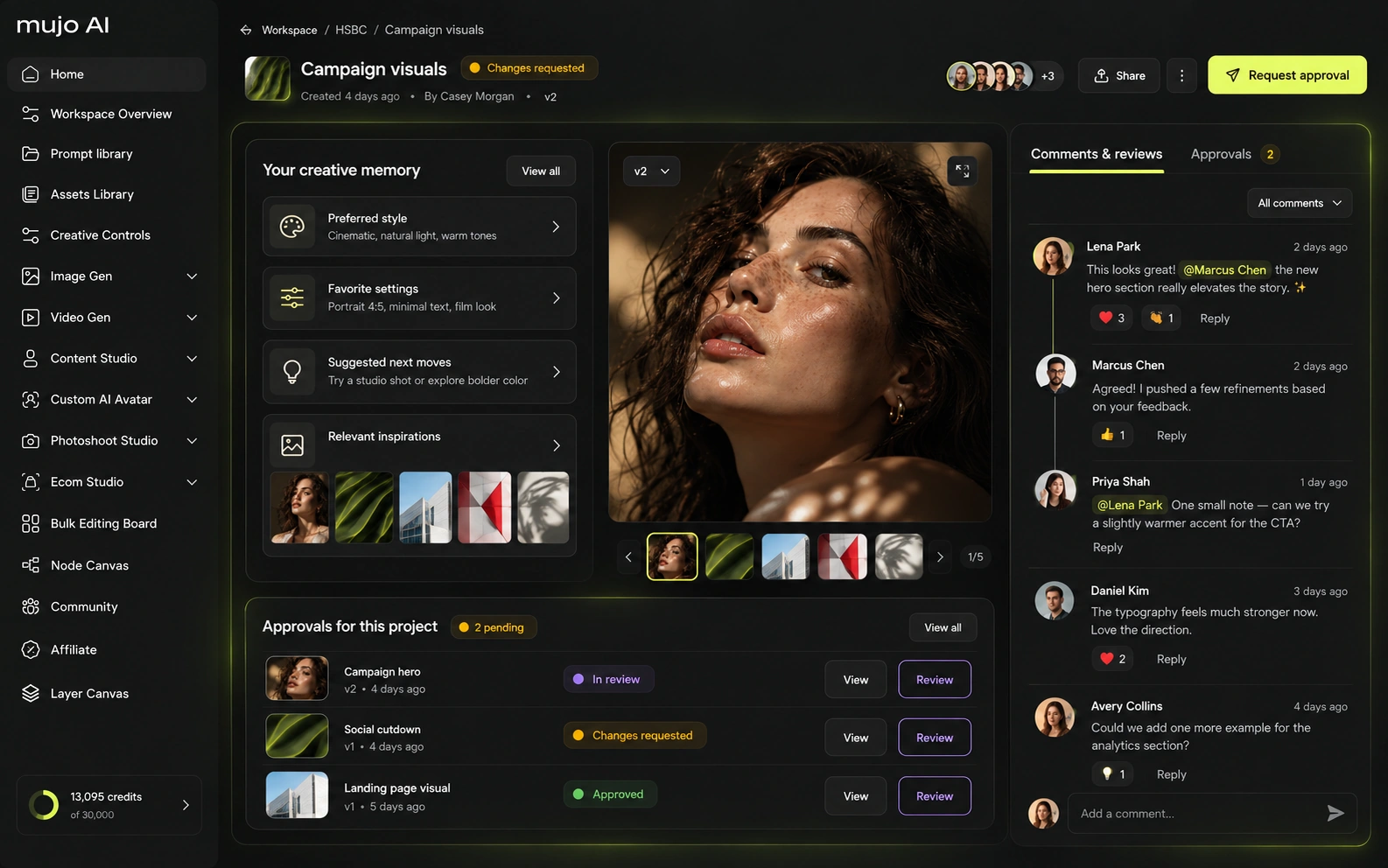
How each platform fits commercial content that repeats
Dzine explicitly supports product backgrounds and ad creation and can be excellent for polishing individual product visuals. Mujo goes further into the operational structure around a catalog: product gallery, listing content, reusable directions and campaign variants. Dzine is stronger for fixing and designing the asset; Mujo is stronger for reproducing the content system behind the asset.
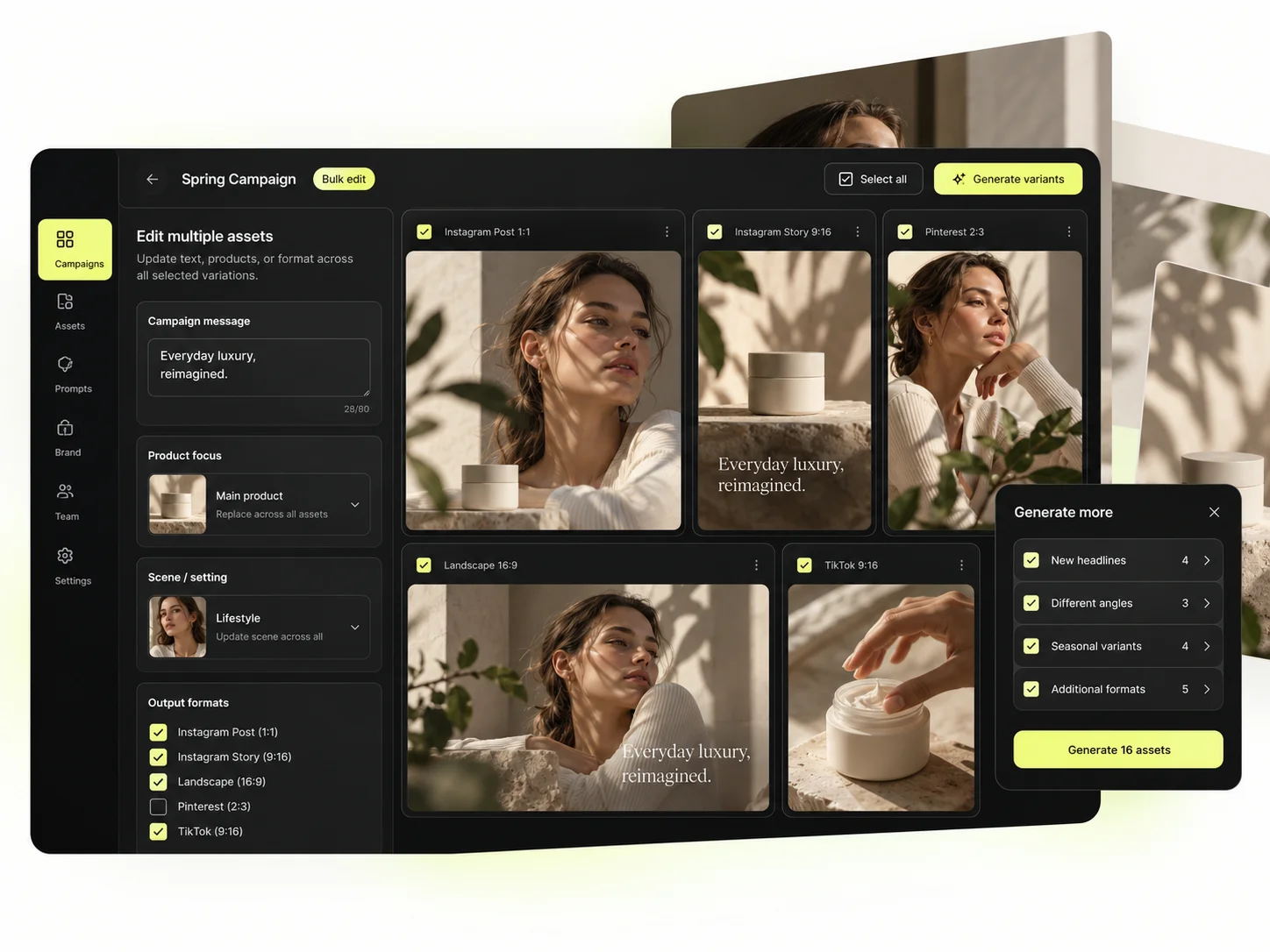
Mujo's commercial surface is built as use cases: Product Photos, Listing Images, Product Catalog Production, AI Photoshoots, Campaign Creatives, Creative Variations, Social Media Content and Social Video Ads, with the Bulk production table running an approved direction across a SKU list.
The shot, its listing crops, its ad variants and its social cuts come from one setup. Editing each of those by hand is the cost this removes.
The product shot, its listing crops, its ad variants and its social cuts come out of the same approved direction. Volume is what makes commercial work expensive, not generation speed — and it is the part a Dzine AI comparison usually leaves out.
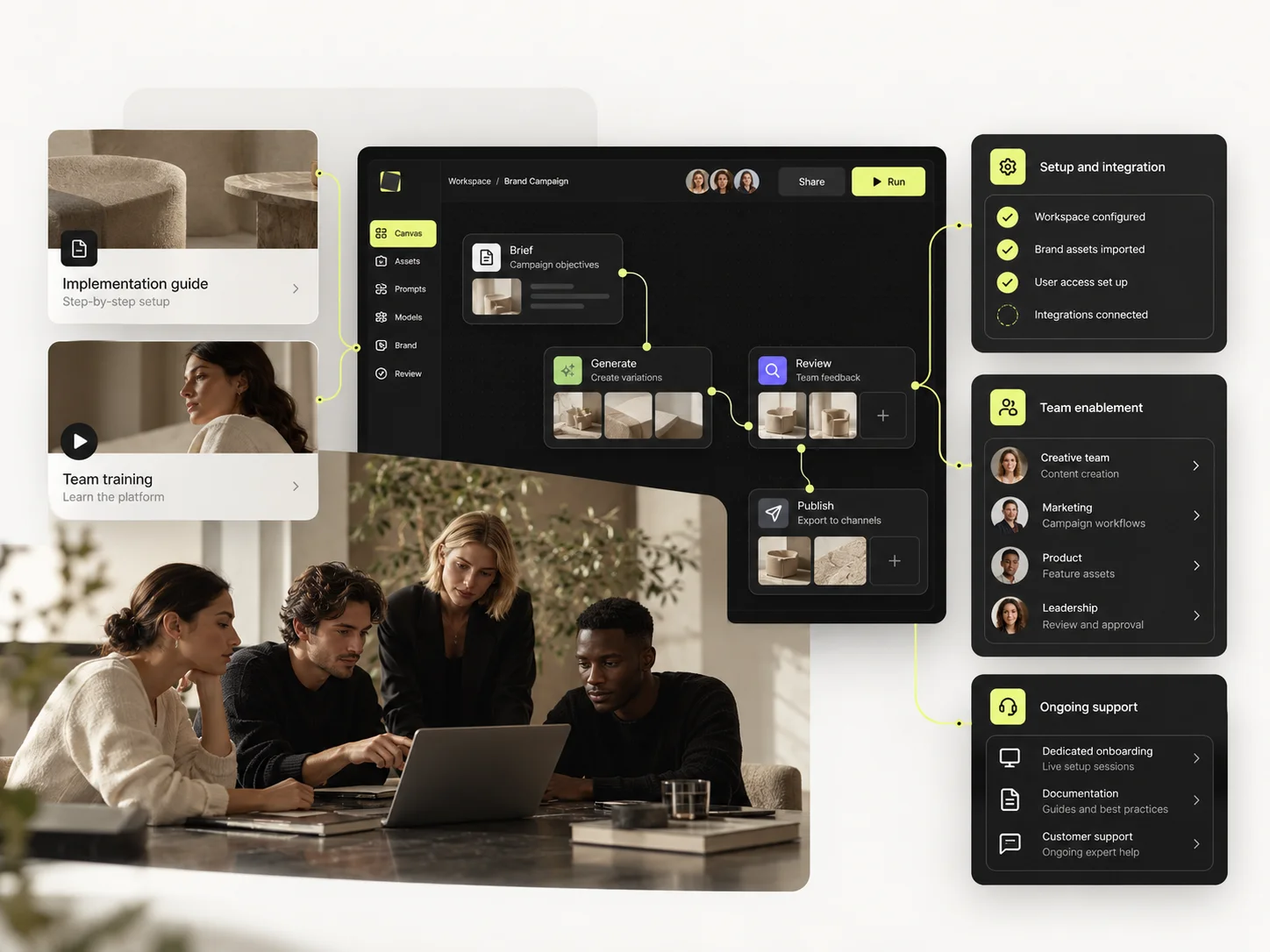
Prompts here are production assets: refined with structured controls, compared across models, saved to the Prompt Library. Selected workflows can be published — see Creative Portfolio Examples — so the setup outlives the session. Dzine AI takes a different route. For the product-launch test, Dzine can edit the source product precisely, create variations, generate video, repair faces or text and upscale the result. If the second SKU needs a similar composition, styles and trained assets can help. Mujo's reuse is more explicit at the workflow level: save the creative direction itself as prompts, references, Creative Controls choices and Prompt Library. Dzine is better when the repeated task is design manipulation; Mujo is better when the repeated task is campaign production.
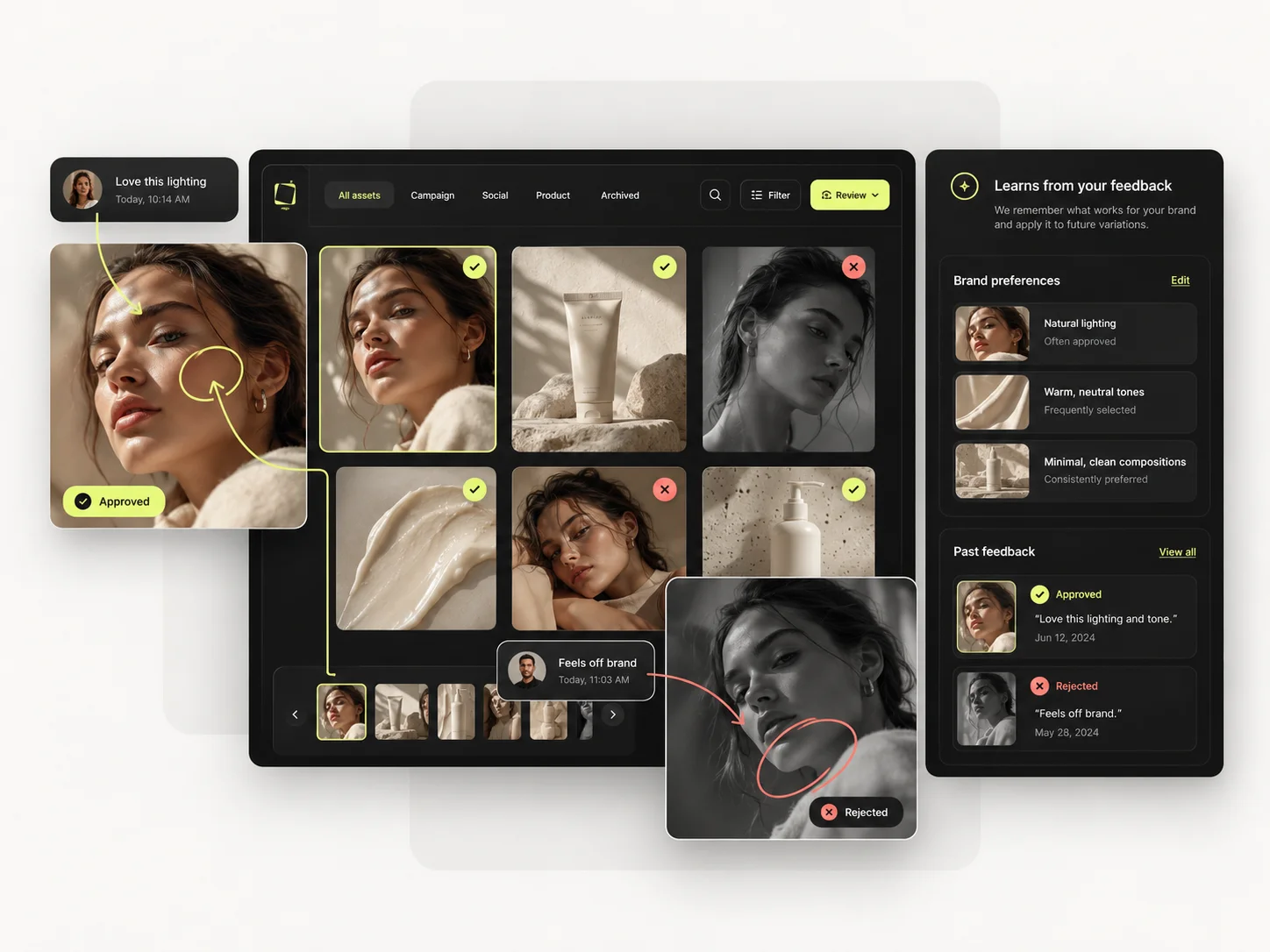
Saved setups live in the Prompt Library where the next person can find them, instead of in the generation history of whoever happened to get it right. Whatever you keep from a Dzine AI session, it is usually the output rather than the reasoning behind it.

The Bulk production table is the alternative to forty edit sessions. Rows are assets, columns are the variables, and one approved direction runs down a product list, applied rather than retouched one file at a time.
Per-asset work scales linearly: forty products means forty sessions. A saved direction run in bulk does not. That is the line where a Dzine AI workflow and a Mujo workflow stop costing the same.
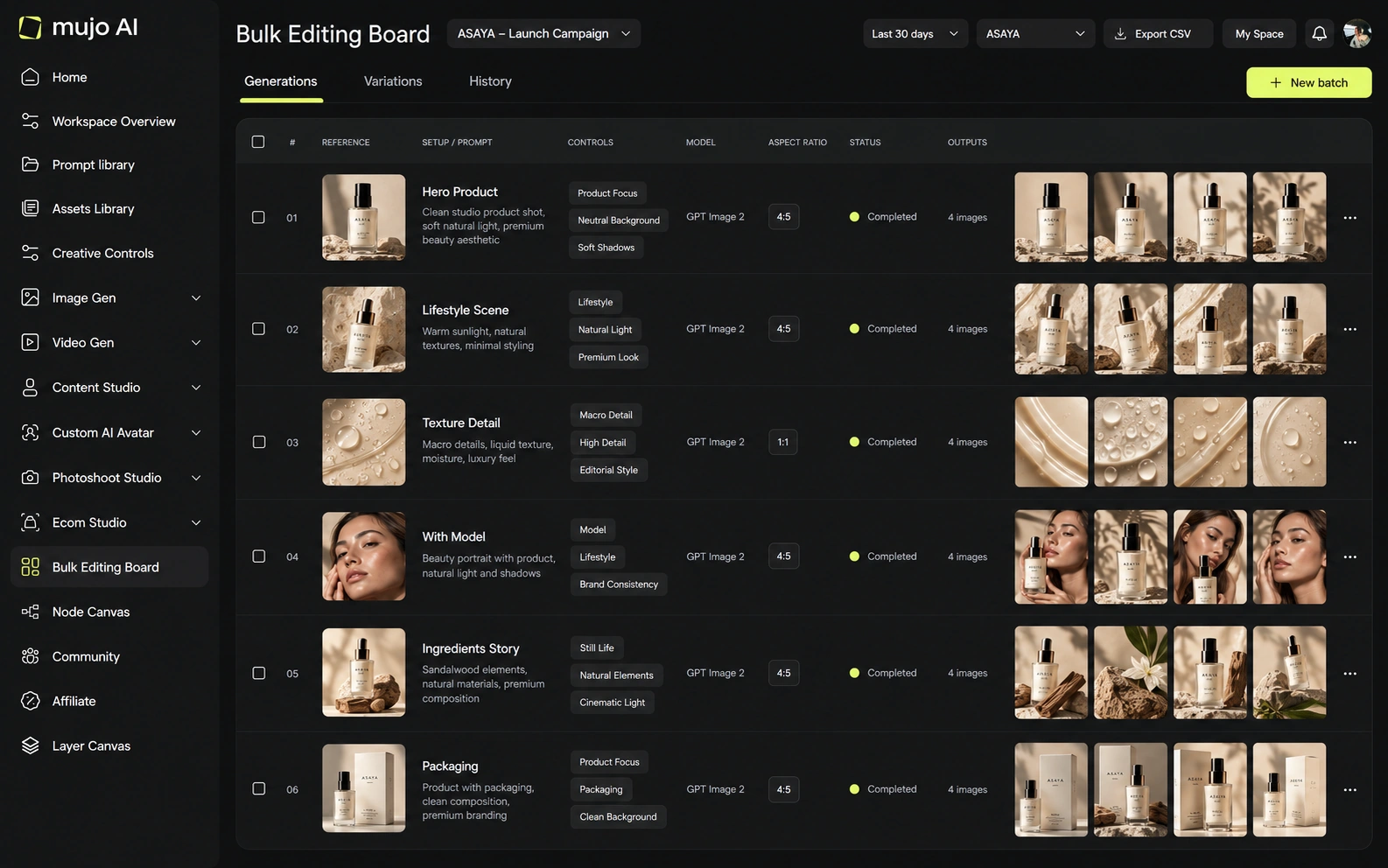
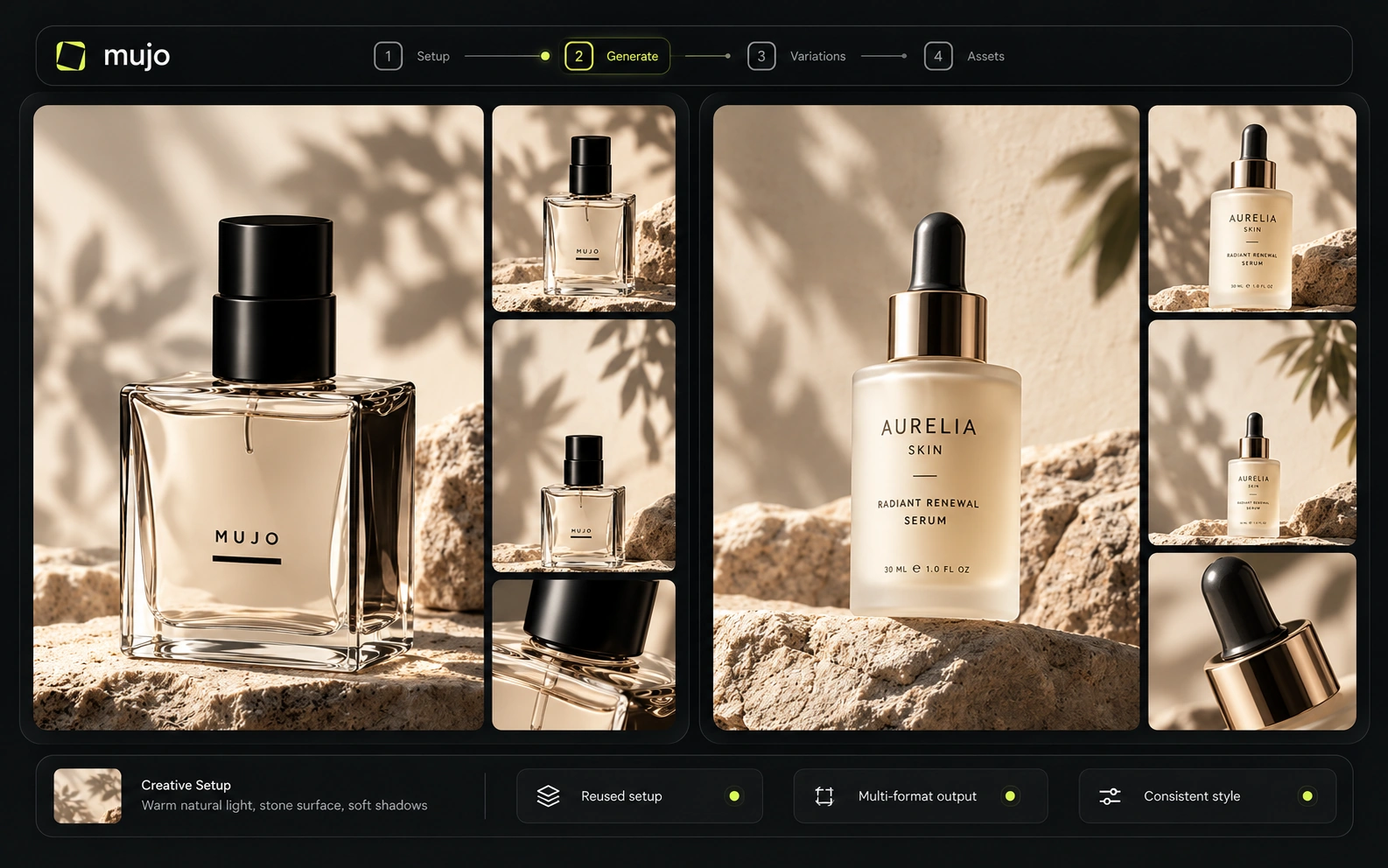
The brief that separates them: one product image in, a hero visual, three square social variants and one vertical motion ad out, then the same direction on a second SKU a week later. Dzine may produce a better single frame. Count the clicks in week two.
Start from one source product image and one launch brief.
Turn out the hero visual, three square cuts and one vertical motion ad.
Save the direction rather than the edited file: prompts, references, controls, model.
Rerun it on a second SKU without editing each asset by hand.
Dzine AI clears the first round comfortably, as does almost anything else worth evaluating. The second round is where the difference appears, and it is the round nobody gets to during a two-week trial.
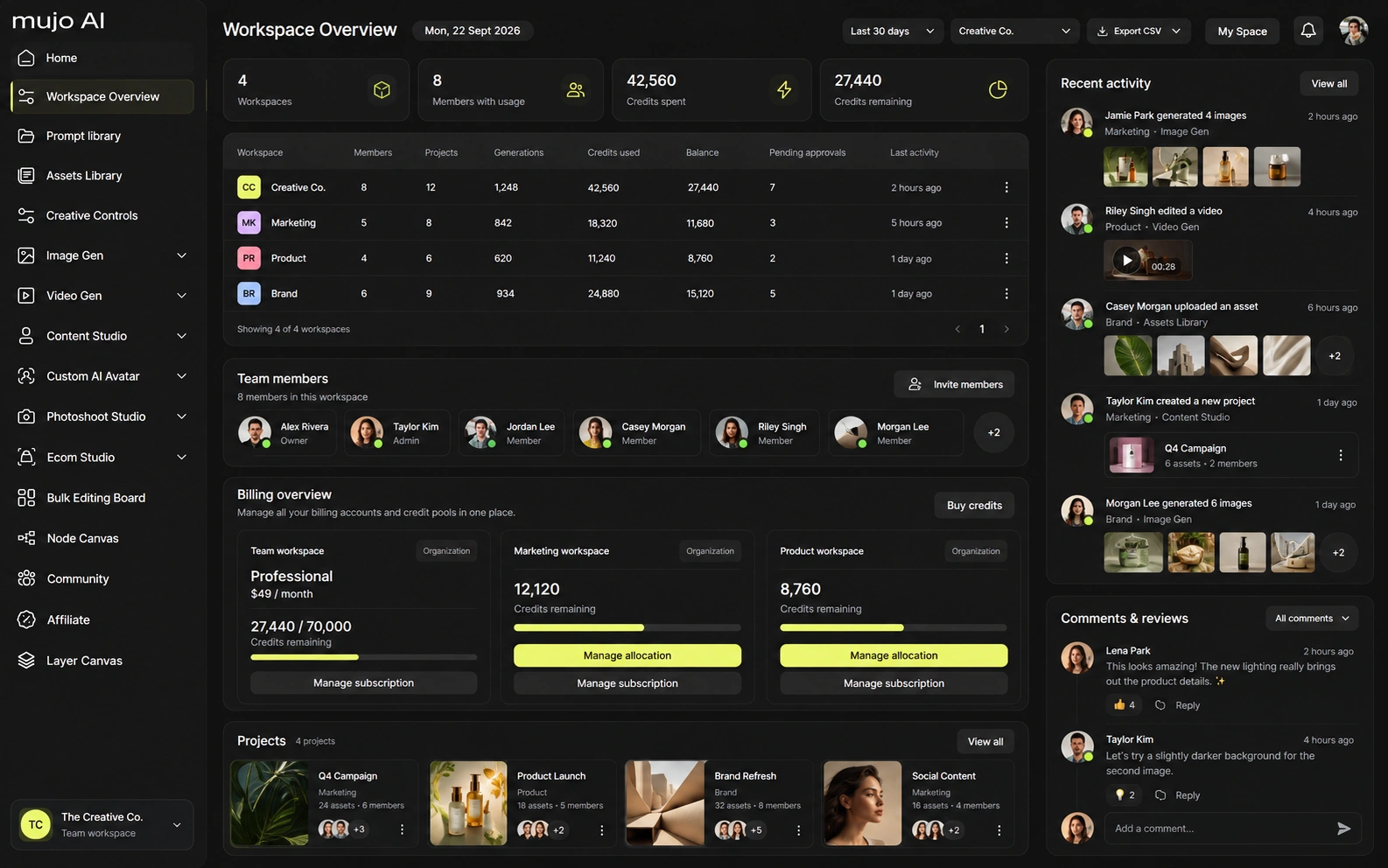
Dzine offers custom team plans in addition to individual tiers. The public pricing surface focuses on storage, private characters/styles and concurrent jobs. Mujo's enterprise page describes brand context, Node Editor, asset management and review/traceability in more detail. Teams should validate role/permission and SSO requirements directly if those are procurement blockers.
Mujo Enterprise covers Node Editor flows, brand context, shared prompt and asset libraries, approval traceability, onboarding, admin and security review. Dzine's collaboration is canvas-shaped, which suits small teams working on the same image. If an API matters, verify models, concurrency and pricing on both sides. If work happens in the interface, ask what a colleague inherits when they open it.
Dzine is unusually explicit about operation costs. For example, its current pricing page lists Seedance 2.0 at 220 credits for five seconds at 720p and 550 credits at 1080p, while other video models can be far cheaper. Master and Master Pro include selected unlimited image models under fair-use rules. That means a cost comparison should be done at the exact model/mode level, not by dividing subscription price by total credits.
1,000 credits/month; no rollover
6,000 credits/month; rollover up to 3 months
9,000 credits/month plus selected unlimited images
30,000 credits/month plus selected unlimited images
2,000 / 4,000 / 10,000 credits; valid 12 months
Plans Start $9, Basic $19, Pro $34, Creator $84, Business $121 (5 seats); 200-credit packs from $2.60 with no use-by deadline
Mujo's plans run from $9 to $121 a month, with up to 40% off on annual billing. Pay-as-you-go packs start at 200 credits for $2.60, credits carry no use-by deadline, and new accounts start with 20 free. Editing operations and generation operations price differently, so compare at matched work.
Dzine paid plans include private generation and commercial use. Creator and above add longer credit rollover and top-ups; higher tiers increase stored private characters/styles and concurrency. Mujo likewise supports commercial use and ownership, while publishing detailed no-training language. For trained characters or branded assets, teams should review how each platform stores and processes training inputs.
Specifically, on Mujo's side: users keep ownership of what they upload and of AI-generated outputs and may use those outputs commercially, subject to applicable law and third-party rights; inputs and outputs are not used to train foundation models without opt-in, and the enterprise terms extend that to the third-party models in the stack. Commercial-use permission is not rights clearance. Trademark, publicity rights and model-provider terms still apply, so client work needs human review before it ships.
What Dzine AI does better, and what Mujo does better. A comparison page that only fills in one side is not a comparison.
Worth reading before a trial rather than after one.
Dzine and Mujo overlap in product visuals and multi-model creation, but they preserve different things. Dzine preserves editable design assets, characters and styles. Mujo preserves the workflow and creative direction that produced the campaign. Design-heavy teams may prefer Dzine; content-operations teams may prefer Mujo.
Choose Dzine when precise image manipulation, recurring characters/styles, face tools, storyboards or unlimited selected image generation are central.
Choose Mujo when the objective is to encode and reuse a commercial content process across products, formats and models.
Produce the set in Mujo, finish the hero asset in Dzine. Teams do this when the volume is handled but one or two images need hand attention.
If your recurring work is perfecting individual images, buy the canvas. If it is producing sets of them on a calendar, buy the system that remembers how.
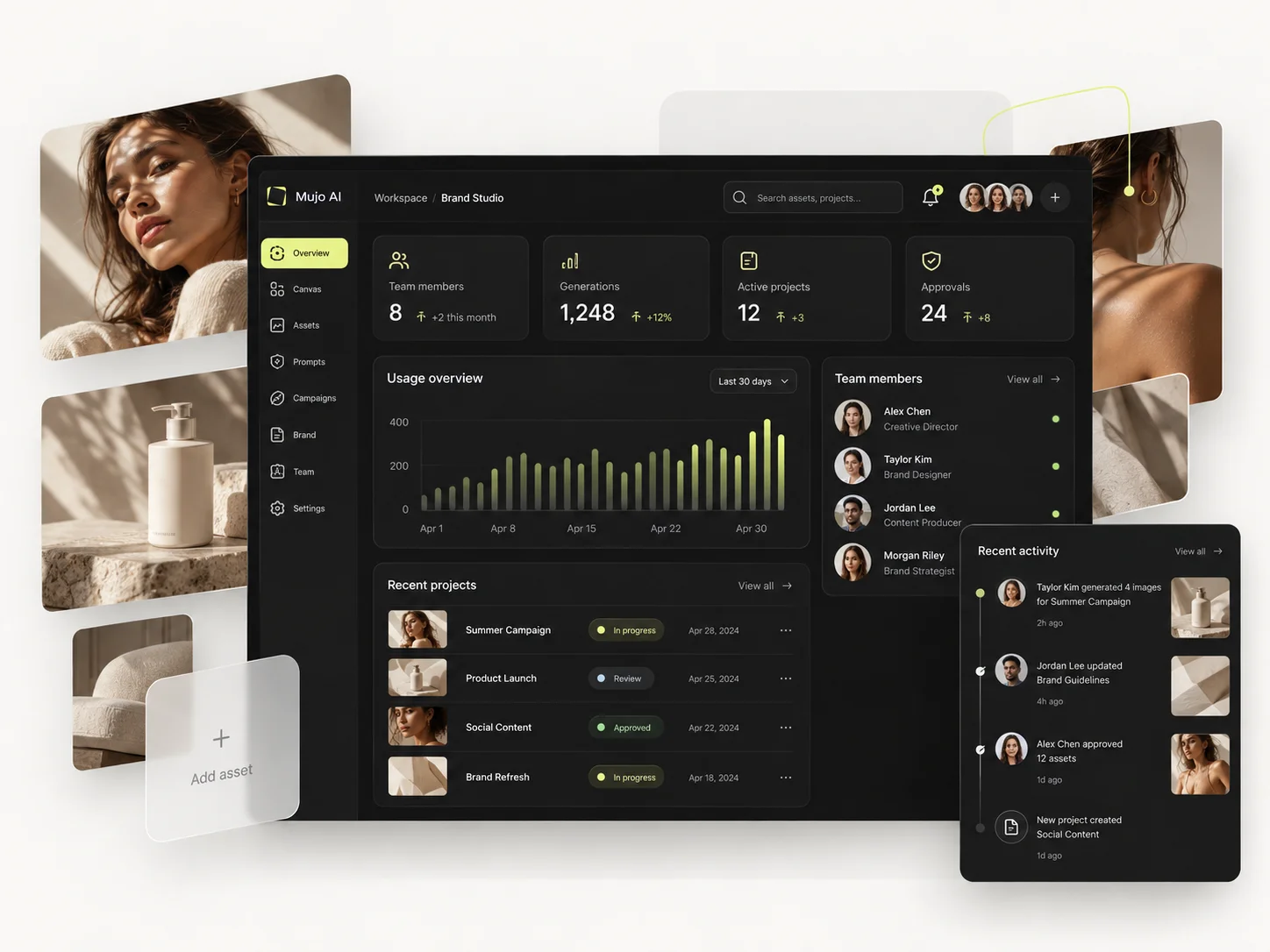
Short answers about Dzine AI, about Mujo, and about the parts that are easy to get wrong.
Master and Master Pro currently include selected image models under a fair-use policy.
Beginner does not. Creator, Master and Master Pro currently allow subscription-credit rollover for up to three months.
Yes. Its current feature table includes character training, Quick/Pro Style training and stored private characters/styles.
Dzine has deeper local, layer-style and chat-based editing tools.
Mujo is more explicitly structured around reusable product/listing/social workflows.
A comparison against Dzine AI stays abstract until you look at the work it is about. These are the production workflows Mujo is built around, plus the neighbouring comparisons if you are still shortlisting.
Produce editorial and studio photoshoots without booking one.
One idea rendered as a month of posts, stories and formats.
Plan the shots before generating the video.
A developer API against a finished interface.
A broad suite against a focused system.
Characters and stories against products and campaigns.
If every product launch means rebuilding the same look by hand, that repetition is what Mujo removes. 20 free credits. Save one direction and run it across five products.