A realtime canvas
There is no live-paint surface. Krea is better at the first twenty minutes.
Krea is built for the moment of making: realtime canvas, instant feedback, enhancers that take a rough thing and make it sharp. It is one of the most enjoyable AI tools to use. Mujo is built for what happens after — when the good result has to be produced again, by someone else, on a different product.
Three things this platform does not do, stated before the arguments in its favour. If one of them is what you came for, Krea is the better answer and this page will not change that.
There is no live-paint surface. Krea is better at the first twenty minutes.
Upscaling and restoration are not the product.
The structure pays off on the tenth asset, not the first.
Where a realtime creative canvas and a repeatable production system actually differ.
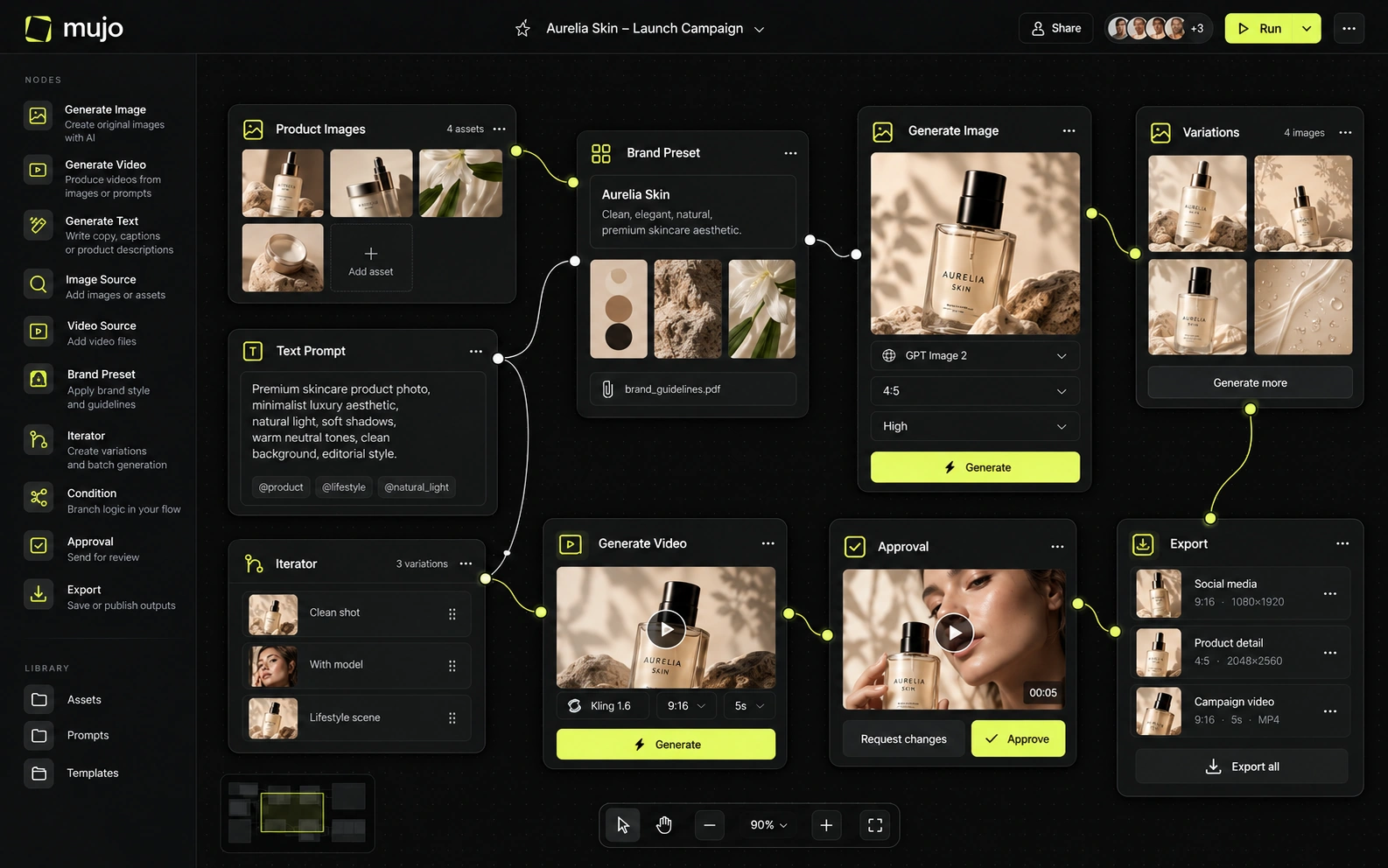
Krea has evolved into a flexible visual-computing environment. Its product combines realtime generation, image and video models, enhancer tools, LoRA training, 3D, lip sync, motion workflows and Nodes/Apps for automation. Mujo is less of a creative lab and more of a production framework: it packages common marketing controls and outputs into a system that non-technical creative teams can reuse.
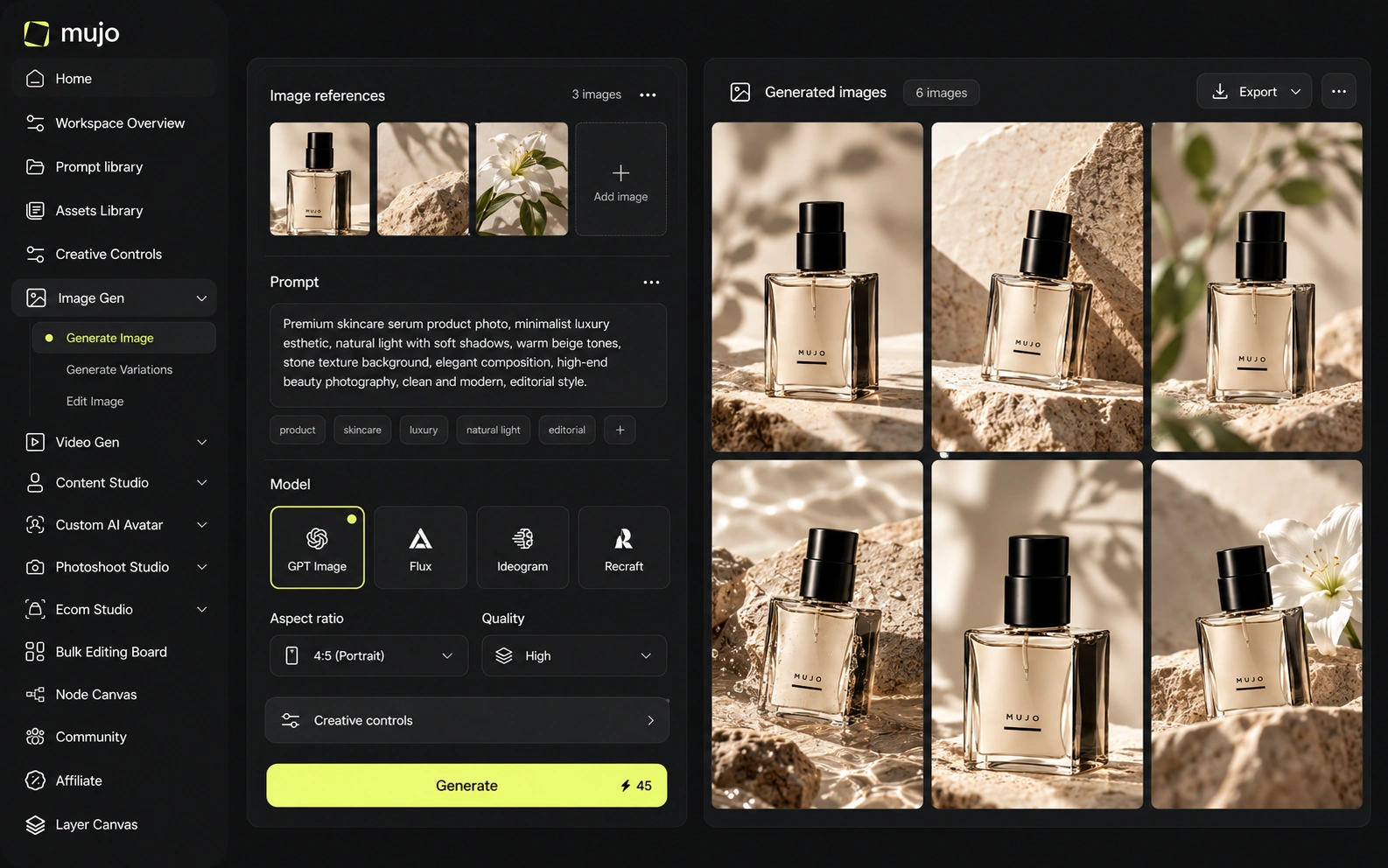
Mujo is a layer over external engines: Nano Banana Lite, Nano Banana 2 and Nano Banana Pro, GPT Image 2, Midjourney, Seedream 5.0 Lite and Seedream 5.0 Pro, Grok Imagine and Kling 3.0 Image for stills, Veo 3.0 and Veo Fast, Kling 3.0, Seedance 2.5 and Seedance 2.0 for motion. It adds Creative Controls, a shared Prompt Library, references, an Asset Library and a Node Editor. Krea's bet is on the interaction itself — speed, directness, the feeling of drawing with a model. Fast exploration and repeatable output are not the same product. Krea is very good at the first. Mujo only earns its place once the second one starts costing you afternoons.
Krea's model access is broad and frequently updated, with first-party and third-party image/video models available by plan. Higher tiers unlock the full video catalog and expanded automation. Mujo also works across third-party models, but the model list is deliberately more constrained in its public image/video workspaces. Krea is better for people who want to explore the frontier; Mujo is better for people who want to operationalize a subset of models around recurring jobs.
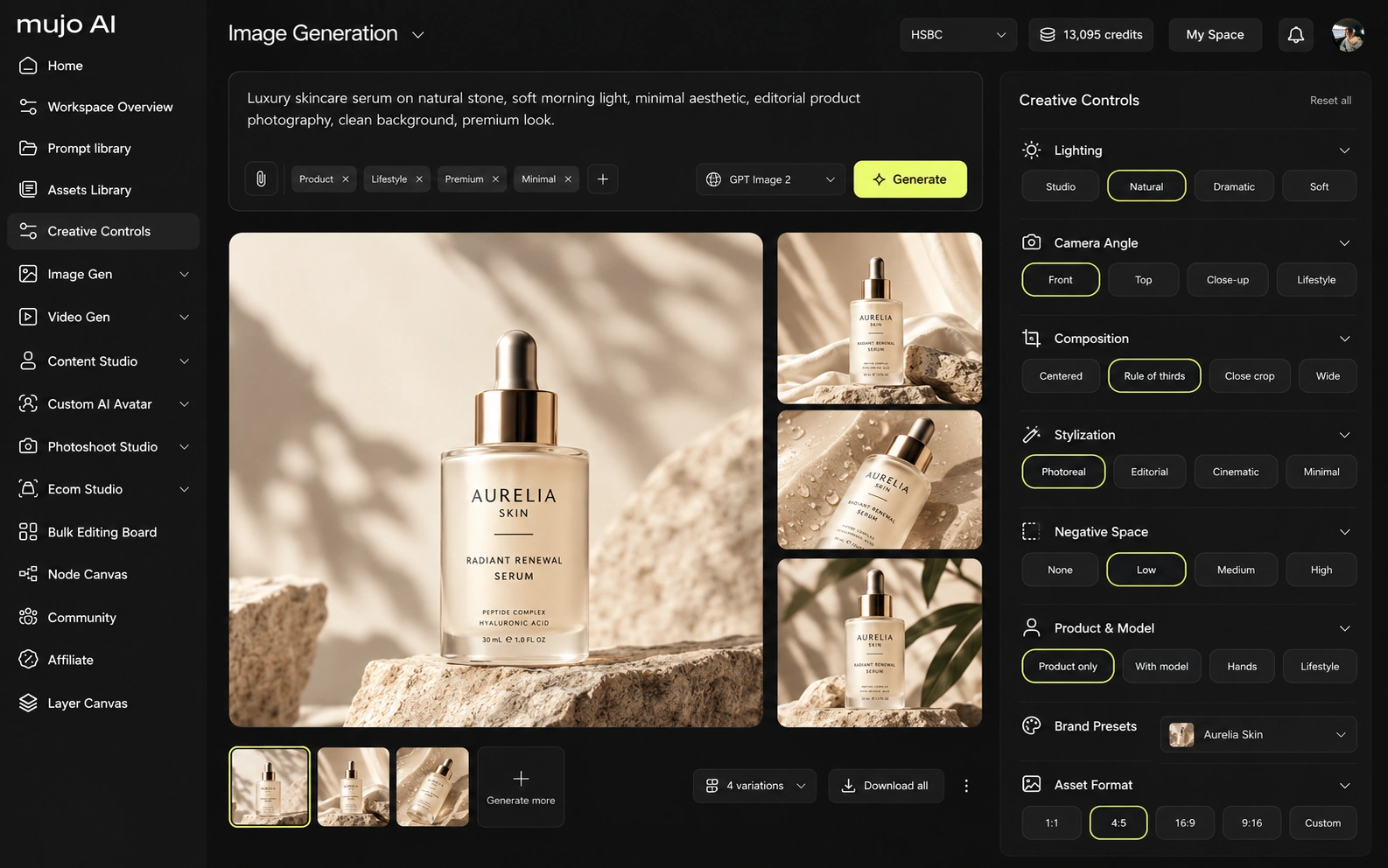
Krea puts several engines behind a fast interface, which makes the model lists look comparable. The difference is durability: in Mujo the prompt, references and control set are shared objects that outlive the session, so switching engine does not mean starting the direction again. Two separate questions: which models are available now, and what remains when you swap one. Realtime tools optimise the first; few of them try to answer the second.
Krea's signature advantage is immediacy. Realtime generation, canvas-style interaction, enhancer tools, LoRAs and Nodes let users manipulate a creative system interactively. Nodes can become reusable Apps, and Krea's agent can help construct flows. Mujo's Creative Controls trades some of that freedom for standardization: it turns common art-direction variables into reusable controls that are easier to hand from one marketer or creator to another.
Krea's control is immediate — you steer by moving, painting, adjusting and watching the result change. Mujo's is declarative. Creative Controls name lighting, pose, expression, camera angle, location and style as parameters, which is slower to play with and far easier to hand over. Realtime control is personal knowledge. A parameter set is shared knowledge. Teams usually discover they need the second one about the time a second person joins the work.
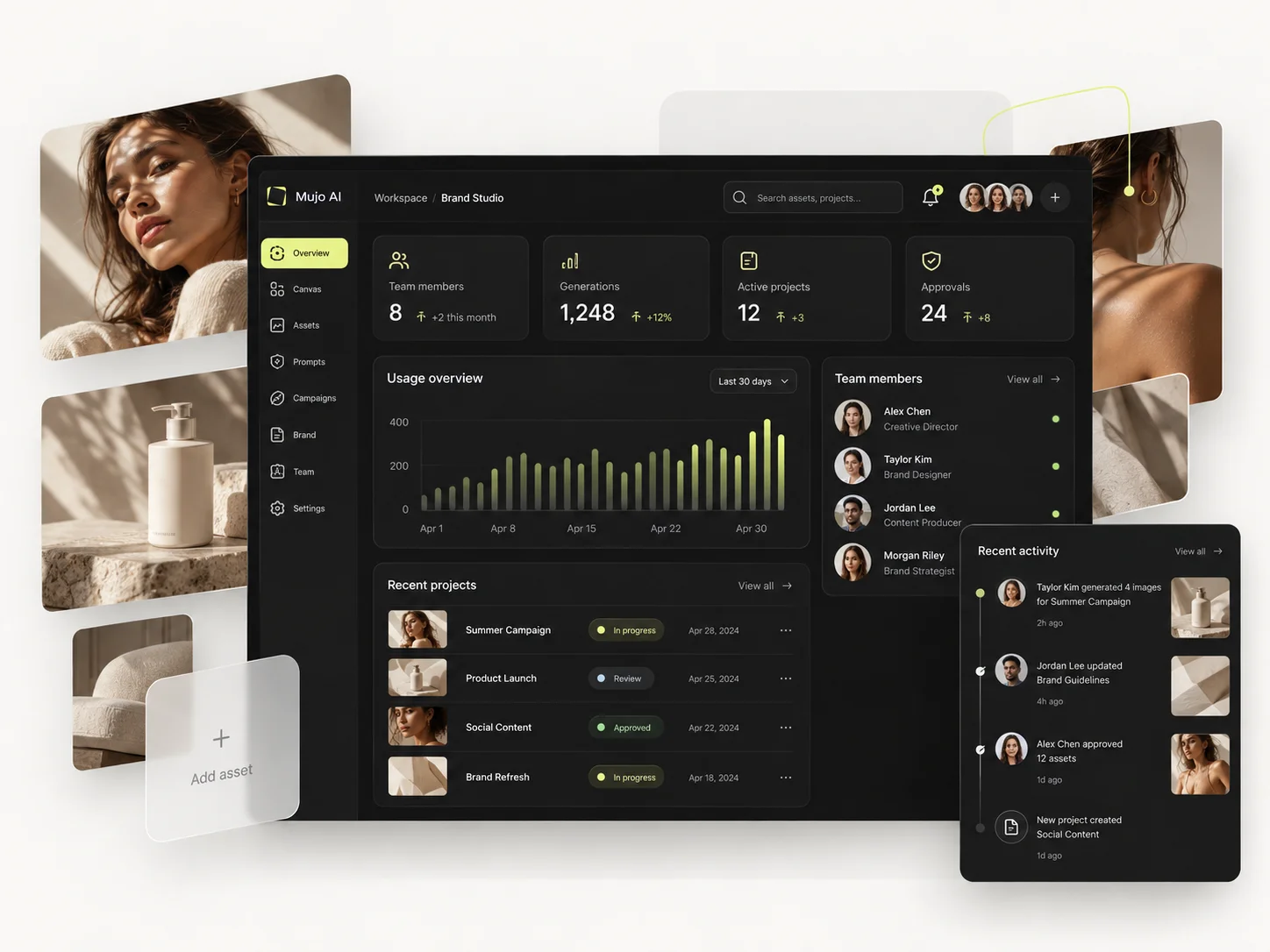
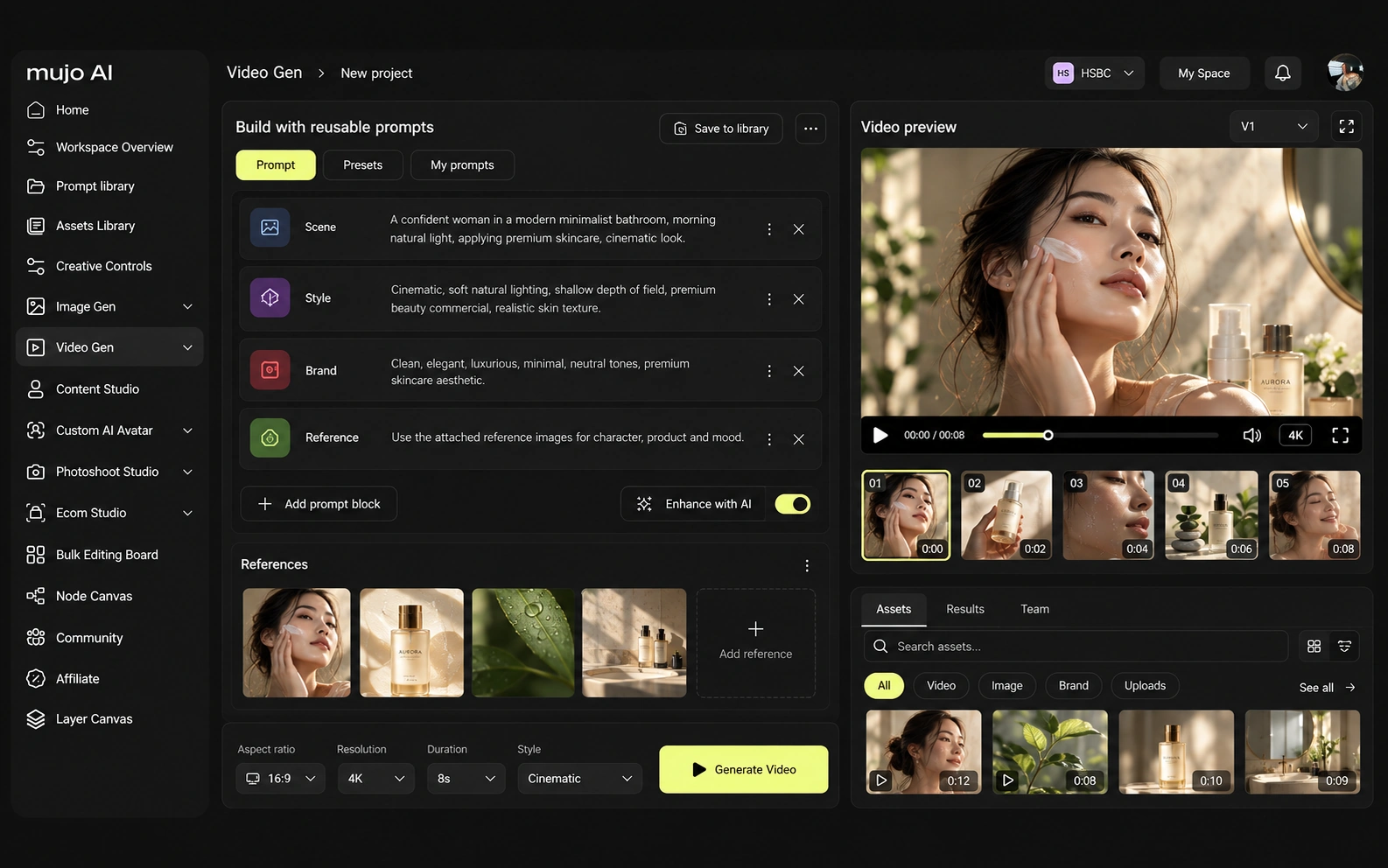
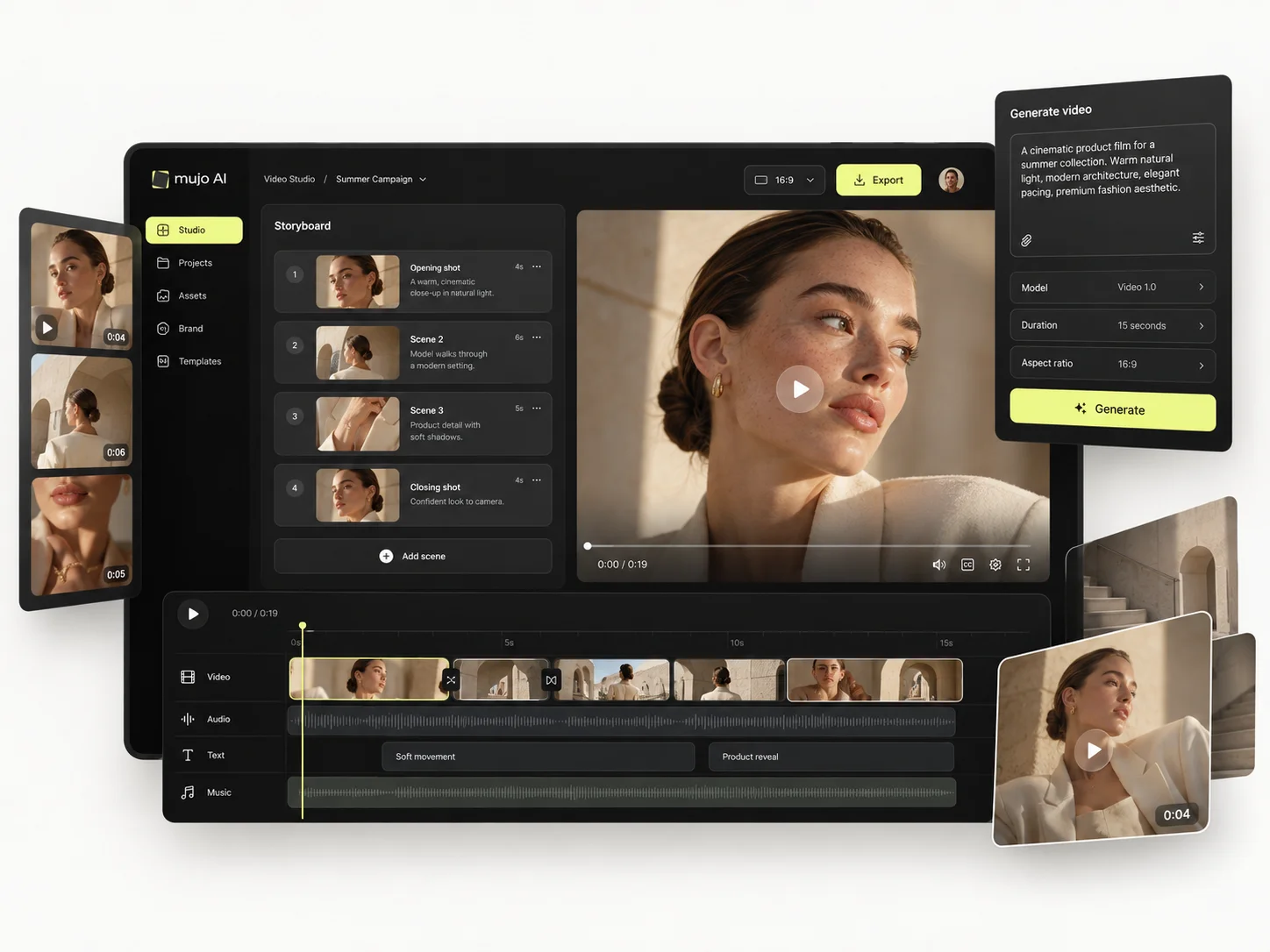
Krea AI and Mujo both participate in the fast-moving multi-model video market, but they use video differently. Krea supports realtime image generation, enhancer/upscaling, image/video, 3D, lip sync, motion transfer, model training and node-based workflow automation. Mujo's specialized surfaces are more commercial-content-oriented: product galleries, listings, photoshoots, prompt packs, design/copy editing, reusable workflow Prompt Library and portfolio publishing.
Video in Mujo runs on several engines in the same workspace as stills, so an approved frame becomes a vertical cut without a handoff. Krea's video is part of the same fast, exploratory surface as its images, which is a better fit for finding an idea than for producing a set.
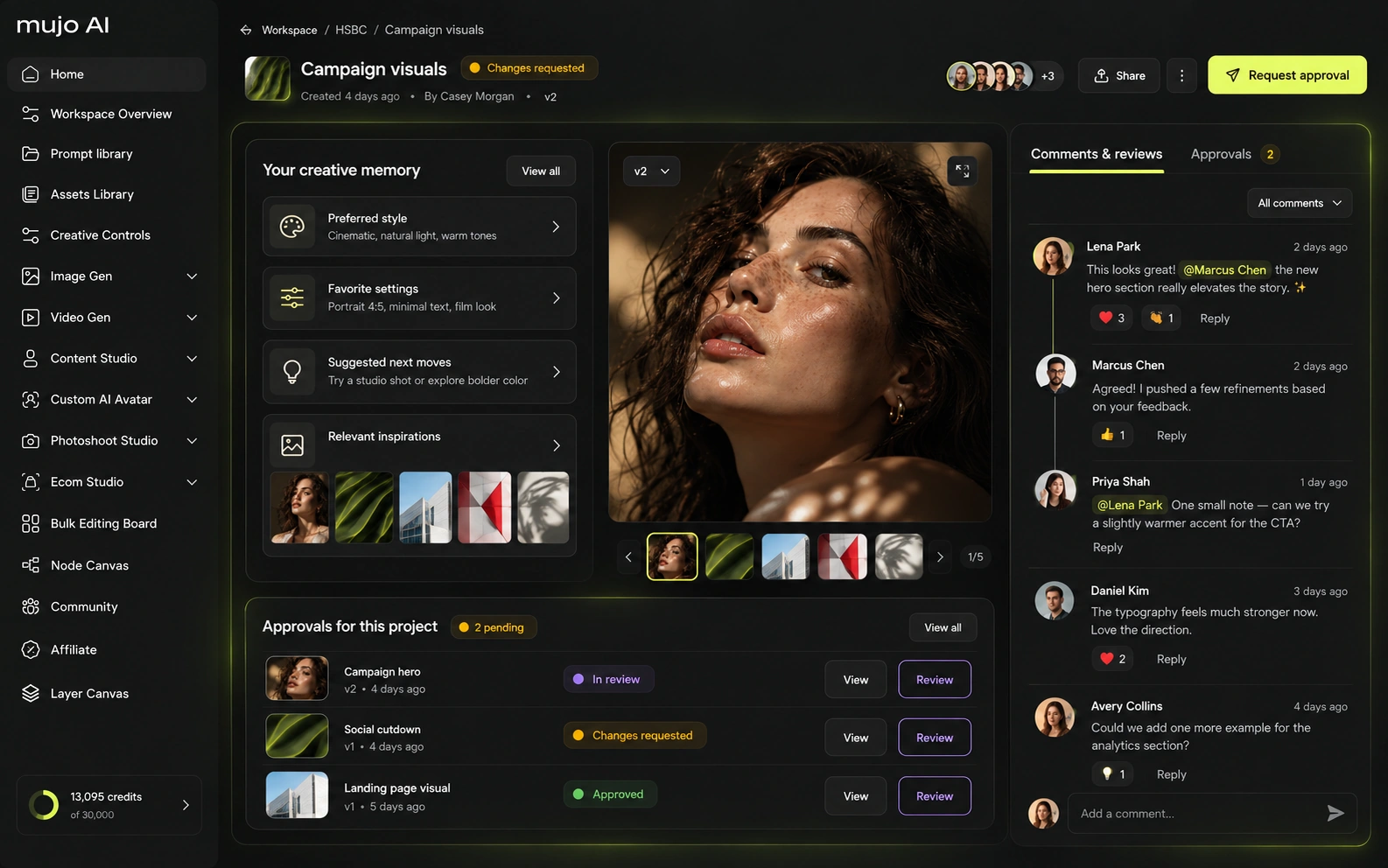
Consistency means four things at once: the same person, product, look, or process. Enhancers and aesthetic tuning address the look. The process is what is left over, and it is usually the expensive part.
Mujo stores the route: references, Creative Controls parameters, saved prompts, model choices, history, reusable flows. What is saved is how it was made, not only what came out. For Krea AI, the consistency model is different. Krea's signature advantage is immediacy. Realtime generation, canvas-style interaction, enhancer tools, LoRAs and Nodes let users manipulate a creative system interactively. Nodes can become reusable Apps, and Krea's agent can help construct flows. Mujo's Creative Controls trades some of that freedom for standardization: it turns common art-direction variables into reusable controls that are easier to hand from one marketer or creator to another. If the recurring object is an image you are still searching for, speed wins. If it is a campaign you already found and now have to reproduce, structure wins.
How each platform fits production that comes back every month
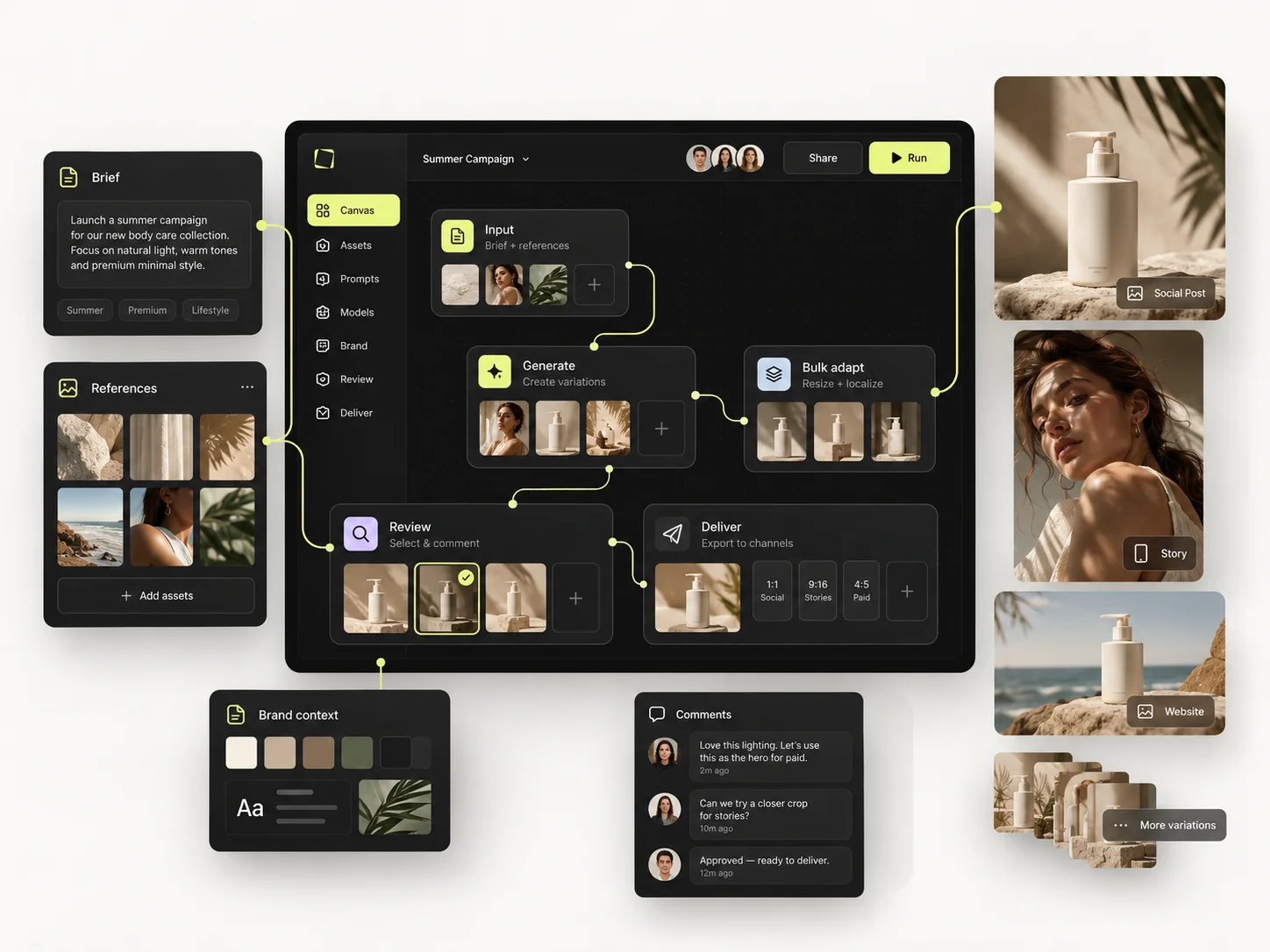
A sophisticated creative technologist can build a highly customized e-commerce pipeline in Krea Nodes. Mujo requires less setup because the commercial use cases are already part of the product vocabulary. For a small marketing team, that can matter more than maximum flexibility. For a studio that wants to design its own internal generative application, Krea has the stronger primitives.
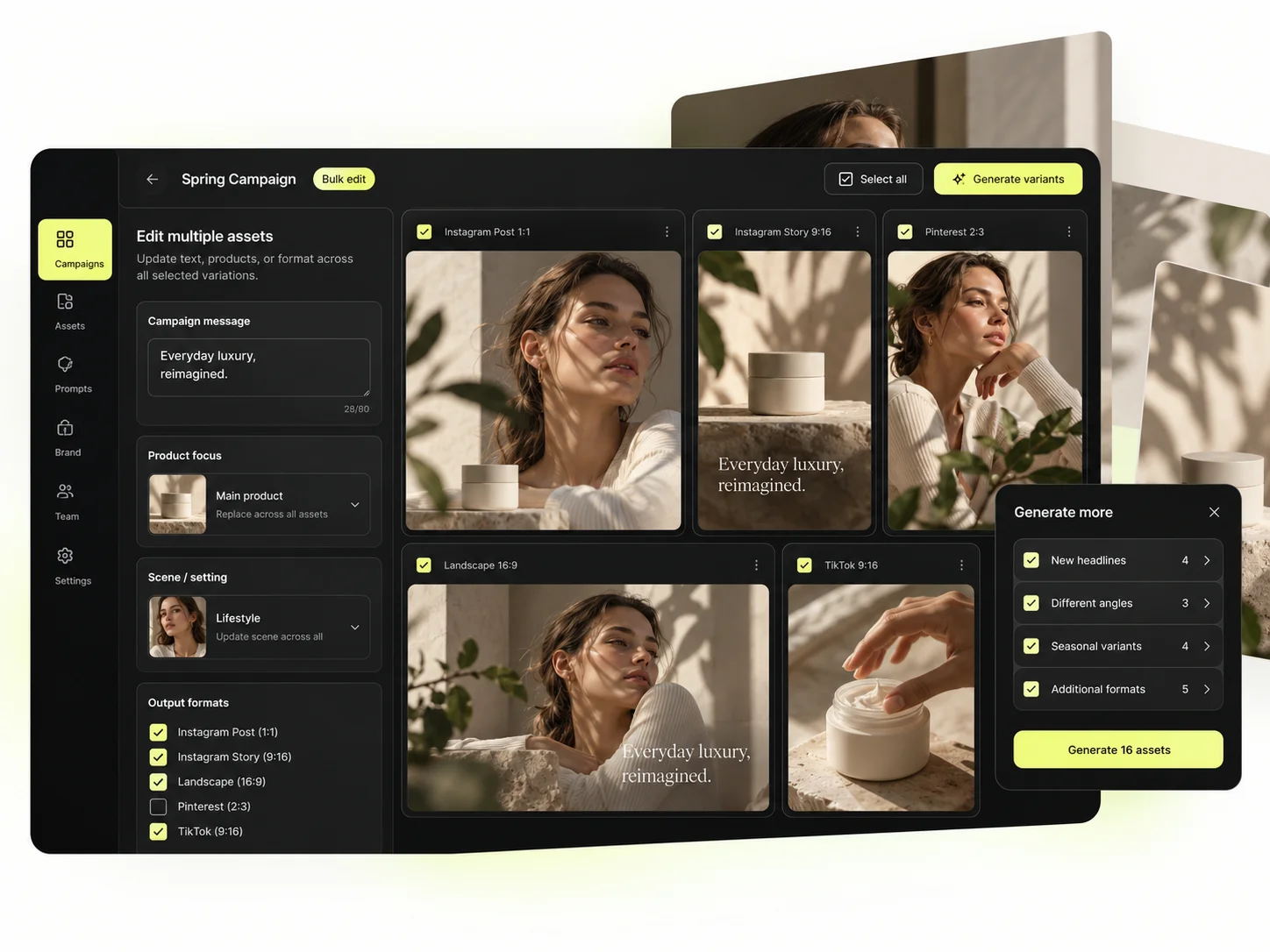
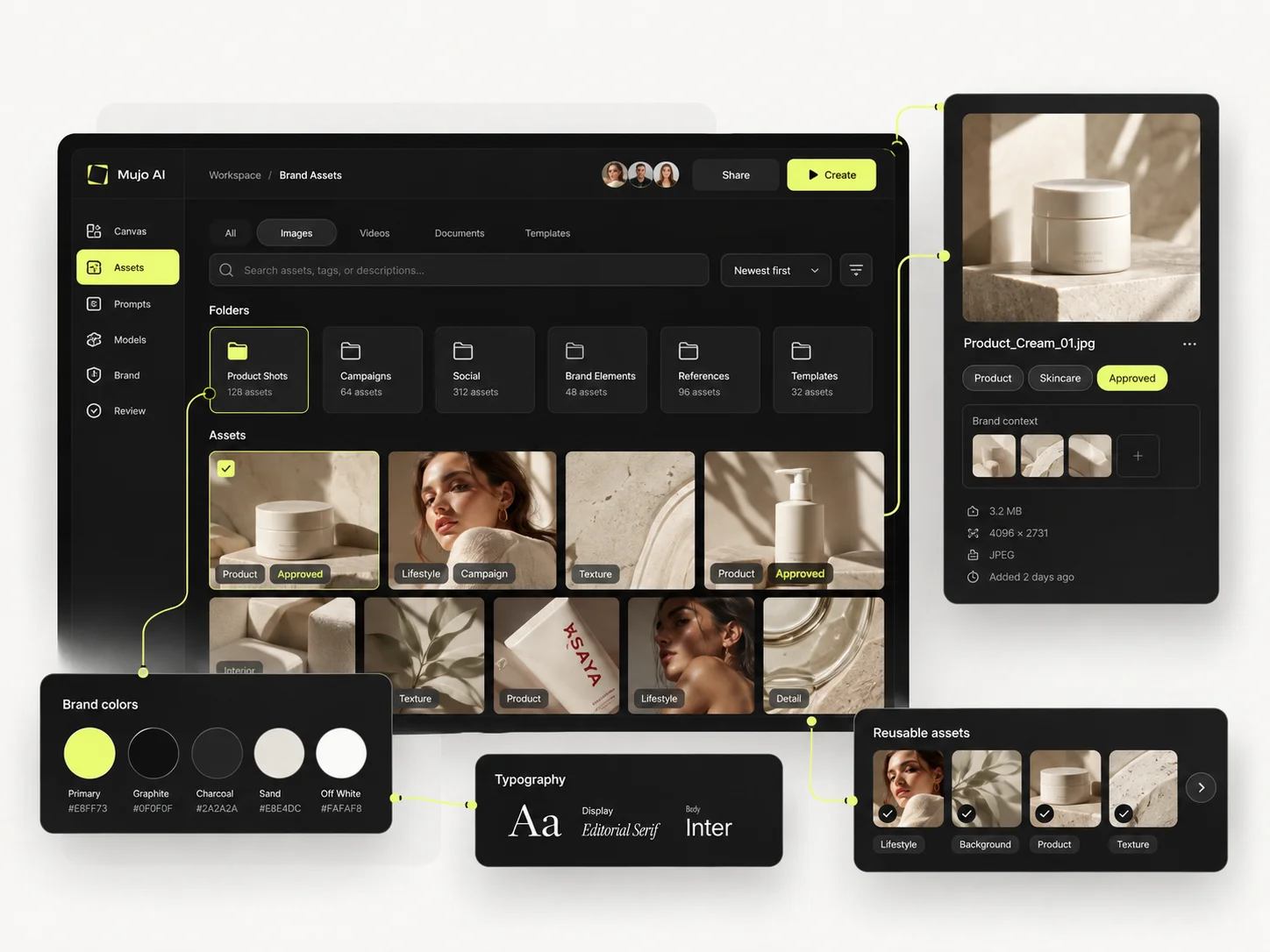
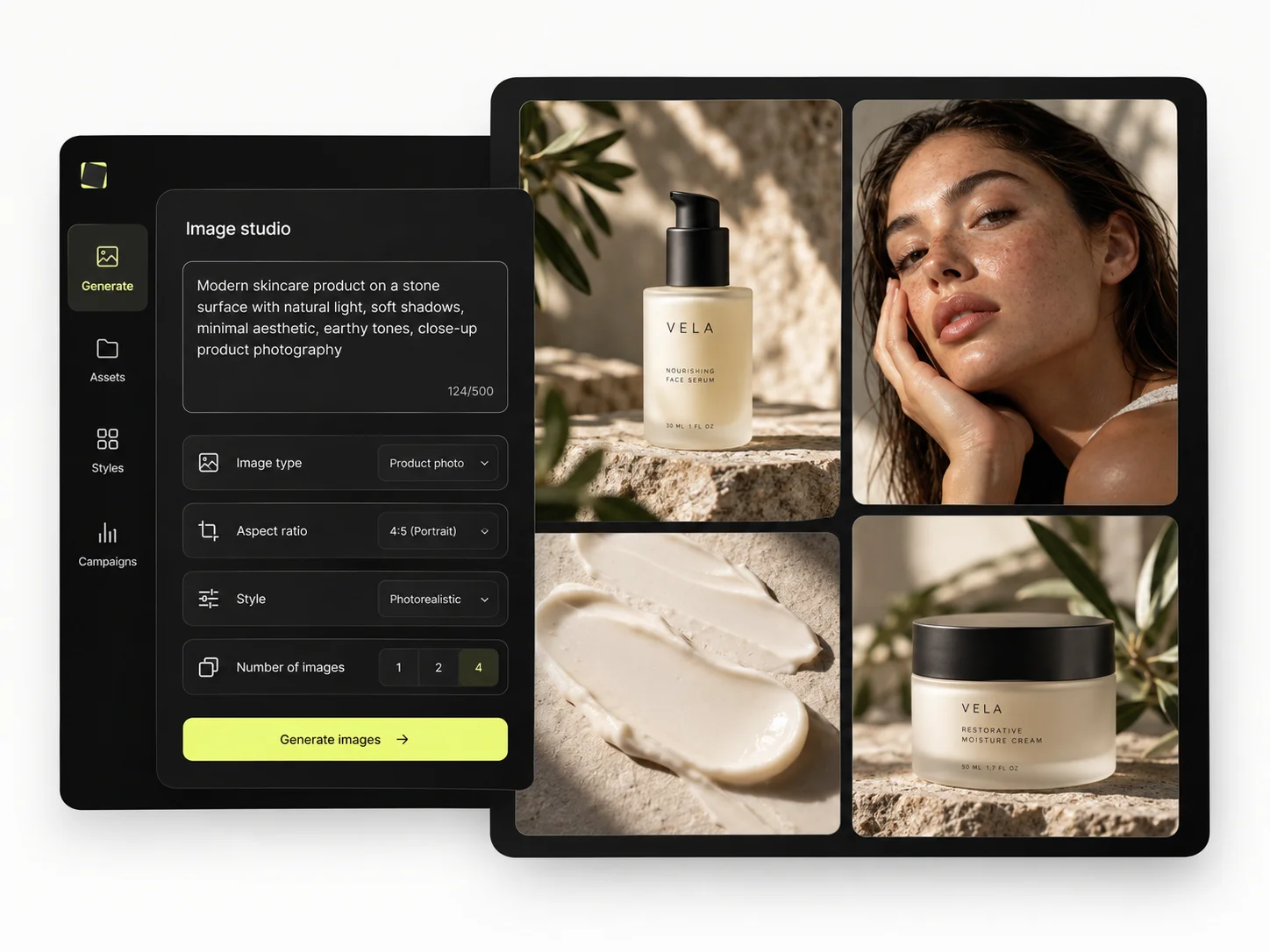
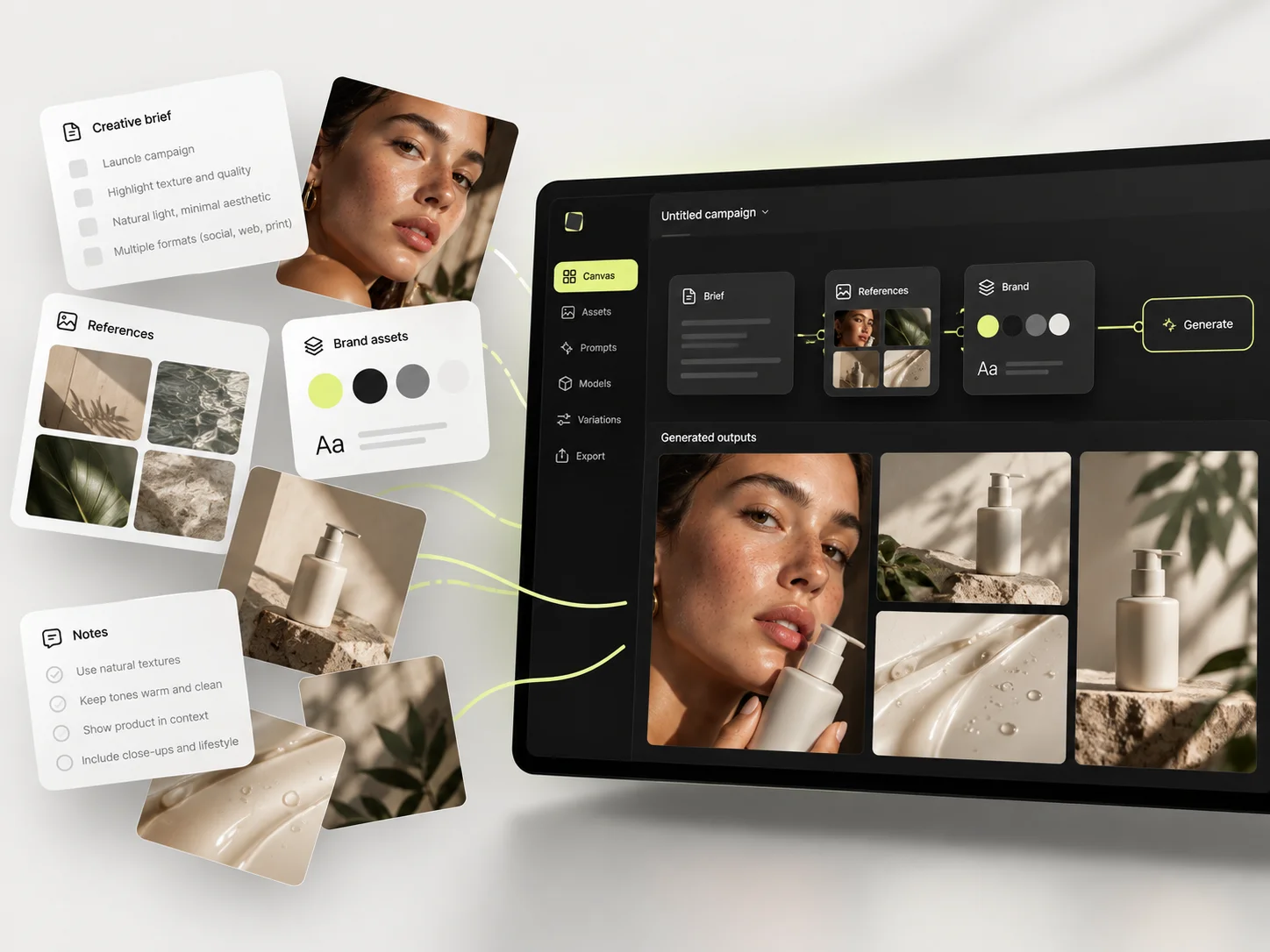
Mujo's commercial surface is a set of use cases: Product Photos, Listing Images, Product Catalog Production, AI Photoshoots, Campaign Creatives, Creative Variations, Social Media Content and Social Video Ads, with the Bulk production table taking one approved direction across a SKU list.
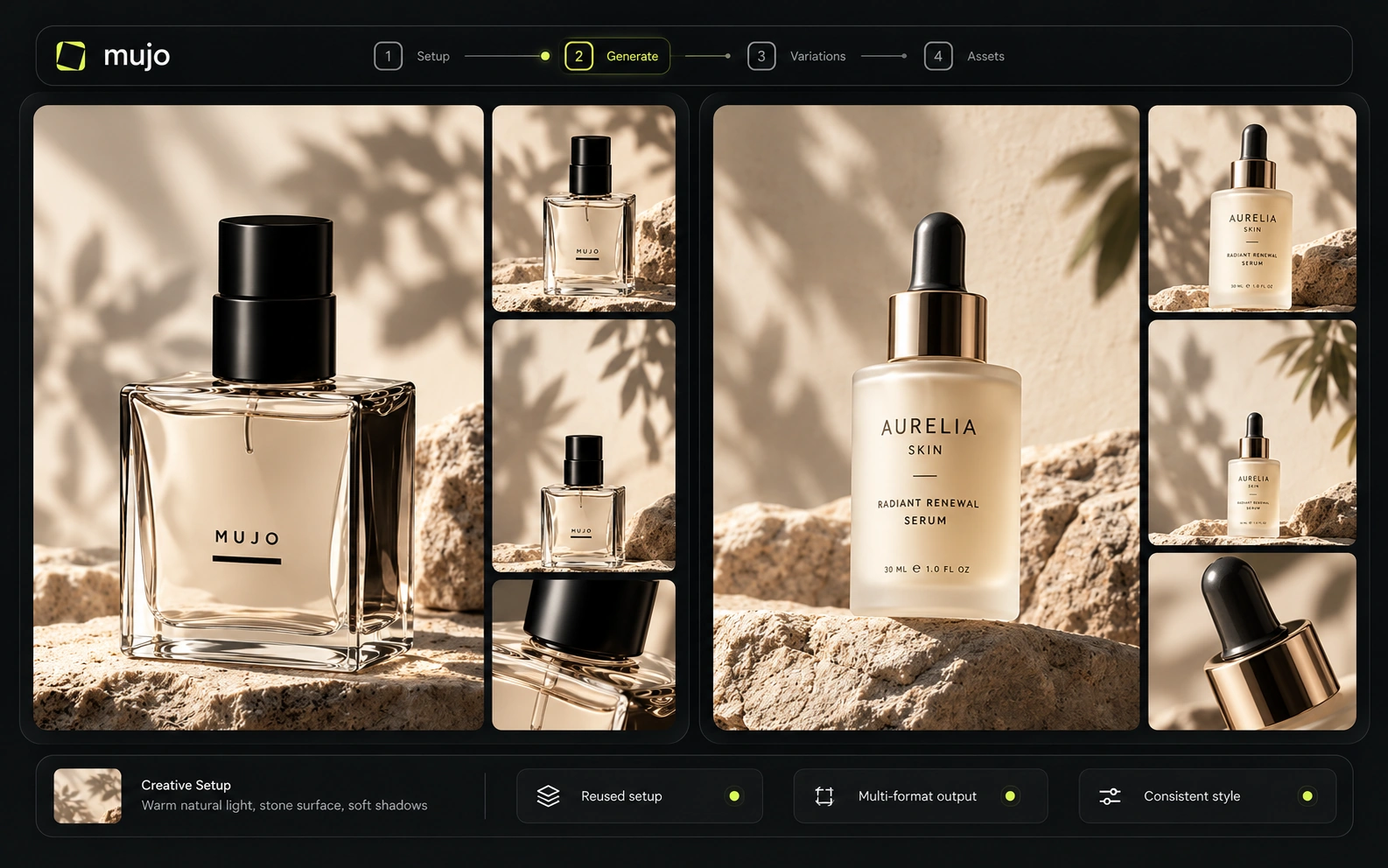
Listing crops, ad variants and social cuts come from the same setup as the original shot. That is the part a realtime canvas is not trying to do.
The product shot, its listing crops, its ad variants and its social cuts come out of the same approved direction. Volume is what makes commercial work expensive, not generation speed — and it is the part a Krea comparison usually leaves out.
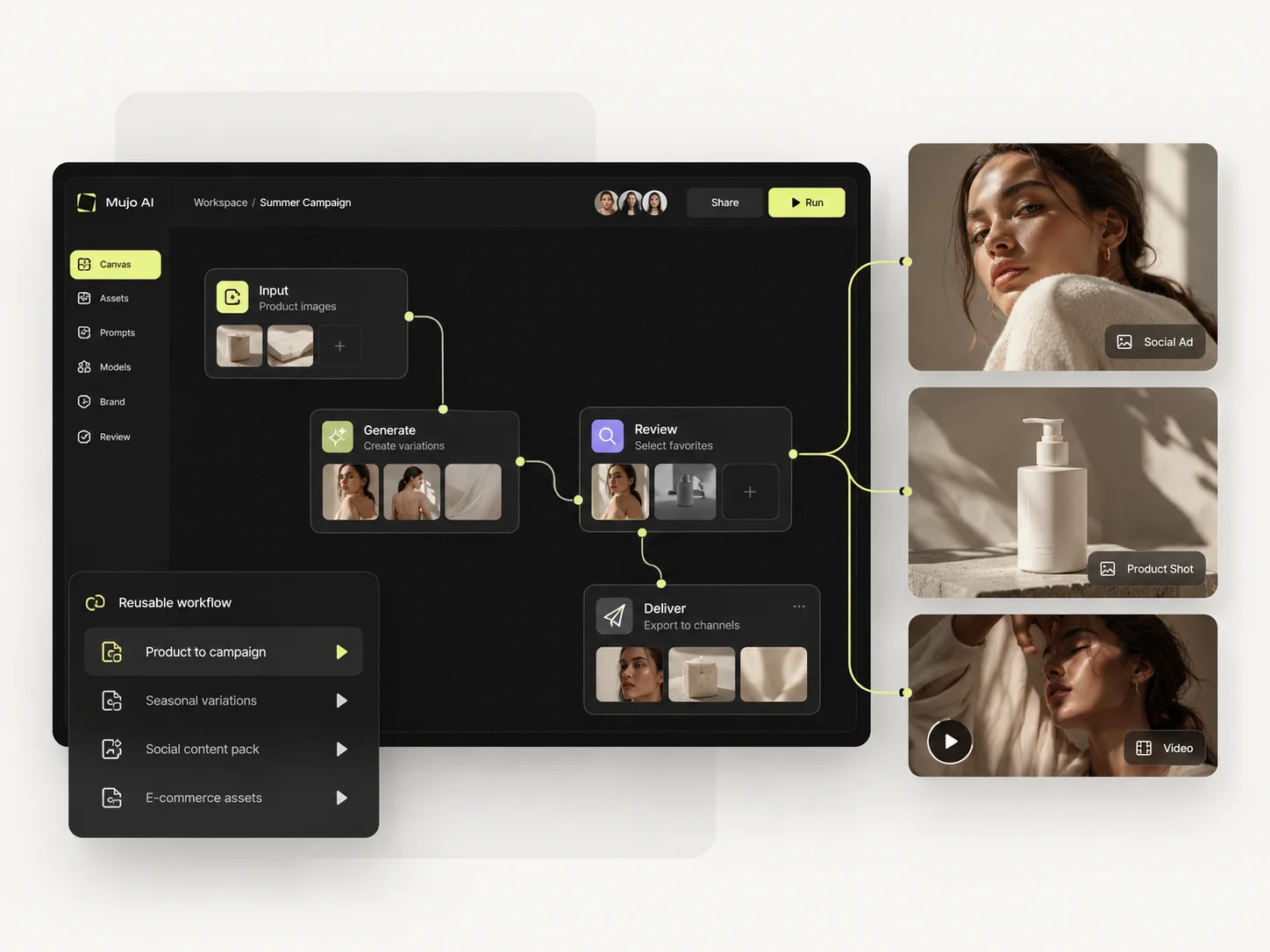
Prompts in Mujo are assets rather than messages: refined with controls, compared across models, saved to the Prompt Library. Selected workflows can be published — see Creative Portfolio Examples — so a strong setup is findable later. Krea AI takes a different route. In the same-SKU test, Krea can turn the entire process into a node graph: image input, generation, enhancement, video conversion and routing can be connected and reused. That is powerful, especially at scale. Mujo keeps the repeatable layer closer to normal creative work—prompts, references, Creative Controls values, saved outputs and Prompt Library—so a user does not need to understand a graph to reproduce the result. Krea wins programmable workflow flexibility; Mujo wins guided workflow accessibility.
Saved setups live in the Prompt Library where the next person can find them, instead of in the generation history of whoever happened to get it right. Whatever you keep from a Krea session, it is usually the output rather than the reasoning behind it.

The Bulk production table is the opposite end of the product from a realtime canvas. Rows are assets, columns are the variables, and one approved direction runs down a product list — no session to sit through, and nothing lost when it closes.
Per-asset work scales linearly: forty products means forty sessions. A saved direction run in bulk does not. That is the line where a Krea workflow and a Mujo workflow stop costing the same.
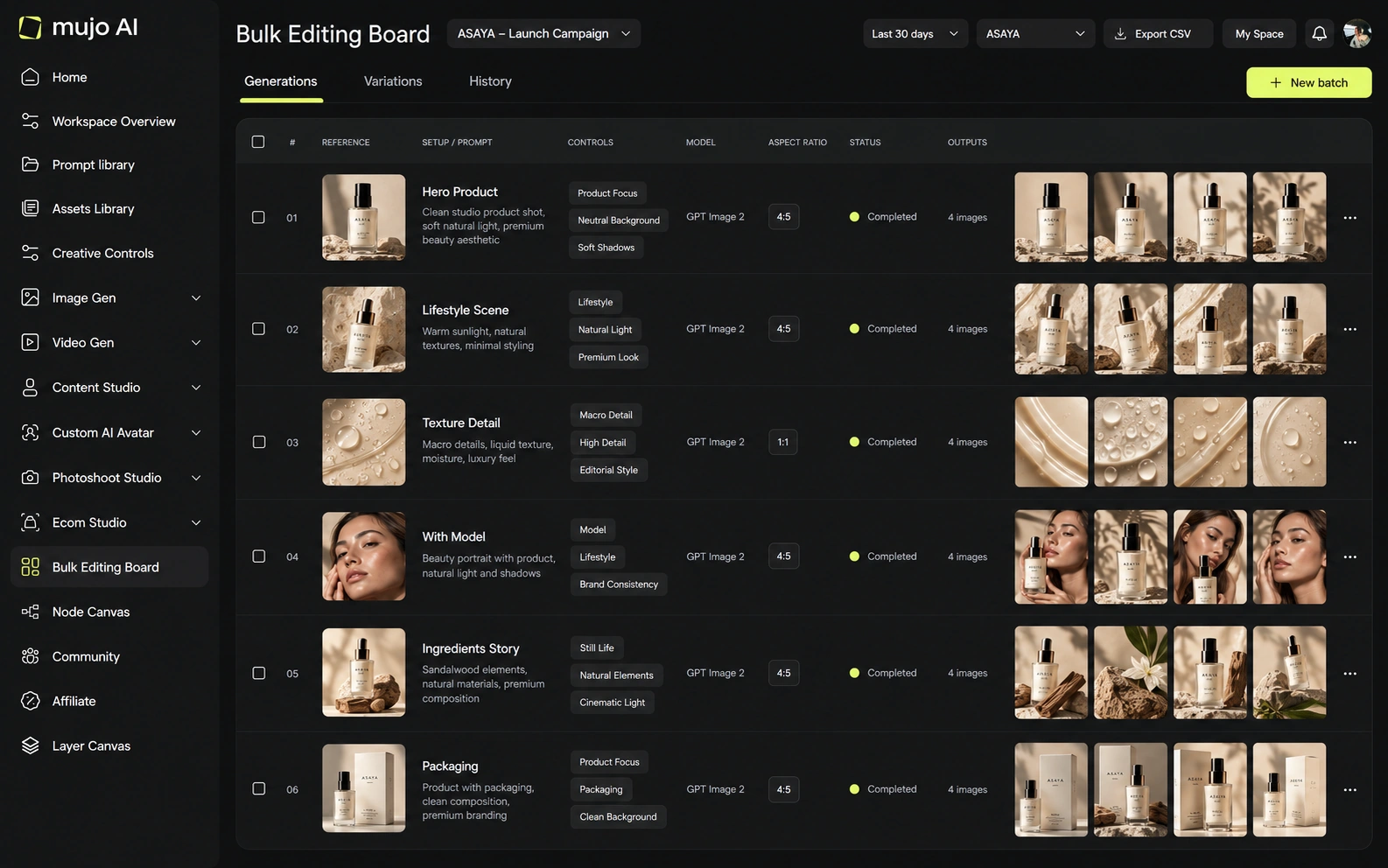
Give both the same brief: one product image in, a hero visual, three square social variants and one vertical motion ad out — then the same direction on a second SKU a week later. Krea will be more fun in round one. Round two is the actual test.
Start from one source product image and one launch brief.
Make the hero visual, three square cuts and one vertical motion ad.
Save the direction before the session closes: prompts, references, controls, engine.
Rerun it on a second SKU from the saved setup, not from memory.
Krea clears the first round comfortably, as does almost anything else worth evaluating. The second round is where the difference appears, and it is the round nobody gets to during a two-week trial.
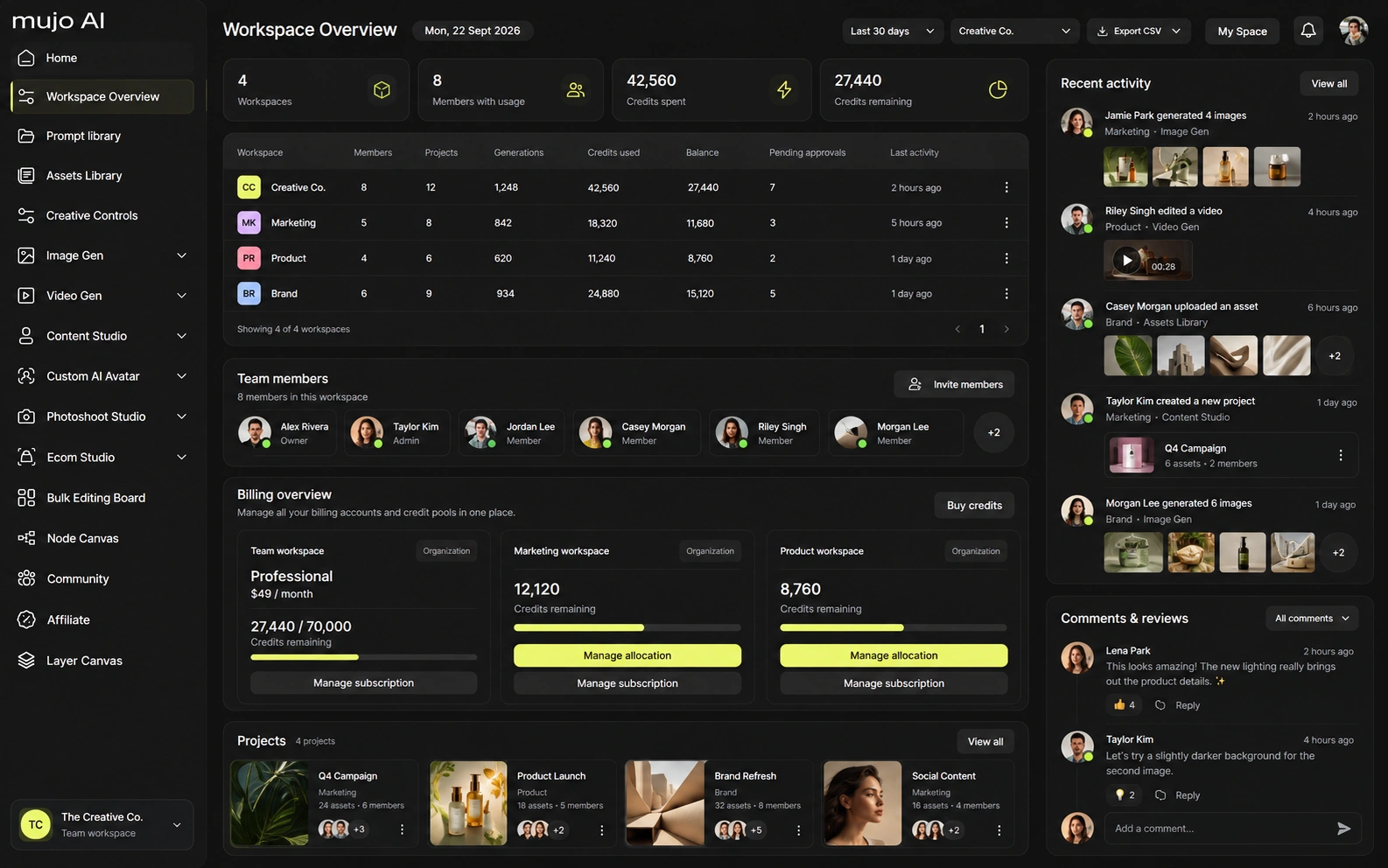
Krea Business includes team-oriented features such as private Node Apps, roles/model controls and a large shared compute allowance; Enterprise adds items such as SLA, spend limits, audit logs and support. Mujo Enterprise similarly focuses on reusable workflows and governance but frames them around brand context, asset organization, approvals and creative traceability.
Mujo Enterprise covers Node Editor flows, brand context, shared prompt and asset libraries, approval traceability, onboarding, admin and security review. Krea's team story is lighter, which fits a tool built for one person moving quickly. If an API matters, check models, concurrency and pricing on both sides. If the work is in the interface, ask whether a session can be handed over at all.
Krea bundles compute and feature access into subscriptions. The feature gate matters as much as the compute allowance: Nodes automation and all-video access arrive at Pro, while business controls are higher. Mujo's public credit purchase is more usage-oriented. Since 'compute units' and Mujo credits are internal currencies, compare the exact same model and settings when estimating output cost.
100 compute units/day
5,000 compute units
20,000 compute units; all video; Nodes & Apps
60,000 compute units; expanded concurrency and relaxed generation
80,000 compute units; up to 50 seats
Plans Start $9, Basic $19, Pro $34, Creator $84, Business $121 (5 seats); 200-credit packs from $2.60 with no use-by deadline
Mujo's plans run from $9 to $121 a month, with up to 40% off on annual billing. Pay-as-you-go packs start at 200 credits for $2.60, credits carry no use-by deadline, and new accounts start with 20 free. Realtime generation is priced differently by nature, so compare at matched model and output, not per session.
Krea's paid plans include commercial use. Business and Enterprise add controls for organizations. Mujo also supports commercial use and gives users ownership of outputs, with explicit no-training statements for foundation models without opt-in and stronger enterprise wording around third-party models.
Specifically, on Mujo's side: users keep ownership of what they upload and of AI-generated outputs and may use those outputs commercially, subject to applicable law and third-party rights; inputs and outputs are not used to train foundation models without opt-in, and the enterprise terms extend that to the third-party models in the stack. Commercial-use permission is not rights clearance. Trademark, publicity rights and model-provider terms still apply, so client work needs human review before it ships.
What Krea does better, and what Mujo does better. A comparison page that only fills in one side is not a comparison.
Worth reading before a trial rather than after one.
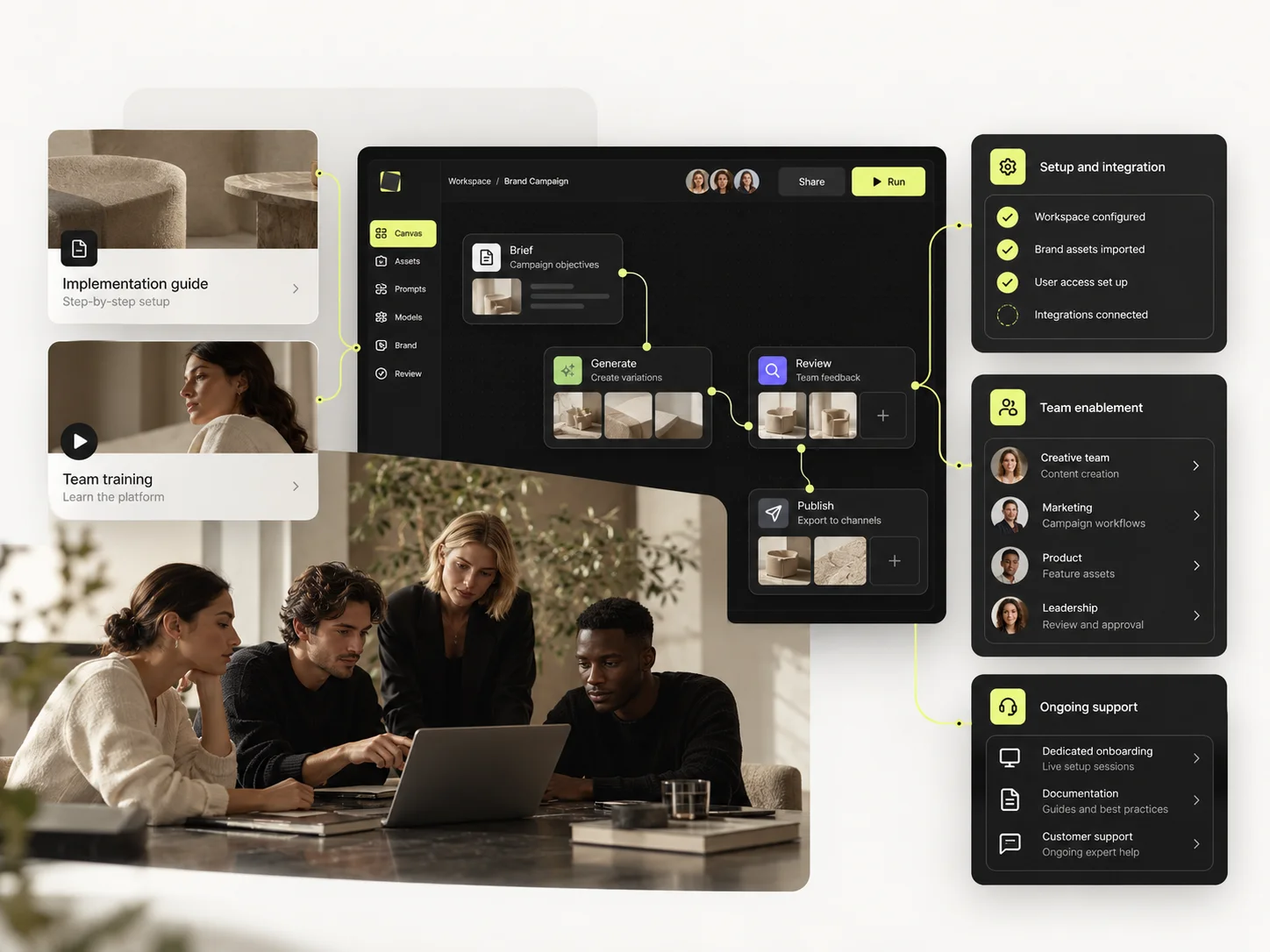
Krea is one of Mujo's closest competitors at the workflow layer, not just the generation layer. Its Nodes system is more programmable and its realtime tools are deeper. Mujo's opportunity is simplicity: common commercial content tasks are already modeled as reusable creative workflows, so teams can standardize faster with less technical ownership.
Choose Krea when realtime interaction, custom node workflows, LoRA training or 3D/motion experimentation are core to the creative process.
Choose Mujo when the team wants standardized reusable content production without building and maintaining its own node application.
Explore in Krea, produce in Mujo. Teams that work this way use the fast tool to find the direction and the structured one to make it forty times without losing it.
If you are still looking for the image, buy speed. If you have found it and now need it repeatedly, buy the thing that remembers.
Short answers about Krea, about Mujo, and about the parts that are easy to get wrong.
Yes. Krea Nodes and Apps can be used to create reusable automated creative flows, with agent assistance on eligible plans.
Krea supports LoRA training, with higher plans increasing training limits.
Mujo is generally more prescriptive around marketing and e-commerce tasks. Krea is more flexible but may require more workflow design.
Krea. Realtime creation is one of its defining capabilities.
Yes. Both support multi-model video generation, although model availability and plan gates differ.
A comparison against Krea stays abstract until you look at the work it is about. These are the production workflows Mujo is built around, plus the neighbouring comparisons if you are still shortlisting.
Take a brief to a full set of campaign assets in one workspace.
Turn one approved creative into controlled versions across formats and markets.
Run an approved product direction across a whole SKU list.
Vectors and brand systems against photographic output.
Cinematic motion against campaign repeatability.
Licensed footage against generated production.
If the good result exists but nobody can reproduce it next month, that gap is what Mujo closes. 20 free credits. Save one direction and rerun it on something new.