Choose Canva
the team makes a wide variety of things and templates plus brand kits are how they stay on-brand.
Canva is already installed at your company, and that is the honest starting point for this comparison. It does presentations, social posts, documents, printables, video and, since Magic Studio, a serious amount of AI. Mujo does none of those things. It does commercial image and video production that repeats — and that is either the bulk of your work or a small corner of it.

Three lines before the detail. If the first one describes you, Canva is the better purchase and the rest of this page will not change that.
the team makes a wide variety of things and templates plus brand kits are how they stay on-brand.
the recurring job is product and campaign imagery that has to look shot rather than designed.
one is a design suite with AI inside it; the other is a production system for generated imagery.
Three things this platform does not do, said before the arguments in its favour.
No presentations, documents, printables, whiteboards or layout tools.
There is no gallery of layouts to start from; setups are things you build once.
No scheduling, no social publishing, no print ordering.
A practical comparison of the workflow each platform is designed to support, across nine dimensions.

Canva's strength is range. Magic Studio put Dream Lab, Magic Write, Magic Edit, Magic Expand and background removal inside a tool that already handles every other visual job a marketing team has, with Brand Kits keeping it on-brand and a monthly AI credit allowance governing usage — around 500 credits on Pro, more on Teams, unlimited on Enterprise.
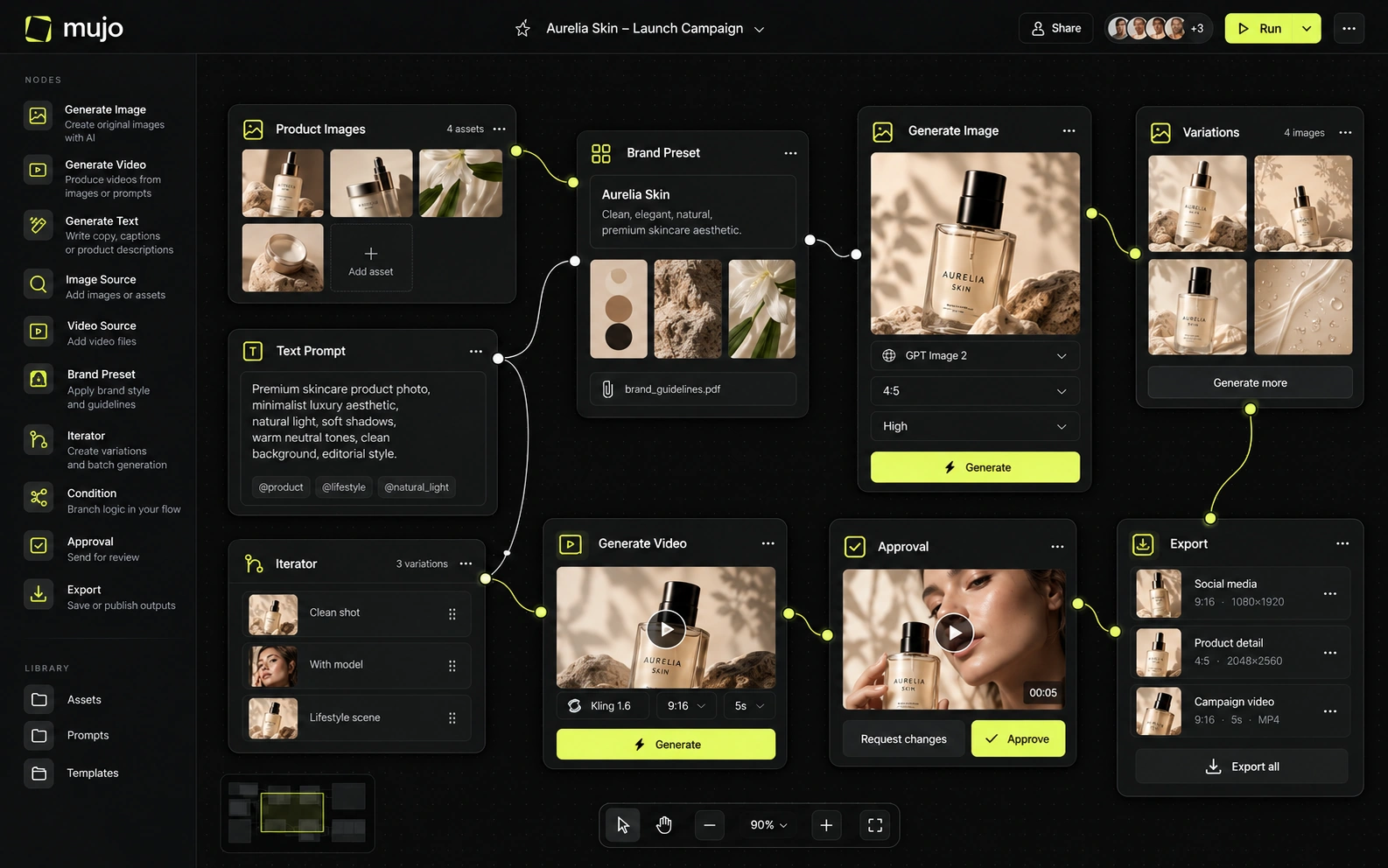
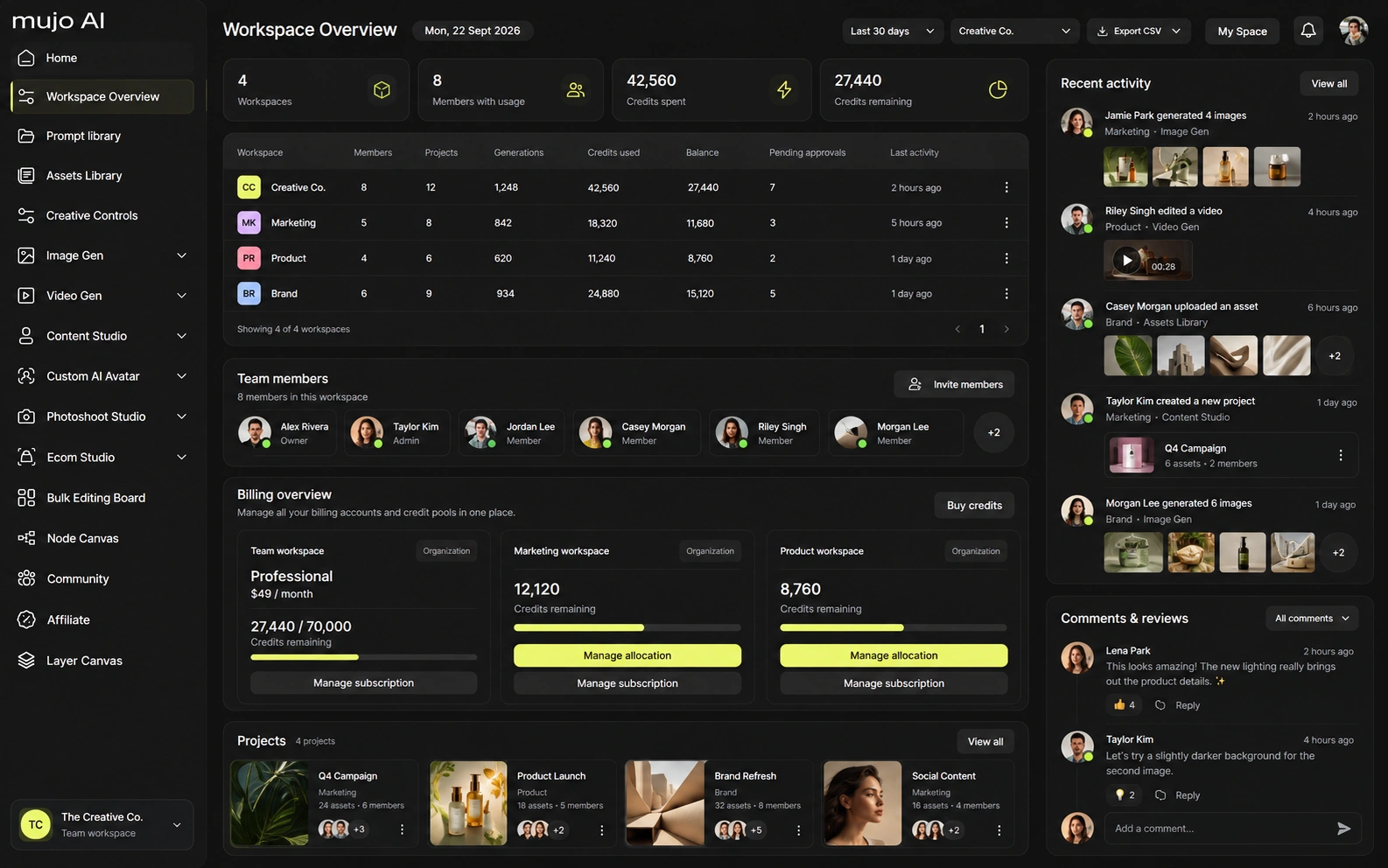
Mujo has no range at all, deliberately. The image workspace runs Nano Banana Lite, Nano Banana 2 and Nano Banana Pro, GPT Image 2, Midjourney, Seedream 5.0 Lite and Seedream 5.0 Pro, Grok Imagine and Kling 3.0 Image and the video workspace runs Veo 3.0 and Veo Fast, Kling 3.0, Seedance 2.5 and Seedance 2.0, surrounded by Creative Controls, a shared Prompt Library, an Asset Library and a Node Editor — all of it pointed at one job. Range and depth are a real trade. A suite that does everything does most things adequately, which is usually right. It stops being right when one of those things becomes most of your week.
Canva abstracts models away: you use Canva's AI, not a model you picked. For the majority of its users that is exactly correct, and asking which engine produced an image would be a strange question there.
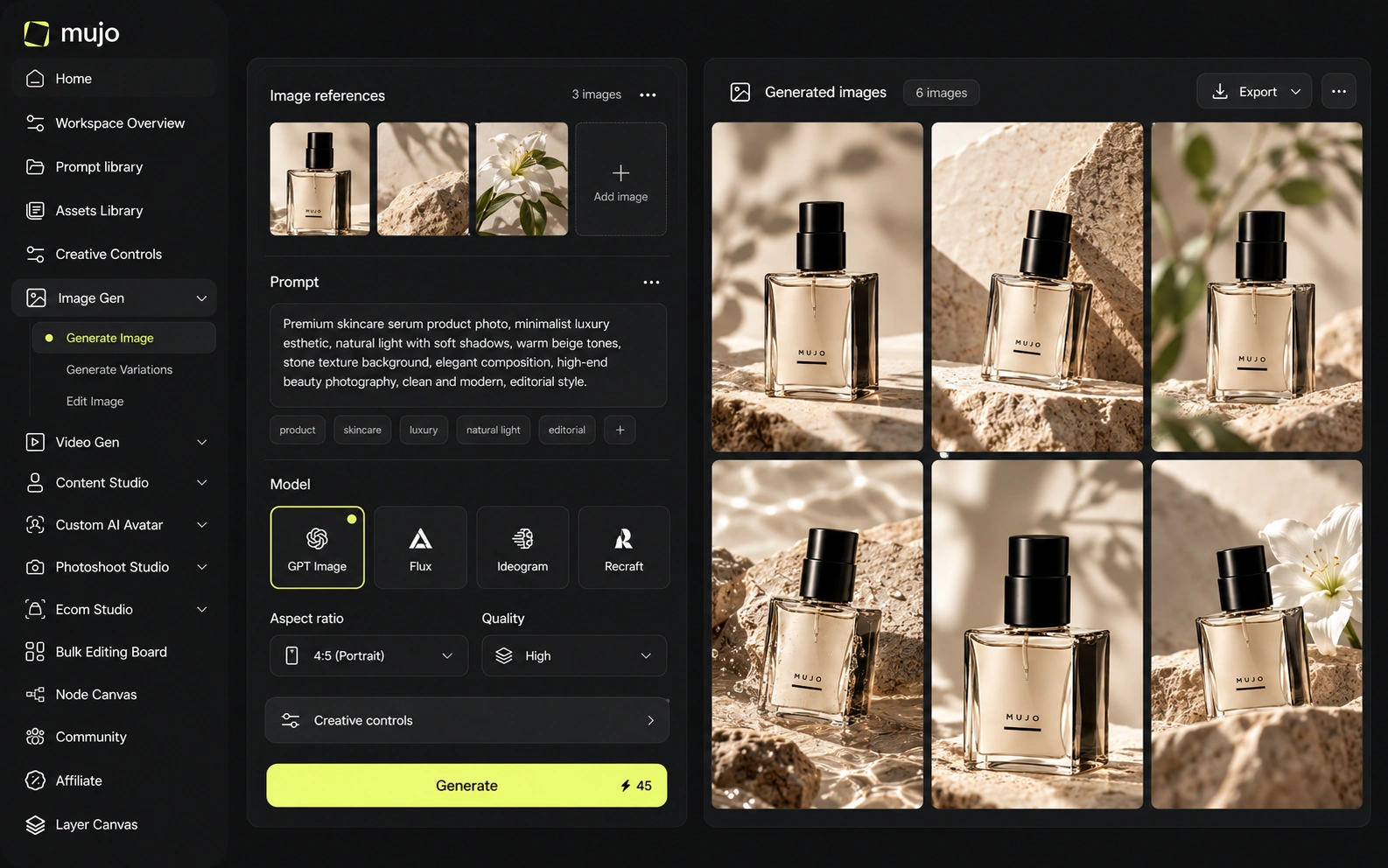
Mujo makes model choice explicit — nine image engines and five video engines against the same brief, prompt, references and Creative Controls — because for commercial imagery the engine visibly changes the result. Two questions, kept apart: whether the model matters for what you make, and whether the direction you arrive at survives to the next campaign.
Canva's control is layout-led: templates, brand kits, drag, resize, magic-edit the parts that are wrong. It is the most approachable control model in this comparison set, by a distance.
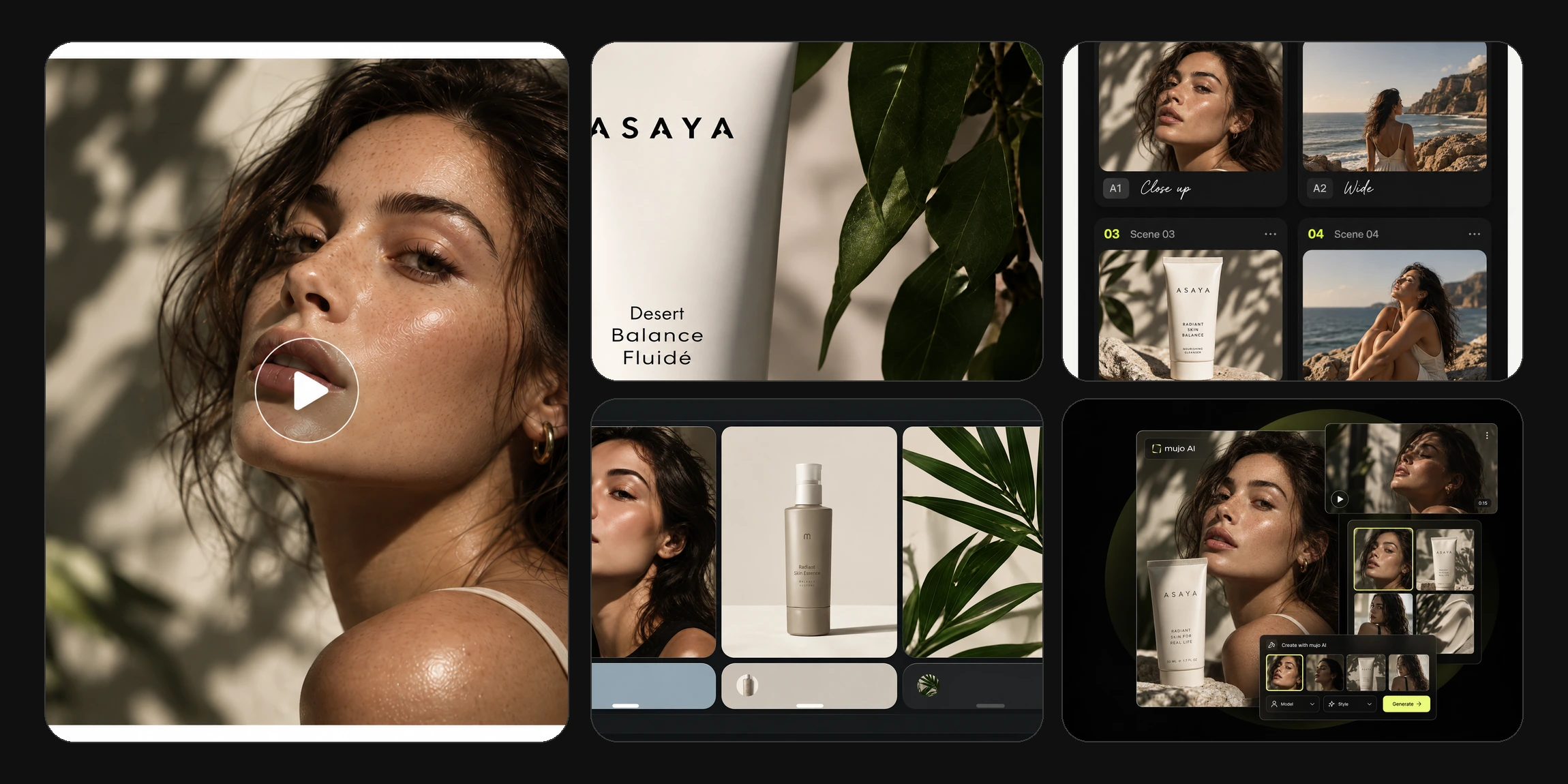
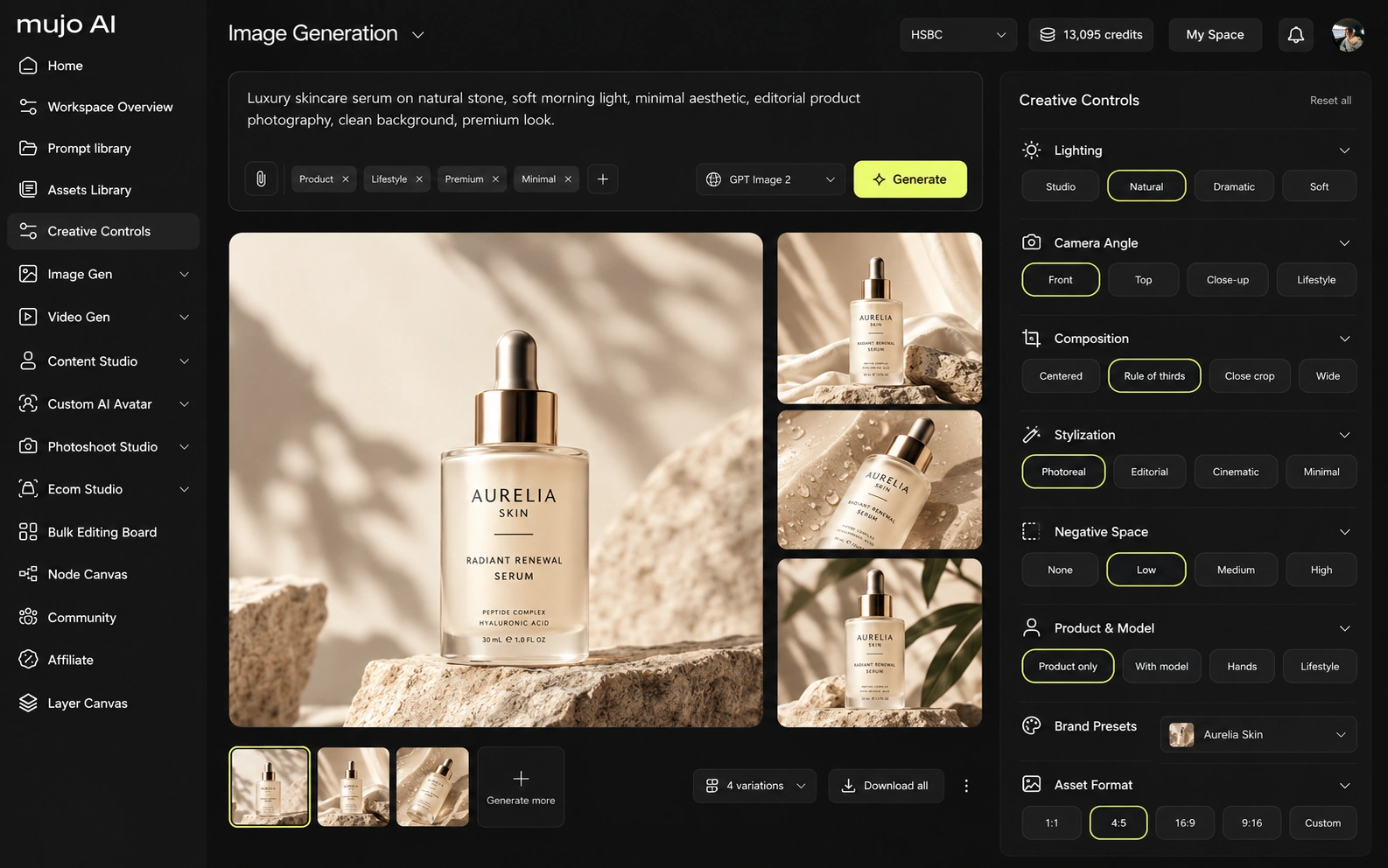
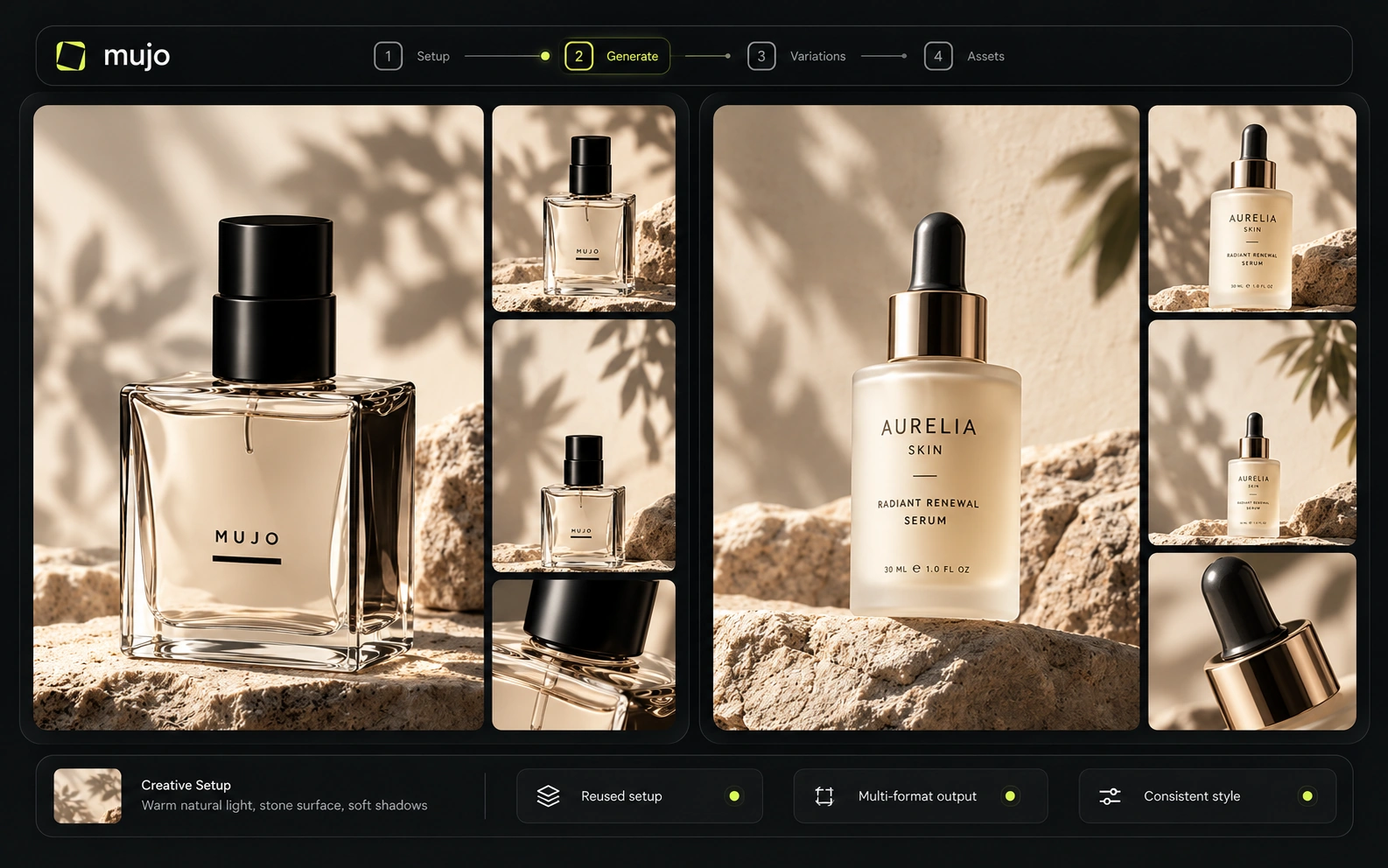
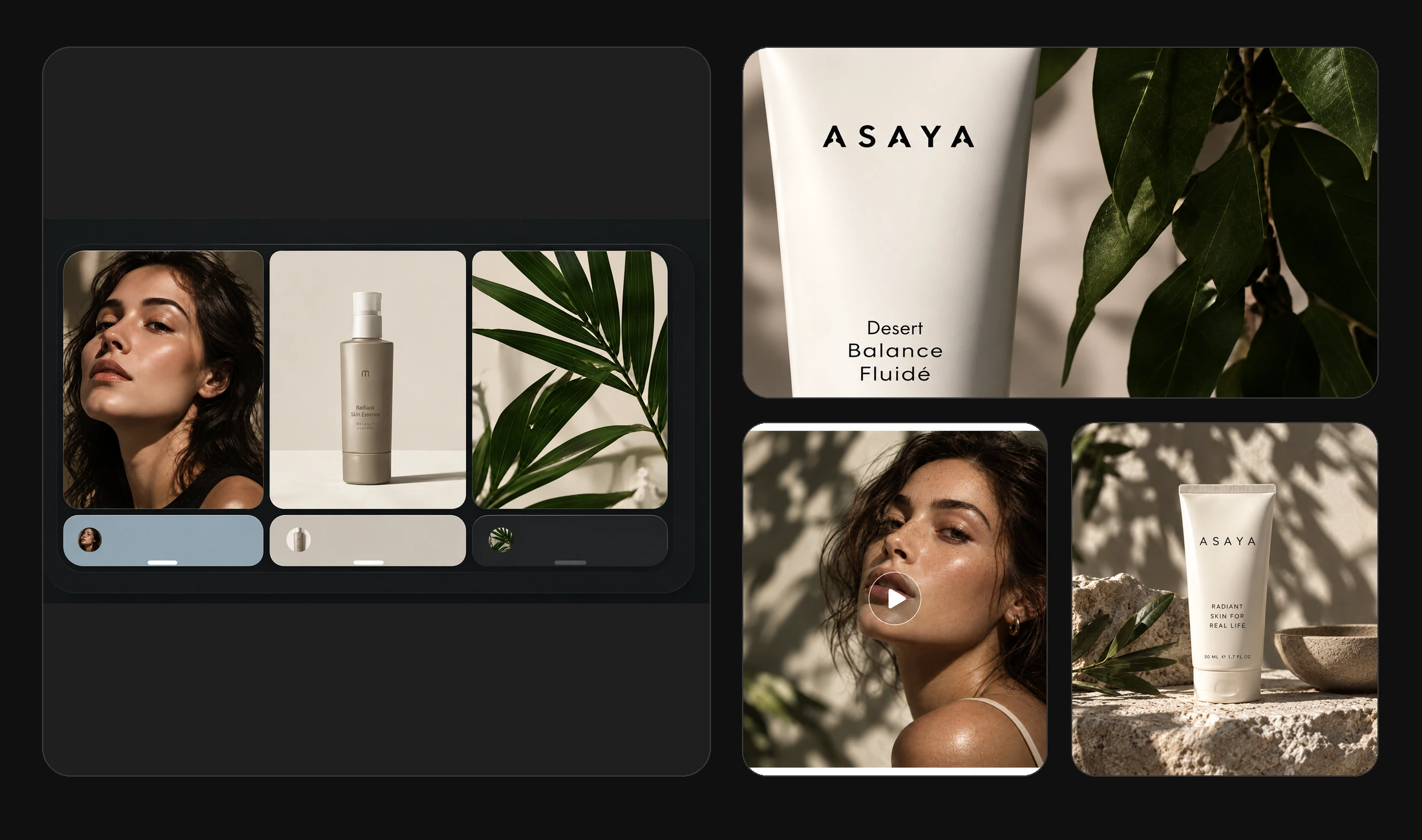
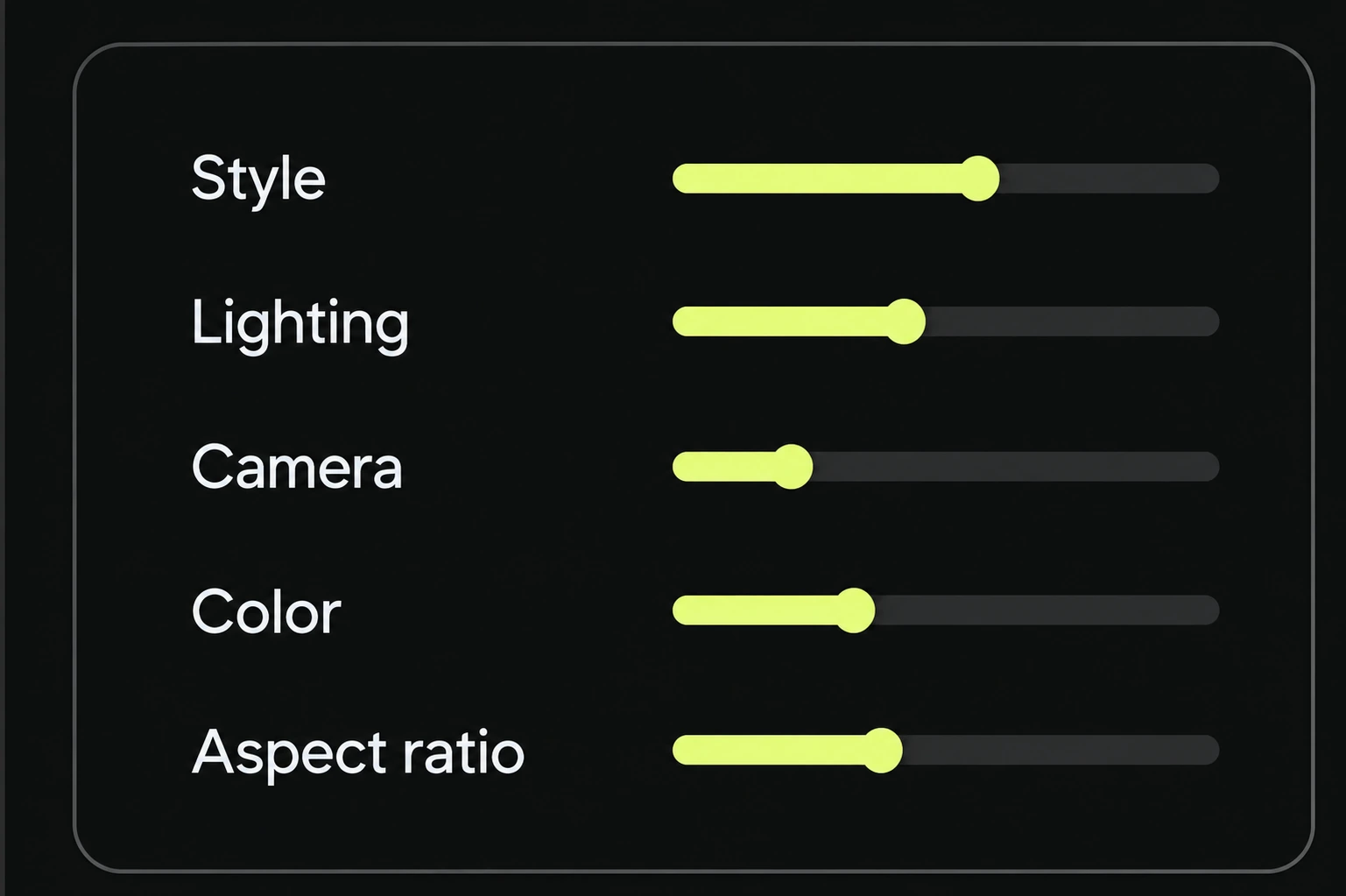
Mujo's control is photographic. Creative Controls name lighting, pose, expression, camera angle, location and style, which is the vocabulary of a shoot rather than of a page. The difference shows up in what the output looks like. A designed composition and a photographed scene are not interchangeable, and most product and campaign work wants the second.
Canva's video editor is a capable timeline with AI features built in, aimed at assembling and editing rather than generating a scene from a brief.
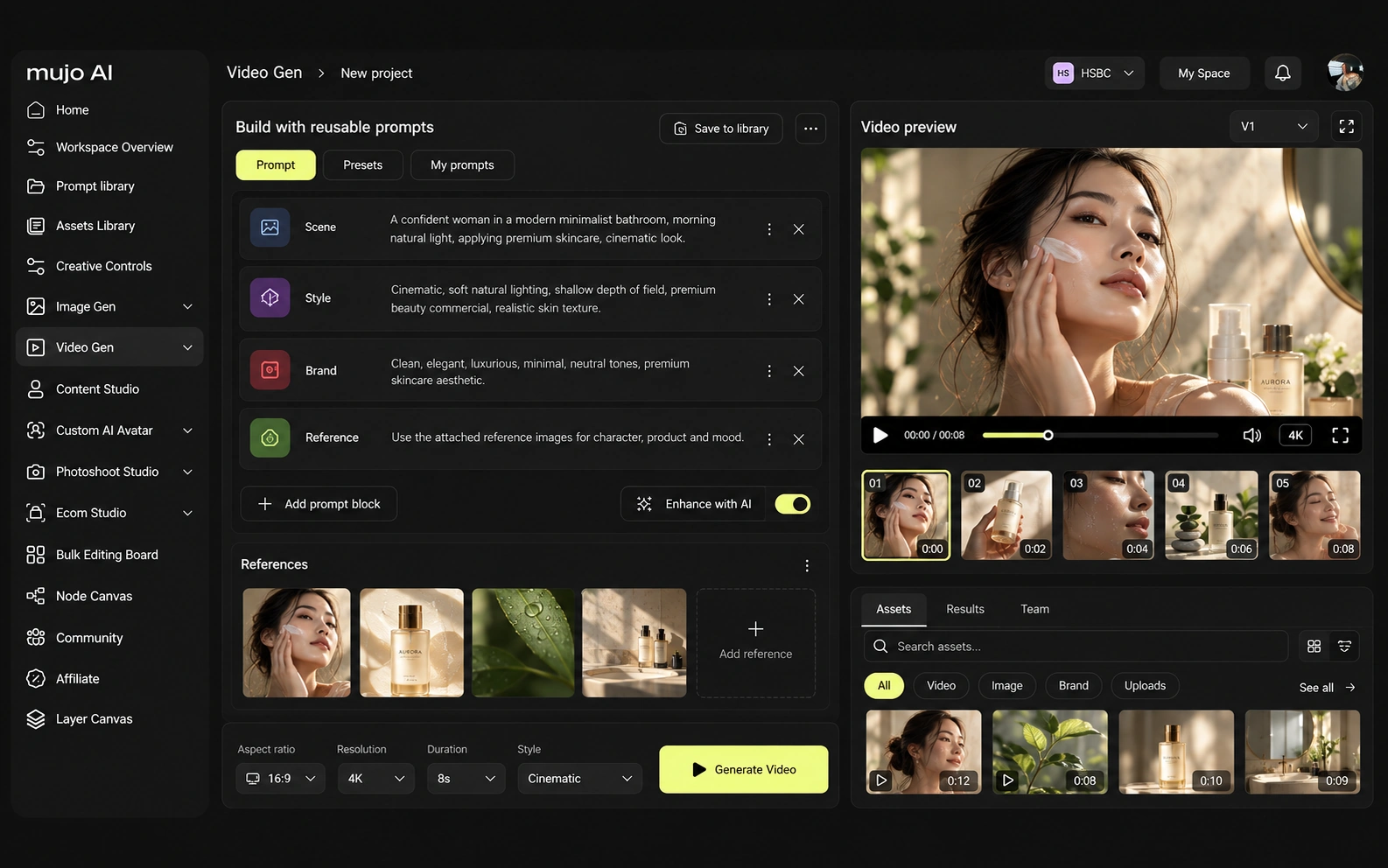
Mujo's video runs on five engines beside the image workspace, generating from text or from an approved frame, with Storyboards linking the two halves of a campaign.
Consistency means four things: the same person, the same product, the same look, or the same process. Brand Kits and templates are a strong answer to the third — arguably the reason Canva won its category.
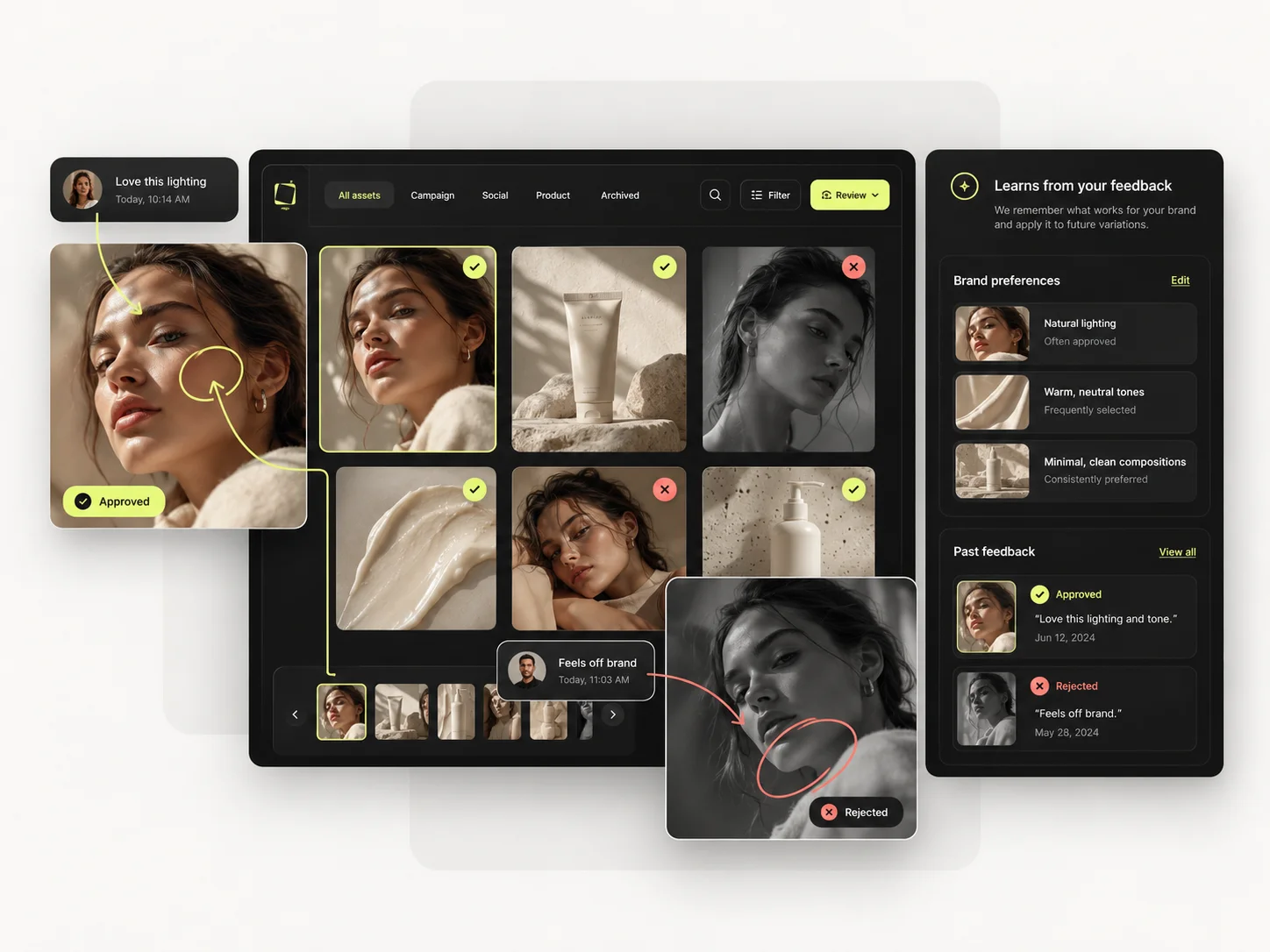
Mujo targets the fourth and the second: references, Creative Controls parameters, saved prompts, saved AI characters, model choice and shared flows, so a product and a look both survive into the next campaign. A Brand Kit keeps colours, fonts and logos consistent across layouts. It has nothing to say about whether two product photographs look like they came from the same shoot. If your consistency problem is brand application across many formats, the suite solves it. If it is visual consistency across generated imagery, it does not, and no template will.

How each platform fits recurring commercial production
Every visual job a marketing team has — social posts, decks, documents, print, video — with AI inside the same editor and Brand Kits holding it together.
Product Photos, Listing Images, Product Catalog Production, AI Photoshoots, Campaign Creatives, Creative Variations and Social Video Ads.
Canva is where a marketing team assembles and publishes. Mujo is where the imagery that gets assembled comes from when it cannot be shot or bought.
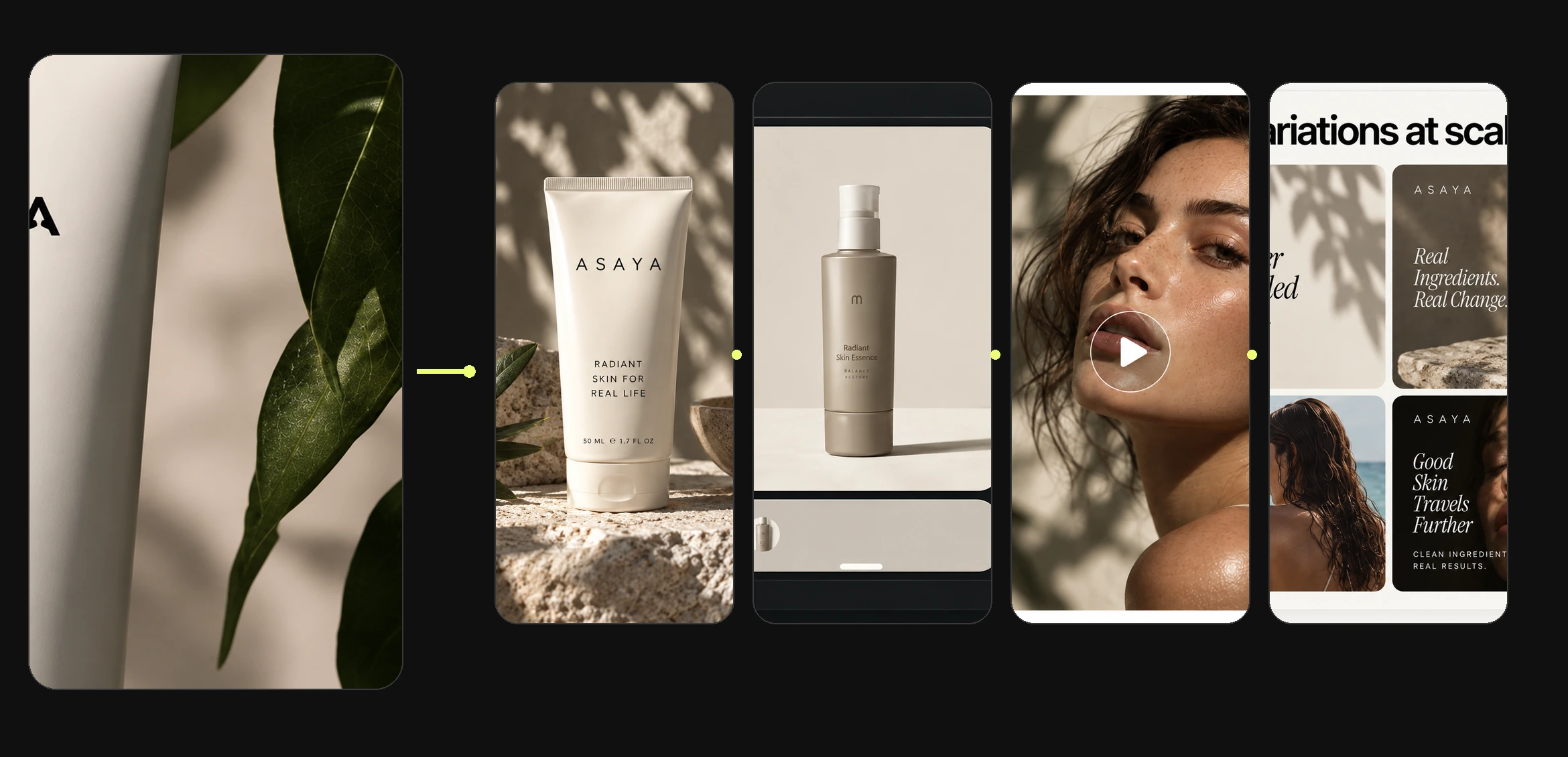
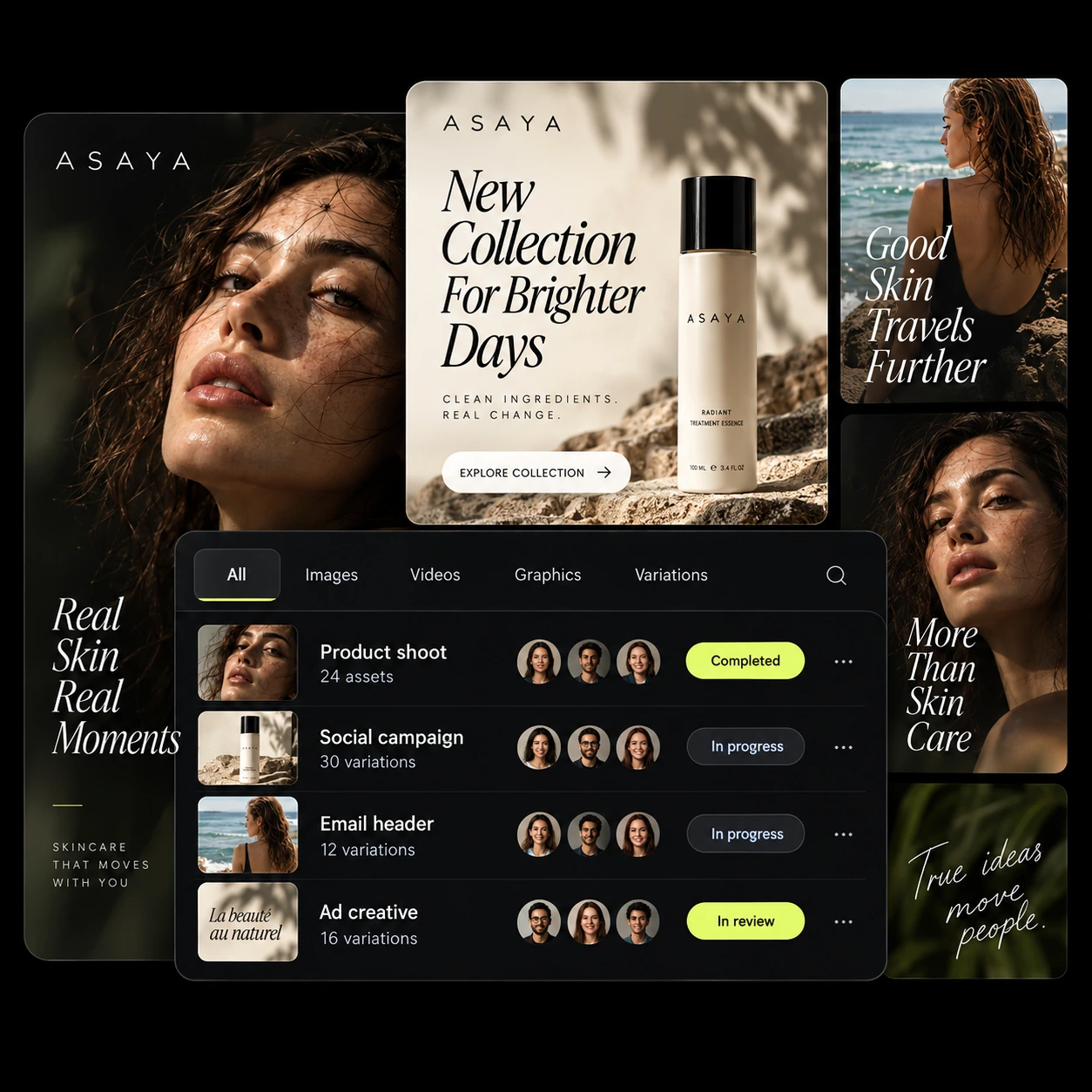
The product shot, its listing crops, its ad variants and its social cuts come out of the same approved direction. Volume is what makes commercial work expensive, not generation speed — and it is the part a Canva comparison usually leaves out.
Mujo keeps prompts as production assets: refined with structured controls, compared across models and saved into a library of 2,500+ prompts plus your team's own setups. Canva's equivalent is the template — easier to reach and much harder to move beyond once the look you want is not one somebody already designed.
Saved setups live in the Prompt Library where the next person can find them, instead of in the generation history of whoever happened to get it right. Whatever a Canva session leaves behind, it is usually the output rather than the reasoning behind it.

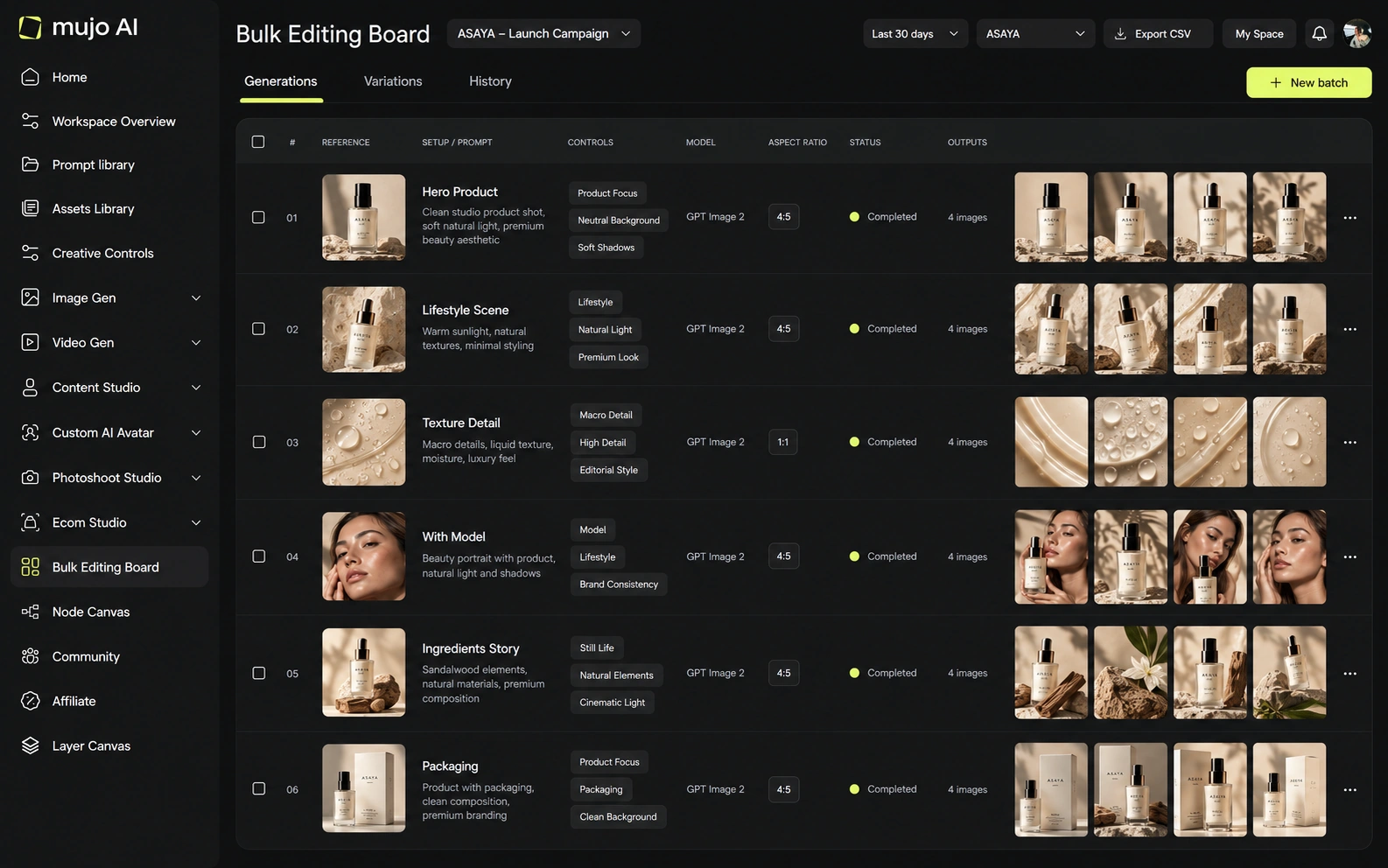
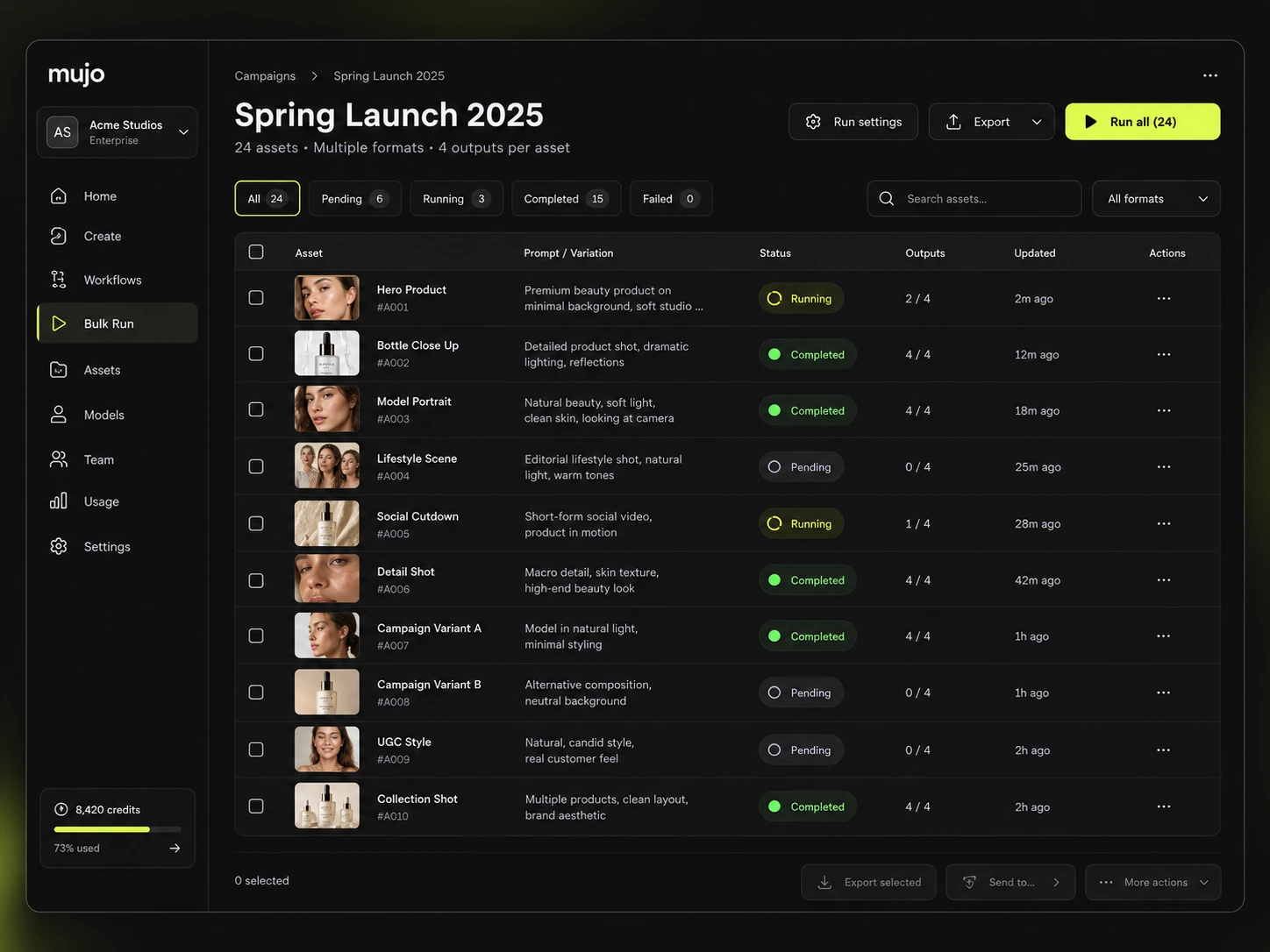
Bulk Create and the Bulk Editing Board sound alike and do opposite things. Bulk Create merges data into a layout you designed. The Bulk Editing Board takes one approved creative direction and generates each asset down a product list — rows are assets, columns are the variables.
Merging a spreadsheet into a template scales a layout. It cannot produce forty product photographs that look like one shoot, because the photographs have to exist before the template can hold them.
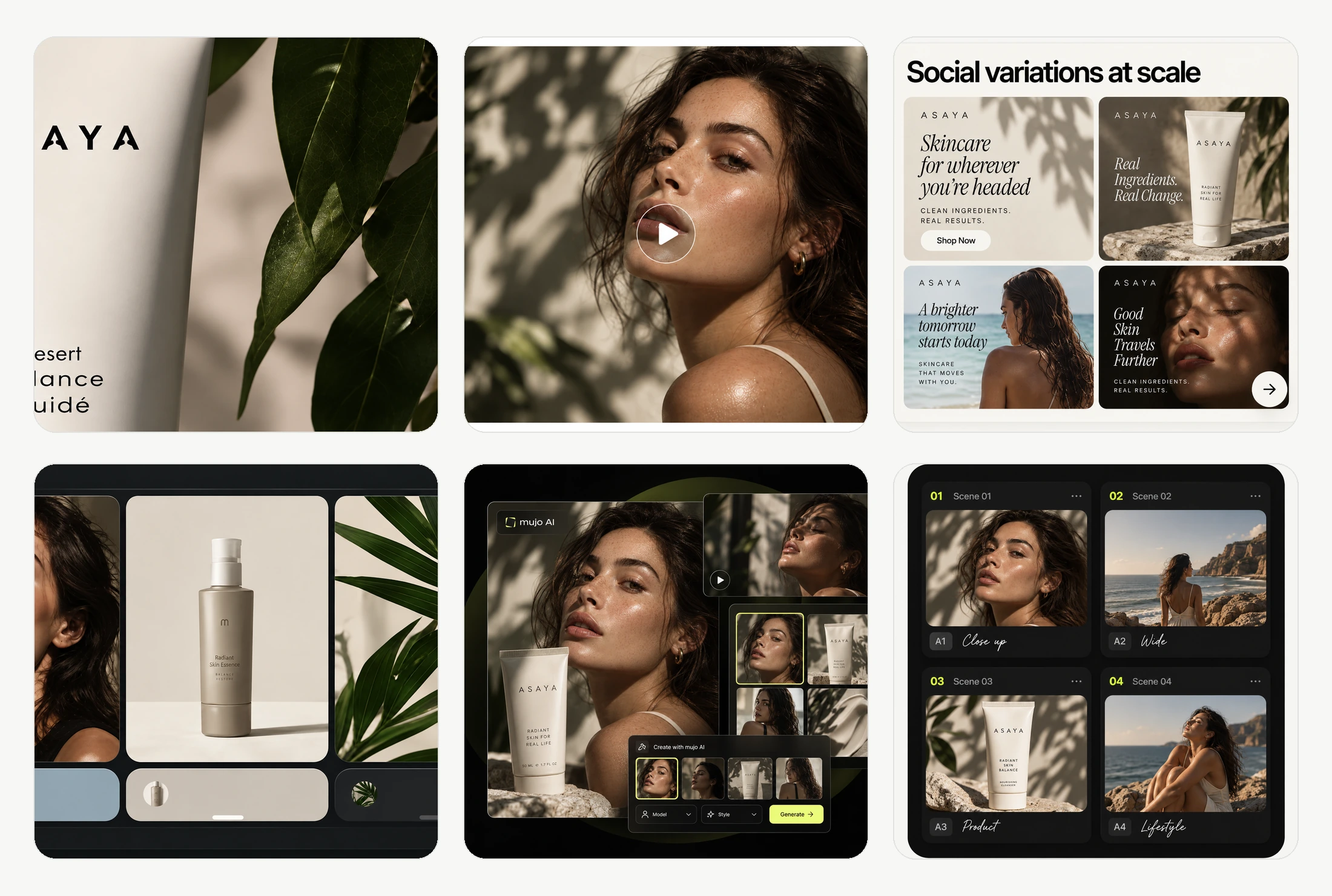
Give both the same brief: one product image in, a hero visual, three square social variants and one vertical motion ad out, then the same direction on a second SKU a week later. Canva will resize faster. Look at what is inside the frames.
Use one source product image and one launch brief.
Produce the hero visual, three square social cuts and one vertical motion ad.
Prompts, references, controls and the model that produced it.
Rerun it on a second product, including scenes nobody photographed.
Canva clears the first round comfortably, as does almost anything else worth evaluating. The second round is where the difference appears, and it is the round nobody gets to during a two-week trial.
Canva Teams starts around $20 per person a month with a three-seat minimum and multiple Brand Kits, and Enterprise adds organisation-level controls and unlimited AI usage. Its collaboration model is familiar to almost everyone you would hire.
Mujo Enterprise is production-shaped: connected Node Editor flows, brand context, shared prompt and asset libraries, approval traceability, onboarding, admin and security review, with roles on the Business plan. Familiarity is a genuine advantage and worth weighing. So is the fact that a suite's AI credits are shared across everything the team makes, so heavy image production competes with every other use.
Canva runs a permanent free tier, Pro at around $15 a month with roughly 500 AI credits, Teams at around $20 per person with higher limits and a three-seat minimum, and Enterprise with unlimited AI usage. Because credits cover all of Magic Studio, image generation shares an allowance with everything else.
Limited monthly Magic Studio usage, large template and stock library
Around 500 AI credits a month across Magic Studio, Brand Kit, Bulk Create
Higher AI limits, multiple Brand Kits, three-seat minimum
Unlimited AI usage plus organisation-level administration
Plans Start $9, Basic $19, Pro $34, Creator $84, Business $121 (5 seats); 200-credit packs from $2.60 with no use-by deadline
Mujo's plans run from $9 to $121 a month, with up to 40% off on annual billing. Pay-as-you-go packs start at 200 credits for $2.60, credits carry no use-by deadline, and new accounts start with 20 free. A suite allowance shared across decks, documents and social posts is not the same unit as credits spent only on generation — compare on images actually produced per month.
Canva publishes terms covering AI content and commercial use that differ by plan and feature; read them for the specific Magic Studio tools your team relies on.
Specifically, on Mujo's side: users keep ownership of what they upload and of AI-generated outputs and may use those outputs commercially, subject to applicable law and third-party rights; inputs and outputs are not used to train foundation models without opt-in, and the enterprise terms extend that to the third-party models in the stack. Commercial-use permission is not rights clearance. Trademark, publicity rights and model-provider terms still apply, so client work needs human review before it ships.
What Canva does better, and what Mujo does better. A comparison page that fills in only one side is not a comparison.

Worth reading before a trial rather than after one.
Decide by how much of your week is one job. A suite is right until commercial imagery becomes most of the work, at which point a shared AI allowance and a template gallery stop being the right tools.
Choose Canva when the team makes many different things and the win is everyone staying on-brand inside one familiar tool.
Choose Mujo when the recurring job is product and campaign imagery that has to look photographed and repeat across a catalogue.
Almost every team that buys Mujo keeps Canva. Generate the imagery where imagery is generated, assemble and publish where the team already works. The overlap is smaller than the feature lists suggest.
Most shortlists are settled by the wrong question — which tool makes the better first asset. The question that predicts the next year is which tool still helps on the fortieth.

Short answers about Canva, about Mujo, and about the parts that are easy to get wrong.
For layout, social posts and brand-consistent design, Canva is the stronger tool. For generated product and campaign photography at catalogue scale, it is not built for that job.
No. Mujo has no presentations, documents, print or template library and is not trying to acquire them.
Magic Studio usage draws on a monthly allowance — roughly 500 credits on Pro, more on Teams, unlimited on Enterprise — shared across every AI feature in the suite.
No. Bulk Create merges data into a design you made. The Bulk Editing Board runs one approved creative direction across a product list and generates each asset.
Regularly. Imagery is produced in Mujo, then assembled, laid out and published in Canva. They sit at different points in the same workflow.
A comparison against Canva stays abstract until you look at the work it is about. These are the production workflows Mujo is built around, plus the neighbouring comparisons if you are still shortlisting.
Take a brief to a full set of campaign assets in one workspace.
Turn one approved creative into controlled versions across formats and markets.
Run an approved product direction across a whole SKU list.
Product photography against generated product imagery.
Open-source node graphs against a managed production system.
Vectors and brand systems against photographic output.
If your AI allowance runs out on product images before the month does, that is the signal this became a separate job. 20 free credits. Produce a product set and compare it with what a template gives you.