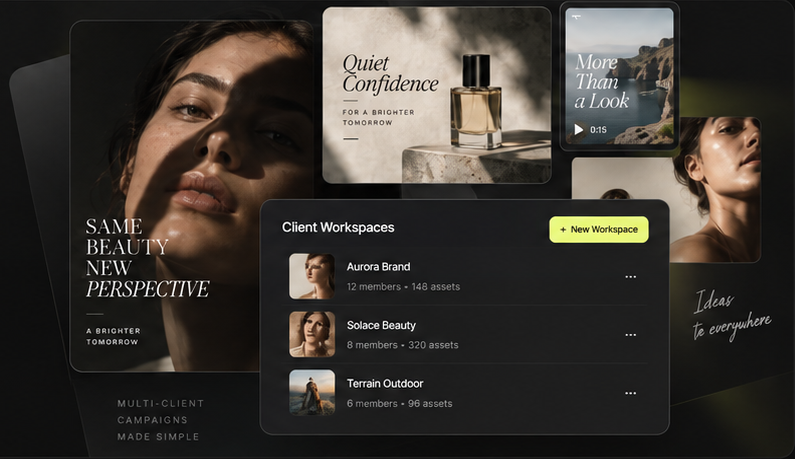
Product / Brief
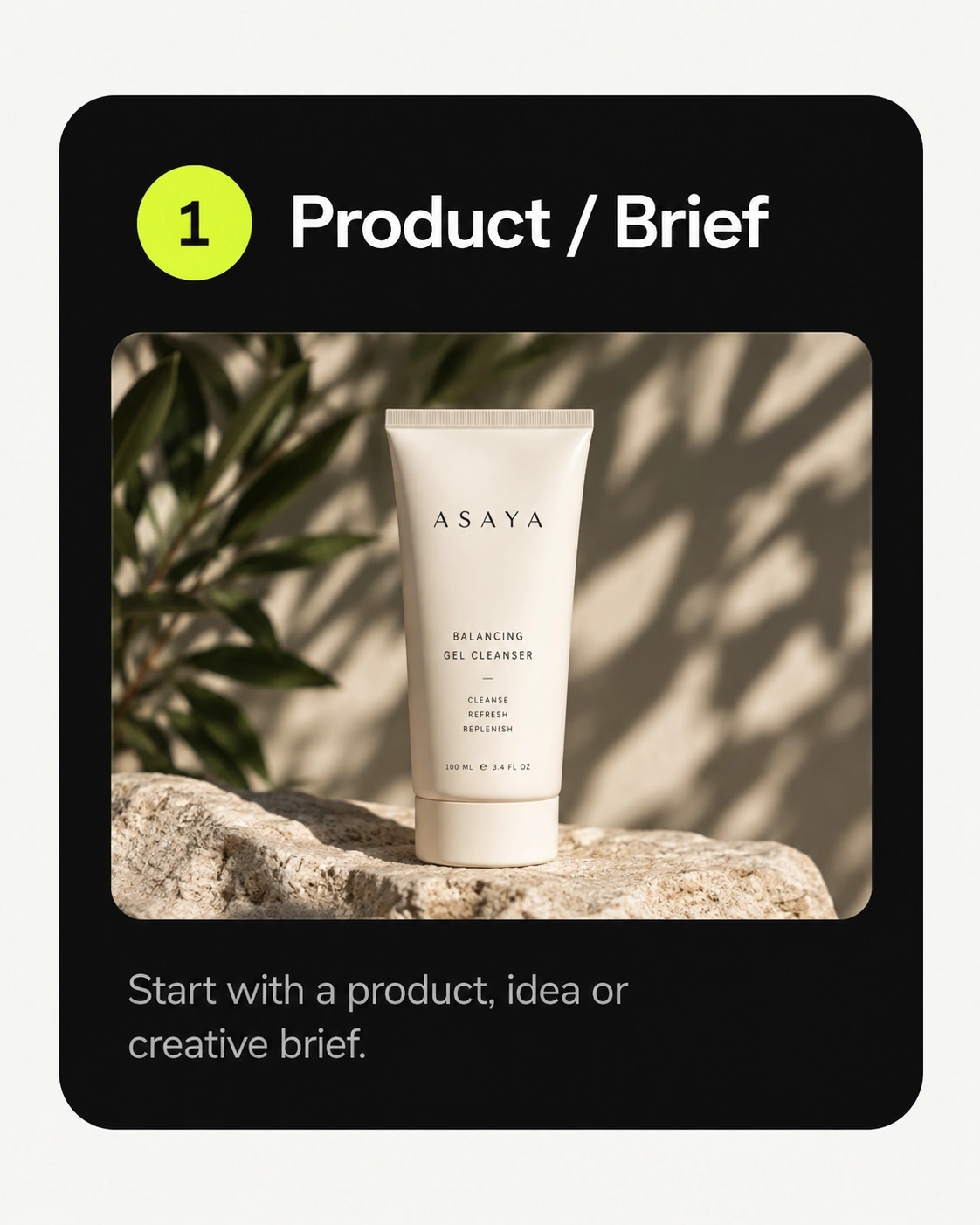
Start with a product, an idea or a creative brief.
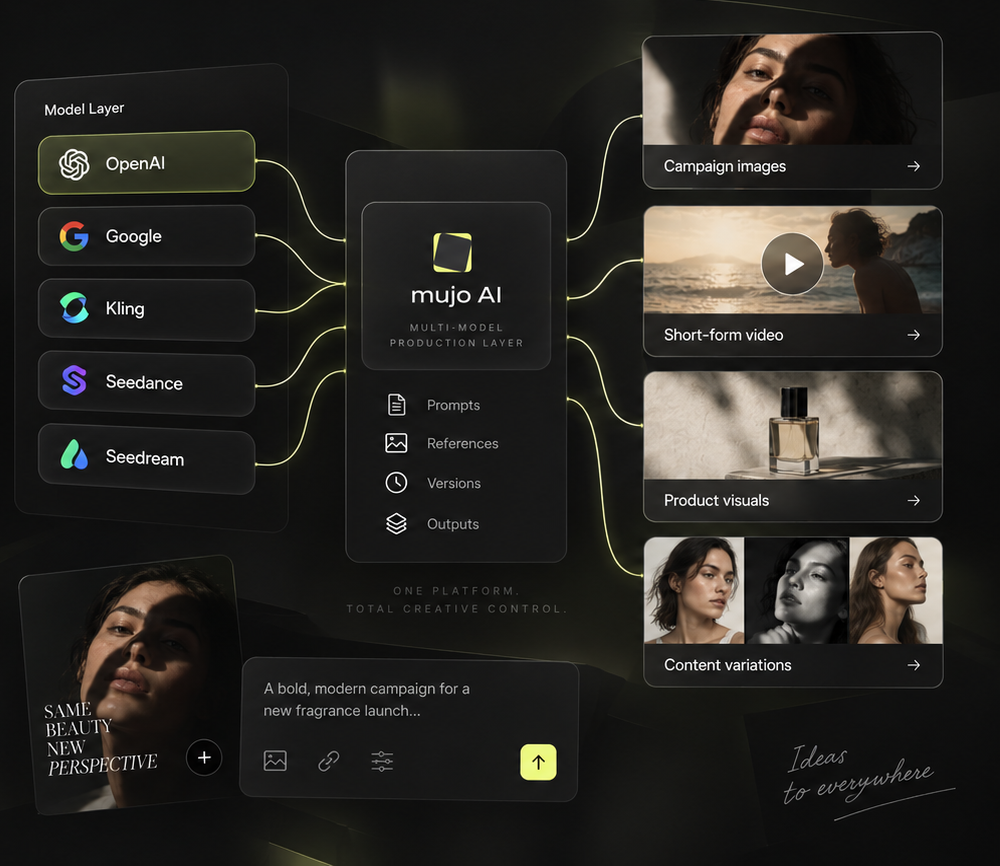
Mujo AI is one workspace for the visual work a brand repeats: product photography, listing images, campaign key visuals, social content and short-form video — generated on models from OpenAI, Google, BytePlus, xAI, Midjourney and Kling, directed with reusable controls rather than rewritten prompts.
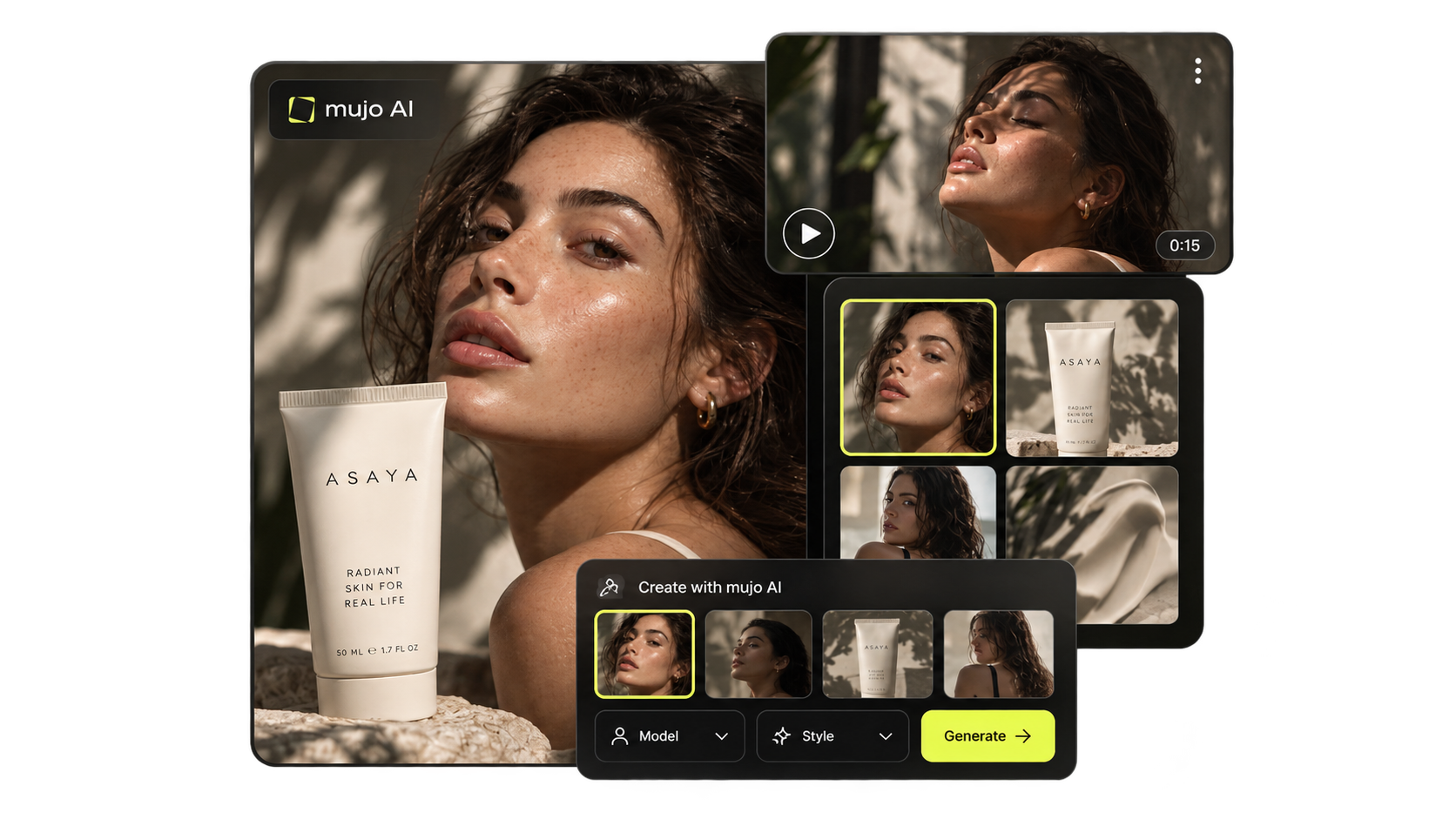
Ten jobs that come up again and again in a brand's calendar. Each one starts from something you already have — a product, a brief, an approved frame — and ends in assets sized for where they are going.
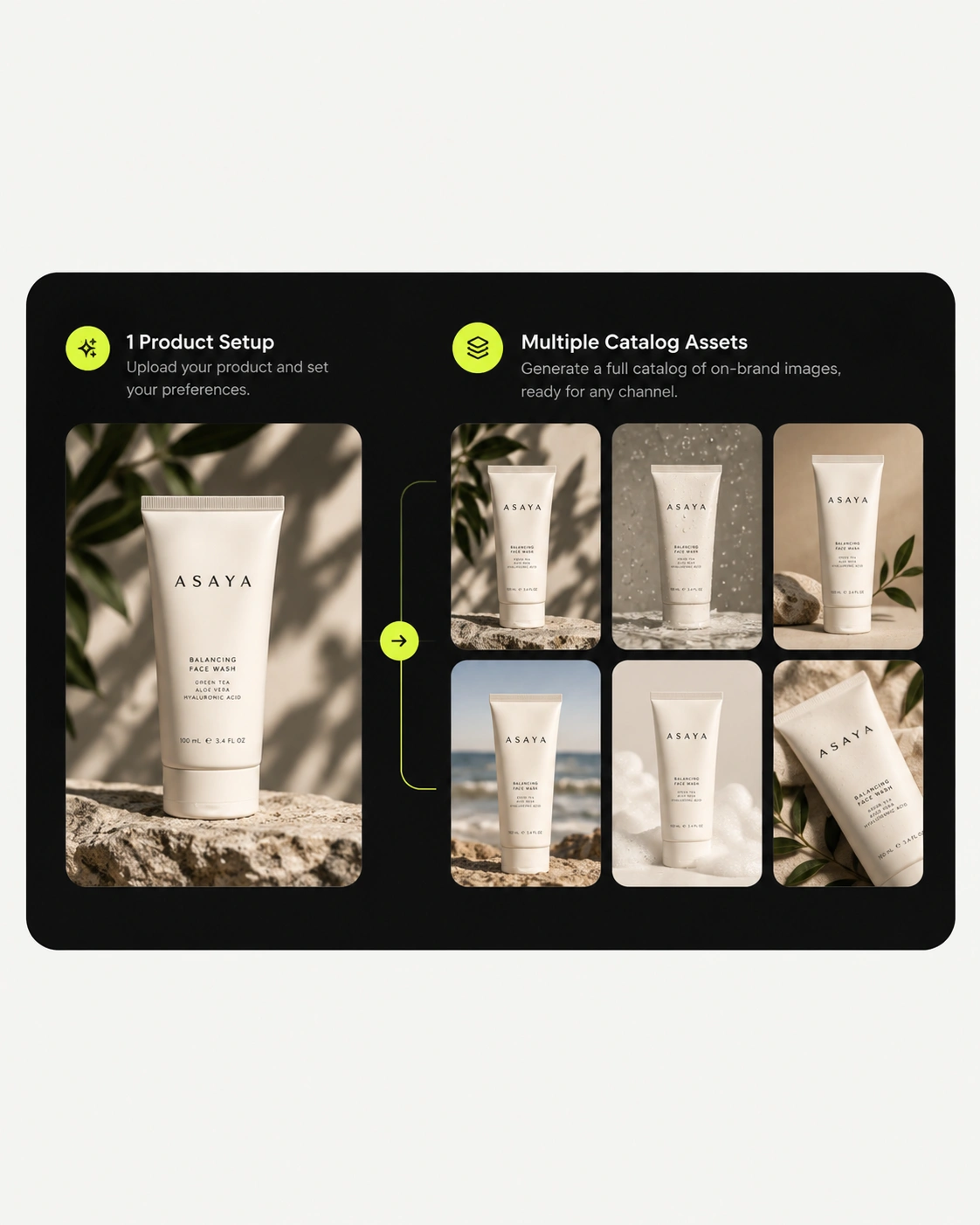
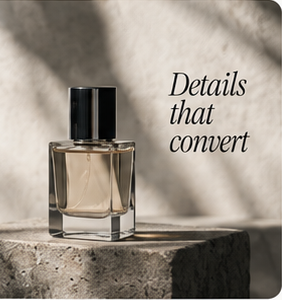
Studio-grade product shots without booking a studio. Hold one camera angle and lighting setup across a whole range so the set looks shot in a single session.
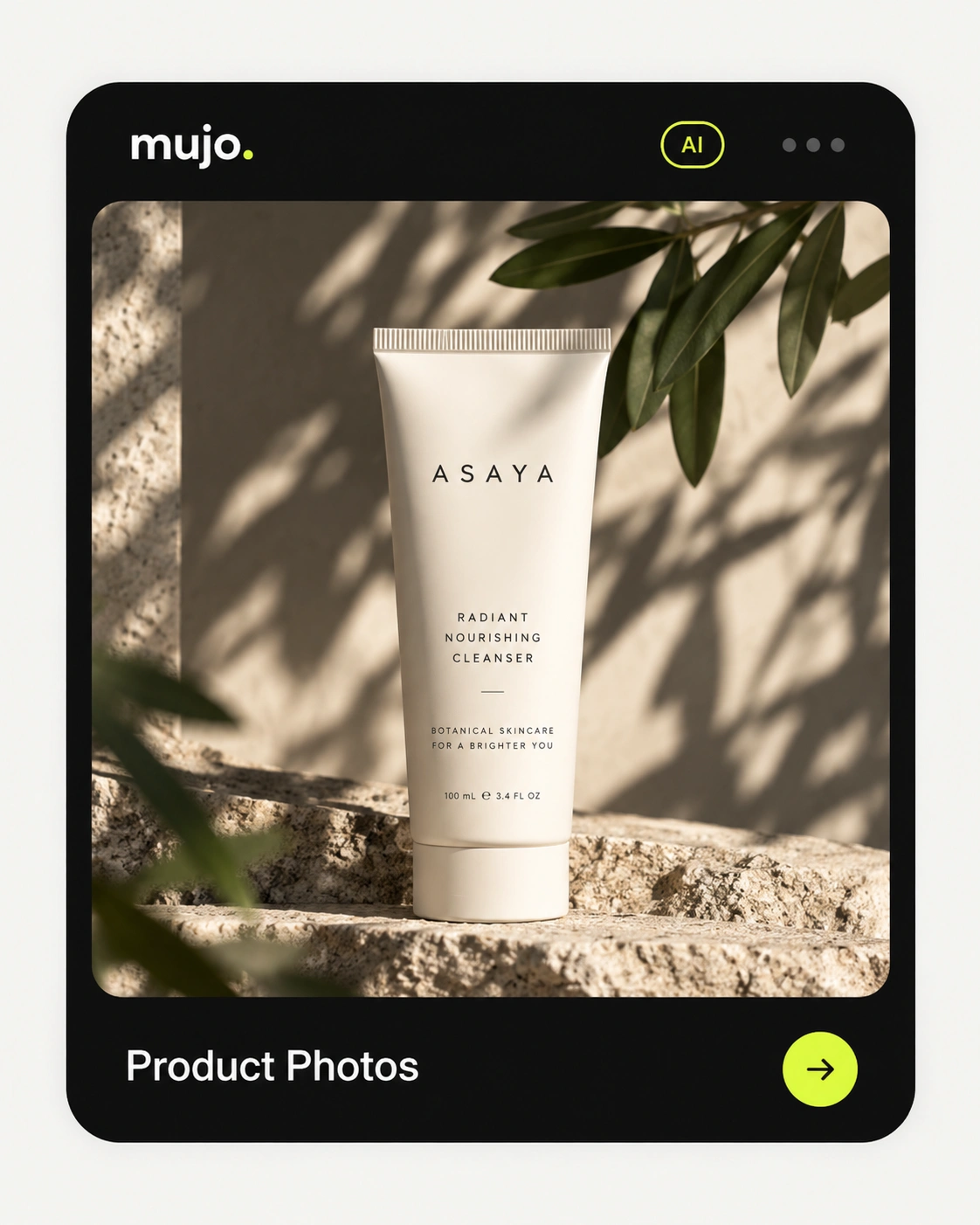
Marketplace-ready packshots to the spec each platform wants — clean background, correct ratio, consistent across every SKU in the catalogue.
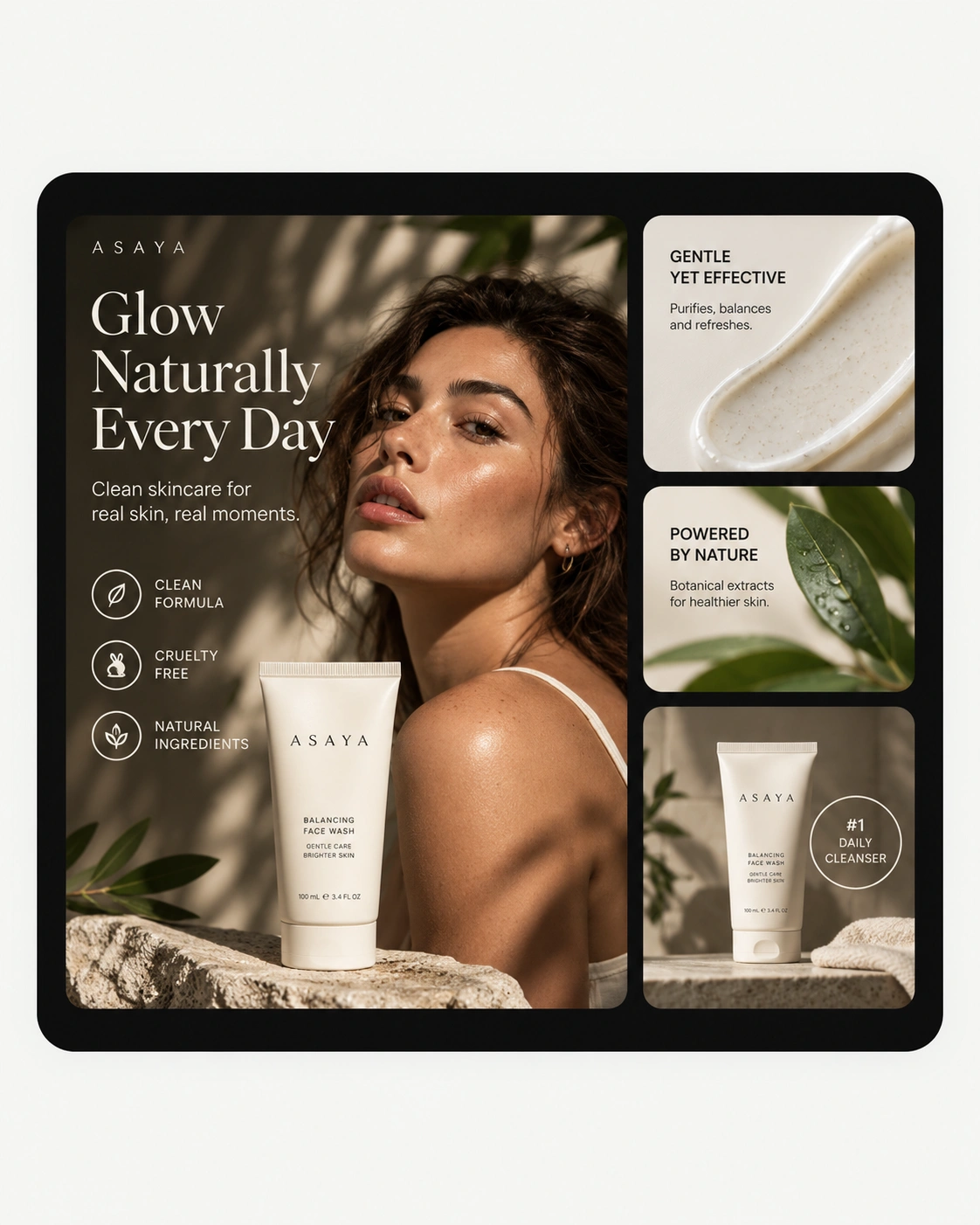
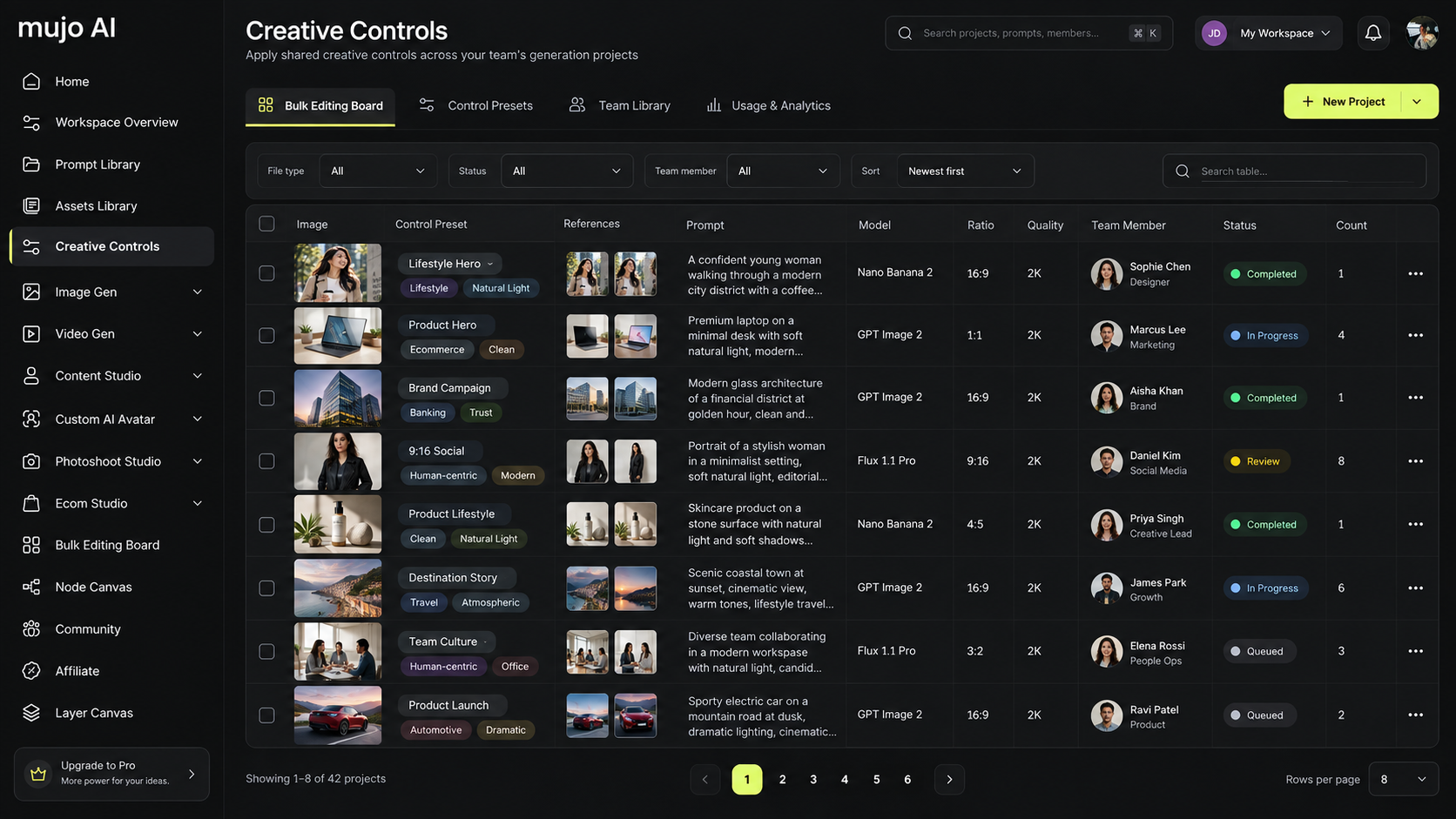
A product list too long to shoot becomes a production run: rows in, on-brand assets out, with one approved setup applied down the whole column.
Key visuals for a campaign, then the crops, ratios and channel versions built from the same approved master rather than re-cut by hand.
Many takes on one idea for testing and channels. Change a single variable — light, angle, scene — and hold everything else exactly as approved.
A month of posts that read as one account. Vertical, square and feed formats produced together instead of resized after the fact.
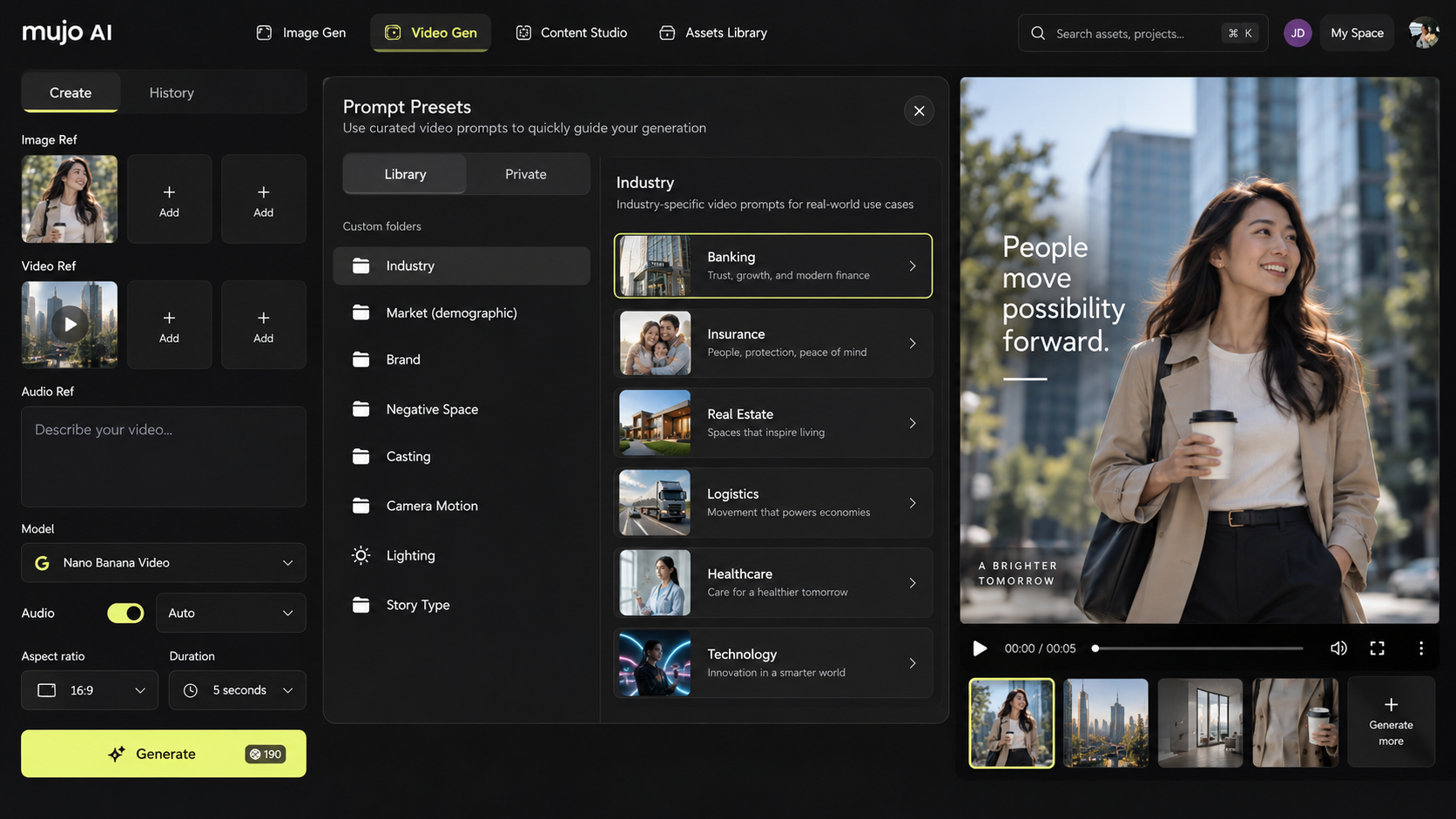
Short-form video ads generated from an approved still, with camera movement and pacing set as controls rather than described in a prompt.
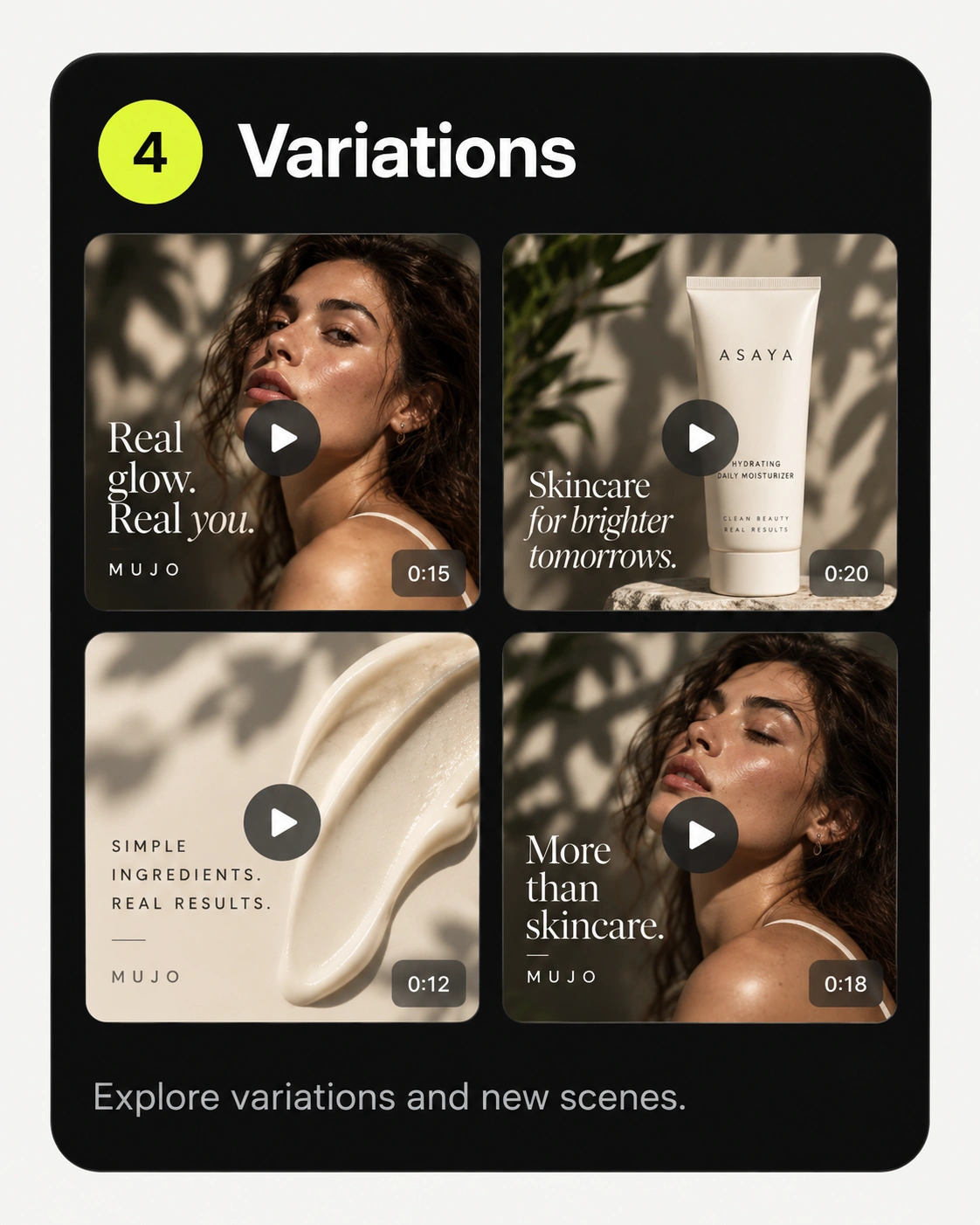
Creator-style clips that look filmed rather than rendered — the format that carries most paid social, produced without booking creators for every variant.
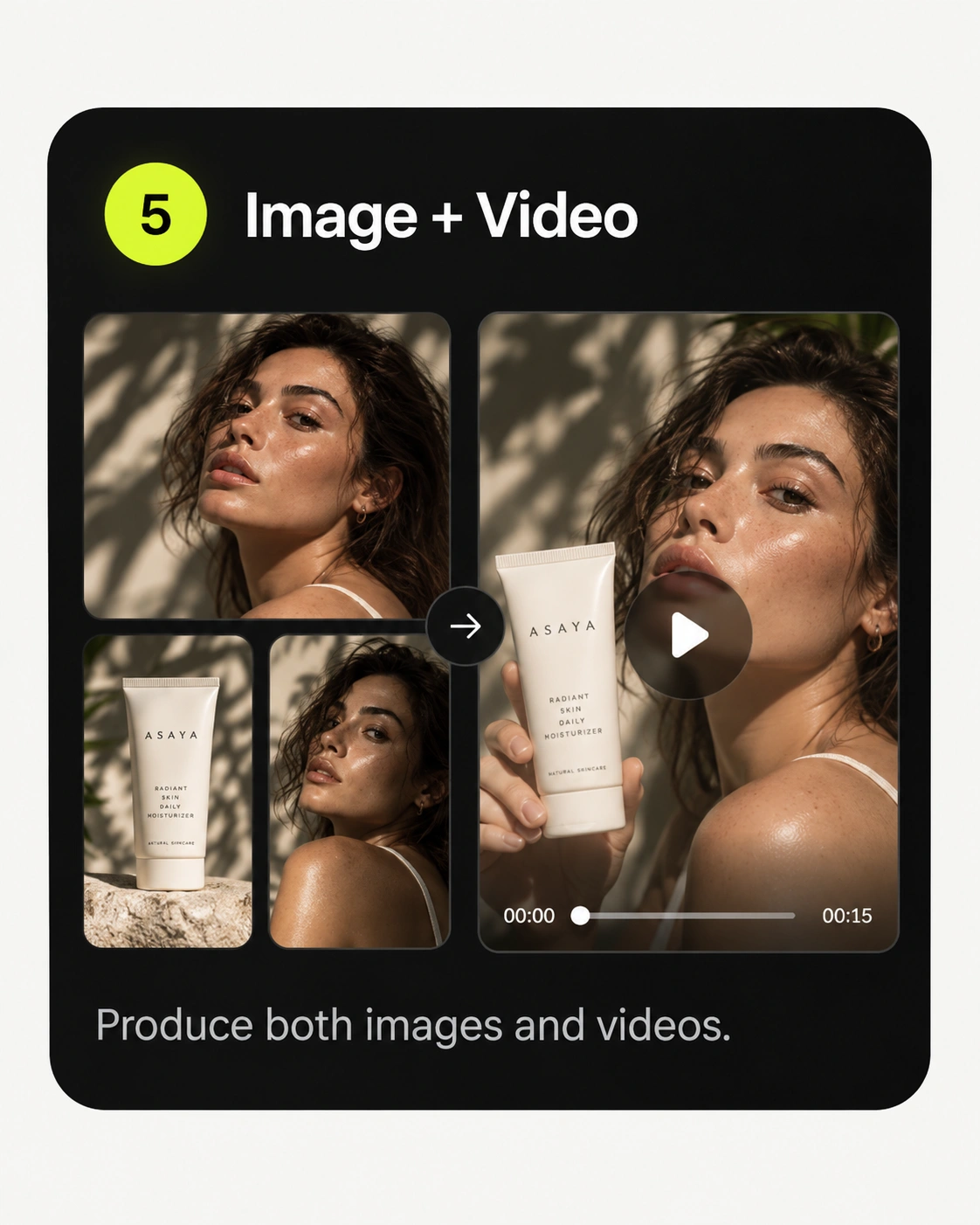
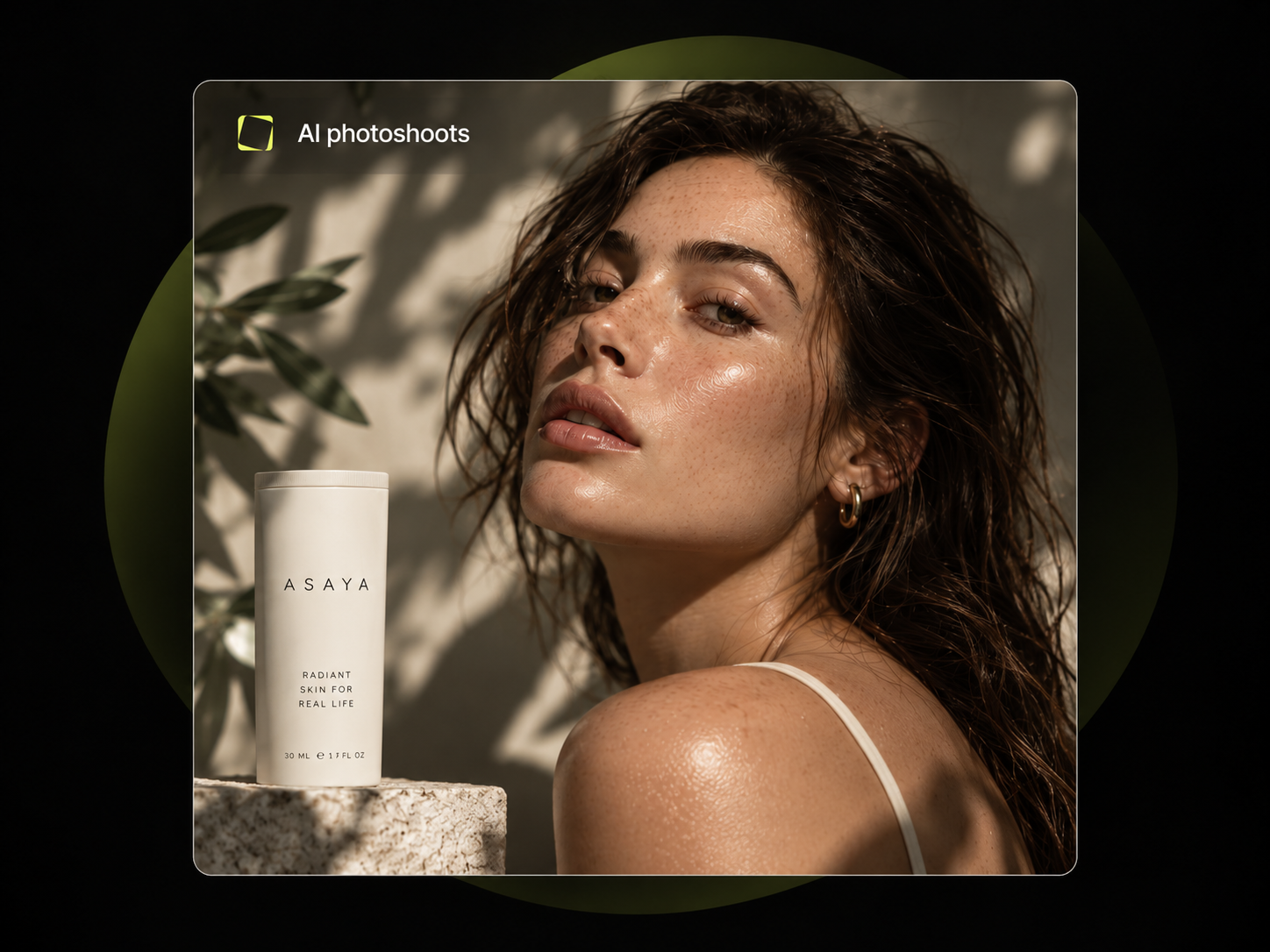
Model and lifestyle photography from a concept. Cast a range of faces, keep the ones that fit as reusable characters, and shoot them again next season.
Show an idea moving before anyone commits budget: shot lists, framing and scene direction visualised while the brief is still a brief.
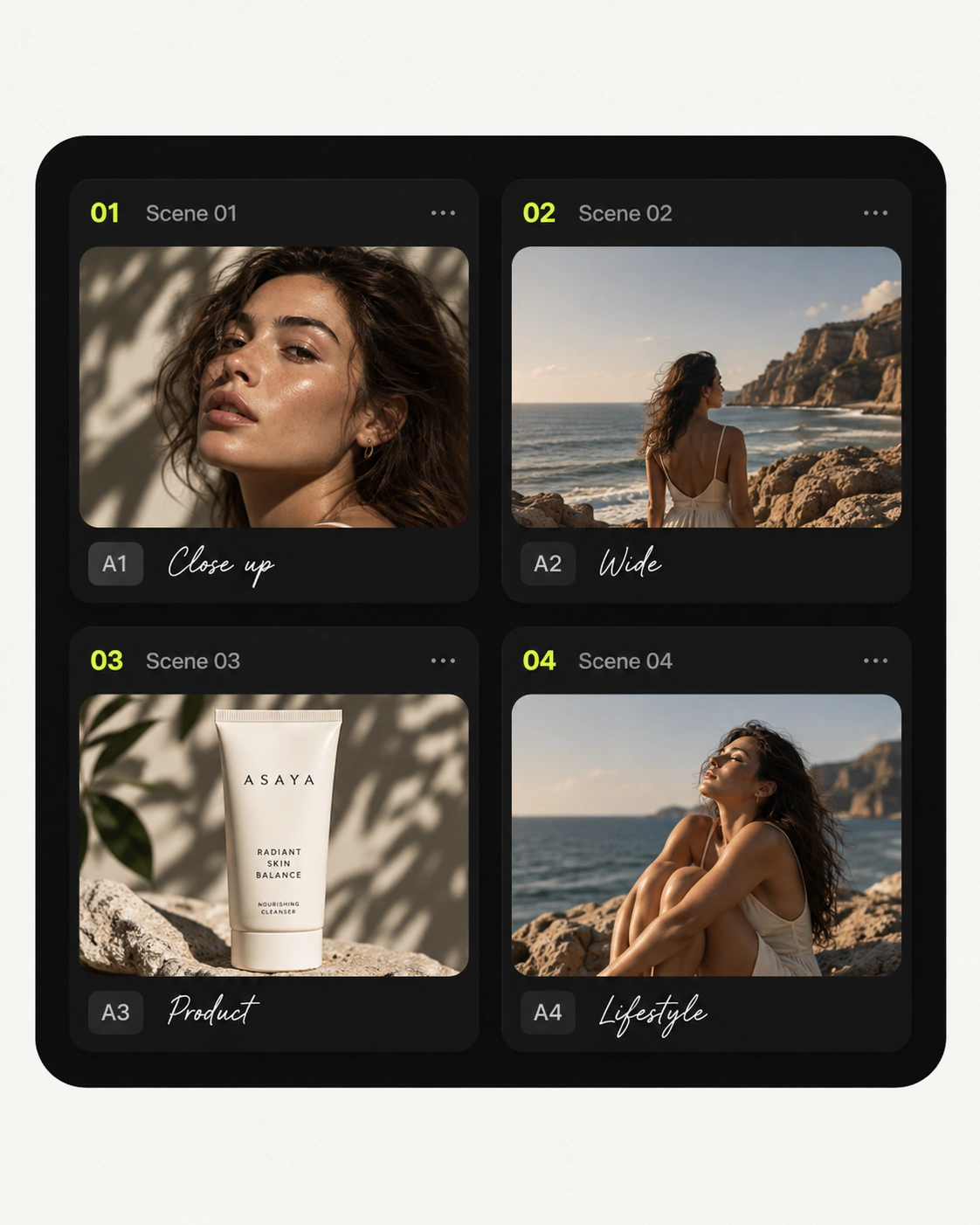
Every use case above runs the same six steps. What changes is the input and the setup you save at the end.
Start with a product, an idea or a creative brief.
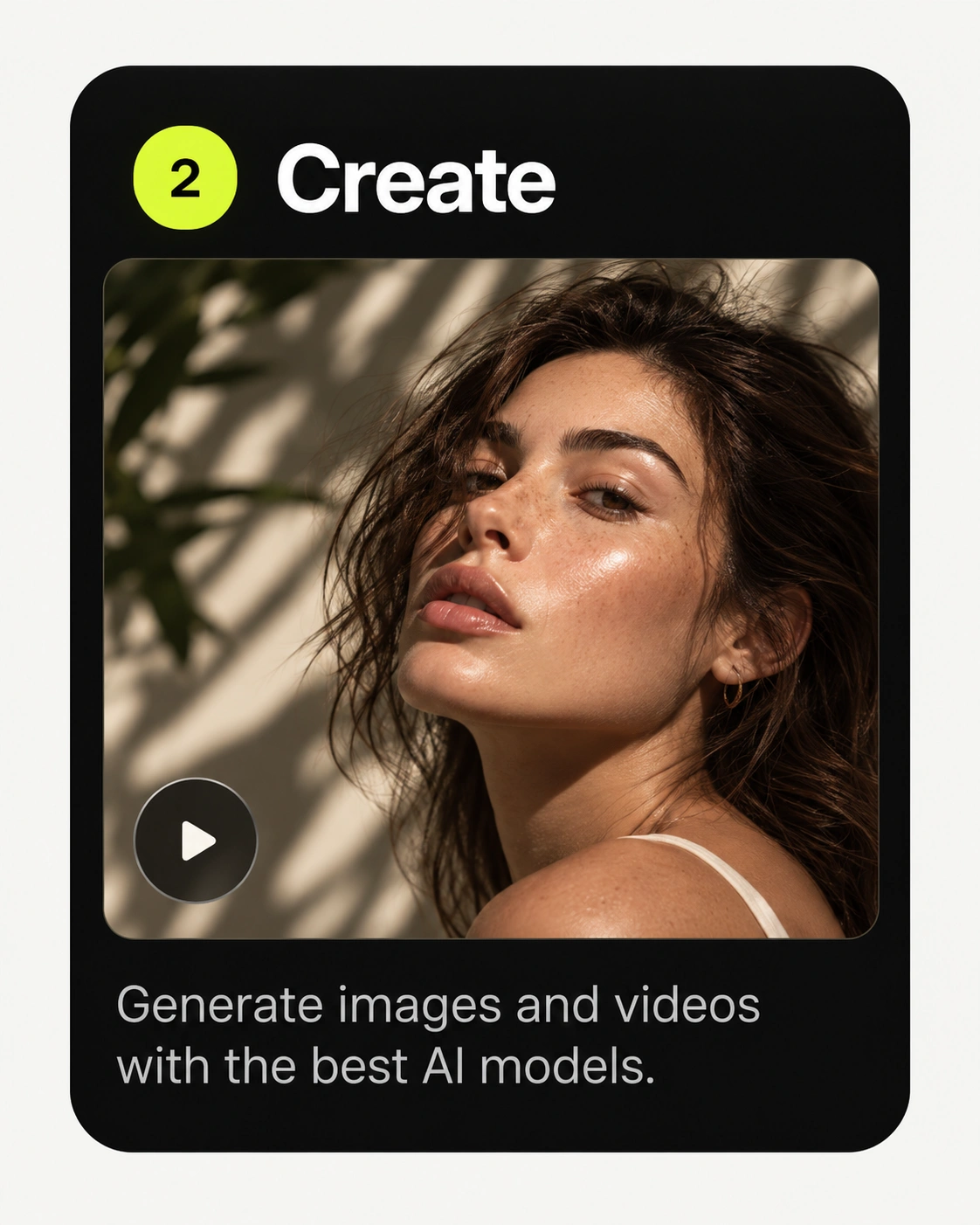
Generate images and video on the model that suits the job.
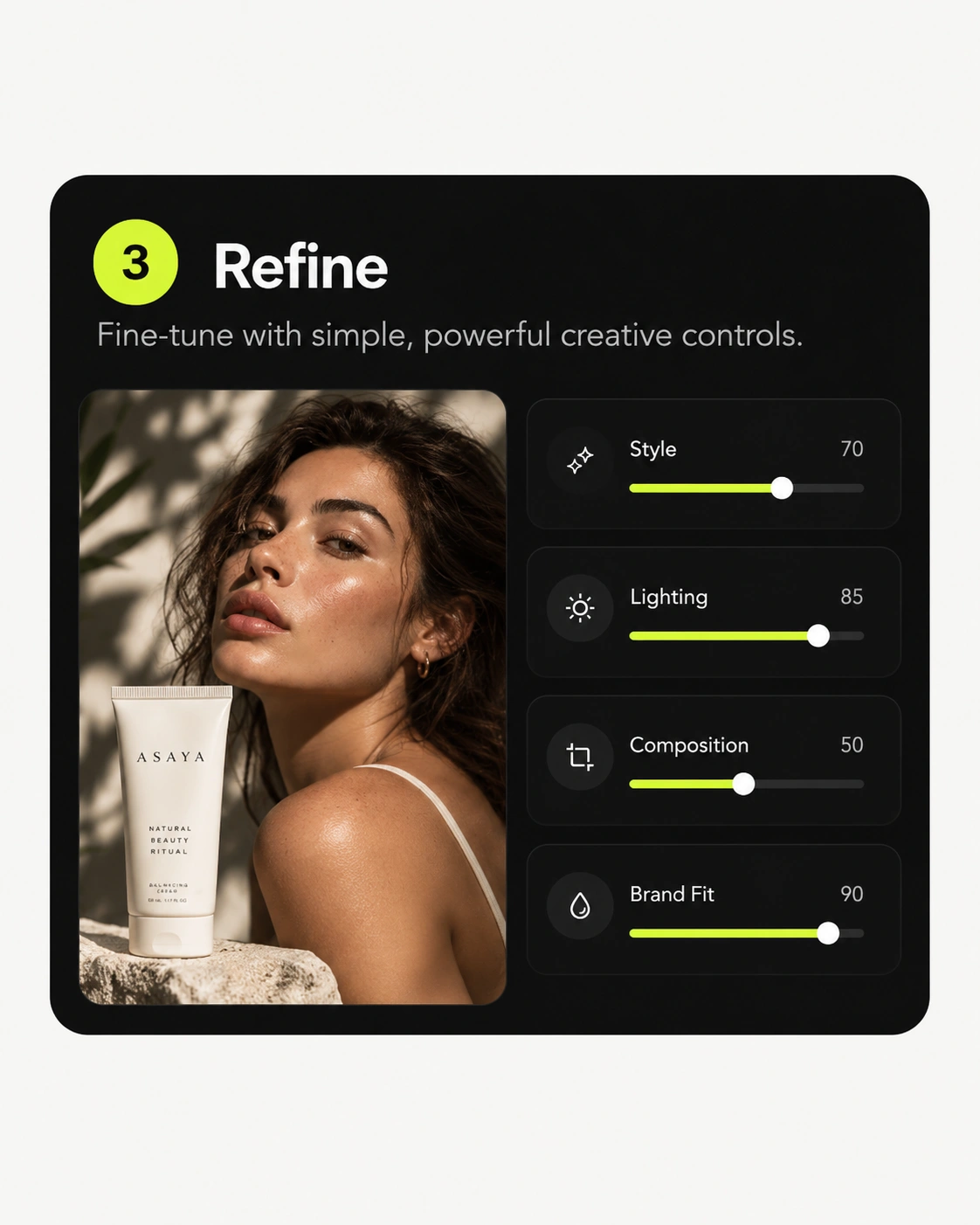
Direct the result with controls instead of rewriting the prompt.
Explore alternatives and new scenes from the same setup.
Turn an approved still into the clip beside it.
Export in the formats each placement expects.
Mujo connects the major providers rather than betting on one, and new models appear in the same selector as they launch. Whichever use case you pick above, the model is a choice you make per job — not a platform you are locked into.
See what's includedGPT Image 2.5, GPT Image 2, Nano Banana 2, Nano Banana Pro, Nano Banana Light, Midjourney, Seedream 5.0 pro, Seedream 5.0 lite and Grok Imagine.
Veo 3.0, Kling 3.0, Seedance 2.5, Seedance 2.0, Seedance 2.0 Fast, Seedance 2.0 Mini and Grok.
A saved control setup carries over when you switch model, so comparing two models on the same job takes one click rather than a rebuild.
Four routes people take most often. Start from the closest one and change what your brief needs.
The job list barely changes between a solo creator and a brand with a thousand SKUs. What changes is how much of it has to be repeatable.
Catalogue photography and listing images at a volume no shoot schedule covers.
One workspace to create, review and ship campaign assets across channels.
More client campaigns through one production system, with a separate setup per account.
A studio's output held together by one person, using saved setups instead of memory.
Every use case on this page is a combination of the same four things. Each has its own page if you want the detail.
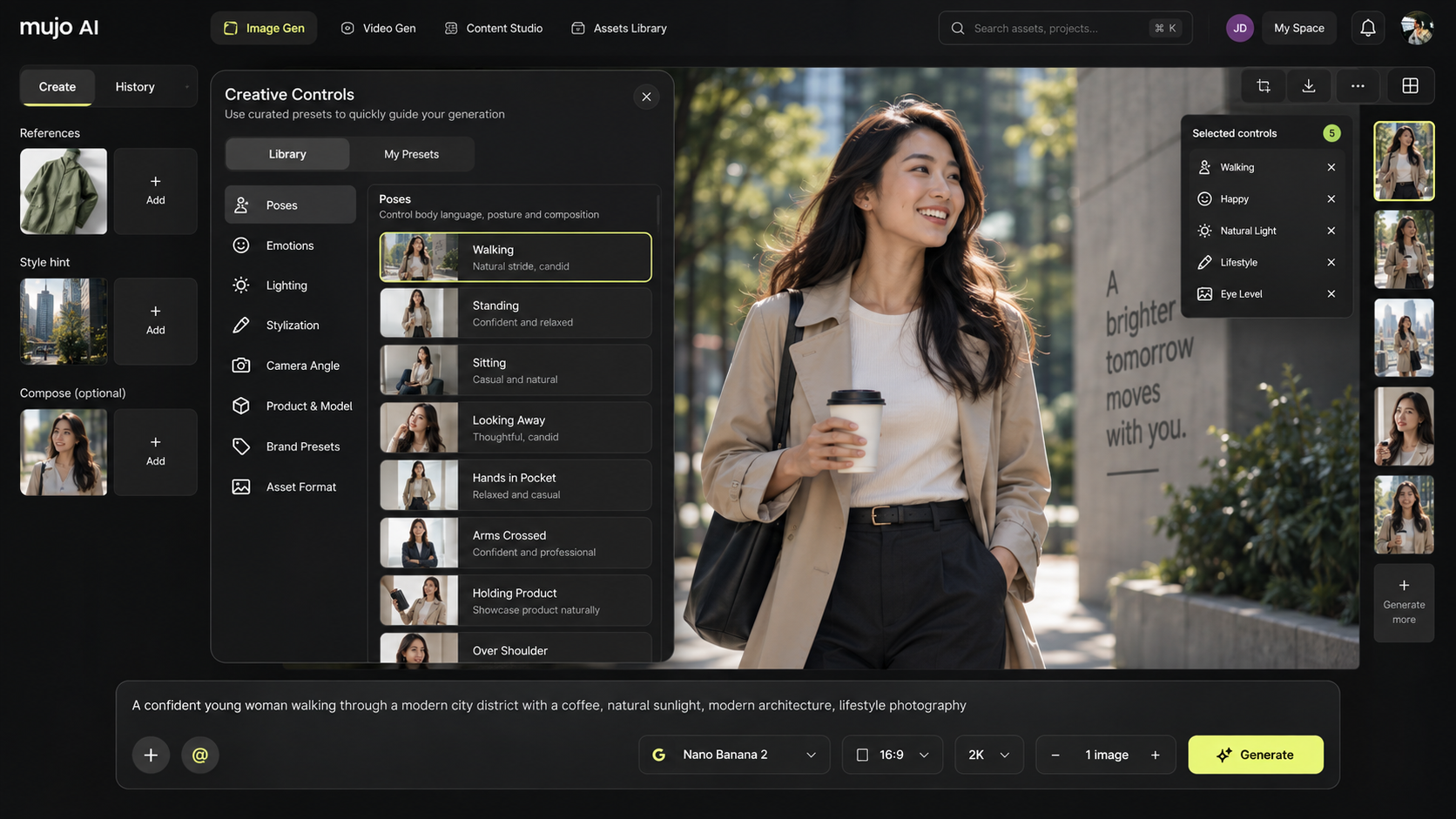
Over 100 ready-made controls grouped as Poses, Emotions, Light, Lighting Effects, Stylization, Angle, Look and Product & Model — plus the ones you build yourself.
Production as a table: rows for assets, columns for variables, one approved setup applied to all of them, with no cap on batch size.
Text, image, asset or saved character into video, with camera movement and motion set as controls.
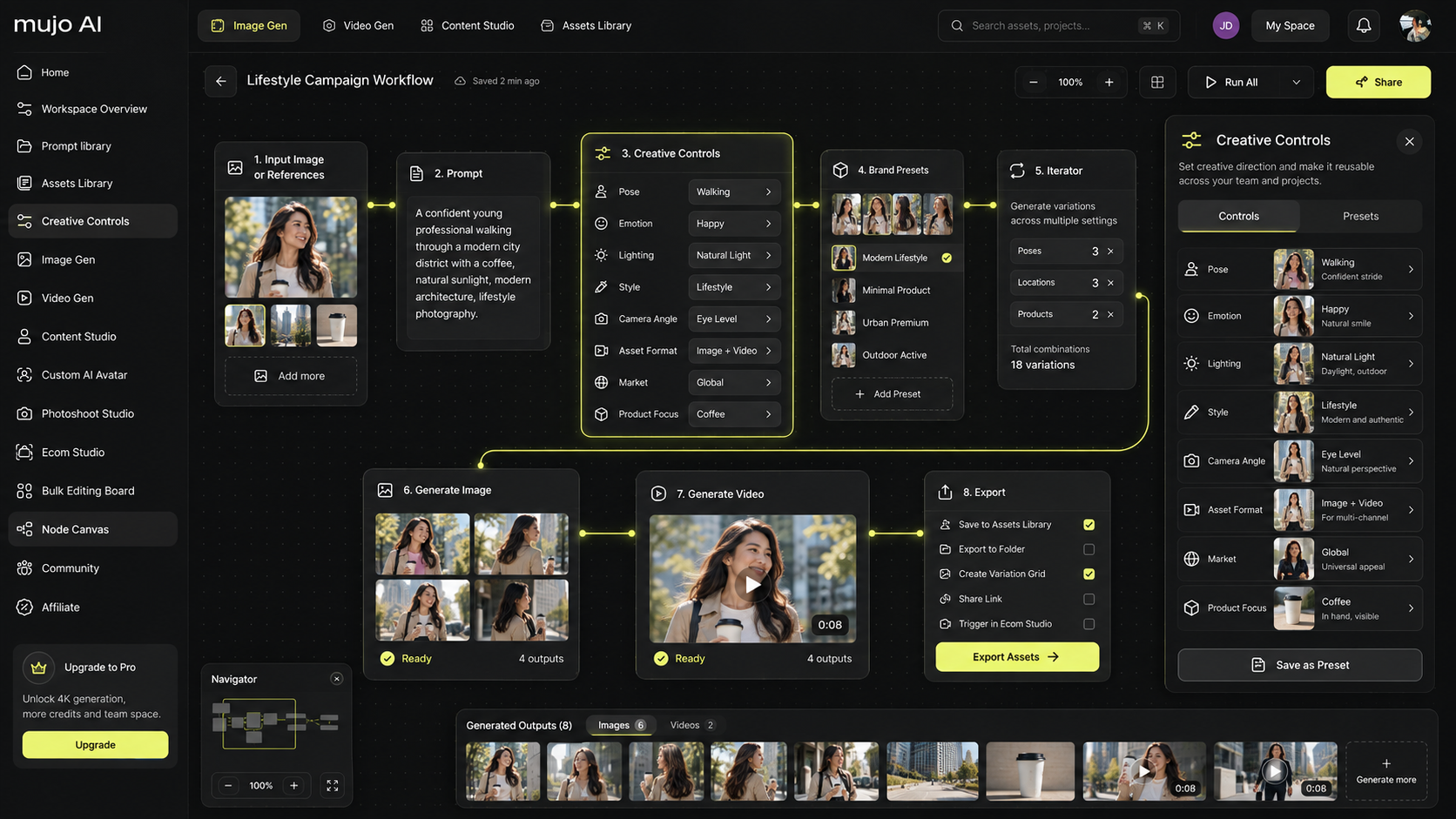
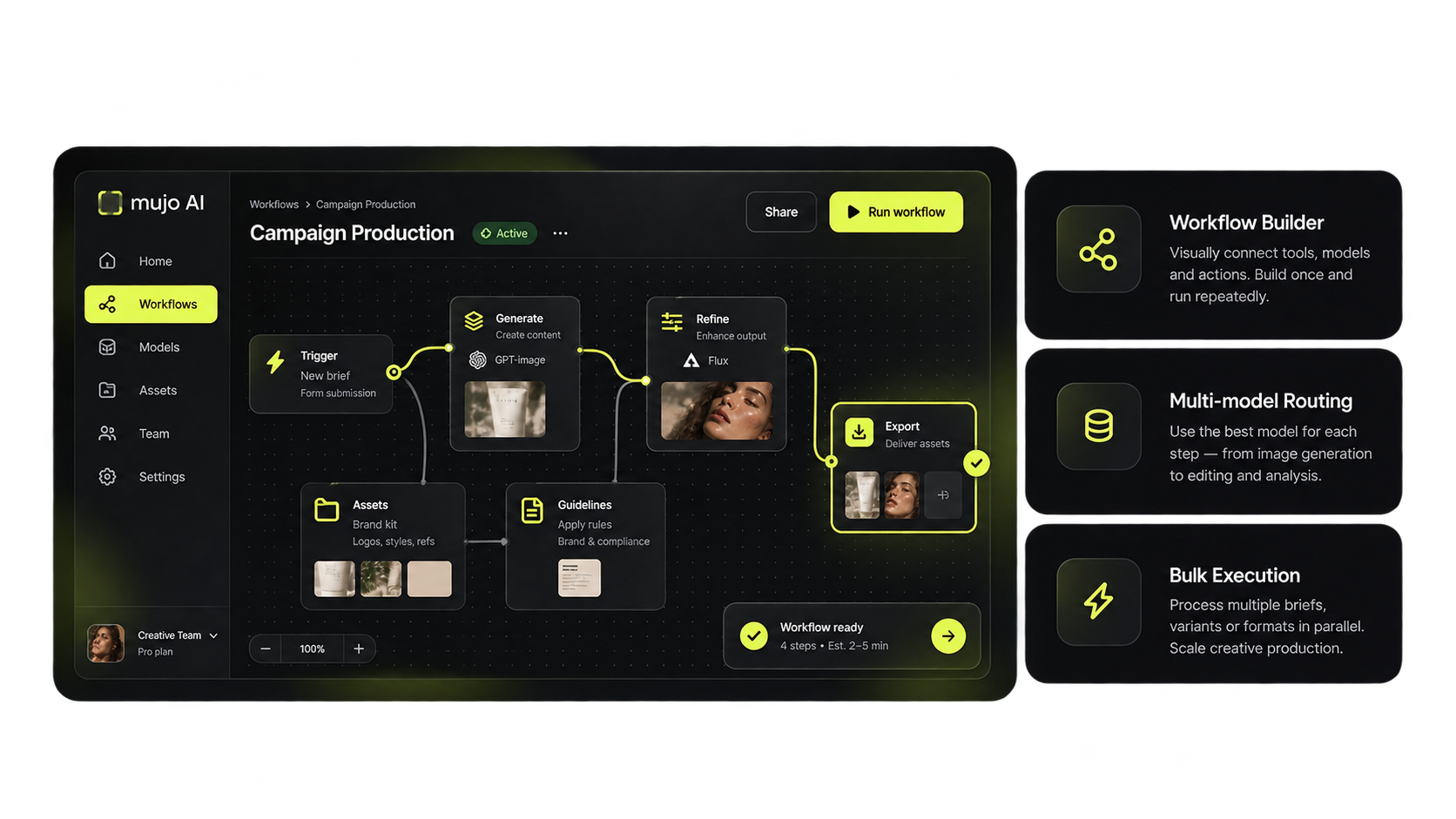
Wire the steps into a workflow once, then run it again on new inputs — or point it at a whole table of them.
Generic tools produce one good image. The difference shows up on the twentieth asset, when it has to belong with the first.
Sixteen image and video models in one selector, chosen per job rather than per subscription.
Camera, light, pose and style as settings you save, so consistency is a setup rather than luck.
Build the process once in Node Editor and run it again whenever the brief changes but the process does not.
An approved still becomes the starting frame for the clip beside it, inside the same run.
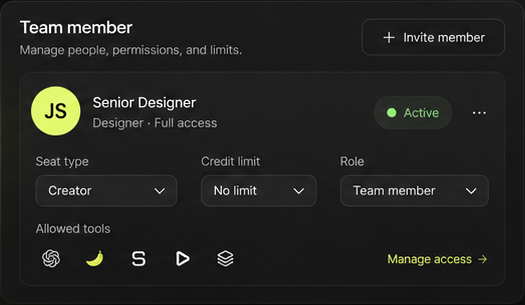
Shared setups, roles and usage limits, so a large run does not become one person's private folder.
You can run the simplest version of most of these on a free account before any of it becomes a decision.
20 credits for image generation and full access to the control library. Video generation is not included.
Video generation, and shared setups for a team, start at the first paid plan.
Short guides on picking a model, using reference images and building a reusable generation workflow.
Not case studies — the shape of the work, so you can see where your own brief would fit.
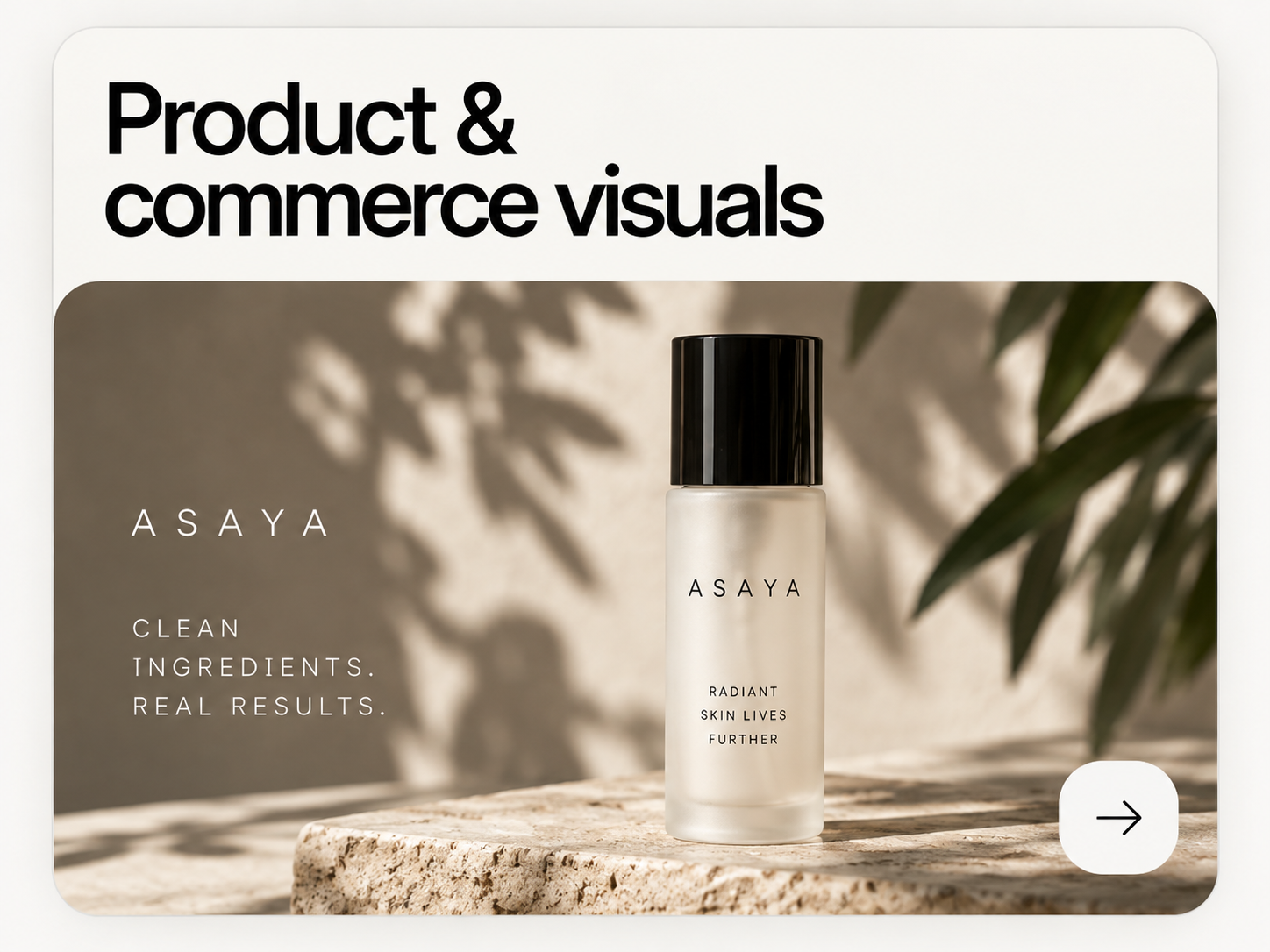
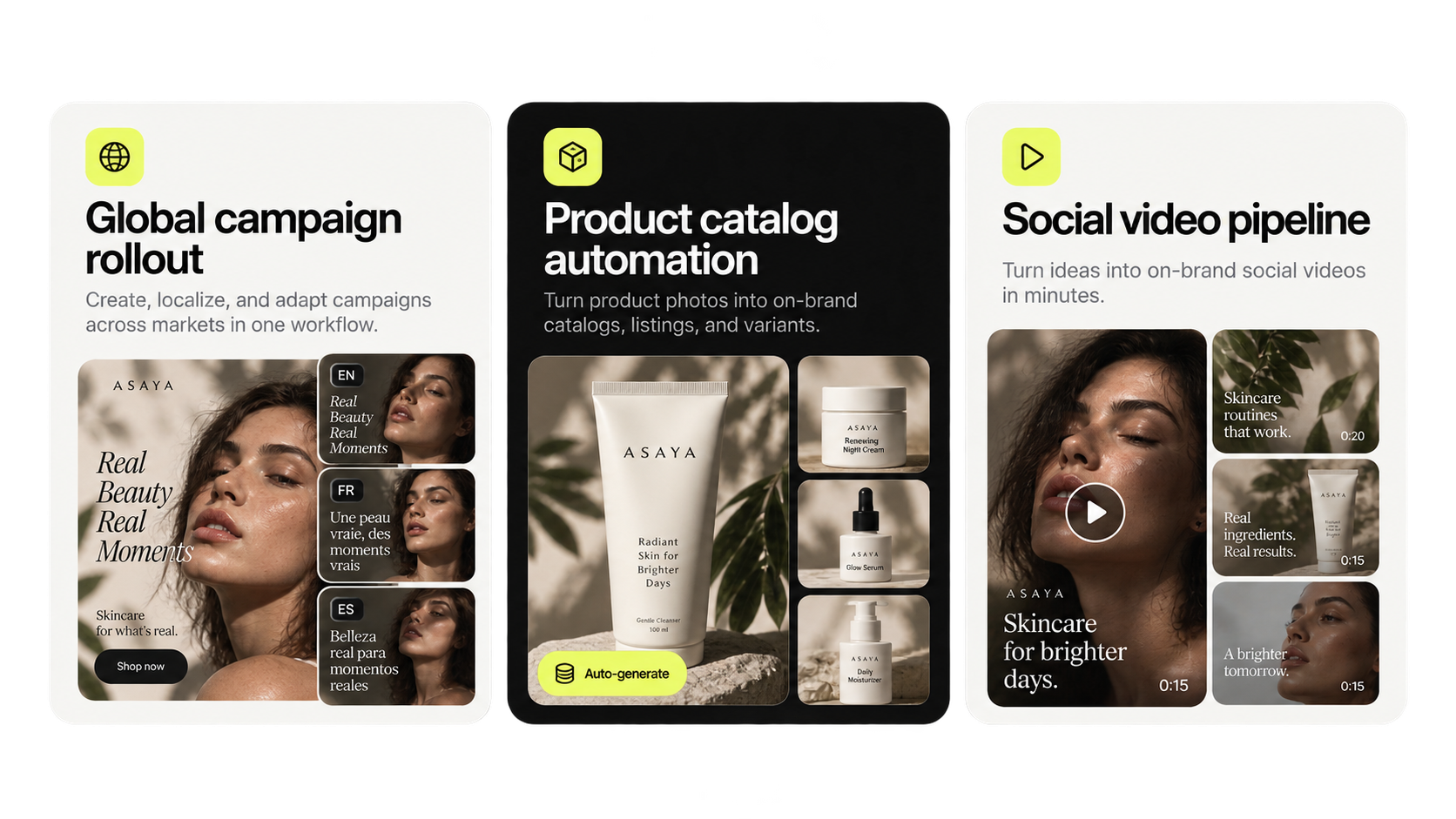
One product shot becomes the approved setup. From it: hero visual, packshots for each marketplace, social crops and a short clip — all carrying the same light and angle.
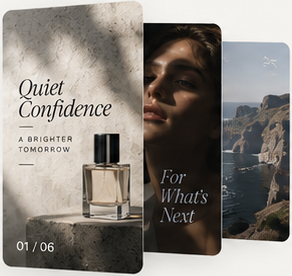
A key visual is approved once, then adapted per channel and per market from the same master rather than rebuilt in each format.
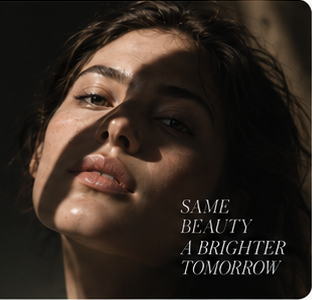
A concept becomes a casting sheet under identical lighting, the chosen faces are saved as reusable characters, and the shoot can be repeated next season.
Product photography, marketplace listing images, full catalogue production, campaign key visuals, creative variations, social content, short-form video ads, UGC-style clips, AI photoshoots and storyboards — from one workspace.
Yes. The same workflow produces stills and motion, and an approved still can be used as the starting frame for the clip beside it.
Image: GPT Image 2.5 and 2, Nano Banana 2, Pro and Light, Midjourney, Seedream 5.0 pro and lite, Grok Imagine. Video: Veo 3.0, Kling 3.0, Seedance 2.5, 2.0, Fast and Mini, and Grok.
Listing images and catalogue production are among the most common jobs here, including generating a whole catalogue from a product set in one run.
Camera, lighting, pose and style are saved as a control setup and applied to every generation, so consistency comes from the setup rather than from prompt wording.
Yes — shared setups, roles, permissions and usage limits. Shared controls are available from the first paid plan.
Workflows are reusable by design. Build one in Node Editor, then run it again for the next product, campaign or market.
Yes. A free account comes with 20 credits for image generation; video generation requires a paid plan.
Each of these has a page of its own with the workflow written out step by step.
Studio-grade product photography without a studio.
Marketplace-ready packshots for every SKU.
A content calendar that reads as one account.
Advertising creative across channels and formats.
Consistent portraits and casting from one concept.
Pick the job that comes up most often in your calendar and run it once. That is usually enough to see whether the rest of the list follows.