AI influencers
Build a recognisable recurring personality for an always-on social account.
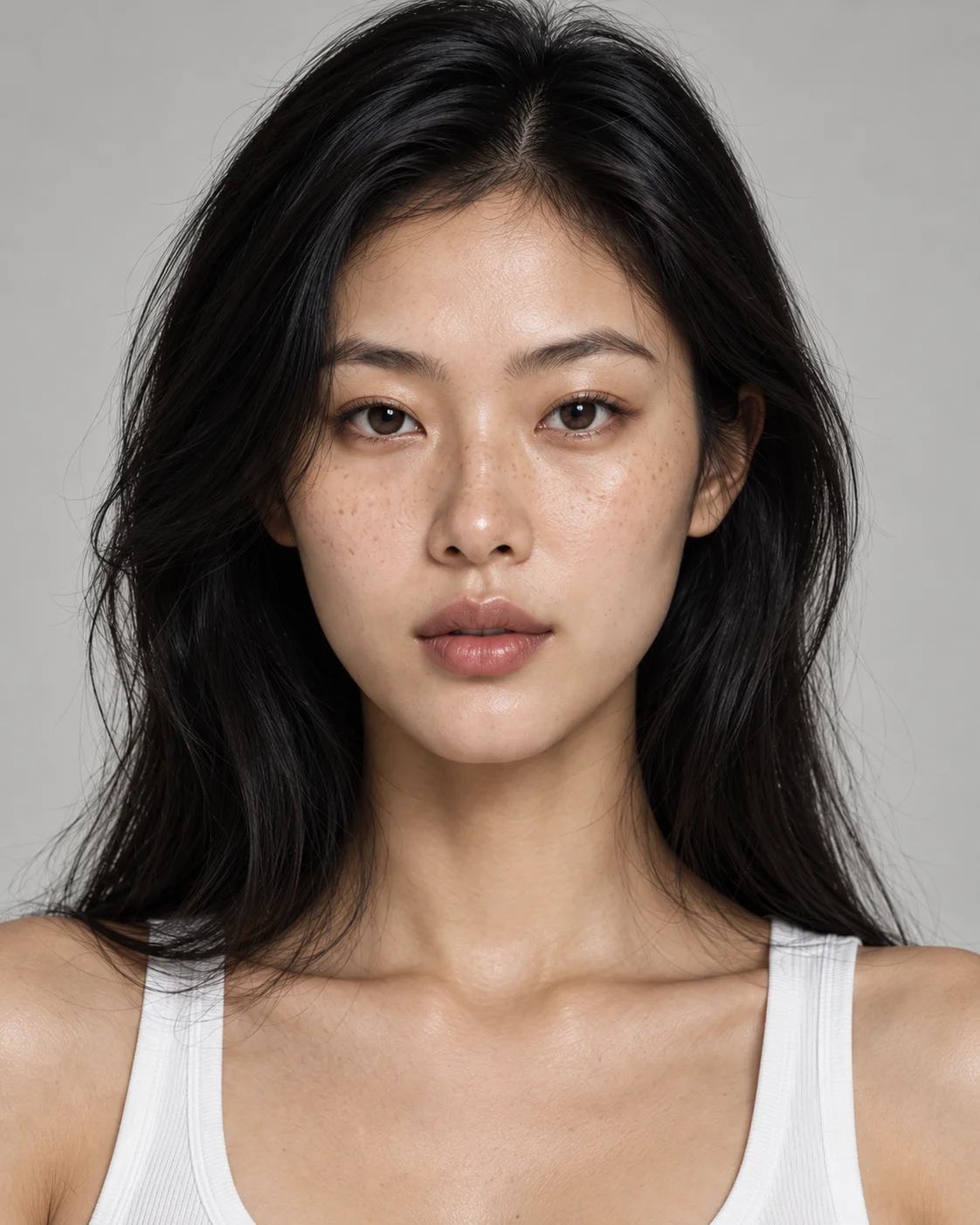
Build a unique AI character from scratch, from a prompt or from reference images — then use that same identity across images, video, photoshoots, campaigns and every Mujo workflow. The point is not one good portrait. The point is that the hundredth one is still the same person.
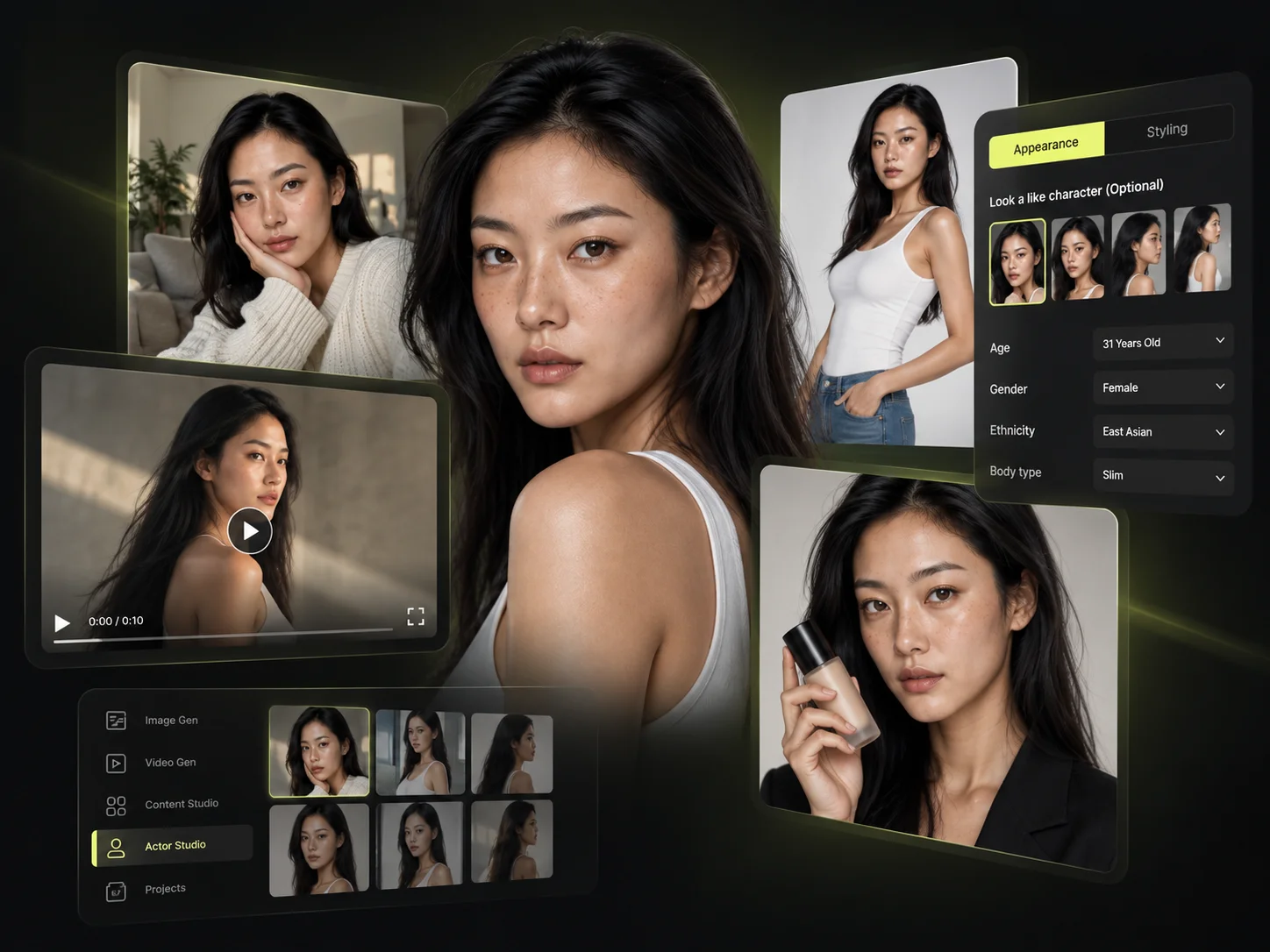
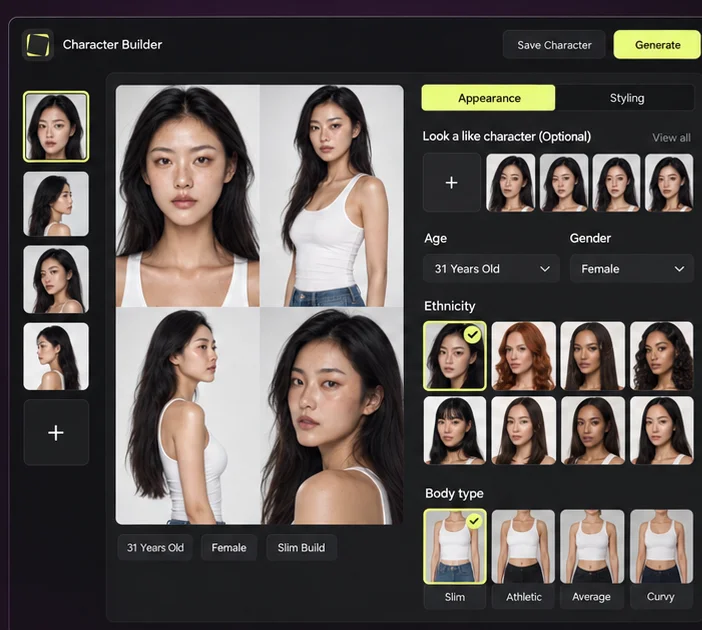
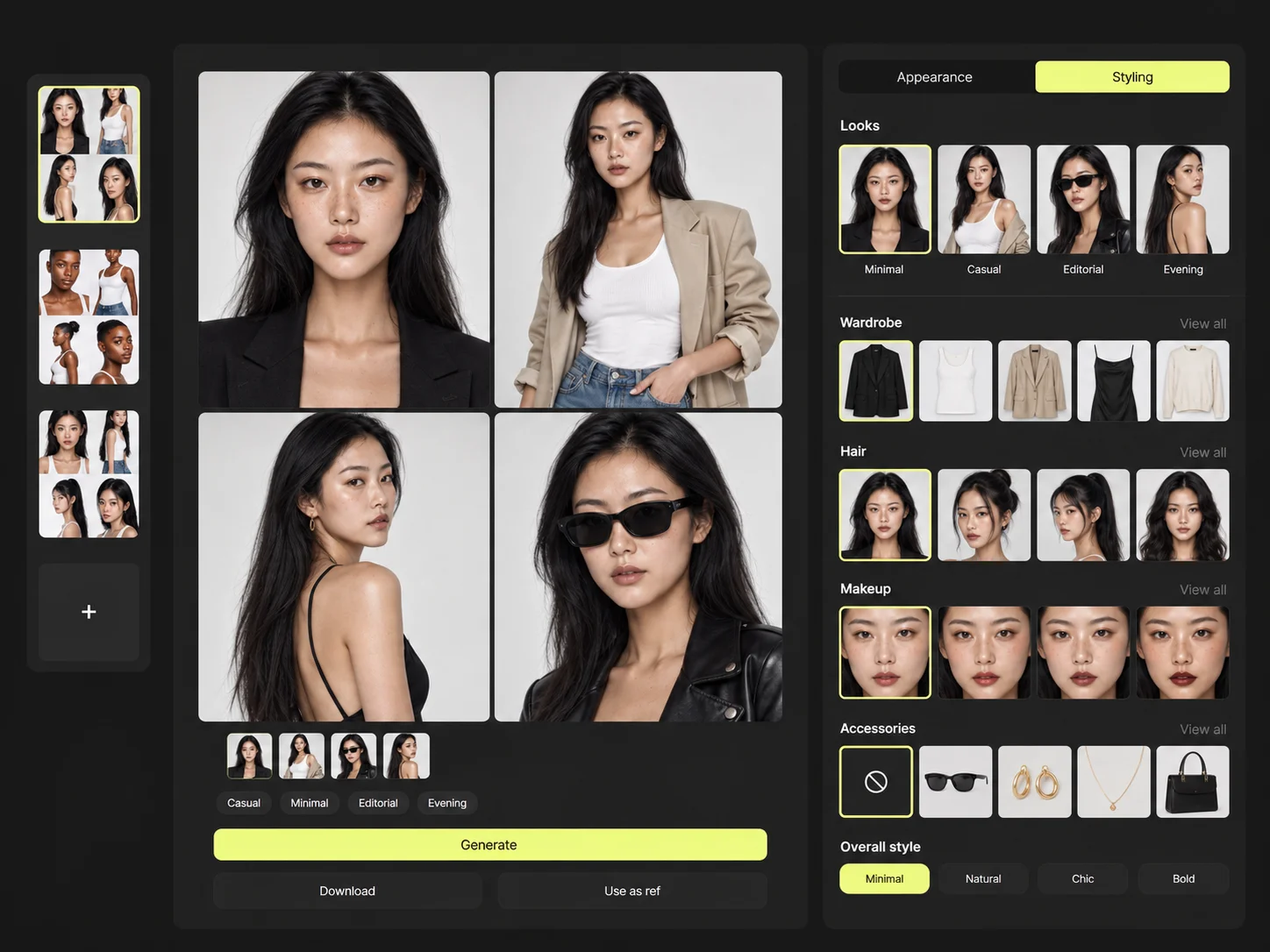
Start from a blank canvas, describe the person you have in mind, or work from references. Shape appearance and styling through visual controls instead of trying to describe a human being in a paragraph — from core appearance and body characteristics to hair, facial details, styling, makeup, accessories and more. New controls can be added without changing the way you work.
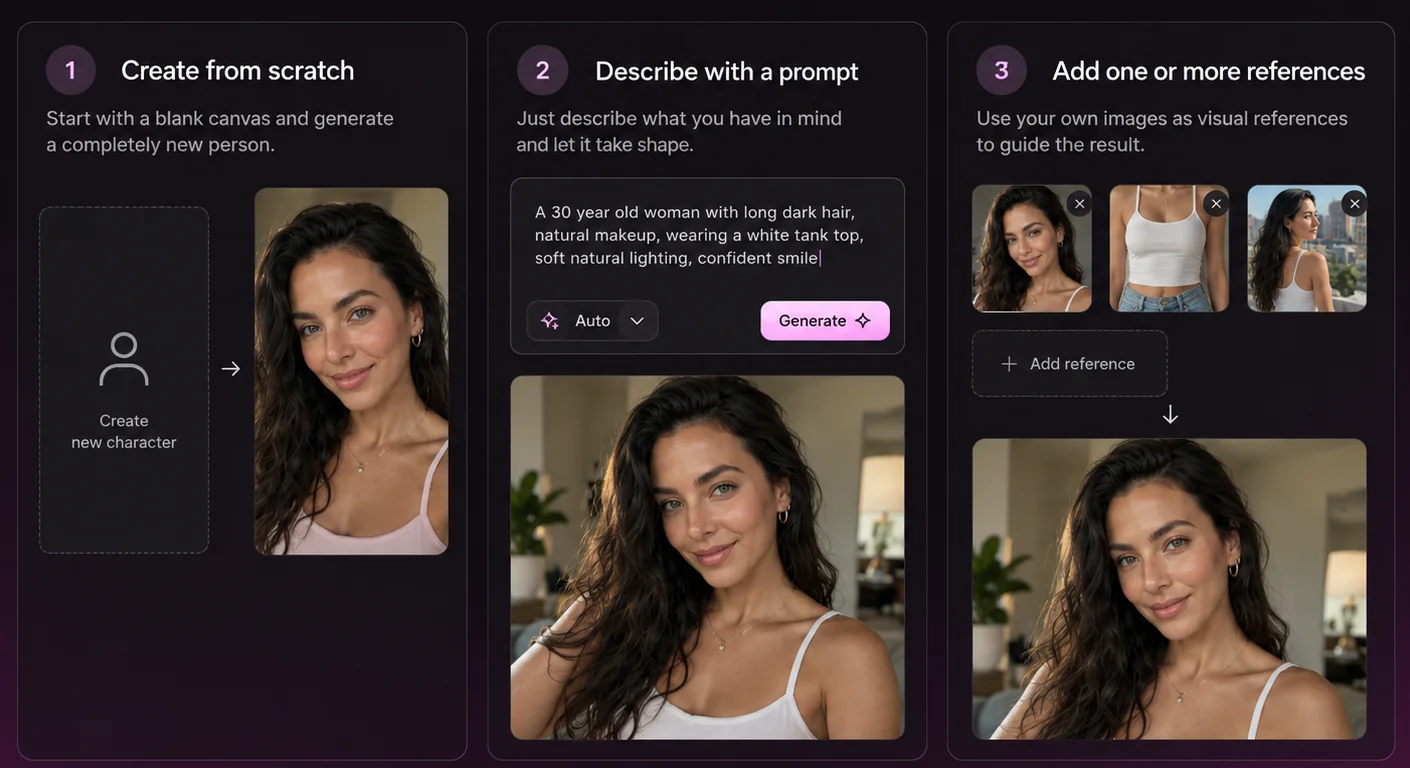
Build a completely fictional person, guide the result with a prompt, or work from visual references when you already have a direction in mind. All three lead to the same thing: a saved identity you can use again.
Your character is built to preserve identity across new images and video — even as you change outfits, scenes, poses, lighting and creative direction. This is the part that breaks in most tools: you get a face you like, then the next generation returns a stranger who looks vaguely similar. Here the identity is stored, not re-described.
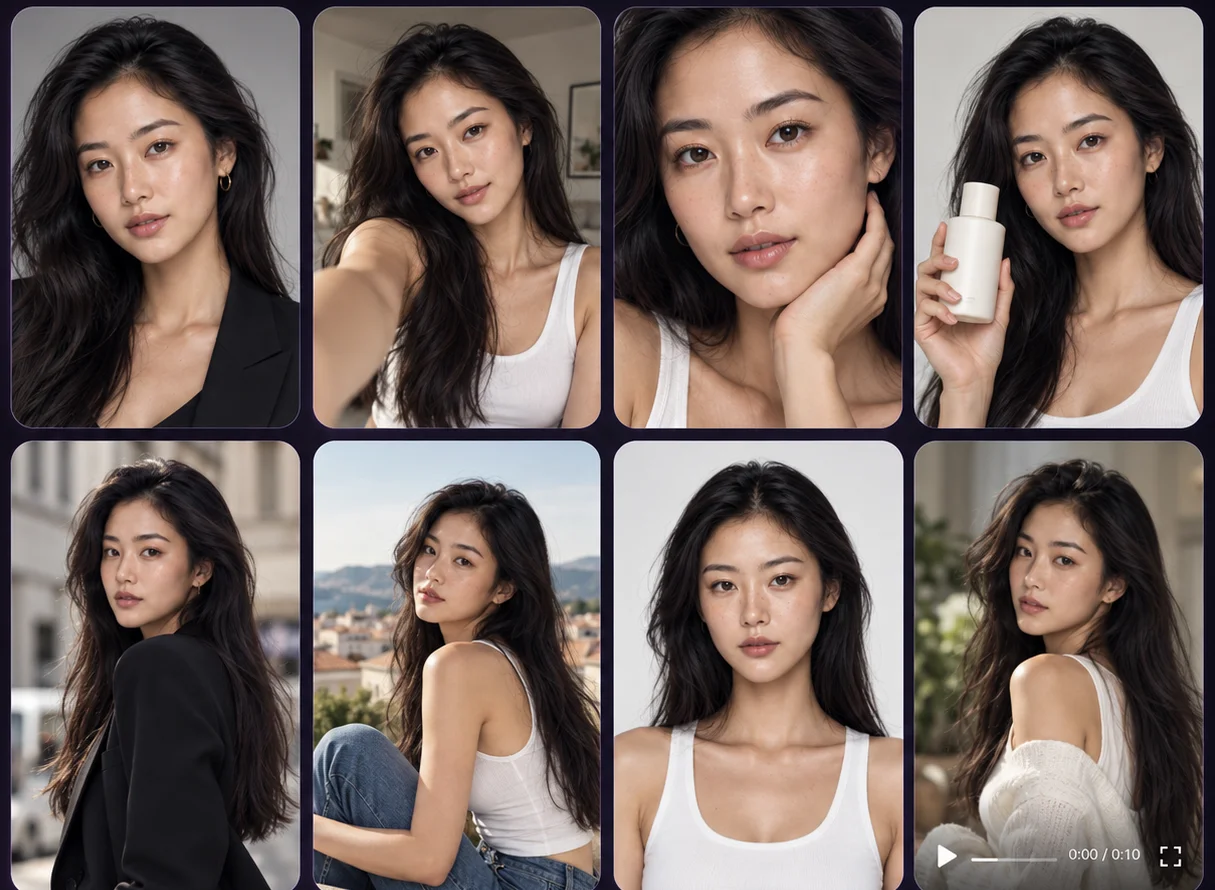
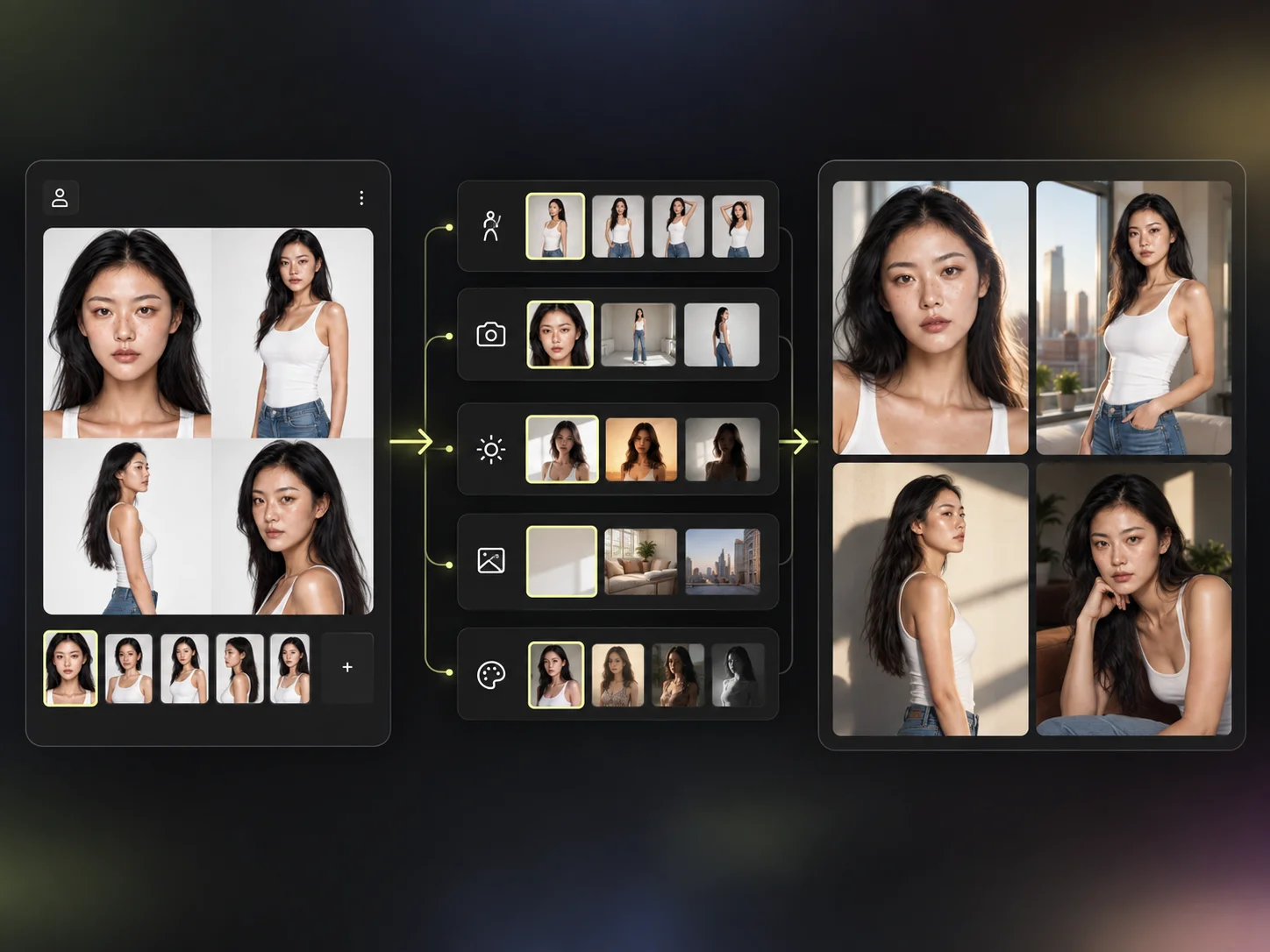
Two different jobs, kept apart on purpose. The identity stays fixed; everything about the shot — pose, camera, lighting, composition, environment and visual style — is directed separately, wherever you use the character in Mujo. That separation is why one character can appear in a studio packshot and a handheld social clip and still read as the same person.
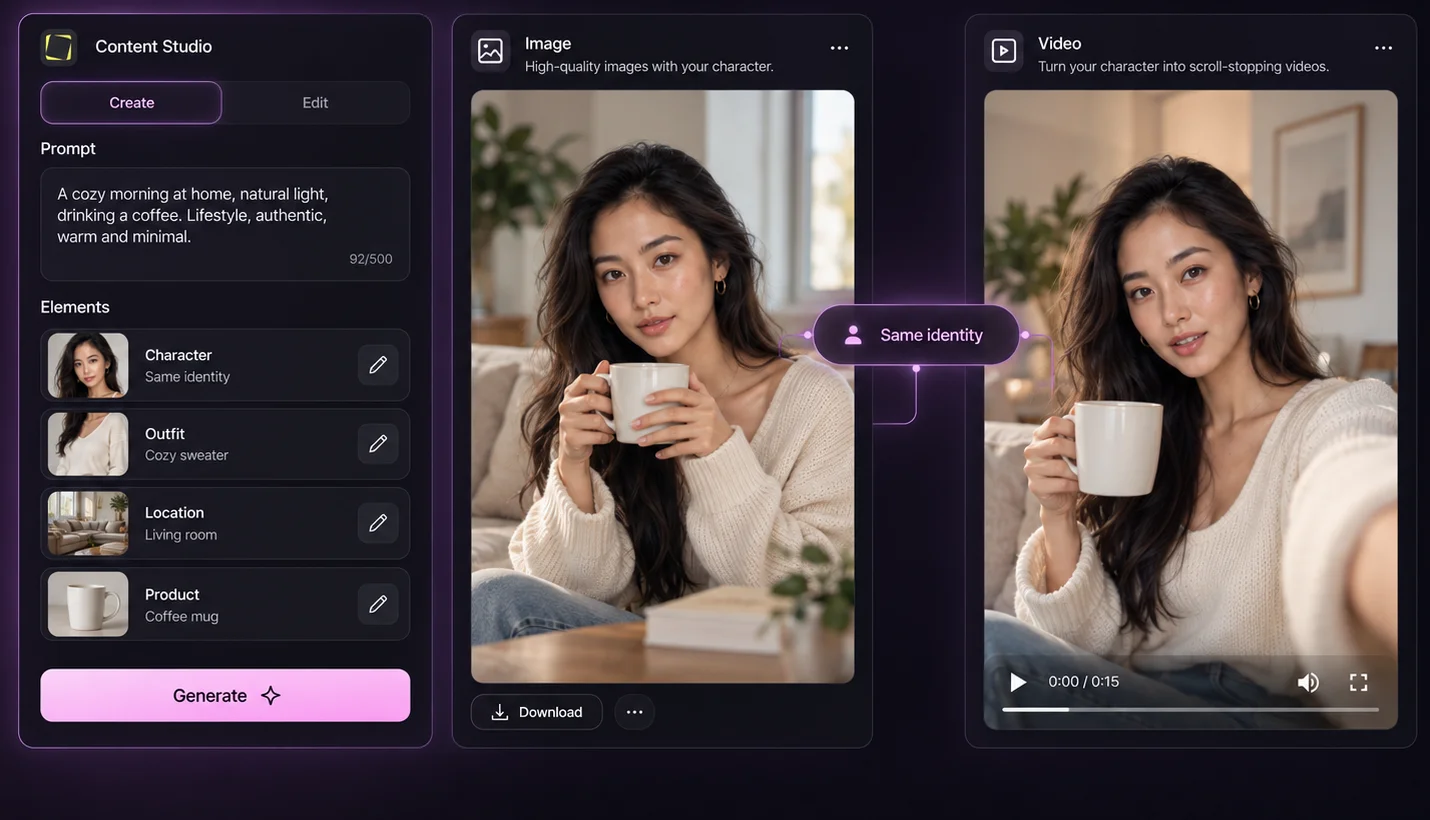
Move from still campaigns to motion without rebuilding the character. The same identity carries into visual content, UGC-style creative, social video and campaign production — so a face introduced in a product shot can appear in the clip that runs next to it.
Your character is an asset — not an output. It is saved in the workspace and available from every tool on the platform, which means the person you designed on Monday is selectable on Friday, in a different project, by a different member of your team.
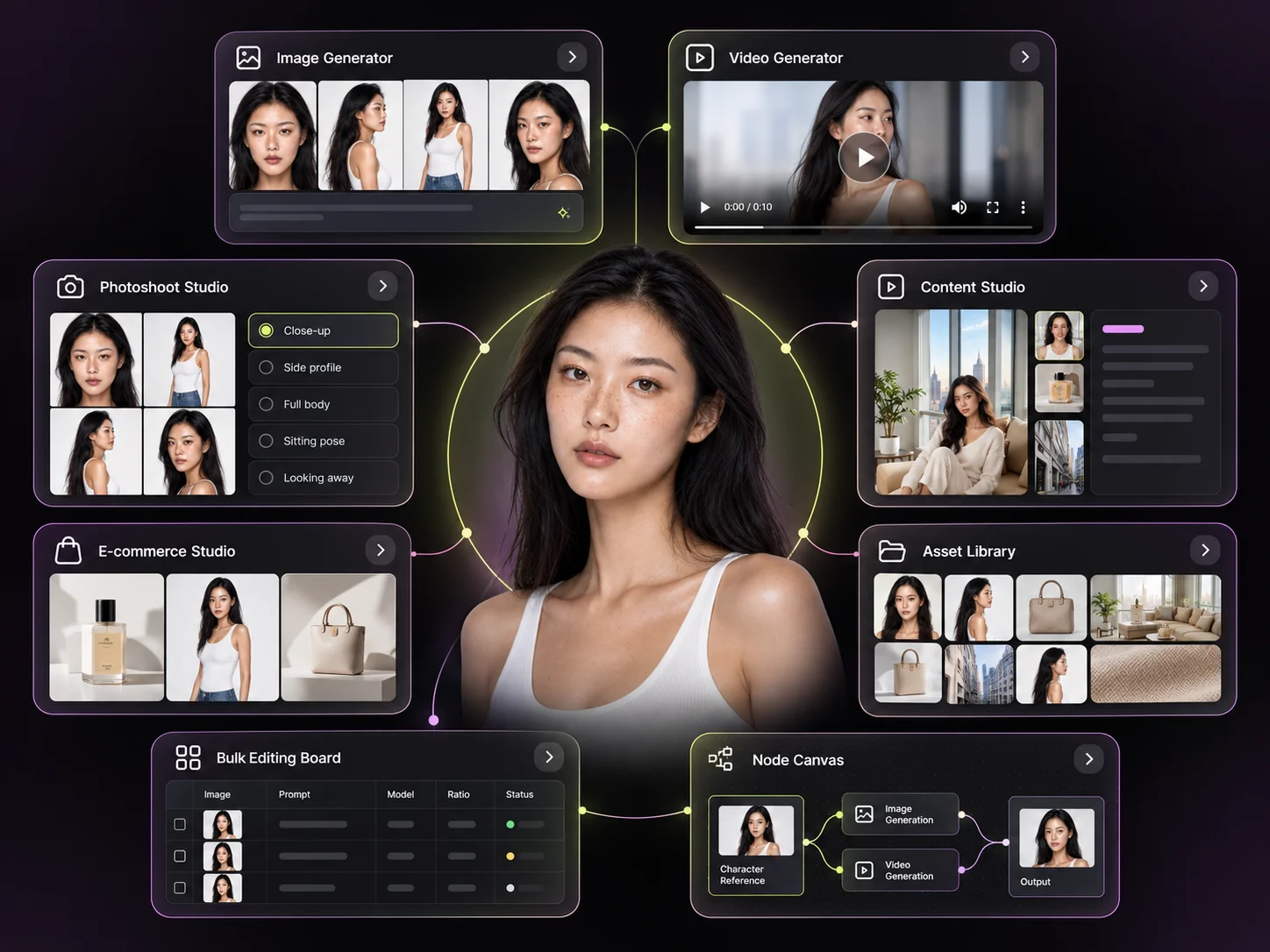
Generate new images with the same identity.
Bring the character into video production.
Build complete shoots around the same person.
Create recurring content around your character.
Use people consistently in commerce content.
Turn the character into a reusable workflow input.
Generate at scale without selecting the character each time.
Keep the character available across projects.
The reason to keep an identity rather than generate a new face each time is repetition. These are the jobs where the same person has to come back next week, next product and next market.
Build a recognisable recurring personality for an always-on social account.
Consistent creator-style characters for repeated campaigns and variations.
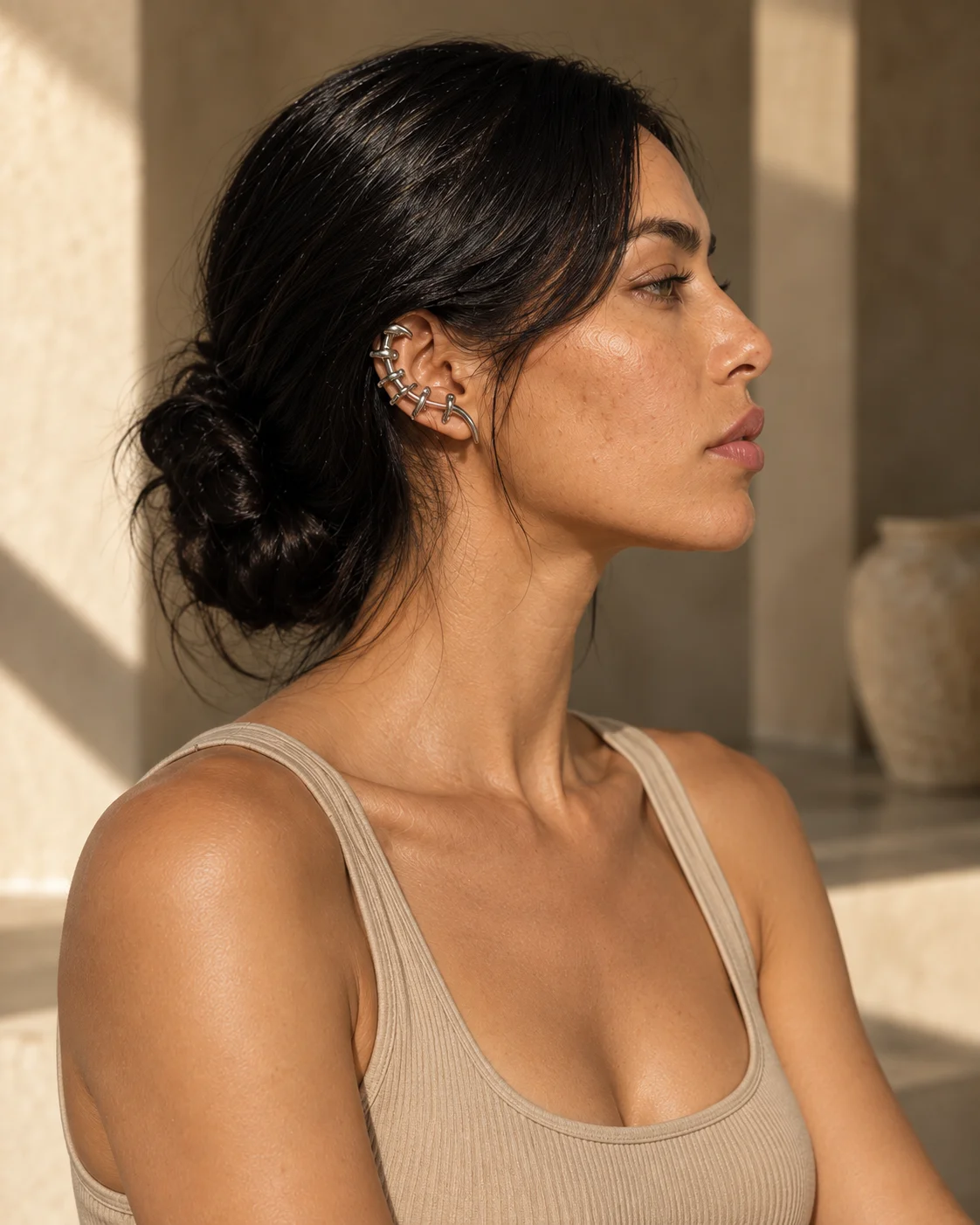
Give a campaign a recognisable recurring face instead of a new stranger each time.

Reuse the same model across products, looks, scenes and shoots.
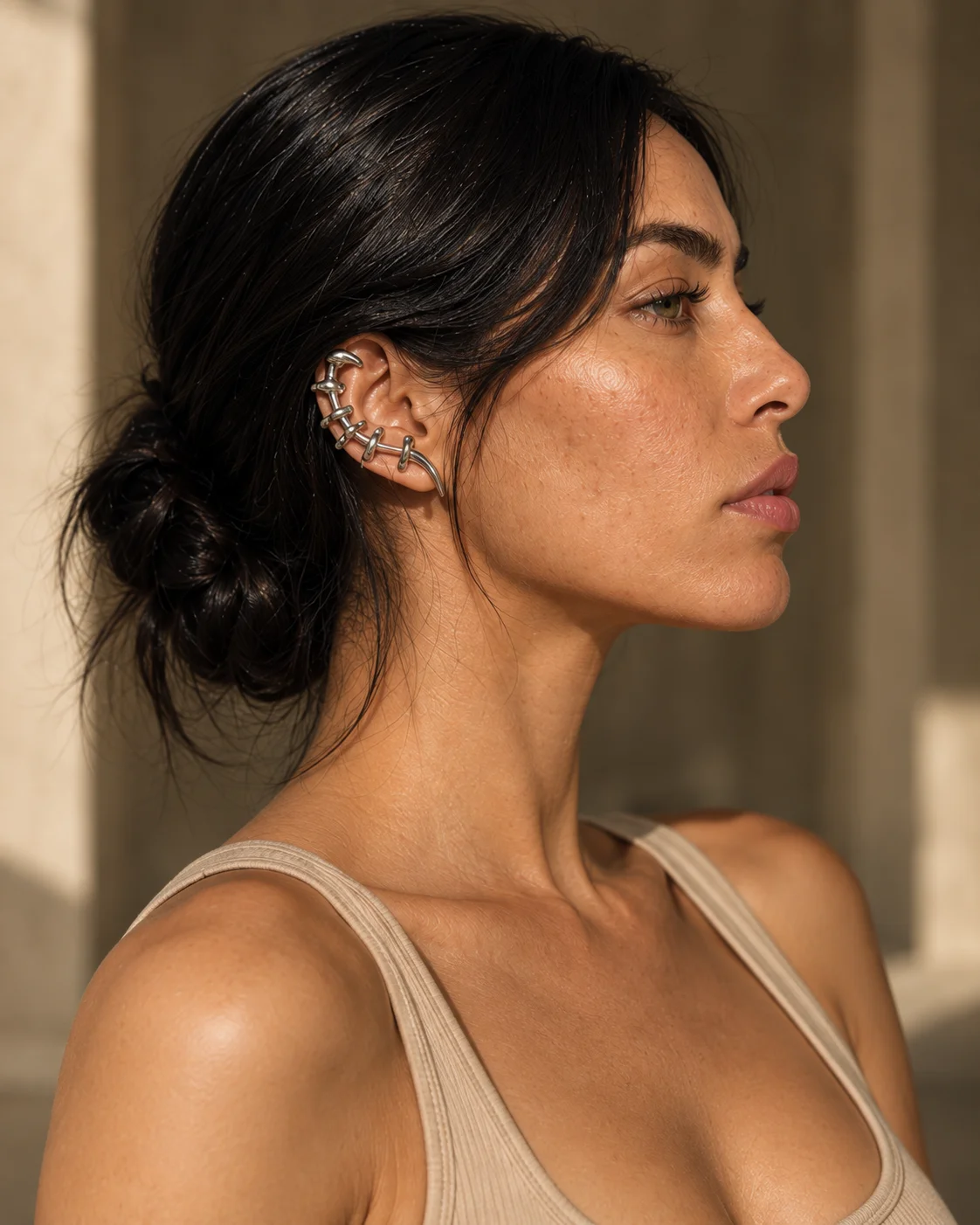
Fictional identities built around a campaign concept and used through its run.
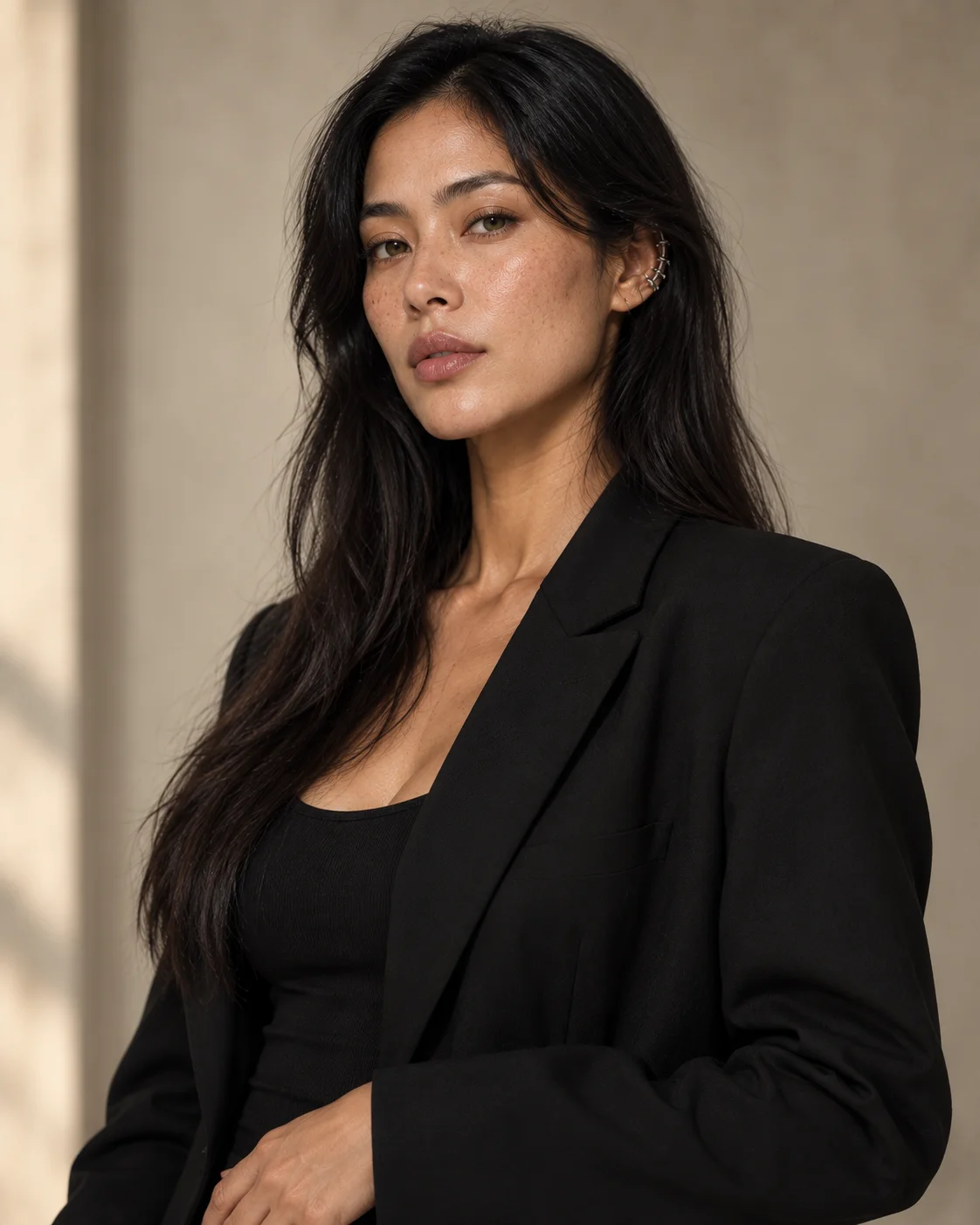
Recurring personalities for content series and always-on channels.
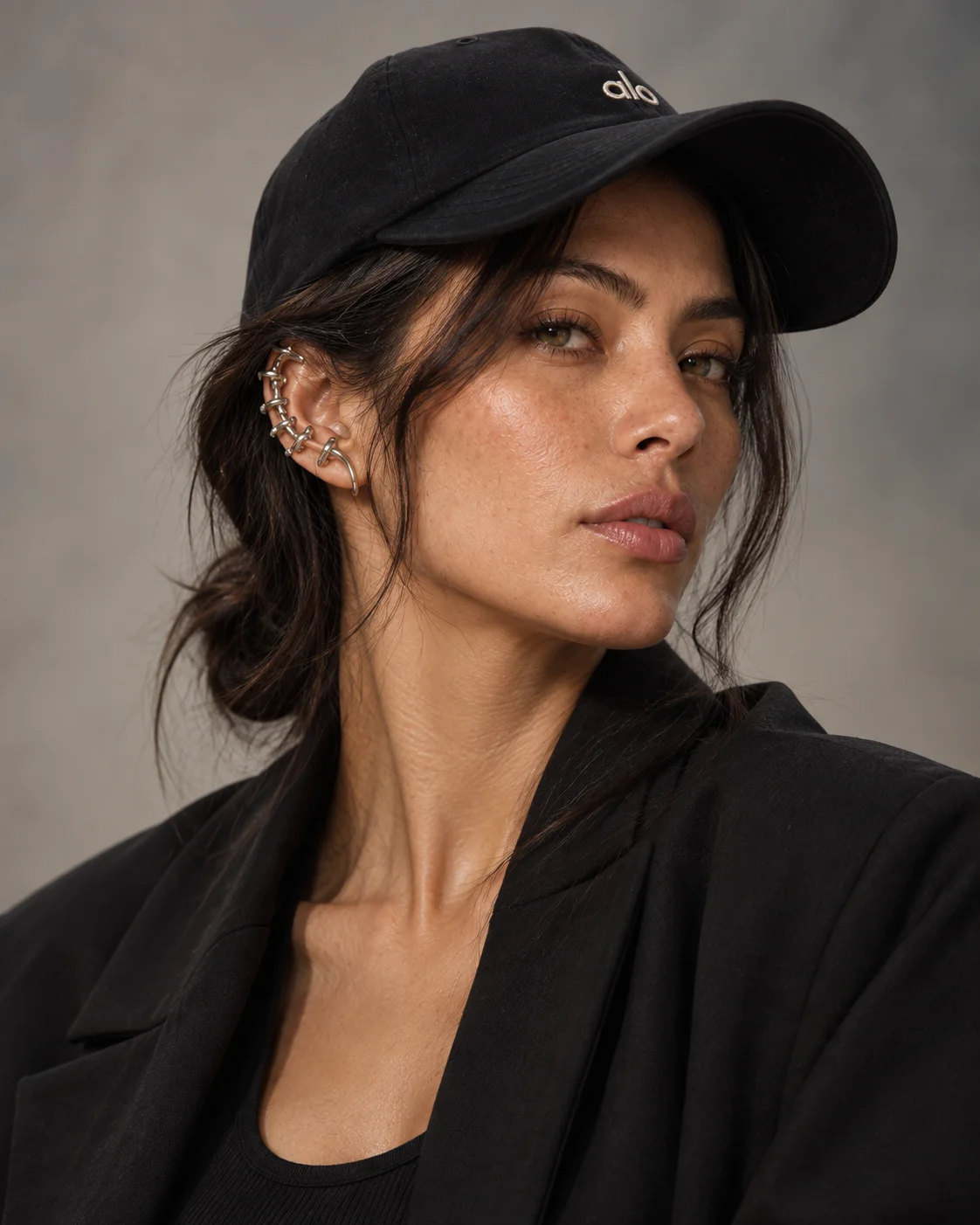
Change wardrobe, hair, makeup, accessories and styling while the underlying identity stays the same. Natural, glam, sporty, editorial, professional — the treatment moves, the person does not.
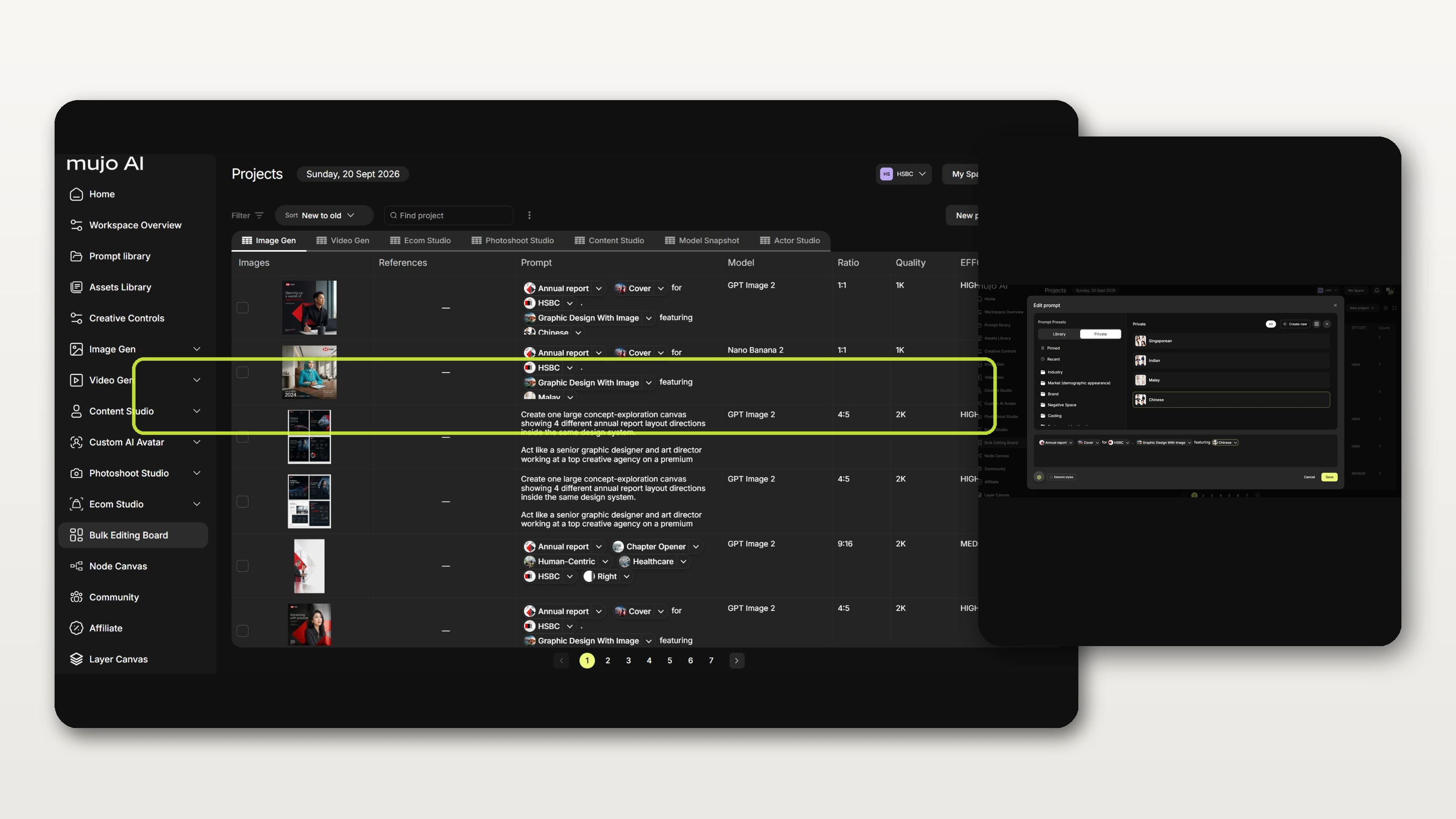
Add a character to a bulk run and vary products, markets, formats, prompts and creative controls without rebuilding the identity for every generation. The board works in both directions: hold the person and change the situation, or hold the creative and change the cast.
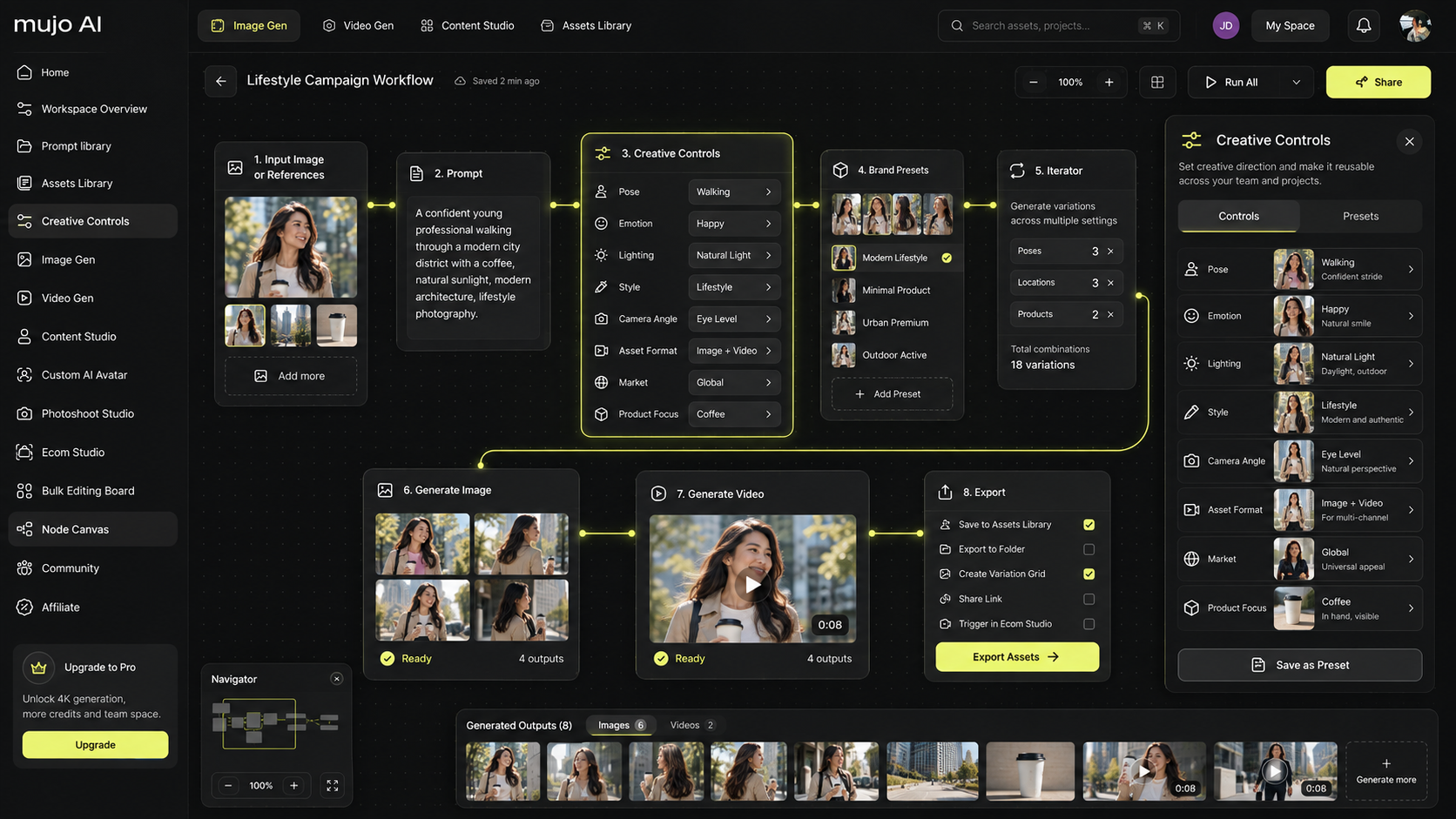
Drop an approved character into a node workflow once, then reuse that identity throughout repeatable image and video production. The character becomes a parameter of the workflow rather than a decision someone makes again on every run.
Share characters inside your workspace, send them for review and keep approved identities available to everyone who needs them. Everyone then creates with the same approved person instead of rebuilding a lookalike independently.
See the team workspaceEveryone in the workspace can use the same saved identities.
Send a character for review and get feedback before it goes into production.
Keep the final versions organised so nobody works from a draft.
Control permissions and who can create or edit characters.
Most avatar tools are built around one output: a person on screen reading a script. A Mujo character is a reusable creative asset designed to move across an entire production system — which is a different problem, and a different kind of tool.
A reusable AI-generated identity — a person you design once and then use consistently across Mujo image, video and production workflows. It is stored as an asset in your workspace rather than produced fresh on each generation.
Yes. You can build a character from a blank canvas, with no reference images at all, and shape appearance and styling through visual controls.
Yes. References can be used alongside prompts and the visual character controls when you already have a direction in mind.
Yes. Characters are designed for consistent reuse across both, so a face introduced in a still campaign can appear in the video that runs beside it.
Yes. Wardrobe, hair, makeup, accessories and styling can all change while the underlying identity stays the same.
Yes. Once the identity exists, the shot itself is directed with Mujo creative controls — pose, camera, lighting, composition, environment and visual style.
Yes. A character can be added to a bulk run to generate many variations, or dropped into a node workflow as a reusable input.
Yes. Characters can be shared inside the workspace, sent for review and kept as an approved cast that everyone works from.
Yes — those are among the most common use cases, along with brand ambassadors, fashion and product models and recurring social content series.
Build consistent AI characters for campaigns, content, commerce and production — all inside Mujo.