A stock library
Mujo has no catalogue of ready-made assets. Freepik does, and it is a real advantage.
Freepik starts from a library. Decades of stock, templates and vectors, with AI generation added on top. Mujo starts from a workflow and has no library of its own. If what you need is an asset today, the library wins. If what you need is the same asset regenerated for forty products next month, the library is not the part that helps.
Three things this platform does not do, stated before the arguments in its favour. If one of them is what you came for, Magnific is the better answer and this page will not change that.
Mujo has no catalogue of ready-made assets. Freepik does, and it is a real advantage.
There is no gallery of layouts to start from. Setups are things you build once.
Vectors, icons and print layout are not part of the product.
Where an asset library and a production workflow actually differ.

The old 'Freepik versus AI generator' comparison is outdated. By September 2026, the product has evolved into Magnific, with Freepik's stock and design heritage connected to a large generative stack. The platform now covers generation, editing, enhancement, stock discovery, collaboration, automation and developer access. Mujo competes not on breadth, but on workflow clarity and the ability to package creative logic into reusable controls, Prompt Library and product-oriented flows.
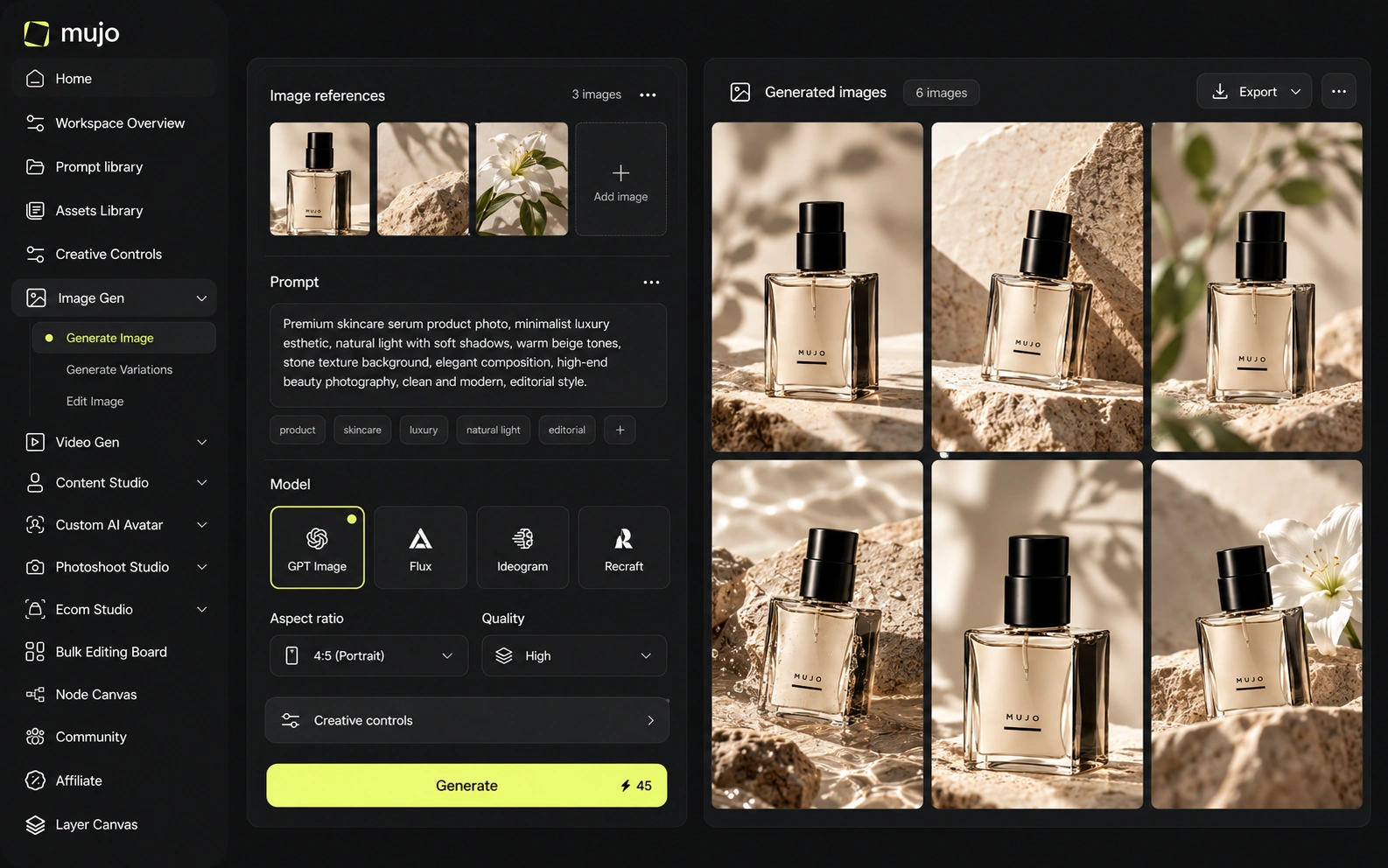
Mujo runs over external models rather than its own: Nano Banana Lite, Nano Banana 2 and Nano Banana Pro, GPT Image 2, Midjourney, Seedream 5.0 Lite and Seedream 5.0 Pro, Grok Imagine and Kling 3.0 Image for stills, Veo 3.0 and Veo Fast, Kling 3.0, Seedance 2.5 and Seedance 2.0 for motion. Freepik also aggregates models, which makes the two look similar on a feature list. The difference is what each one is organised around — Freepik around finding an asset, Mujo around repeating a production. Search and reuse are different verbs. Freepik is excellent at the first. Mujo exists for the second, and a team that needs both usually runs both.
Magnific exposes a very large rotating catalog of image and video models, including current releases across Google's image models, Seedream, Recraft, Flux, Kling, Veo, Seedance, Wan and others, plus audio-generation capabilities. Mujo intentionally exposes a smaller curated set in its public model workspaces. If the requirement is 'give me nearly every major model and every media category', Magnific has the edge. If the requirement is 'help my team reuse the same brief and visual logic without model chaos', Mujo's curation can be an advantage.
Both platforms put several engines behind one interface, so model count is a weak differentiator here. The question is what persists between sessions. In Mujo the prompt, references and Creative Controls are objects the team shares; the model underneath can change without the setup changing. Ask the two questions apart. Which engines are available now, and what carries over when you swap one out. Aggregators answer the first; few answer the second.
Magnific combines prompt-based generation with editing, upscaling, shared Spaces and increasingly agentic workflows. It also retains the professional enhancement heritage of Magnific's upscalers. Mujo's control layer is more templated around scene direction and repeatability: Creative Controls values, references and saved prompts become parts of a reusable recipe. Magnific gives a broader creative workbench; Mujo gives a more opinionated production system.
Freepik's control surface is broad and template-led: presets, styles, editing tools, a very large starting catalogue. Mujo's is narrower and structural. Creative Controls turn lighting, pose, expression, camera angle, location and style into named parameters that a second person can read and reuse. A template gets you a good first result. A saved control set gets you the same result on a product you had not photographed yet. Teams with a recurring catalogue feel that difference within a month.
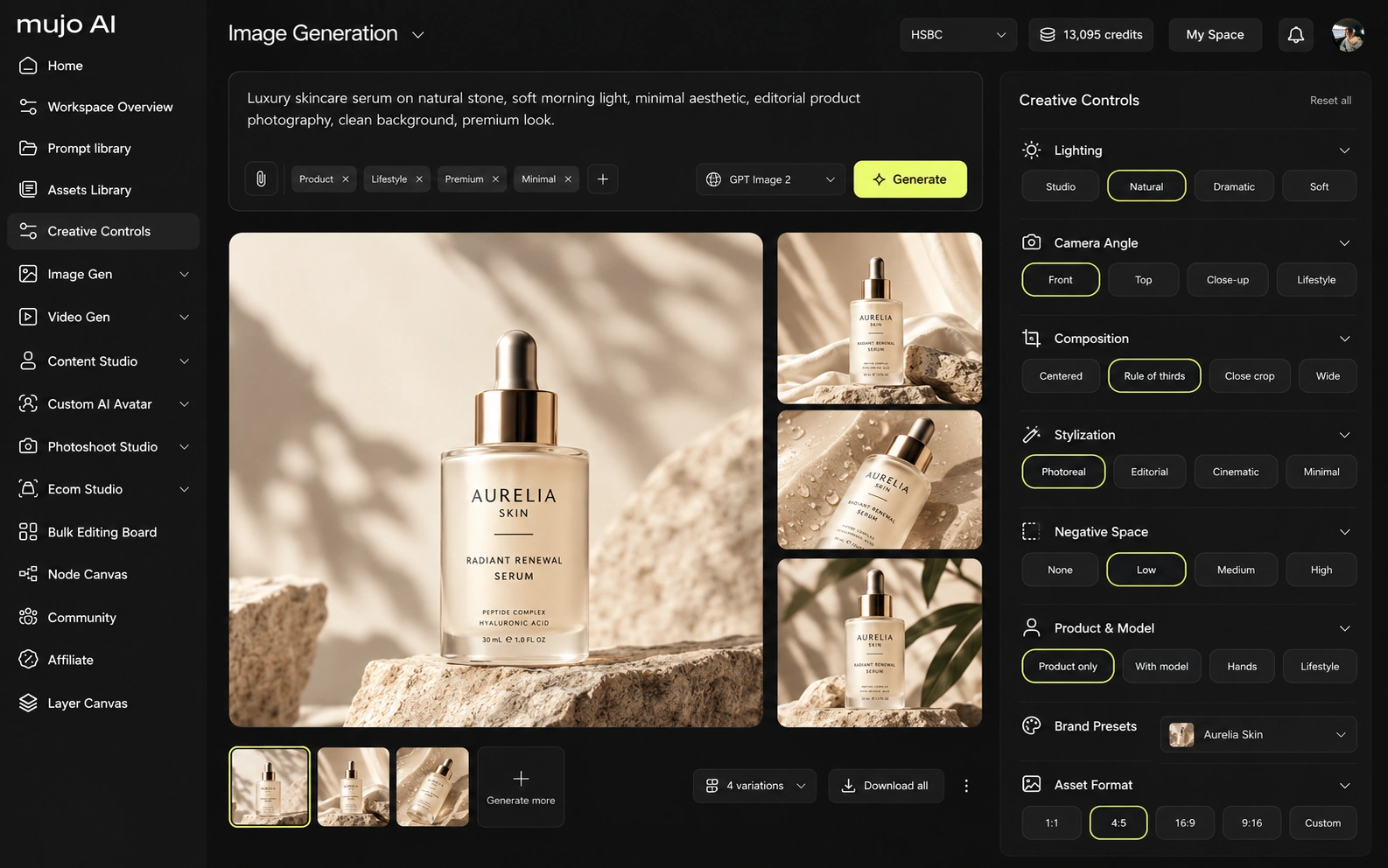
Magnific (formerly Freepik) and Mujo both participate in the fast-moving multi-model video market, but they use video differently. Magnific's current stack includes image, video, audio, 3D, design tools, shared Spaces, MCP, agents, plugins, desktop/mobile surfaces, API access, ComfyUI connectivity and a very large stock library. Mujo's specialization is product and creator content: Listing Images, listing images/copy, social creatives, AI photoshoots, prompt packs, design edits, portfolio publishing and reusable team workflows.
Mujo's video sits in the same workspace as stills, on several engines, so one approved direction produces both the hero frame and the vertical cut. Freepik's video generation is part of a much wider toolkit that also includes stock footage, which is a genuine advantage when licensed material is acceptable.
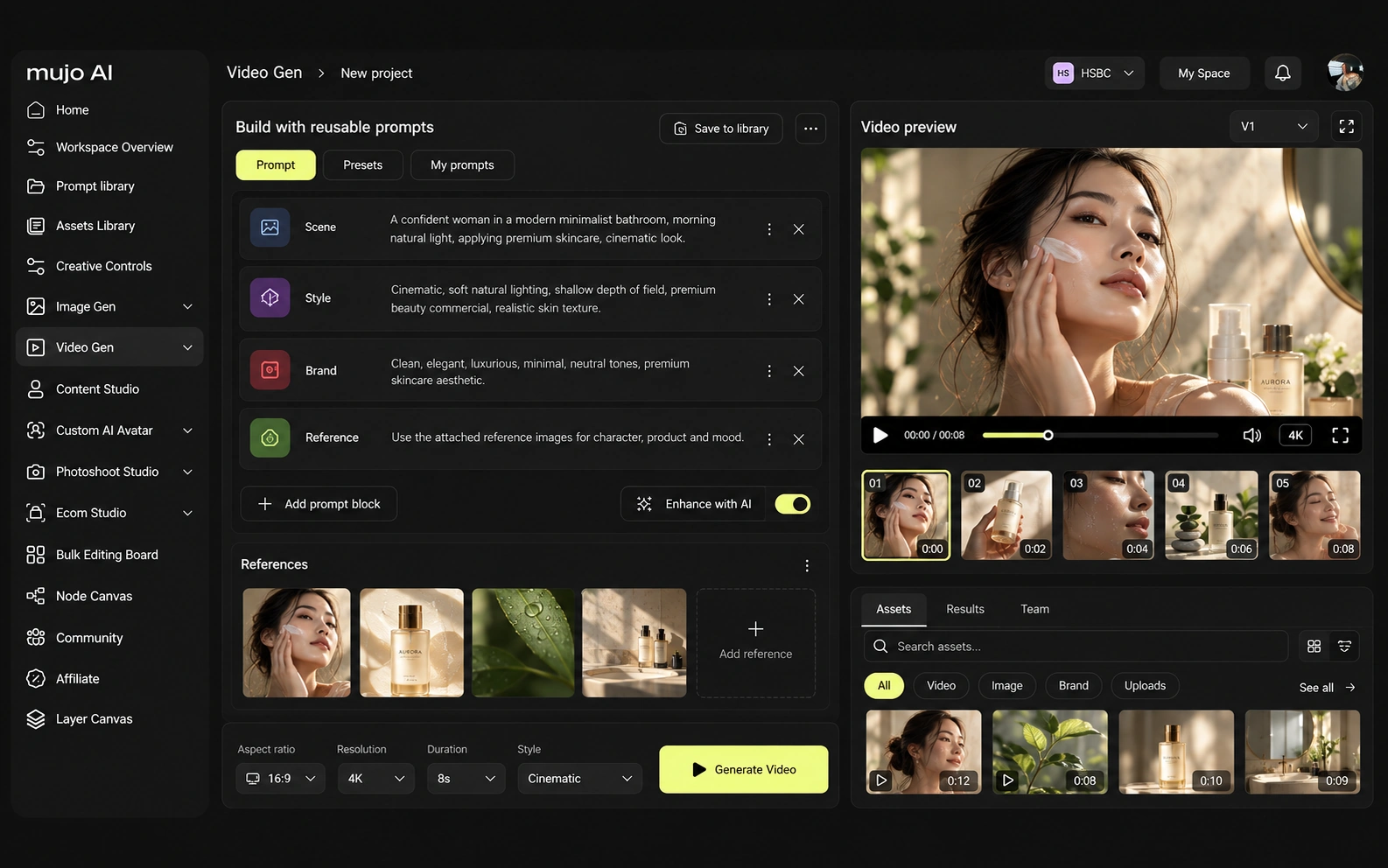
Consistency is four problems wearing one name: same person, same product, same look, same process. A library plus templates handles the look well. The process is the one nobody ships by default.
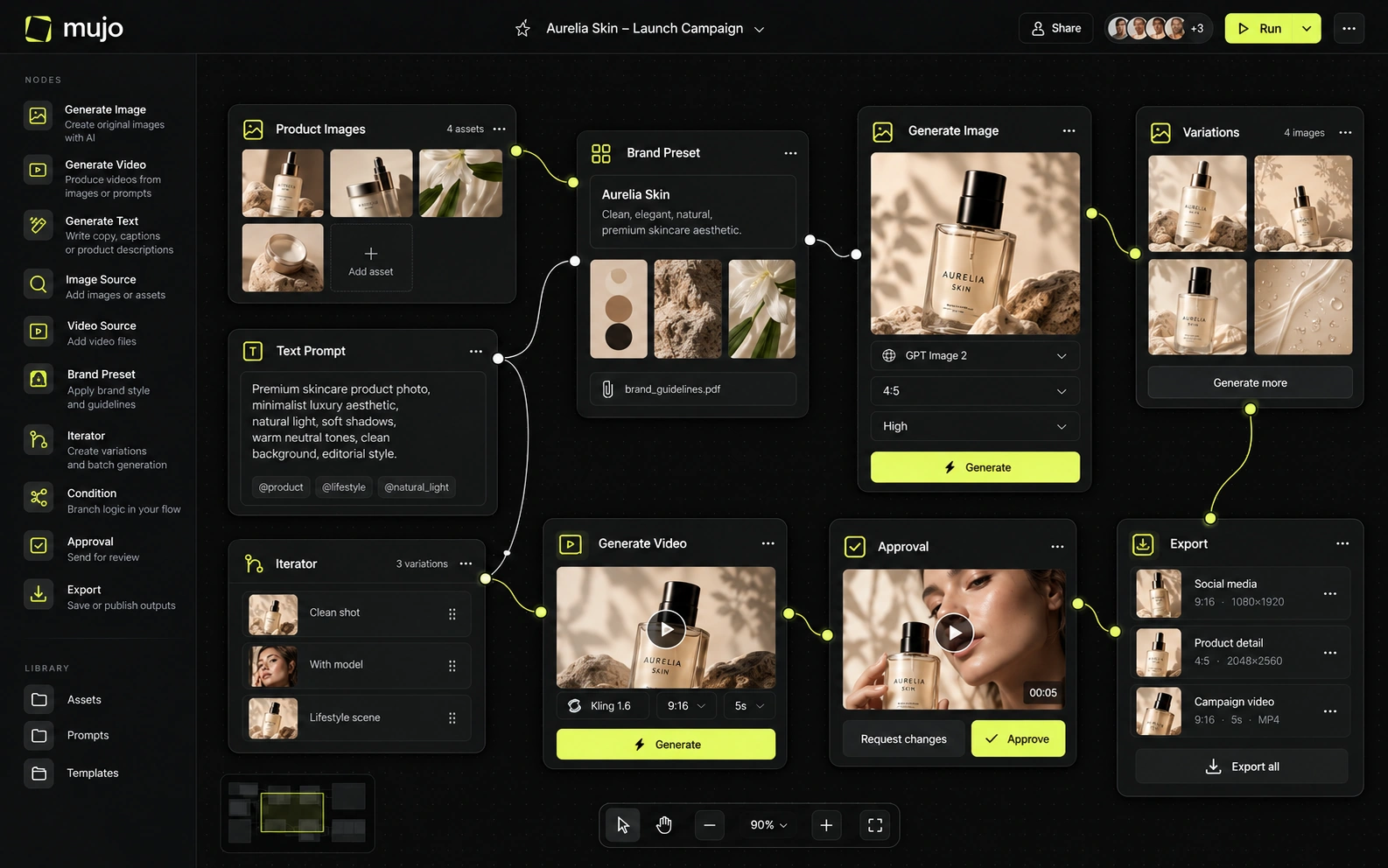
Mujo stores the process: references, Creative Controls parameters, saved prompts, model choices, workspace history, reusable flows in the Node Editor. The saved object is how the asset was made. For Magnific (formerly Freepik), the consistency model is different. Magnific combines prompt-based generation with editing, upscaling, shared Spaces and increasingly agentic workflows. It also retains the professional enhancement heritage of Magnific's upscalers. Mujo's control layer is more templated around scene direction and repeatability: Creative Controls values, references and saved prompts become parts of a reusable recipe. Magnific gives a broader creative workbench; Mujo gives a more opinionated production system. If the recurring object is a one-off graphic, a catalogue beats a workflow every time. If it is a product line that gets re-shot every season, the workflow is the asset.
How each platform fits recurring commercial production
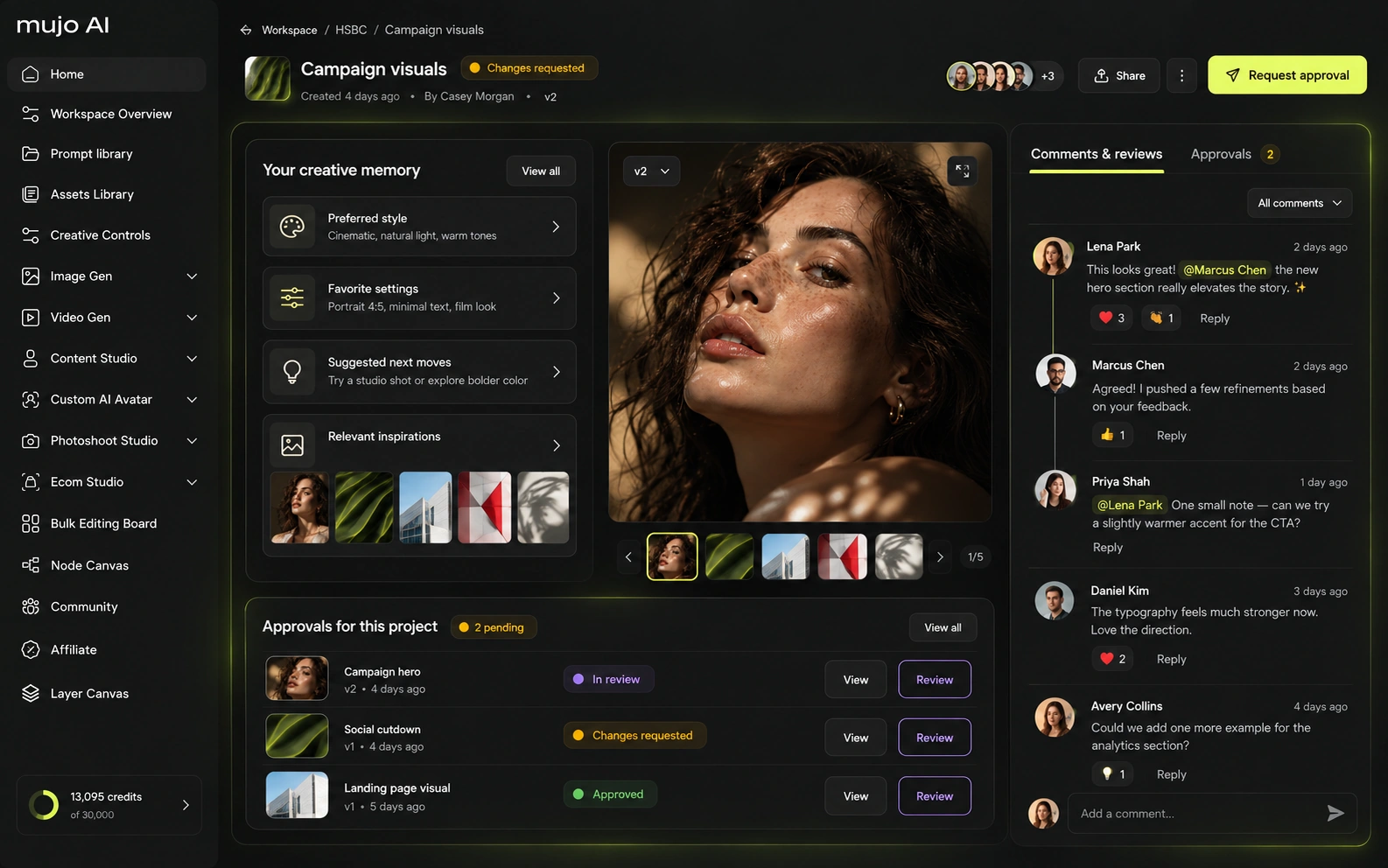
Both can support commercial product visuals. Magnific wins on breadth and source assets: stock, upscaling, design and multi-media generation are available in one environment. Mujo's advantage is task framing. Its the e-commerce use cases and listing/content tools are designed around turning a product input into repeatable listing and campaign assets rather than presenting e-commerce as one use case among hundreds.
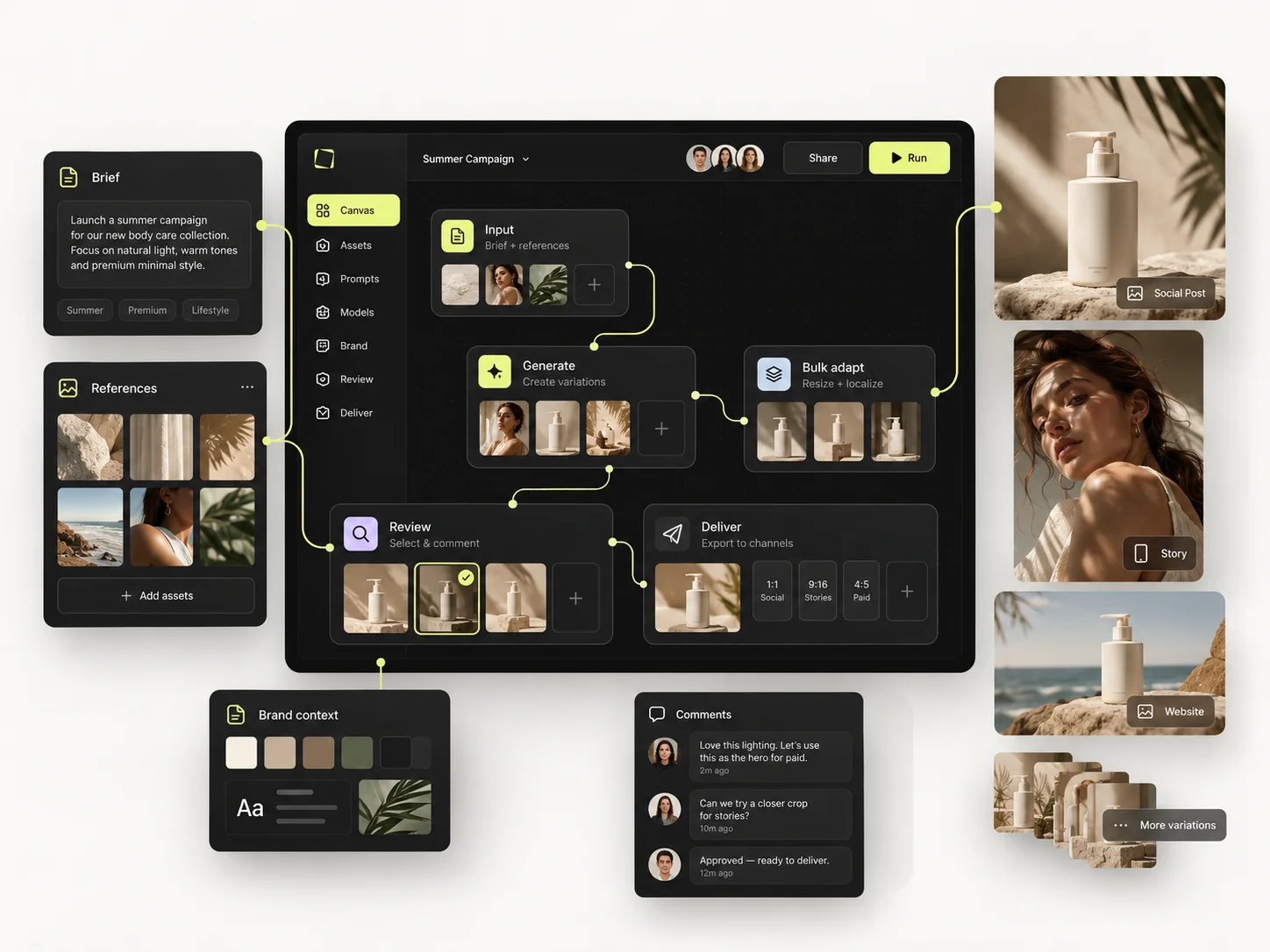
Mujo's commercial surface is a set of use cases rather than a category filter: Product Photos, Listing Images, Product Catalog Production, AI Photoshoots, Campaign Creatives, Creative Variations, Social Media Content and Social Video Ads, with the Bulk production table running an approved direction across a SKU list.
Product inputs, listing crops, campaign directions and social cuts share one setup. That is the difference between generating assets and running a catalogue.
The product shot, its listing crops, its ad variants and its social cuts come out of the same approved direction. Volume is what makes commercial work expensive, not generation speed — and it is the part a Magnific comparison usually leaves out.

Prompts here behave like assets, not messages: refined with structured controls, compared across models, saved into the Prompt Library. Selected workflows can be published — see Creative Portfolio Examples — so a good setup leaves one person's history. Magnific (formerly Freepik) takes a different route. For the one-product-to-campaign test, Magnific can cover almost every production step, and Spaces can keep work collaborative. It may also reduce the need for external upscalers, stock services and some design utilities. Mujo uses fewer surfaces: establish the direction with prompt/reference/Creative Controls logic, save it as a reusable pattern or Pack, compare models, generate the required asset set and return to the same recipe for the next SKU. Magnific is broader; Mujo is more prescriptive.
Saved setups live in the Prompt Library where the next person can find them, instead of in the generation history of whoever happened to get it right. Whatever you keep from a Magnific session, it is usually the output rather than the reasoning behind it.

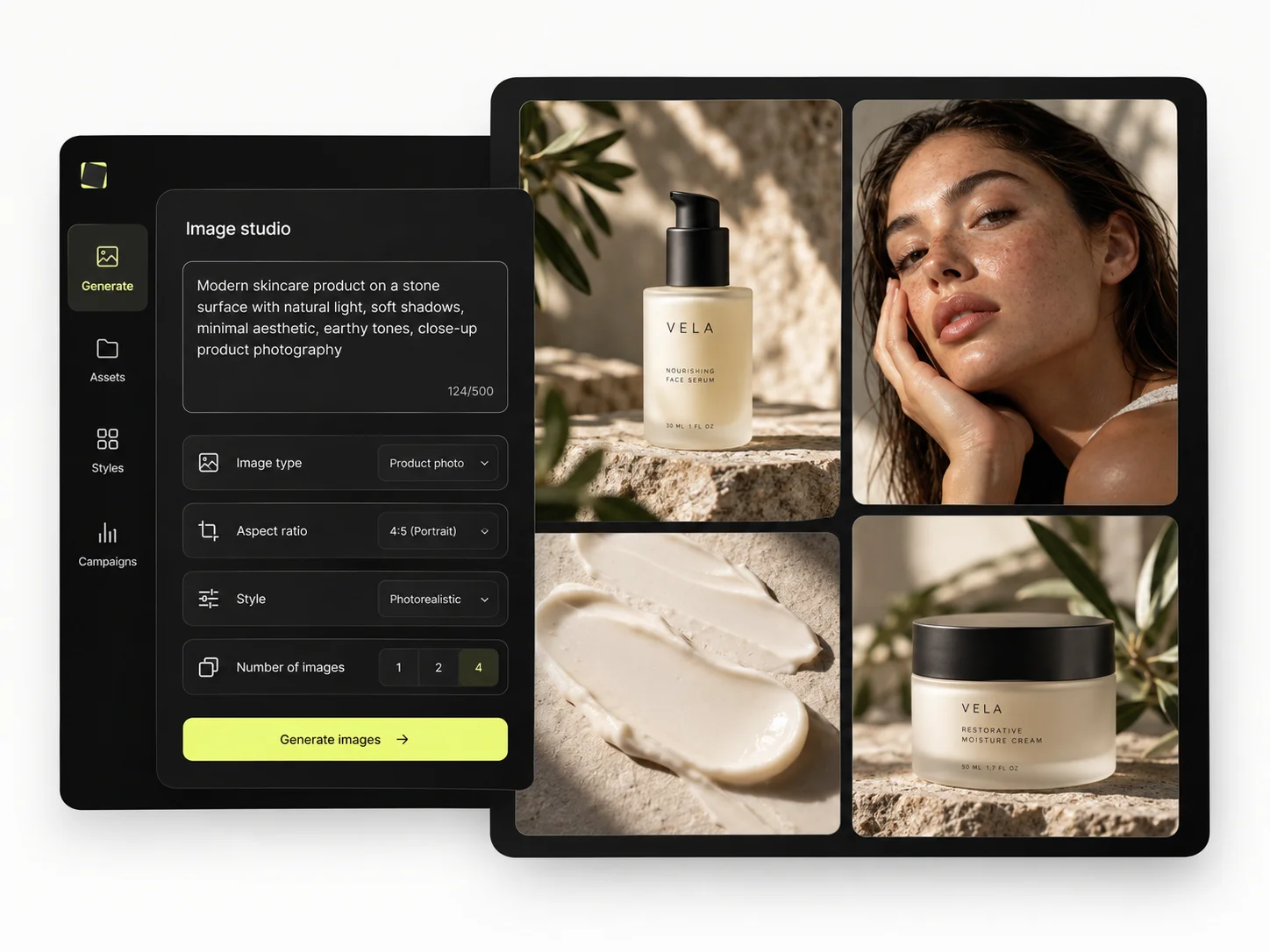
The Bulk production table is the half a library cannot supply. Rows are assets, columns are the variables, and one approved direction runs down a product list — producing frames that contain your own SKUs, which no catalogue stocks.
Per-asset work scales linearly: forty products means forty sessions. A saved direction run in bulk does not. That is the line where a Magnific workflow and a Mujo workflow stop costing the same.
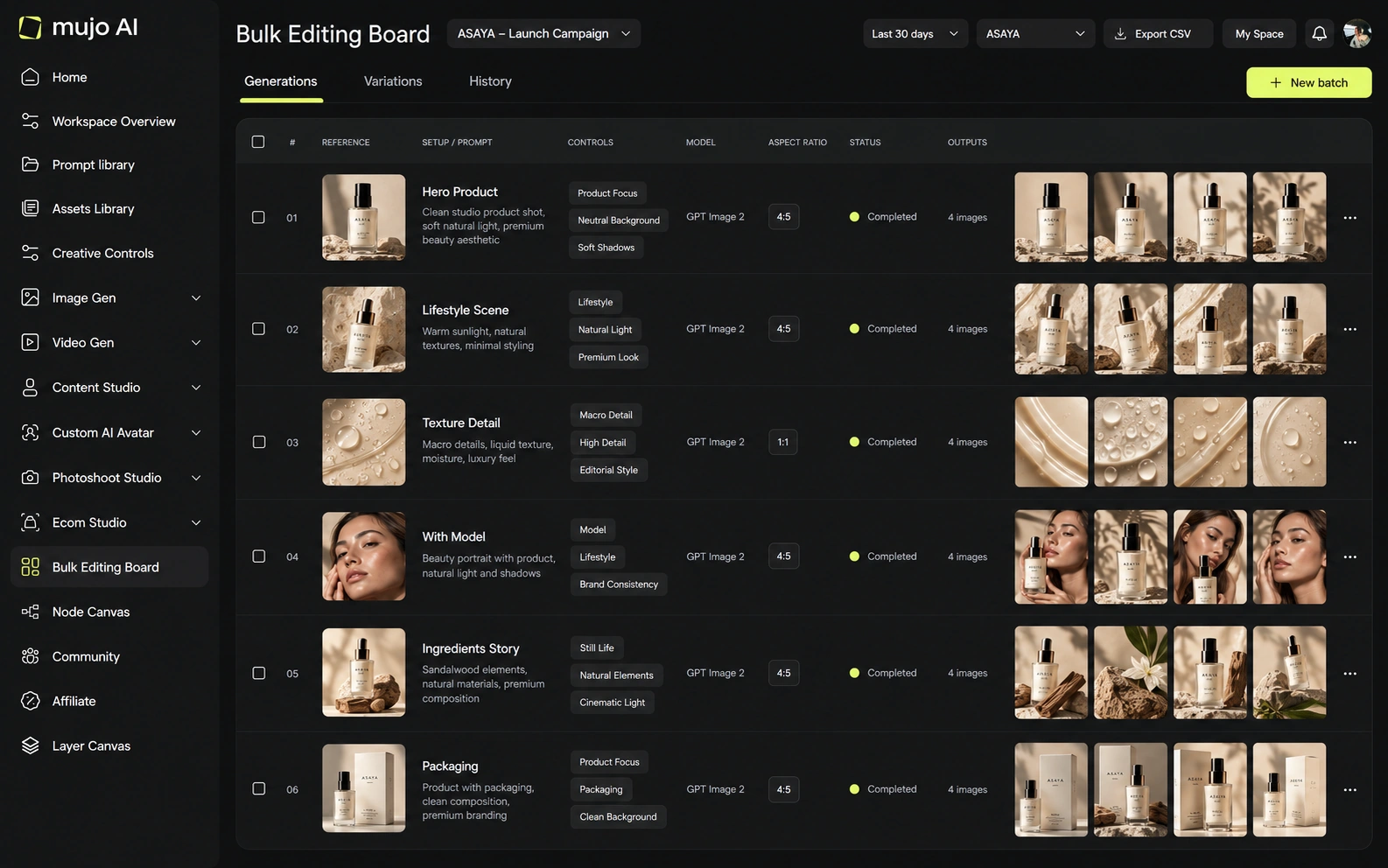
Same brief, both platforms: one product image in, a hero visual, three square social variants and one vertical motion ad out — then the same direction on a second SKU a week later. Freepik will get you moving faster on day one. Check who is faster on day eight.
Start from one source product image and one launch brief.
Produce the hero visual, three square social cuts and one vertical motion ad.
Save the direction: prompts, references, controls and the engine you settled on.
Rerun it on a second SKU without going back to the catalogue.
Magnific clears the first round comfortably, as does almost anything else worth evaluating. The second round is where the difference appears, and it is the round nobody gets to during a two-week trial.
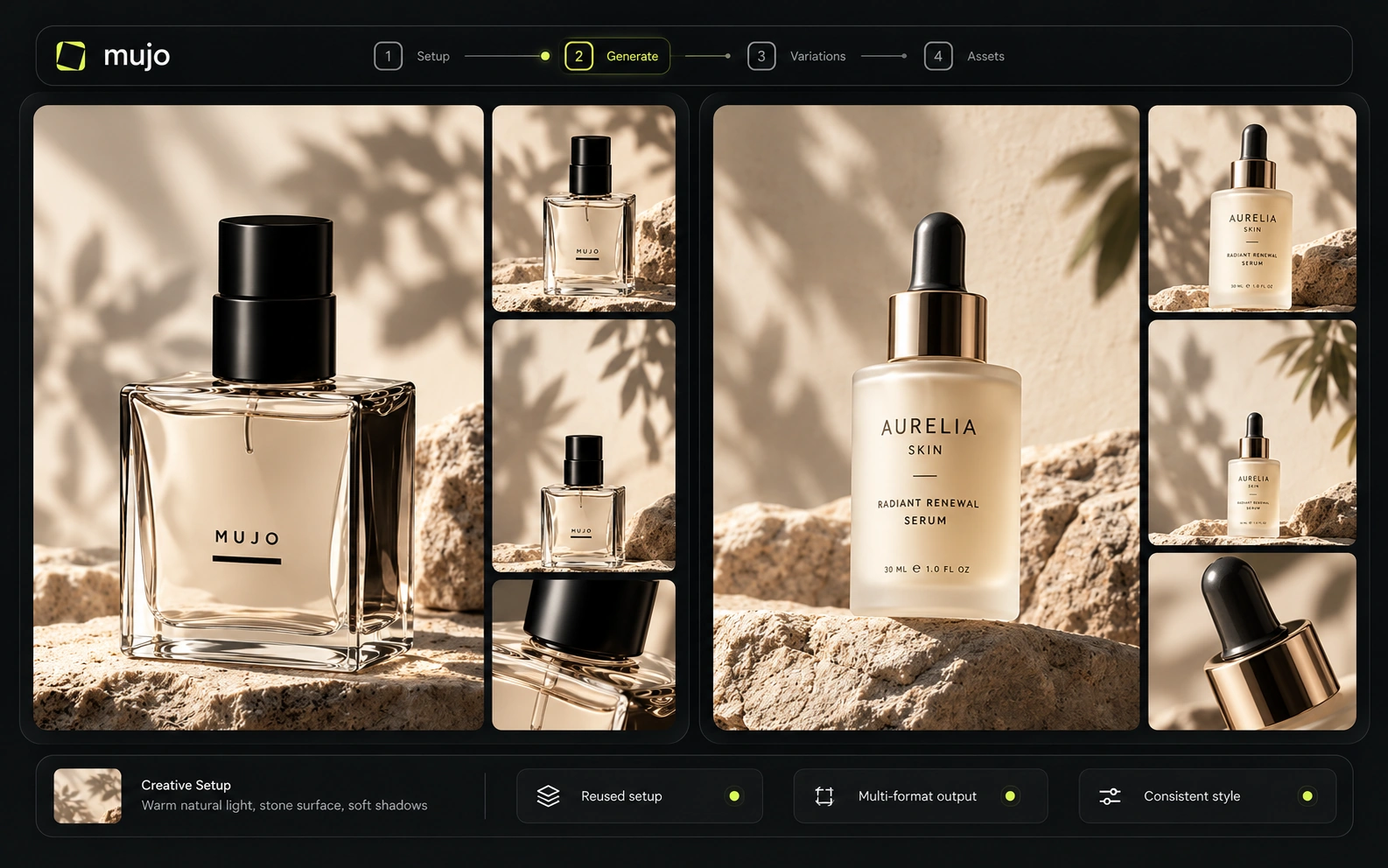
Magnific offers shared Spaces, plugins, API access, MCP and enterprise-style infrastructure across a very large creative ecosystem. Mujo's enterprise layer focuses on reusable production flows, brand context, assets, review logic and traceability. Magnific is the more expansive platform for organizations consolidating tools; Mujo is easier to evaluate as a dedicated AI-content workflow layer.
Mujo Enterprise covers Node Editor flows, brand context, shared prompt and asset libraries, approval traceability, onboarding, admin and security review. Freepik's team features are built around shared access to a large asset base, which is a different job. If you need an API, check models, concurrency and pricing on both sides. If your team works in the interface, what matters is whether a saved setup is shareable.
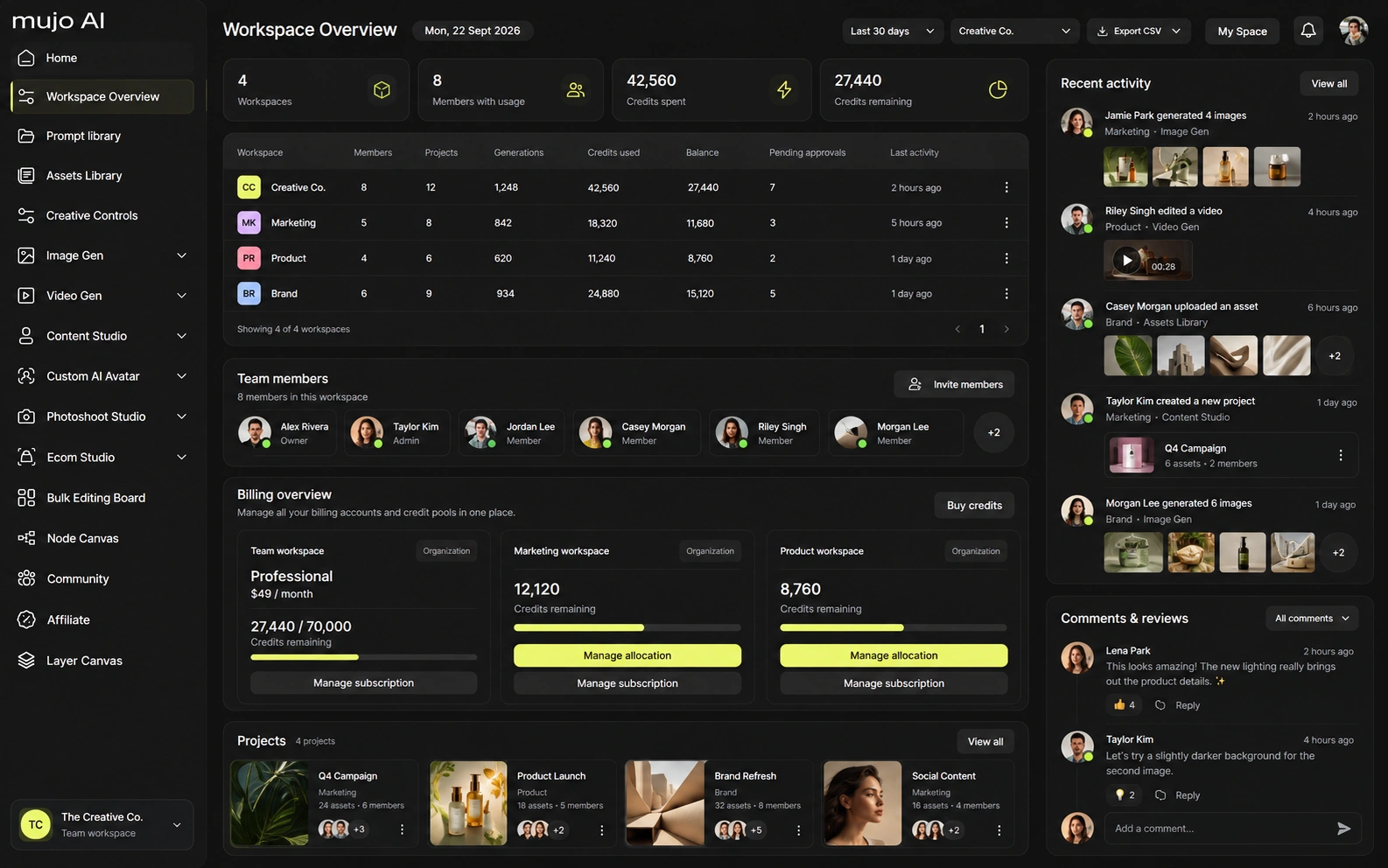
Magnific's plans combine credits with selected unlimited models and include access to a large media/stock ecosystem, so its sticker price buys more than generation compute. Annual credits are generally allocated for the yearly term rather than resetting monthly on the cited plans. Mujo is easier to treat as generation volume. A fair cost test should use the same model and exact output settings rather than comparing the number of credits.
240,000 credits/year on annual billing
600,000 credits/year
Up to 4M credits/year on the cited Pro offer
Plans Start $9, Basic $19, Pro $34, Creator $84, Business $121 (5 seats); 200-credit packs from $2.60 with no use-by deadline
Mujo's plans run from $9 to $121 a month, with up to 40% off on annual billing. Pay-as-you-go packs start at 200 credits for $2.60, credits carry no use-by deadline, and new accounts start with 20 free. Freepik bundles library access with generation, so a per-image comparison misses most of what you are paying for on their side.
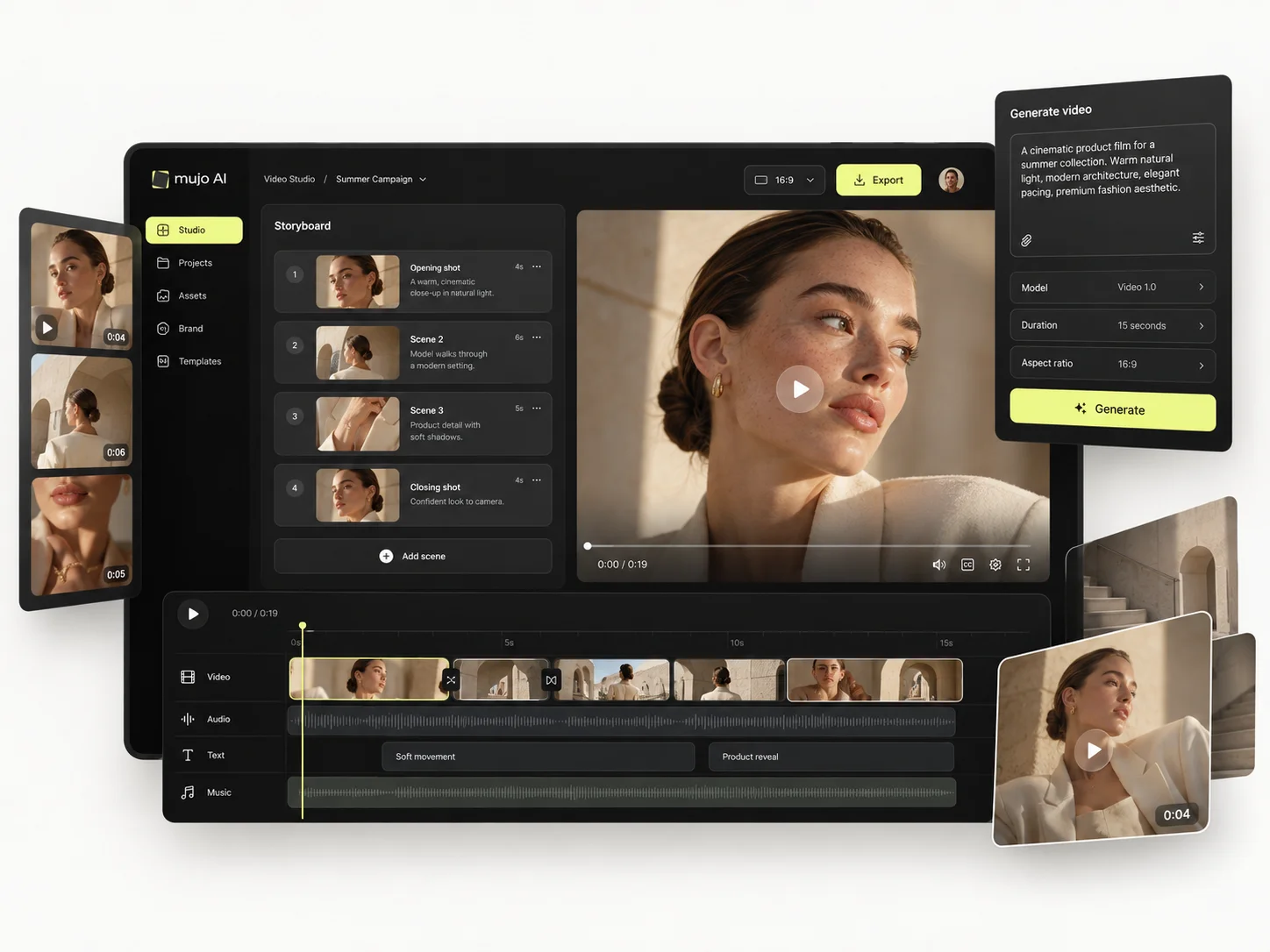
Magnific includes commercial AI licensing on paid tiers and states that user data is not used to train models in the current pricing/product materials. Mujo's terms grant ownership of outputs to users and allow commercial use, while its privacy and enterprise pages state no foundation-model training without opt-in and no training on enterprise uploads/prompts/references/generations.
Specifically, on Mujo's side: users keep ownership of what they upload and of AI-generated outputs and may use those outputs commercially, subject to applicable law and third-party rights; inputs and outputs are not used to train foundation models without opt-in, and the enterprise terms extend that to the third-party models in the stack. Commercial-use permission is not rights clearance. Trademark, publicity rights and model-provider terms still apply, so client work needs human review before it ships.
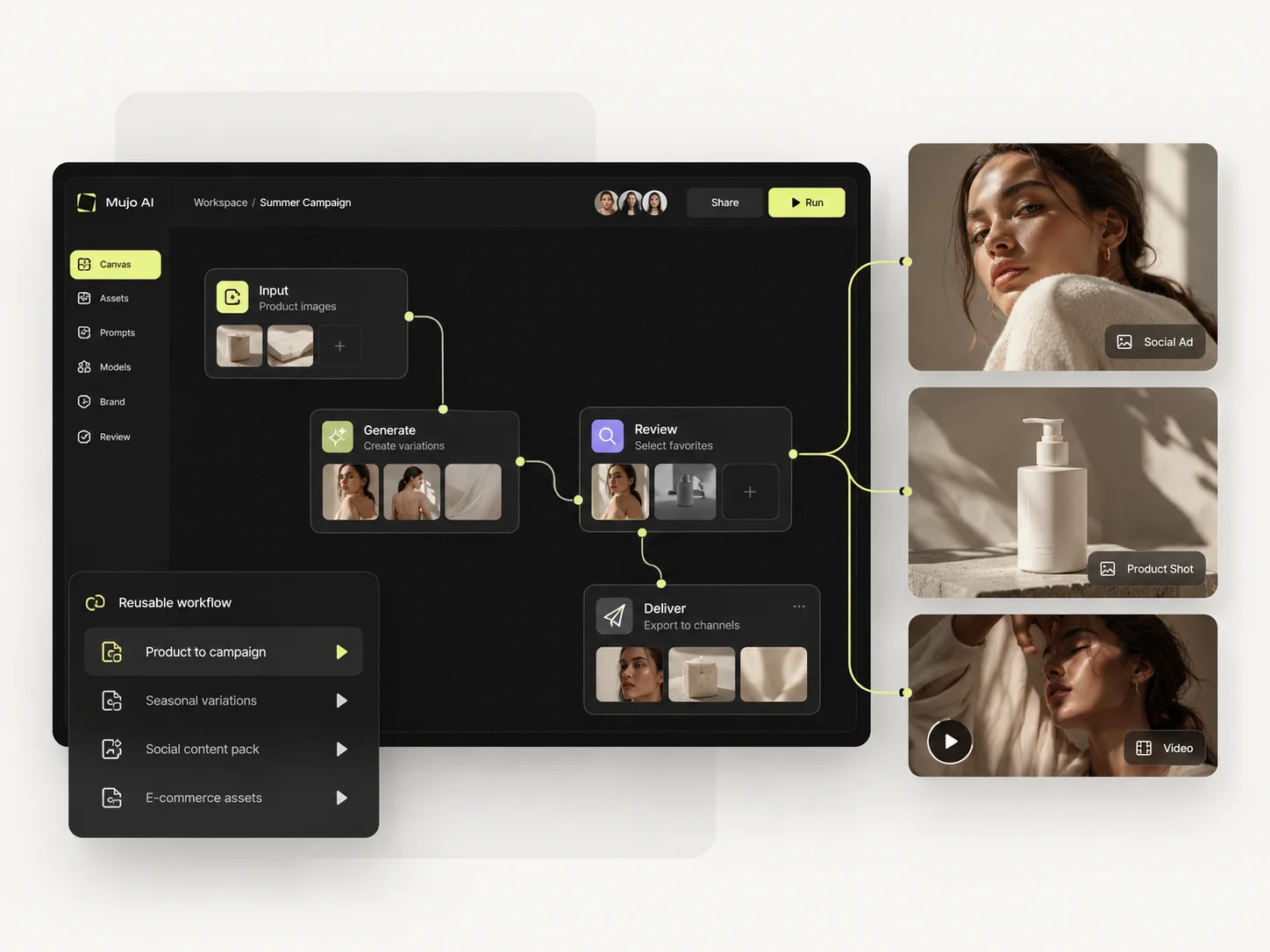
What Magnific does better, and what Mujo does better. A comparison page that only fills in one side is not a comparison.
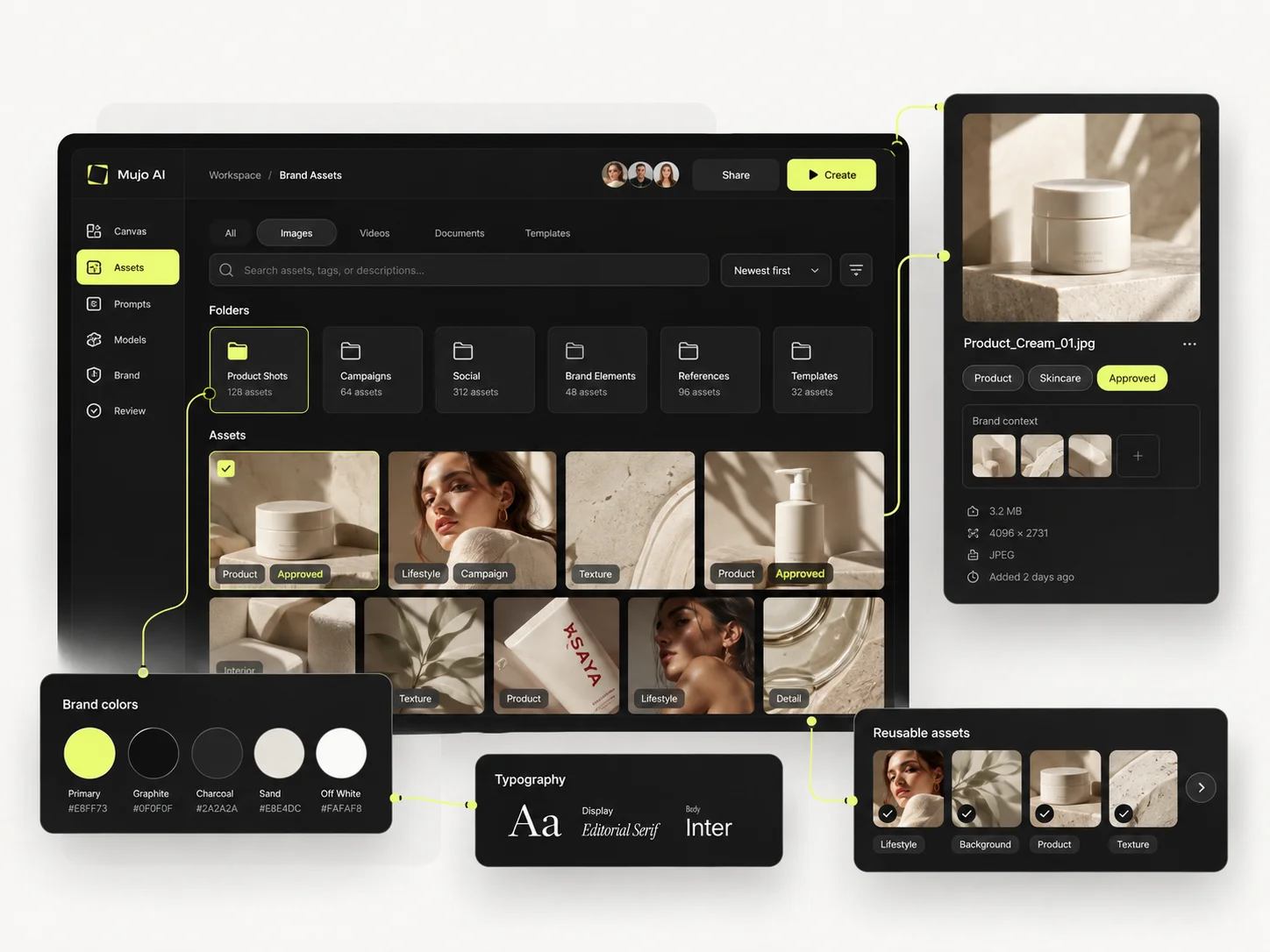
Worth reading before a trial rather than after one.
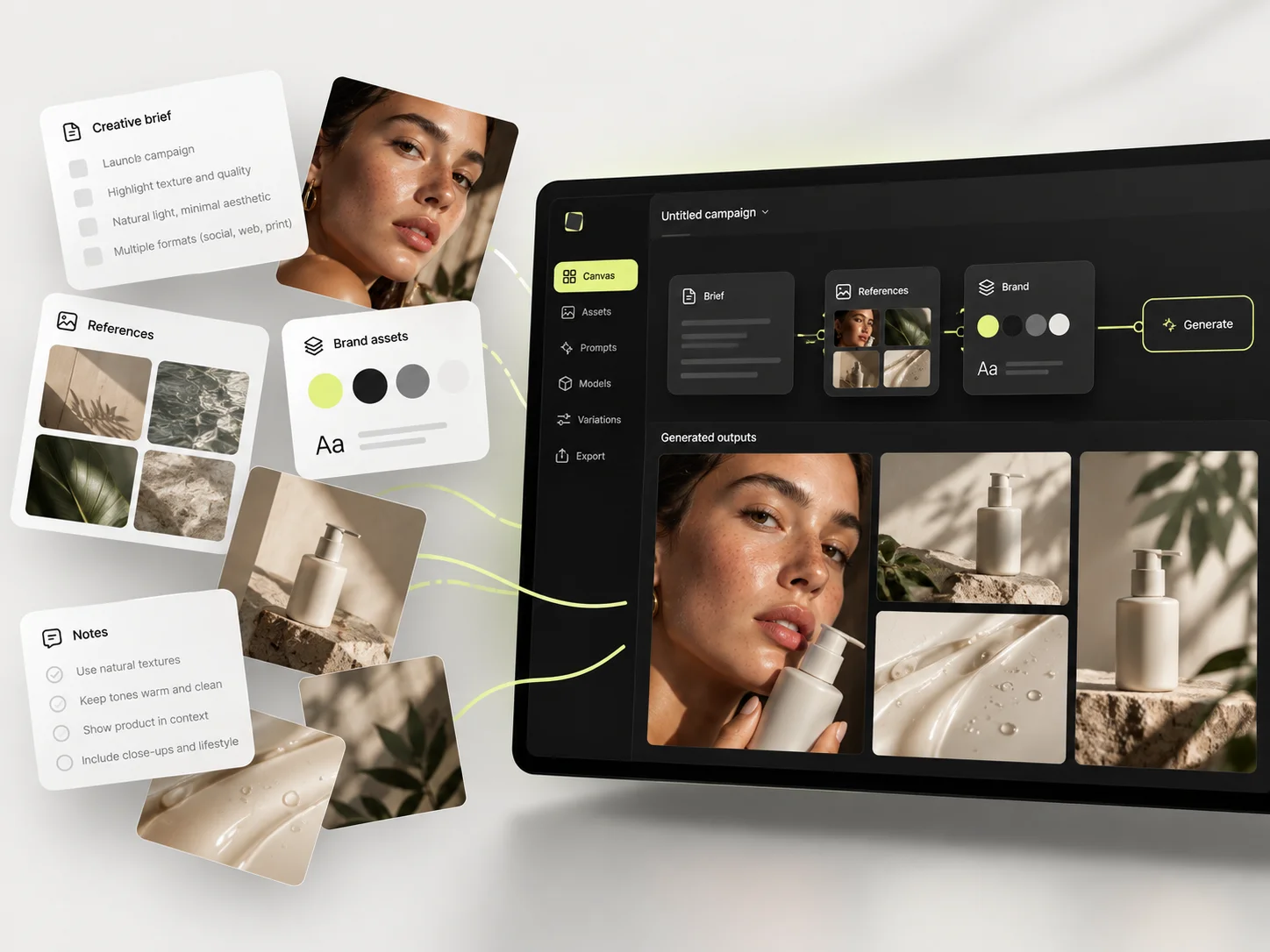
Magnific is the broader platform by a wide margin. That does not automatically make it the better workflow for every team. If you use stock, advanced upscaling, audio, 3D, plugins and a large model catalog, its consolidation value is substantial. If those extras are not central, Mujo's narrower design can make repeatable AI content production easier to teach, govern and reproduce.
Choose Magnific when you want to consolidate stock, design, upscaling, image/video/audio generation, automation and developer tooling into one large platform.
Choose Mujo when you need a smaller operating layer for repeatable product and marketing content and want successful creative directions to remain easy to reuse.
Running both is common and sensible: Freepik for source material and quick one-offs, Mujo for the production that repeats. The two do not overlap as much as their feature lists suggest.
If most of your work is finding or producing a single asset, a library-led platform is the shorter path. If most of it is producing the same asset again for a new product, compare what survives between jobs.
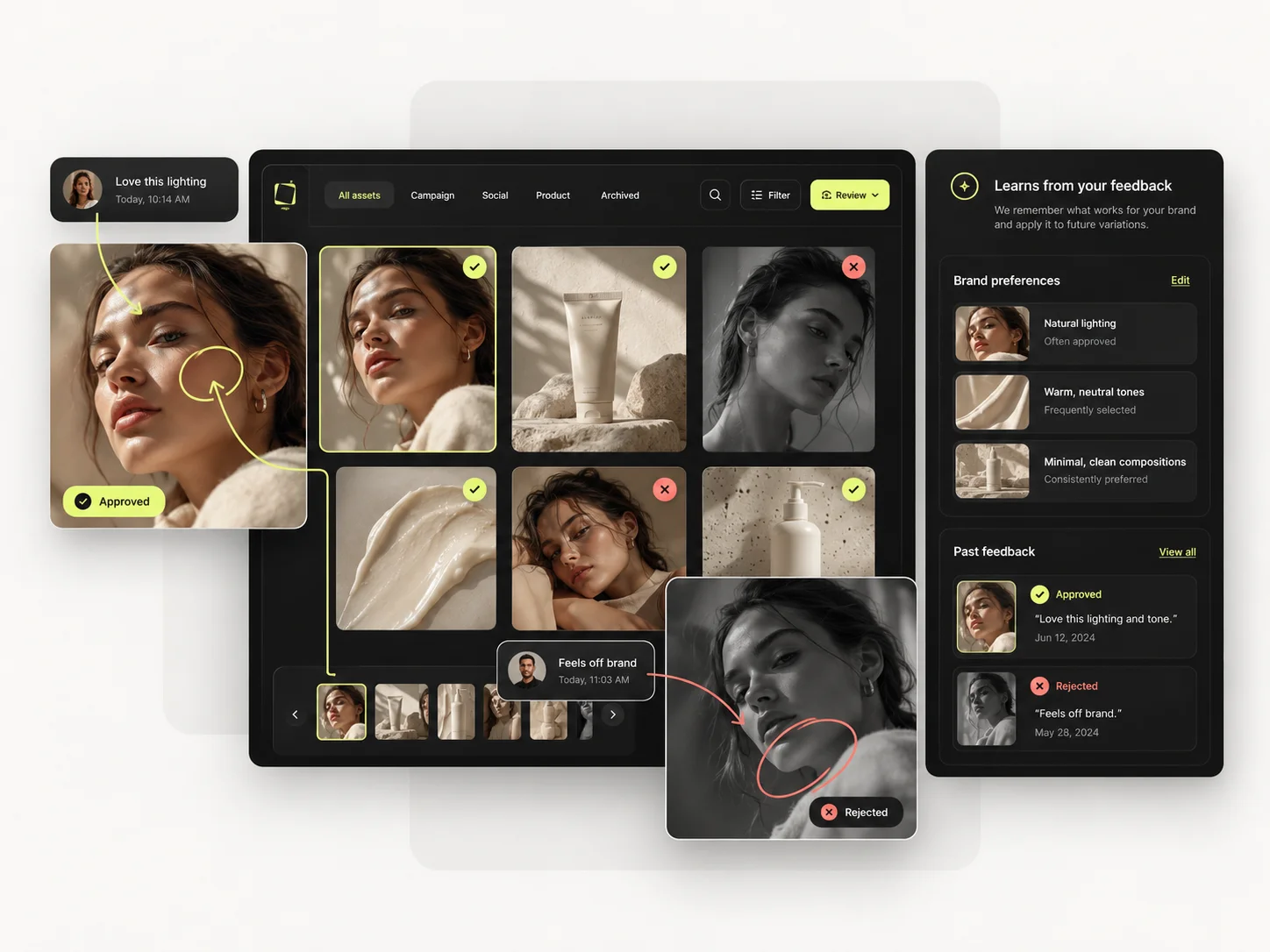
Short answers about Magnific, about Mujo, and about the parts that are easy to get wrong.
Freepik's AI creative platform has been rebranded and expanded under the Magnific name. For SEO continuity, teams may still search for 'Freepik AI', but the current product surface is Magnific.
Magnific currently exposes a broader model catalog and more media categories. Mujo uses a more curated set inside workflow-specific workspaces.
Magnific. Its ecosystem includes a very large stock library; Mujo is not a stock-media marketplace.
Mujo is more purpose-built around listing and product-content workflows. Magnific can perform the underlying creative tasks but approaches them as part of a broader suite.
Match the same model, resolution, duration, quality mode and output count. Raw credit totals are not comparable across platforms.
A comparison against Magnific stays abstract until you look at the work it is about. These are the production workflows Mujo is built around, plus the neighbouring comparisons if you are still shortlisting.
Take a brief to a full set of campaign assets in one workspace.
Turn one approved creative into controlled versions across formats and markets.
Run an approved product direction across a whole SKU list.
Fine-tuned models against a reusable process.
The realtime lab against a production floor.
Vectors and brand systems against photographic output.
If your team is generating the same product shot for the fourth time this quarter, the problem is not the library. It is that the setup was never saved. 20 free credits. Rebuild last season's product set and time it.