A licensed library
No stock footage, no cleared music. Artlist's catalogue is a real advantage Mujo lacks.
Artlist's product is licensing. Footage, music, sound, templates — cleared, subscription-covered, safe to ship. AI generation sits on top of that. Mujo has nothing licensed to offer; it generates, and it keeps the setup that produced the generation. The comparison is really between borrowing material and manufacturing it.
Three things this platform does not do, stated before the arguments in its favour. If one of them is what you came for, Artlist is the better answer and this page will not change that.
No stock footage, no cleared music. Artlist's catalogue is a real advantage Mujo lacks.
Music, sound design and voice are outside the product.
Generated output still needs its own clearance before it ships.
Where a licensed content library and a generated-production system actually differ.
Artlist started from licensed creative assets and has expanded into an AI creation suite. Its current offer combines 100+ AI models, AI Apps, Artlist Studio, stock libraries, music, SFX, voice, AI music, workflow tools, and increasingly agentic/connected production. That makes it a broad media stack. Mujo starts from the opposite side: generation and reusable creative logic first, with portfolio, product, listing, and content-system layers around it.
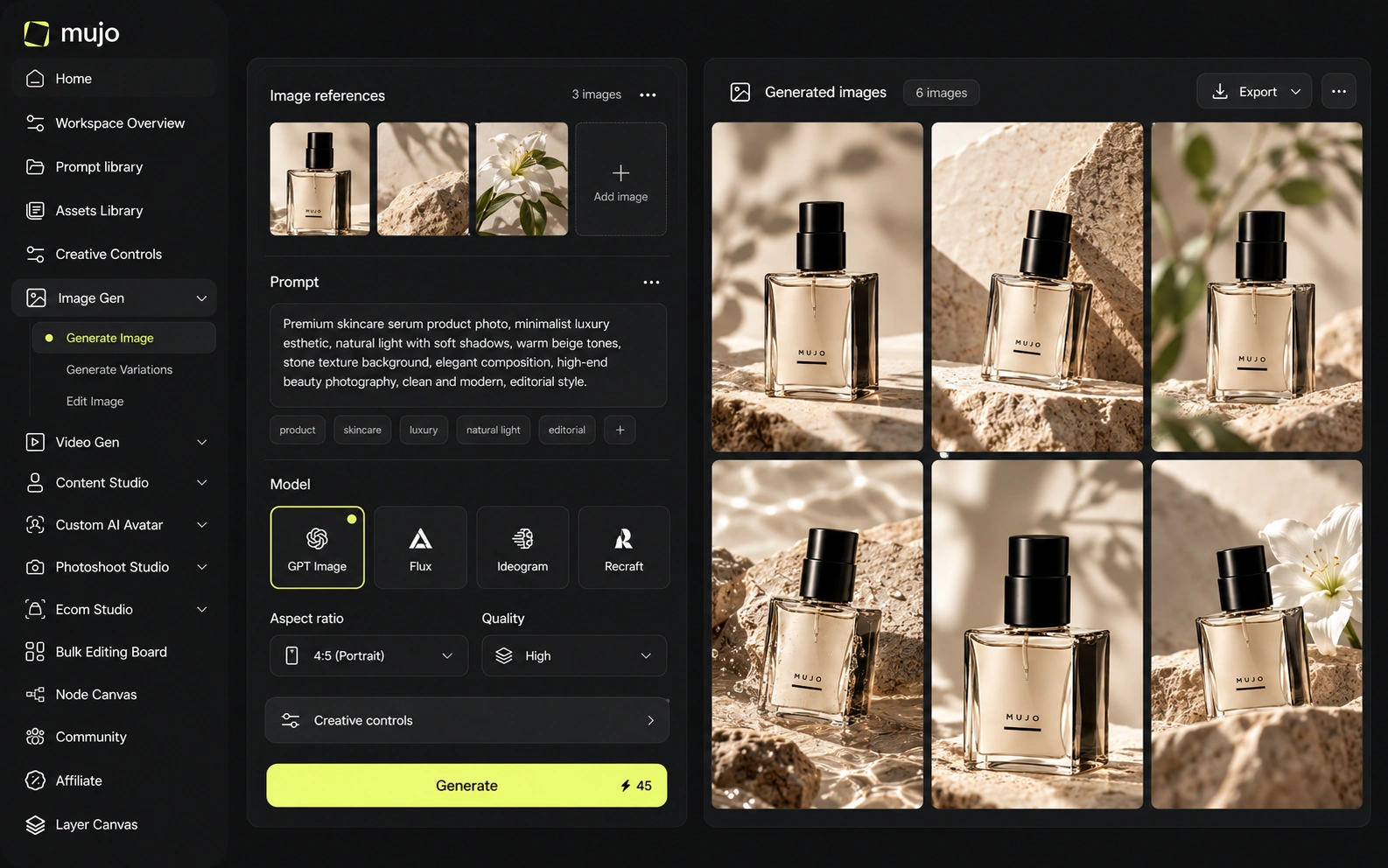
Mujo runs on external engines rather than its own: Nano Banana Lite, Nano Banana 2 and Nano Banana Pro, GPT Image 2, Midjourney, Seedream 5.0 Lite and Seedream 5.0 Pro, Grok Imagine and Kling 3.0 Image for stills, Veo 3.0 and Veo Fast, Kling 3.0, Seedance 2.5 and Seedance 2.0 for motion, with Creative Controls, a shared Prompt Library, references, an Asset Library and a Node Editor around them. Artlist's catalogue is the asset; the AI tools extend it. Licensed footage answers 'what can we use'. A production system answers 'how do we make this again'. Teams with a catalogue and a calendar usually end up needing both.
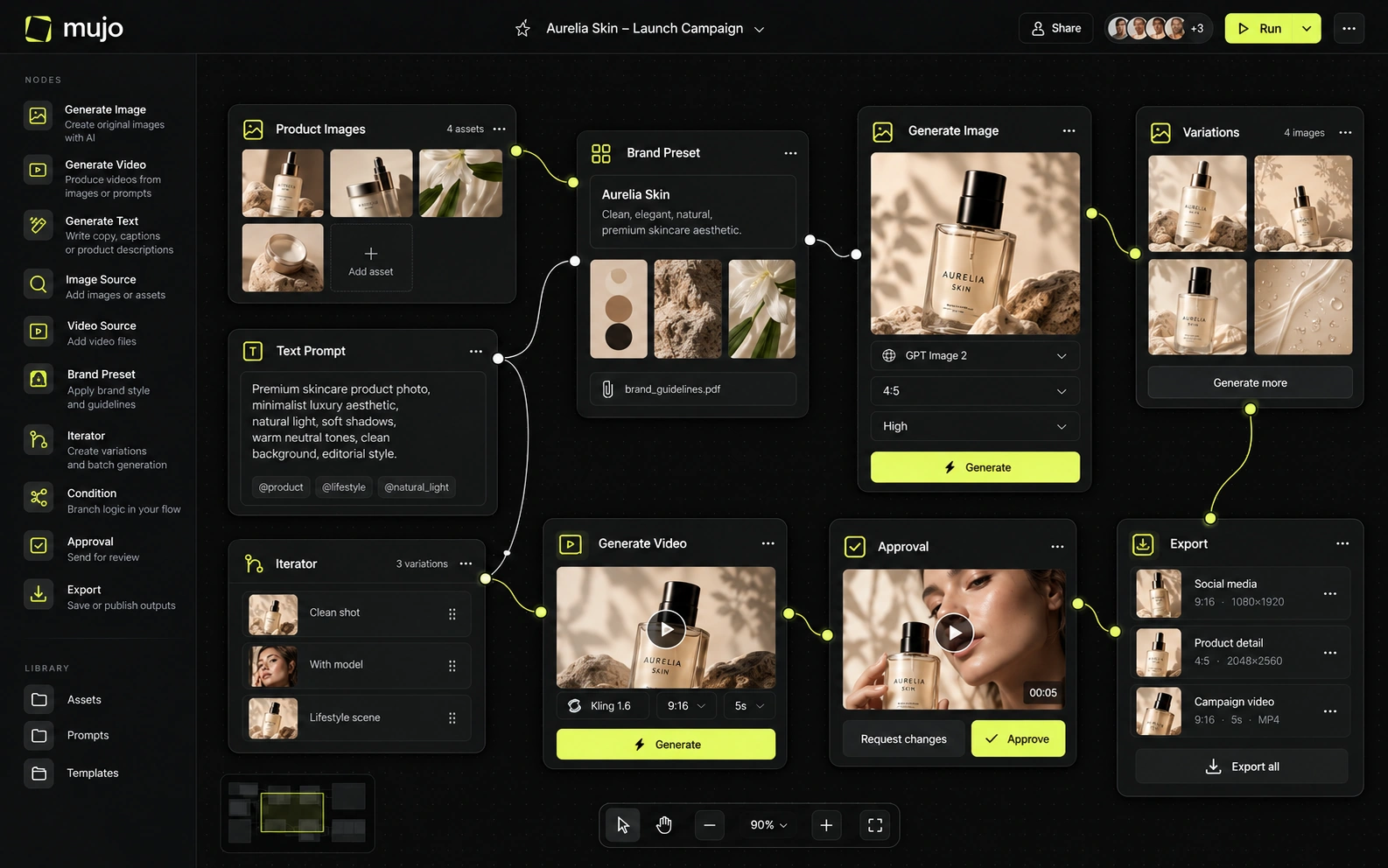
Artlist advertises access to more than 100 AI models across image, video, voice, and music. The value is breadth across media types rather than only image/video engines. Mujo is more curated and visually oriented. If a team wants one subscription to generate a hero image, a voiceover, a music bed, SFX, and source stock clips, Artlist has the wider toolbox. If the priority is comparing image/video models while keeping the prompt, references, and reusable controls intact, Mujo has a clearer workflow story.
Model access is not Artlist's pitch and it should not be judged on it. Mujo's angle is that one brief can be tested across several engines while prompts, references and controls stay in place — useful when the exact product in the frame is yours and no stock library has it. Two questions worth separating: whether the platform gives you the engine you want, and whether your direction survives a change of engine. A catalogue sidesteps both, which is its advantage.
Artlist provides AI Apps and Studio tooling that package common creative tasks, while its broader ecosystem gives creators ready-to-license source material. Mujo's Creative Controls is more explicitly built around visual direction—lighting, pose, expression, camera angle, location, style and other parameters—plus saved prompt patterns. The difference matters when the goal is not simply to finish one asset but to reproduce a visual system across a catalog or campaign.
Artlist's control is selection — search, filter, license, drop in. Mujo's is parametric: Creative Controls name lighting, pose, expression, camera angle, location and style so a direction can be set, saved and reapplied to a product that does not exist in any library. That distinction decides most of these comparisons. If the shot exists somewhere, licensing it is faster and cleaner. If it has to contain your SKU, only generation gets you there, and then the question becomes who can reproduce it next month.
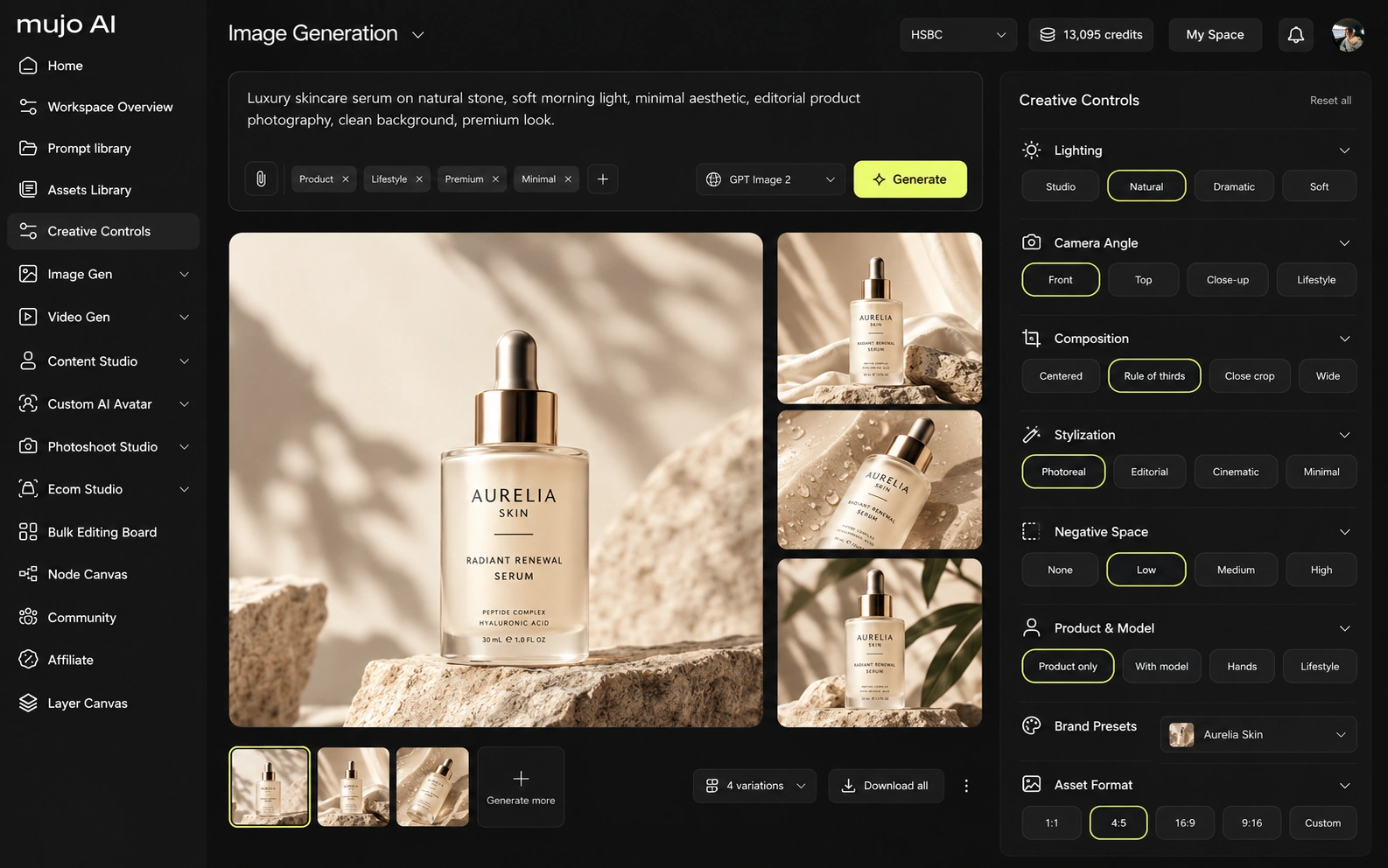
Artlist and Mujo both participate in the fast-moving multi-model video market, but they use video differently. Artlist's specialization is breadth: stock footage, music, SFX, voice, AI music, AI image/video, templates, Studio and workflow surfaces. Mujo is narrower on purpose: product and listing imagery, AI Photoshoots, campaign creatives and social cuts, held together by Creative Controls, the Prompt Library and the Asset Library.
Mujo generates video on several engines beside its image workspace, so an approved product still becomes a vertical ad in one setup. Artlist's video advantage is that its clips are real, shot by people, and cleared — a genuinely different proposition, not a weaker one.
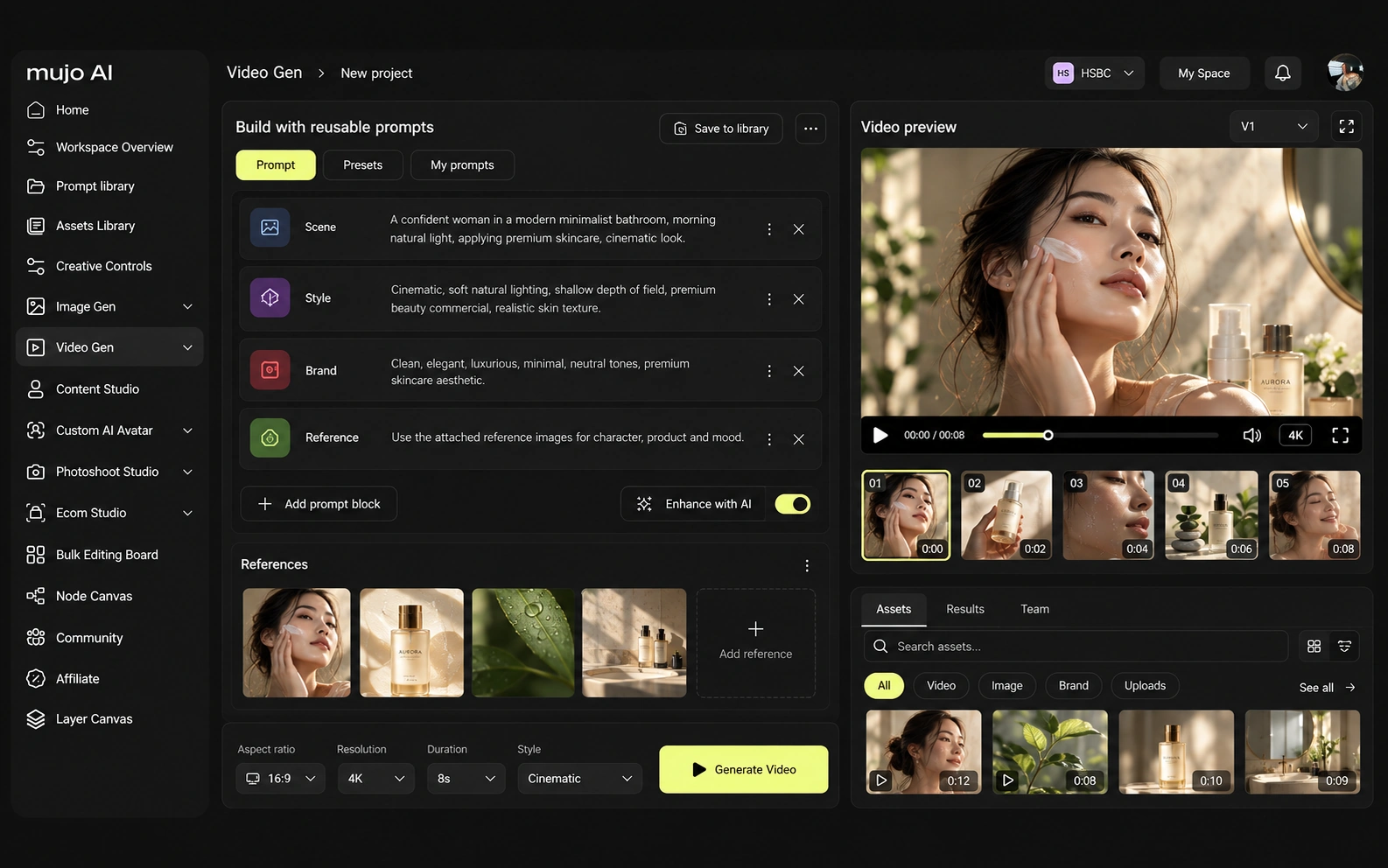
Consistency means four things: the same person, product, look or process. Licensed libraries handle look consistency through curation. Product consistency and process consistency are where generation and structure come in.
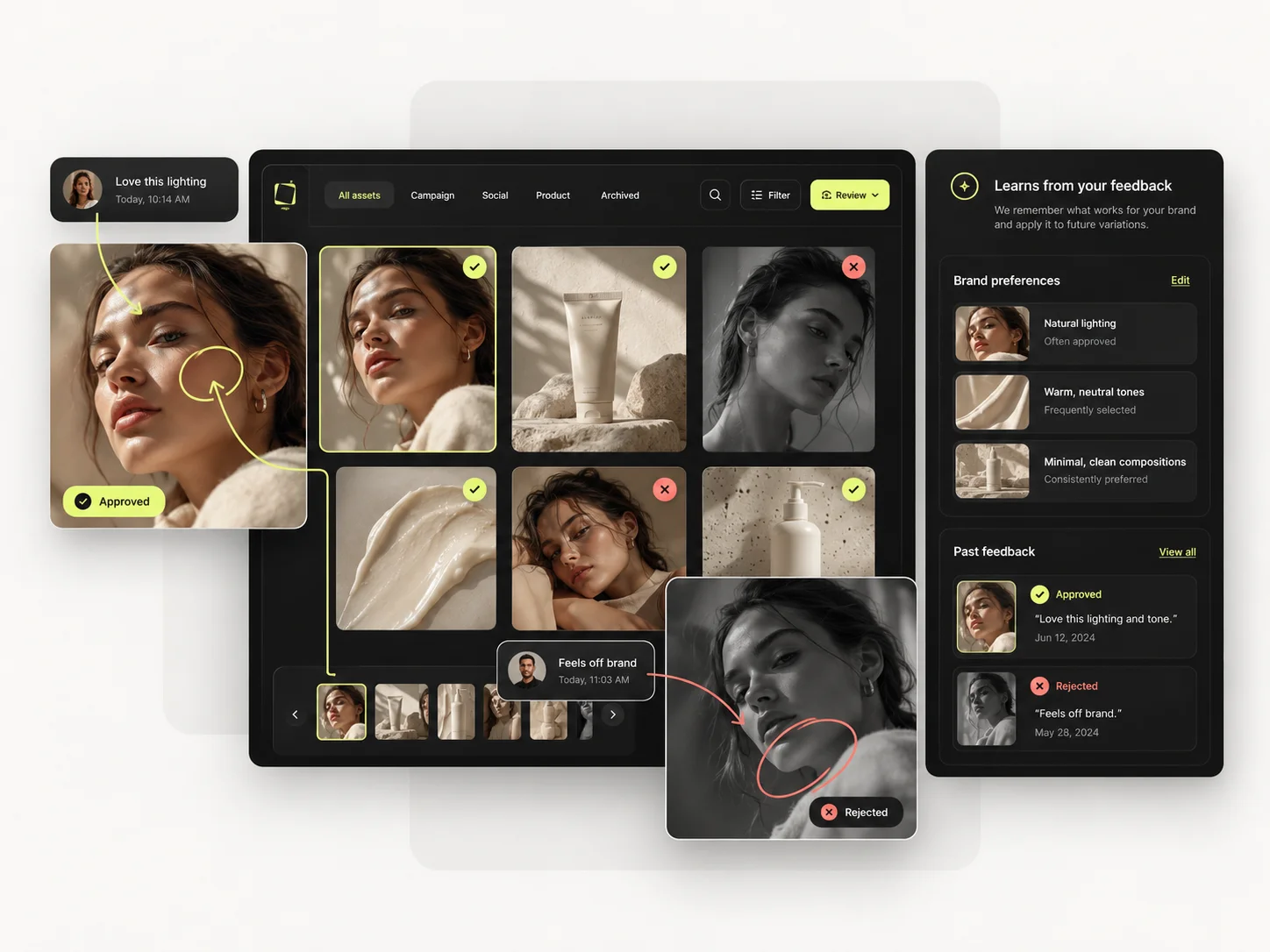
Mujo saves the route to the asset: references, Creative Controls parameters, saved prompts, model choice, history, reusable flows. The next person opens the setup rather than searching again. For Artlist, the consistency model is different. Artlist provides AI Apps and Studio tooling that package common creative tasks, while its broader ecosystem gives creators ready-to-license source material. Mujo's Creative Controls is more explicitly built around visual direction—lighting, pose, expression, camera angle, location, style and other parameters—plus saved prompt patterns. The difference matters when the goal is not simply to finish one asset but to reproduce a visual system across a catalog or campaign. If the recurring need is atmosphere and b-roll, a catalogue is the right home. If it is your product in forty frames a month, a production system is.
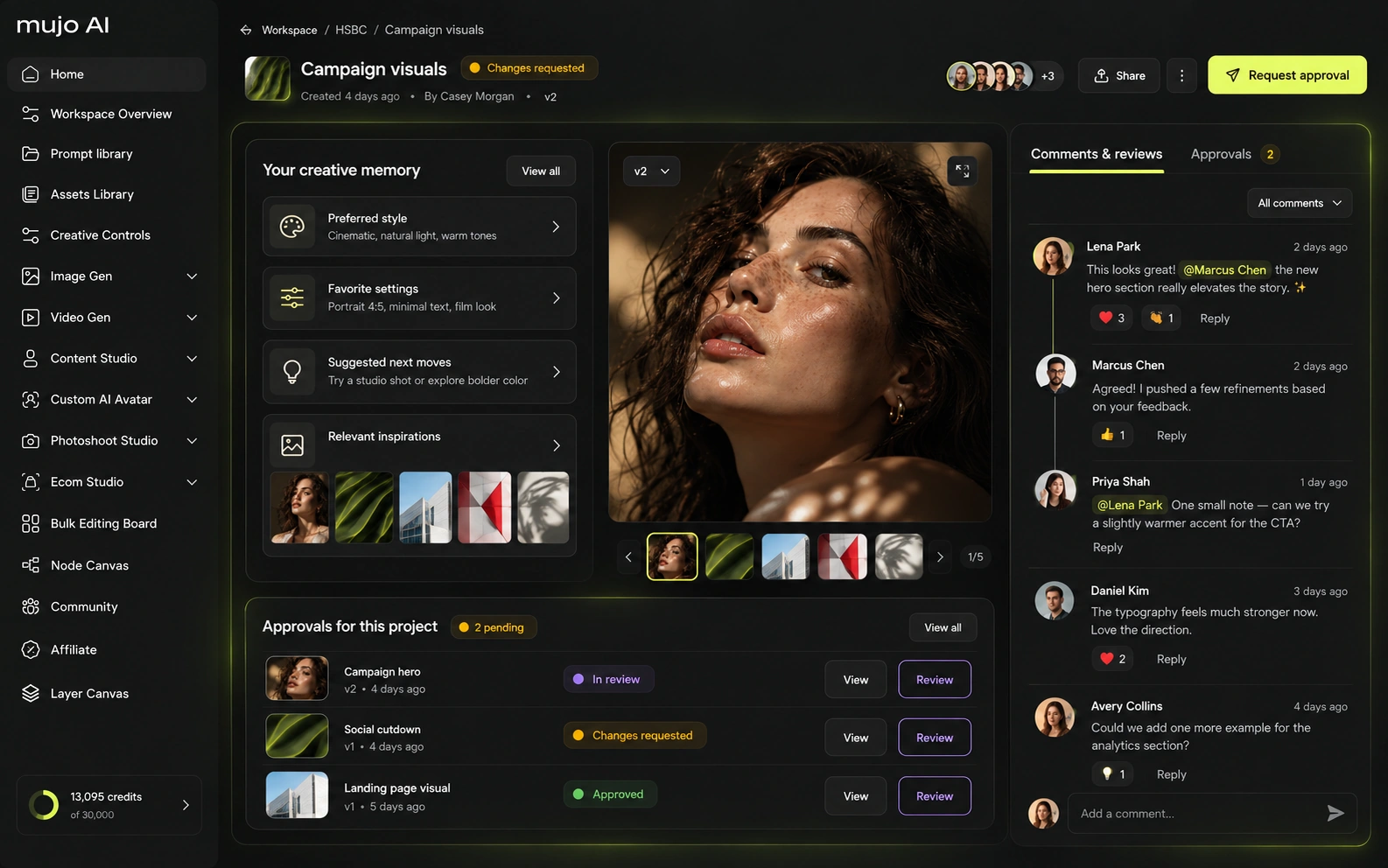
How each platform fits commercial production that repeats
For a product team, Artlist can supply the soundtrack, footage and supporting creative assets around a campaign. Mujo is closer to the product itself: product images, listing-ready galleries, reusable visual directions, social variations and copy. For an e-commerce operator that already has music and stock solved elsewhere, Mujo's narrower workflow can reduce tool noise. For a content studio producing full multimedia campaigns, Artlist's breadth can reduce vendor count.
Mujo's commercial surface is built as use cases: Product Photos, Listing Images, Product Catalog Production, AI Photoshoots, Campaign Creatives, Creative Variations, Social Media Content and Social Video Ads, with background removal and a shared Prompt Library underneath.
Product inputs, listing crops, campaign directions and social cuts share one setup. No stock library can supply a frame containing a SKU that shipped last week.
The product shot, its listing crops, its ad variants and its social cuts come out of the same approved direction. Volume is what makes commercial work expensive, not generation speed — and it is the part a Artlist comparison usually leaves out.
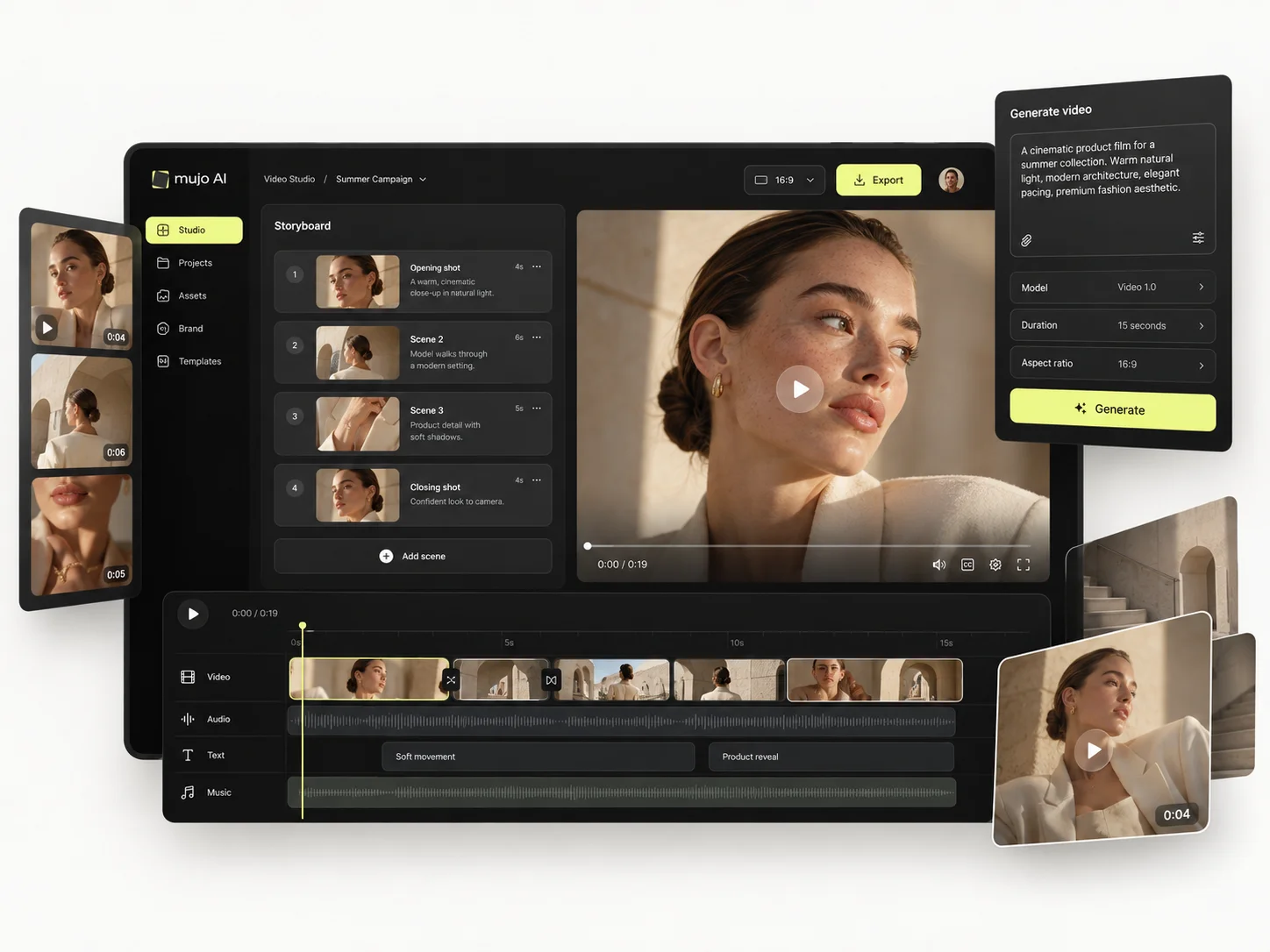
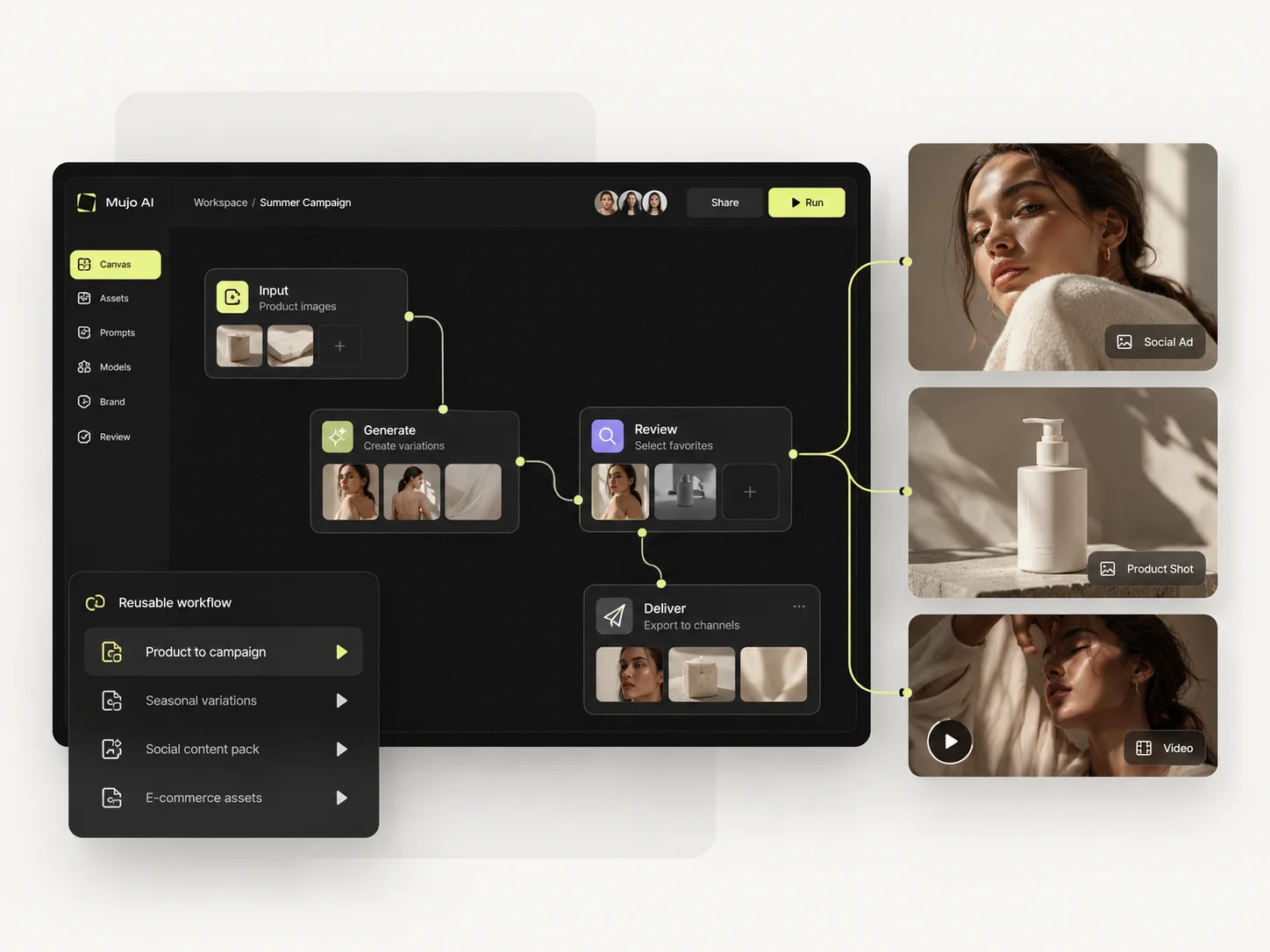
Prompts are treated as production assets: refined with structured controls, compared across models, saved to the Prompt Library. Selected workflows can be published — see Creative Portfolio Examples — rather than staying in one person's history. Artlist takes a different route. With one product photo and a launch brief, Artlist can generate imagery and video, then add licensed music, voice, SFX and stock elements without leaving the ecosystem. Mujo is less broad, but it keeps the repeatable visual recipe closer to the work: prompt logic, model choice, Creative Controls parameters, references and outputs can be reused when the second SKU arrives. Artlist optimizes the media package; Mujo optimizes the repeatable visual production system.
Saved setups live in the Prompt Library where the next person can find them, instead of in the generation history of whoever happened to get it right. Whatever you keep from a Artlist session, it is usually the output rather than the reasoning behind it.

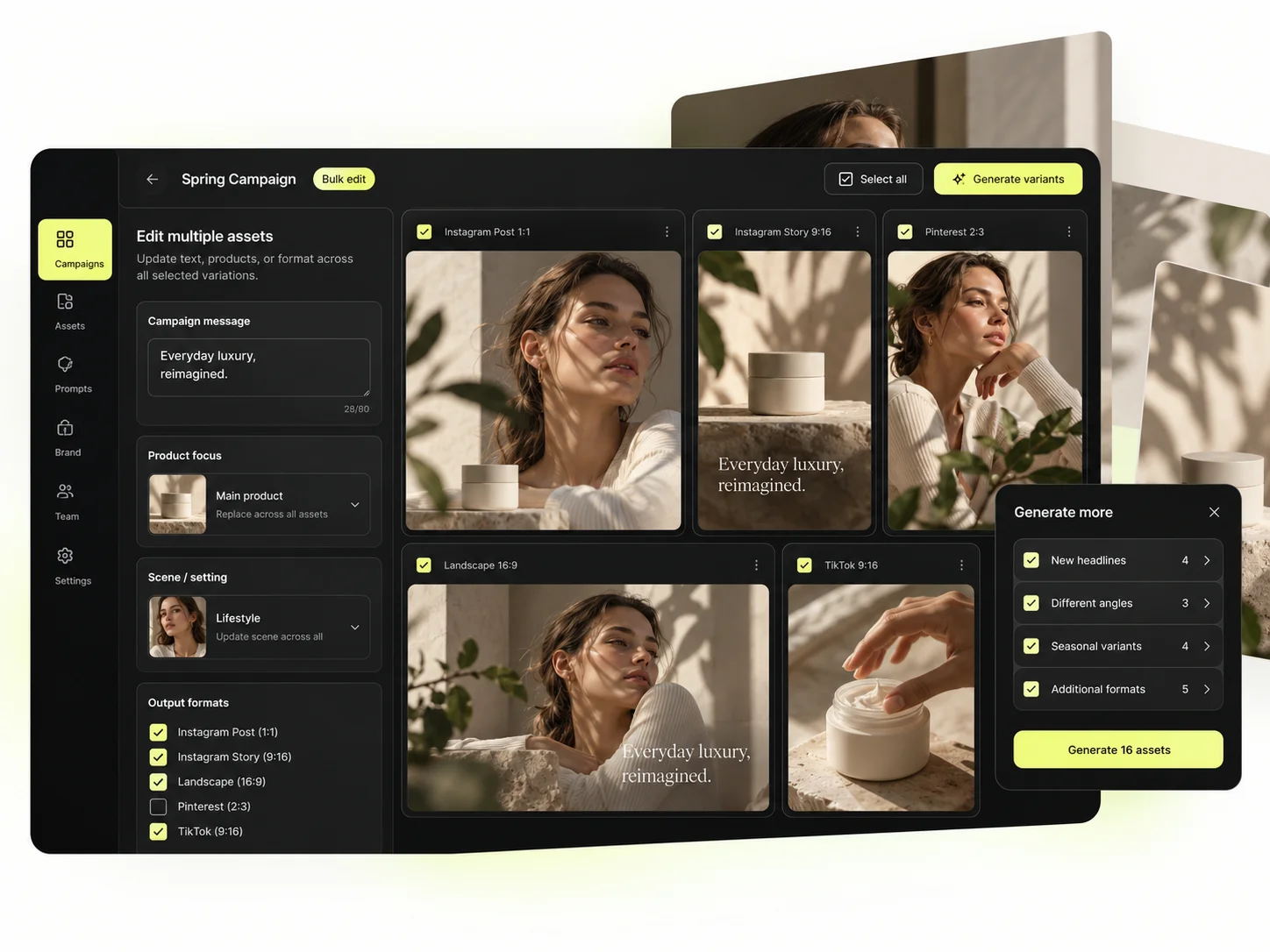
The Bulk production table is the part no subscription covers. Rows are assets, columns are the variables, and one approved direction runs down a product list — generating the frames that had to contain your product and therefore could never be licensed.
Per-asset work scales linearly: forty products means forty sessions. A saved direction run in bulk does not. That is the line where a Artlist workflow and a Mujo workflow stop costing the same.
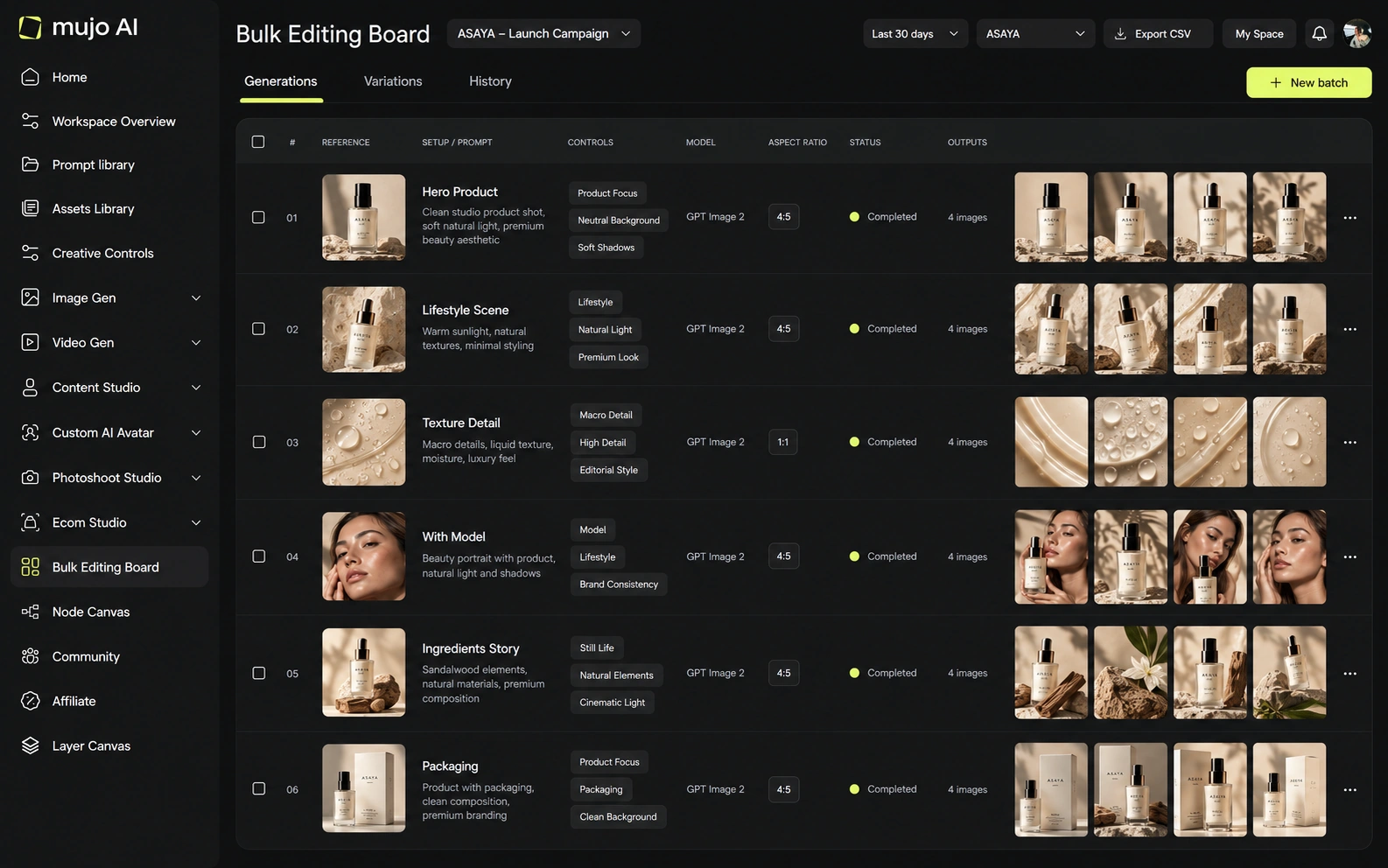
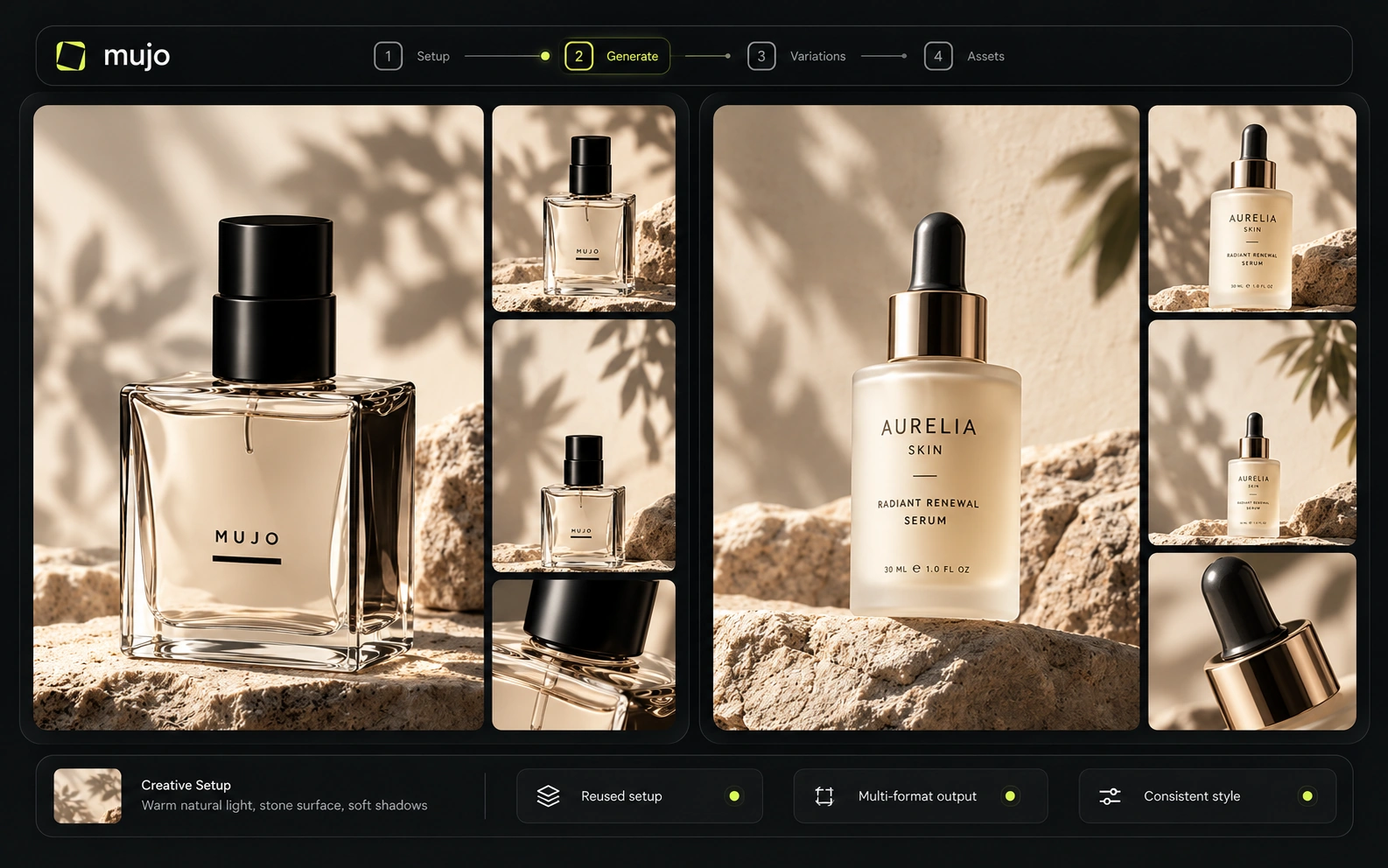
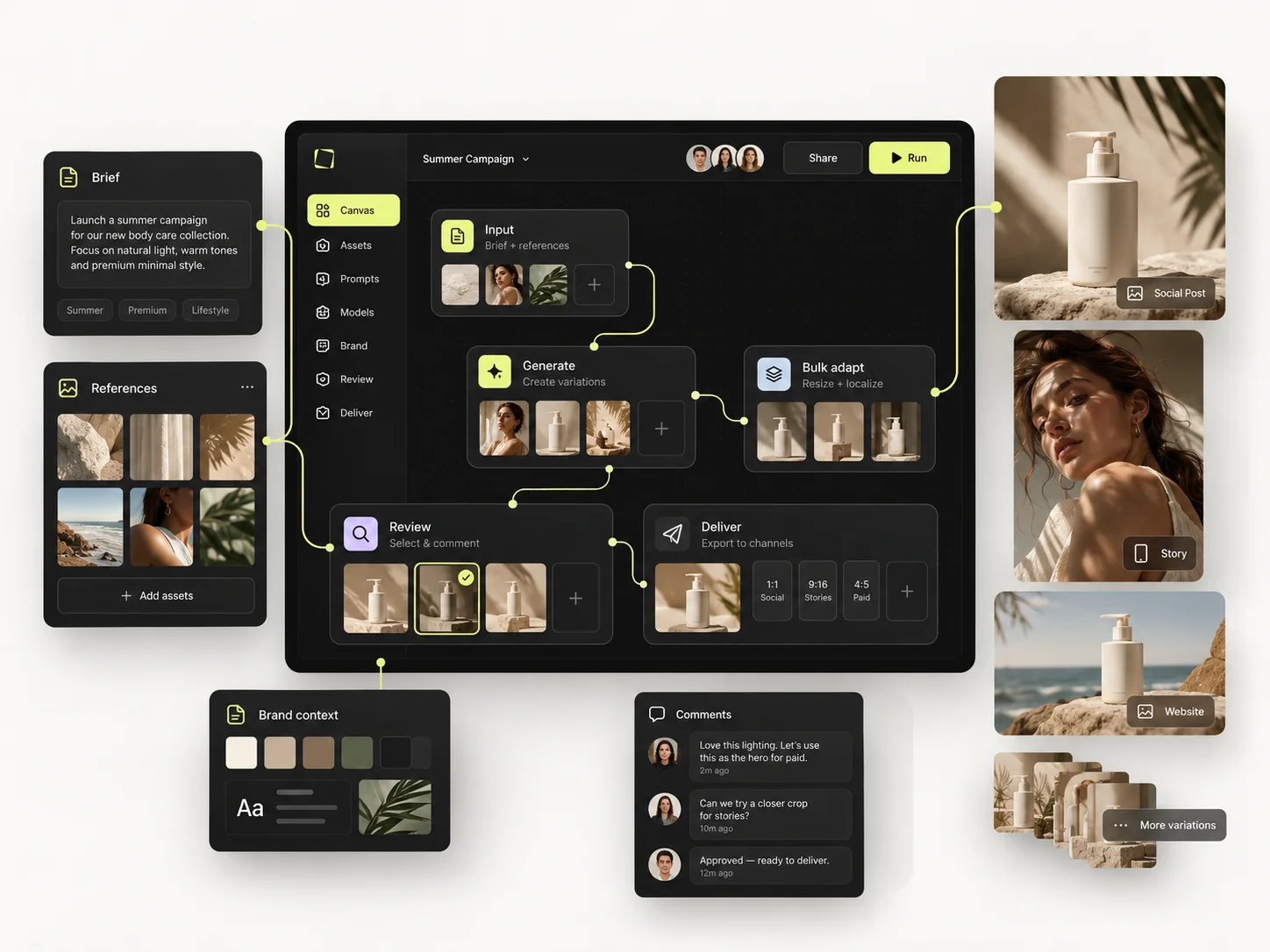
The brief that shows the difference: one product image in, a hero visual, three square social variants and one vertical motion ad out, then the same direction on a second SKU a week later. Note how much of it a catalogue can supply, and how much has to be made.
Start from one source product image and one launch brief.
Produce the hero visual, three square social cuts and a vertical motion ad.
Save what was generated and how: prompts, references, controls, model.
Rerun it on a second SKU without starting the search again.
Artlist clears the first round comfortably, as does almost anything else worth evaluating. The second round is where the difference appears, and it is the round nobody gets to during a two-week trial.
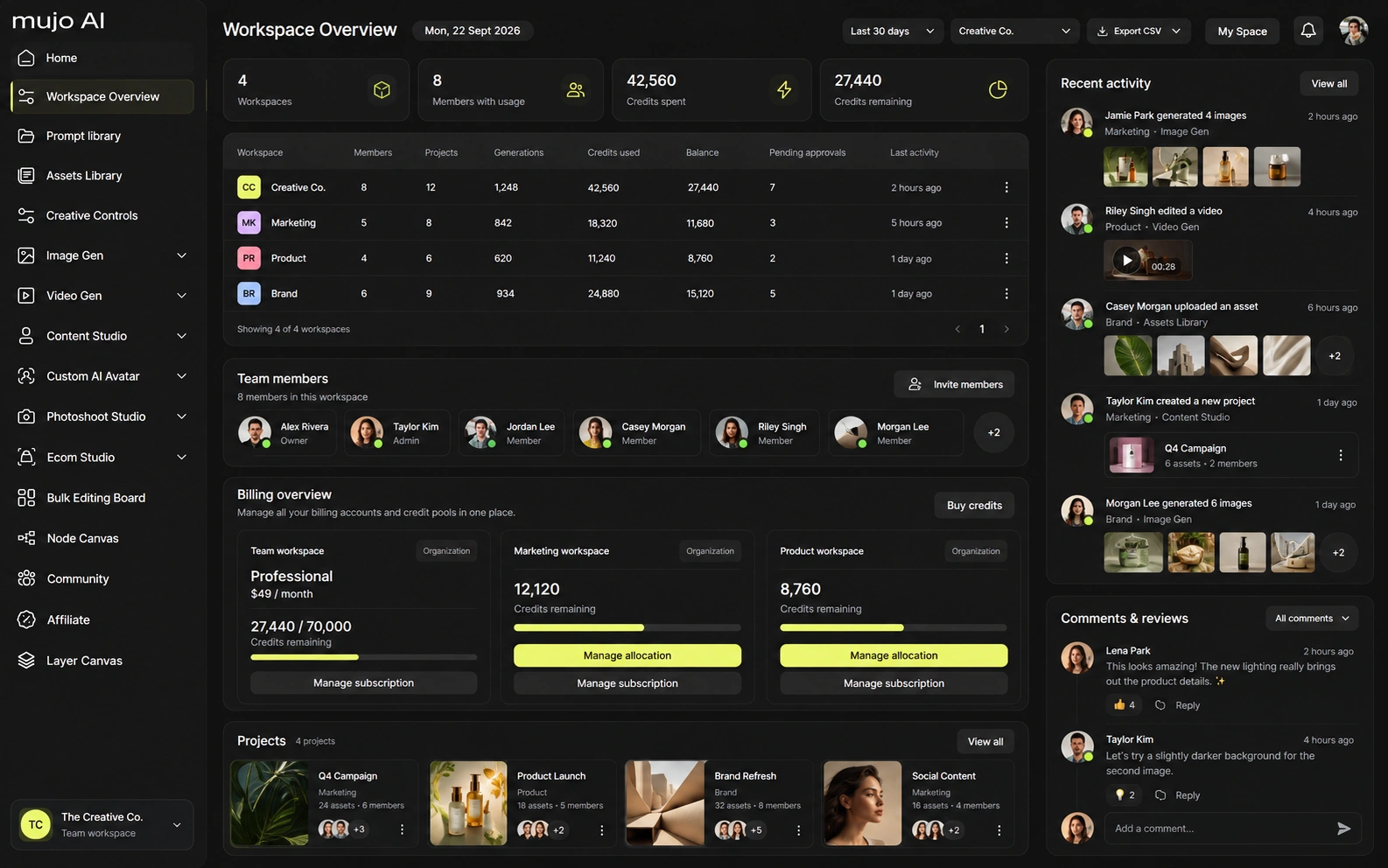
Artlist offers plans that support multiple members and higher professional tiers, while its commercial licensing is a core part of the product. Current product materials also reference workflow/connector features such as Flows, MCP and plugins on eligible offers. Mujo's enterprise layer emphasizes reusable team workflows, brand context, auditability of inputs/changes/approvals, asset organization and no-training commitments.
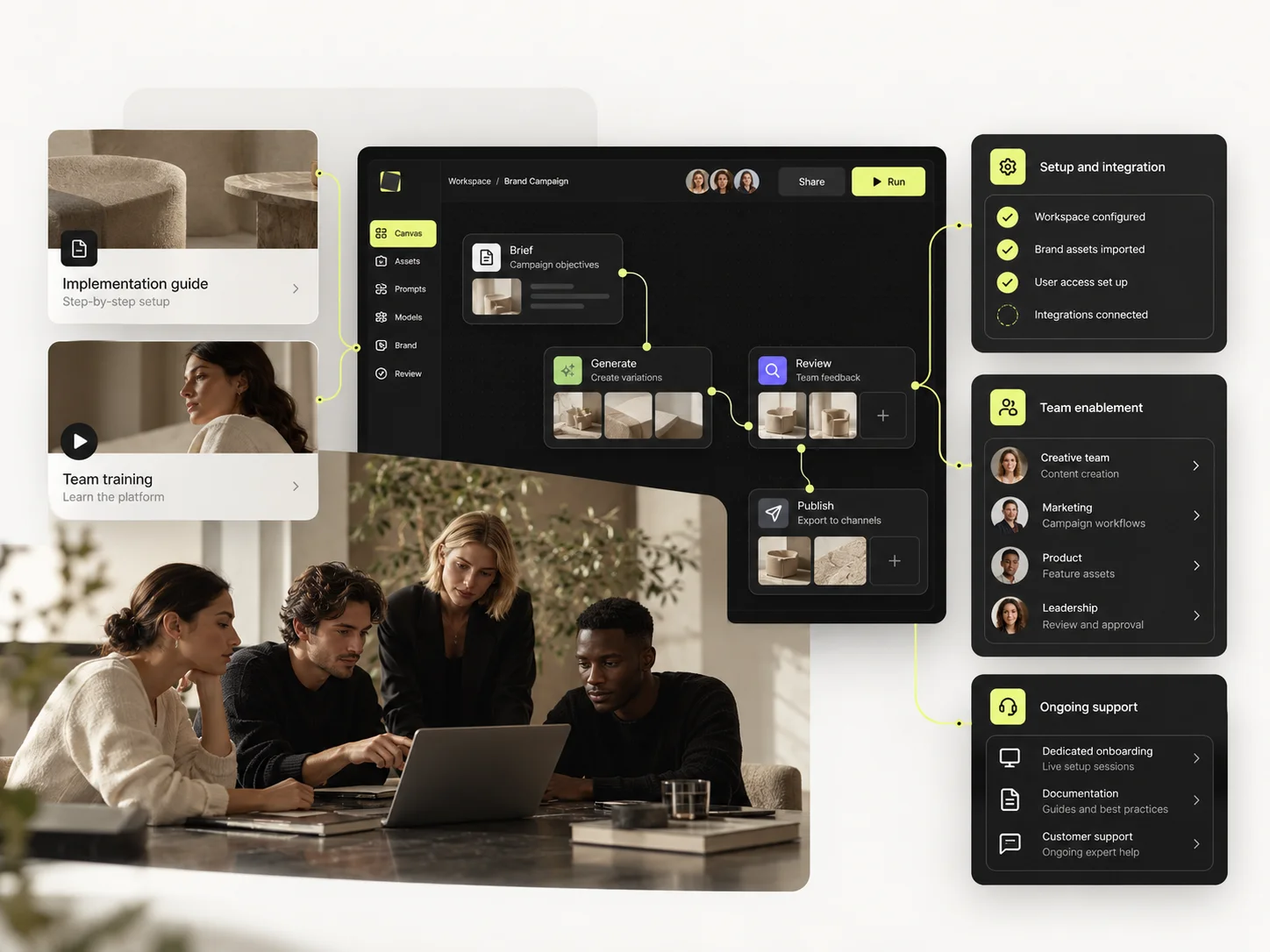
Mujo Enterprise covers Node Editor flows, brand context, shared prompt and asset libraries, approval traceability, onboarding, admin and security review. Artlist's enterprise value is largely licensing coverage across a team, which is a different kind of assurance. If an API matters, verify models, concurrency and pricing on both sides. For licensed material, the question to verify is scope of use, not throughput.
Artlist sells several credit-volume variants, so the plan name alone is not always enough to describe the allowance. Its current official materials show multiple credit bands and selected unlimited modes on higher/annual tiers. That makes Artlist attractive for steady monthly production, while Mujo's public pay-for-volume credits are easier to model for irregular generation. Do not compare 'credits' between the two platforms as if one credit represents the same compute.
16,500 credits on the commonly advertised Starter tier
40,000 credits
80,000 credits; selected unlimited modes on annual plans
Plans Start $9, Basic $19, Pro $34, Creator $84, Business $121 (5 seats); 200-credit packs from $2.60 with no use-by deadline
Mujo's plans run from $9 to $121 a month, with up to 40% off on annual billing. Pay-as-you-go packs start at 200 credits for $2.60, credits carry no use-by deadline, and new accounts start with 20 free. A subscription to a catalogue and a per-output credit price are not comparable numbers.
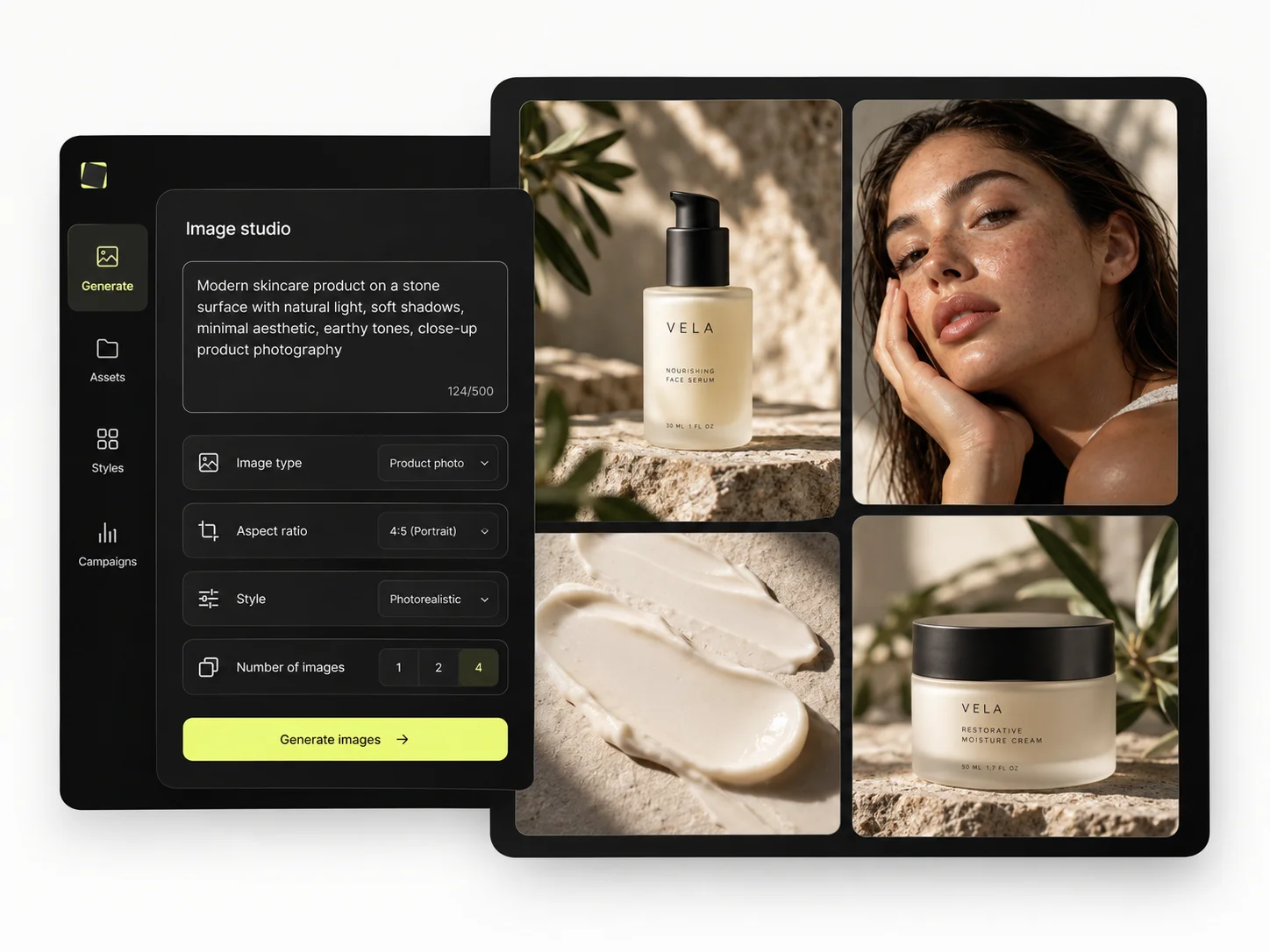
Commercial licensing is one of Artlist's central strengths. Its paid AI and media plans are designed around commercial publishing, subject to the scope of the selected license. Mujo also grants users ownership of generated outputs and commercial-use rights subject to law and third-party rights. Teams should compare the exact license scope for client work, broadcast, paid media and any stock components used in the final deliverable.
Specifically, on Mujo's side: users keep ownership of what they upload and of AI-generated outputs and may use those outputs commercially, subject to applicable law and third-party rights; inputs and outputs are not used to train foundation models without opt-in, and the enterprise terms extend that to the third-party models in the stack. Commercial-use permission is not rights clearance. Trademark, publicity rights and model-provider terms still apply, so client work needs human review before it ships.
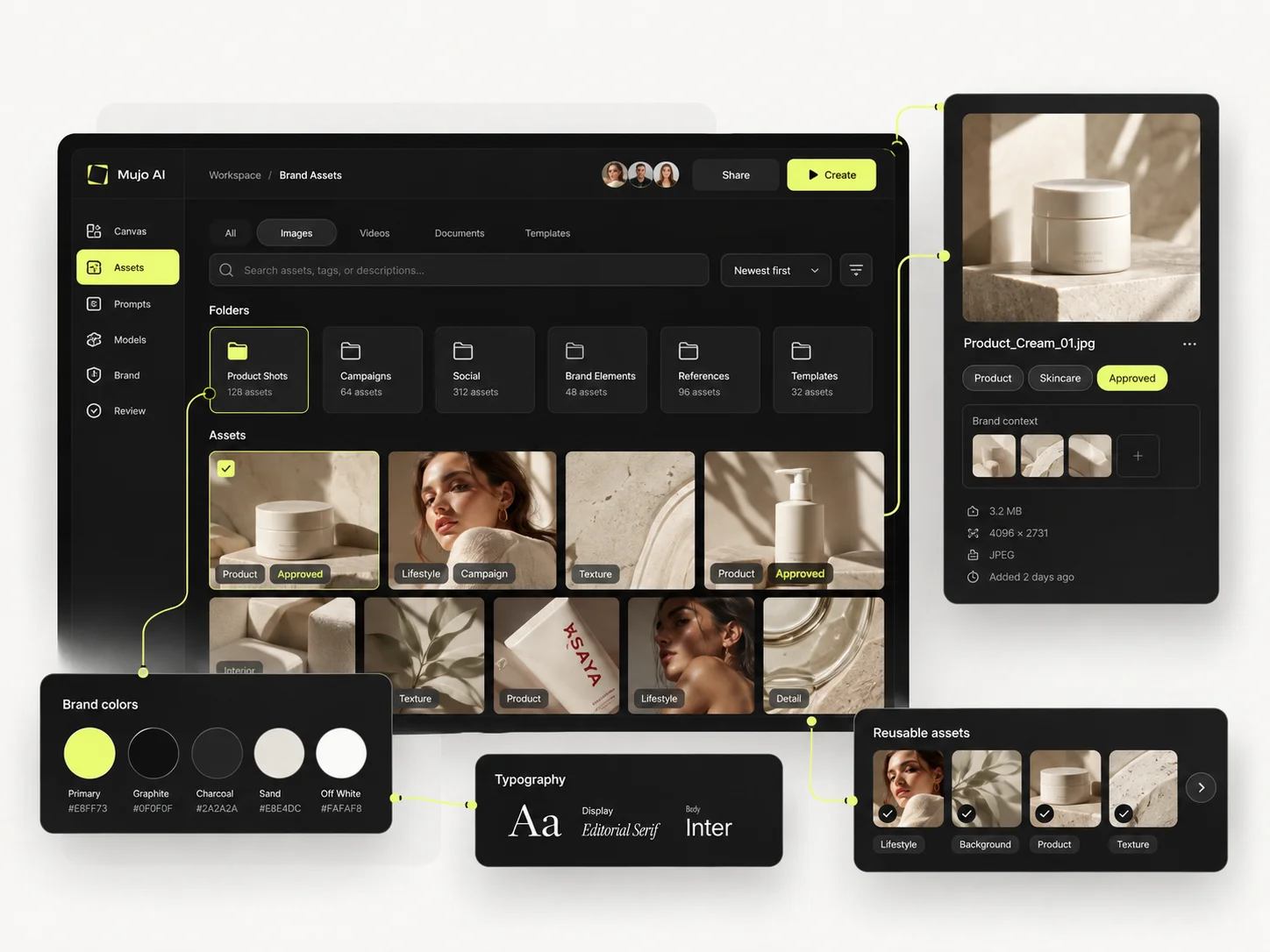
What Artlist does better, and what Mujo does better. A comparison page that only fills in one side is not a comparison.

Worth reading before a trial rather than after one.
Artlist and Mujo solve different layers of the content stack. Artlist can replace several media subscriptions at once; Mujo can replace the repeated rebuilding of an AI visual workflow. For a video editor or creative studio buying music and stock every week, Artlist's ecosystem is hard to ignore. For a marketing or e-commerce team that cares about repeatable visual direction and multi-model iteration, Mujo is more focused.
Choose Artlist when stock, music, SFX, voice, templates and AI generation need to live under one commercial media subscription.
Choose Mujo when the recurring challenge is to systematize AI-generated product, social and creator visuals across models and campaigns.
A sane split: Artlist for licensed footage, music and atmosphere, Mujo for anything that has to contain your product. Most campaigns need both halves and the tools barely overlap.
If the recurring need is material you could not shoot, license it. If it is material nobody could have shot because the product is yours and new, generate it — and keep the setup.
Short answers about Artlist, about Mujo, and about the parts that are easy to get wrong.
Yes. Current AI plans include image and video generation and access to a large multi-model catalog, alongside other AI media tools.
Artlist makes licensing a central part of its offer, especially when stock, music and SFX are involved. Mujo also supports commercial use of generated outputs, but it is not a stock-media licensing library.
Mujo is more directly product/listing oriented. Artlist is broader and becomes more attractive when the same campaign also needs stock footage, music, sound effects or voice.
No. Credit units are platform-specific. Compare the same model, mode, resolution, duration and number of outputs rather than dividing plan price by raw credits.
Yes. Mujo can handle repeatable AI visual production while Artlist supplies licensed stock, music, SFX and voice for the finished campaign.
A comparison against Artlist stays abstract until you look at the work it is about. These are the production workflows Mujo is built around, plus the neighbouring comparisons if you are still shortlisting.
Take a brief to a full set of campaign assets in one workspace.
Turn one approved creative into controlled versions across formats and markets.
Run an approved product direction across a whole SKU list.
Editing depth against repeatable sets.
A developer API against a finished interface.
A broad suite against a focused system.
If the atmosphere is covered and the product shots are the bottleneck, that is the half Mujo handles. 20 free credits. Try the product half of a campaign you are working on now.