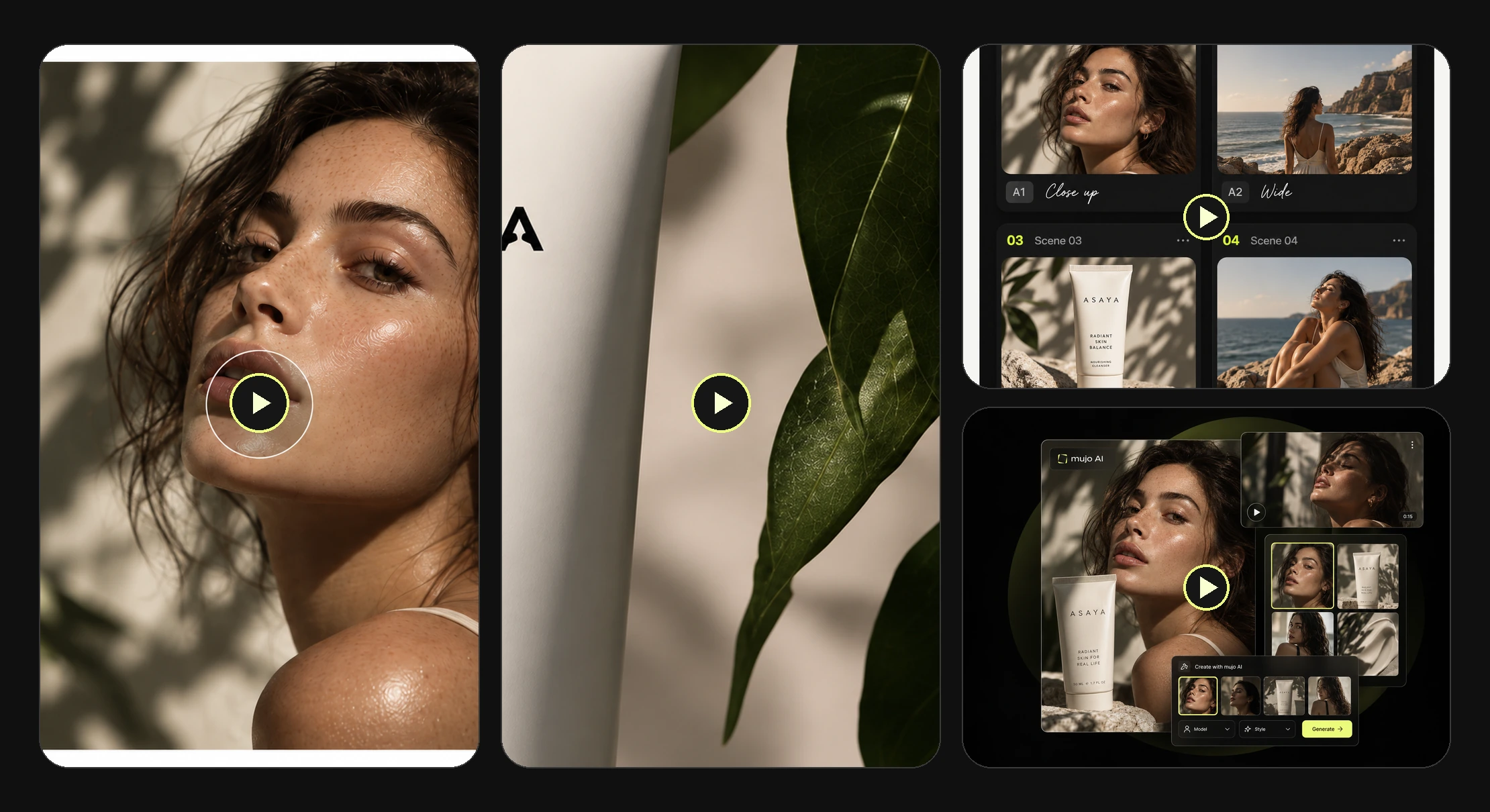
Built from what you have
Product photos, approved creatives, scripts and saved AI characters are the inputs.
Turn product photos, scripts and campaign concepts into AI-generated video ad directions for TikTok, Reels, Shorts and paid social — with reusable creative controls and workflows. The bottleneck in paid social was never the media buying; it was running out of creative to test.
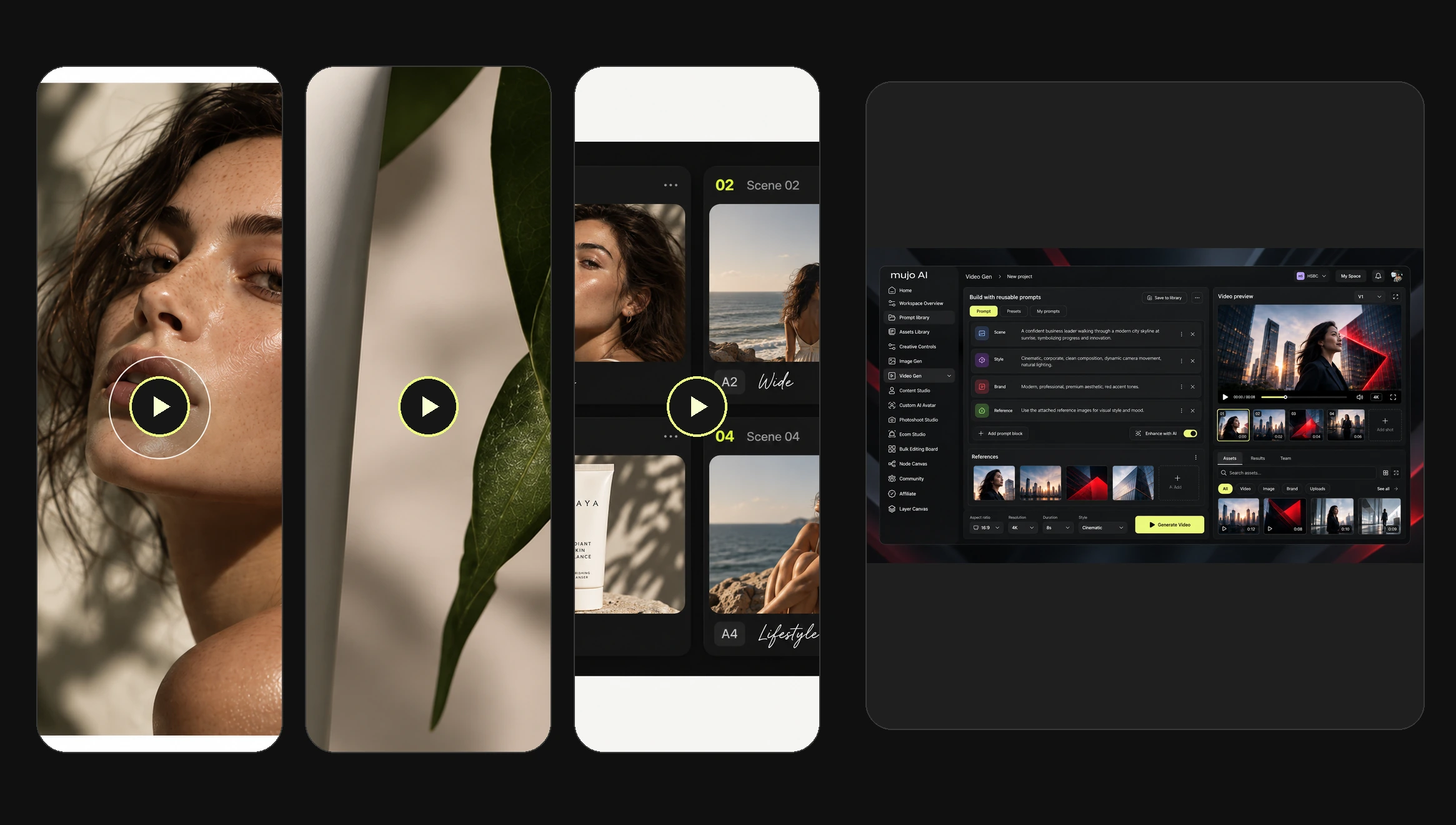
AI social video ads are short promotional videos created from product information, scripts, visual references or campaign ideas. Mujo helps a team develop different concepts and production variations inside one workspace, so a single product brief can produce several creative directions rather than one clip and a deadline.
Product photos, approved creatives, scripts and saved AI characters are the inputs.
A concept becomes several openings, scenes and versions of the same idea.
Approved directions, assets and settings stay available when the next brief lands.
The same product can open as a problem, as a demo, as a creator talking to camera or as a reveal. Each one is a different ad, and you rarely know which one works until several are live.
Creator-feeling clips that look native to the feed rather than produced for it.
The item shown doing the thing it is sold for, in a few seconds.
Built around the first two seconds, because that is where the audience is lost.
The product placed in a moment, with the reveal doing the selling.
A consistent AI character presenting the product across a whole campaign.
Seasonal, promotional and launch cuts made off one approved direction.
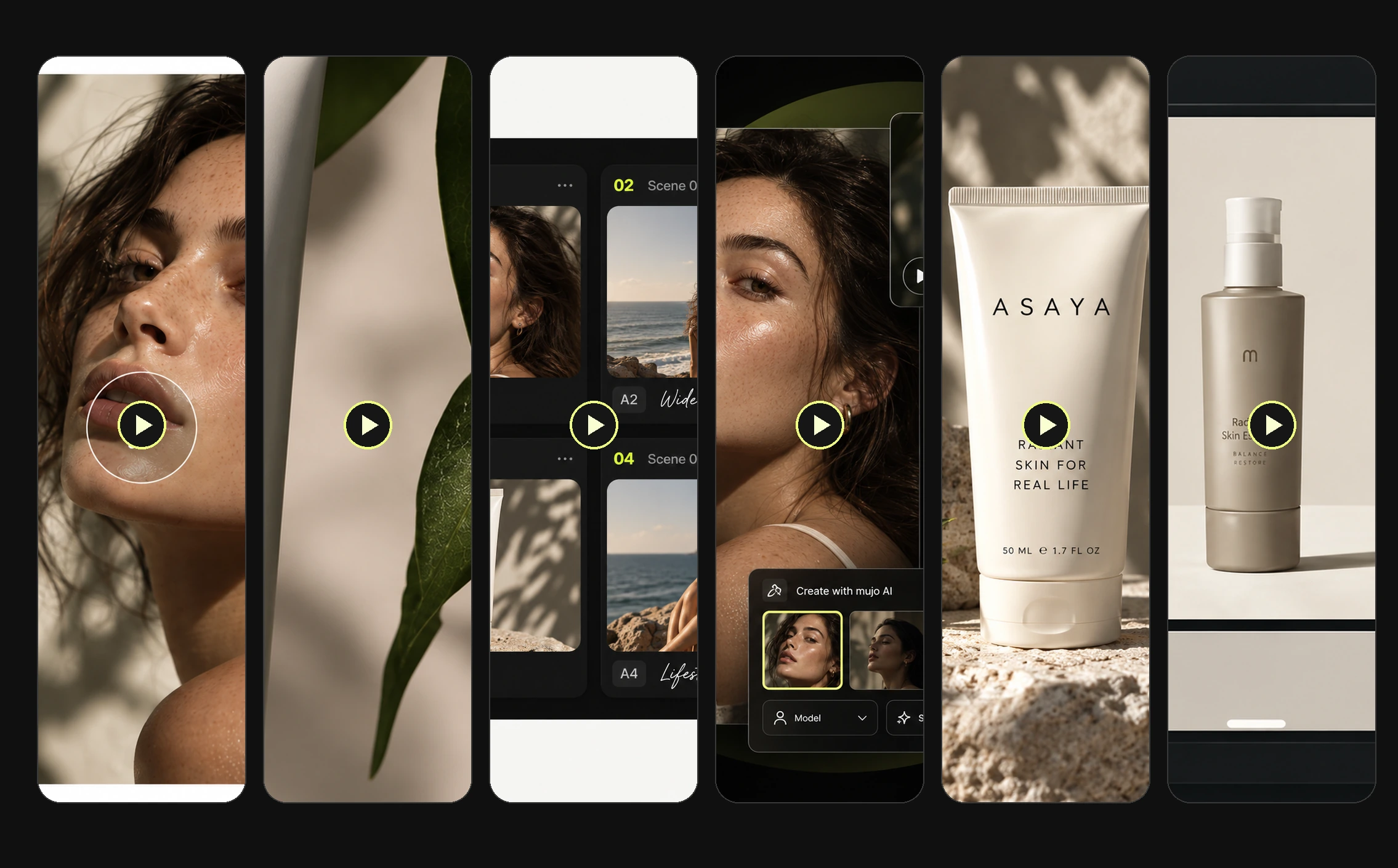
Illustrative video ad concepts. Which angle performs is decided by your campaign data, not by the tool that produced it — the point here is having six to test instead of one.
Start from a product photo, an approved creative, a script or a saved AI character. Building a video concept from an asset you already own is both faster and more on-brand than describing the same thing to an empty prompt field.
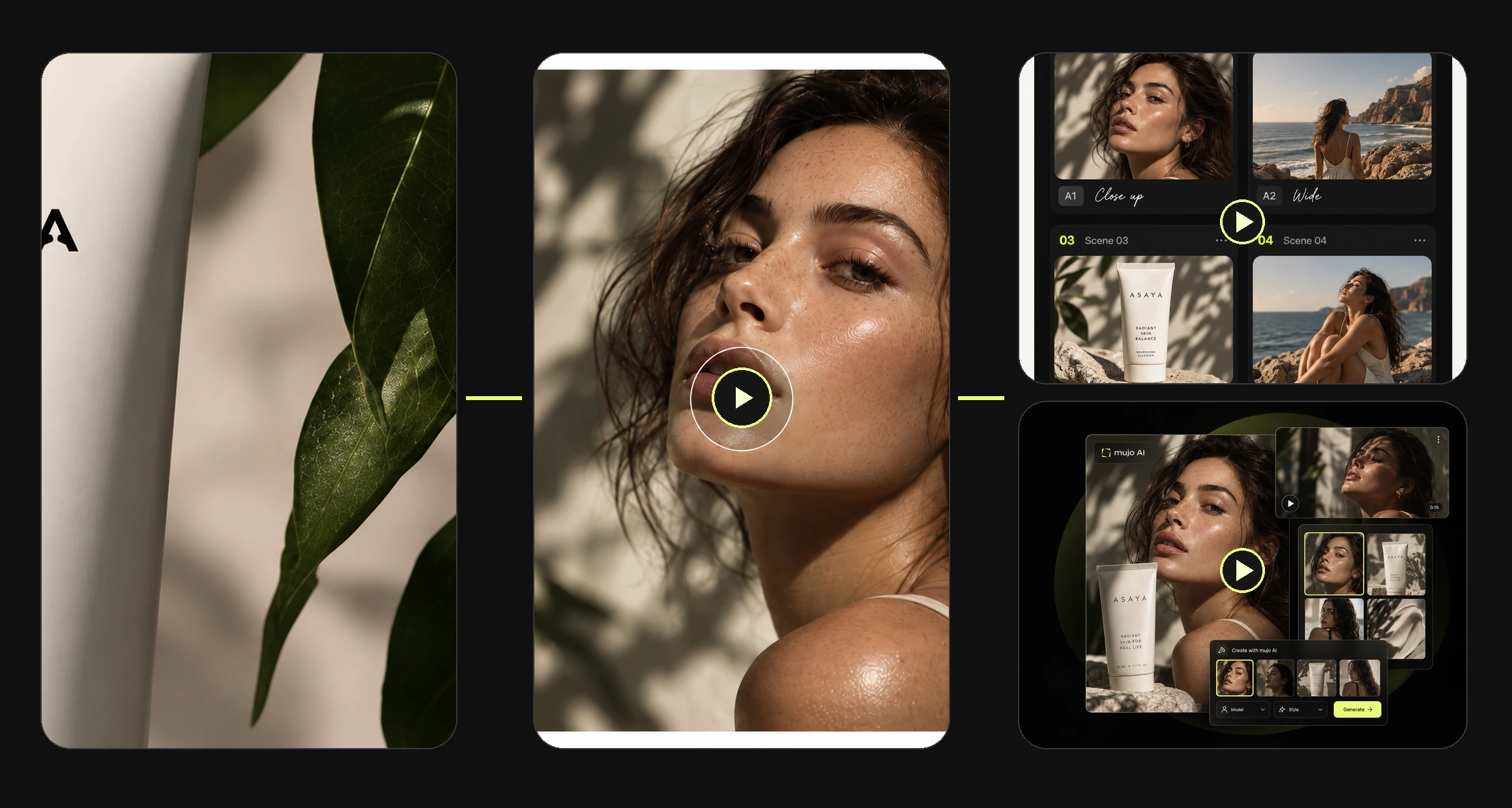
Supported creative controls differ from model to model, so step three is where you choose what you will actually be able to direct. Everything after it is refinement and multiplication.
Begin with the asset or brief the campaign is actually about.
Decide how the ad opens and which placement it is being made for.
Pick the video model and set the controls it supports for camera, motion and style.
Produce the first cuts, then adjust references and settings rather than starting over.
Build alternative hooks and versions from the direction that worked, then export.
Most short-form ads are decided in the first two seconds. Testing hooks is the highest-leverage thing a paid social team does, and it is the thing that usually gets cut when production is slow.
Open on the frustration, land on the product.
Hold the product back for a beat, then show it.
A person using it, talking the way people actually talk.
Lead with the outcome before anyone knows what is being sold.
The product inside a scene the audience recognises.
Before and after, carried entirely by the visual.
Explore different starting scenes and storytelling angles while keeping the product and campaign direction connected. Mujo does not predict which hook will win — it makes producing six of them cheap enough that you can find out.
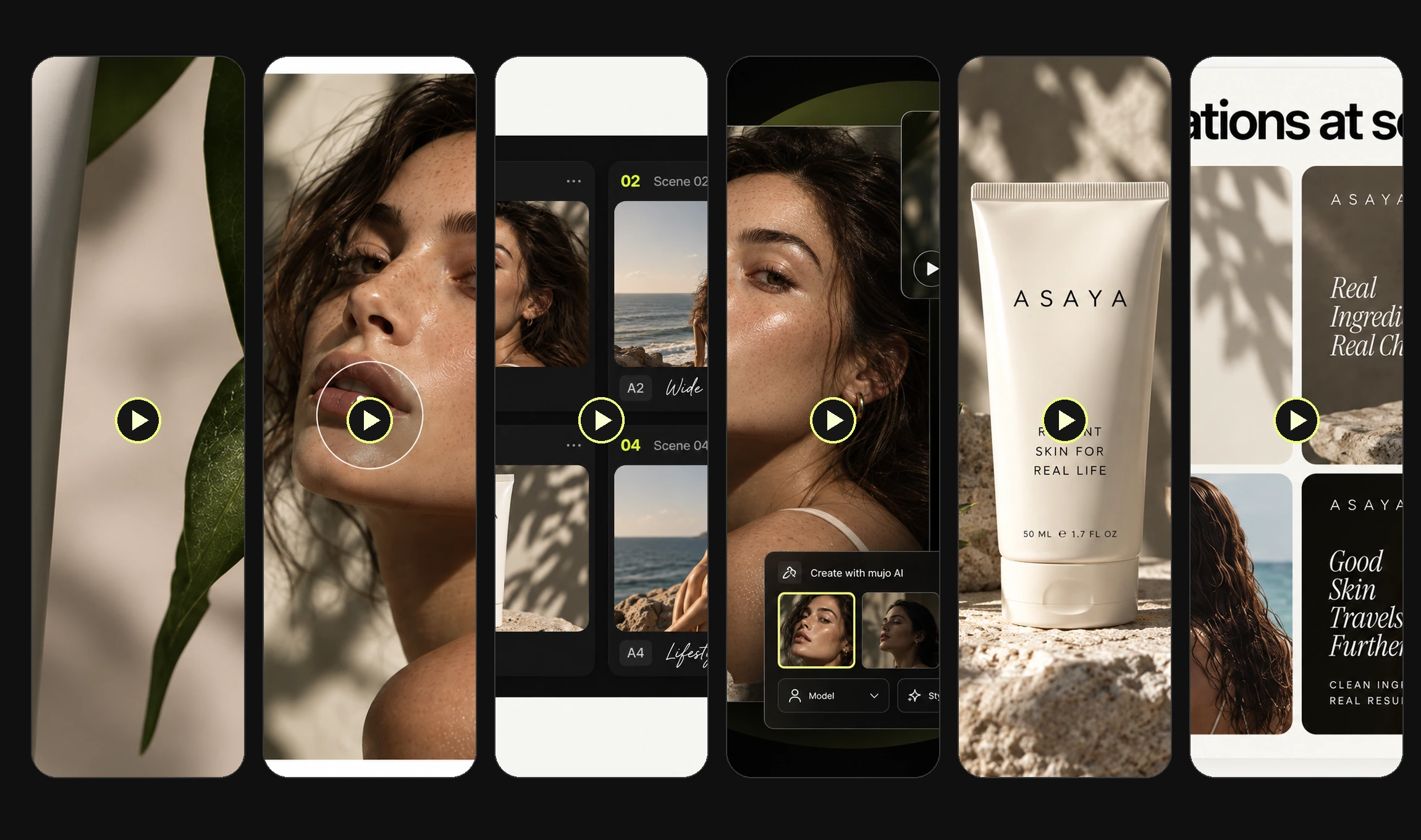
Use consistent AI characters and visual references to explore different creator-led video concepts around the same product or brief. Swapping the presenter is a creative variable like any other — it should not mean rebuilding the ad.
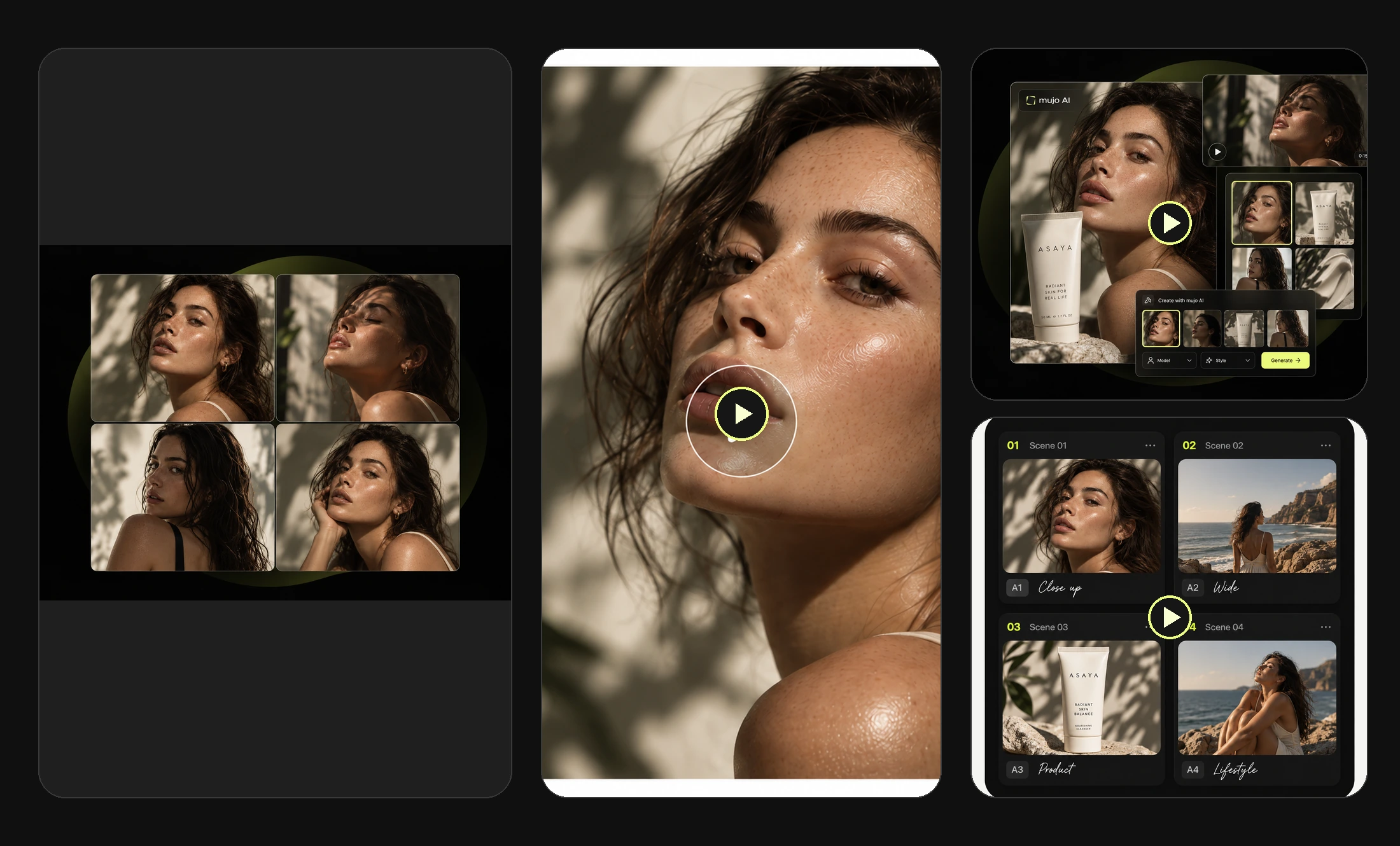
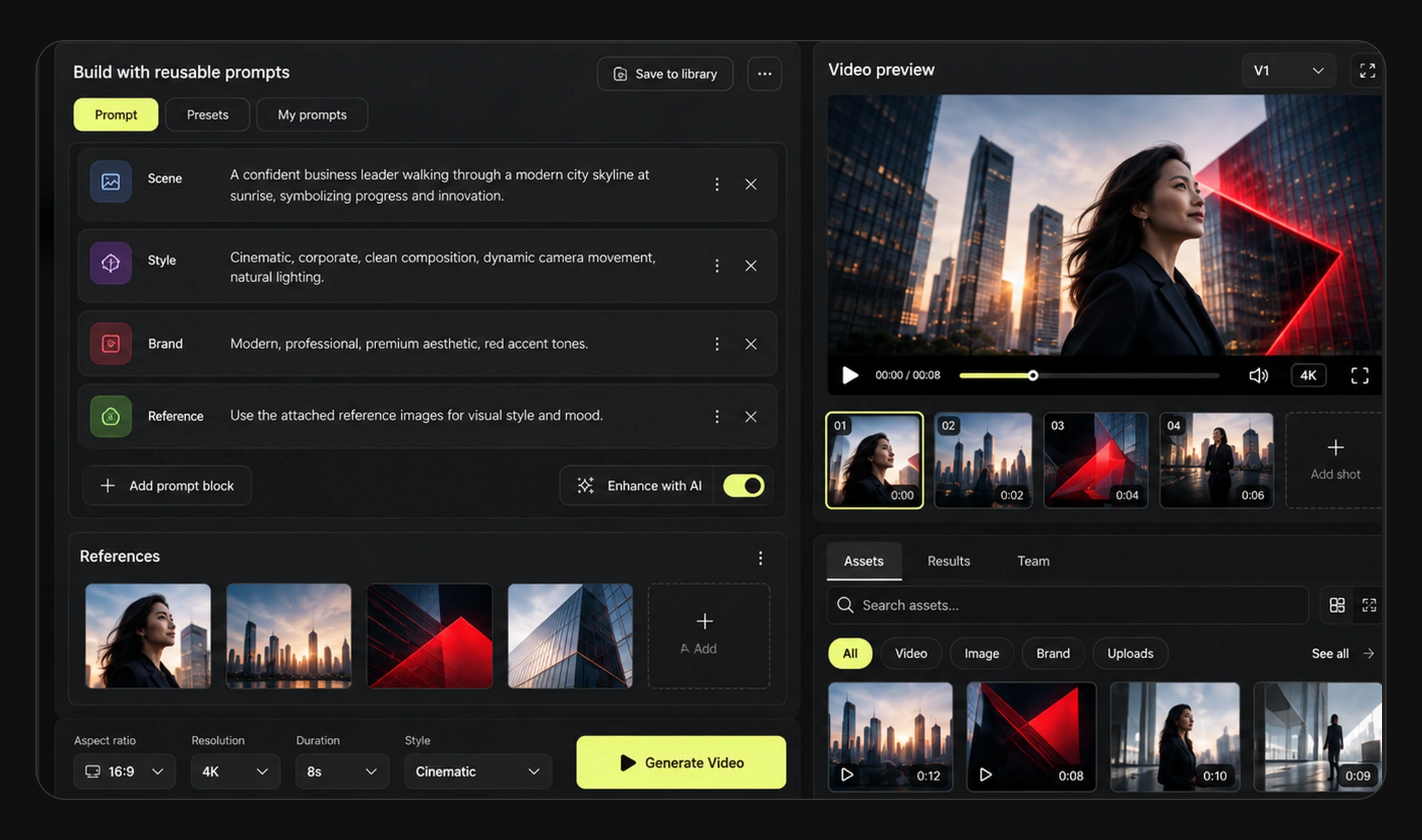
Use model-appropriate creative settings and visual references to guide camera, lighting, composition and style as you generate and refine video concepts. Supported controls vary by model, and the interface shows which ones the selected model actually accepts — so direction comes from settings rather than from rewriting a paragraph of prompt and hoping.
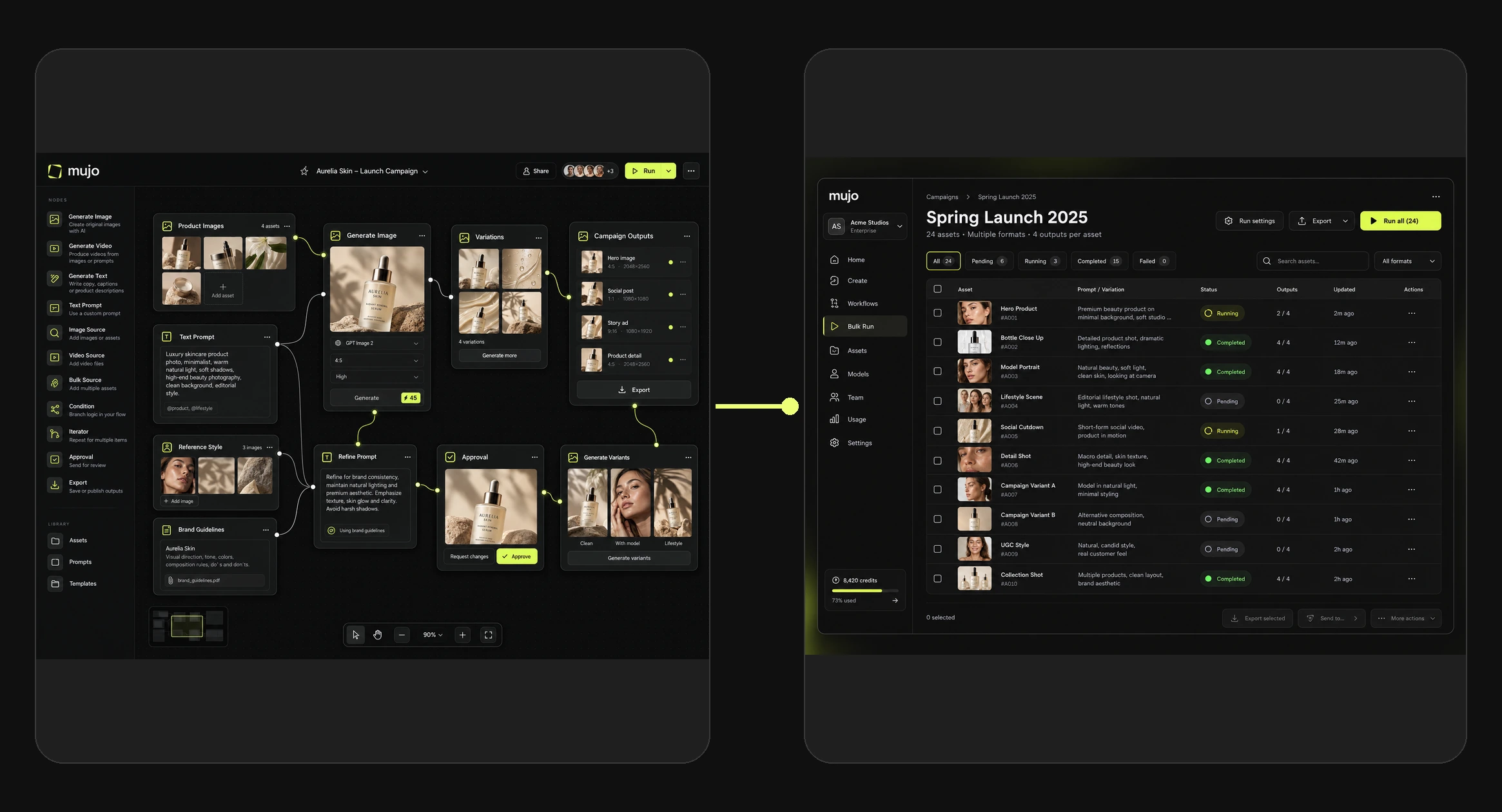
Define repeatable production logic in Nodes and use Bulk Editing to produce and review multiple variations from the same creative setup. Confirm model support for the specific video workflow before committing to a large batch.
Plan the video creative around where it will run, then produce versions suited to each placement. Export the assets and publish through your own channels or publishing tools — Mujo produces the creative, it does not post it for you.
The full-screen format for TikTok, Reels and Shorts placements.
Feed placements where a square crop still holds the composition.
The taller feed crop that takes up more of the screen on scroll.
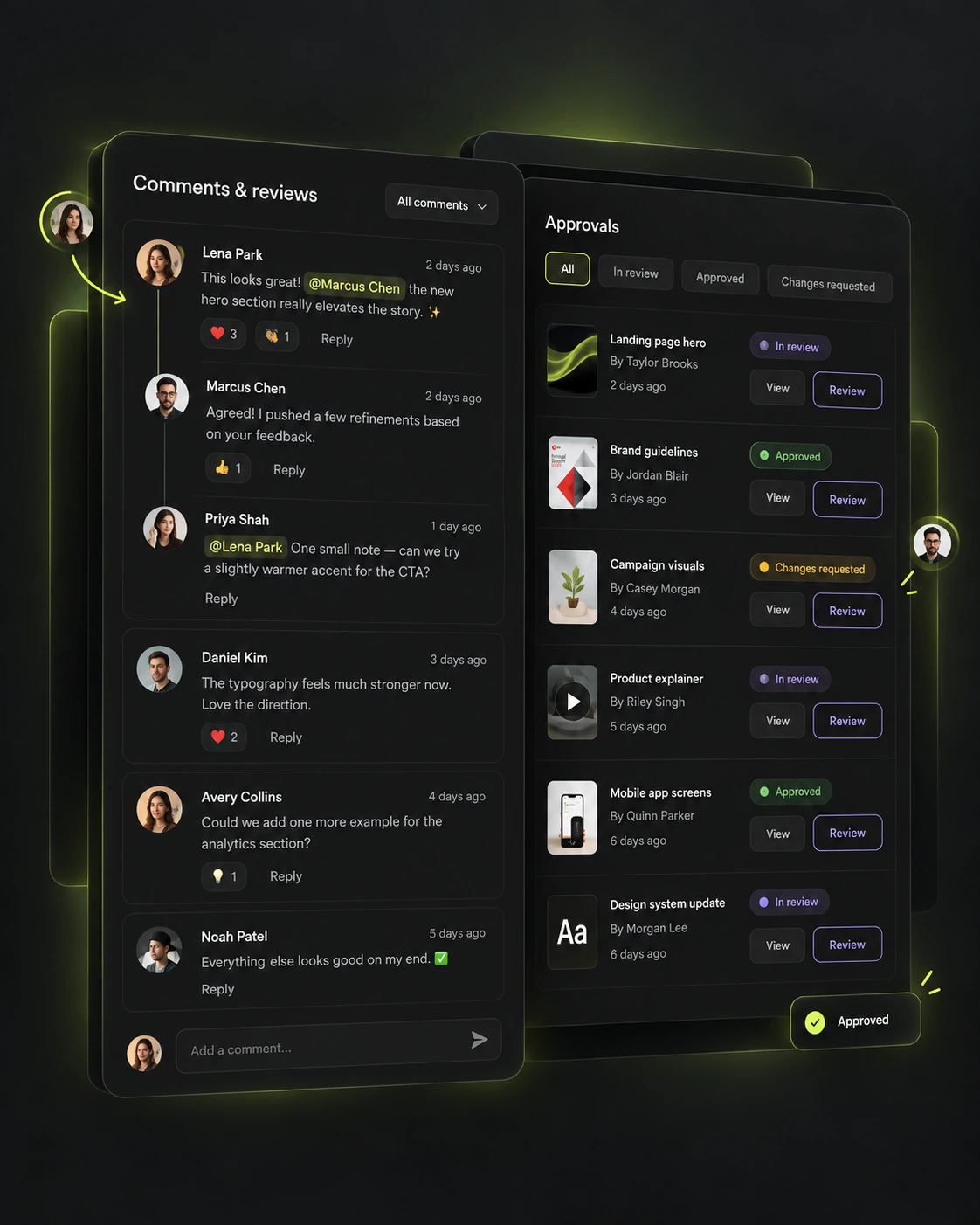
Keep generated assets and feedback together, review the work with your team and build new variations from the directions that were approved. A winning creative is only useful if the setup behind it can be found again in six weeks.
Different teams, one shared constraint: paid social eats creative faster than a traditional production process can supply it.
Keep a testing calendar supplied with new hooks instead of rerunning the same three ads.
Turn the product photography you already have into video for paid social.
Produce several concepts per brief and present directions rather than a single cut.
Make video ads without booking a shoot, a creator and an editor for each one.
The product shot, the organic post and the paid video run on the same references, characters and creative settings. Keeping them in one workspace is what makes the third one cheap.
See all use casesThe organic side: posts, carousels, covers and campaign visuals from one direction.
The product shots most video ads are built from, made from one reference image.
The generator behind these clips, with the current models and their supported controls.
Build a presenter once and keep the same person across a whole campaign.
Turn an ad format that repeats every month into a reusable workflow.
Ready prompts by use case and by model, each shown with the result it produced.
They are short promotional videos developed with AI from products, scripts, references or campaign ideas, then refined for social advertising placements such as TikTok, Reels and Shorts.
You can create and export short-form video assets for these channels using the supported formats and generation tools. Publishing is handled through the channels themselves or your own publishing tools.
Yes. A product image can be used as a starting reference for a video concept, subject to the capabilities of the model you select.
Mujo provides AI character and avatar workflows for creator-led content. Use only assets for which you hold the necessary rights and permissions.
Yes. Create different opening concepts, scenes and creative directions from a common product brief, then compare and refine the variants.
The available models are shown in Mujo's current video model selector. Capabilities, supported creative controls and credit cost vary by model.
Reusable node workflows and Bulk Editing support batch-style production with selected variables. Confirm the specific video workflow and model support before running a large batch.
No. Mujo produces the creative variations; performance is determined by your campaign tests and your own ad platform reporting.
Turn a product, an image or a brief into new video ad concepts, then build on the directions that work for your team.