Choose Flora
the work is exploratory and visual, the team are art directors, and the canvas is where thinking happens.
Flora and Mujo agree on the premise almost completely: a reusable graph beats a reusable prompt, and teams need shared assets rather than private histories. Flora builds that as an infinite canvas with layer editing, packaged 'techniques' and an assistant called FAUNA. Mujo builds it as a production line pointed at commerce. The disagreement is about what sits at the end of the workflow.
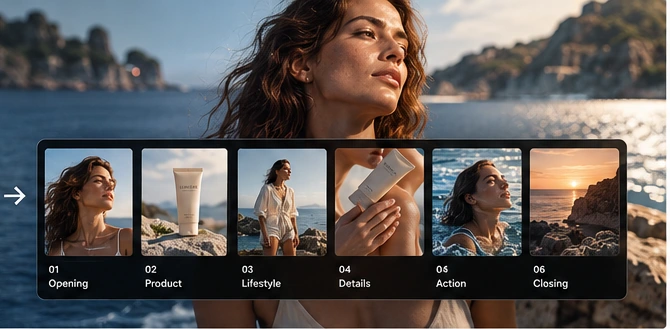
Three lines before the detail. If the first one describes you, Flora is the better purchase and the rest of this page will not change that.
the work is exploratory and visual, the team are art directors, and the canvas is where thinking happens.
the work is commercial and repetitive, and the output is a catalogue rather than a composition.
one optimises for exploring across models on a canvas; the other for running an approved direction down a product list.
Three things this platform does not do, said before the arguments in its favour.
Mujo has no free-form spatial workspace for arranging explorations.
The structure pays off on the fortieth asset, not while you are still looking.
Mujo does not generate or edit audio at all.
A practical comparison of the workflow each platform is designed to support, across nine dimensions.

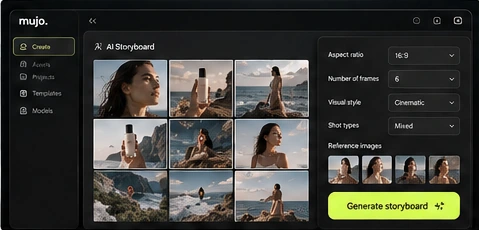
Flora is a collaborative visual canvas for generating and editing image, video and audio across many models, with reusable techniques, shared team assets and an assistant called FAUNA. It is aimed at creative teams, agencies and art directors who want to compare outputs while keeping visual context.
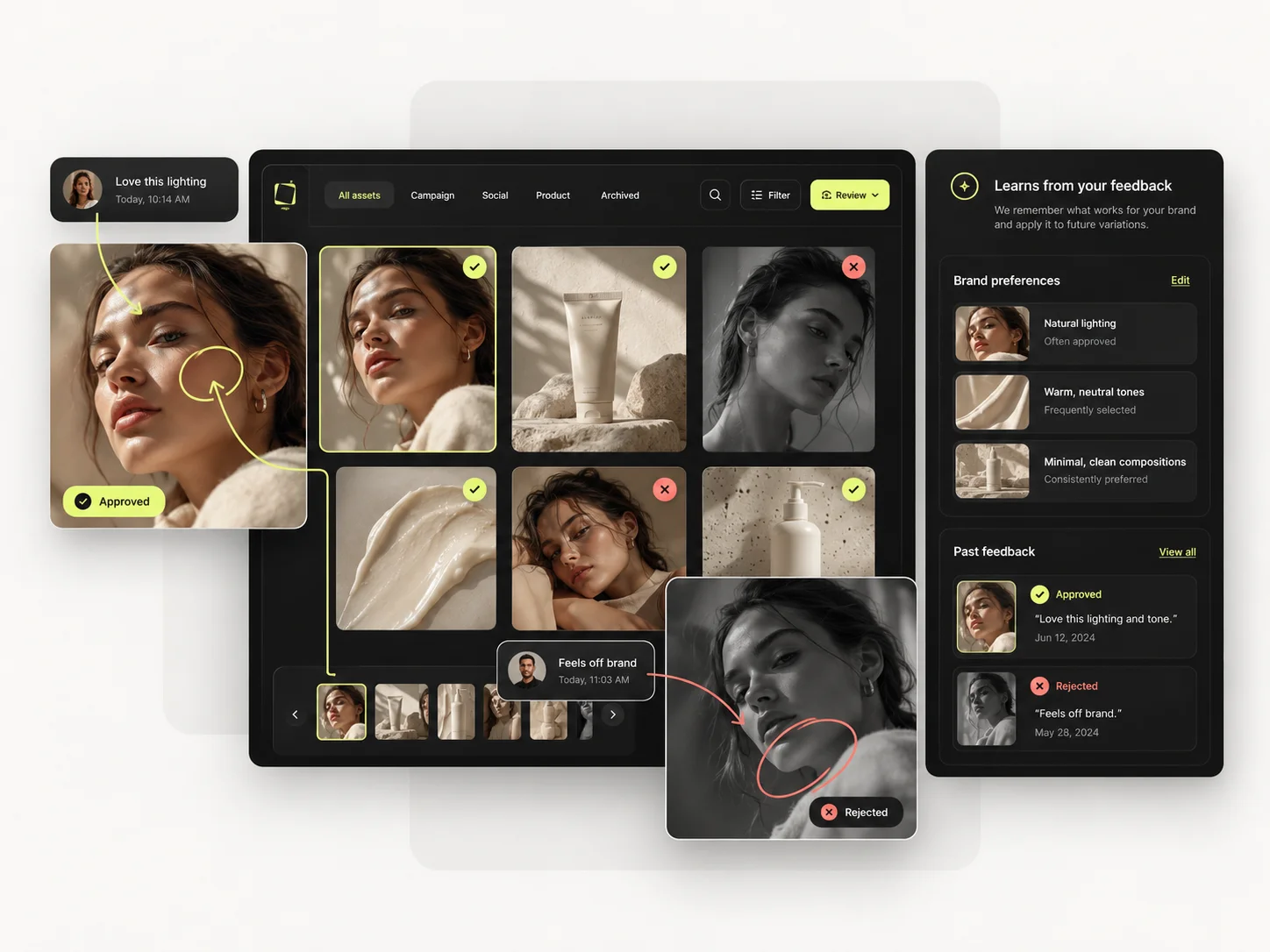
Mujo shares the multi-model premise — Nano Banana Lite, Nano Banana 2 and Nano Banana Pro, GPT Image 2, Midjourney, Seedream 5.0 Lite and Seedream 5.0 Pro, Grok Imagine and Kling 3.0 Image for stills, Veo 3.0 and Veo Fast, Kling 3.0, Seedance 2.5 and Seedance 2.0 for motion — and points it somewhere narrower: Creative Controls, a shared Prompt Library, an Asset Library and a Node Editor built around producing commercial output at volume. A canvas is the right shape for thinking and a poor shape for a hundred SKUs. A table is the reverse. That is genuinely the whole difference, and which one you need depends on what your month looks like.
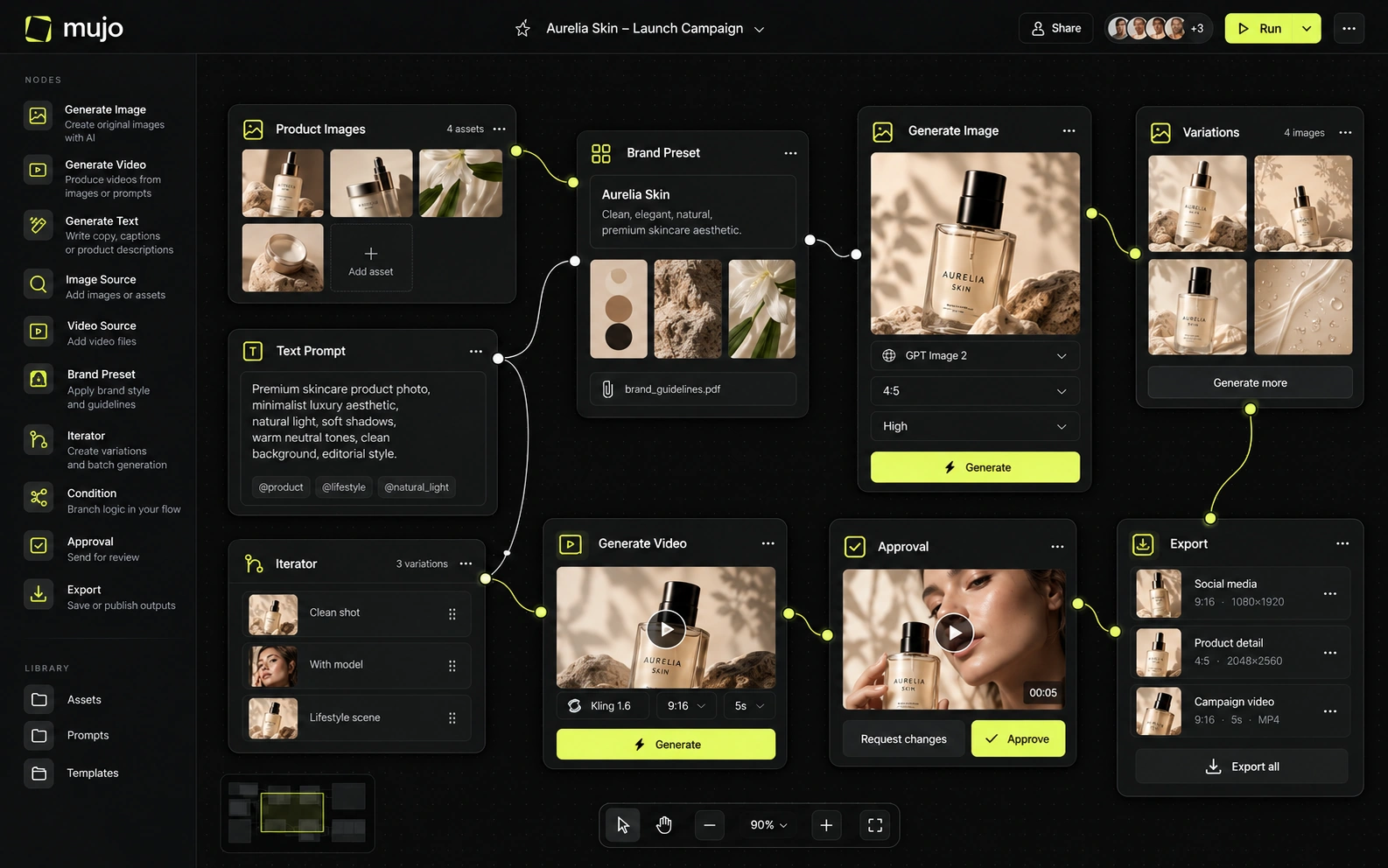
Both platforms expose many engines and let you compare them, so model breadth is not the axis here. Flora keeps the comparison spatial; you see the variants next to each other on the canvas.
Mujo keeps it structural: the same prompt, references and Creative Controls feed each engine, and the winner becomes a saved setup rather than a region of a canvas. Two questions, separately: whether you are still exploring, and whether the result has to be reproduced by someone who was not in the room when it was found.
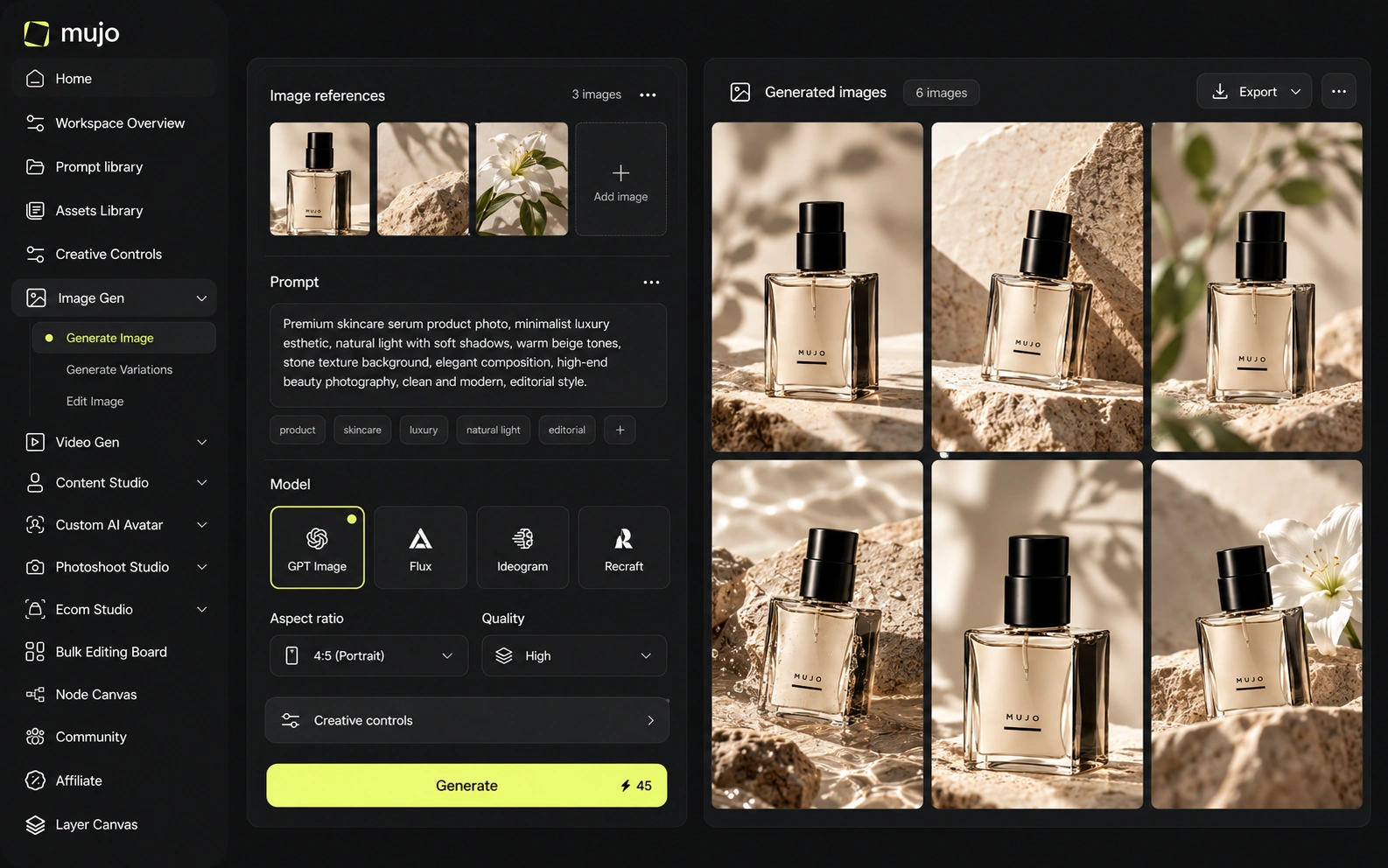
Flora's control is node-level with layer editing over the output — closer to how a designer thinks, and genuinely more expressive than a parameter list.
Mujo's Creative Controls are deliberately less expressive: lighting, pose, expression, camera angle, location and style as named settings, chosen because a brand manager can set them without training. Expressiveness and transferability trade against each other. A rich canvas is harder to hand over; a parameter set is poorer and travels.
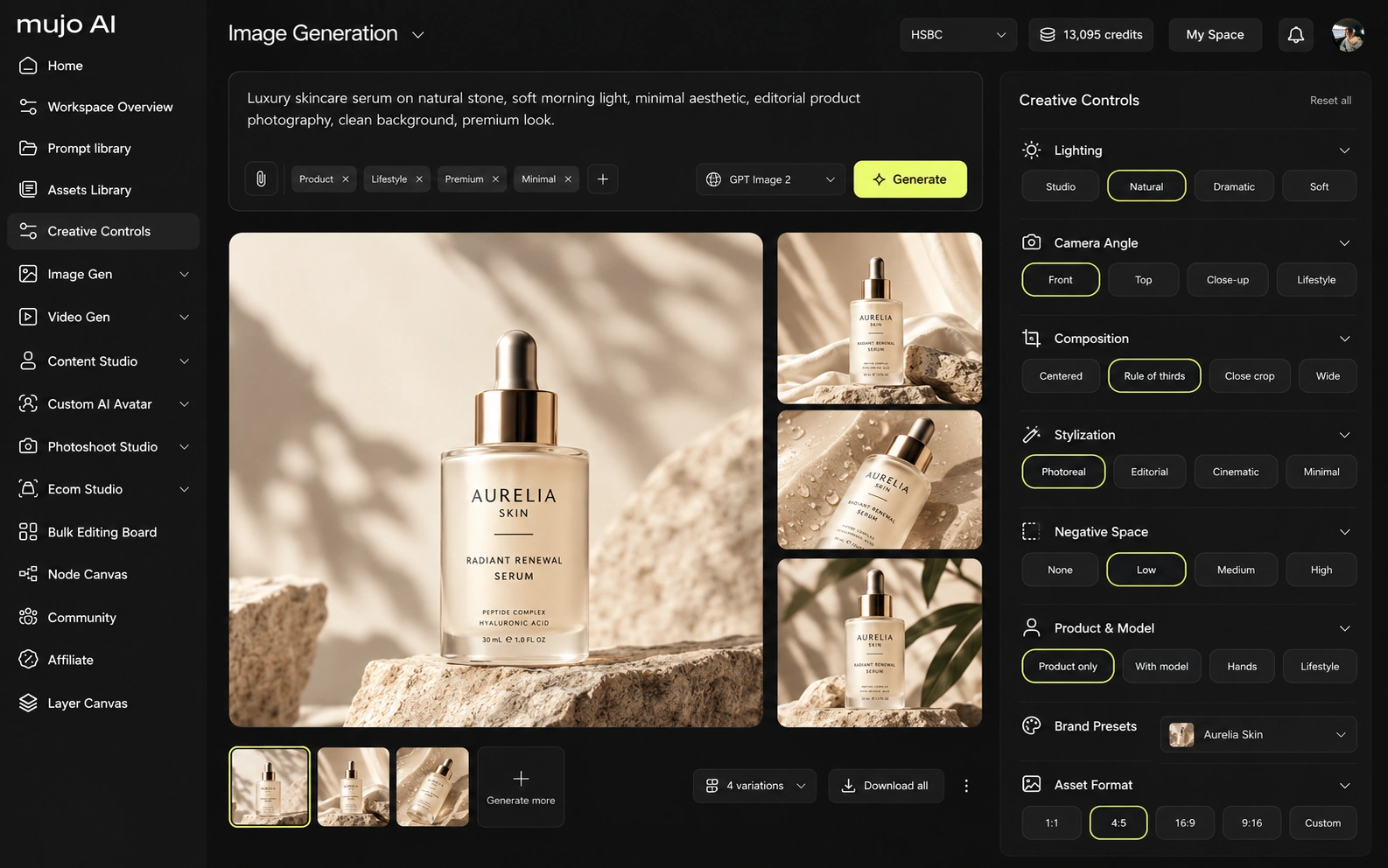
Flora generates video and audio on the same canvas as stills, which keeps a whole piece in one place while it is being made.
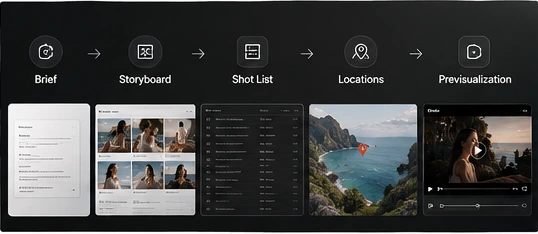
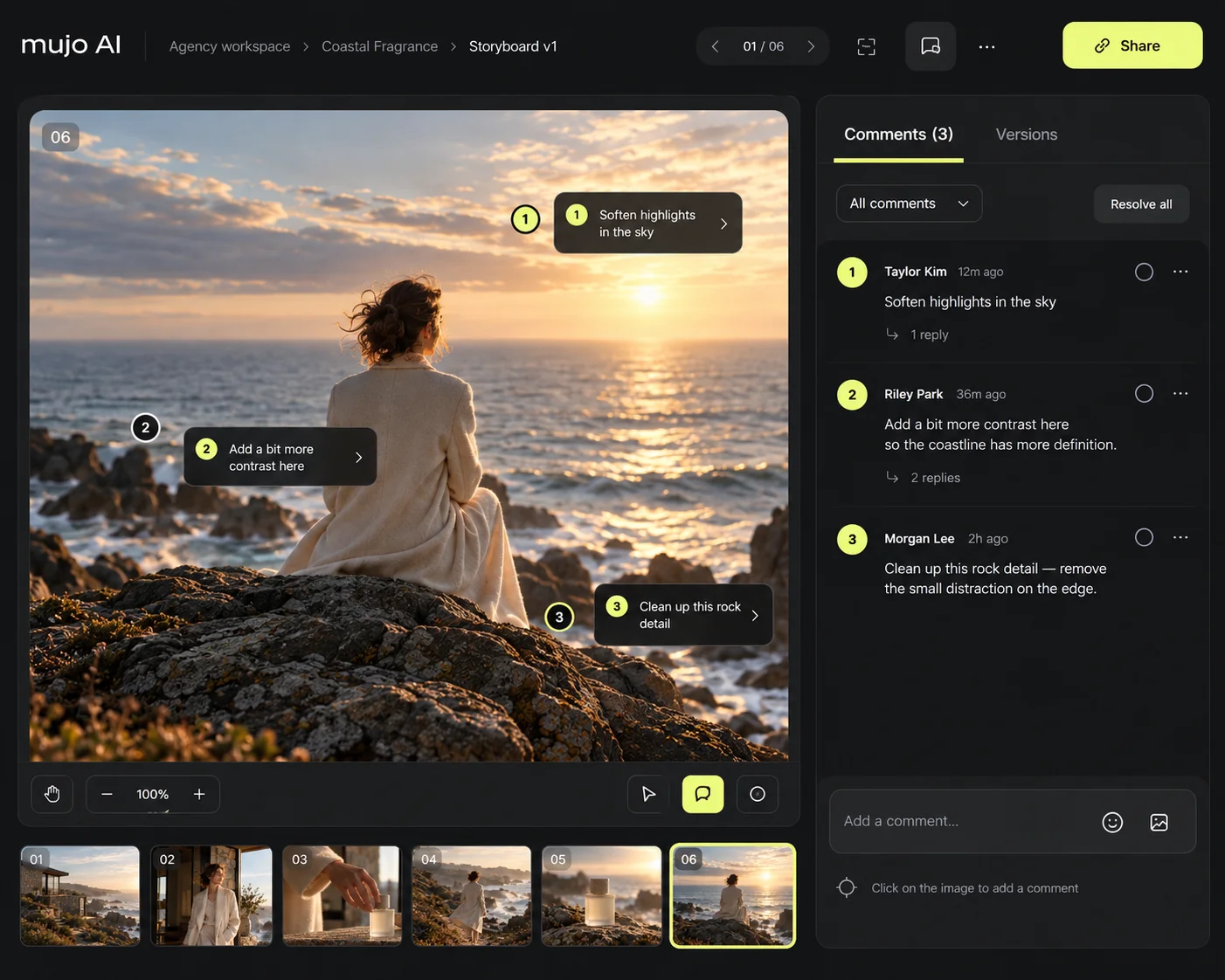
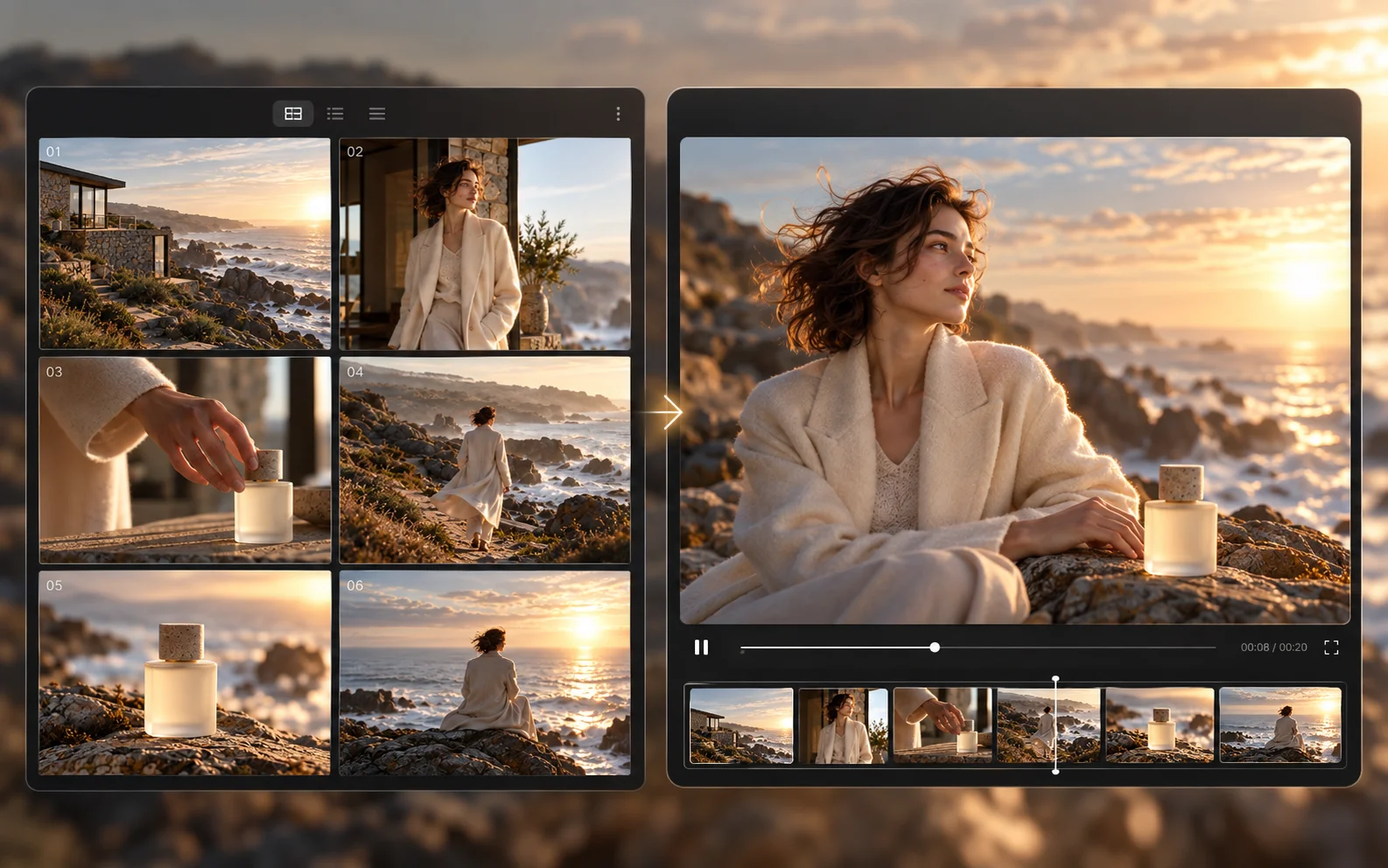
Mujo runs five video engines beside the image workspace with Storyboards linking approved frames to motion, so the campaign's stills and cuts come from one direction rather than one canvas.
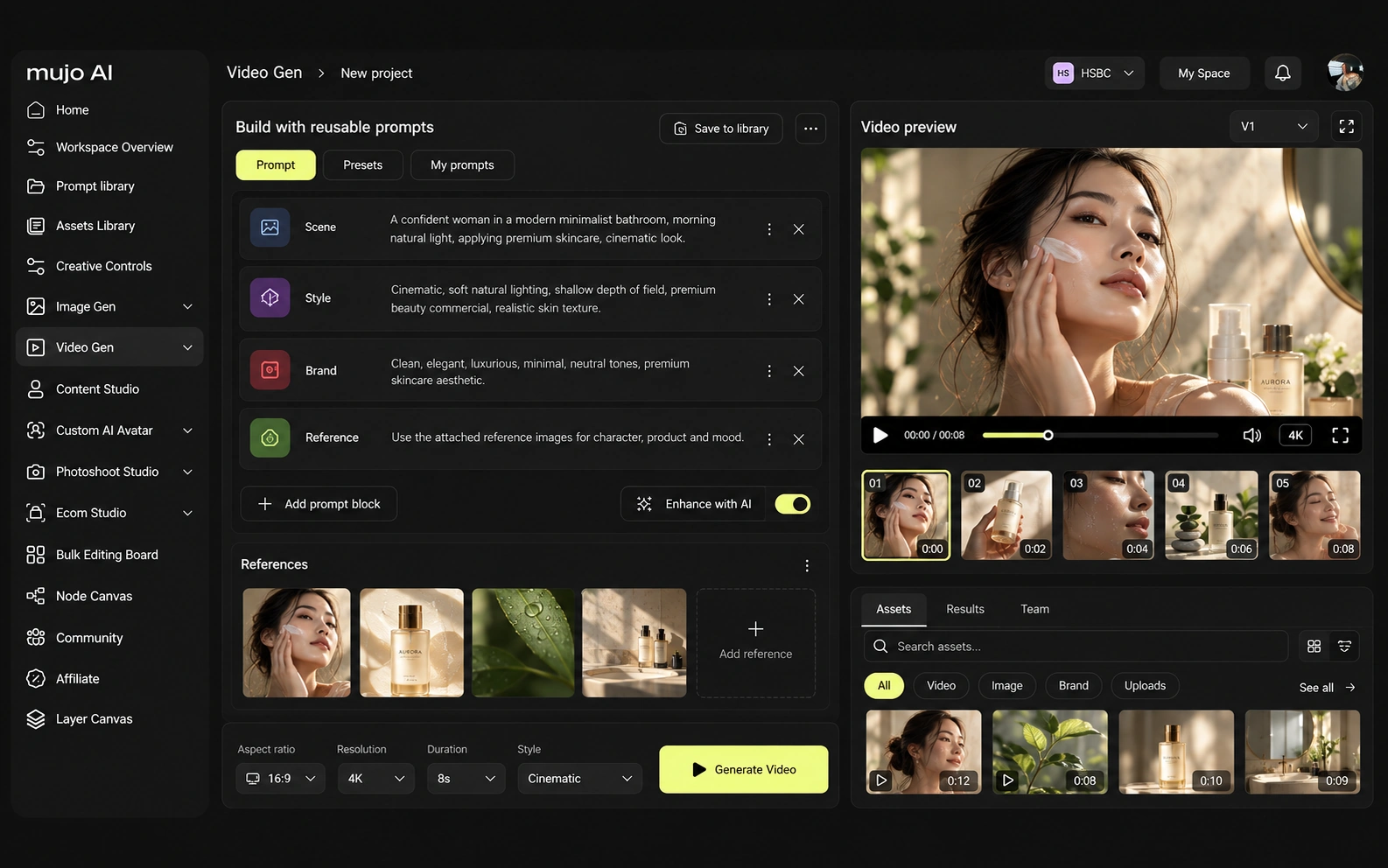
Consistency means four things: the same person, product, look, or process. Flora's techniques are a real answer to the fourth — packaged workflows that a team can reuse rather than rebuild.
Mujo stores the same idea with the commercial job attached: references, Creative Controls parameters, saved prompts, saved AI characters, model choice and shared flows, alongside the products they apply to. The two are close enough here that the honest differentiator is not consistency but what happens after it — whether the reusable thing then runs across a list. If the recurring object is a creative approach, a technique on a canvas holds it well. If it is a catalogue, the approach needs somewhere to be executed at volume.

How each platform fits commercial work that comes back every month
Creative teams and agencies exploring and producing on a shared canvas, with techniques and team assets keeping the approach reusable.
Product Photos, Listing Images, Product Catalog Production, AI Photoshoots, Campaign Creatives, Creative Variations and Social Video Ads.
Flora is where an approach gets found and packaged. Mujo is where a packaged approach gets executed across products, formats and markets.
The product shot, its listing crops, its ad variants and its social cuts come out of the same approved direction. Volume is what makes commercial work expensive, not generation speed — and it is the part a Flora comparison usually leaves out.
Mujo keeps prompts as production assets: refined with structured controls, compared across models and saved into a library of 2,500+ prompts plus your team's own setups. Flora's equivalent is the technique, which is richer and lives on the canvas rather than in a library a brand manager browses.
Saved setups live in the Prompt Library where the next person can find them, instead of in the generation history of whoever happened to get it right. Whatever a Flora session leaves behind, it is usually the output rather than the reasoning behind it.

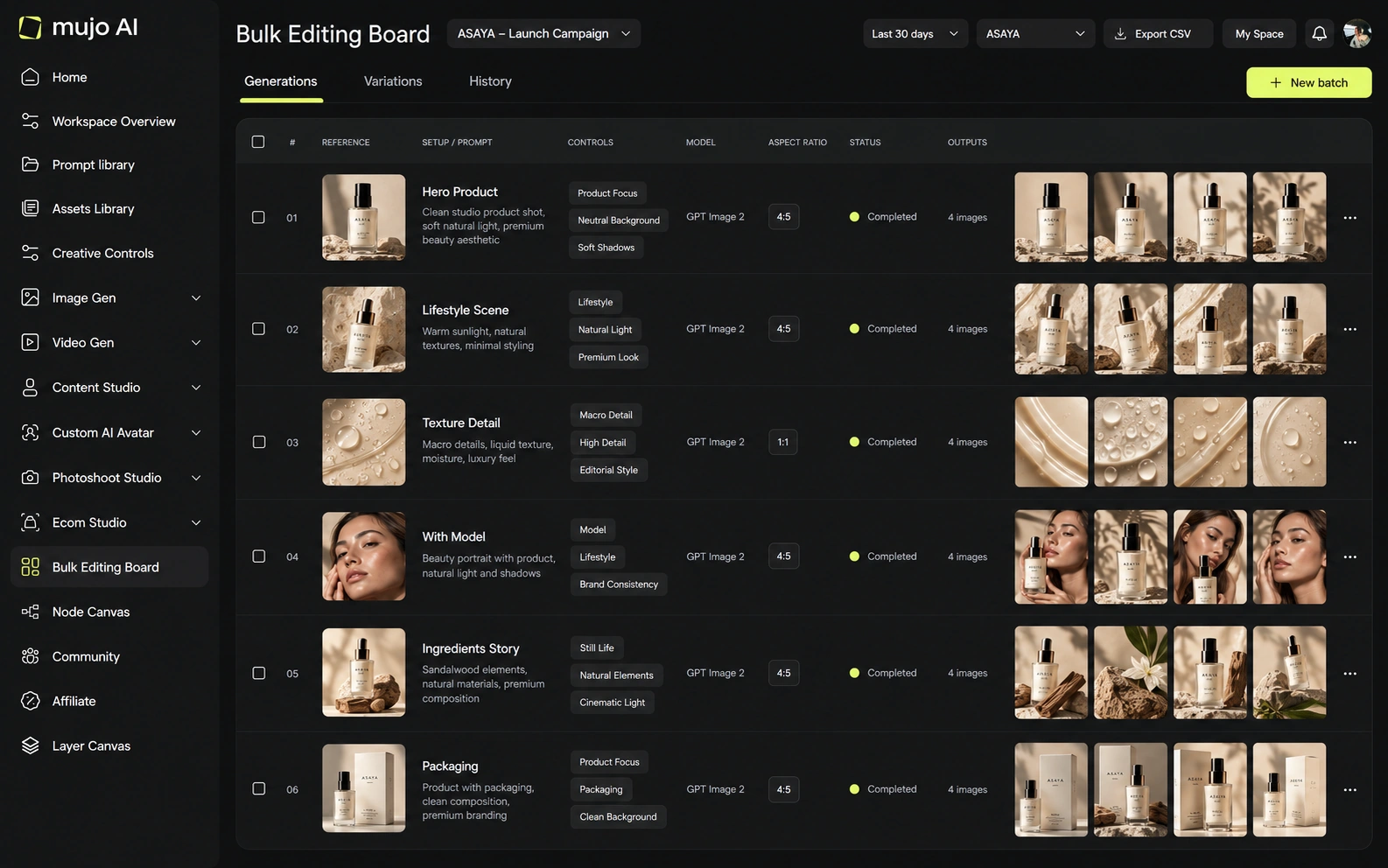
The Bulk Editing Board is what a canvas cannot become. Rows are assets, columns are the variables, and one approved direction runs down a product list — a spreadsheet rather than a workspace, which is unglamorous and the reason the fortieth asset is affordable.
A technique packaged on a canvas still has to be run once per product. A direction run in bulk is executed once against a list, and that difference compounds across a season.
Give both the same brief: one product image in, a hero visual, three square social variants and one vertical motion ad out, then the same direction on a second SKU a week later. Both will do week one well. Count the clicks in week two.
Use one source product image and one launch brief.
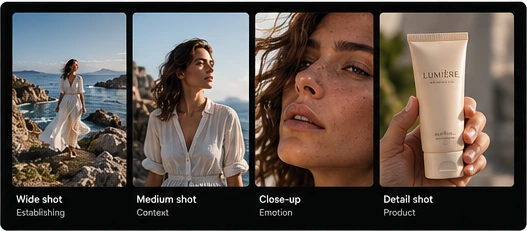
Produce the hero visual, three square social cuts and one vertical motion ad.
As a shared setup that someone else can open and run.
Then imagine the fortieth, and price both approaches at that number.
Flora clears the first round comfortably, as does almost anything else worth evaluating. The second round is where the difference appears, and it is the round nobody gets to during a two-week trial.
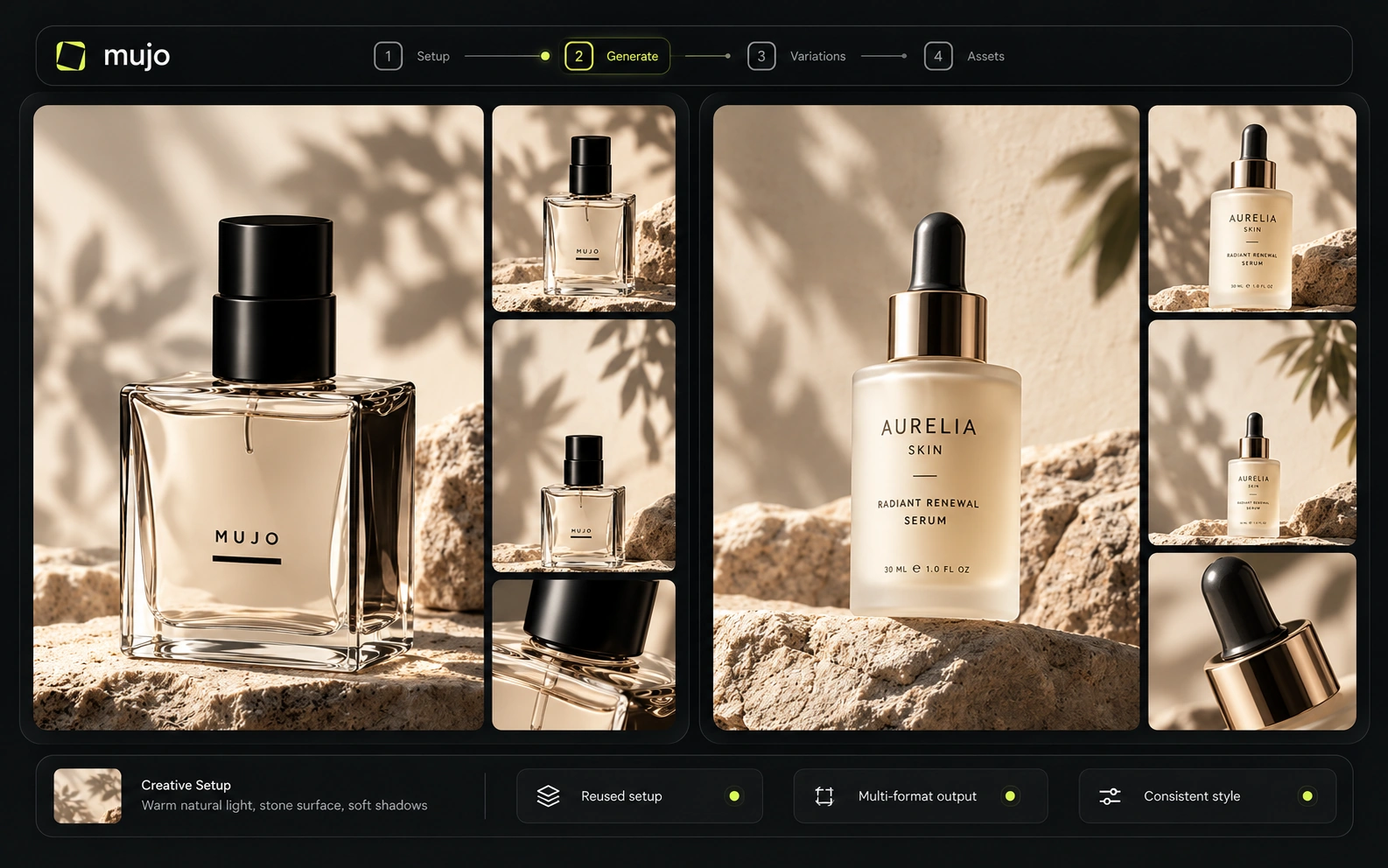
Flora is built for teams from the start: shared assets, collaborative canvases and a shared generation budget, priced per seat with usage on top.
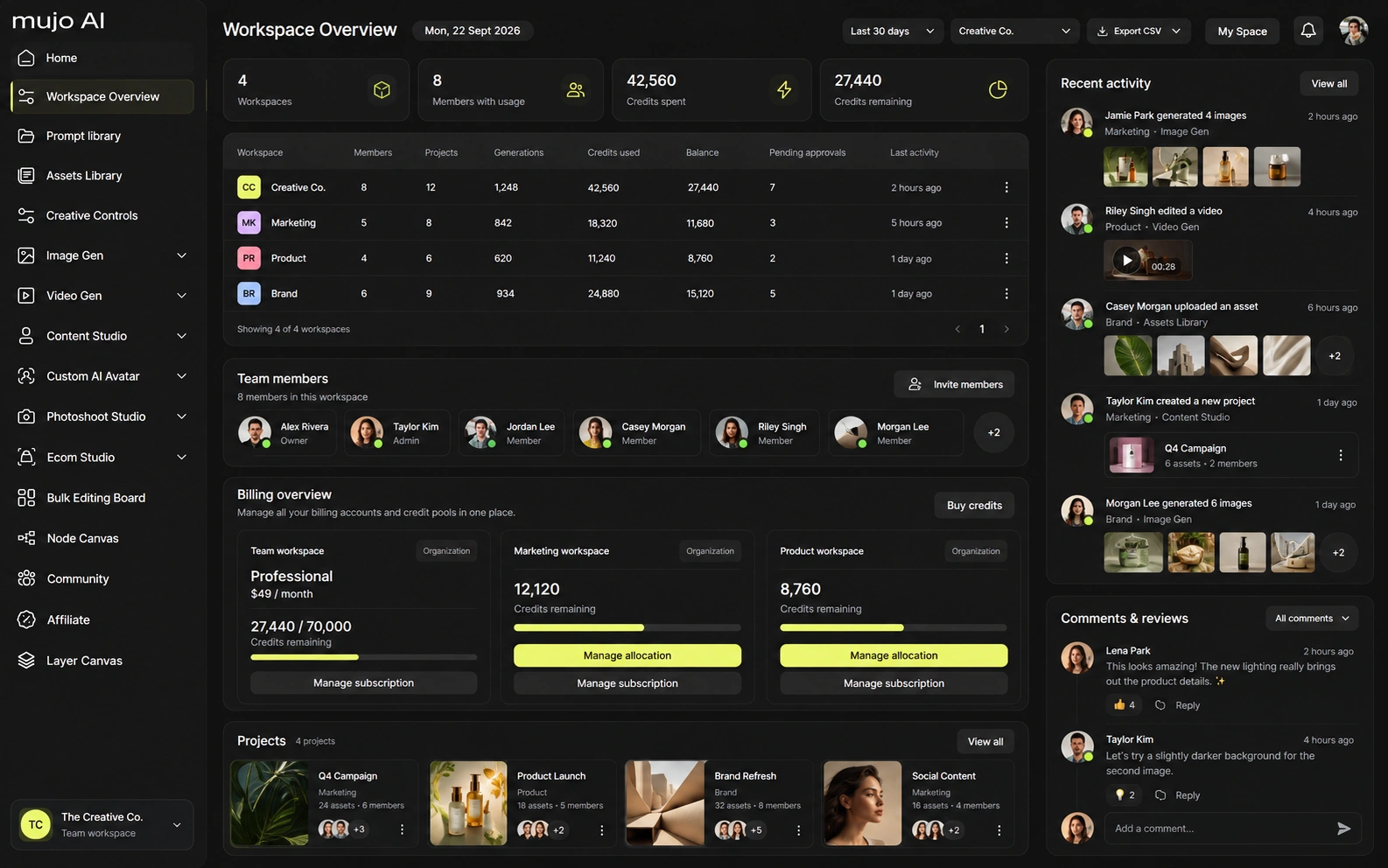
Mujo Enterprise is production-shaped: connected Node Editor flows, brand context, shared prompt and asset libraries, approval traceability, onboarding, admin and security review, with roles on the Business plan. Both are genuine team products. Compare them on what a new joiner can do unaided in week one — that is where per-seat canvases and shared setups diverge.
Flora offers a free tier, a Starter plan around $18 per seat a month with a monthly usage allowance, and Pro and Max tiers roughly between $50 and $200 per seat. Seat fees and model usage are separate costs, and the company has described its current prices as launch pricing, so confirm before budgeting.
Solo access with limited projects and generations
Launch pricing, with a monthly usage allowance on top of the seat
Expanded features and larger usage pools
Seat price and model usage are separate line items — budget both
Plans Start $9, Basic $19, Pro $34, Creator $84, Business $121 (5 seats); 200-credit packs from $2.60 with no use-by deadline
Mujo's plans run from $9 to $121 a month, with up to 40% off on annual billing. Pay-as-you-go packs start at 200 credits for $2.60, credits carry no use-by deadline, and new accounts start with 20 free. Per-seat pricing and per-output pricing behave differently as a team grows: seats scale with headcount, credits scale with work. Model both against your actual output.

Flora publishes its own terms; review ownership and data handling for your tier, particularly where client work is involved.
Specifically, on Mujo's side: users keep ownership of what they upload and of AI-generated outputs and may use those outputs commercially, subject to applicable law and third-party rights; inputs and outputs are not used to train foundation models without opt-in, and the enterprise terms extend that to the third-party models in the stack. Commercial-use permission is not rights clearance. Trademark, publicity rights and model-provider terms still apply, so client work needs human review before it ships.
What Flora does better, and what Mujo does better. A comparison page that fills in only one side is not a comparison.


Worth reading before a trial rather than after one.
Decide by where your month goes. If most of it is finding the right approach, buy the canvas. If most of it is applying an approach you already have, buy the line.
Choose Flora when the work is exploratory, the team are art directors, and a shared visual canvas is how they think.
Choose Mujo when the approach is settled and the job is executing it across products, formats and markets.
Find and package the approach on a canvas, execute it in a production system. The handoff is the approved direction, and it is a clean line.
Most shortlists are settled by the wrong question — which tool makes the better first asset. The question that predicts the next year is which tool still helps on the fortieth.
Short answers about Flora, about Mujo, and about the parts that are easy to get wrong.
A collaborative node-based canvas for generating and editing image, video and audio across many AI models, with reusable techniques, shared team assets and an assistant called FAUNA.
Similar in premise, different in purpose. Mujo's Node Editor builds reusable production workflows that feed bulk output, rather than a spatial canvas for exploration.
It depends on the work. Agencies doing bespoke creative per client lean to a canvas; agencies producing volume across many SKUs lean to a production system.
Per seat, with model usage billed separately — a free tier, Starter around $18 a seat, and Pro and Max roughly $50–$200. The company has described current prices as launch pricing.
No. Audio generation and editing are outside the product entirely.
A comparison against Flora stays abstract until you look at the work it is about. These are the production workflows Mujo is built around, plus the neighbouring comparisons if you are still shortlisting.
Take a brief to a full set of campaign assets in one workspace.
Turn one approved creative into controlled versions across formats and markets.
Run an approved product direction across a whole SKU list.
A craft canvas against a production system.
Scored ad units against the creative direction behind them.
Fine-tuned models against a reusable process.
If the approach is already found and the work now is running it across a catalogue, that is the half Mujo covers. 20 free credits. Take one approved direction and run it across five products.