The idea
A concept and a visual direction that the whole campaign is recognisable by.
Turn a product, an idea or a creative brief into campaign concepts, images, videos and channel-ready assets. The gap that usually costs a campaign two weeks is between the approved concept and the finished set of files — that is the part this page is about.
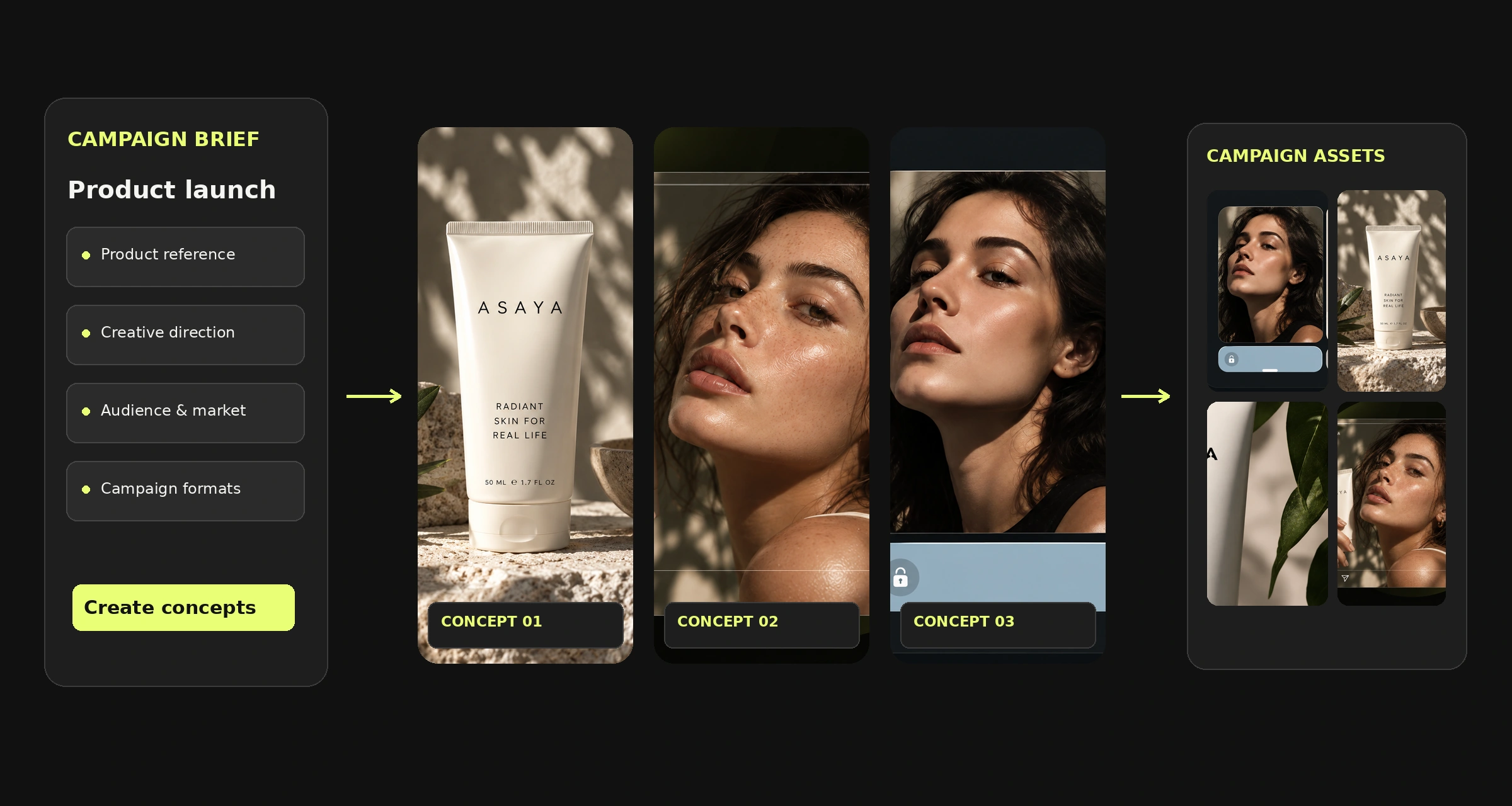
AI campaign creatives are the images, videos and visual assets used to communicate one advertising idea across paid social, digital campaigns and other marketing channels. Mujo brings concept exploration, creation, refinement and adaptation into a single production workspace — so the campaign is built in one place rather than assembled from five tools and a shared drive.
A concept and a visual direction that the whole campaign is recognisable by.
Key visuals, paid social creatives, video executions, banners, market versions.
Everything that turns the first into the second — usually the expensive part.
Develop the main idea, then turn it into the assets a launch actually needs. A campaign is rarely one picture — it is a key visual plus twenty things derived from it, all due at once.
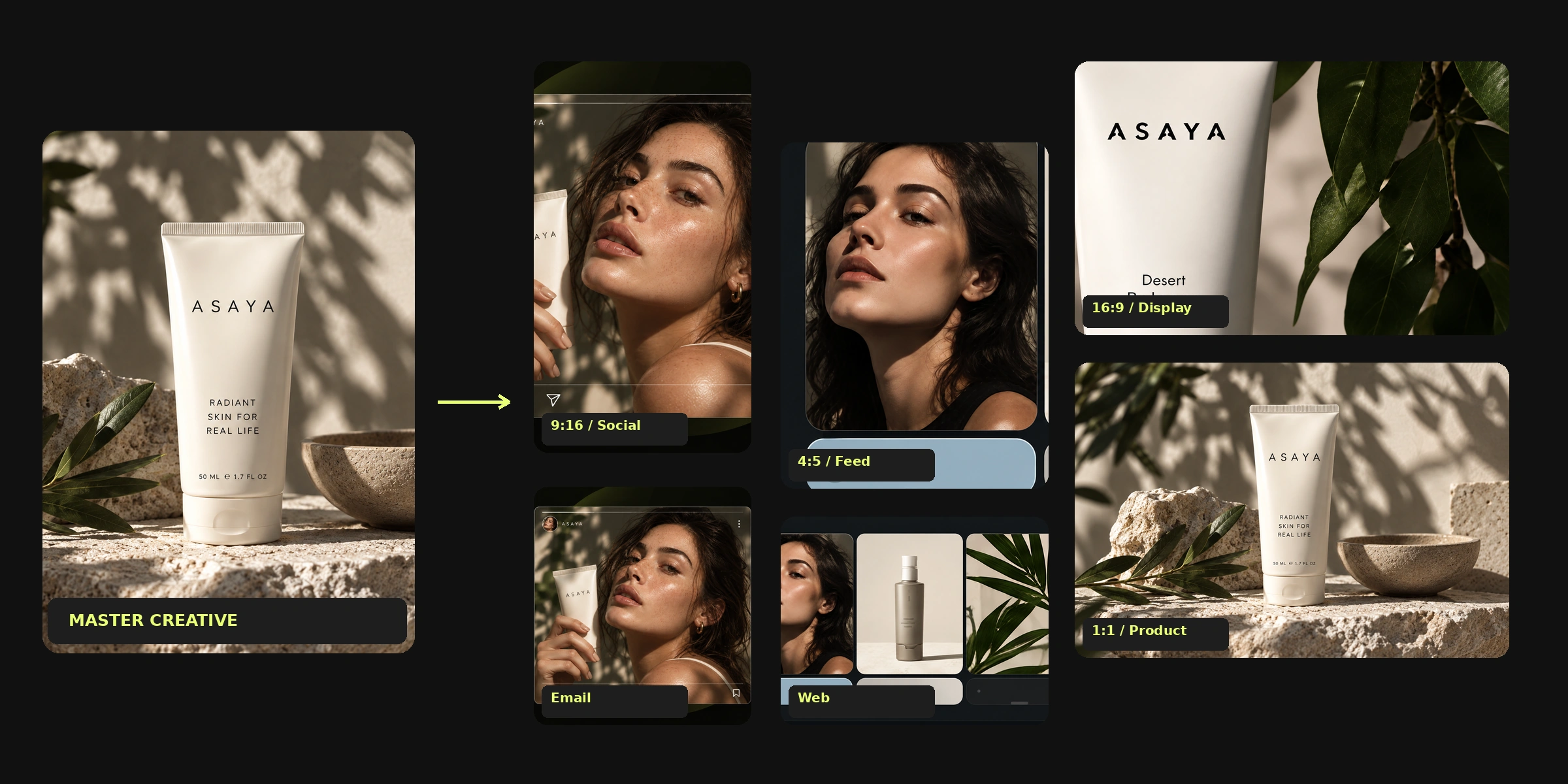
The central image the campaign is recognised by, in the versions each placement needs.
Feed and vertical creative built from the approved direction, not improvised per channel.
Video-led executions that carry the same look as the still assets.
Launches, promotions and seasonal pushes around a specific product.
Placement-specific sizes produced from one master rather than redrawn.
Market-specific references, imagery and inputs off the same creative direction.
Six steps, and only one of them is generation. The other five are why a campaign takes three weeks — and where the time is actually recoverable.
The product, the audience, the message and the visual references you are working from.
Several directions for the same brief, generated to be compared rather than defended.
One direction is chosen and taken to finished quality.
Editing, composition and creative controls applied to the approved master.
Formats, placements and market versions produced from that one approved asset.
The set is reviewed together, then exported for the channels it runs in.
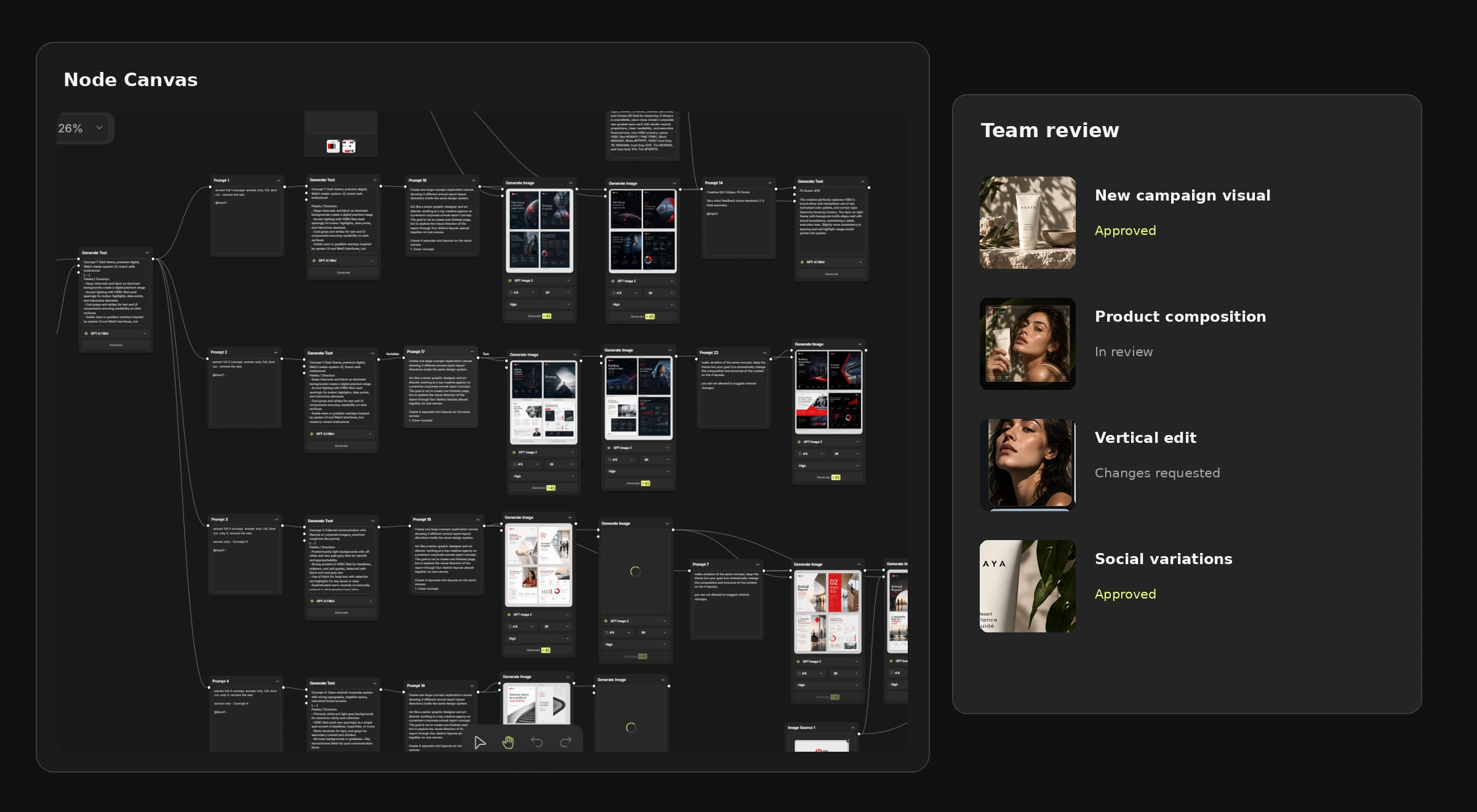
Most AI tools are good at step three and silent about the other five. The visual shows a node workflow and a team review panel — the two places where a campaign stops being a folder of generations and becomes production.
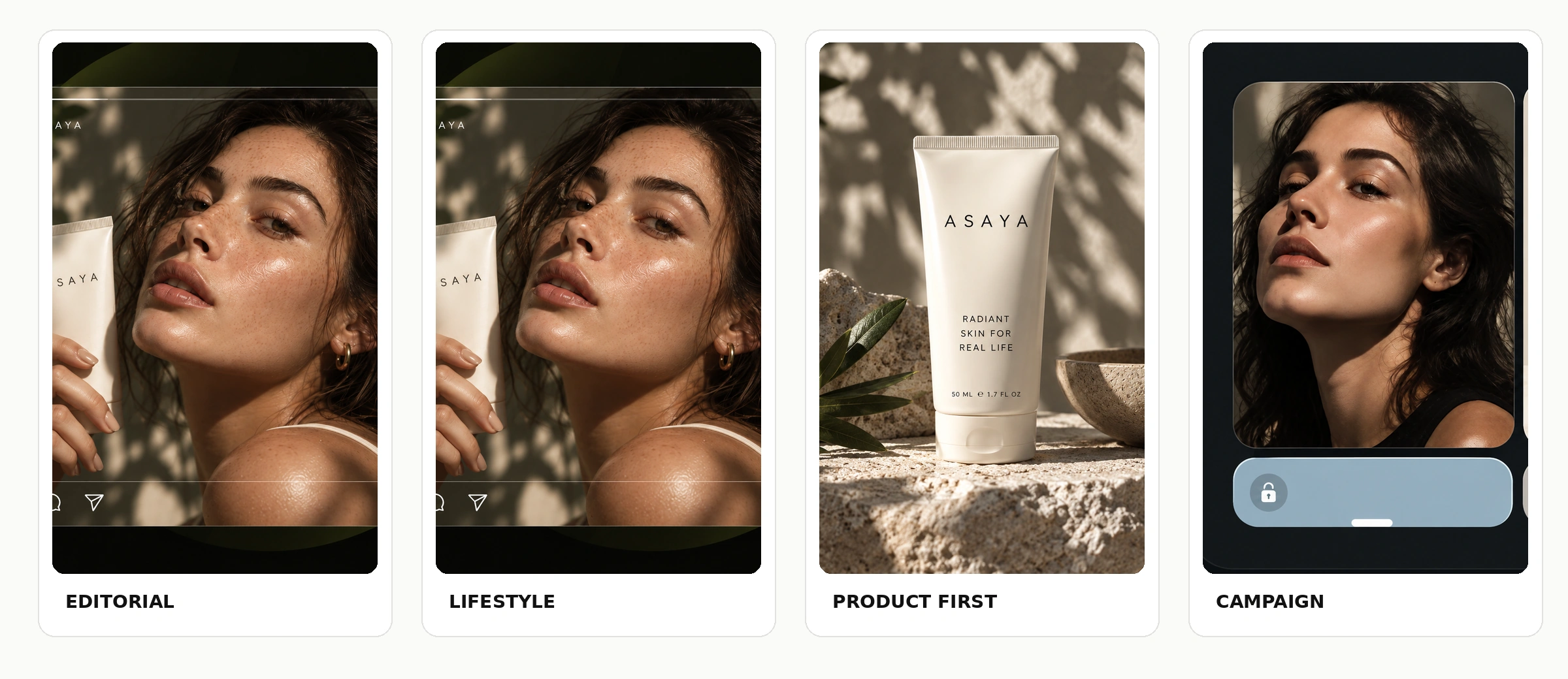
Compare different visual directions for the same brief before developing the final campaign. When presenting a direction costs an afternoon instead of a week, the conversation with the client changes — you arrive with four options instead of one and a rationale.
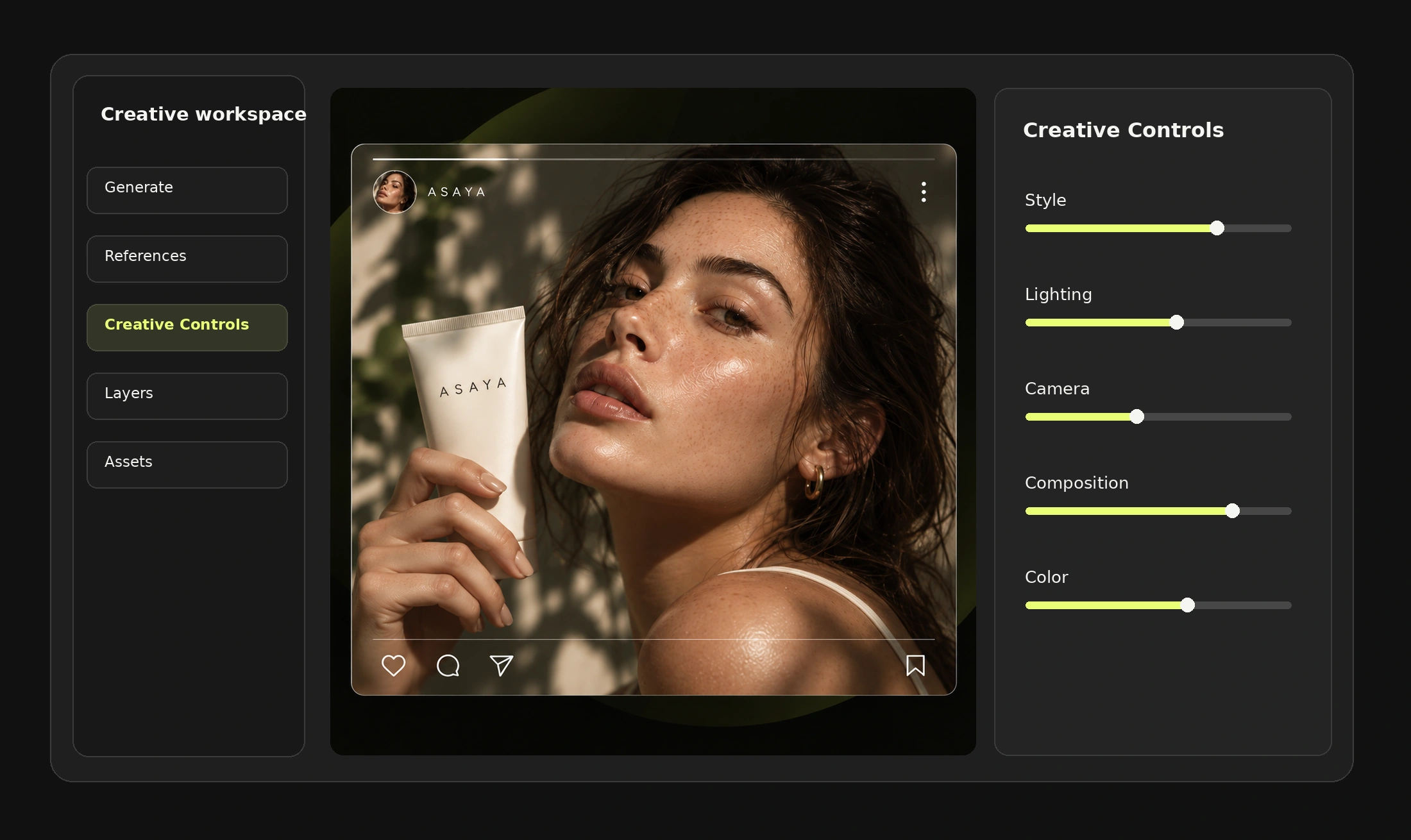
Use references, creative controls and AI-native editing to take the chosen direction to a finished master before anything is adapted. Everything downstream inherits this asset, which is why it is worth being slow here and fast afterwards.
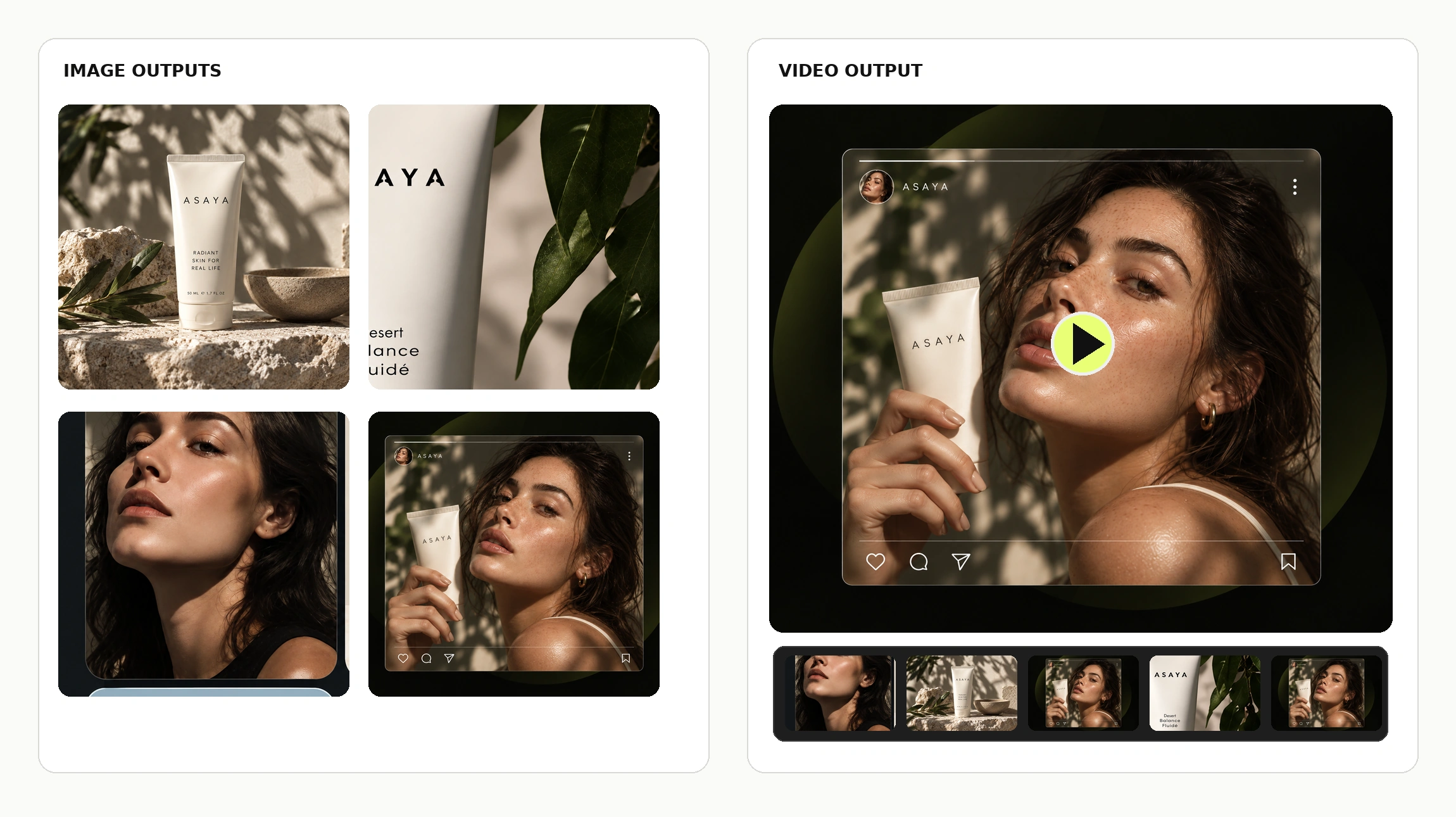
The still and the clip are the same campaign. Producing them from one set of references is what makes them look it.
Key visuals, product imagery and digital assets generated from the campaign references.
Product clips, vertical content and campaign executions built on the same direction.
Produce campaign visuals and video executions from the same brief and the same references. Video that was briefed separately always looks briefed separately — that is the failure this avoids.
Reuse the approved direction and adapt production across formats, placements and market inputs. Adaptation is where campaign budgets quietly disappear: the idea is approved once, then rebuilt forty times by hand.
Keep assets, projects and production context available to the team, with review and access controls in a shared workspace. Confirm which review and approval steps are available on your current plan and release.
Explore Team WorkspaceReferences, approved masters and outputs available to everyone on the campaign.
Who can create, who can edit and who can only look — set per workspace.
Comments and review states kept next to the assets they refer to.
One illustrative product brief followed through concept exploration, master creative selection and a coordinated asset pack. This is an illustrative production example, not a client case or a measured result.
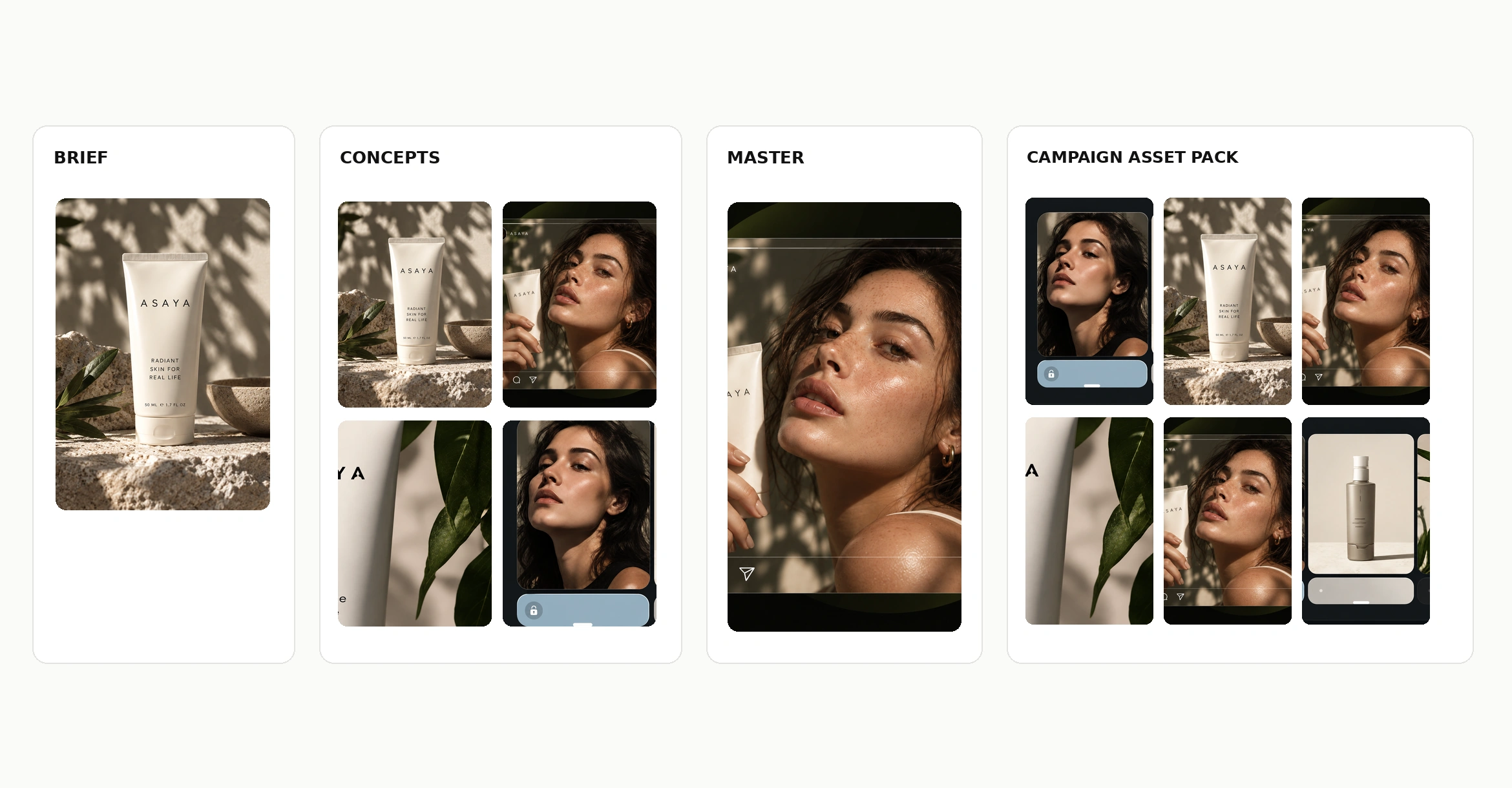
Each of these is a module of the same workspace, sharing one set of assets, references and settings. That sharing is the product — the individual tools exist elsewhere.
Build the production logic once, as a workflow that can be run again next campaign.
Generate campaign visuals with the leading image models in one interface.
Produce video executions with the controls each model supports.
Compose and edit generated assets natively, without exporting to another tool.
Camera, lighting, composition and style saved as reusable settings.
Apply one approved setup across formats, products and markets.
They are two halves of the same campaign, and teams conflate them constantly. This page is about arriving at the idea. The other is about multiplying it once it is approved.
Go to creative variationsThe approved direction goes on to become paid creative, a content calendar, product imagery and a hundred market versions — all off the same references and settings.
See all use casesWhat happens to the master creative after it is approved: versions, formats, markets.
The paid-social end of the campaign: hooks, UGC-style clips and ad variations.
The organic calendar built off the same creative direction.
The product imagery most campaigns are assembled from, made from one reference.
Cast a campaign once and keep the same person across every execution.
Ready prompts by use case and by model, each shown with the result it produced.
They are the images, videos and other visual assets developed around one advertising idea for use across marketing channels — key visuals, paid social creative, video executions, banners and market versions.
A product image can be used as an input or reference for exploring concepts and building visual assets. How closely the product is held depends on the source material, the selected model and the creative setup.
Yes. Image and video creation are part of the same workspace. Available models and supported controls depend on the generation workflow you select.
Creative and bulk tools support producing format-specific variations from shared inputs and settings. Review each output before publication.
Market-specific references, prompts and assets can be used to build localised variants. Check rendered text, language and platform requirements before delivery.
Team Workspace provides shared production context and review-related features. Confirm which review and approval steps are available on your current plan and release.
It is a tool that produces advertising creative from a brief rather than from a blank prompt — exploring concepts, developing a master creative and generating the channel versions derived from it.
An image generator answers one request at a time. Campaign production has to hold one direction across dozens of assets, keep the references and settings that produced them, and let a team review the set. That is the difference between a generator and a workspace.
Create, refine and scale it with Mujo — from the first concept to the finished campaign asset pack.