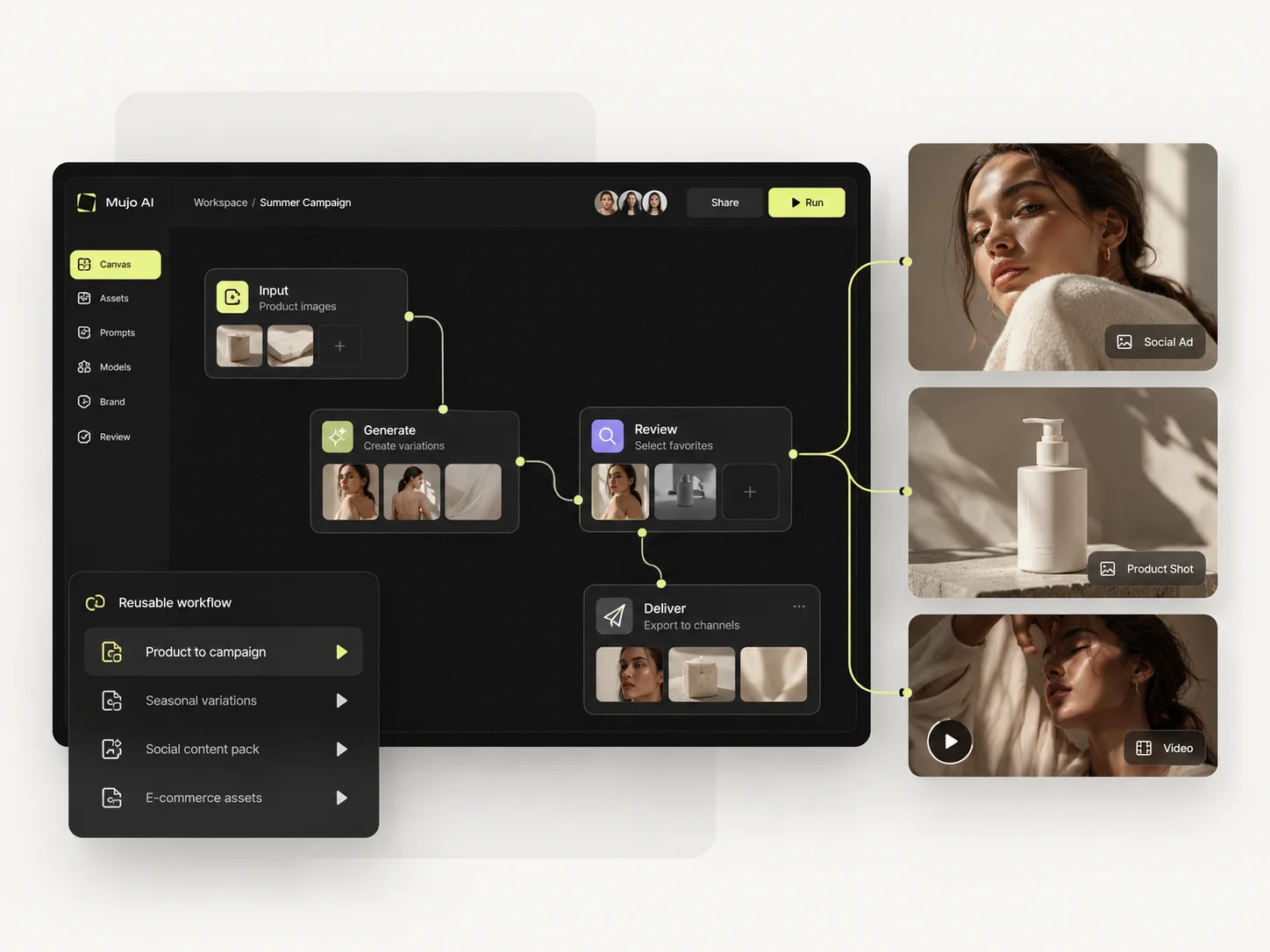
An API-first platform
For programmatic pipelines and custom integrations, getimg is the more direct route.
getimg is built for people who write code. An API, many models, transparent per-image pricing, and whatever interface you build on top. Mujo is built for people who do not want to build anything: the interface is the product, and the reusable part is a setup rather than an endpoint.
Three things this platform does not do, stated before the arguments in its favour. If one of them is what you came for, getimg.ai is the better answer and this page will not change that.
For programmatic pipelines and custom integrations, getimg is the more direct route.
No hosting, no fine-tuning, no model deployment.
The product assumes the person using it is not writing code.
Where a developer API and a finished production interface actually differ.

getimg.ai has become a pragmatic multi-model production platform rather than a simple text-to-image site. It combines image/video generation, Elements, prompt enhancement, editing, smart resize/outpainting, high-resolution upscaling, team workspaces, music/speech and a transparent pay-as-you-go API. Mujo overlaps strongly on multi-model production but goes further in packaging the creative recipe as a reusable content workflow.
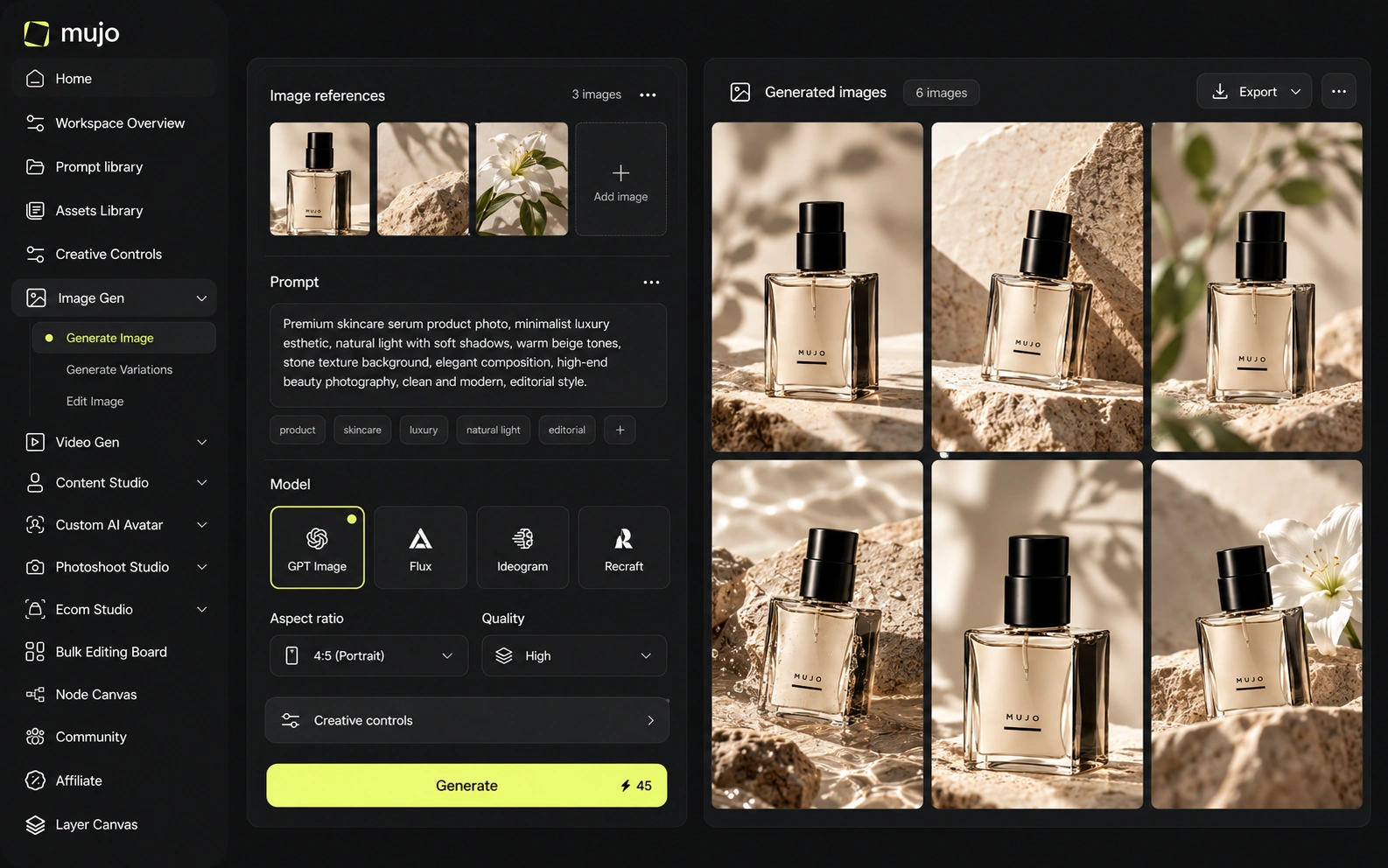
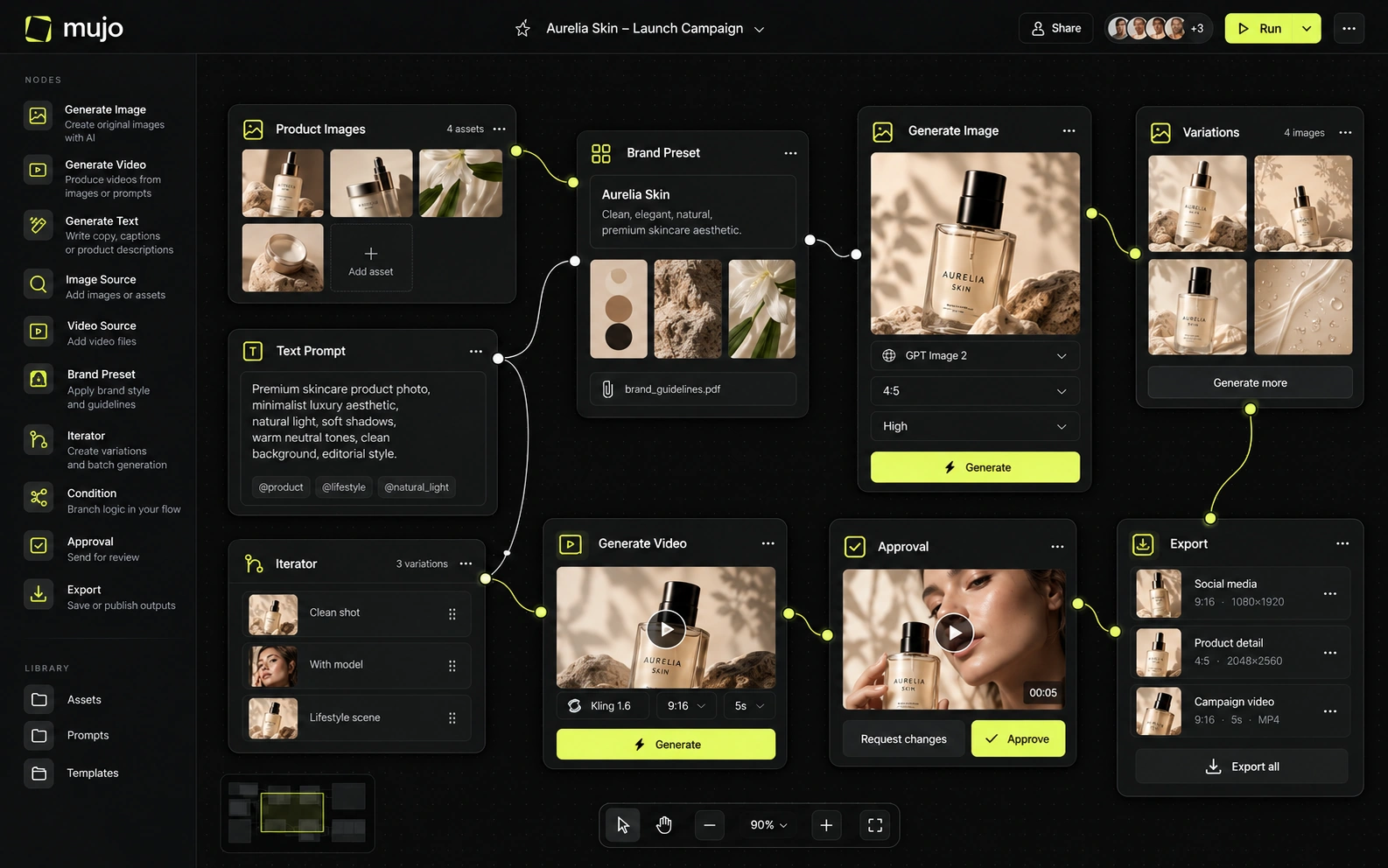
Mujo runs external engines — Nano Banana Lite, Nano Banana 2 and Nano Banana Pro, GPT Image 2, Midjourney, Seedream 5.0 Lite and Seedream 5.0 Pro, Grok Imagine and Kling 3.0 Image for stills, Veo 3.0 and Veo Fast, Kling 3.0, Seedance 2.5 and Seedance 2.0 for motion — and puts a working surface around them: Creative Controls, a shared Prompt Library, references, an Asset Library, a Node Editor. getimg's equivalent structure is the one you write yourself, which is a feature if you have engineers and a problem if you do not. Both platforms sit between a team and several models. One expects you to program the layer between; the other ships it. The right answer depends on whether your creative team has developers attached.
getimg.ai currently markets more than 30 models across image and video; its API documentation exposes 17 image models and 16 video models in the current catalog. Recent additions include frontier image models, and API pricing is listed per image or per second of video. Mujo's public model set is smaller, but the product places more emphasis on keeping prompt/reference/control context around each model switch.
Model breadth is getimg's stated strength and there is no point arguing with it. Mujo's claim is narrower: the models it exposes share one prompt, reference and control context, so comparing them is a click rather than a script. Two questions, separately. Which engines you can reach, and what a non-technical colleague can do with them unaided. API breadth answers the first very well.
getimg.ai Elements can represent reusable products, people, styles, colors, lighting, poses and related visual anchors. This makes it one of the closest competitors to Mujo's Creative Controls and Prompt Library concept. The difference is abstraction: Elements are reusable generation ingredients; Mujo combines controls with workflow packaging, product-specific tasks and creator-facing preset distribution.
getimg's control surface is parameters in a request — precise, scriptable, complete. Mujo's is Creative Controls: lighting, pose, expression, camera angle, location and style as named options a marketer sets without touching syntax, and saves for the next campaign. This is the same control expressed for a different reader. One version is for a developer at a keyboard, the other for a brand manager on a deadline. Teams usually know which one they are.
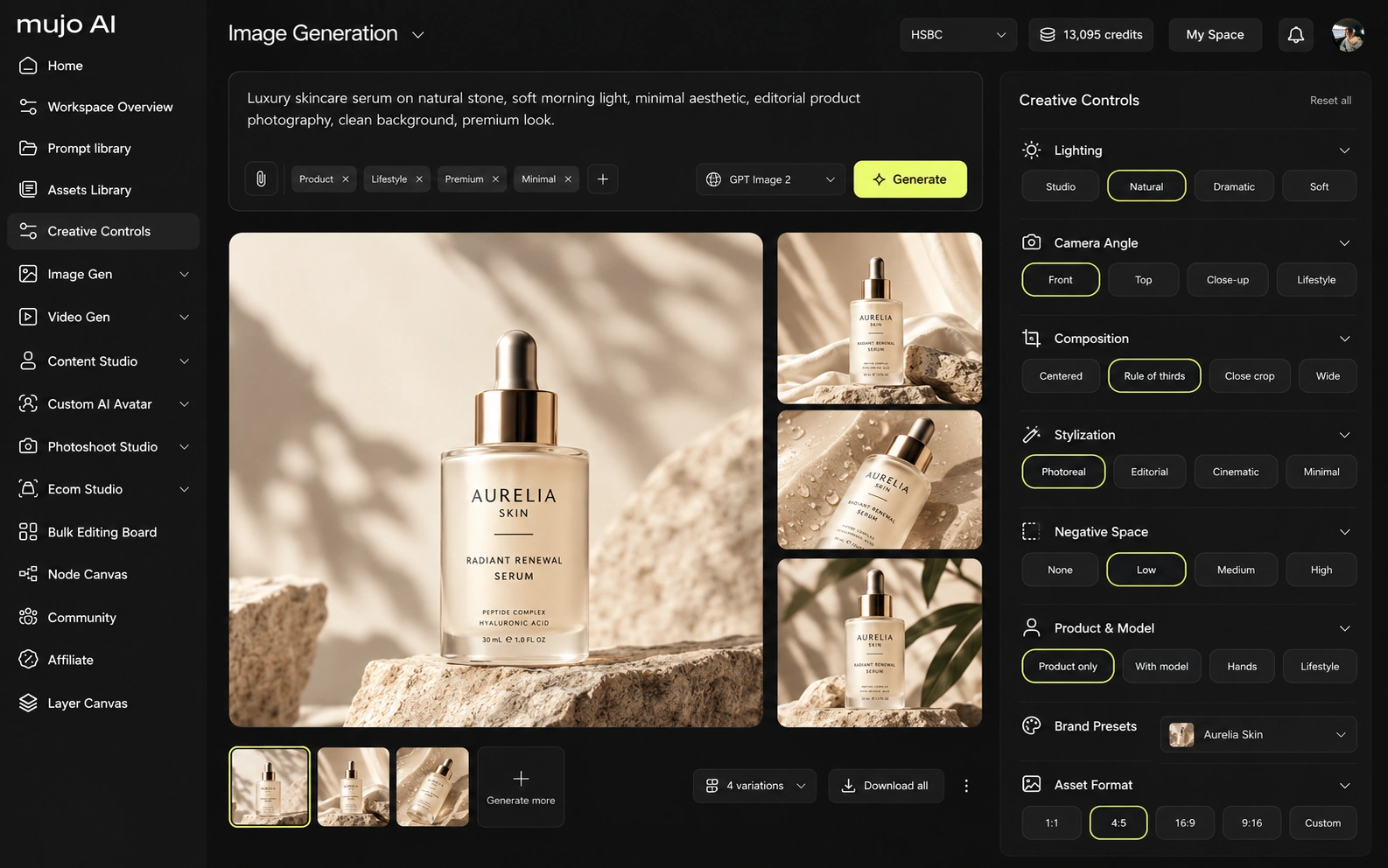
getimg.ai and Mujo both participate in the fast-moving multi-model video market, but they use video differently. getimg.ai includes Elements, image/video generation, editing, Smart Resize/outpainting, high-resolution upscaling, team workspaces, music/speech and API access. Mujo adds product and listing imagery, AI Photoshoots, a shared Prompt Library and published portfolio examples. getimg.ai is stronger as a general-purpose production/API utility; Mujo is more vertically shaped around content operations.
Mujo's video sits on several engines in the same workspace as images, so an approved still becomes a vertical ad without an integration project. Through an API, that sequence is something you assemble; here it is a path through the interface.
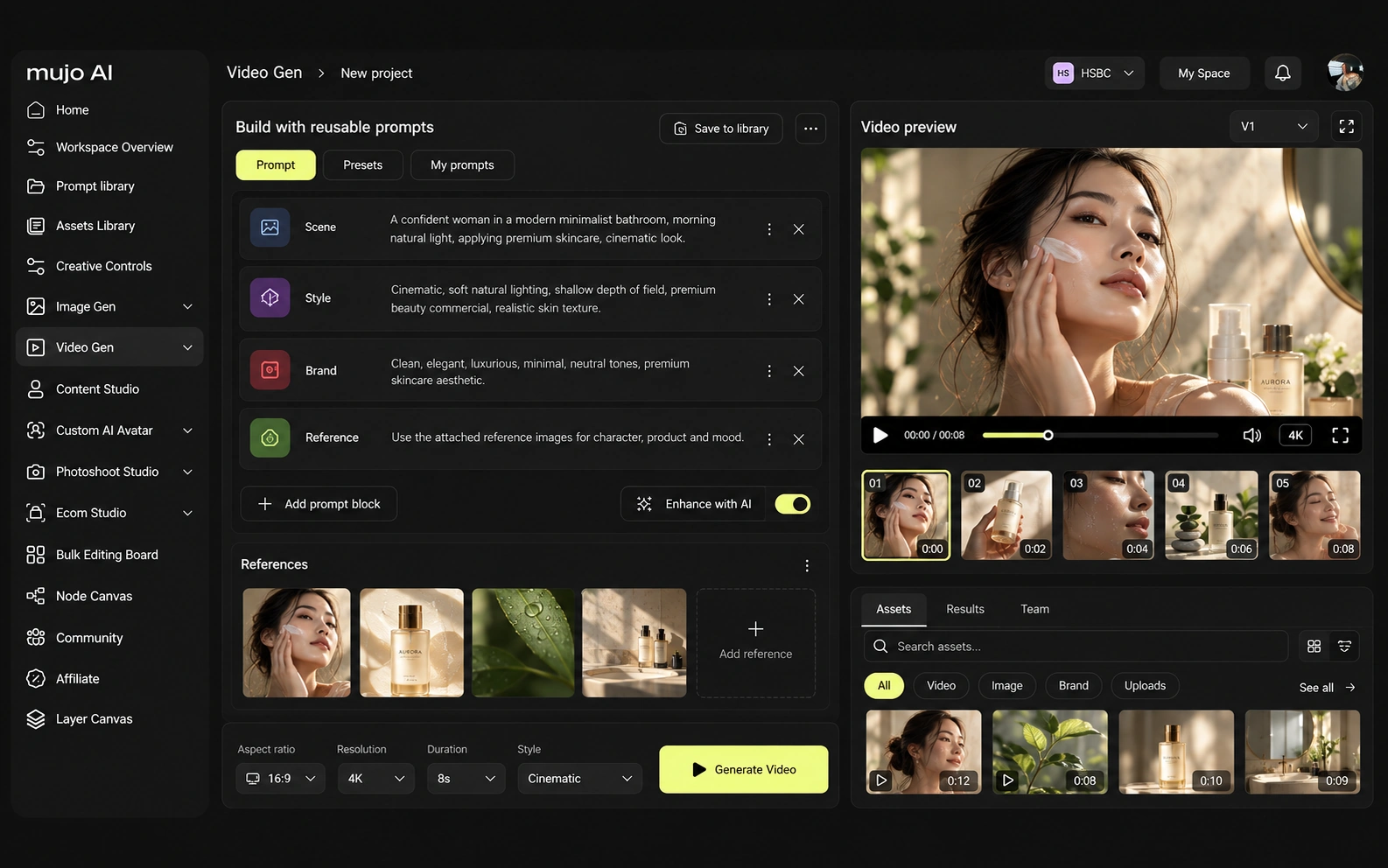
Consistency covers four things: the same person, product, look or process. An API gives you exact reproducibility at the request level. Process consistency across a team of non-engineers is a different requirement.
Mujo stores the route as a shared object: references, Creative Controls parameters, saved prompts, model choice, history, reusable flows in the Node Editor. It is version control for a creative direction, aimed at people who do not use version control. For getimg.ai, the consistency model is different. getimg.ai Elements can represent reusable products, people, styles, colors, lighting, poses and related visual anchors. This makes it one of the closest competitors to Mujo's Creative Controls and Prompt Library concept. The difference is abstraction: Elements are reusable generation ingredients; Mujo combines controls with workflow packaging, product-specific tasks and creator-facing preset distribution. If your team can hold the process in code, an API is cleaner and cheaper. If the process lives in the heads of marketers, it needs somewhere to live that they can open.
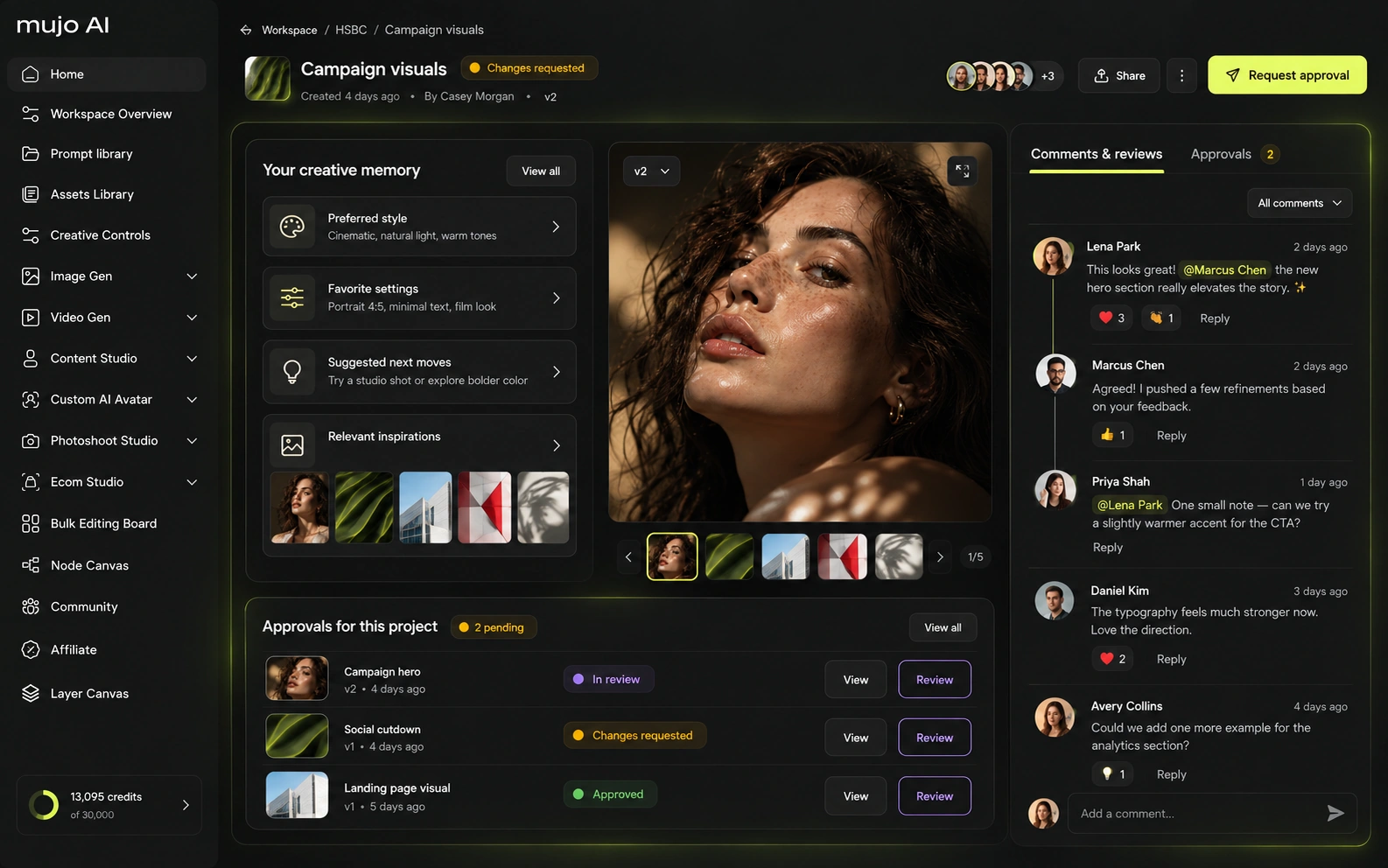
How each platform fits recurring commercial production
getimg.ai explicitly supports e-commerce workflows, including consistent products via Elements, background removal/replacement and smart resizing. This makes the comparison unusually close. Mujo's advantage is in the layer above generation: listing content, gallery structure, reusable campaign controls and creator-facing workflows are part of the product rather than assembled from primitives.
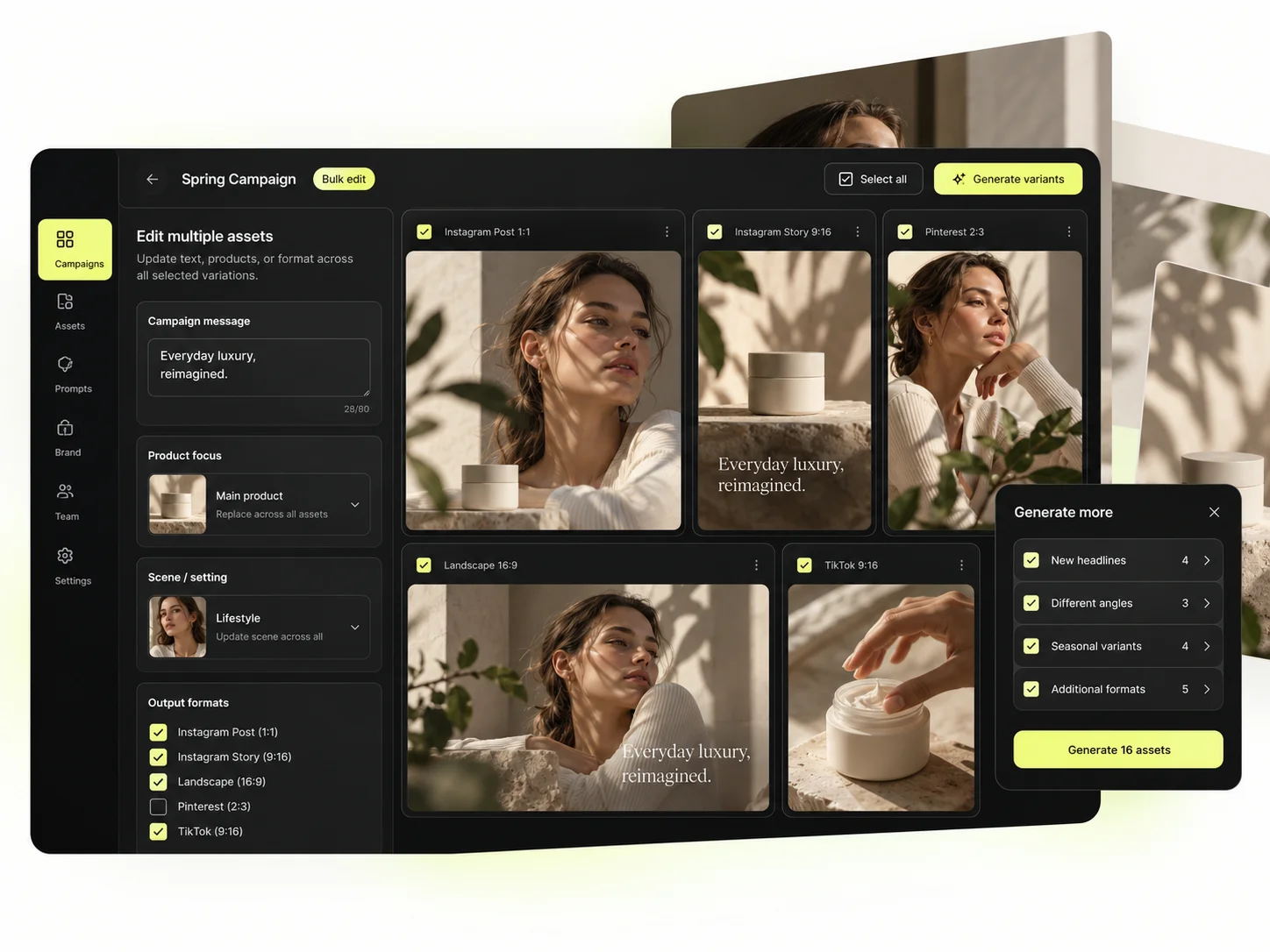
Mujo's commercial surface arrives as finished use cases rather than building blocks: Product Photos, Listing Images, Product Catalog Production, AI Photoshoots, Campaign Creatives, Creative Variations, Social Media Content and Social Video Ads, with the Bulk production table for SKU-scale runs.
Through an API, each of those is something you specify and build. Here they exist, which is the trade: less flexibility, no engineering time.
The product shot, its listing crops, its ad variants and its social cuts come out of the same approved direction. Volume is what makes commercial work expensive, not generation speed — and it is the part a getimg.ai comparison usually leaves out.

Prompts are production assets in Mujo: refined with structured controls, compared across models, saved to the Prompt Library where non-technical teammates find them. Selected workflows can be published — see Creative Portfolio Examples. getimg.ai takes a different route. Both platforms can handle the one-SKU campaign convincingly. getimg.ai can encode the product and style as Elements, generate and edit the stills, create video and automate at API level. Mujo can store the prompt/reference/control pattern and package it into a reusable Pack/workflow, keeping listing and portfolio layers nearby. getimg.ai is stronger when the workflow must be embedded into software; Mujo is stronger when the workflow must be reused directly by creators and marketers.
Saved setups live in the Prompt Library where the next person can find them, instead of in the generation history of whoever happened to get it right. Whatever you keep from a getimg.ai session, it is usually the output rather than the reasoning behind it.

The Bulk production table is the batch job you would otherwise write. Rows are assets, columns are the variables, and one approved direction runs down a product list — in an interface, by someone who does not open a terminal.
Per-asset work scales linearly: forty products means forty sessions. A saved direction run in bulk does not. That is the line where a getimg.ai workflow and a Mujo workflow stop costing the same.
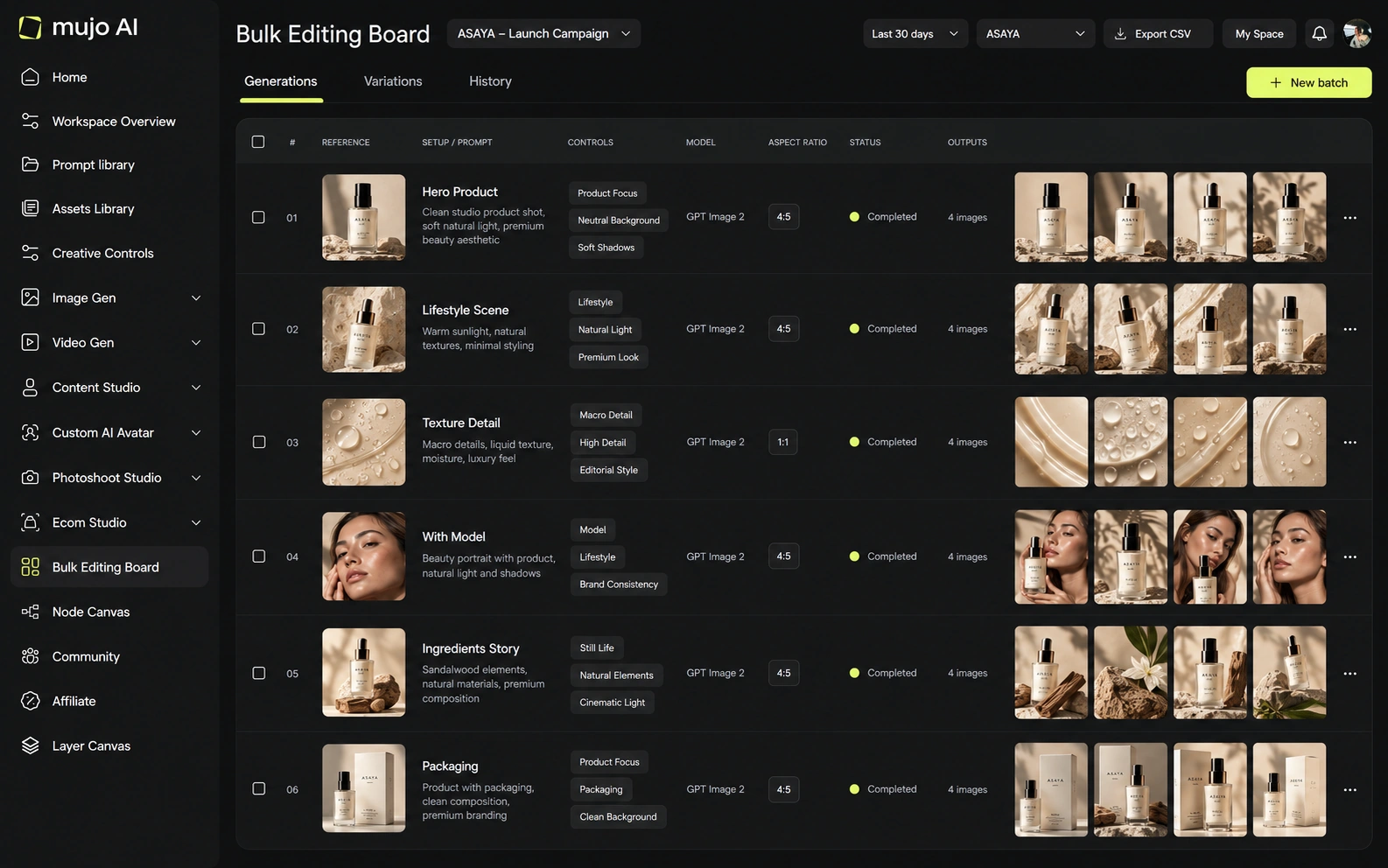
The brief to run in both: one product image in, a hero visual, three square social variants and one vertical motion ad out, then the same direction on a second SKU a week later. Time it including the engineering, not just the generation.
Start from one source product image and one launch brief.
Generate the hero visual, three square cuts and one vertical motion ad.
Save the direction in the interface, not in a script: prompts, references, controls.
Rerun it on a second SKU without writing anything.
getimg.ai clears the first round comfortably, as does almost anything else worth evaluating. The second round is where the difference appears, and it is the round nobody gets to during a two-week trial.
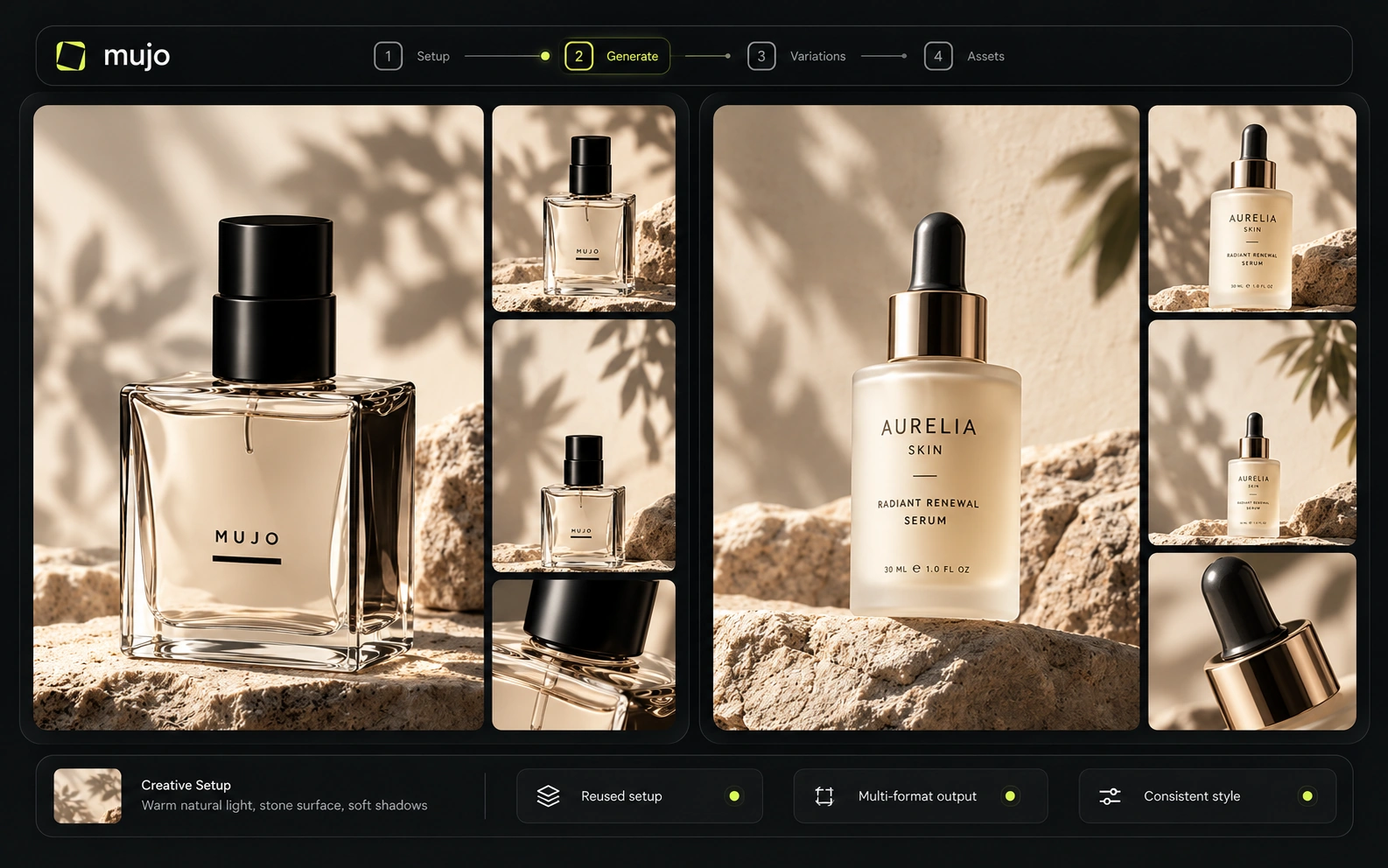
getimg.ai plans include team workspaces and concurrency that increases by tier. Its API is especially transparent: pay-as-you-go, no subscription/minimum, and published image/video ranges. Mujo Enterprise focuses more on brand context, Node Editor, asset management, review logic and no-training guarantees. Developers may prefer getimg.ai's public API economics; creative operations teams may prefer Mujo's application layer.
Mujo Enterprise covers Node Editor flows, brand context, shared prompt and asset libraries, approval traceability, onboarding, admin and security review — governance for people, not for keys. getimg's team controls are API-shaped: access, usage, billing. If your requirement really is an API, getimg is the more direct answer and you should verify Mujo's against your load before assuming parity. If the requirement is a working interface, the comparison inverts.

getimg.ai is unusually transparent at the API layer, but its app credits are still a platform-specific currency. Higher plans increase concurrency, teams and output capabilities. For a fair application-level cost comparison with Mujo, use the same underlying model and quality. For API workloads, getimg.ai's published per-image/per-second USD rates make forecasting easier.
3,000 credits/month
15,000 credits/month per seat
35,000 credits/month per seat
100,000 credits/month per seat
Published rates roughly $0.015–$0.18/image and $0.022–$0.42/video second depending on model
Plans Start $9, Basic $19, Pro $34, Creator $84, Business $121 (5 seats); 200-credit packs from $2.60 with no use-by deadline
Mujo's plans run from $9 to $121 a month, with up to 40% off on annual billing. Pay-as-you-go packs start at 200 credits for $2.60, credits carry no use-by deadline, and new accounts start with 20 free. Per-image API pricing looks cheaper until you price the interface someone has to build.

getimg.ai paid plans include commercial use rights. Team and API usage can be structured for production workloads. Mujo similarly supports commercial use and ownership and publishes clear no-training statements. Teams should still inspect the terms of any third-party model routed through either platform.
Specifically, on Mujo's side: users keep ownership of what they upload and of AI-generated outputs and may use those outputs commercially, subject to applicable law and third-party rights; inputs and outputs are not used to train foundation models without opt-in, and the enterprise terms extend that to the third-party models in the stack. Commercial-use permission is not rights clearance. Trademark, publicity rights and model-provider terms still apply, so client work needs human review before it ships.
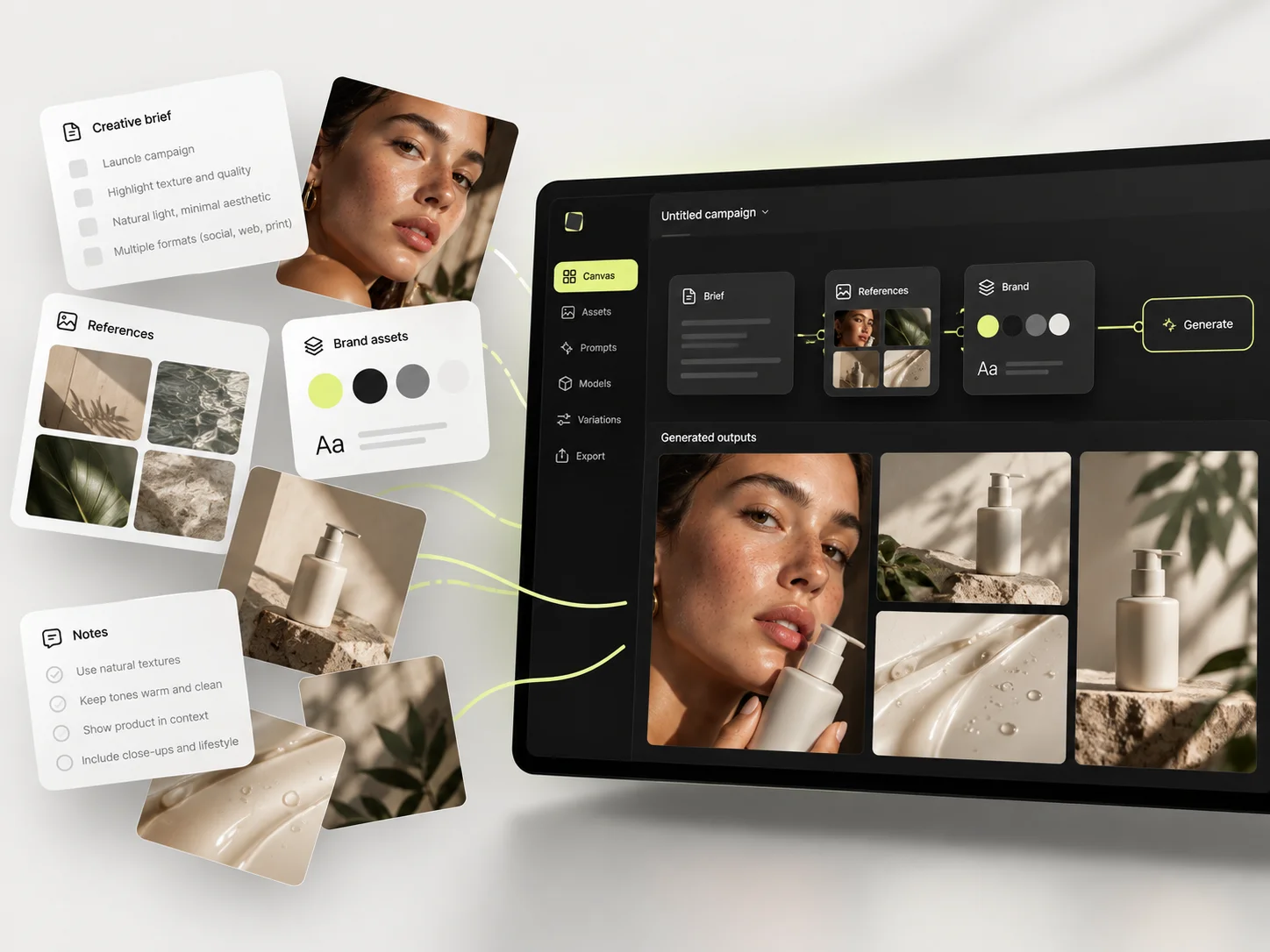
What getimg.ai does better, and what Mujo does better. A comparison page that only fills in one side is not a comparison.
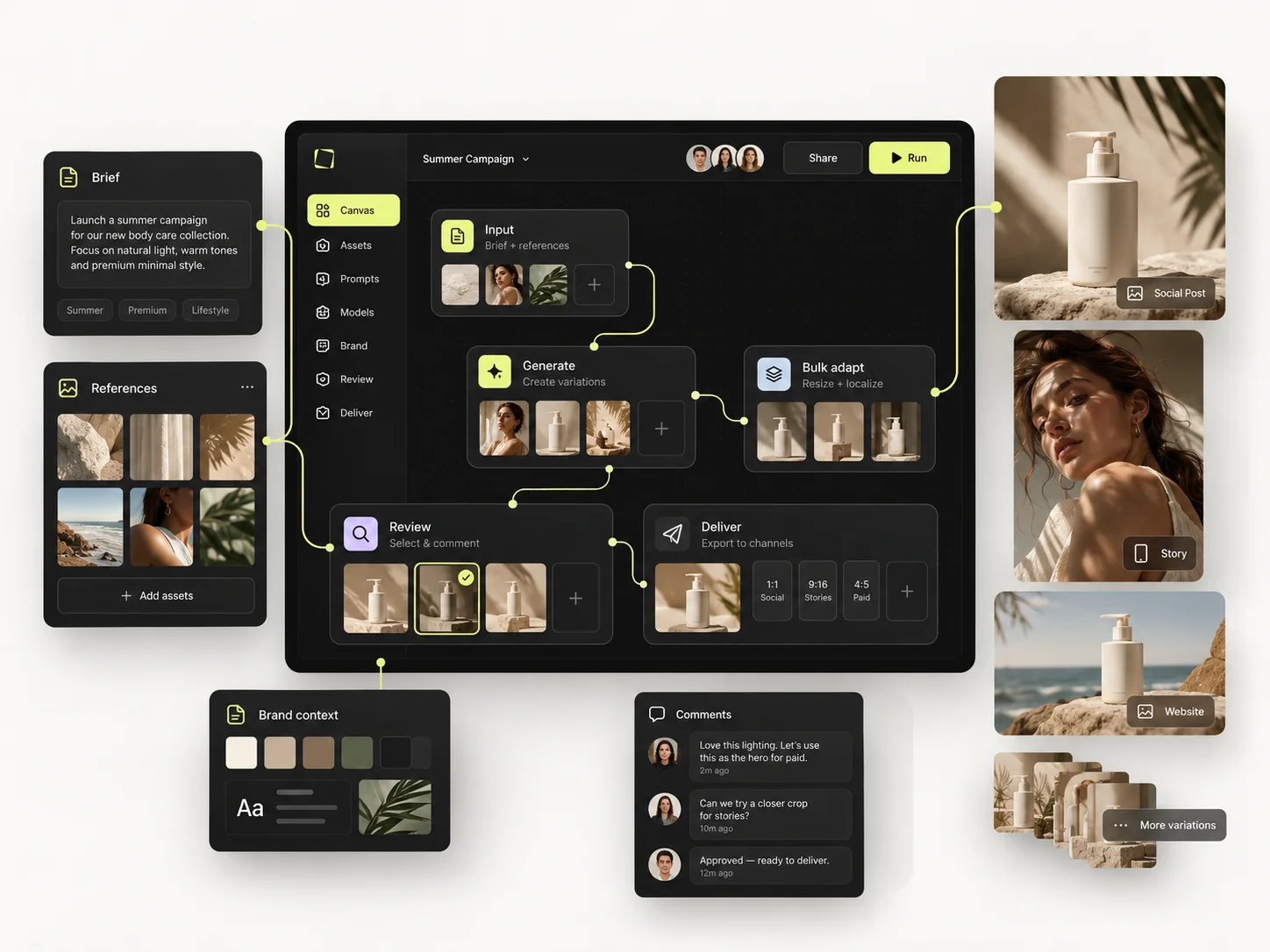
Worth reading before a trial rather than after one.
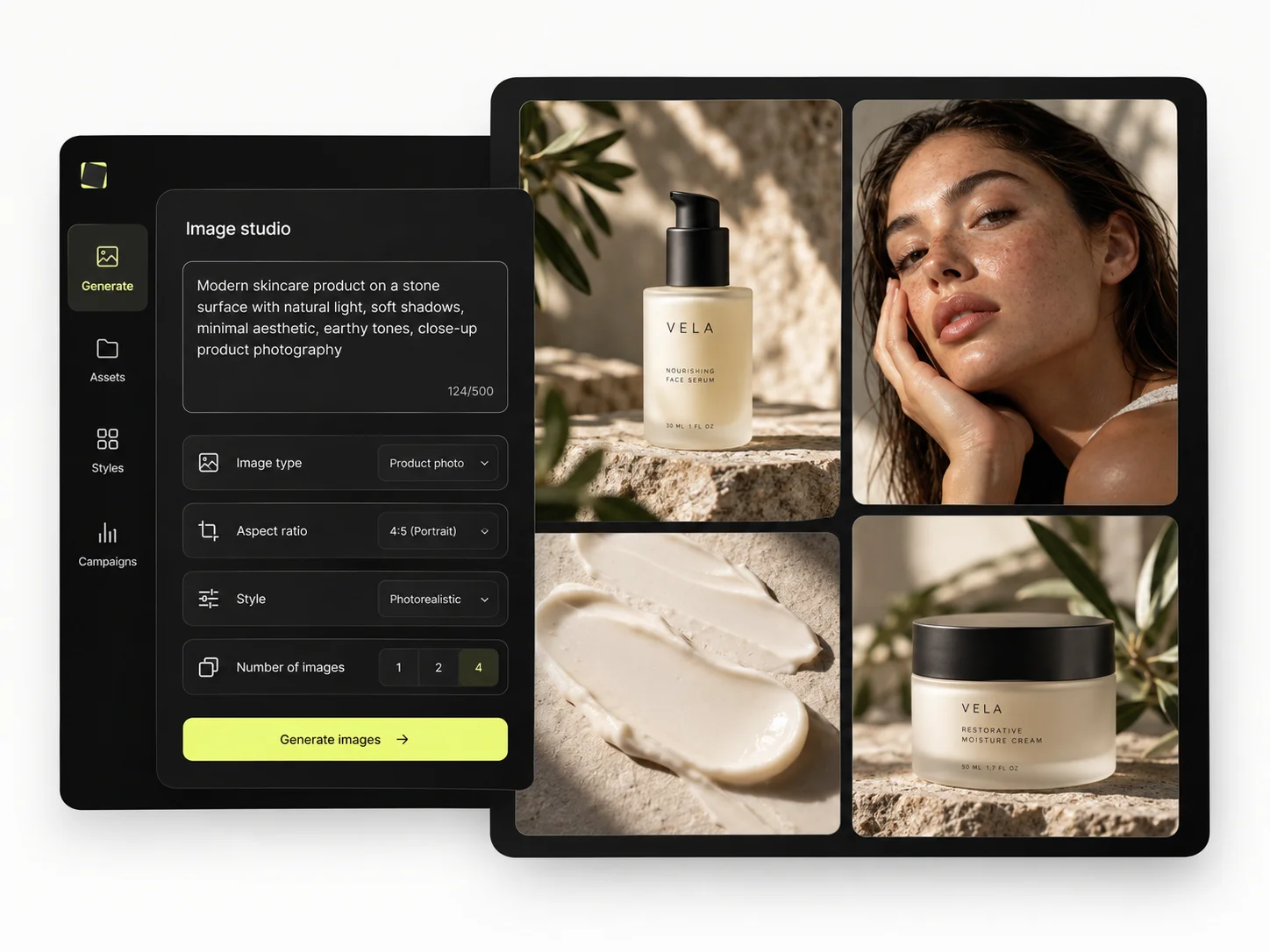
getimg.ai is one of the most credible direct alternatives to Mujo because both platforms care about reuse, not only generation. getimg.ai is stronger as infrastructure-plus-workspace. Mujo is stronger as a content-system product. The deciding question is whether your reusable unit is an API/Element or a marketer-facing creative workflow.
Choose getimg.ai when API transparency, Elements, team workspaces and embedding generation into a software workflow are priorities.
Choose Mujo when marketers and creators—not developers—need to reuse the full campaign recipe across products and formats.
Some teams run both: an API for programmatic volume, Mujo for the creative work marketers do themselves. The split usually falls along who needs to touch the output.
If engineers own your image pipeline, buy the API. If marketers own it, buy the interface and count the engineering time you did not spend.
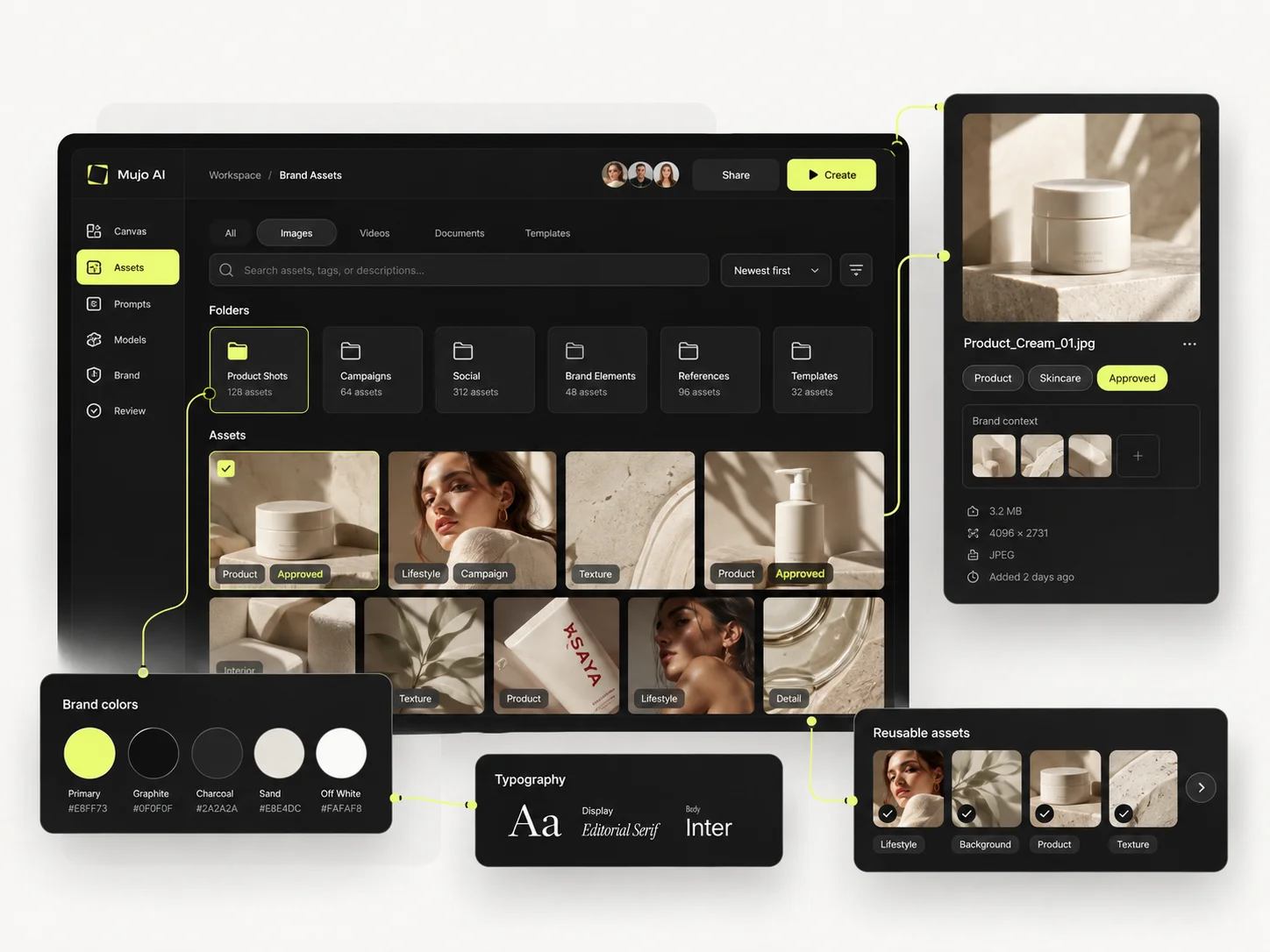
Short answers about getimg.ai, about Mujo, and about the parts that are easy to get wrong.
Yes. It offers a pay-as-you-go multi-model API with published per-image and per-second video rates.
Elements are reusable visual anchors for things such as products, people, style, colors, lighting and poses.
Yes. Product consistency, background tools, Smart Resize and Elements make it a strong e-commerce option.
getimg.ai currently publishes more detailed model-level USD API rates.
Mujo has a clearer portfolio, preset and Pack distribution layer.
A comparison against getimg.ai stays abstract until you look at the work it is about. These are the production workflows Mujo is built around, plus the neighbouring comparisons if you are still shortlisting.
Produce editorial and studio photoshoots without booking one.
One idea rendered as a month of posts, stories and formats.
Plan the shots before generating the video.
A broad suite against a focused system.
Characters and stories against products and campaigns.
A model aggregator against a production system.
If your generation pipeline works but nobody outside engineering can run a campaign through it, that gap is the one Mujo fills. 20 free credits. Hand it to a marketer and see how far they get alone.