A vector tool
No SVG output. Recraft is the right answer for anything that must scale cleanly.
Recraft is a design tool. Vectors, brand styles, sets that stay coherent because the format itself enforces it. Mujo is a production tool for photographic and motion output. Teams comparing them are usually deciding whether their recurring problem is a design system or a content volume problem.
Three things this platform does not do, stated before the arguments in its favour. If one of them is what you came for, Recraft is the better answer and this page will not change that.
No SVG output. Recraft is the right answer for anything that must scale cleanly.
Mujo stores production direction, not typography, palettes or components.
Print and page layout are not part of the product.
Where a vector design tool and a photographic production system actually differ.
Recraft changed substantially in 2026. It is no longer accurate to describe it as only an AI vector/image generator. Its redesigned Studio supports Image, Vector, Video, Mockup and Set of Images generation, external models, chat/agent workflows, batch generation, reusable Design Kits and direct vector editing. Mujo remains more marketing-workflow-oriented, while Recraft is more design-system-oriented.
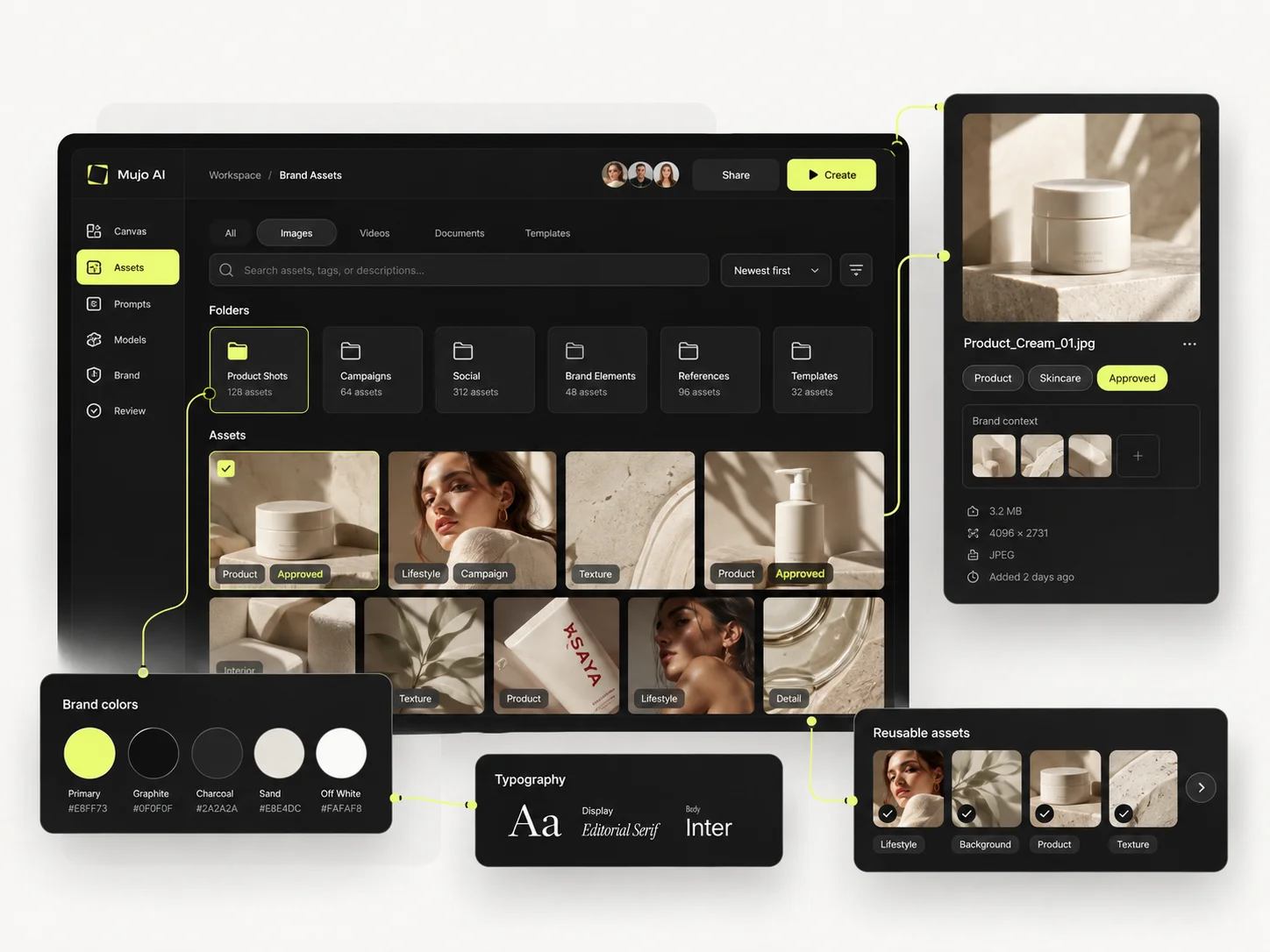
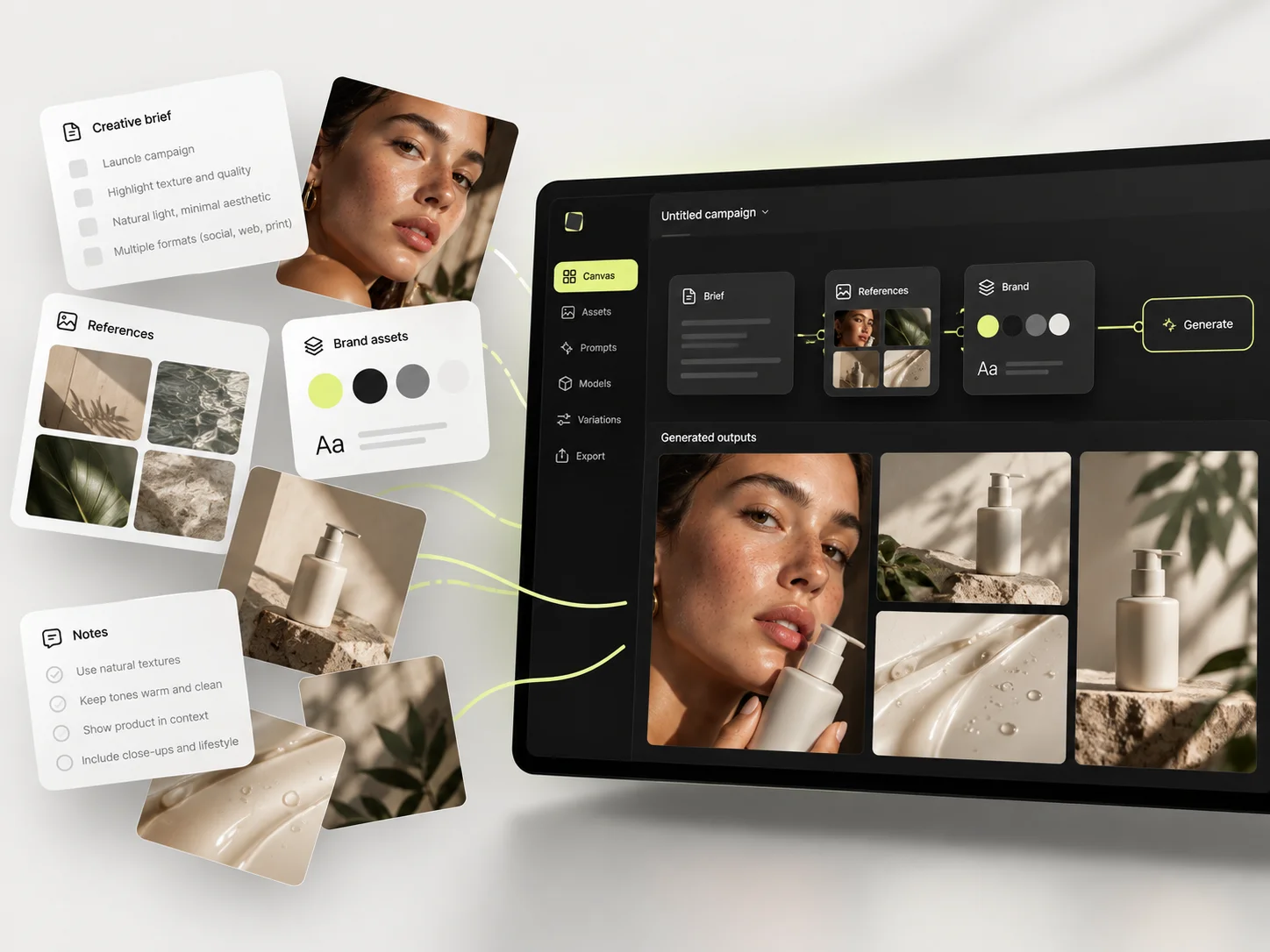
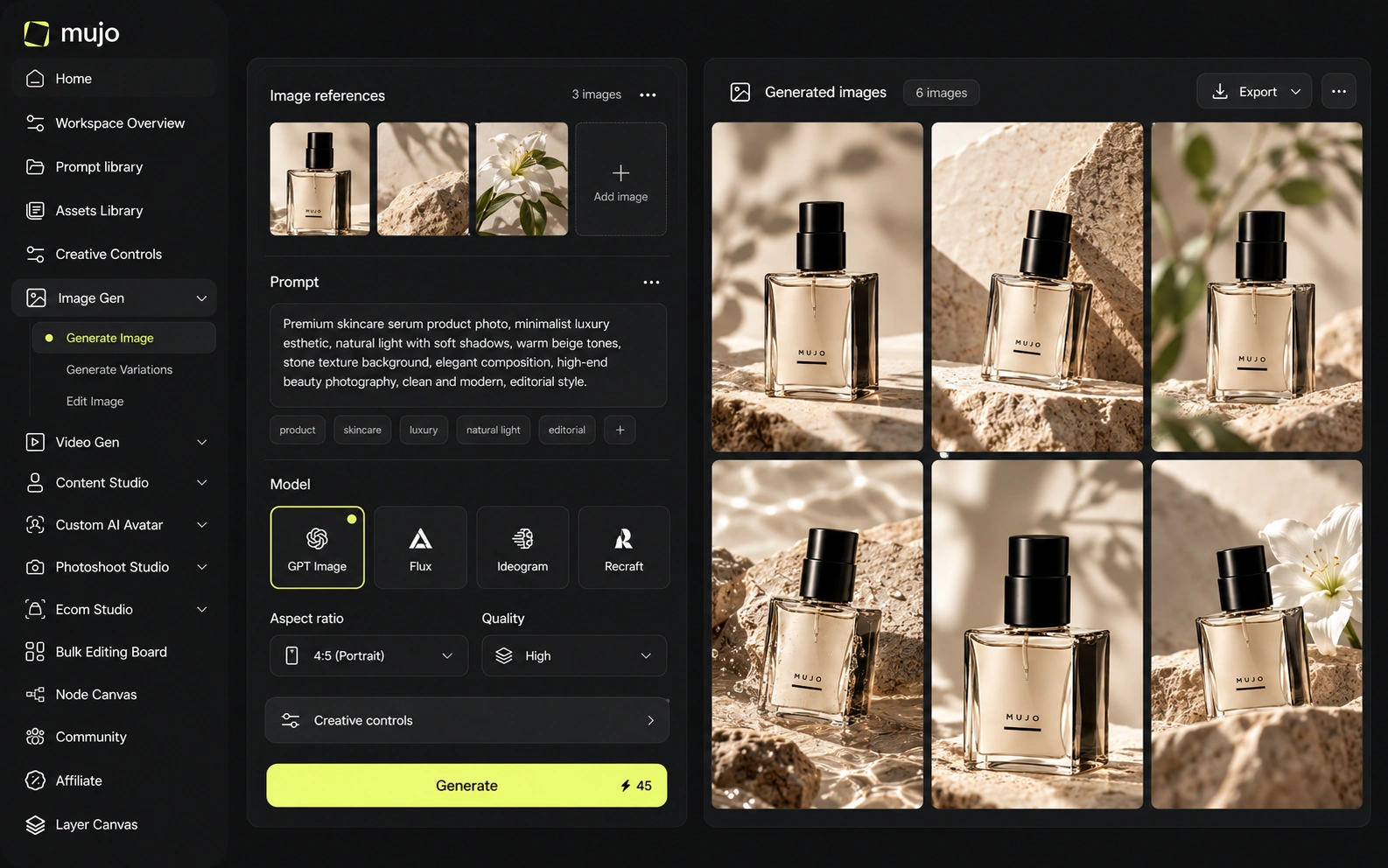
Mujo sits over external engines — Nano Banana Lite, Nano Banana 2 and Nano Banana Pro, GPT Image 2, Midjourney, Seedream 5.0 Lite and Seedream 5.0 Pro, Grok Imagine and Kling 3.0 Image for stills, Veo 3.0 and Veo Fast, Kling 3.0, Seedance 2.5 and Seedance 2.0 for motion — and adds structure: Creative Controls, a shared Prompt Library, references, an Asset Library and a Node Editor. Recraft's structure is in the output format: editable vectors, style sets, brand-level consistency by construction. Recraft keeps a brand coherent. Mujo keeps a production repeatable. A brand can need both, and neither replaces the other.
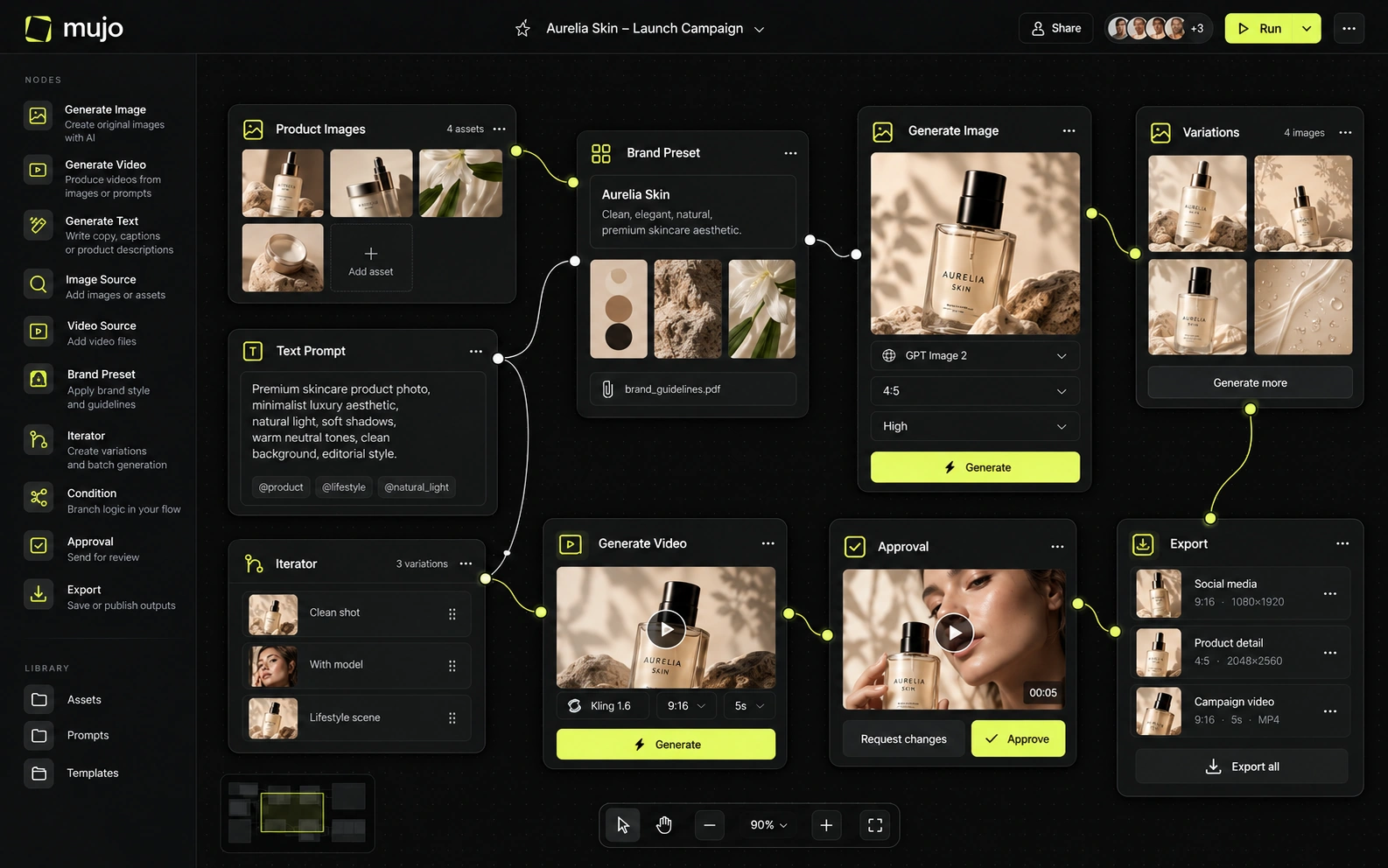
Recraft combines its own V4/V4.1 family with a broad set of external image and video models. Its current model catalog includes major third-party providers across both media types, all accessible from one canvas. Mujo also aggregates models, but does so inside product/content-specific workspaces. Recraft's model breadth has closed much of the old gap between 'design tool' and 'multi-model platform'.
Model choice is not really the axis here. Recraft's value is in what it produces and how editable it stays; Mujo's is in comparing several engines against one brief while prompts, references and controls stay fixed. If the deliverable is an SVG, the model list is beside the point. Worth asking separately: which engine you need this month, and what happens to the direction when you change it. Vector tools sidestep the question; raster production cannot.
Recraft's strongest differentiation is design-native control. V4 Styles can create a consistent visual style from a reference without traditional training. The Studio can modify/reuse/finalize objects, directly edit vector outputs and keep design components on a canvas. Mujo's Creative Controls is stronger as a standardized art-direction layer for marketers and creators, especially when the same direction must be reused across product and social outputs rather than manipulated as design objects.
Recraft's control comes from style sets and vector editing — you can adjust the output directly because it is not pixels. Mujo's comes from the input side: Creative Controls name lighting, pose, expression, camera angle, location and style so a photographic direction can be set rather than described. Editing a vector is precise. Reproducing a photographic look is not, unless the decisions behind it were stored. That is the gap Creative Controls are built for.
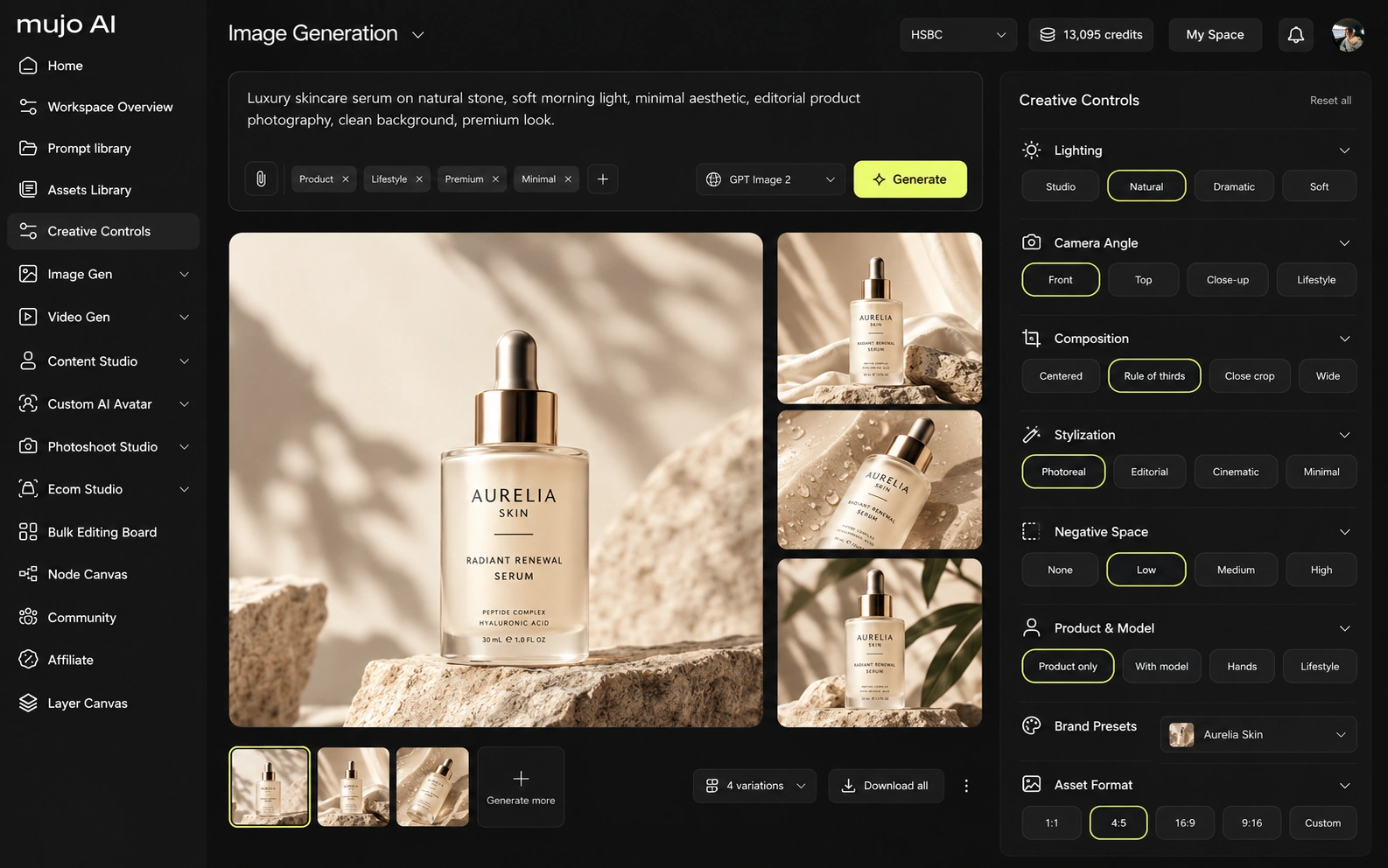
Recraft and Mujo both participate in the fast-moving multi-model video market, but they use video differently. Recraft now includes a Design Agent that can generate a coherent set of brand assets—logo direction, color palette, typography, icons—and save them into a reusable Design Kit. It also supports vectors, mockups, sets of images and video. Mujo specializes in content systems: Listing Images, listing assets and copy, AI photoshoots, Prompt Library, design/copy edits, and creator portfolio/preset distribution.
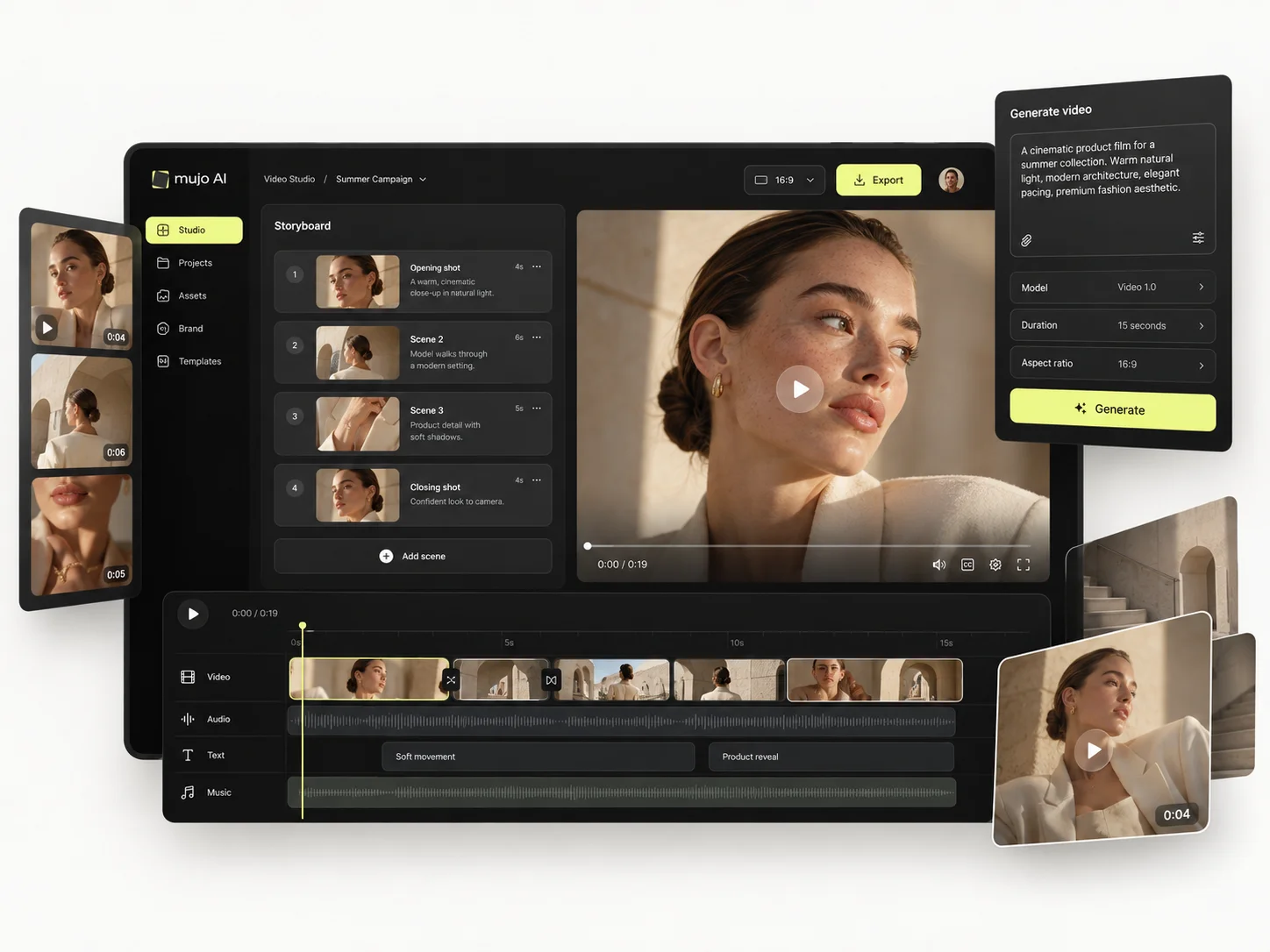
Mujo generates video on several engines in the same workspace as its stills, which is how one approved product frame becomes a vertical ad. Recraft does not compete here, and a design-led team usually would not expect it to.
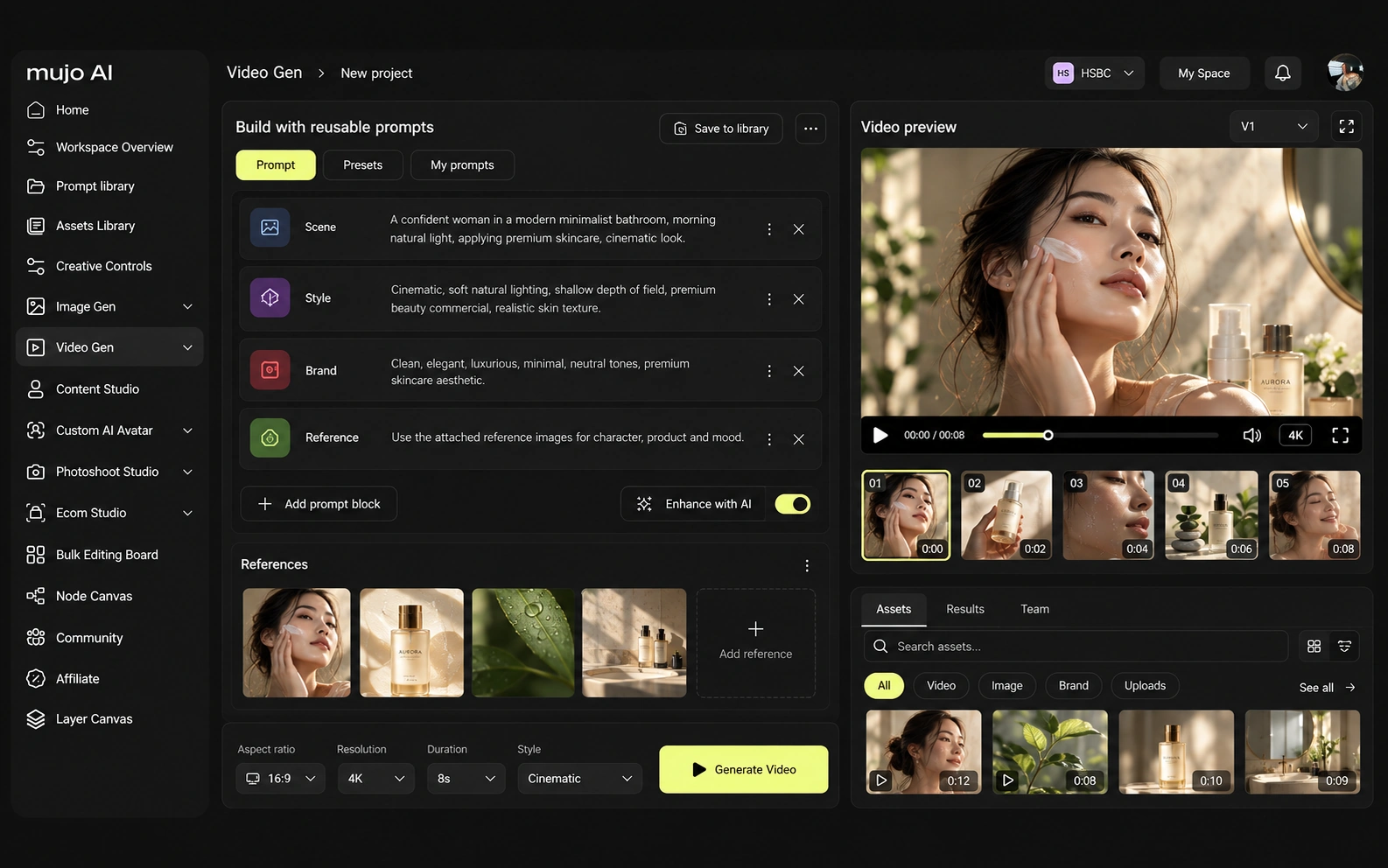
Consistency has four meanings: the same person, product, style or process. Vector formats and style sets handle style unusually well. The process — who can rerun this next quarter — is a different problem entirely.
Mujo's saved object is the route: references, Creative Controls parameters, saved prompts, model choice, history, reusable flows. Someone reopens the setup, not just the file. For Recraft, the consistency model is different. Recraft's strongest differentiation is design-native control. V4 Styles can create a consistent visual style from a reference without traditional training. The Studio can modify/reuse/finalize objects, directly edit vector outputs and keep design components on a canvas. Mujo's Creative Controls is stronger as a standardized art-direction layer for marketers and creators, especially when the same direction must be reused across product and social outputs rather than manipulated as design objects. If the recurring object is a logo, an icon set or a brand system, Recraft is the natural home. If it is a product campaign in photographs across formats, Mujo is.

How each platform fits commercial content that repeats
Recraft is excellent for brand systems, package graphics, icons, vector illustrations and polished design assets that surround a product. Mujo is closer to ongoing catalog and campaign production. If the e-commerce team needs ten listing images and weekly social variations, Mujo's workflow framing is more direct. If the design team needs SVG assets, brand components and editable visual systems, Recraft is the specialist.
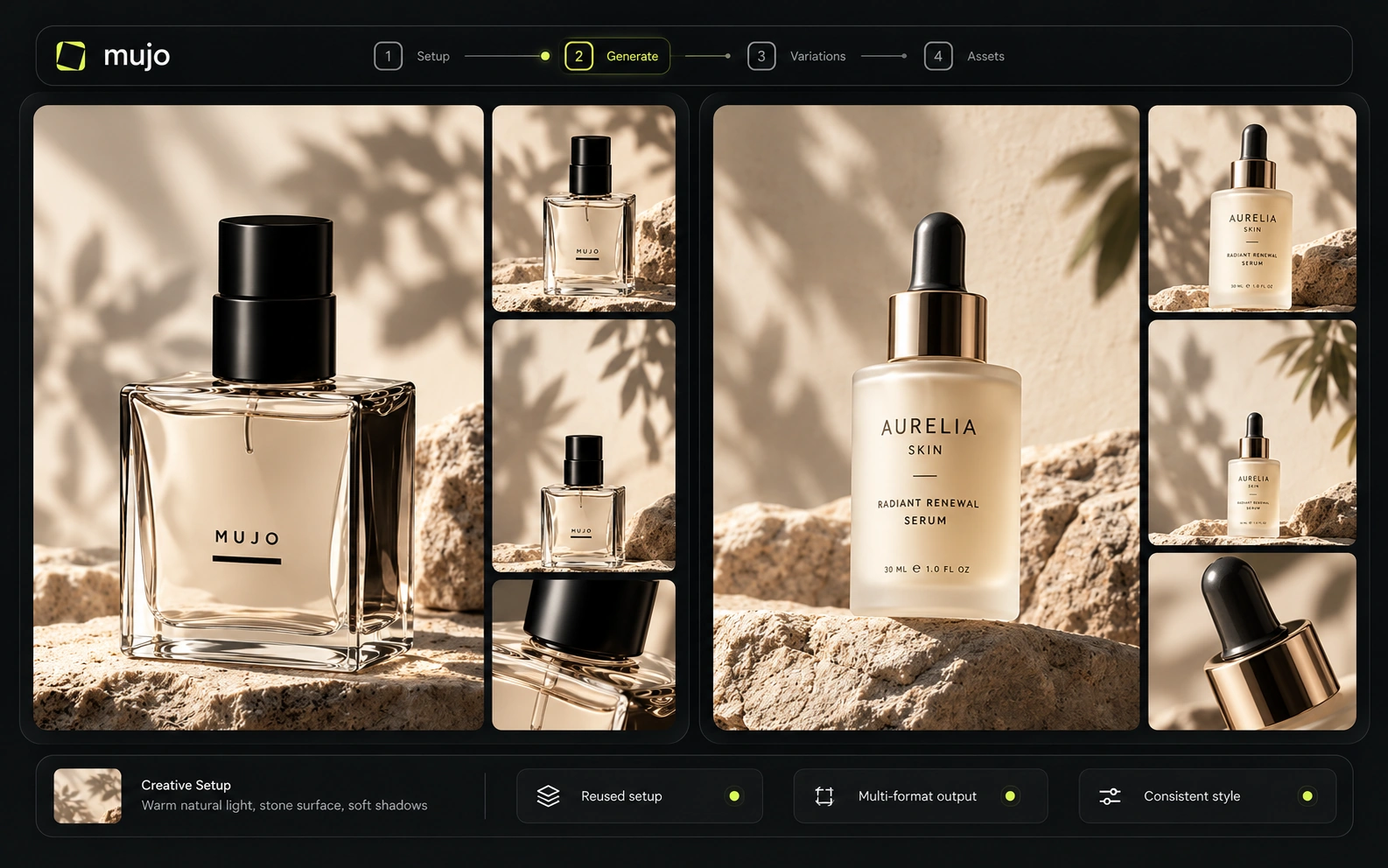
Mujo's commercial surface is built as use cases: Product Photos, Listing Images, Product Catalog Production, AI Photoshoots, Campaign Creatives, Creative Variations, Social Media Content and Social Video Ads, with background removal and a shared Prompt Library underneath.
A product shoot, its listing crops, its ad variants and its social cuts share one setup. That loop is photographic by nature, which is why it sits outside a vector tool.
The product shot, its listing crops, its ad variants and its social cuts come out of the same approved direction. Volume is what makes commercial work expensive, not generation speed — and it is the part a Recraft comparison usually leaves out.

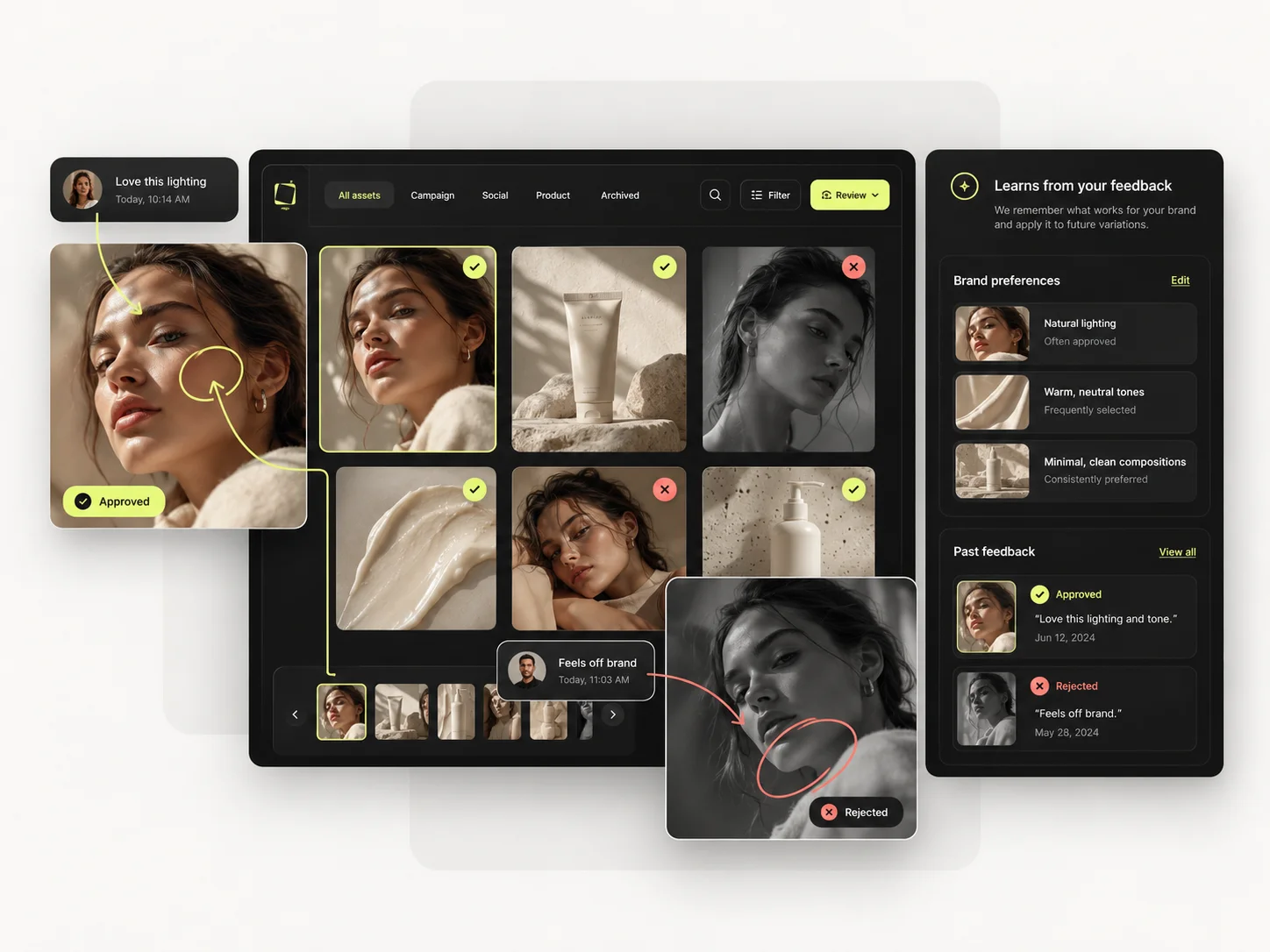
Prompts are production assets in Mujo: refined with structured controls, compared across models, saved to the Prompt Library. Selected workflows can be published — see Creative Portfolio Examples — instead of living in one person's history. Recraft takes a different route. For a product launch, Recraft can generate multiple design variations in batches, compare models side by side, reuse objects and carry a Design Kit through the work. The workflow is highly visual and canvas-centric. Mujo preserves a different kind of system: prompt logic, reference inputs, Creative Controls choices and Prompt Library designed to be repeated across SKUs. Recraft is stronger when the reusable unit is a design system; Mujo is stronger when it is a content-production recipe.
Saved setups live in the Prompt Library where the next person can find them, instead of in the generation history of whoever happened to get it right. Whatever you keep from a Recraft session, it is usually the output rather than the reasoning behind it.

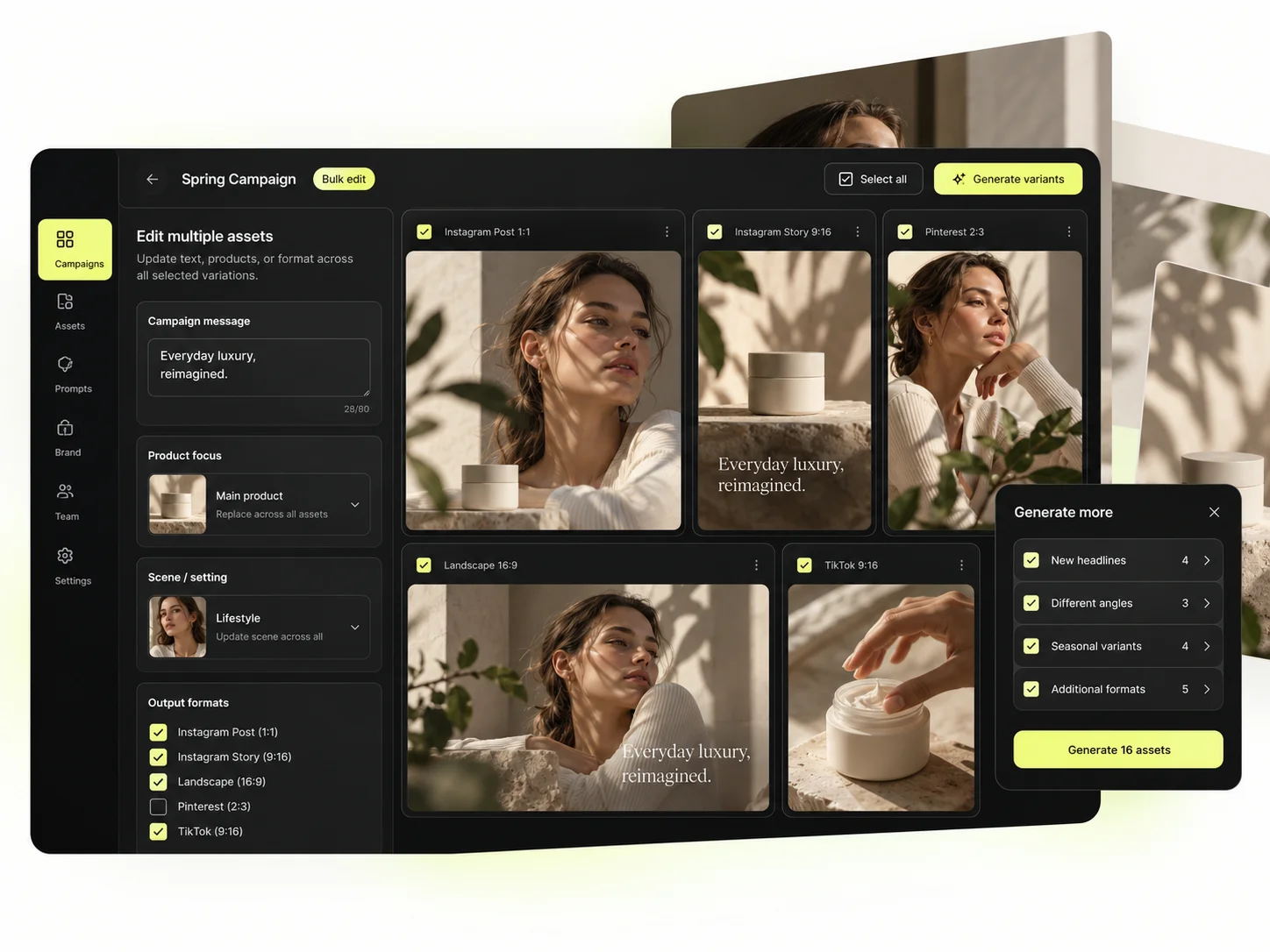
The Bulk production table does for photography what a vector format does for design: makes the output reproducible. Rows are assets, columns are the variables, and one approved direction runs down a product list.
Per-asset work scales linearly: forty products means forty sessions. A saved direction run in bulk does not. That is the line where a Recraft workflow and a Mujo workflow stop costing the same.
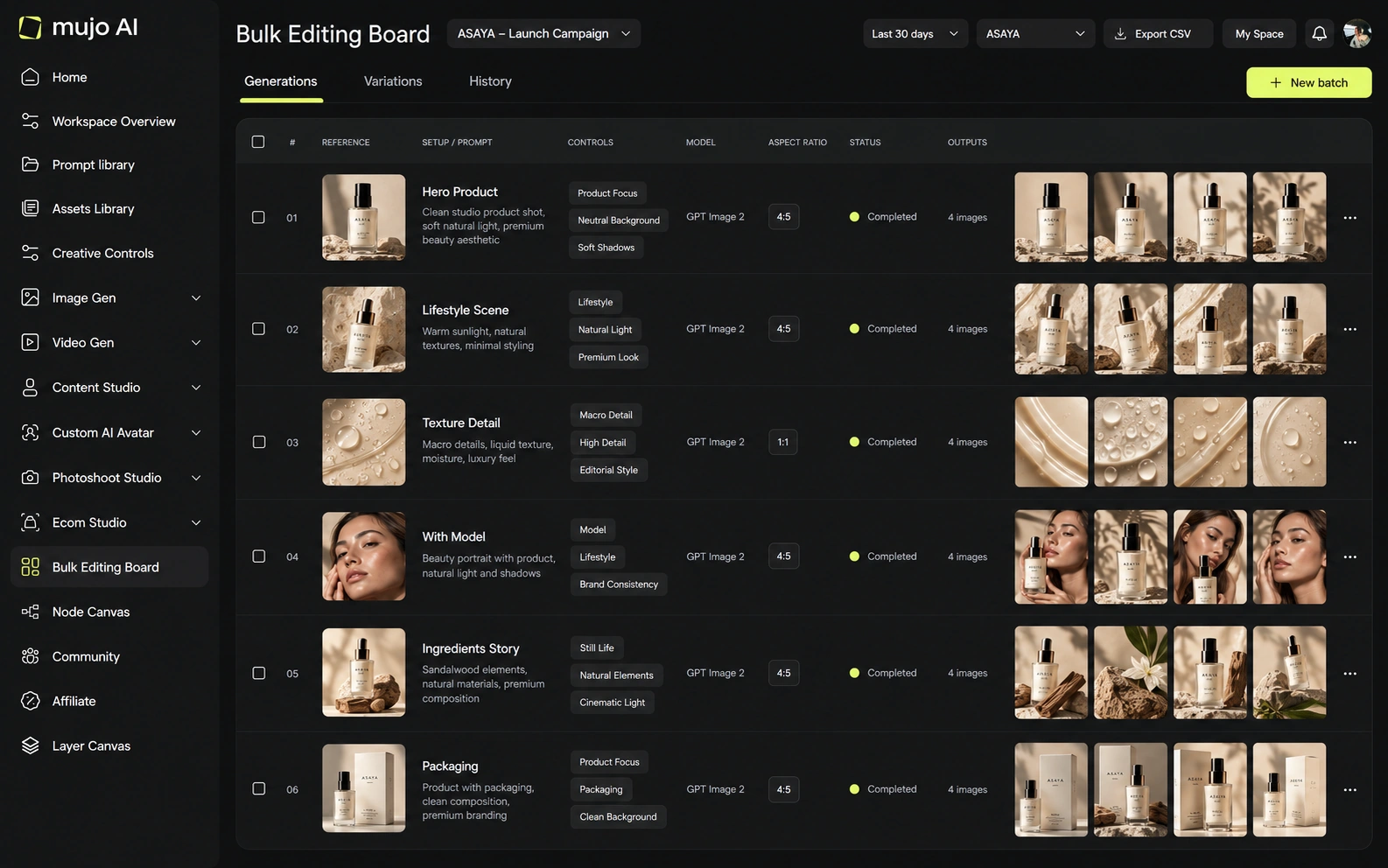
The brief that separates them: one product photograph in, a hero visual, three square social variants and one vertical motion ad out, then the same direction on a second SKU a week later. It is a photographic brief, and that is the honest framing of the difference.
Start from one source product photograph and one launch brief.
Produce the hero photograph, three square social cuts and a vertical motion ad.
Save the photographic direction: prompts, references, controls and the model used.
Rerun it on a second SKU without rebuilding the look.
Recraft clears the first round comfortably, as does almost anything else worth evaluating. The second round is where the difference appears, and it is the round nobody gets to during a two-week trial.
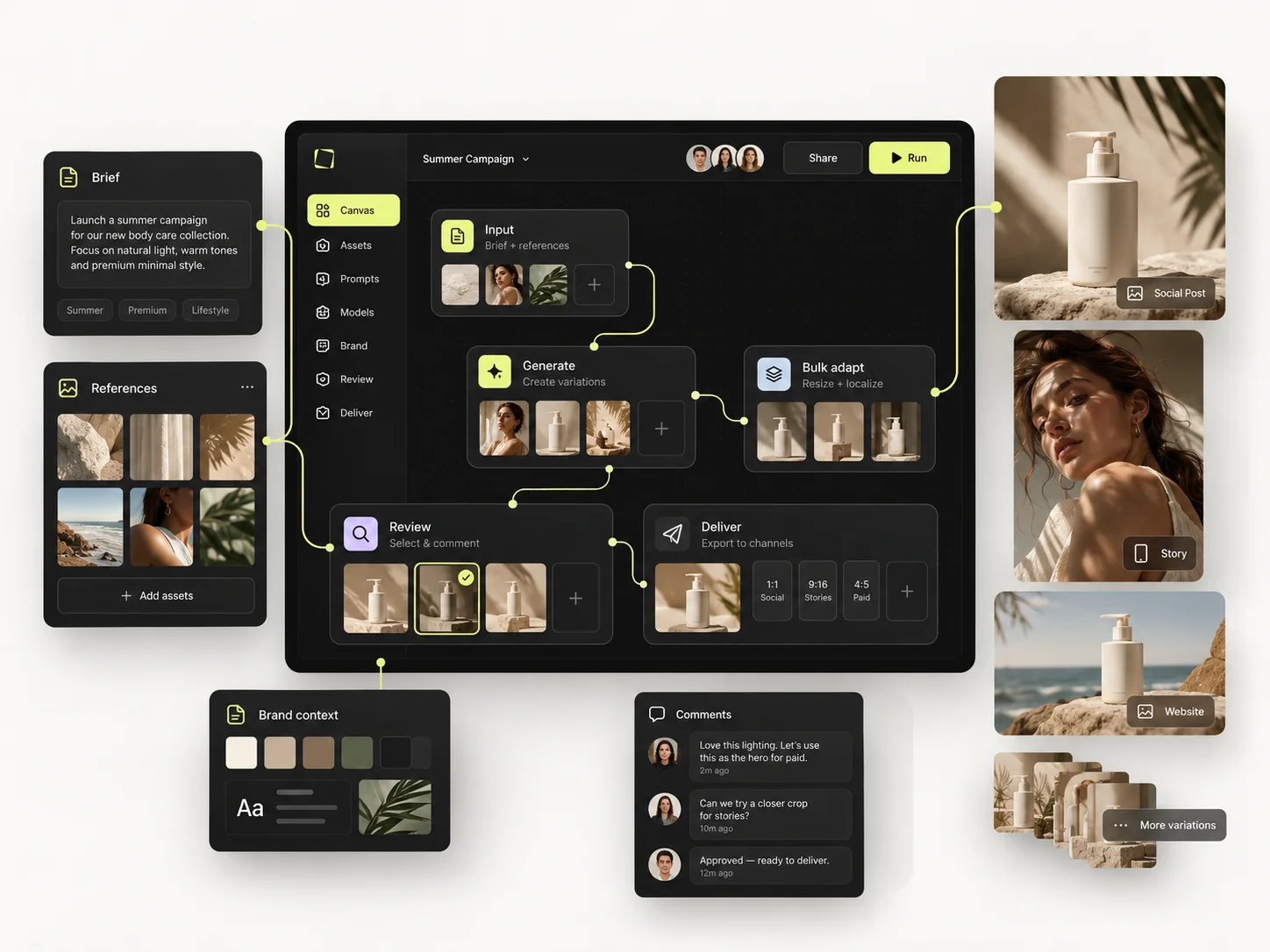
Recraft offers Teams plans, shared top-up credits and an API for Recraft's own model families. Its modern Studio is built around reusable design work. Mujo Enterprise adds brand context, Node Editor, review logic, asset management and generation traceability. Both are increasingly team-capable, but the native object model is different: design artifacts in Recraft, content workflows in Mujo.
Mujo Enterprise covers Node Editor flows, brand context, shared prompt and asset libraries, approval traceability, onboarding, admin and security review. Recraft's team features centre on shared brand styles and asset editing, which is the right shape for a design org. If an API is part of the decision, verify models, concurrency and pricing on both sides. For most design teams the interface and the file format matter more.

Recraft's live pricing interface is dynamic and does not expose every plan figure consistently to crawlers, so only currently verifiable public figures are included here. Subscription credits reset each billing cycle and do not roll over; top-up credits never expire. Recraft API billing is separate from subscription credits. Mujo's current public credit offer does not impose a fixed use-by deadline.
1,000 subscription credits on the current cited offer
Team-oriented plan; current live pricing varies by configuration
According to current pricing page
Plans Start $9, Basic $19, Pro $34, Creator $84, Business $121 (5 seats); 200-credit packs from $2.60 with no use-by deadline
Mujo's plans run from $9 to $121 a month, with up to 40% off on annual billing. Pay-as-you-go packs start at 200 credits for $2.60, credits carry no use-by deadline, and new accounts start with 20 free. Comparing a raster generation credit to vector editing is not a like-for-like exercise.
Recraft states that paid-plan users own their outputs and may use them commercially; free outputs are subject to different public/non-commercial terms. Mujo also grants users ownership and commercial-use rights, with explicit no-training language. For production design, the key operational difference is privacy and ownership at the chosen tier, not simply whether the platform can generate the asset.
Specifically, on Mujo's side: users keep ownership of what they upload and of AI-generated outputs and may use those outputs commercially, subject to applicable law and third-party rights; inputs and outputs are not used to train foundation models without opt-in, and the enterprise terms extend that to the third-party models in the stack. Commercial-use permission is not rights clearance. Trademark, publicity rights and model-provider terms still apply, so client work needs human review before it ships.
What Recraft does better, and what Mujo does better. A comparison page that only fills in one side is not a comparison.
Worth reading before a trial rather than after one.
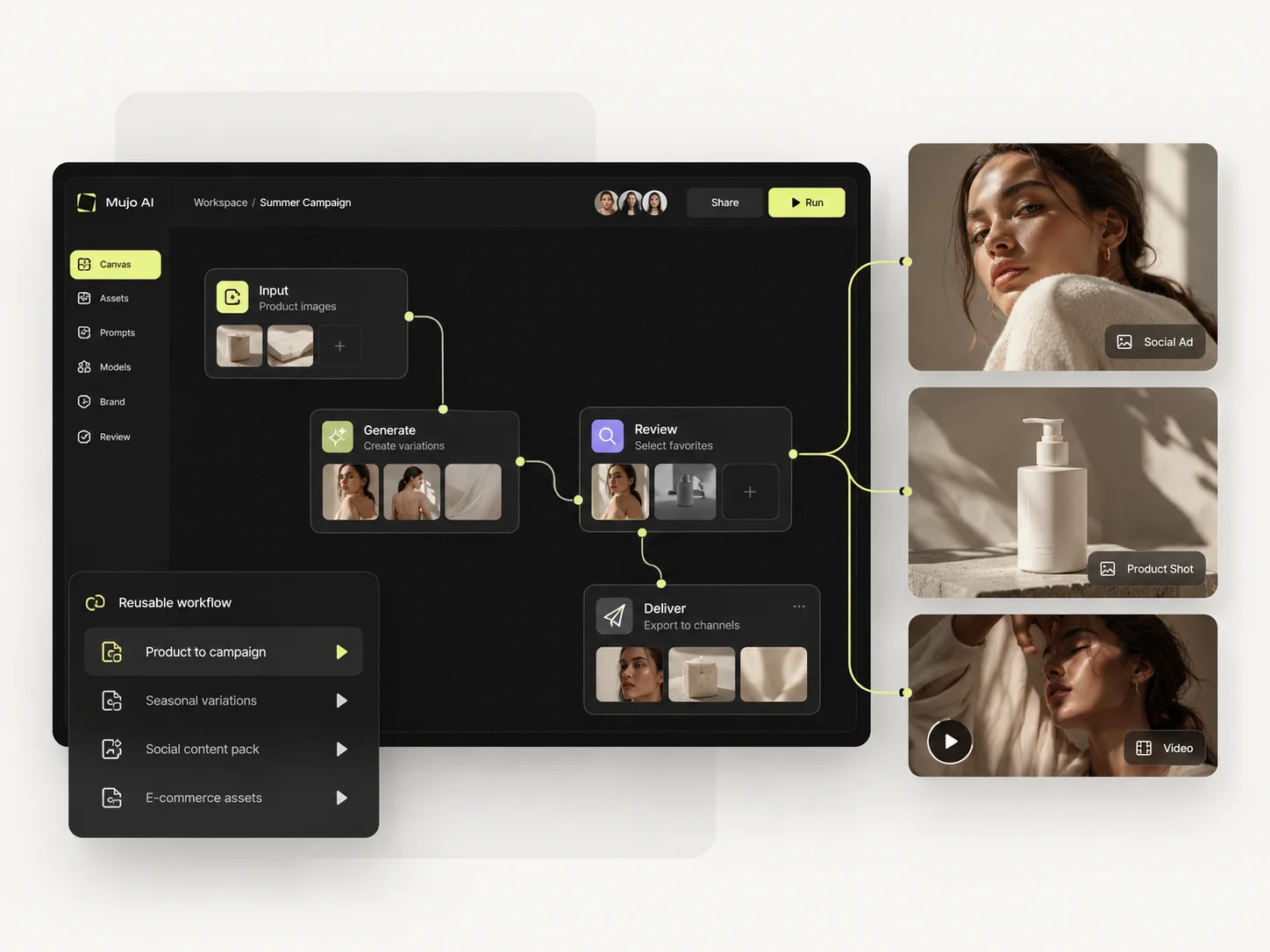
Recraft is now a serious multi-model competitor, not a niche vector tool. Its design-native strengths remain the deciding factor: editable vectors, Design Kits, object reuse and brand-system creation. Mujo wins when the team thinks in campaigns, listings, SKUs and reusable content workflows rather than design documents.
Choose Recraft when the recurring work is brand design, vector assets, editable graphics, mockups, icons or a reusable design system.
Choose Mujo when the recurring work is a stream of product, listing, social and creator assets produced from reusable creative recipes.
The clean division is Recraft for the brand system and Mujo for the photographic output made inside it. Most teams running both never feel an overlap.
If your recurring deliverable is editable and brand-owned, buy the design tool. If it is photographic and repeats per product, buy the production one.

Short answers about Recraft, about Mujo, and about the parts that are easy to get wrong.
Yes. The 2026 Studio includes video generation and external video models.
No. Vector generation and editing remain a major strength, but Recraft now covers image, video, mockups, image sets and agent-assisted design.
No. Subscription credits reset each billing cycle. Purchased top-up credits do not expire.
Recraft has the stronger native design-system and vector tooling. Mujo is more focused on ongoing content production.
Mujo has the more explicit listing and product-content workflow.
A comparison against Recraft stays abstract until you look at the work it is about. These are the production workflows Mujo is built around, plus the neighbouring comparisons if you are still shortlisting.
Produce editorial and studio photoshoots without booking one.
One idea rendered as a month of posts, stories and formats.
Plan the shots before generating the video.
Cinematic motion against campaign repeatability.
Licensed footage against generated production.
Editing depth against repeatable sets.
If the brand system is settled and the bottleneck is producing photography across a catalogue, that is the half Mujo handles. 20 free credits. Run a product set through it and compare against your current process.