A model trainer
Mujo does not fine-tune. Teams that need their own checkpoint should train it elsewhere.
Leonardo grew up around game and concept art: fine-tuned models, Elements, a canvas built for iterating on an asset until it is right. Mujo grew up around commercial production, where the asset is rarely the point and the forty that follow it are. The two overlap on the surface and diverge completely on what they optimise.
Three things this platform does not do, stated before the arguments in its favour. If one of them is what you came for, Leonardo AI is the better answer and this page will not change that.
Mujo does not fine-tune. Teams that need their own checkpoint should train it elsewhere.
Iterating one asset to perfection is not the loop Mujo optimises.
Textures, 3D and engine-ready assets are outside the product.
Where a fine-tuned model platform and a multi-model production system actually differ.
Leonardo has matured from an image generator into a broad visual-creation platform with image and video generation, Blueprints, Flow State, Realtime Canvas, presets, Elements, personal model training, team plans and API access. Mujo has less emphasis on model training and more emphasis on packaging creative decisions into reusable content workflows that can be shared, repeated and tied to commercial outputs.
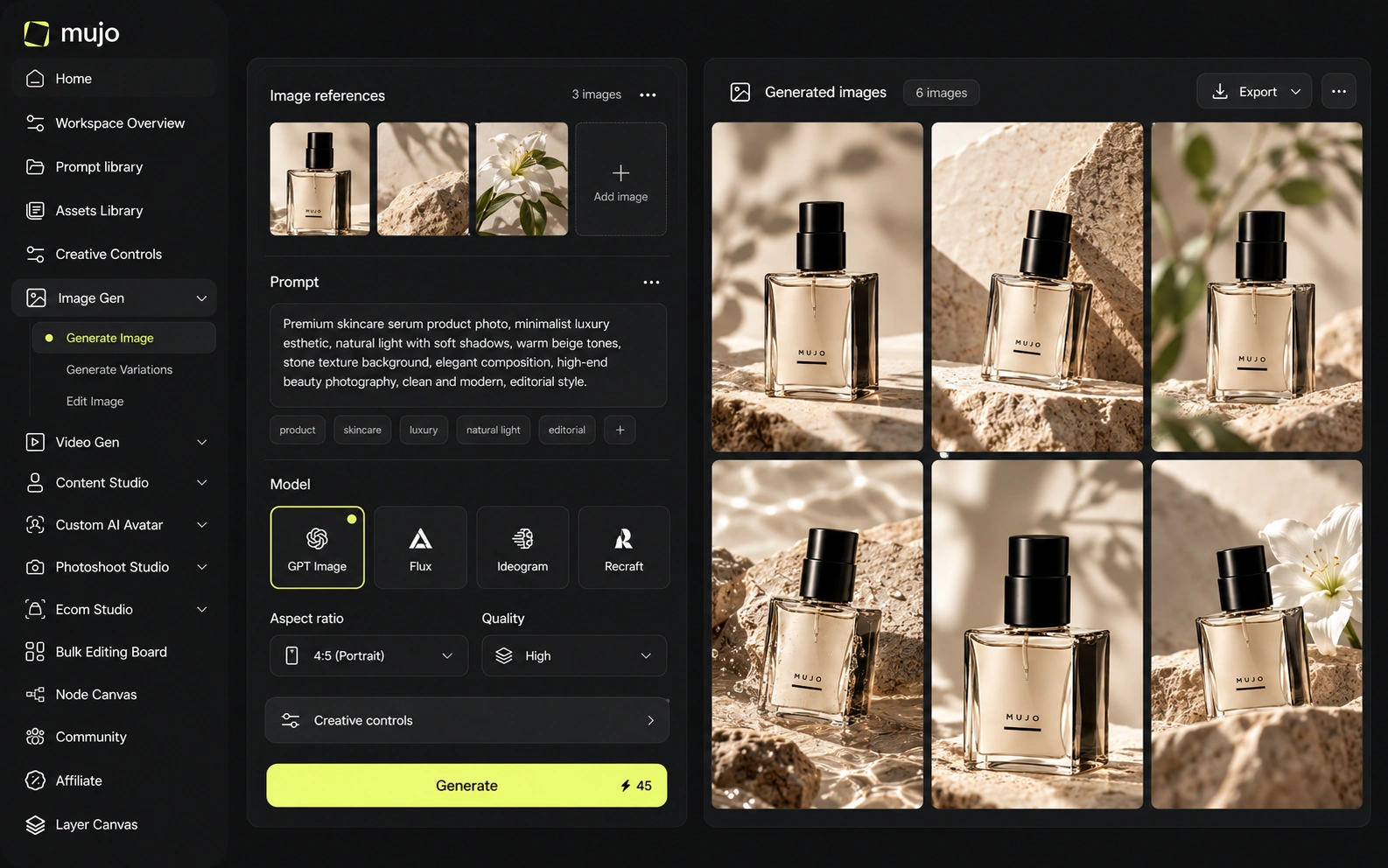
Mujo does not train models. It runs Nano Banana Lite, Nano Banana 2 and Nano Banana Pro, GPT Image 2, Midjourney, Seedream 5.0 Lite and Seedream 5.0 Pro, Grok Imagine and Kling 3.0 Image for stills and Veo 3.0 and Veo Fast, Kling 3.0, Seedance 2.5 and Seedance 2.0 for motion, and puts structure around them: Creative Controls, a shared Prompt Library, references, an Asset Library and a Node Editor. Leonardo's model layer is its own, tuned in-house, which is exactly why teams pick it for a specific art style. A tuned model gives you a look you cannot get elsewhere. A workflow layer gives you the same look applied to next quarter's products without a briefing call. Those are separate purchases.
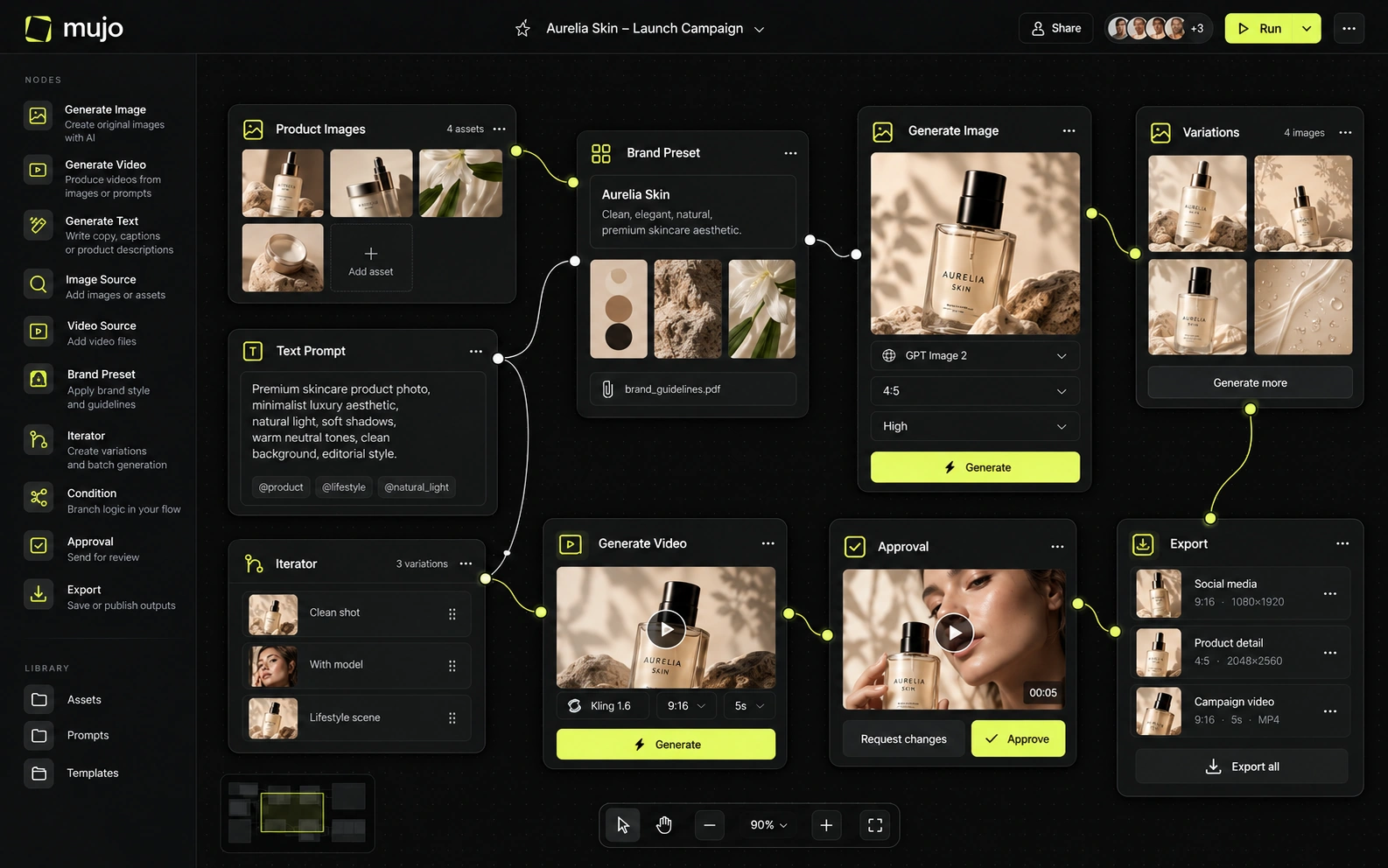
Leonardo combines its own models with third-party models. Current plan documentation references third-party access spanning major image and video providers, while unlimited relaxed modes on Premium/Ultimate are tied mainly to selected Leonardo models. Mujo also aggregates multiple external models, but its public model list is more curated. Leonardo provides more depth for users who want to train and personalize the engine itself; Mujo focuses more on reusable direction around the engine.
Leonardo's advantage is vertical: models and Elements tuned for particular styles, with fine-tuning available to teams that want their own. Mujo's is horizontal — the same brief run across several external model families while prompts, references and controls stay in place. If your style needs a trained model, that is an argument for Leonardo, not against it. Keep two questions apart: does the platform have the look you need today, and does the setup survive if the answer changes. Fine-tuning answers the first permanently and the second not at all.
Leonardo's Elements, image guidance, presets, Realtime Canvas and personal model training give users many ways to preserve a visual idea. Up to six image-guidance references are available on paid tiers in current plan documentation. Mujo's answer is Creative Controls plus Prompt Library: rather than asking the user to train a style or model for every repeated task, it makes common art-direction parameters and successful prompts reusable.
Leonardo's control surface is model-native: Elements, presets, canvas editing, tuned checkpoints. Mujo's is deliberately outside the model. Creative Controls name the variables a brief actually changes — lighting, pose, expression, camera angle, location, style — so they can be set without writing prompt syntax. That matters when the person reproducing a direction is not the person who found it. A marketer should be able to rerun a product look without reverse-engineering someone else's prompt, and without knowing which checkpoint it came from.
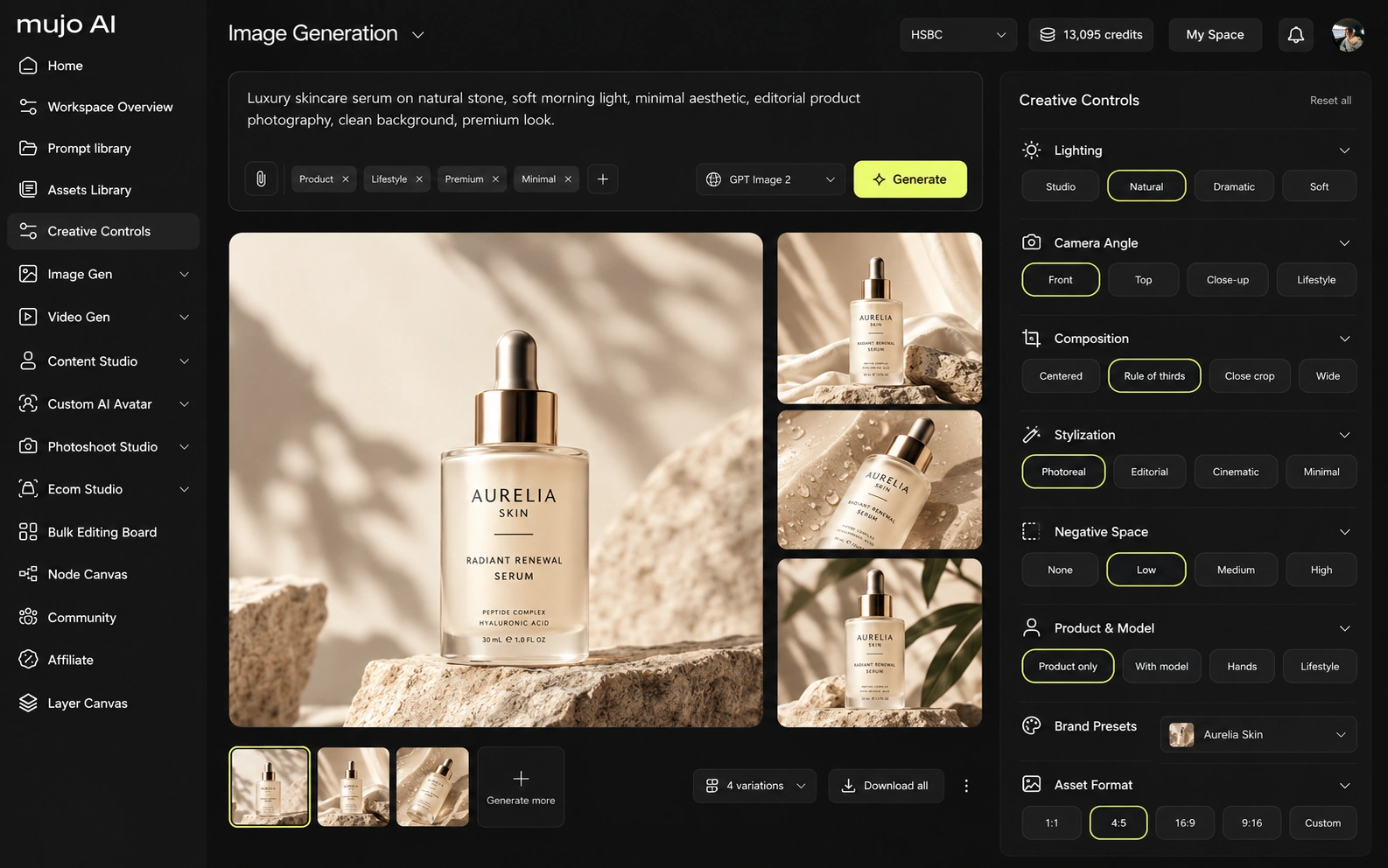
Leonardo AI and Mujo both participate in the fast-moving multi-model video market, but they use video differently. Leonardo offers Blueprints, Flow State, Realtime Canvas, realtime generation, Ultra quality, Elements, model training, image guidance and video generation. Mujo's specialized tools are more marketing-oriented: product galleries, listing generation, photoshoot systems, prompt packs, design/copy editing, portfolio building and creator preset distribution.
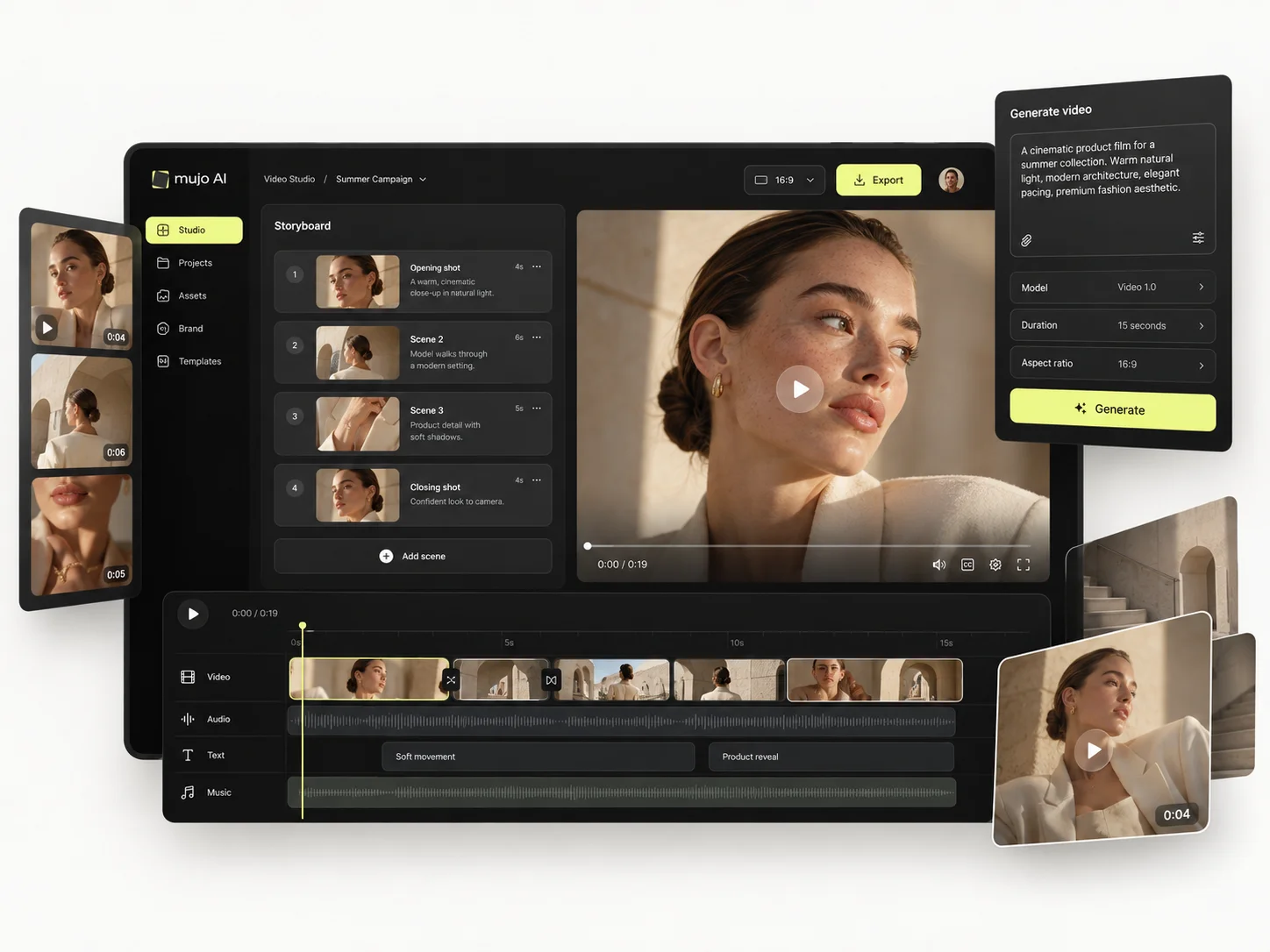
Mujo's video sits beside its images on several engines, so an approved still becomes a vertical cut in the same workspace. Leonardo's motion features are built around animating its own generations, which suits concept and asset work more than campaign cutdowns.
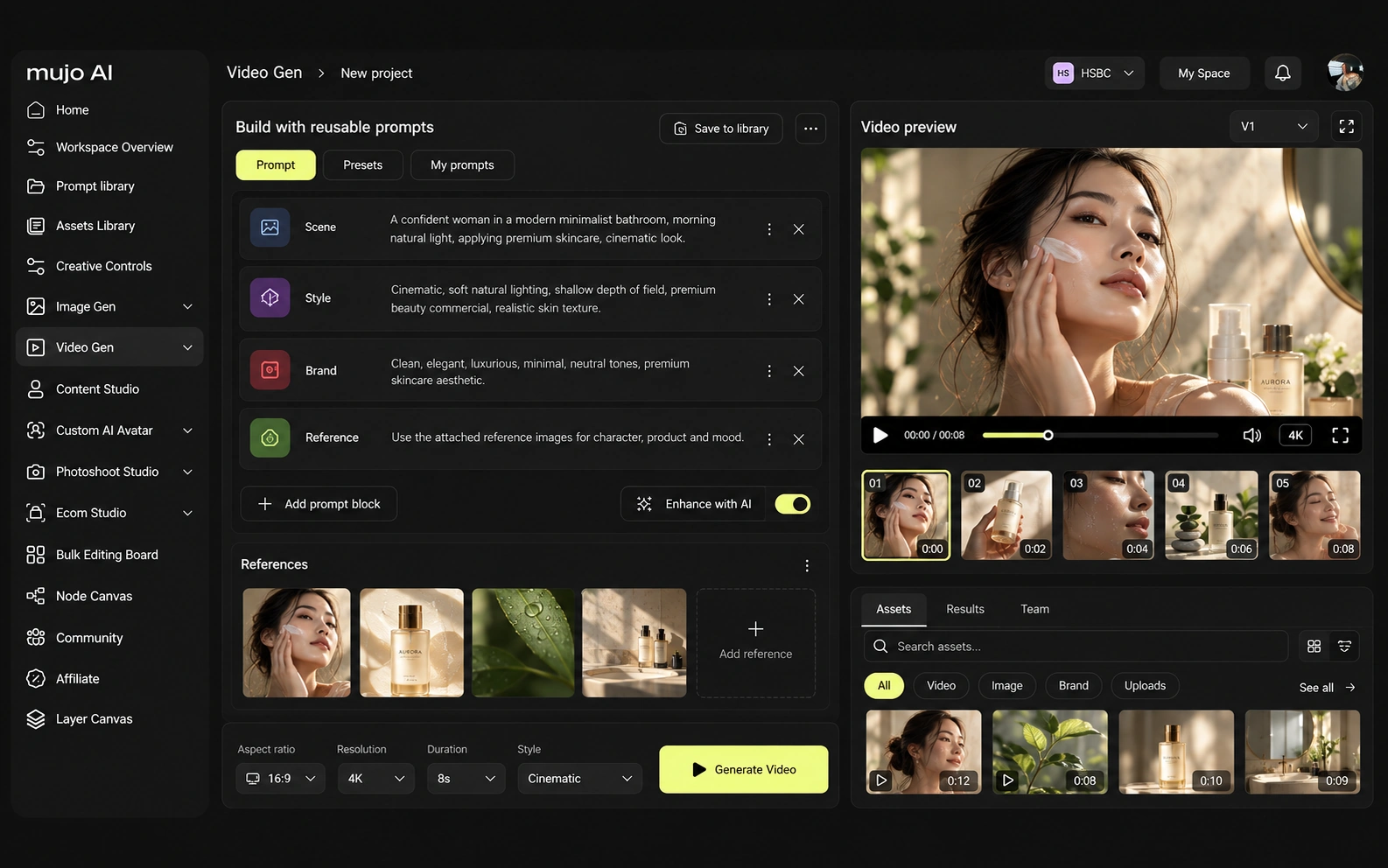
Consistency covers four different problems: same person, same product, same style, same process. Fine-tuned models are a strong answer to the third. The fourth is organisational and no model solves it.
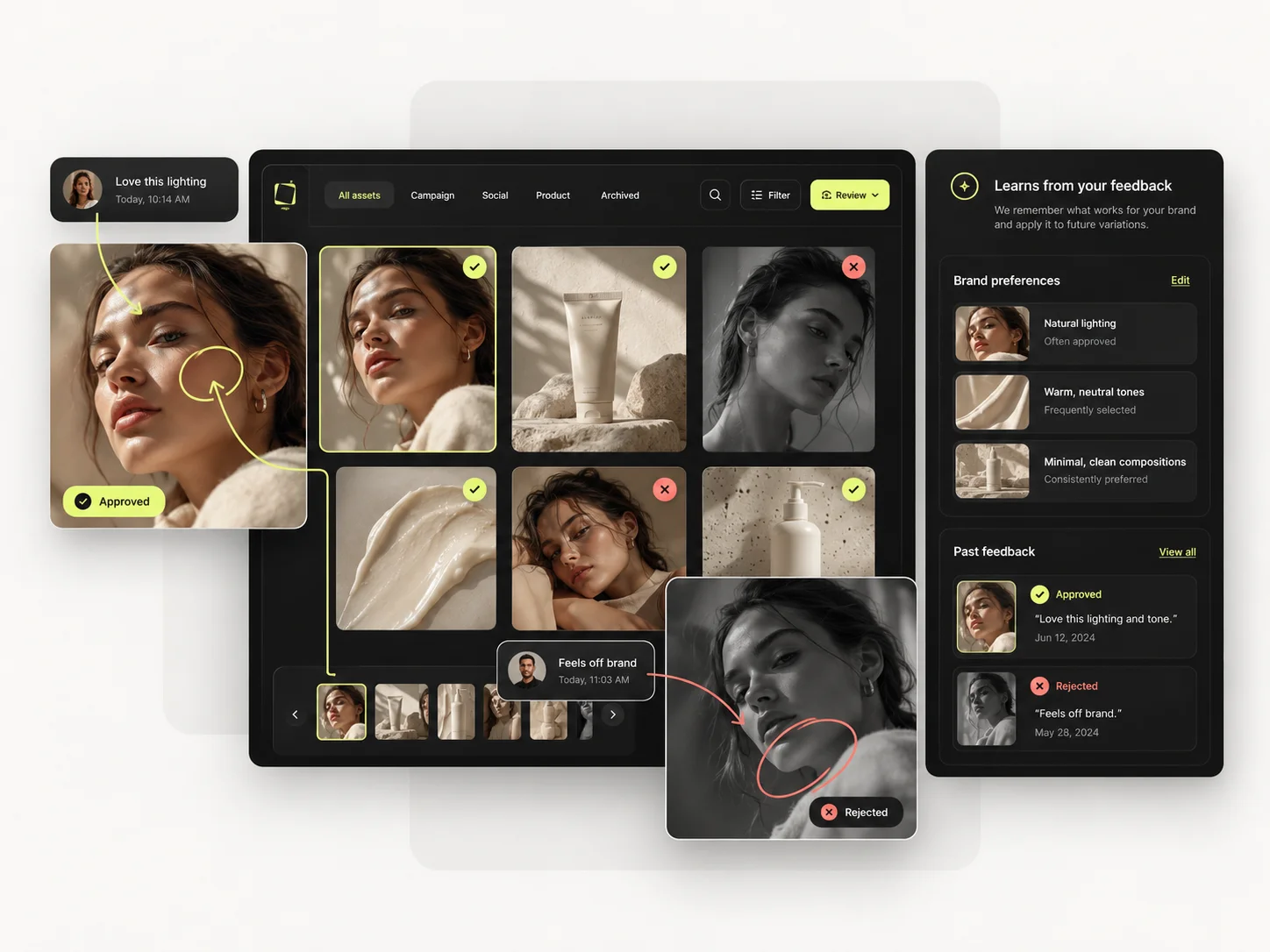
Mujo's saved object is the route to the image: references, Creative Controls parameters, saved prompts, model choice, workspace history, reusable flows. That is what a second person opens. For Leonardo AI, the consistency model is different. Leonardo's Elements, image guidance, presets, Realtime Canvas and personal model training give users many ways to preserve a visual idea. Up to six image-guidance references are available on paid tiers in current plan documentation. Mujo's answer is Creative Controls plus Prompt Library: rather than asking the user to train a style or model for every repeated task, it makes common art-direction parameters and successful prompts reusable. If the thing that recurs is an art style across a game or a world, a trained model is the right home. If it is a campaign rebuilt each season across formats, the workflow is.
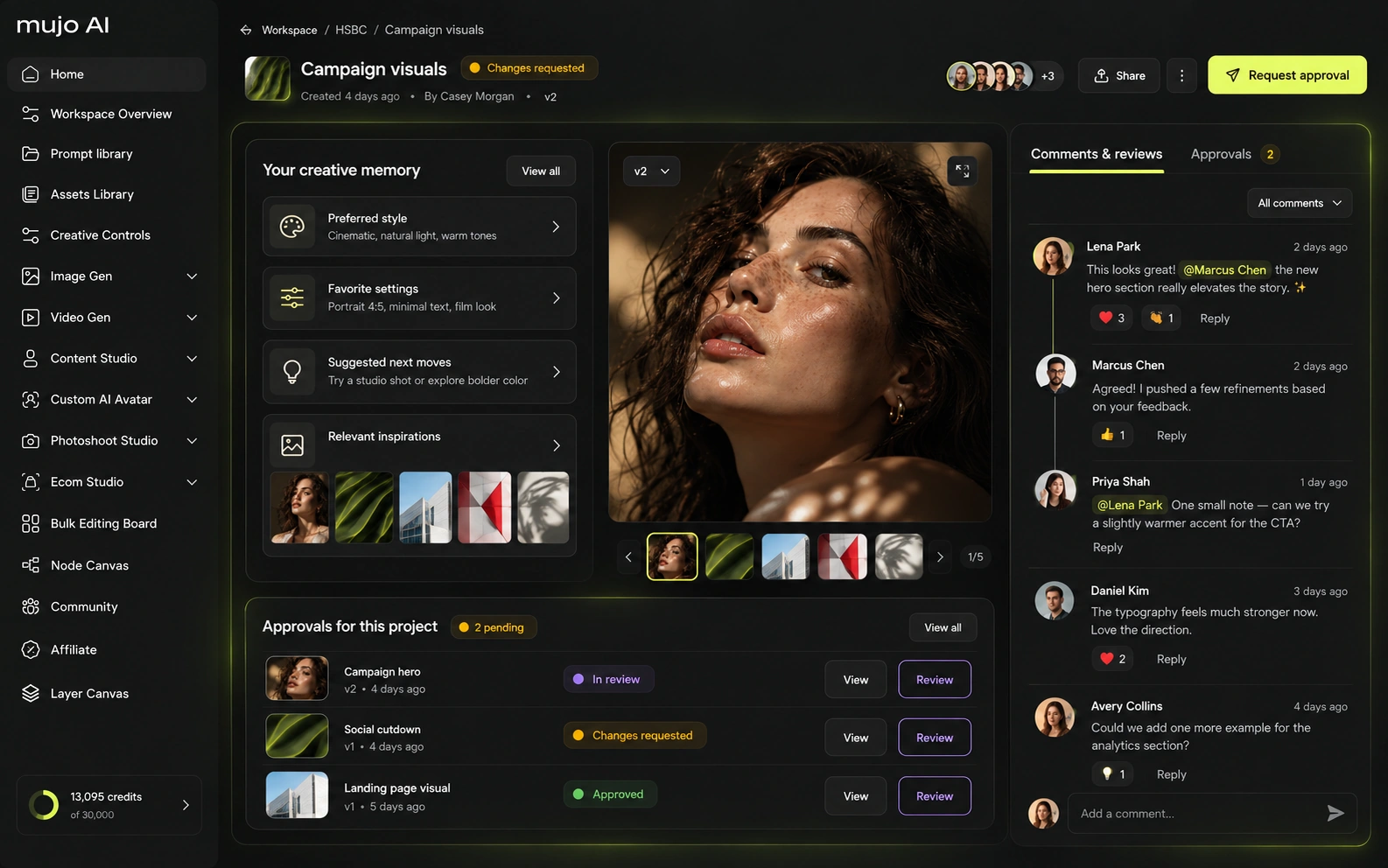
How each platform fits commercial work that comes back every month
Leonardo can make strong product visuals, and Elements can encode recurring subjects/styles. Mujo's product advantage is workflow structure: e-commerce is a first-class destination, not simply a generation use case. A team that needs product gallery logic, listing copy, reusable campaign directions and creator-style content in one system may spend less time assembling its process in Mujo.
Mujo's commercial surface is built as use cases: Product Photos, Listing Images, Product Catalog Production, AI Photoshoots, Campaign Creatives, Creative Variations, Social Media Content and Social Video Ads, with background removal, a shared Prompt Library and an Asset Library underneath.
Product inputs, listing crops, ad variants and social cuts come out of one setup. Leonardo is not built around that loop, and does not claim to be.
The product shot, its listing crops, its ad variants and its social cuts come out of the same approved direction. Volume is what makes commercial work expensive, not generation speed — and it is the part a Leonardo AI comparison usually leaves out.
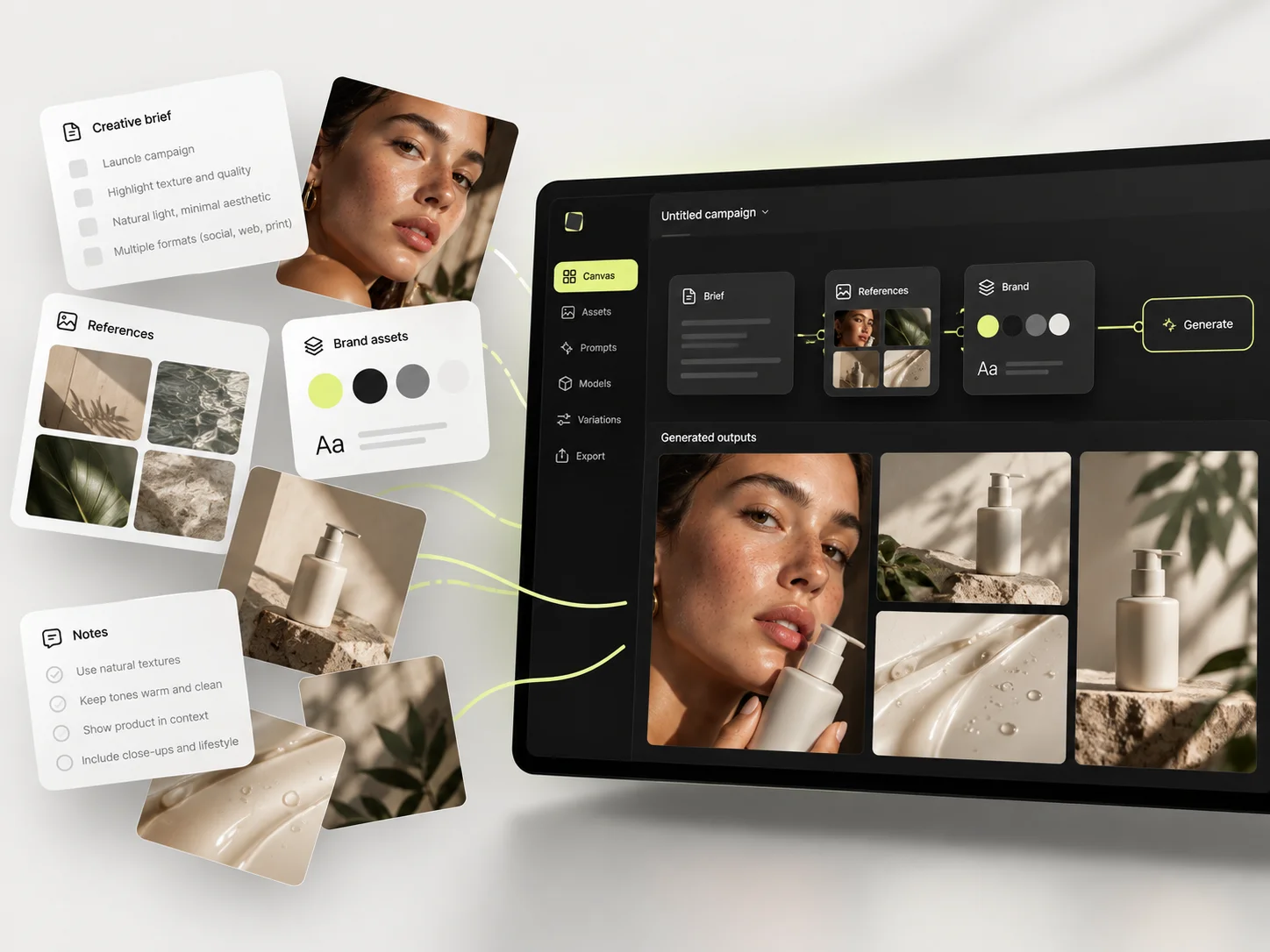
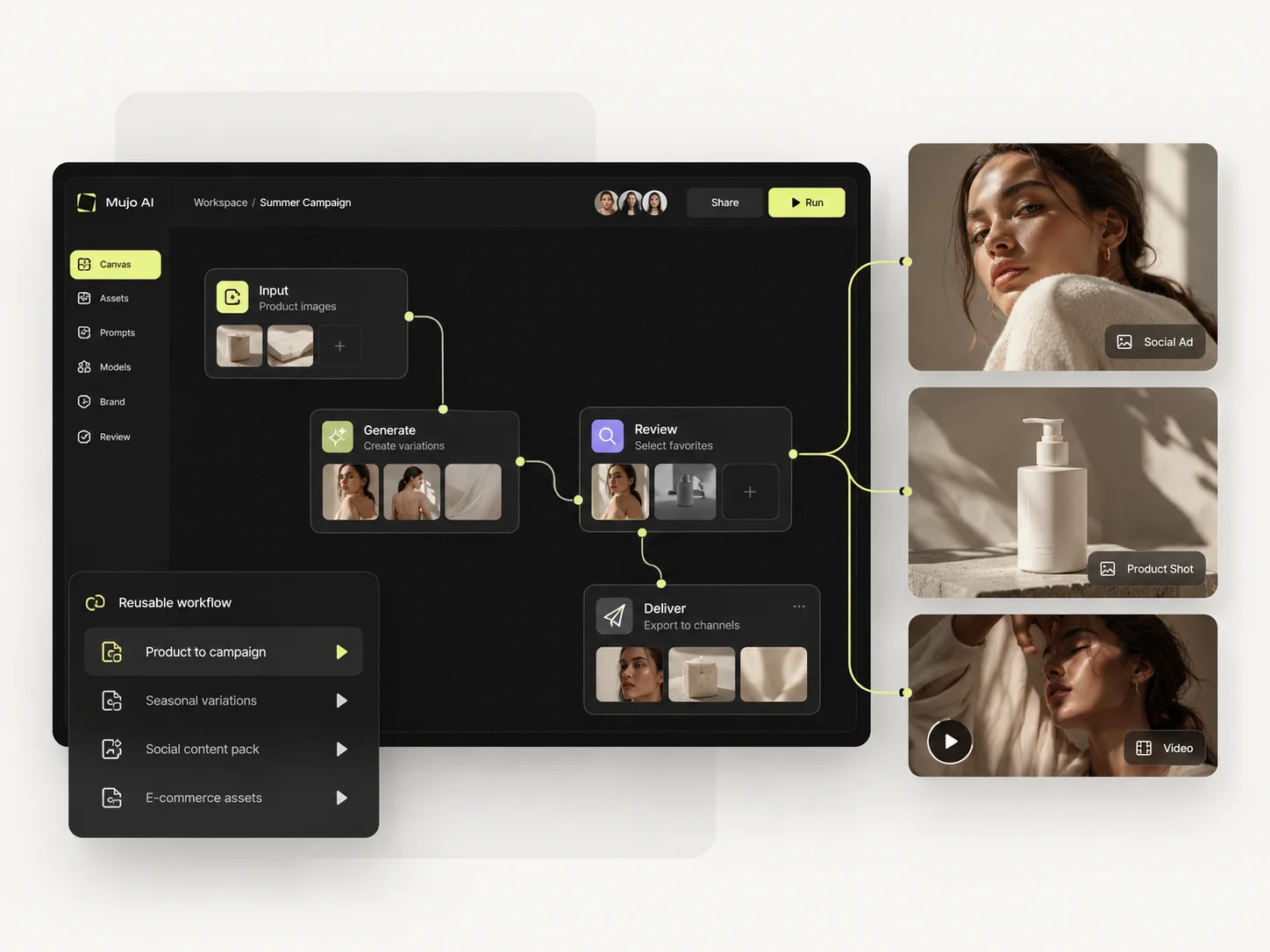
Prompts are treated as production assets: refined with structured controls, compared across models, saved to the Prompt Library. Selected workflows can be published — see Creative Portfolio Examples — rather than staying in one person's generation feed. Leonardo AI takes a different route. For the one-SKU campaign, Leonardo can create the stills and video, use Elements or a trained model for consistency, and organize generation through Blueprints and collections. Mujo solves the same test with less model-building: define a creative recipe in prompts, references, Creative Controls settings and Prompt Library, generate across models, then reuse the system next week. Leonardo is more powerful when personalization requires training; Mujo is more direct when consistency can be achieved through references and structured direction.
Saved setups live in the Prompt Library where the next person can find them, instead of in the generation history of whoever happened to get it right. Whatever you keep from a Leonardo AI session, it is usually the output rather than the reasoning behind it.

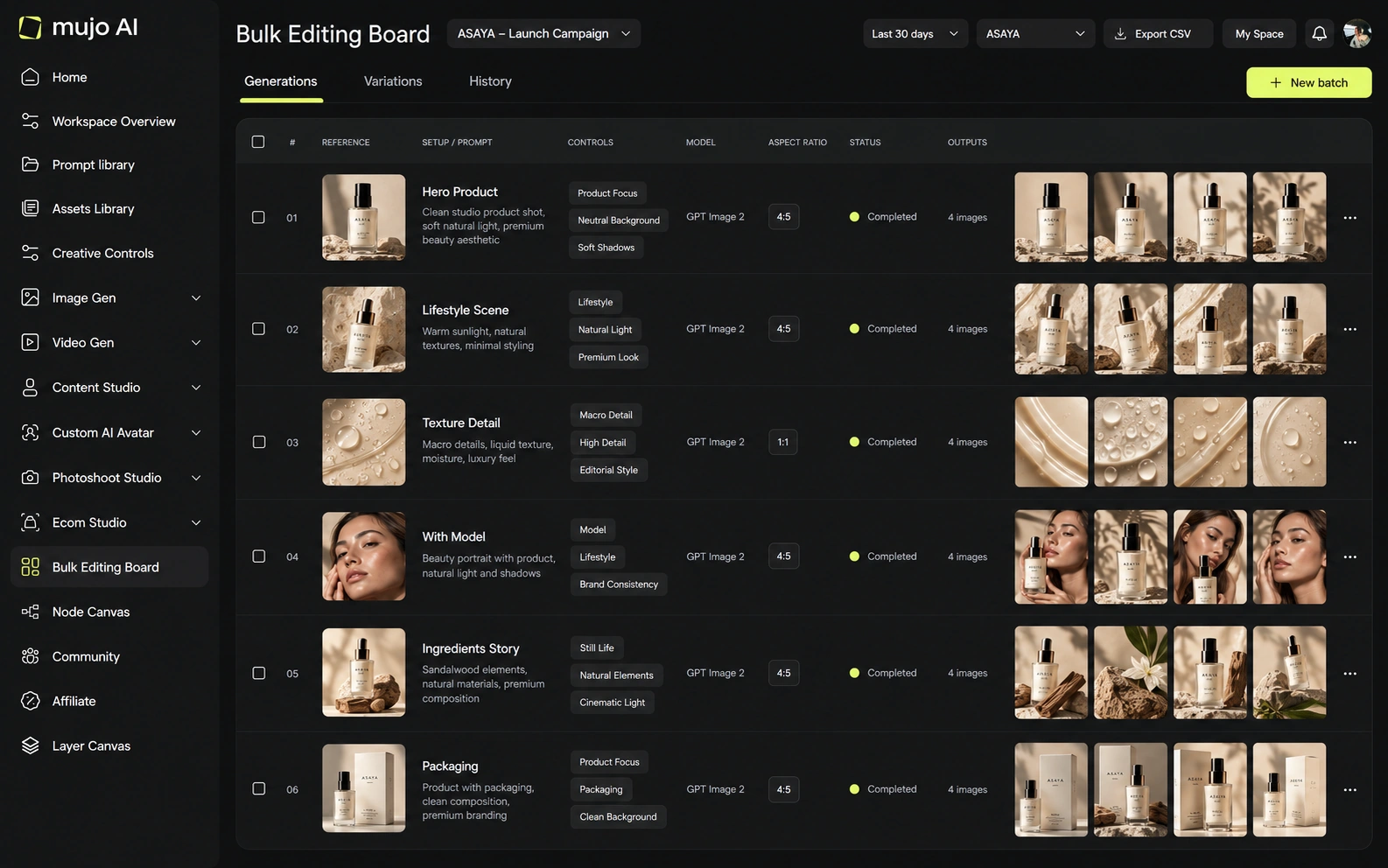
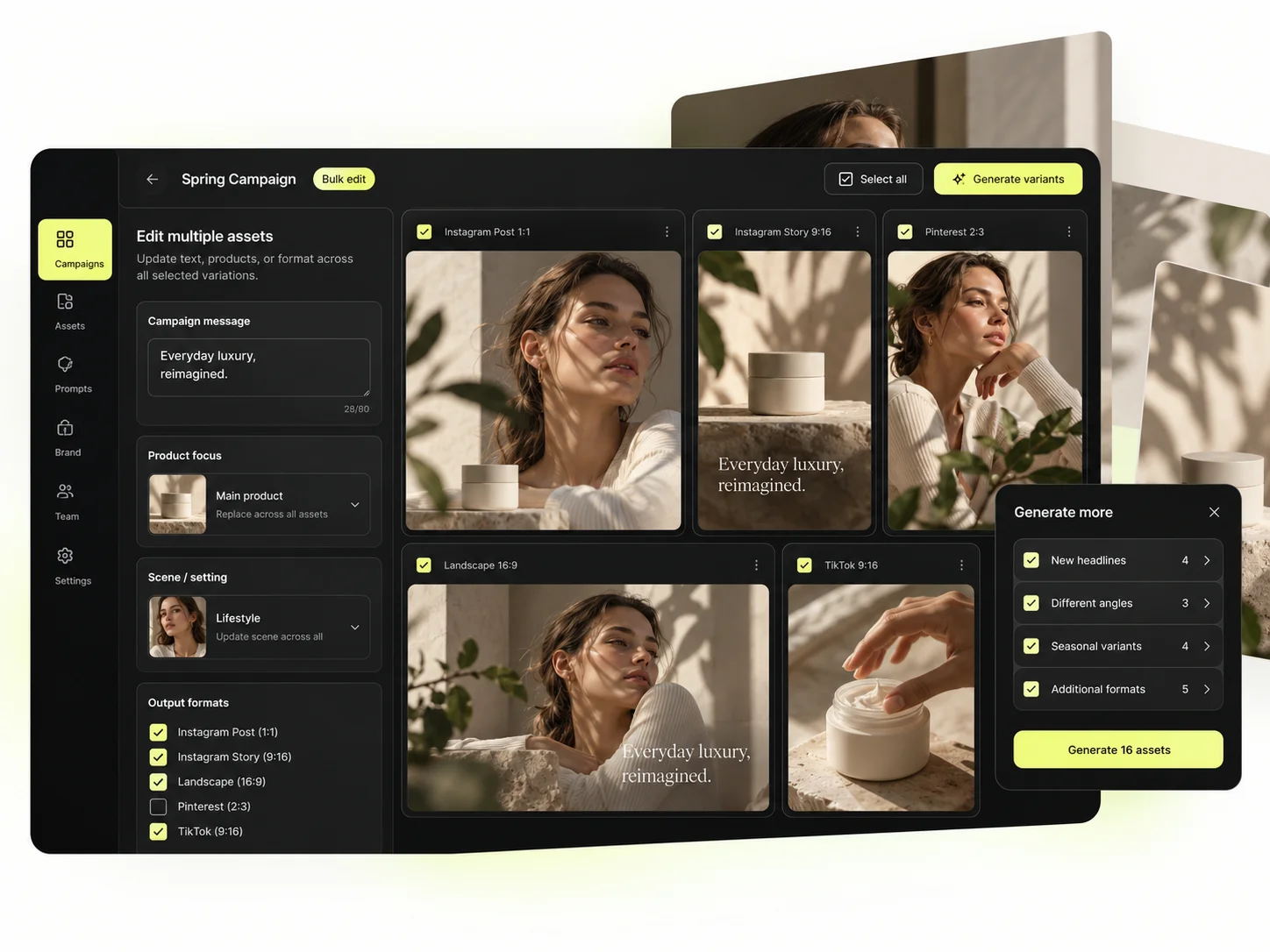
The Bulk production table is what a trained model still leaves you to do by hand. Rows are assets, columns are the variables, and one approved direction runs down a product list. The checkpoint sets the style; this sets the throughput.
Per-asset work scales linearly: forty products means forty sessions. A saved direction run in bulk does not. That is the line where a Leonardo AI workflow and a Mujo workflow stop costing the same.
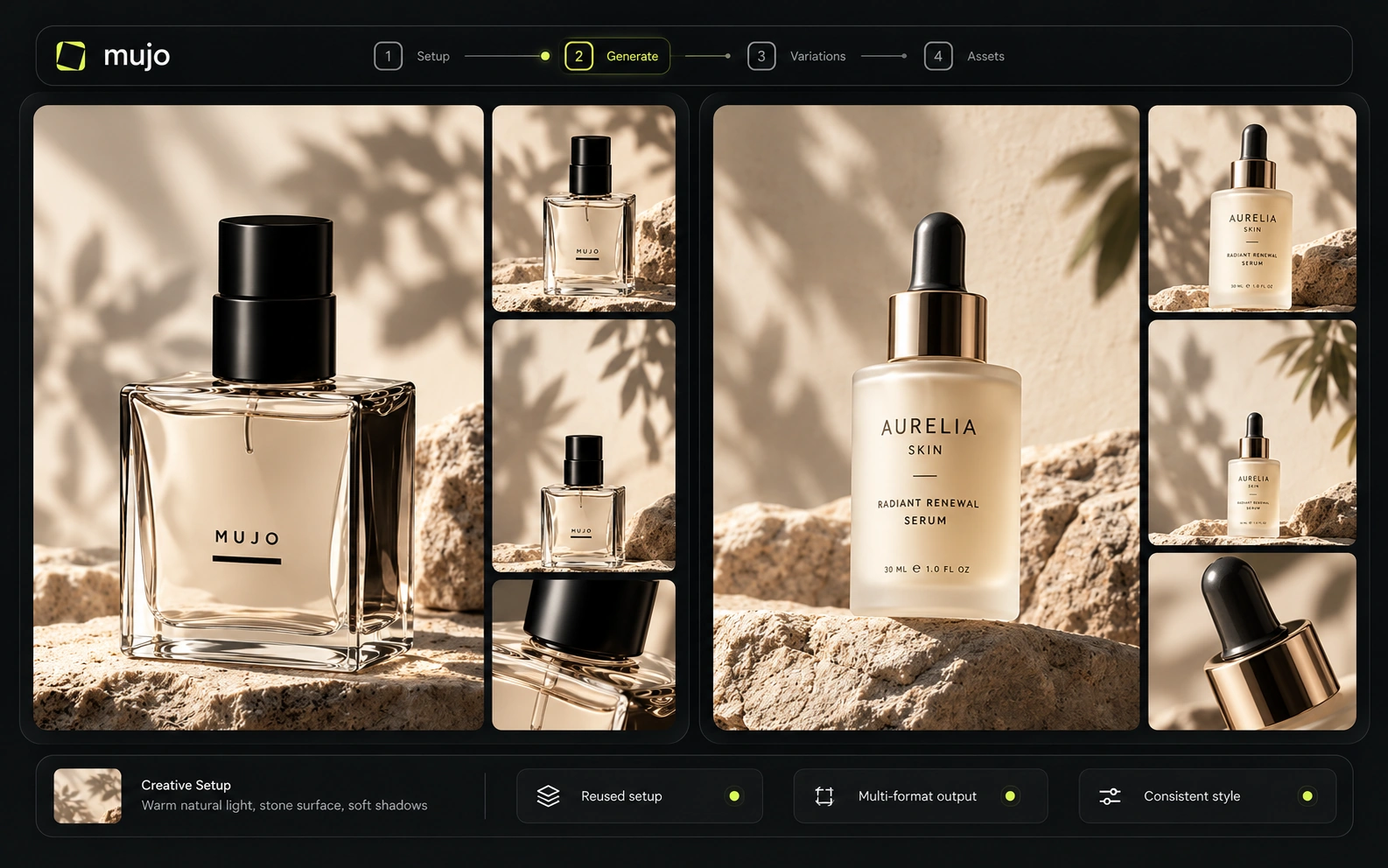
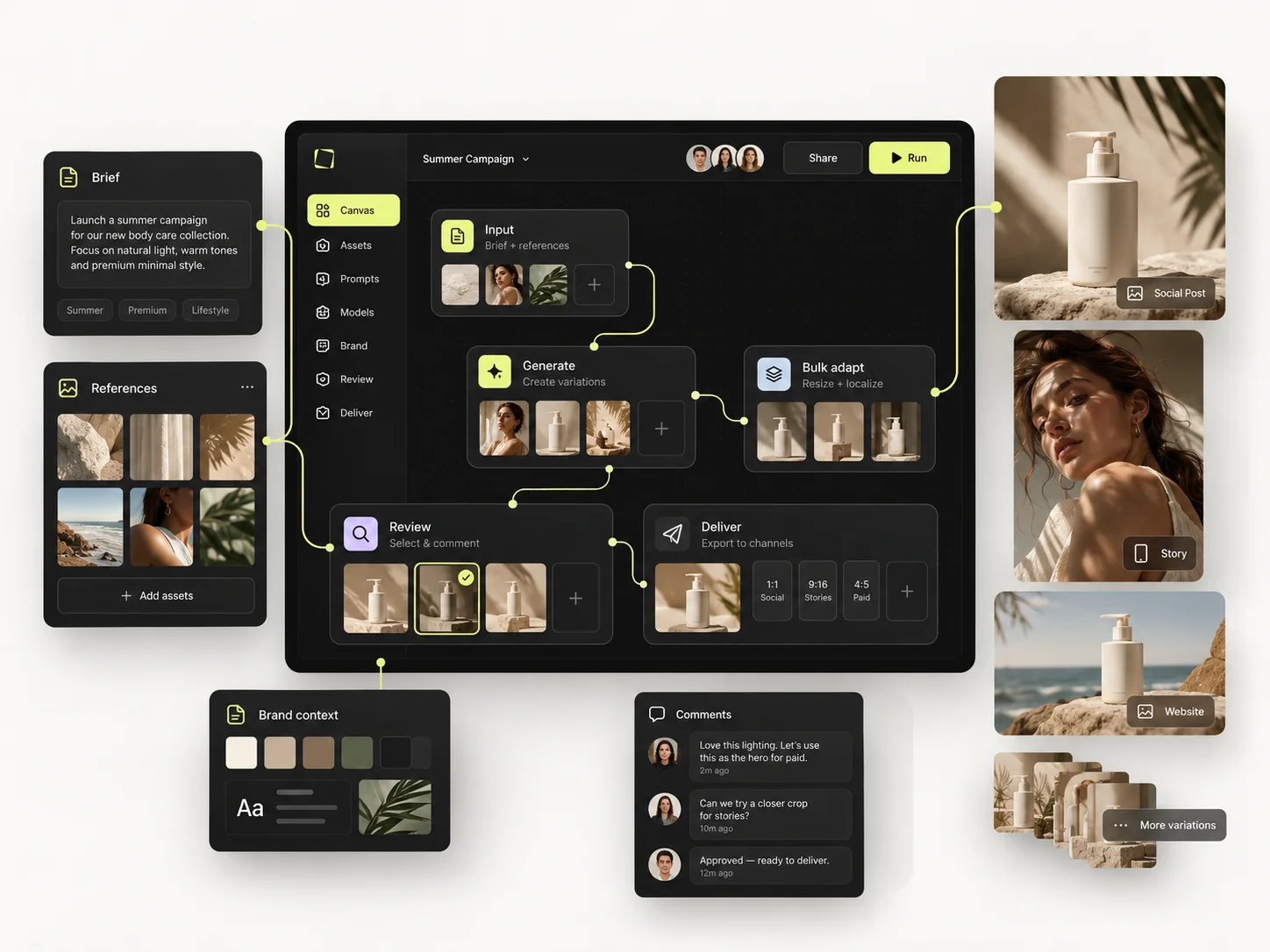
Same brief through both: one product image in, one hero visual, three square social variants, one vertical motion ad — then the same direction on a second SKU a week later. The first round tests the model. The second round tests the platform.
Start from one source product image and one launch brief.
Build the hero visual, three square social cuts and a vertical motion ad.
Save the direction: prompts, references, controls and the model that produced it.
Rerun it on a second SKU without rebuilding anything by hand.
Leonardo AI clears the first round comfortably, as does almost anything else worth evaluating. The second round is where the difference appears, and it is the round nobody gets to during a two-week trial.
Leonardo offers Team Starter and Team Growth plans with shared fast tokens, plus API pay-as-you-go with credits that do not expire. It also publishes SOC 2 Type I/II status. Mujo Enterprise focuses on reusable production flows, brand context and creative traceability. Leonardo currently exposes the more mature public API and compliance detail; Mujo emphasizes workflow reuse and no-training language.
Mujo Enterprise adds connected Node Editor flows, brand context, shared prompt and asset libraries, approval traceability, onboarding, admin and security review. Leonardo's team tier is organised around shared model access and generation volume, which is a different centre of gravity. If an API is part of the decision, check models, concurrency, auth and pricing on both sides. Leonardo has a well-established one; verify it against your actual load.

Leonardo adds a rollover token bank on paid plans—up to 3× the monthly fast-token allowance—and supports top-ups. Its API uses a separate pay-as-you-go model and API credits do not expire. Unlimited relaxed generation applies only to selected models, not every third-party model. As with every comparison here, Leonardo tokens cannot be converted directly into Mujo credits.
150 fast tokens/day; public generations
8,500 fast tokens/month
25,000 fast tokens/month; selected relaxed image generation
60,000 fast tokens/month; selected relaxed image and video generation
75,000 shared fast tokens
Plans Start $9, Basic $19, Pro $34, Creator $84, Business $121 (5 seats); 200-credit packs from $2.60 with no use-by deadline
Mujo's plans run from $9 to $121 a month, with up to 40% off on annual billing. Pay-as-you-go packs start at 200 credits for $2.60, credits carry no use-by deadline, and new accounts start with 20 free. Compare only at matched model, resolution and output count.
Leonardo states that paid users retain full ownership/IP of their outputs and can generate privately; free generations are public under different terms. Mujo also gives users ownership of inputs/outputs and commercial rights. For sensitive work, compare enterprise/private-generation and data-processing terms, especially when third-party models are involved.
Specifically, on Mujo's side: users keep ownership of what they upload and of AI-generated outputs and may use those outputs commercially, subject to applicable law and third-party rights; inputs and outputs are not used to train foundation models without opt-in, and the enterprise terms extend that to the third-party models in the stack. Commercial-use permission is not rights clearance. Trademark, publicity rights and model-provider terms still apply, so client work needs human review before it ships.

What Leonardo AI does better, and what Mujo does better. A comparison page that only fills in one side is not a comparison.
Worth reading before a trial rather than after one.

Leonardo is one of the most mature AI image creation suites and remains a strong choice for users who want deep model personalization. Mujo competes on a different abstraction layer: the reusable campaign recipe. The right choice depends on whether your team needs to customize the generator itself or standardize how people use generators to produce repeatable commercial content.
Choose Leonardo when model training, realtime visual iteration, Elements and a mature image-creation environment are essential.
Choose Mujo when you want a reusable content process that can move across models and commercial formats without turning every repeated style into a model-training project.
A workable split is Leonardo for the style you trained and Mujo for the commercial output built from it — the SKU runs, the variants, the listing crops. It helps most when the art is settled and the volume is the problem.
If the recurring object is a style, buy the platform that lets you train and hold it. If the recurring object is a campaign, buy the one that lets you rerun it.

Short answers about Leonardo AI, about Mujo, and about the parts that are easy to get wrong.
Yes. Paid tiers include monthly personal AI model-training allowances, increasing with the plan.
Elements are reusable visual components/style controls that help guide generations and maintain recurring visual characteristics.
Yes. Leonardo offers a separate pay-as-you-go API, with API credits that do not expire.
Mujo has more explicit product/listing workflows. Leonardo gives more general creative and model-personalization depth.
Paid plans include private generation. Free-plan generations are public under Leonardo's current plan terms.
A comparison against Leonardo AI stays abstract until you look at the work it is about. These are the production workflows Mujo is built around, plus the neighbouring comparisons if you are still shortlisting.
Produce editorial and studio photoshoots without booking one.
One idea rendered as a month of posts, stories and formats.
Plan the shots before generating the video.
The realtime lab against a production floor.
Vectors and brand systems against photographic output.
Cinematic motion against campaign repeatability.
If the look is already agreed and the work now is producing it forty more times, that is the part Mujo was built for. 20 free credits. Take an approved direction and run it across a product list.