A style engine
Mujo has no signature look. It gives you other people's engines and the structure around them.
Midjourney and Mujo are rarely a straight either/or. Midjourney is a model with an opinion — a house aesthetic teams choose it for. Mujo is what holds a creative direction together after the first good image: the prompt, the references, the controls, the model choice, the output set. The useful question is not which one makes the better picture, but which one you still benefit from on the fortieth asset.
Three things this platform does not do, stated before the arguments in its favour. If one of them is what you came for, Midjourney is the better answer and this page will not change that.
Mujo has no signature look. It gives you other people's engines and the structure around them.
If your work is single images on demand, the reusable layer is overhead you will not use.
Shot-level motion control belongs in a dedicated video tool. Mujo handles video as one campaign output.
Where a single-model aesthetic engine and a multi-model production system actually differ.
Midjourney is a vertically integrated creative model and interface. Its value comes from the behavior and aesthetics of its own model family, not from aggregating competitors. Mujo takes the opposite approach: it treats models—including Midjourney—as interchangeable engines inside a larger content-production system. This is the clearest philosophical contrast in the entire comparison set.
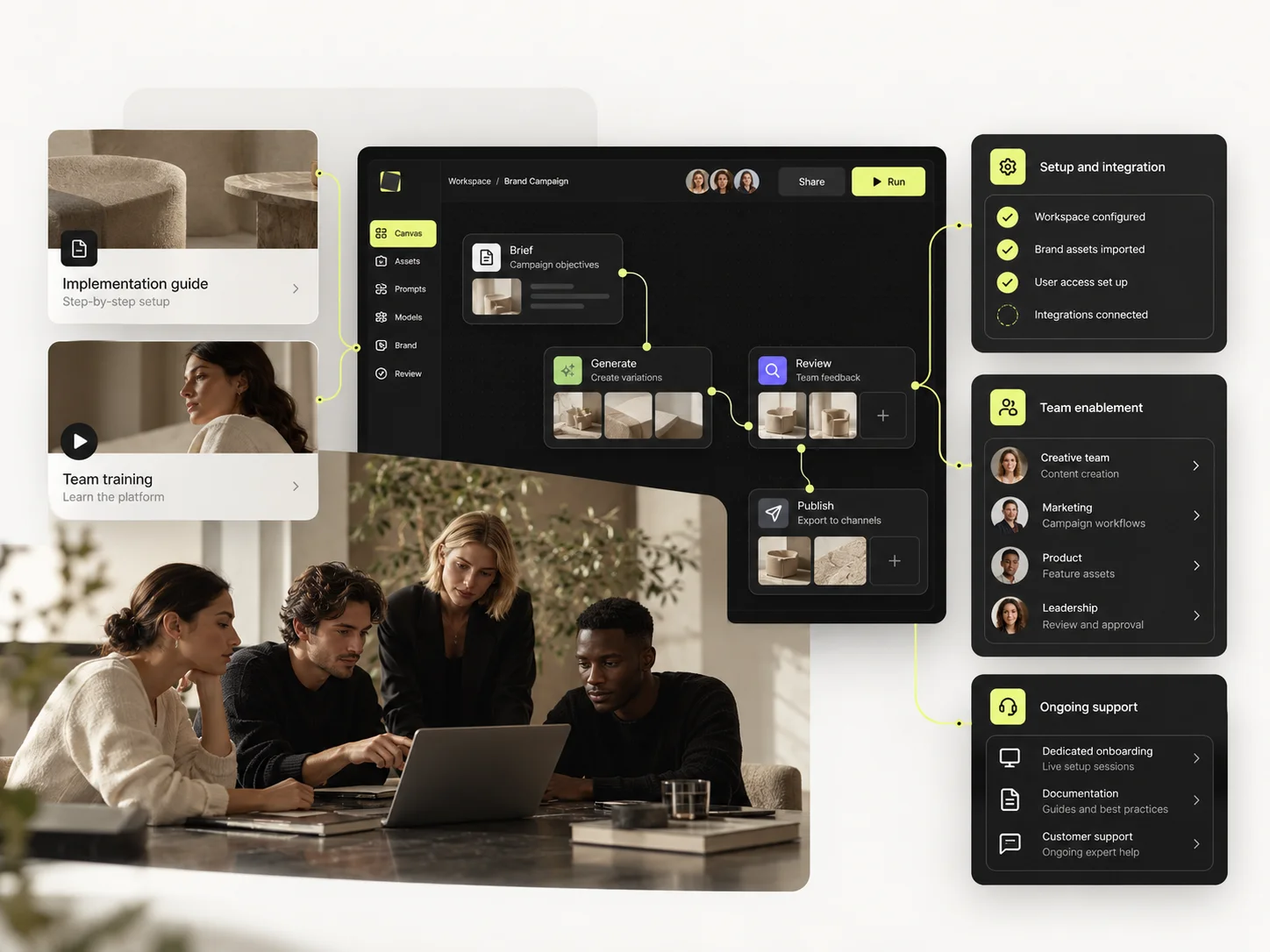
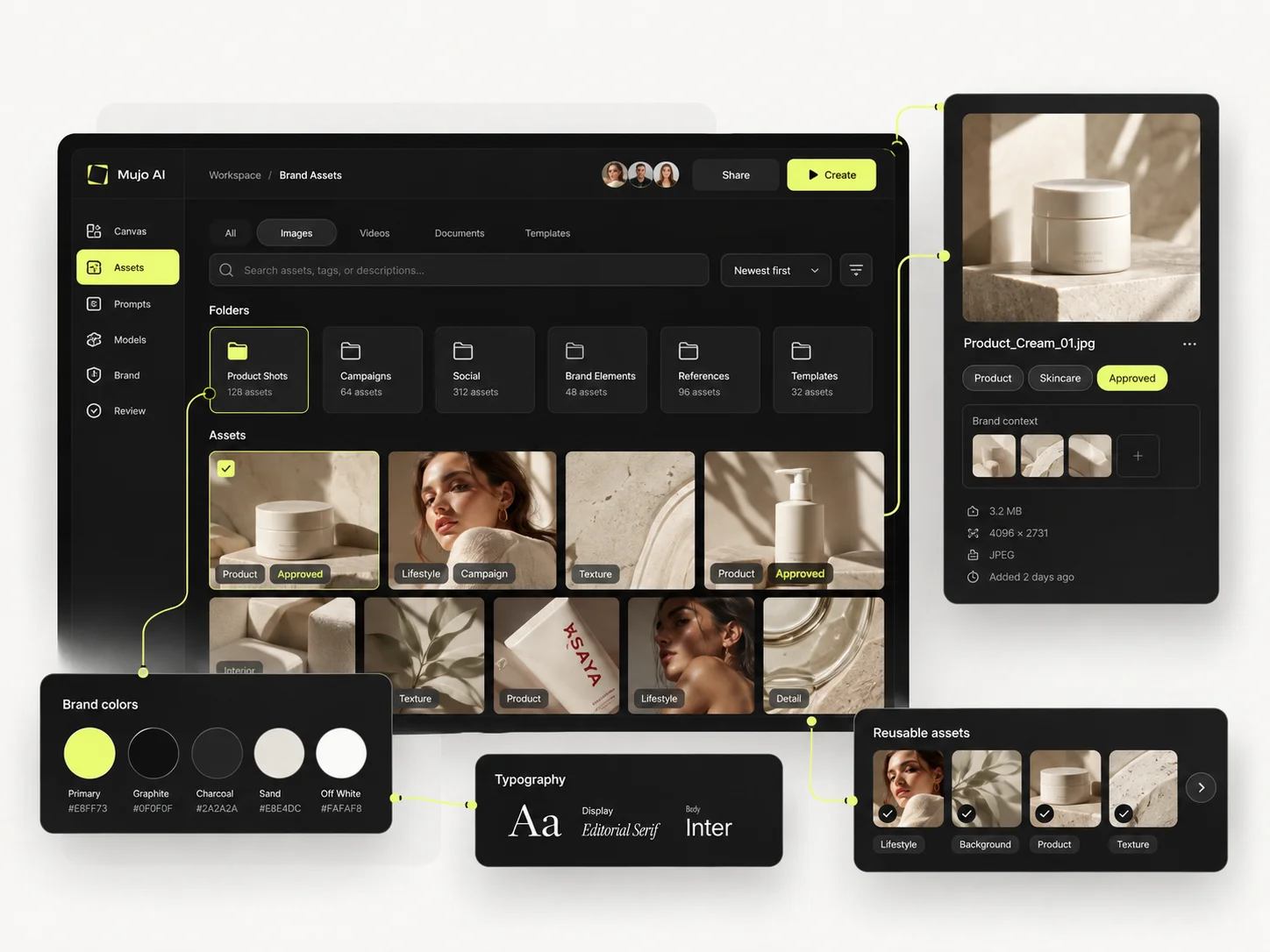
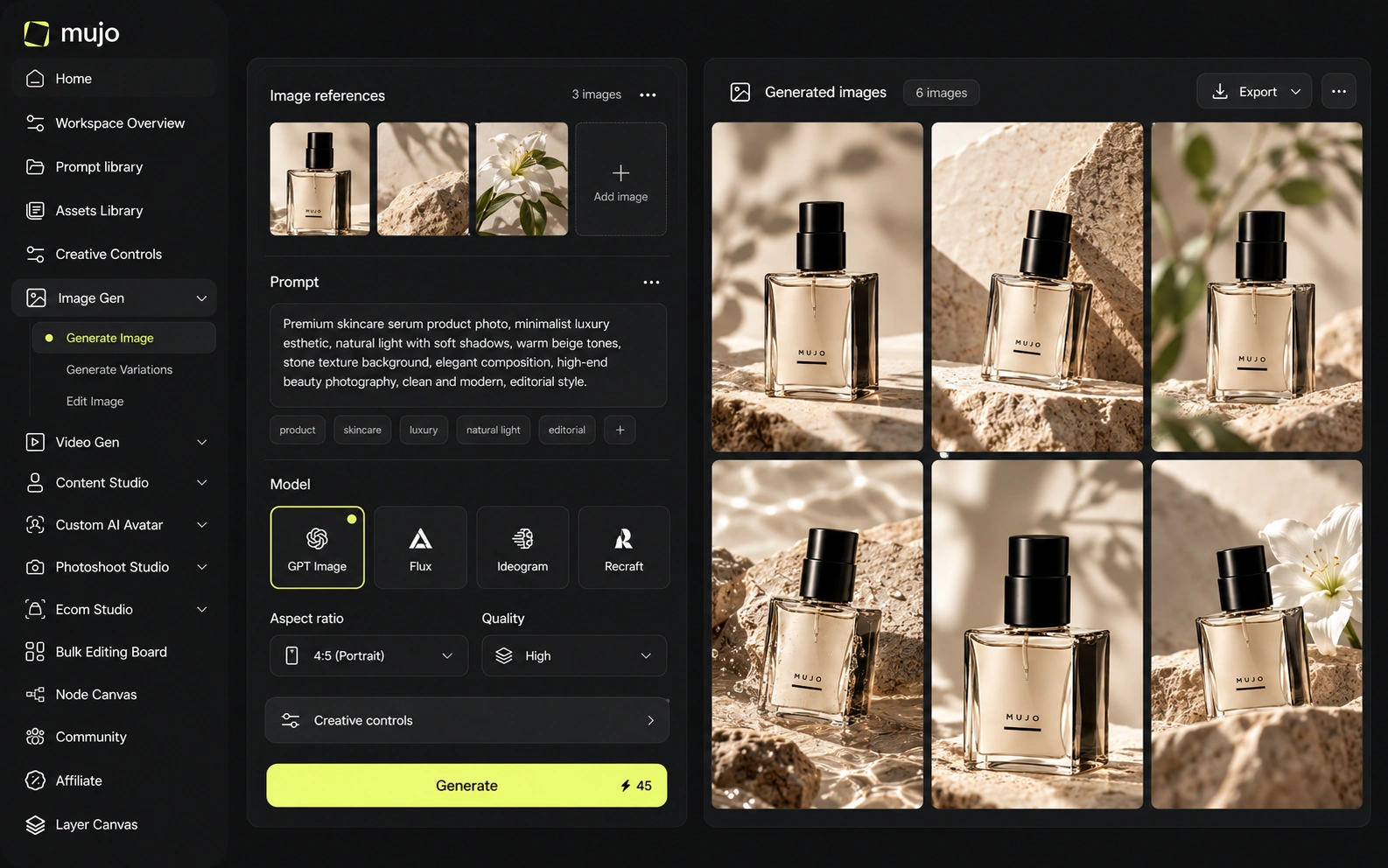
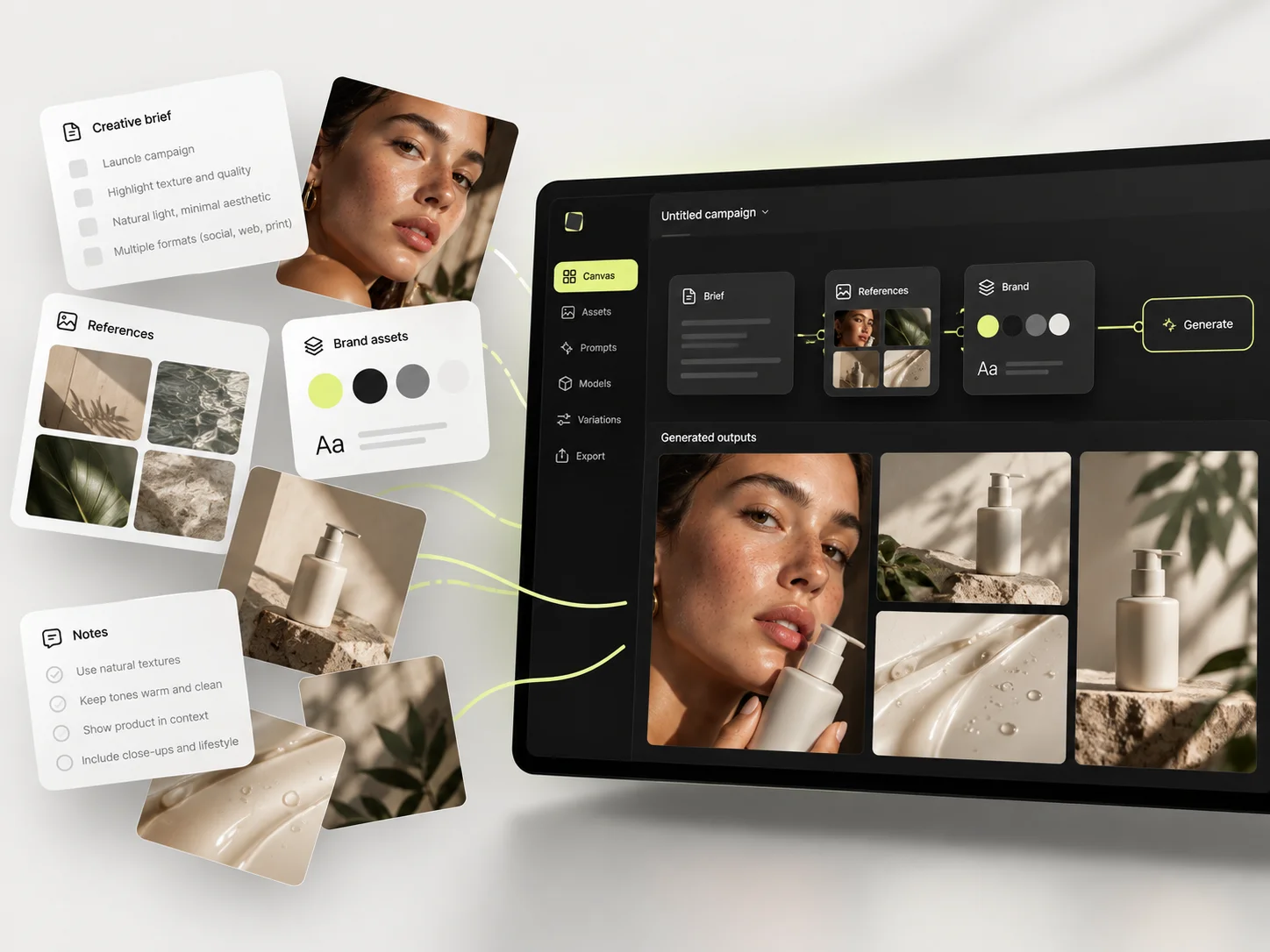
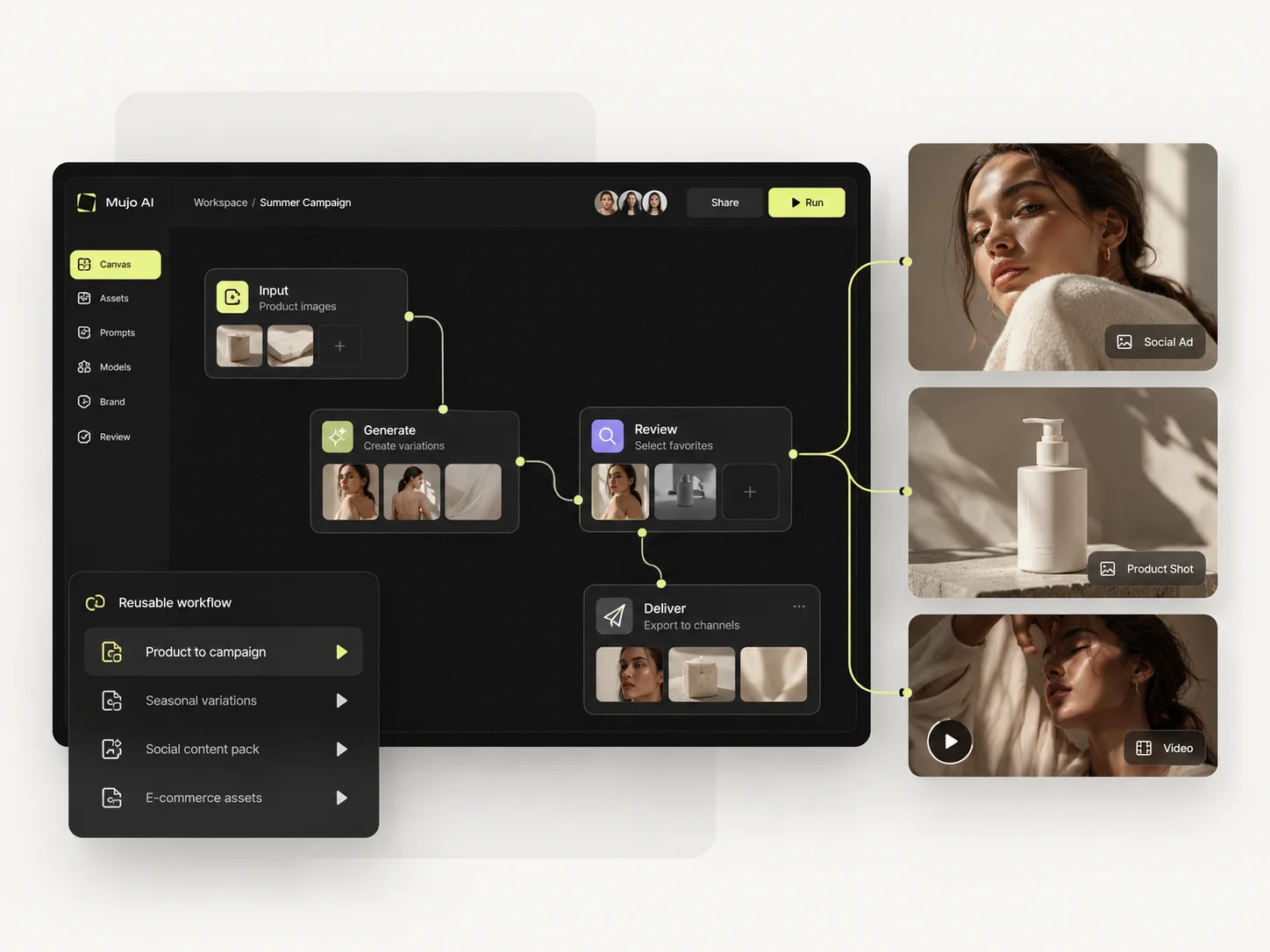
Mujo is a workflow layer over many models rather than a model of its own. The image workspace runs Nano Banana Lite, Nano Banana 2 and Nano Banana Pro, GPT Image 2, Midjourney, Seedream 5.0 Lite and Seedream 5.0 Pro, Grok Imagine and Kling 3.0 Image. The video workspace runs Veo 3.0 and Veo Fast, Kling 3.0, Seedance 2.5 and Seedance 2.0. Midjourney is one of those engines. What Mujo adds sits around the engine: Creative Controls, a shared Prompt Library, references, product workflows, an Asset Library, and a Node Editor that turns a good run into something a colleague can repeat. Midjourney's centre of gravity is the single best image. Mujo's is the second, tenth and fiftieth image that has to match it. Both are real problems. The second one is where teams lose time.
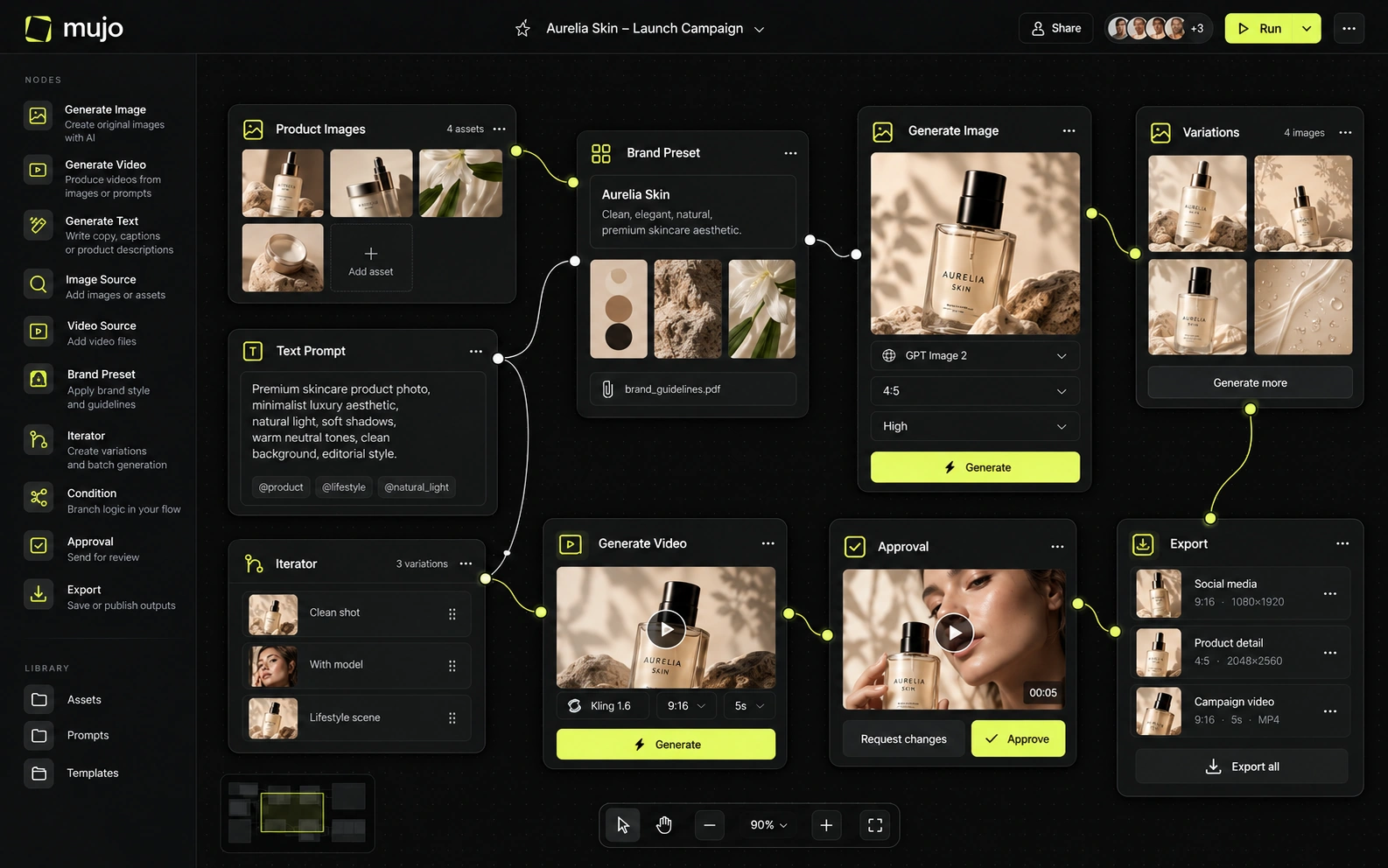
As of September 2026, Midjourney's default is V8.2, released July 24, with improvements in aesthetics, image quality and personalization. The newer Edit Model replaces older Omni Reference/Character Reference/Retexture flows and can use up to four reference images with instruction-based editing. Mujo's image workspace includes Midjourney alongside GPT Image 2, the Nano Banana family, Seedream 5.0 and Grok Imagine, so users can test a brief across different model families without leaving the workflow.
Mujo's value here is not access for its own sake — Midjourney is available directly. It is that a brief can be run through Midjourney and through a different model family in the same workspace, with the prompt, references and controls staying put while you compare. When the house aesthetic is the point, Midjourney wins that comparison on its own merits. Two questions are worth separating: whether the platform exposes the model you want today, and what happens to the work when you change your mind. Single-model platforms answer the first well.
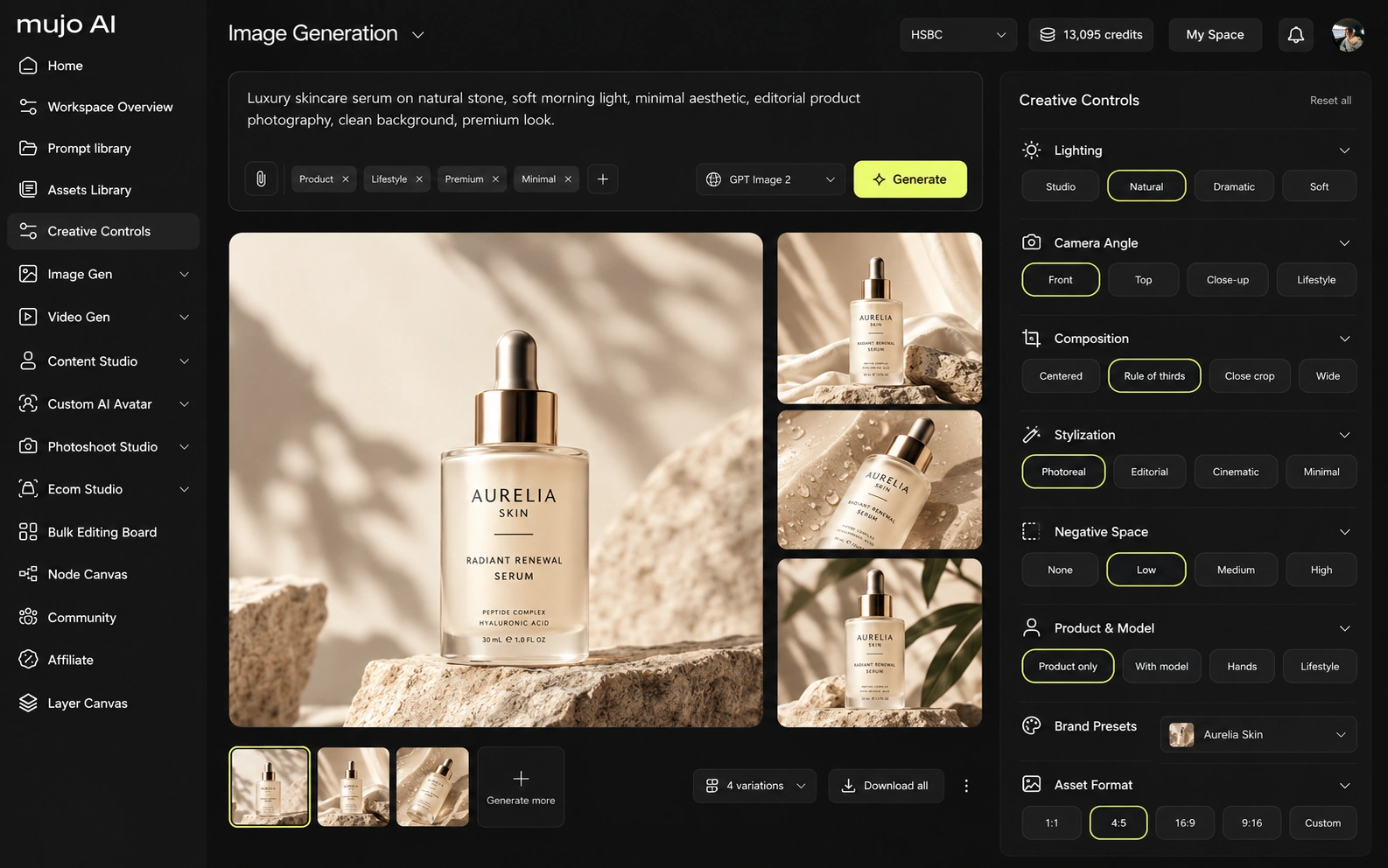
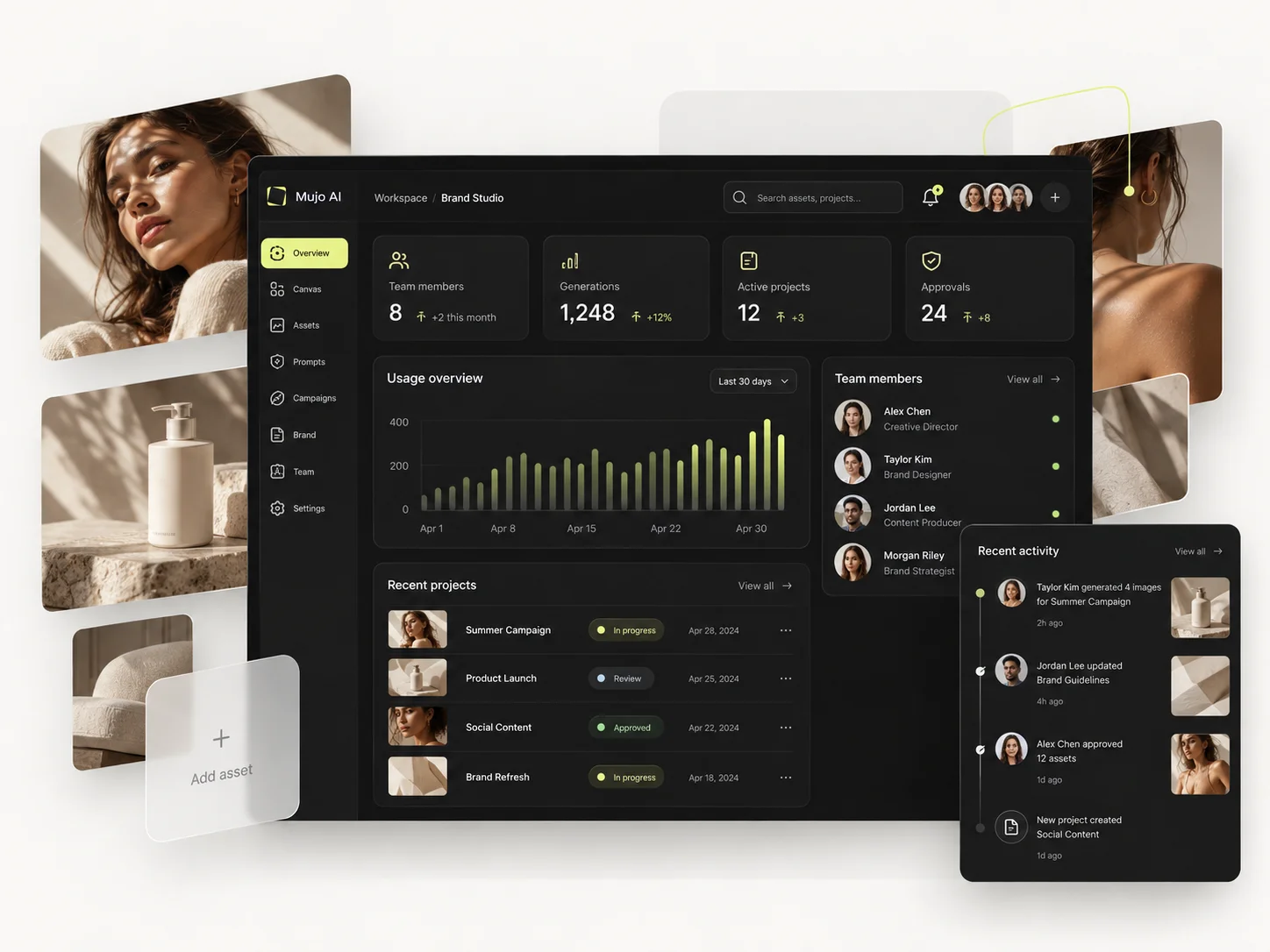
Midjourney's control system is deeply tied to its own model: Style References, Moodboards, personalization, reference images, editing, in/outpainting and model parameters. It is especially strong for discovering and maintaining a visual aesthetic. Mujo adds an external structure around model control: Creative Controls parameters and saved prompts can persist as a human-readable creative recipe even when the underlying model changes.
Midjourney's controls live inside Midjourney: Style References, Moodboards, personalization, the Edit Model. They are strong and they are specific to that model. Mujo's controls sit outside the model. Creative Controls expose the variables an art director actually changes — lighting, pose, expression, camera angle, location, style — as named parameters rather than sentences buried in a prompt. That difference shows up when the problem is a process problem. A marketer who finds a strong product-photo direction in Midjourney can save the image; saving the reasoning is harder. In Mujo the reasoning is the saved object, which is why a second person can rerun it without asking how it was made.
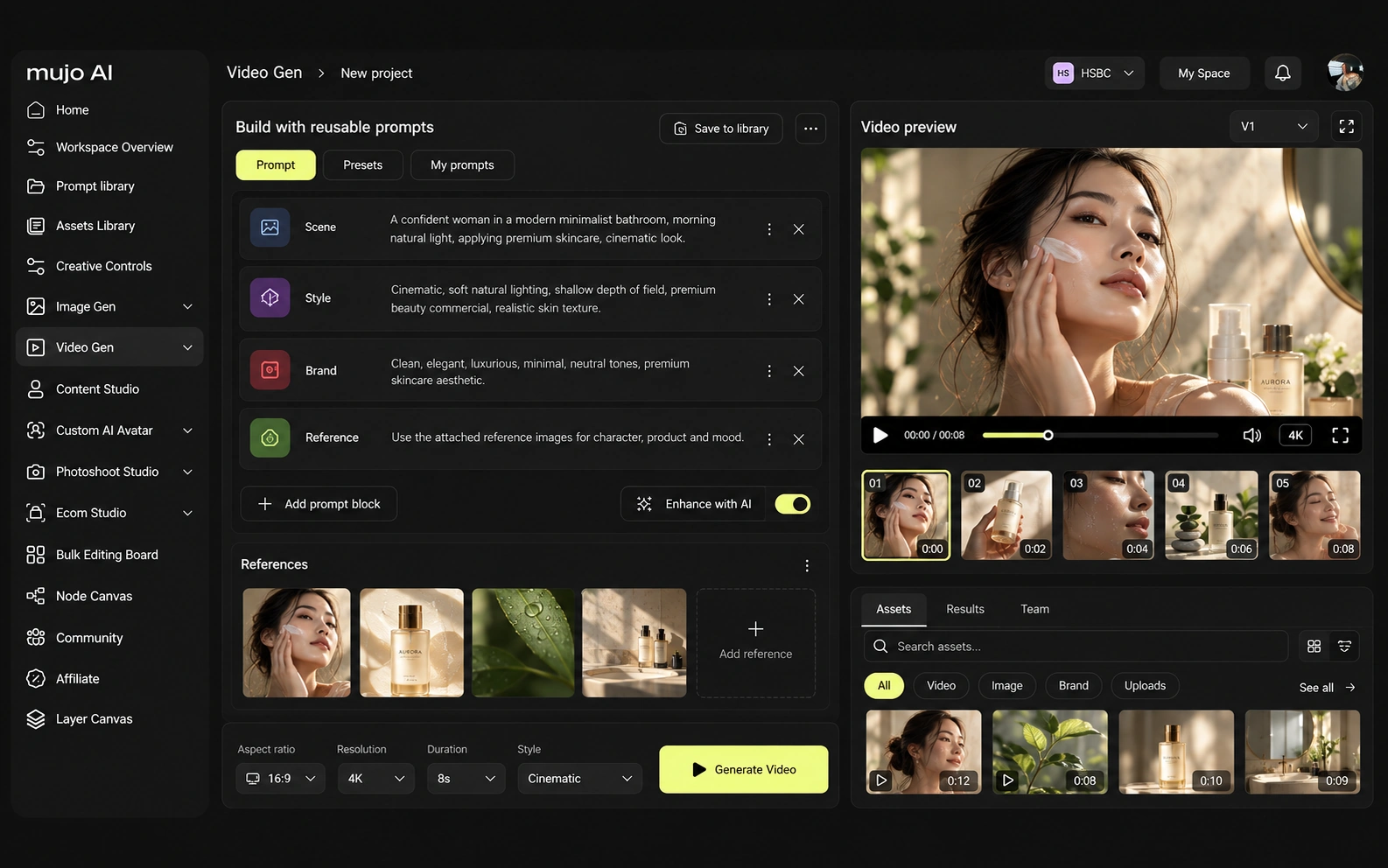
Midjourney and Mujo both participate in the fast-moving multi-model video market, but they use video differently. Midjourney's strongest differentiated features are its model aesthetics, personalization, Moodboards, Style References and increasingly capable editing. Its video system animates images into short clips and offers Relax video generation on Pro/Mega. Mujo's differentiated features are not a proprietary aesthetic model but workflow surfaces such as product/listing content, Prompt Library, Creative Controls, Creative Portfolio Examples and multi-model image/video comparison.
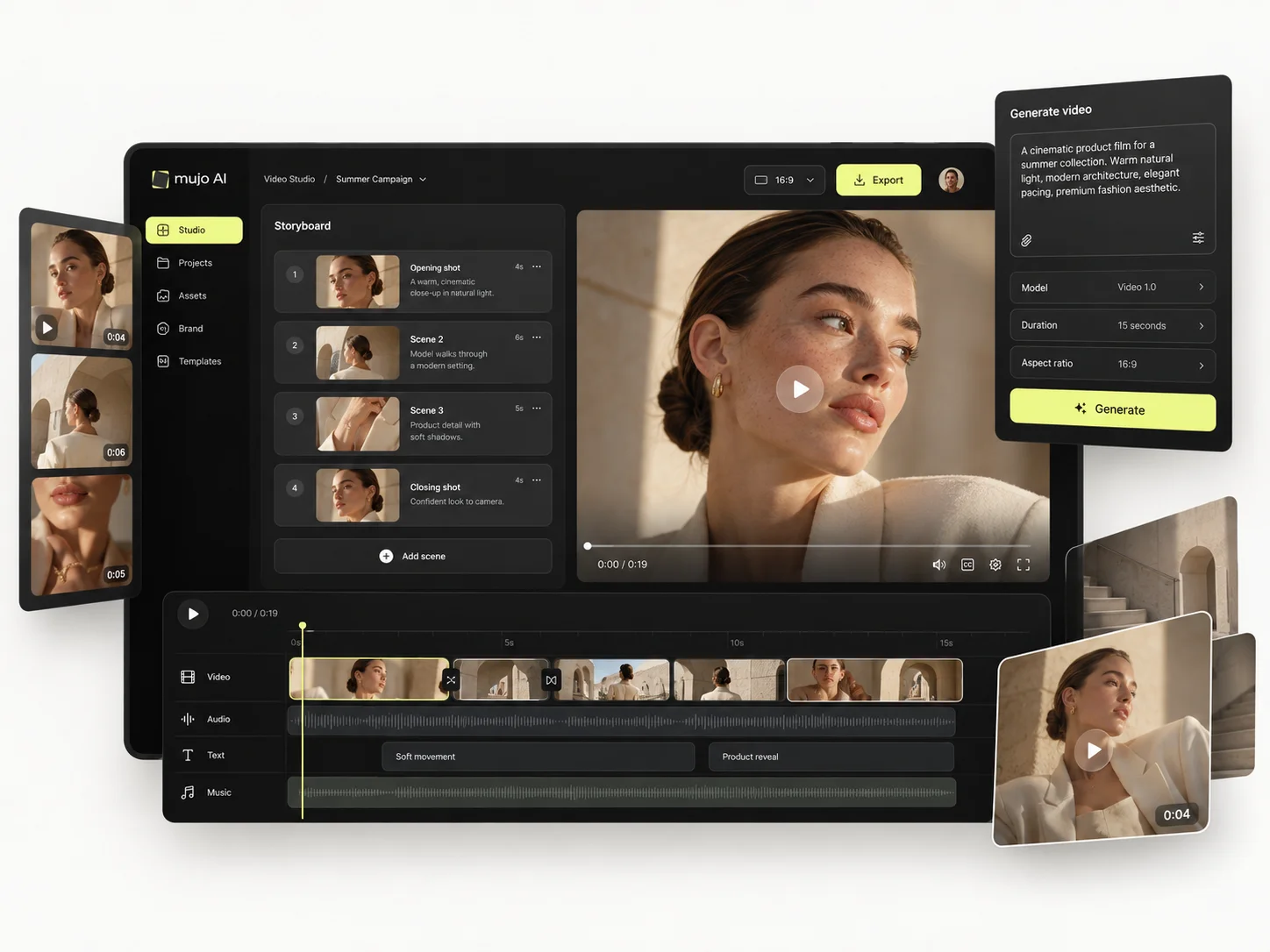
Video in Mujo is text-to-video and image-to-video in the same workspace as images, which matters when a campaign needs a hero still and a vertical cut from one direction. Midjourney animates images into short clips and is not trying to be a production video tool. Neither is a substitute for a dedicated film pipeline.
Consistency means at least four different things: the same person, the same product, the same look, or the same decision process. Midjourney is built around the third — its Style References and Moodboards are among the best tools anywhere for holding a look. Mujo is built around the fourth.
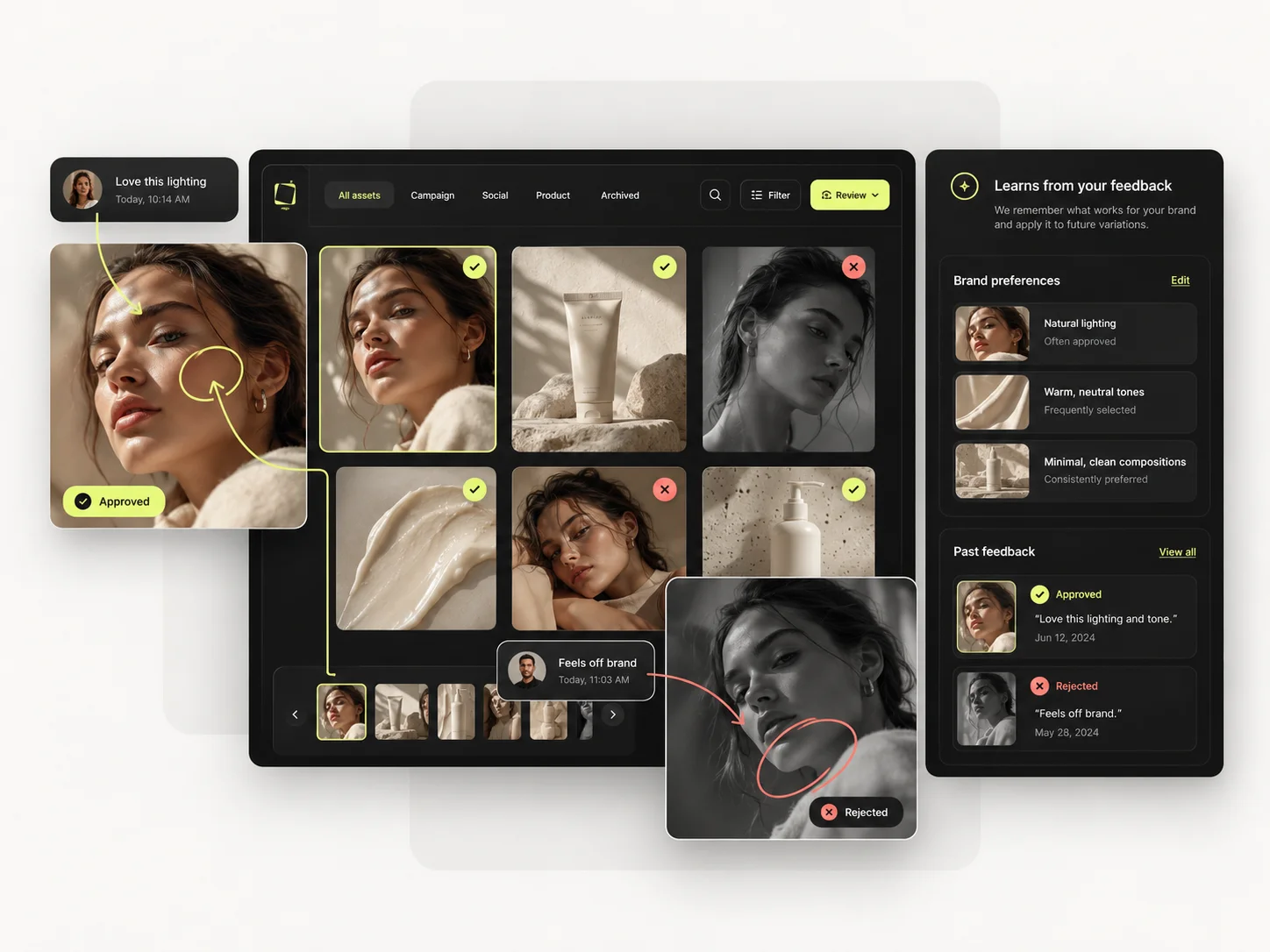
A Mujo setup carries reference images, Creative Controls parameters, saved prompts from the Prompt Library, workspace history and reusable flows. What gets stored is not only the finished image but the route to it. For Midjourney, the consistency model is different. Midjourney's control system is deeply tied to its own model: Style References, Moodboards, personalization, reference images, editing, in/outpainting and model parameters. It is especially strong for discovering and maintaining a visual aesthetic. Mujo adds an external structure around model control: Creative Controls parameters and saved prompts can persist as a human-readable creative recipe even when the underlying model changes. Neither abstraction is better in general. If the recurring object is a visual style, Midjourney holds it natively. If the recurring object is a campaign that has to be rebuilt every quarter across formats and models, Mujo's version survives longer.
How each platform fits work that repeats every month
Midjourney can generate beautiful campaign images, but it does not organize itself around product listings, copy, SKU galleries or ongoing commerce operations. Mujo adds that operational layer. A common real-world setup is to use Midjourney when its look is the right one, then keep the surrounding product workflow in Mujo.
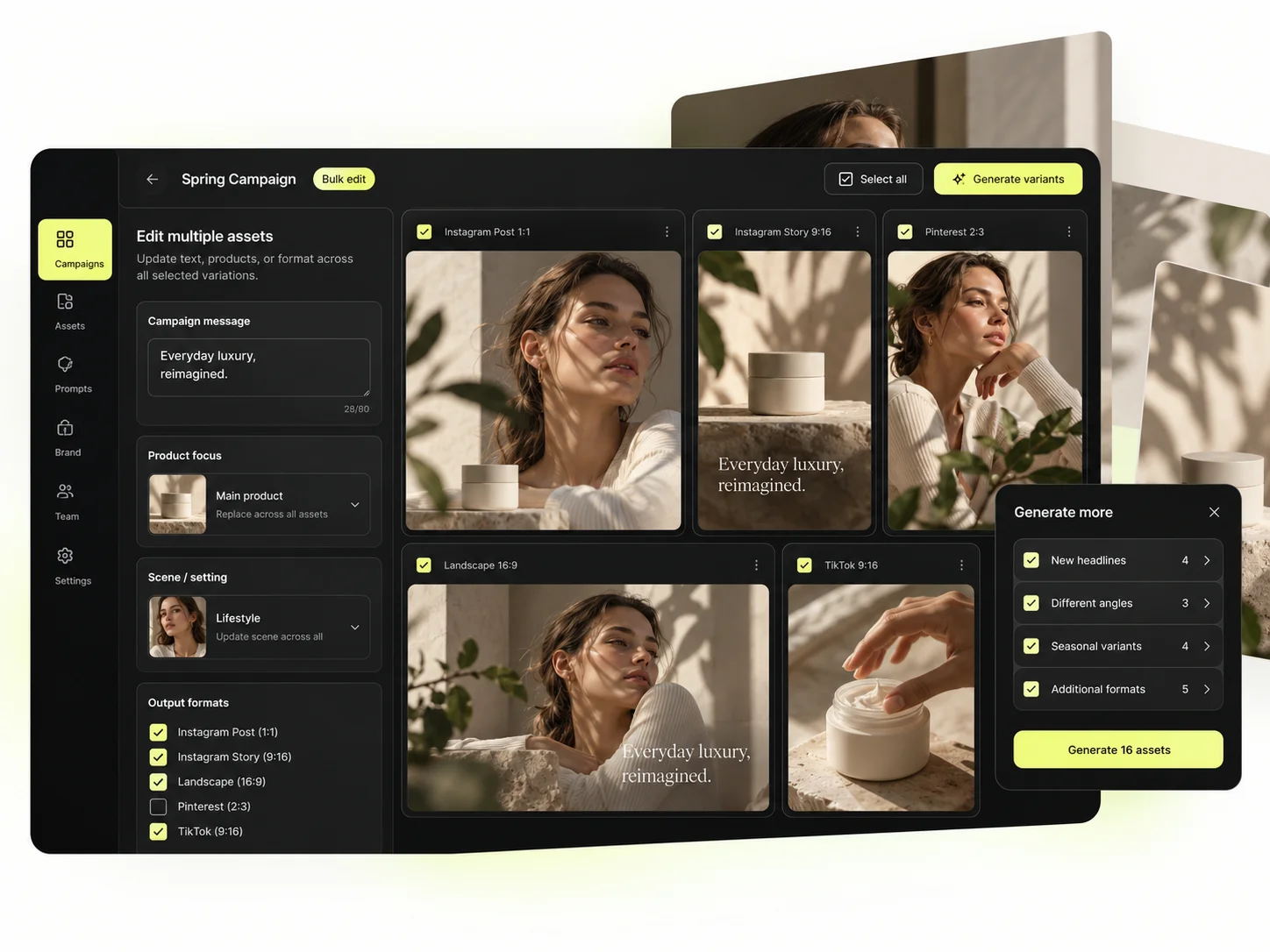
Mujo's commercial surface is built as use cases, not prompt categories: Product Photos, Listing Images, Product Catalog Production, AI Photoshoots, Campaign Creatives and Creative Variations, with background removal, a shared Prompt Library and an Asset Library underneath. The Bulk production table takes one approved direction across a SKU list.
The point is that a product shoot, its listing crops, its ad variants and its social cuts come out of the same setup. In Midjourney each of those is a separate act of prompting.
The product shot, its listing crops, its ad variants and its social cuts come out of the same approved direction. Volume is what makes commercial work expensive, not generation speed — and it is the part a Midjourney comparison usually leaves out.
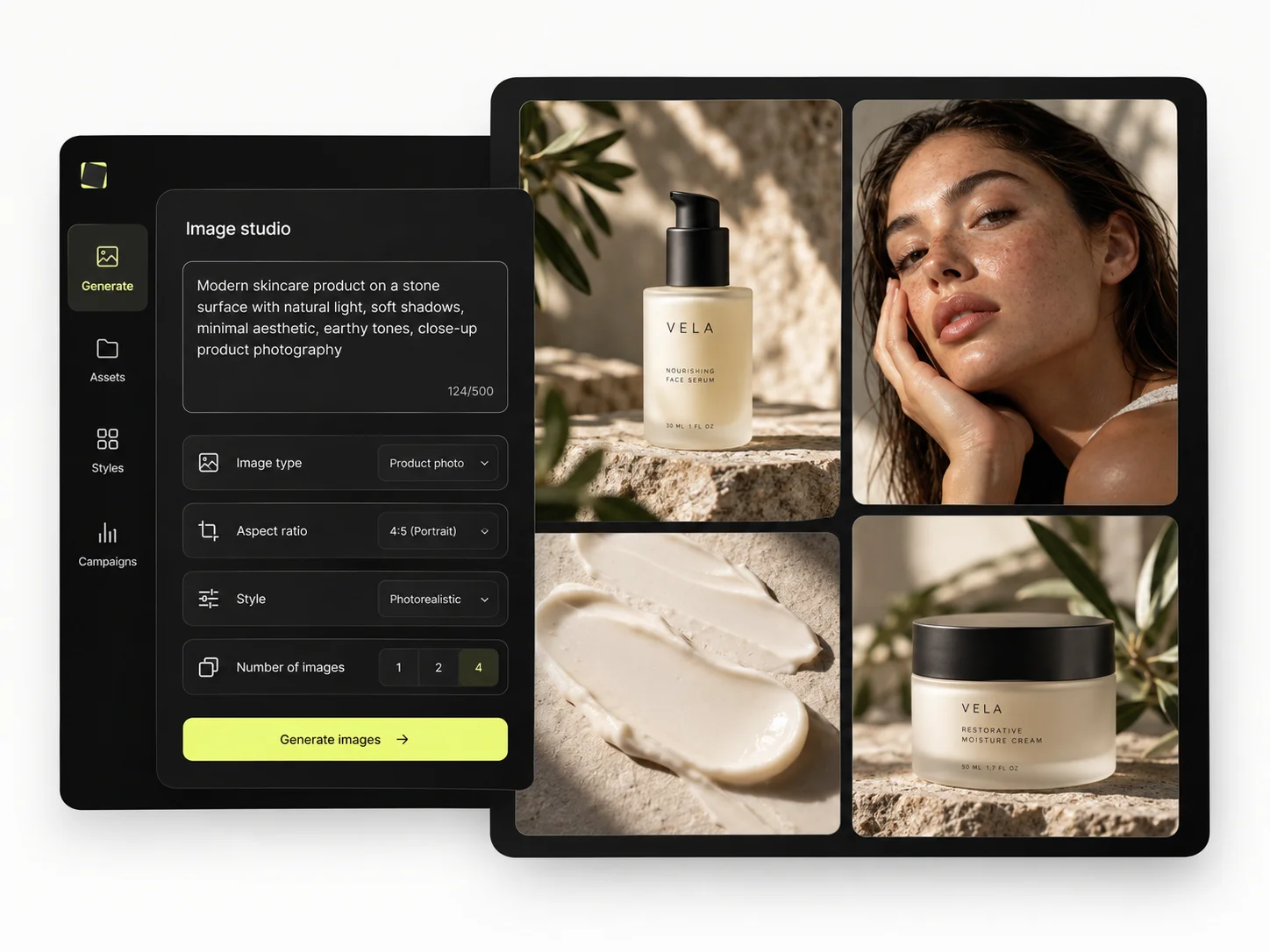
Mujo treats a prompt as a production asset rather than a message. Prompts get refined with structured controls, compared across models, and saved into the Prompt Library where the team can find them. Selected workflows can also be published — see Creative Portfolio Examples — instead of sitting in one person's generation history. Midjourney takes a different route. In the one-SKU test, Midjourney is often the fastest route to a compelling hero concept. Moodboards and Style References can keep the look coherent. The friction appears when the job expands: compare another model, produce listing-specific variants, keep product prompts/copy together, then repeat the exact system for a new SKU. Mujo is designed for that broader continuity. The strongest comparison is therefore not Mujo instead of Midjourney, but Midjourney alone versus Midjourney inside a reusable multi-model production layer.
Saved setups live in the Prompt Library where the next person can find them, instead of in the generation history of whoever happened to get it right. Whatever you keep from a Midjourney session, it is usually the output rather than the reasoning behind it.

The Bulk production table is the part of Mujo that no aesthetic comparison reaches. Rows are assets, columns are the variables, and one approved direction runs down a product list. Midjourney can produce a beautiful image forty times; it cannot produce forty images from one decision.
Per-asset work scales linearly: forty products means forty sessions. A saved direction run in bulk does not. That is the line where a Midjourney workflow and a Mujo workflow stop costing the same.
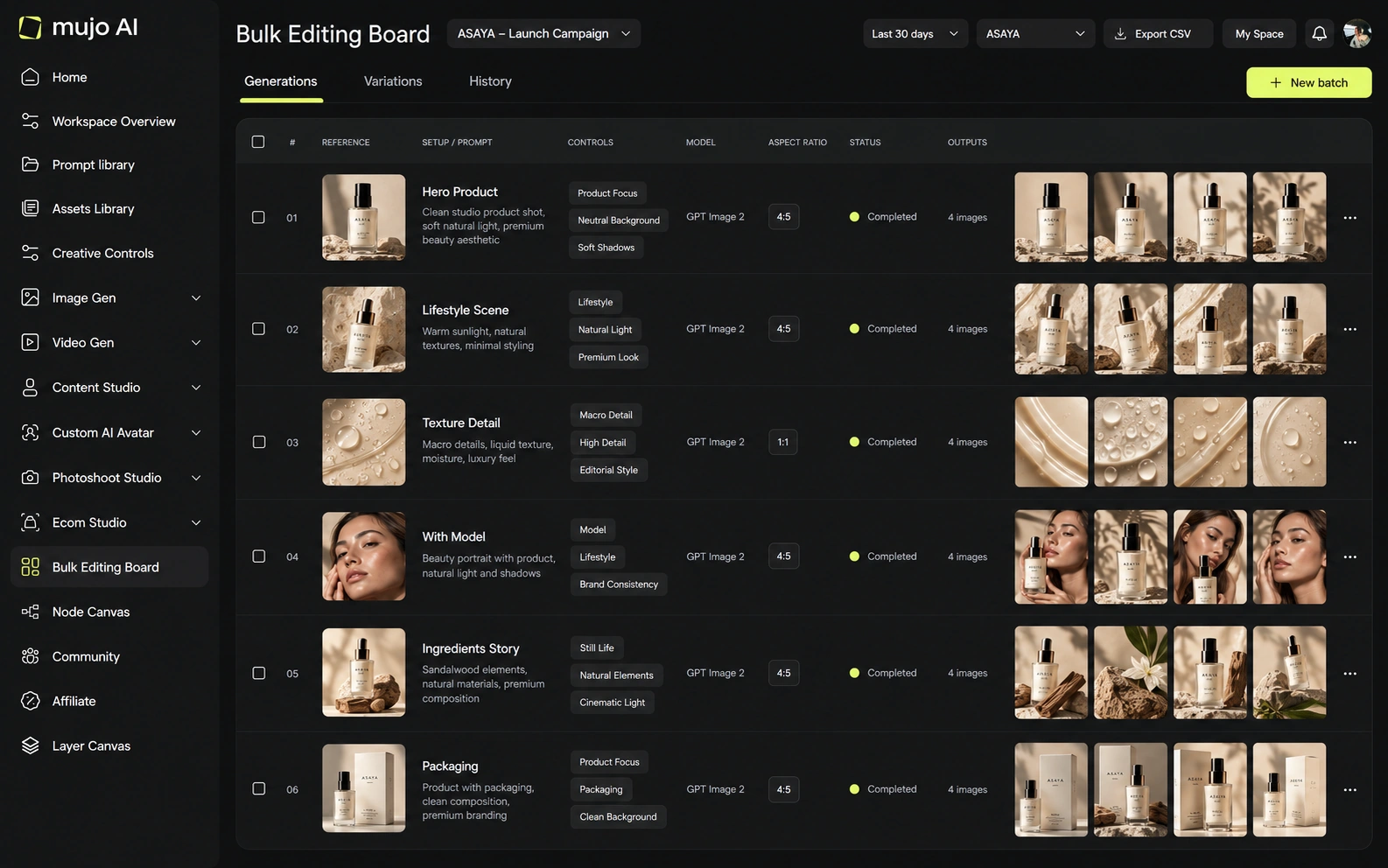
Give both platforms the same brief: one product image in, one hero visual, three square social variants and one vertical motion ad out — then the same direction on a second SKU a week later. The test is not the prettiest first frame. It is how much of week one you still have in week two.
Start from one source product image and one launch brief.
Produce a hero visual, three square social cuts and one vertical motion ad.
Save the direction: prompts, references, controls and the model you chose.
Rerun it on a second SKU without reconstructing anything from memory.
Midjourney clears the first round comfortably, as does almost anything else worth evaluating. The second round is where the difference appears, and it is the round nobody gets to during a two-week trial.
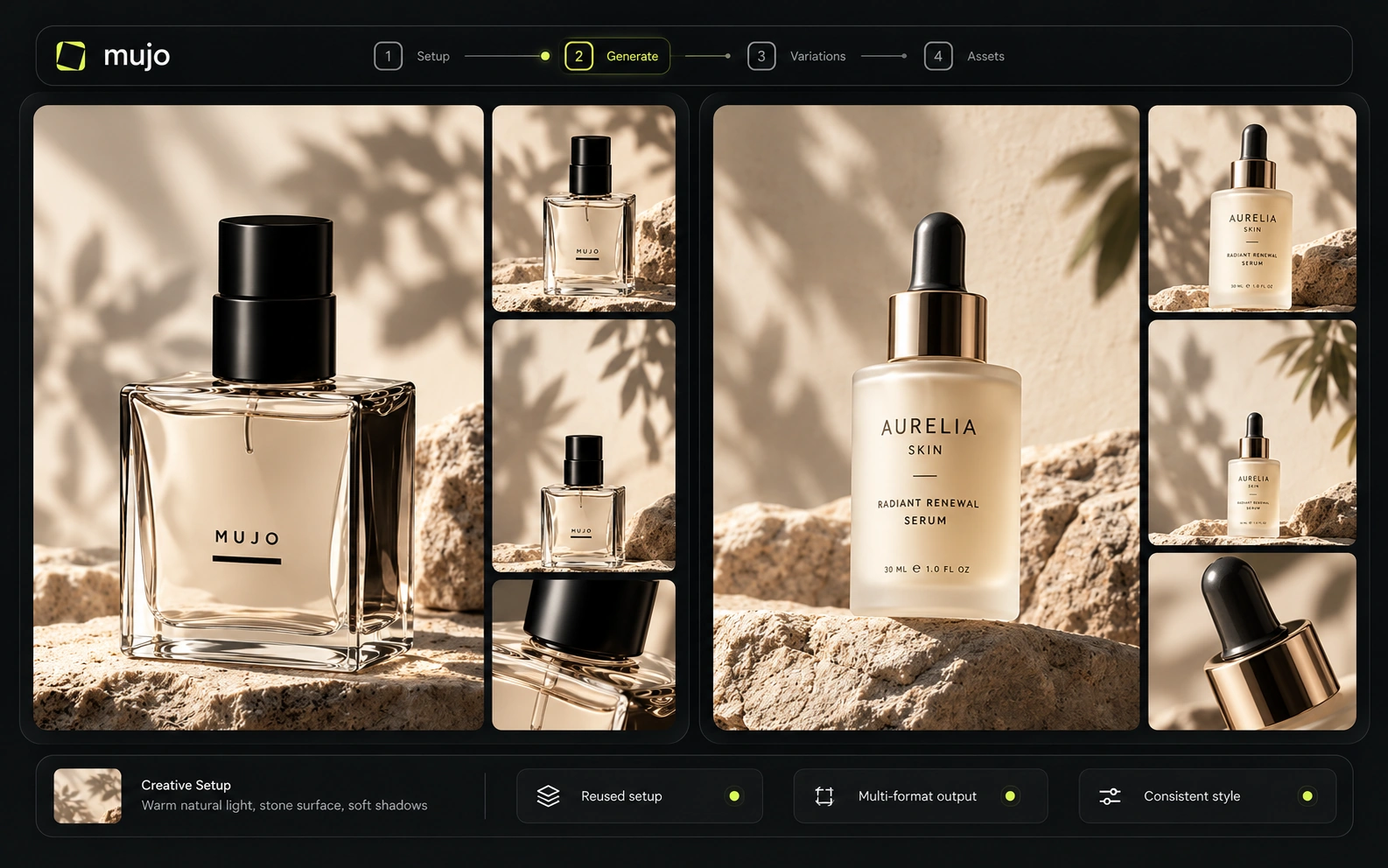
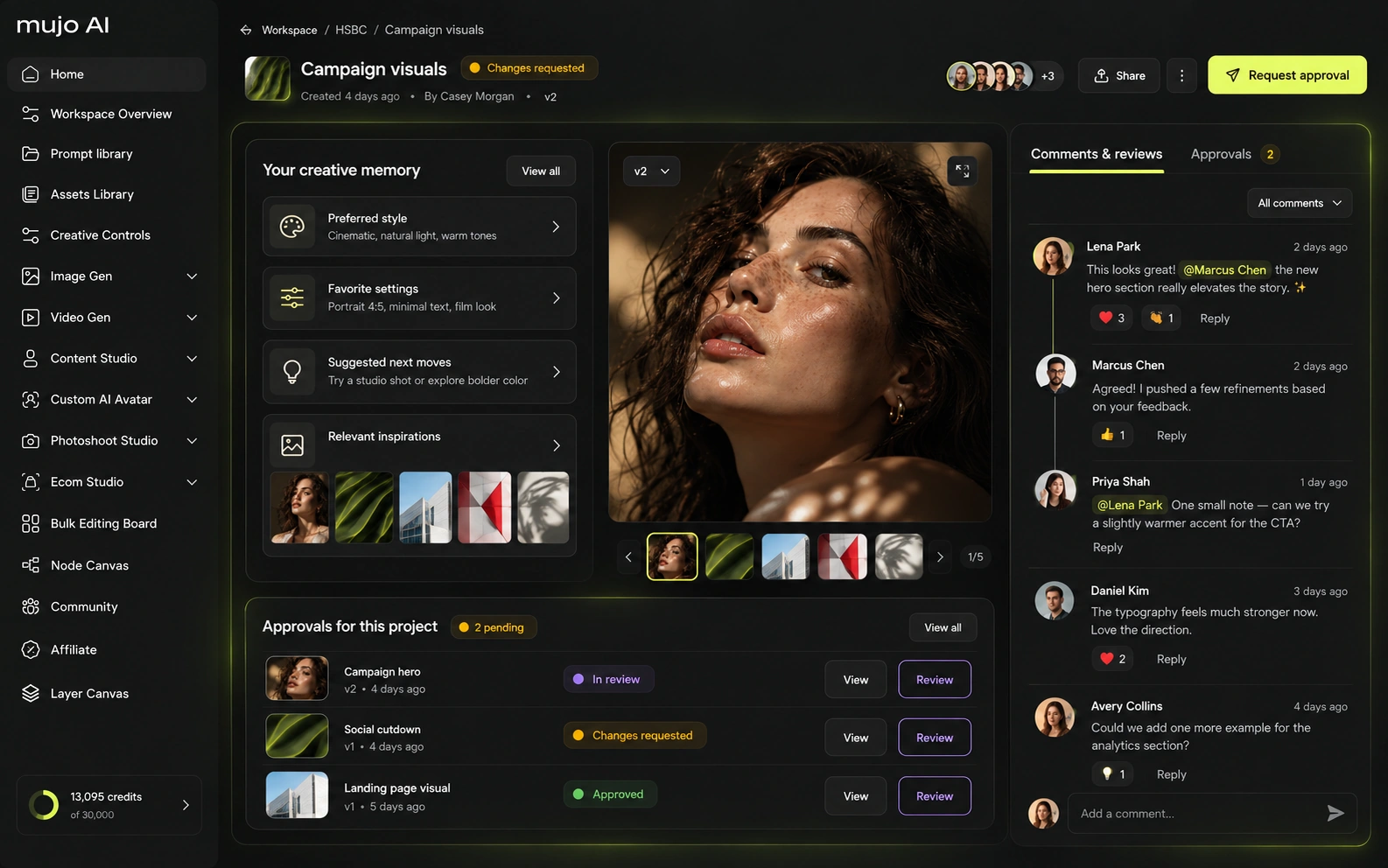
Midjourney's public product remains centered on its web/Discord creative workflow and account-level subscriptions, with privacy via Stealth Mode on Pro/Mega. Mujo adds enterprise-oriented workflow reuse, brand context, asset management and review/traceability features. Organizations that need formal API or enterprise controls should evaluate the current public Midjourney offering against those requirements rather than assuming consumer creative features equal team governance.
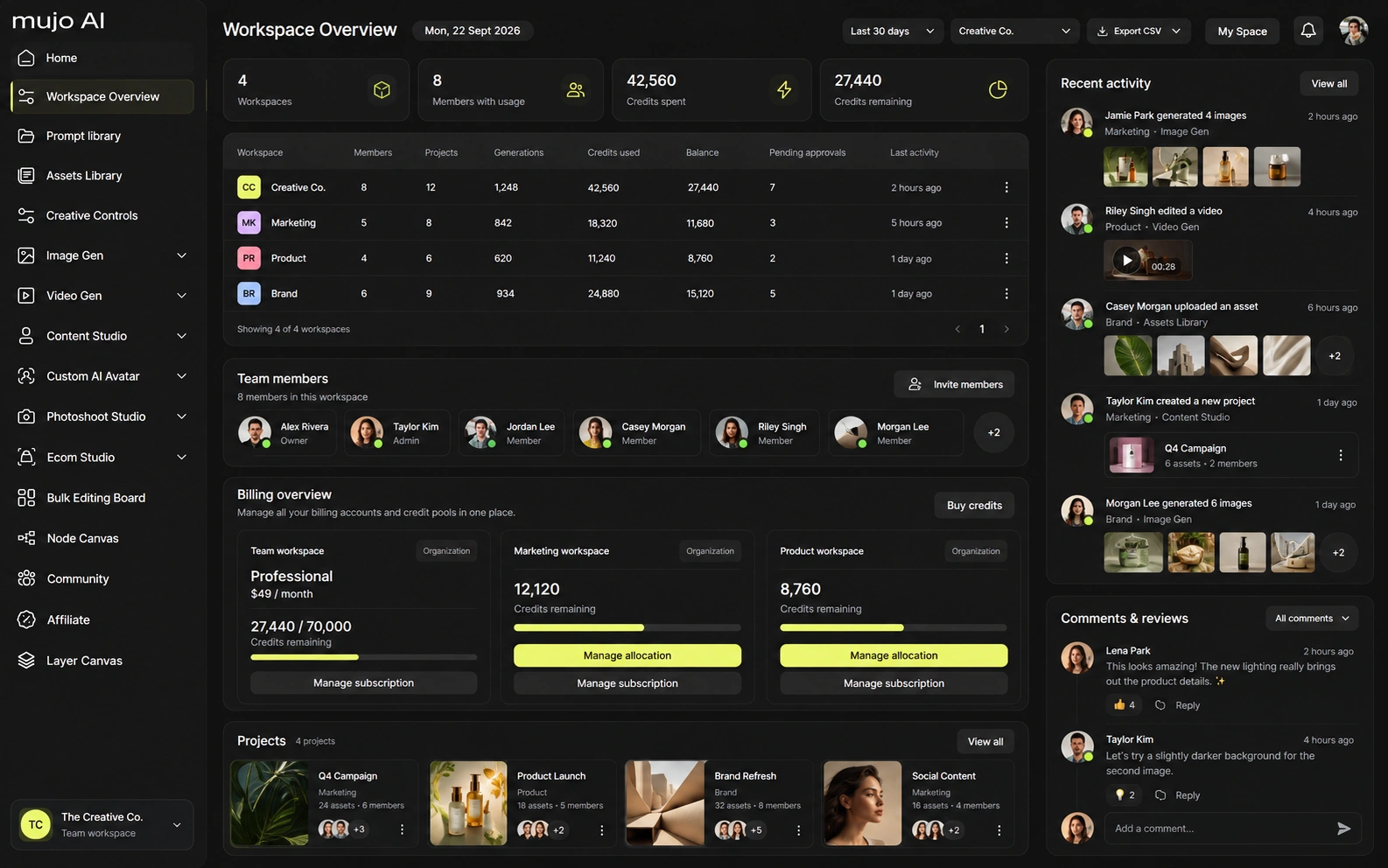
Mujo Enterprise is a wider product than the creator-facing workspace: connected flows in the Node Editor, brand context, shared prompt and asset libraries, approval traceability, onboarding, admin and security review. Midjourney's team story is lighter by design — it is a generation tool, not an operations layer. If an API is a requirement, check availability, supported models, concurrency and pricing on both sides before deciding. If the work happens in the interface, shared setups matter more than API breadth.
Midjourney sells GPU time rather than credits. Standard and above include unlimited image generation in Relax mode; Pro and Mega include unlimited video generation in Relax mode. That makes a simple 'price per image' misleading: for high-volume non-urgent work, marginal cost in Relax mode can approach zero. Mujo should therefore be compared on workflow value and on exact paid/fast routes, not by claiming a universal per-generation price advantage.
3.3 Fast GPU hours/month
15 Fast GPU hours; unlimited Relax images
30 Fast GPU hours; Stealth; unlimited Relax images/video
60 Fast GPU hours; Stealth; unlimited Relax images/video
Plans Start $9, Basic $19, Pro $34, Creator $84, Business $121 (5 seats); 200-credit packs from $2.60 with no use-by deadline
Mujo's plans run from $9 to $121 a month, with up to 40% off on annual billing. Pay-as-you-go packs start at 200 credits for $2.60, credits carry no use-by deadline, and new accounts start with 20 free. Cost per output depends on the model and the operation.
Midjourney's terms and privacy behavior depend on plan and account usage; Stealth Mode is only available on Pro and Mega. Mujo gives users ownership of outputs and offers explicit no-training commitments without opt-in. Teams handling confidential products should compare privacy defaults and the visibility of generations, not only commercial-use permissions.
Specifically, on Mujo's side: users keep ownership of what they upload and of AI-generated outputs and may use those outputs commercially, subject to applicable law and third-party rights; inputs and outputs are not used to train foundation models without opt-in, and the enterprise terms extend that to the third-party models in the stack. Commercial-use permission is not rights clearance. Trademark, publicity rights and model-provider terms still apply, so client work needs human review before it ships.
What Midjourney does better, and what Mujo does better. A comparison page that only fills in one side is not a comparison.
Worth reading before a trial rather than after one.
Midjourney is not merely a competitor to Mujo; it can also be a component of Mujo's value proposition. Midjourney owns the model experience. Mujo owns the workflow around multiple model experiences. Creators who live entirely inside Midjourney may not need another layer. Teams combining Midjourney with other models and recurring commercial tasks have a much clearer reason to use Mujo.
Choose Midjourney when the primary objective is visual exploration, art direction and a distinctive aesthetic produced inside one mature model family.
Choose Mujo when Midjourney is one tool among several and the team needs to preserve the surrounding creative recipe across products, formats and models.
Most teams that use both keep Midjourney as the look engine and Mujo as the place the look lives afterwards — the references, the controls, the SKU runs, the variants. That split is worth it when the images are good but nobody can find last quarter's setup.
Decide by your recurring unit of work. If it is a striking image, compare aesthetics and pick Midjourney on its merits. If it is a campaign you rebuild every few weeks, compare how much of the setup survives between rebuilds.
Short answers about Midjourney, about Mujo, and about the parts that are easy to get wrong.
Midjourney V8.2 is the current default as of September 2026.
Midjourney's newer Edit Model consolidates reference-based editing and supports instruction-driven edits with multiple reference images.
Standard, Pro and Mega include unlimited images in Relax mode; Pro and Mega also include unlimited Relax video.
Yes. Mujo's current image workspace lists Midjourney alongside other leading image models.
Mujo is more purpose-built for repeatable product/listing workflows. Midjourney is stronger as a dedicated visual-generation and art-direction engine.
A comparison against Midjourney stays abstract until you look at the work it is about. These are the production workflows Mujo is built around, plus the neighbouring comparisons if you are still shortlisting.
Take a brief to a full set of campaign assets in one workspace.
Turn one approved creative into controlled versions across formats and markets.
Run an approved product direction across a whole SKU list.
The video suite, compared as a production system.
The asset library, compared against a reusable workflow.
Fine-tuned models against a reusable process.
If Midjourney sits in one tab, prompts in a doc and approved assets in a folder somewhere, Mujo is the place those three become one setup you can rerun. 20 free credits. Run last month's brief through it and see what comes back.