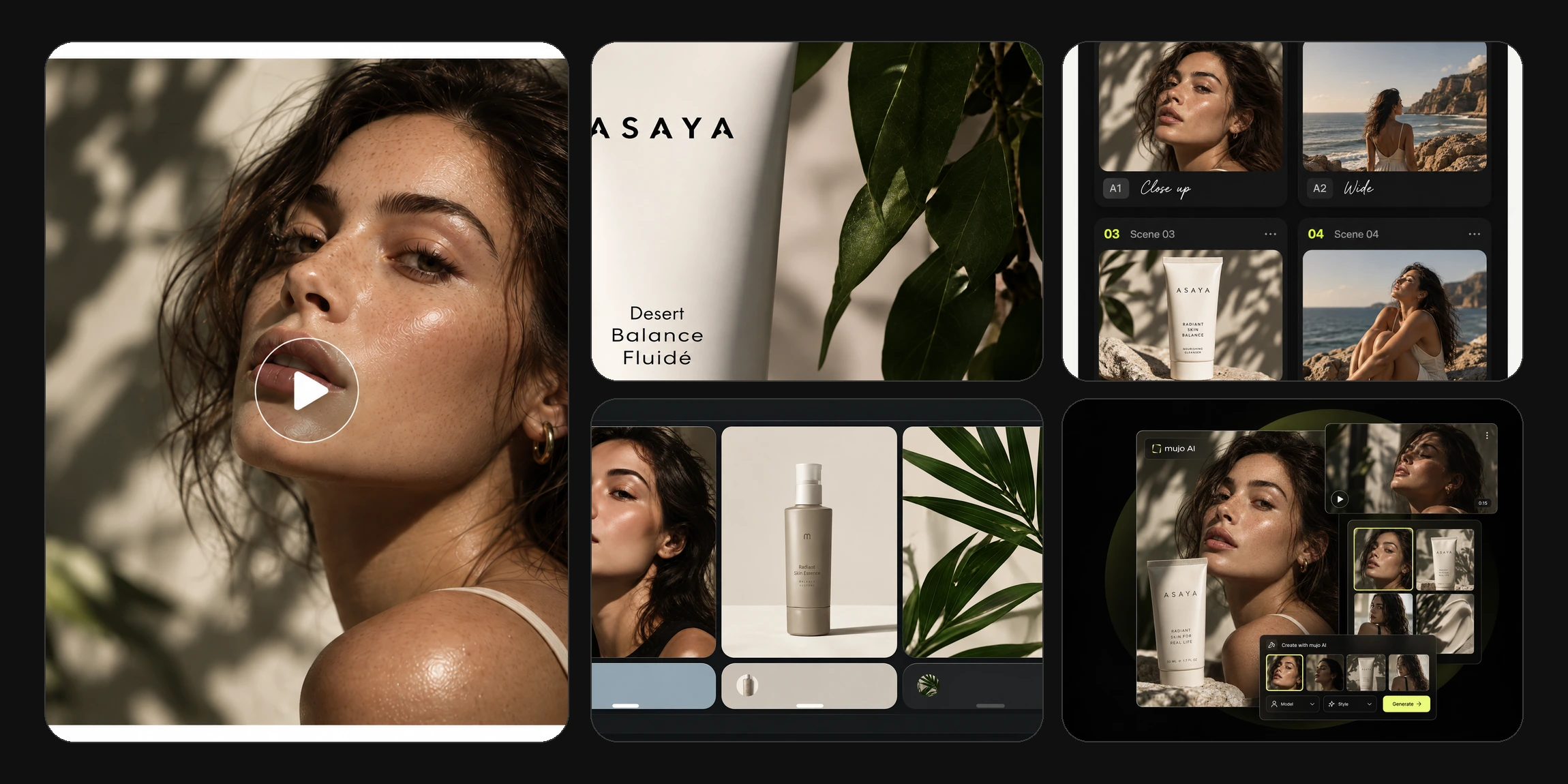
One creative direction
A look, a product and a set of references that everything else is built from.
Turn ideas, products and existing assets into social media images, videos, covers and campaign content. Create, refine and scale all of it in one AI workspace — instead of generating one more post and starting from nothing again tomorrow.
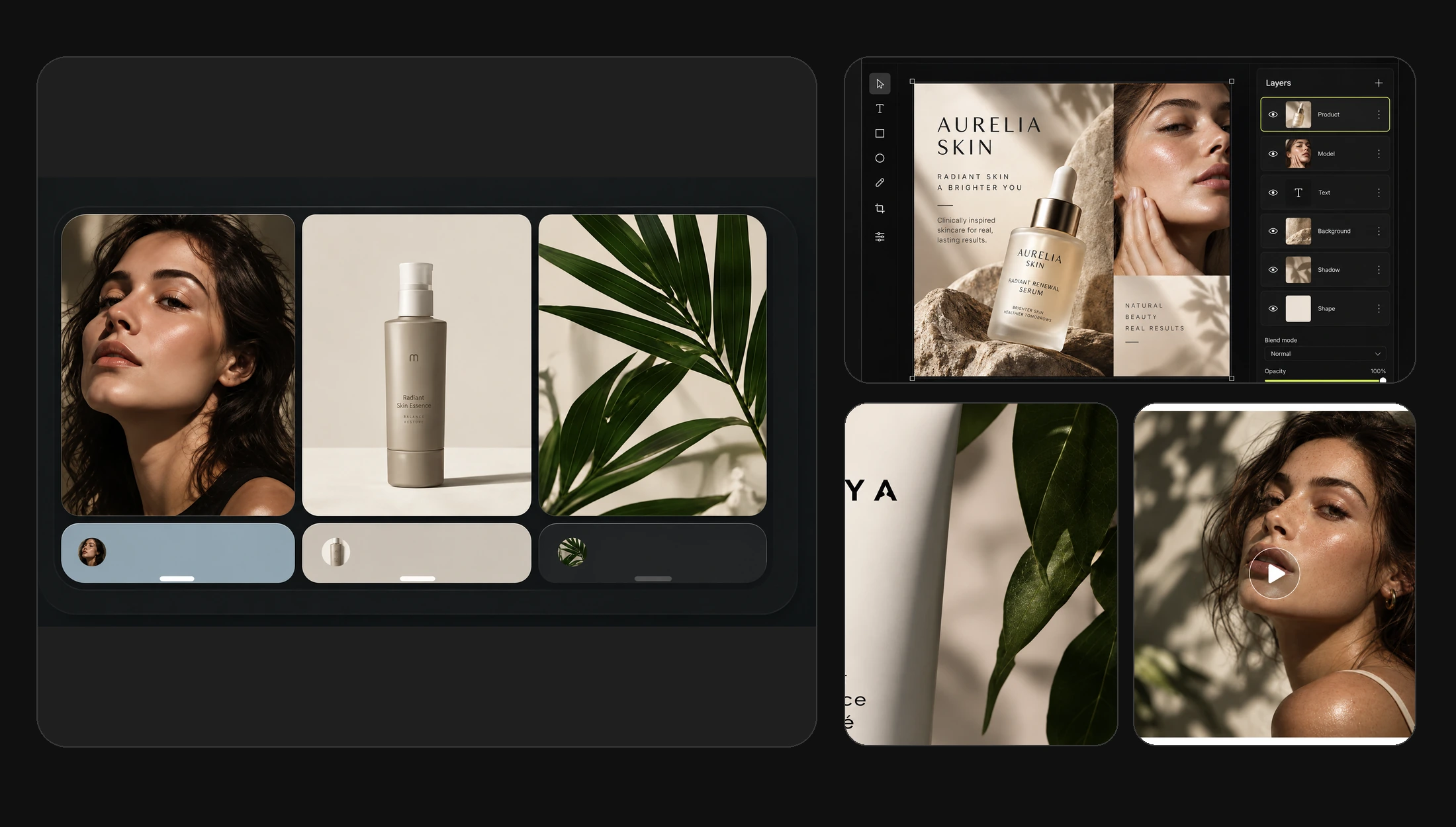
AI social media content creation means turning a creative brief, a product or a reference into a coordinated set of assets for different channels. Mujo combines image and video generation, creative controls, reusable workflows and a saved asset library, so you build a series instead of starting from scratch every time. That is the whole difference: a generator gives you a picture, a system gives you a calendar.
A look, a product and a set of references that everything else is built from.
Feed, story, carousel, cover and short-form video made from the same idea.
Products, characters, prompts and settings that carry into the next campaign.
A social calendar is never one type of asset. It is a packshot, a lifestyle scene, a carousel, a cover and a vertical clip — all due in the same week, all expected to look related.
Square and 4:5 creatives built around the product or the message of the week.
Multi-slide sets that hold one visual direction from the first frame to the last.
The frame that decides whether the video gets watched at all.
Vertical clips for Reels, TikTok and Shorts, generated from the same references.
The item on a clean surface, and the item in a room somebody actually lives in.
Alternative angles, seasons and markets built off an approved creative.
These were not made independently. They share the same product, the same palette and the same creative settings — which is why they read as a brand instead of a folder of unrelated images.
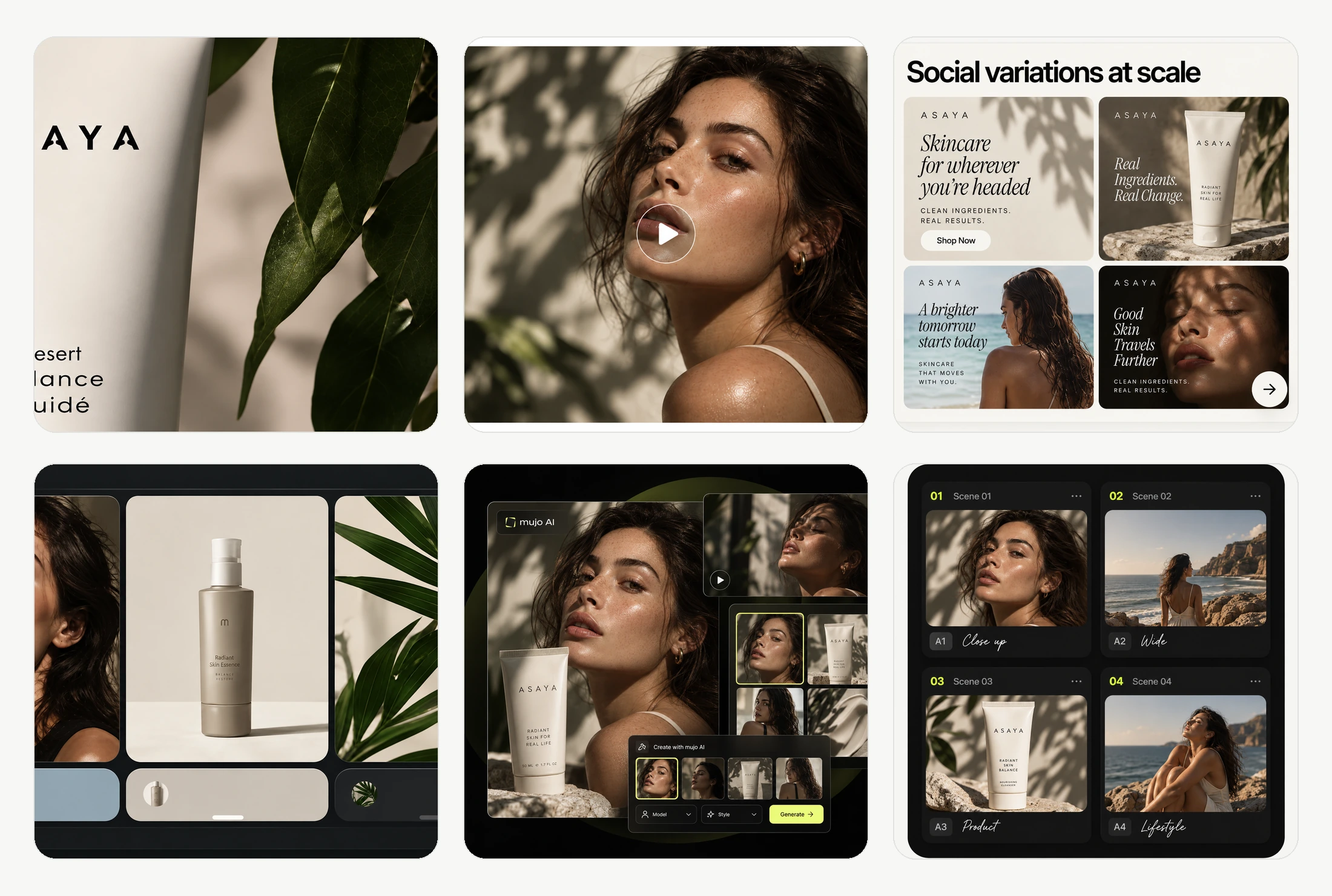
Start with a master creative, then adapt the same idea into feed posts, stories, carousels, covers and new visual variations. The expensive part of social production was never the rendering — it was deciding the look twice, on Monday and again on Thursday.
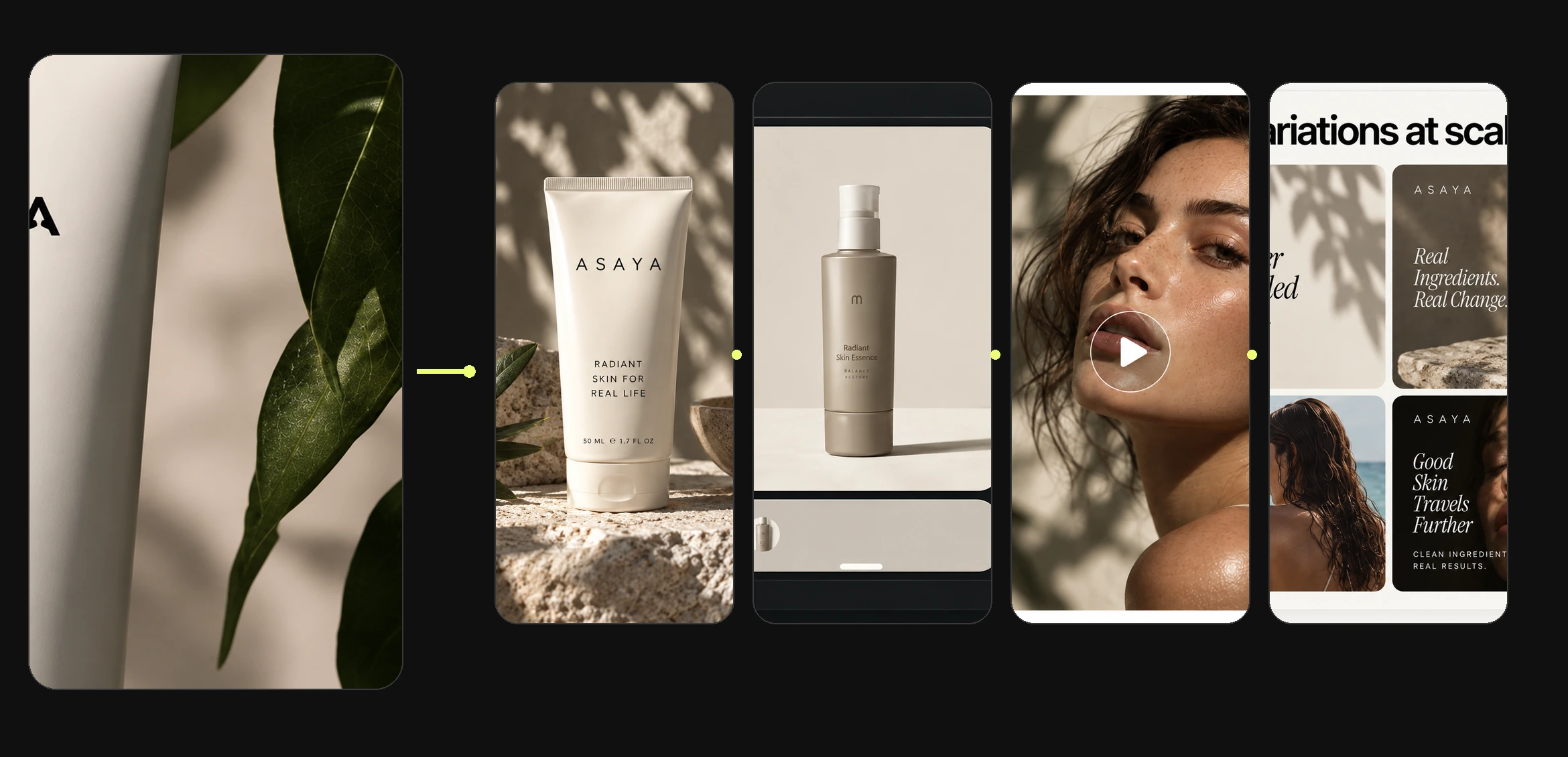
Five steps, and only one of them is generation. The other four are the reason the second week of content takes a fraction of the time the first one did.
Upload what you already have — a product shot, an approved creative, a mood reference.
Set the scene, camera, lighting and style, and save the combination that works.
Produce the master creative and the first set of formats around it.
Change one variable at a time instead of rewriting the prompt from zero.
Keep the results and the settings, then export the versions each channel needs.
Camera, lighting, composition and style are set as controls rather than buried in a paragraph of prompt text. Once a direction is approved, it can be applied again — which is what makes step four fast and step five repeatable.
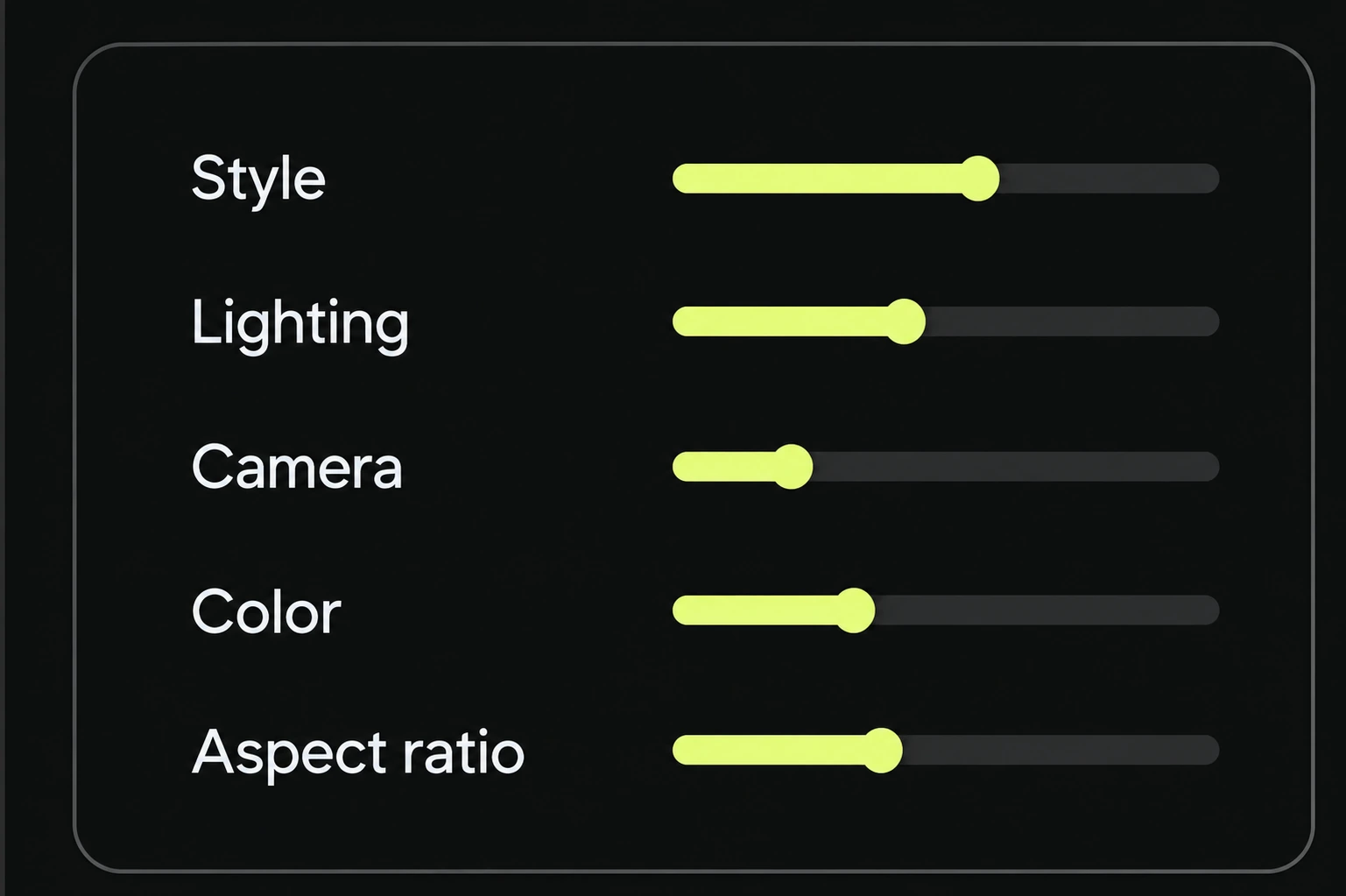
Reuse products, references, prompts and creative settings so a month of posts holds one recognisable look while still saying something new each time. Consistency on social is not a style guide nobody opens — it is the same references and the same settings being reachable when the next asset is due.
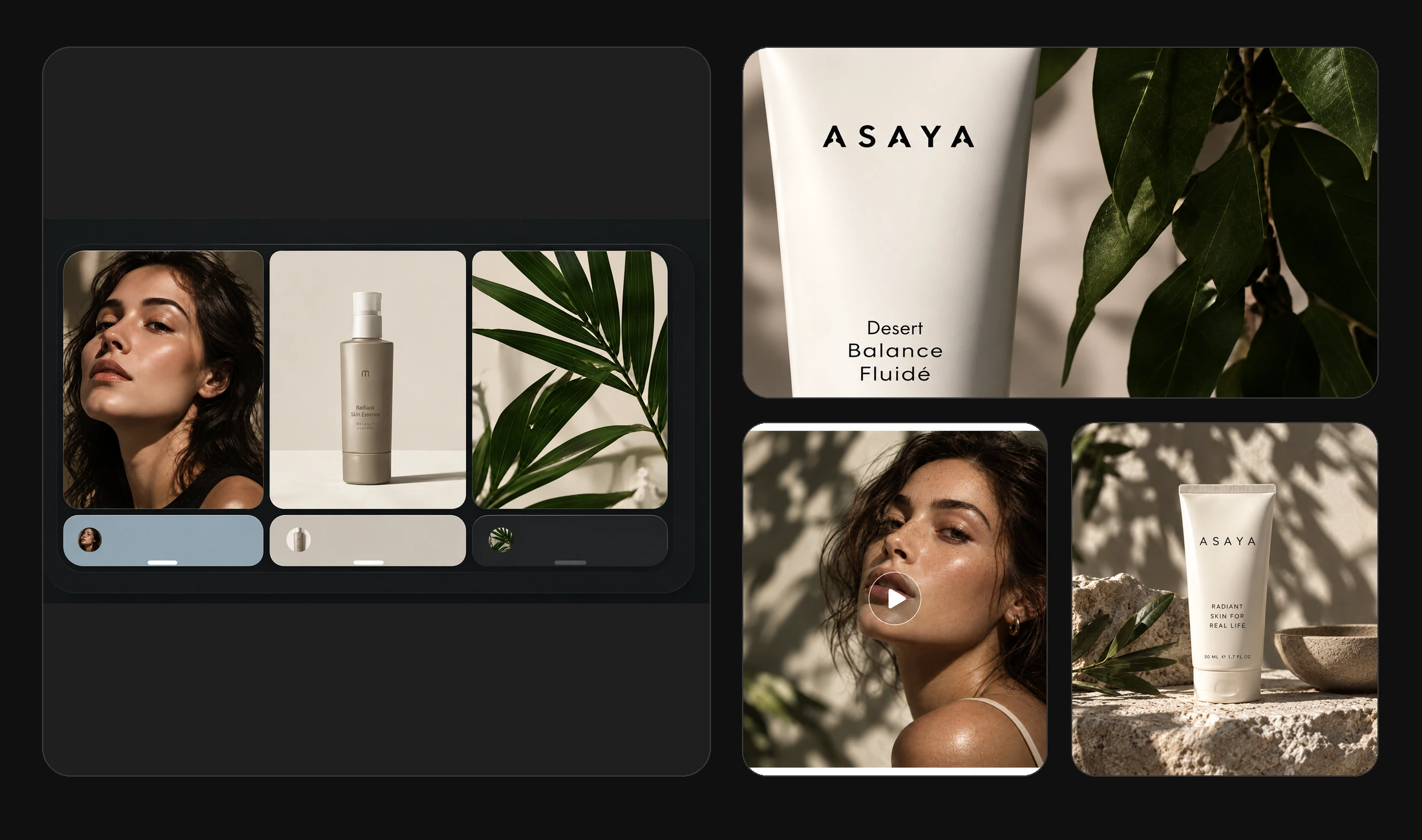
Different models are good at different things, and the one that nails a packshot is rarely the one that nails a lifestyle scene. In Mujo you can move between image and video models while the references, assets and creative settings stay connected to the same project.
Generate social visuals with the leading image models, and compare them on the same brief before you commit.
Produce short-form clips and covers, with the controls each model actually supports.
Prompt packs organised by use case and by model, each shown with the result it produced.
Turn an approved creative direction into a set of versions. Adjust selected variables, formats and references together rather than recreating each asset by hand — which is how one good post becomes a fortnight of them.
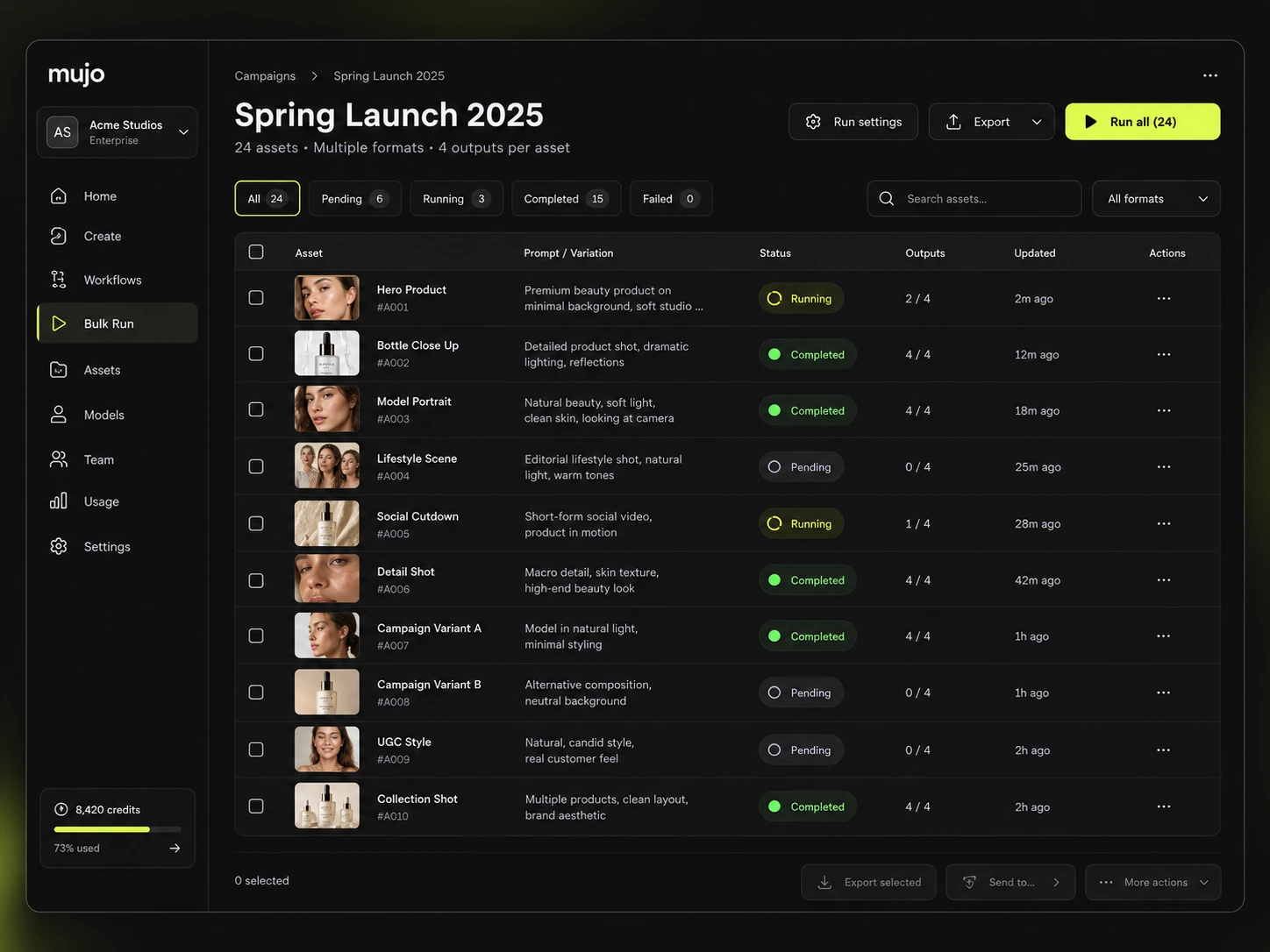
Adding an AI generator to a one-at-a-time process makes each asset quicker and the month no easier. The gain comes from what gets reused between assets, not from the speed of any single generation.
The job is the same whether one person or ten are doing it: turn a direction into enough assets to fill a calendar, and keep them looking like they came from the same brand.
Build a repeatable content process without a production team behind you.
Produce product and brand visuals for channels that need posting every week.
Organise production across briefs, brands and calendars in one place.
Create and refine coordinated sets of social assets for several clients at once.
Keep generated images, videos, products, characters and references organised so the next creative starts with the context you have already built. Month three should be easier than month one, and it only is if nothing has to be found again from scratch.
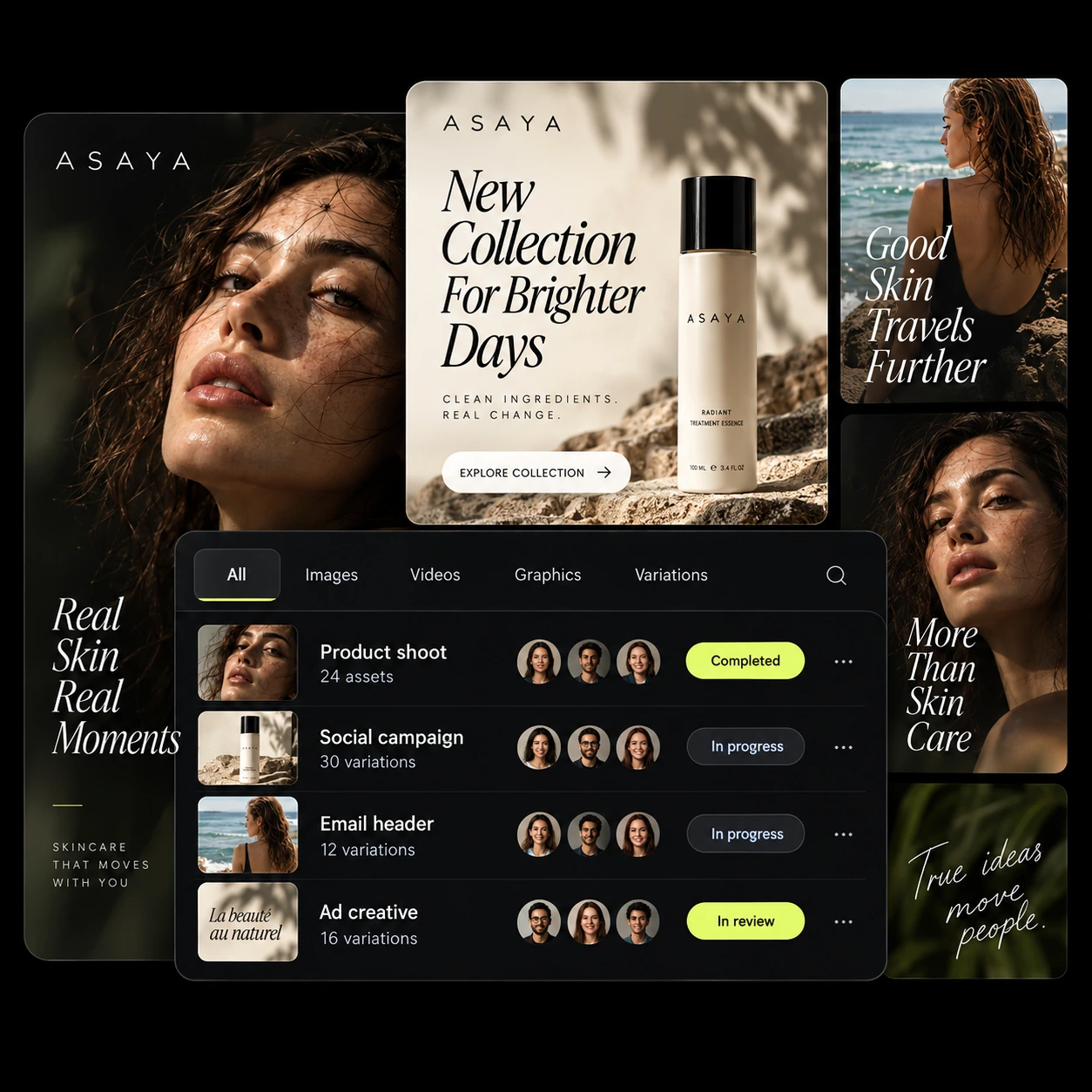
Begin with your own projects, references and workflows. When production grows, bring teammates into a shared workspace without moving the work — and the assets — onto another platform.
The same references and settings that produce a feed post also produce the product shot, the paid video and the market variant. That is the point of keeping production in one place.
See all use casesWhen the content becomes paid: hooks, UGC-style clips and video ad variations.
The product shots most social calendars are built on, made from one reference image.
Keep the same face across a content series instead of a new person every post.
Camera, lighting, pose and composition saved as settings you can apply again.
Turn a content format that repeats every week into a reusable workflow.
Run one approved setup across a list of products, markets or messages.
It is the process of using AI to develop images, videos and related creative assets for social channels from briefs, products or existing references. Mujo brings generation, refinement and asset organisation into one workflow, so the output is a coordinated set rather than a pile of single files.
You can develop image and video assets for these formats and export suitable versions. Publishing and scheduling happen in the tools you already use after export.
Yes. Use shared references, saved assets, reusable prompts and the supported creative controls to hold one visual direction across a series.
Yes. Start from product imagery and build new visual directions, lifestyle scenes and image or video variants from it.
Use Bulk Editing and reusable workflows to explore controlled variations — changing selected variables rather than regenerating each asset individually.
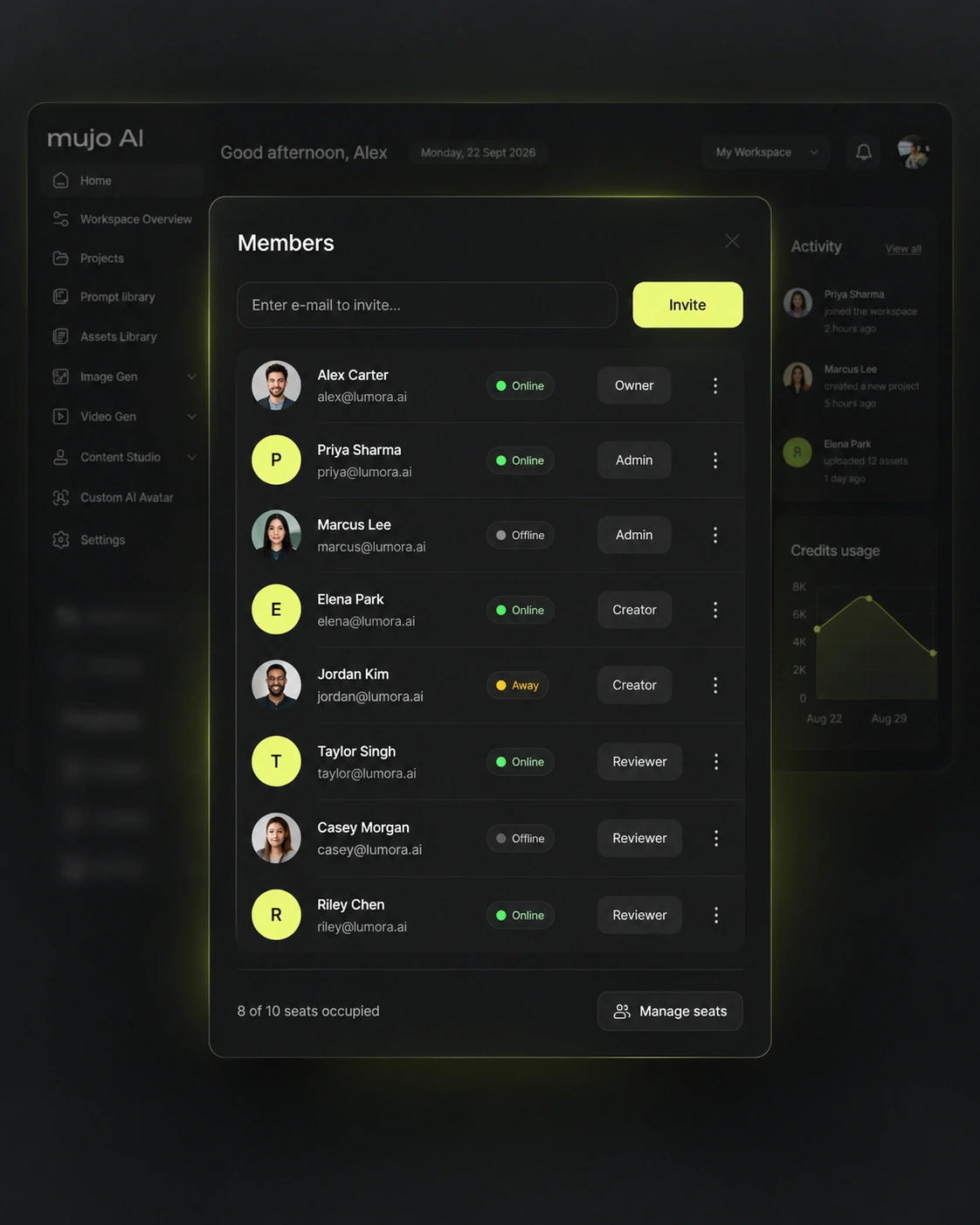
A shared workspace brings projects, assets and team management into one environment, with the available roles, usage controls and review features.
That depends on the direction and the channels you publish to. The practical pattern is one approved master creative, a handful of format versions built from it, and a further set of variations for different products, markets or messages.
Not from a blank field. You can start from a product or reference image, pick a direction using creative controls, or open a ready prompt from the Prompt Library and adjust it.
Turn a creative direction into a repeatable content workflow — images, video, formats and variations, produced and stored in one workspace.