Every prompt shows its result
You see the image or video a prompt actually produced before you spend a generation on it. No wall of untested text copied from a thread.
Free-to-browse packs of AI image prompts and AI video prompts, sorted the way you actually look for them: by what you are making, and by the model you are making it on. Every prompt shows the picture it produced, so you can see the result before you use it — then open it straight in Mujo and generate.
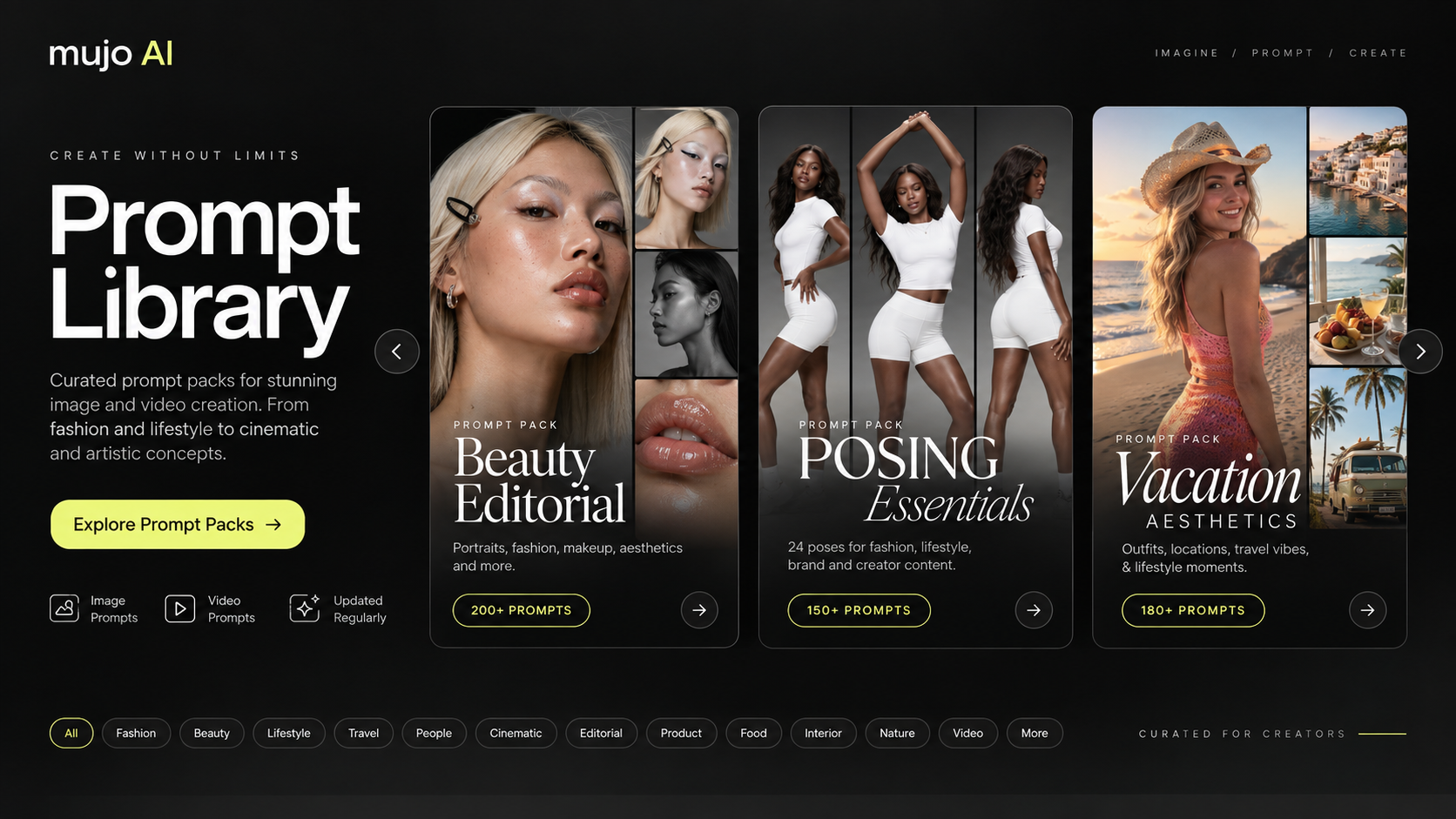
Most people keep prompts in screenshots, saved posts and a notes file that stops making sense after a month. A prompt library is simply that collection done properly: searchable, tied to a model, and next to the tool that runs it.
You see the image or video a prompt actually produced before you spend a generation on it. No wall of untested text copied from a thread.
Product photography, e-commerce and listing images, ad creative, UGC and short-form video, portraits, fashion editorial, cinematic scenes, design and illustration.
Narrow by the model you are generating on, the format you need, the visual style you are after, or what other people are using most this week.
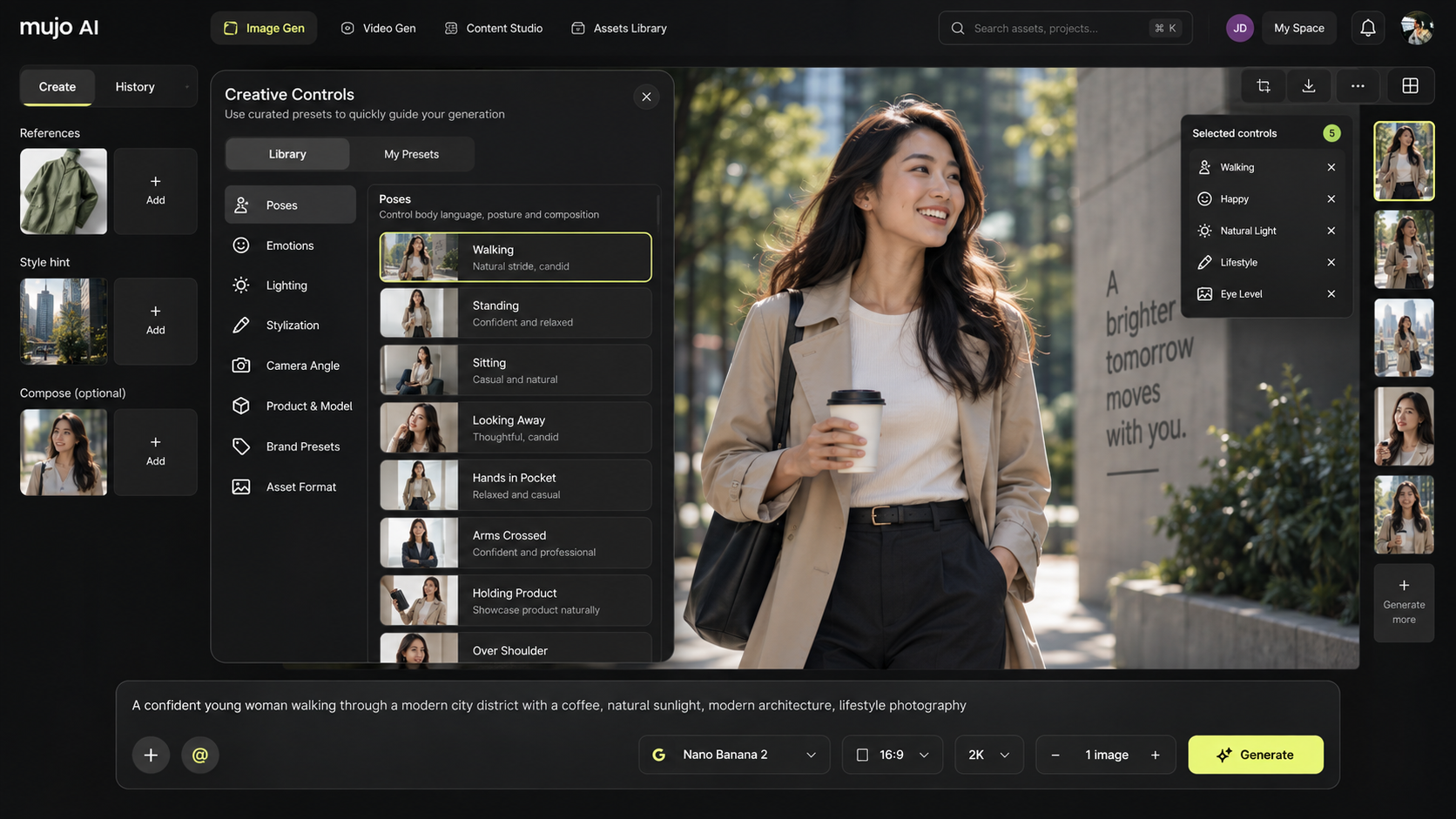
A prompt opens in the Mujo image or video generator with the model, references and creative controls already set — ready to change, not to retype.
Each entry carries four things: the visual it produced, the full prompt text, the model it was written for, and the creative controls behind the result. Sort by Trending, Latest or Popular, or filter down to images or video, a category, a style or the exact model you are generating on today.
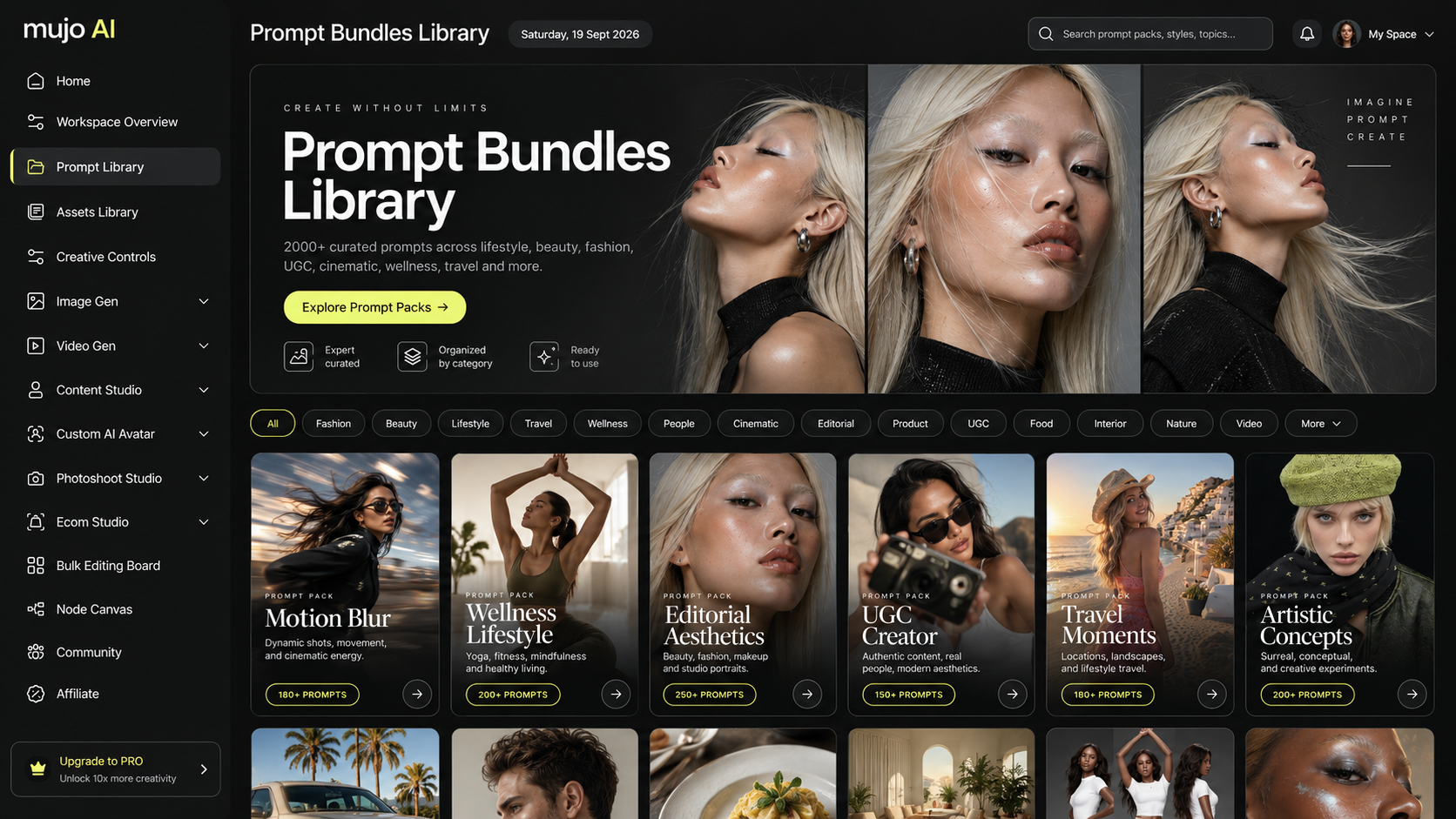
Nobody searches for a prompt in the abstract — they search for product photos, UGC ads, a fashion lookbook, a poster. Each pack below is its own collection: the prompts, the examples they produced, the model each one was written for and the settings behind it.
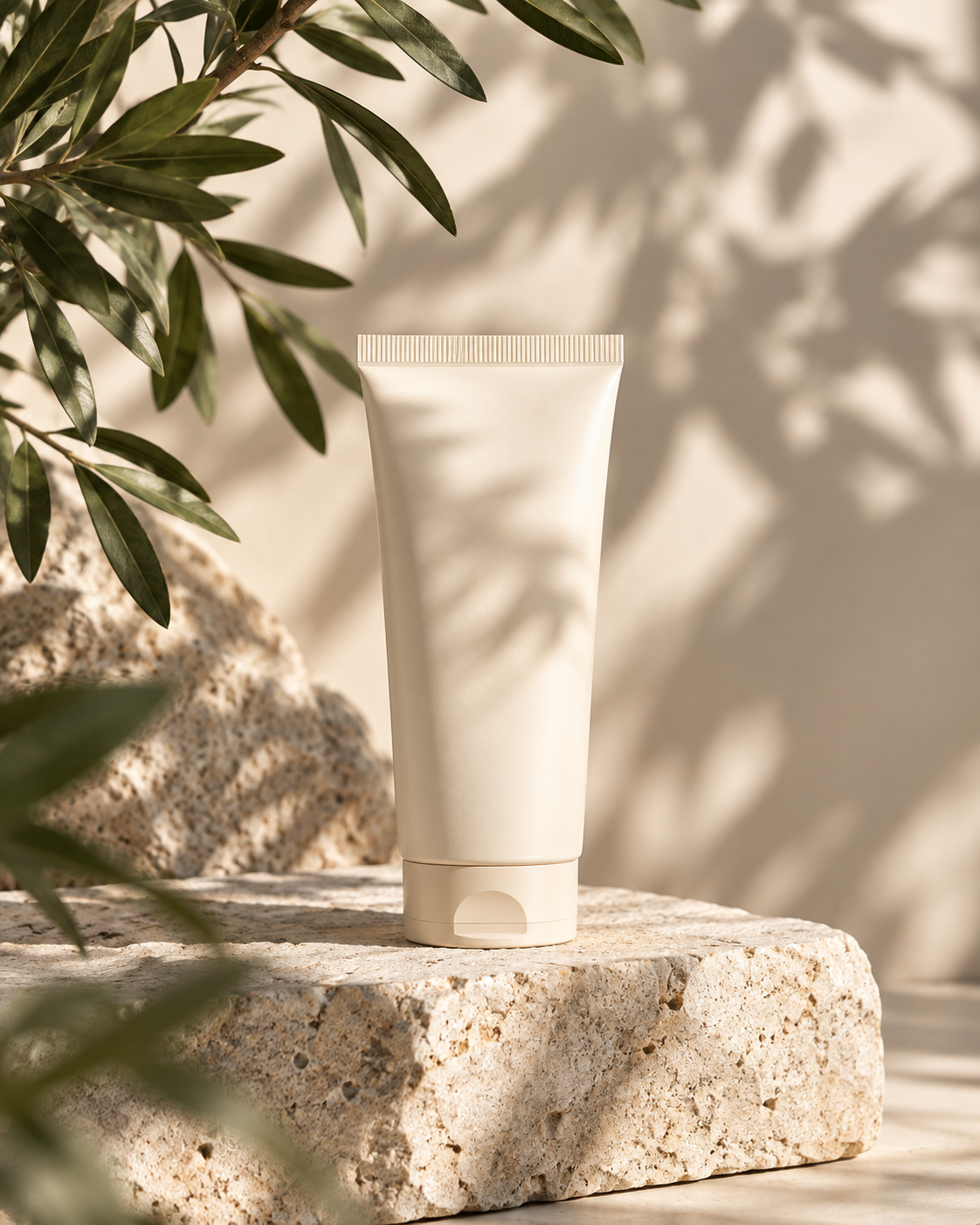
Browse all prompt packsPrompts for studio packshots, white-background listing images, lifestyle scenes, flat lays and e-commerce visuals for marketplaces and online stores.
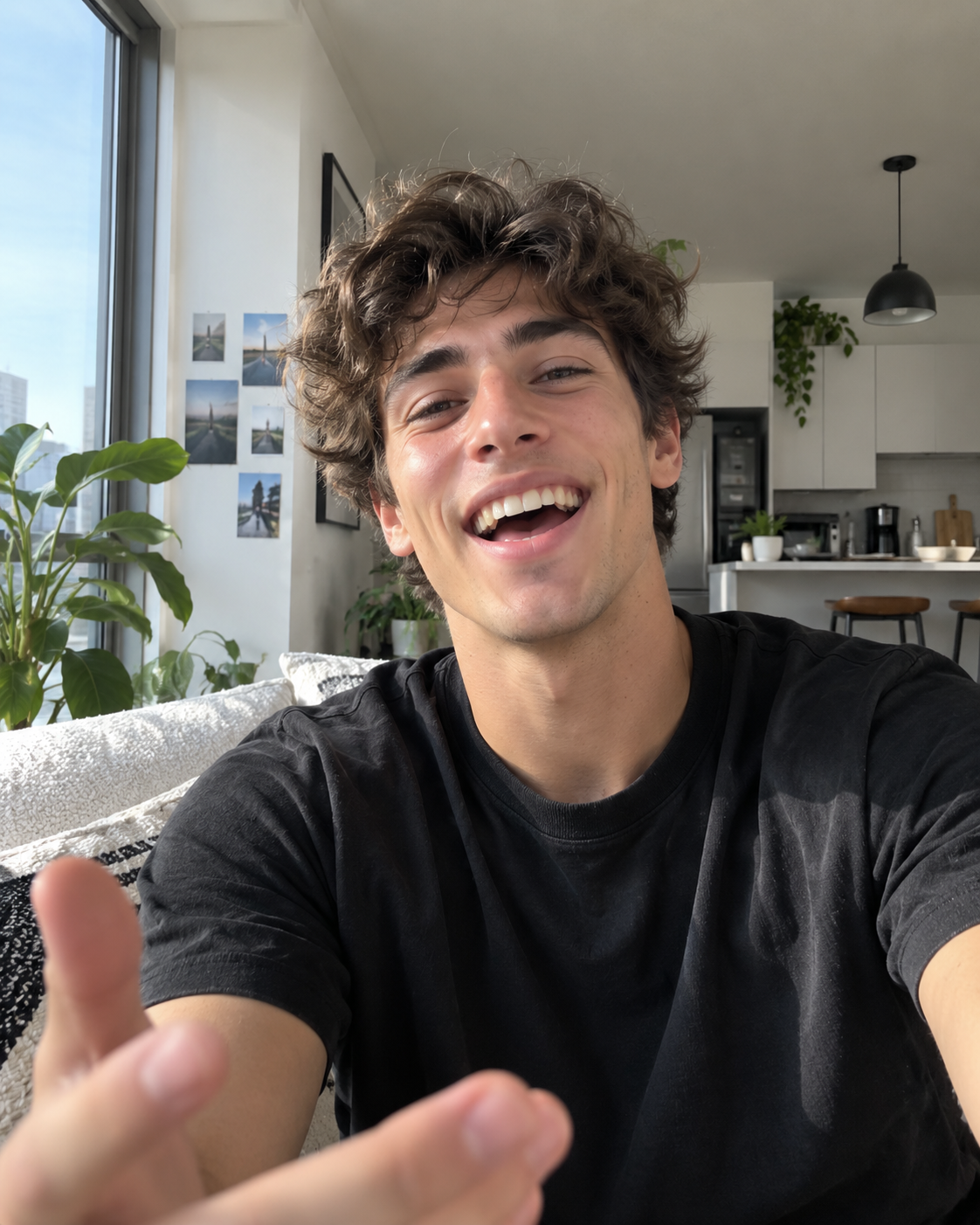
Creator-style content, unboxings, testimonial and demo angles, hooks for TikTok, Reels and Shorts, and prompts for paid social ad creative.
Camera movement, shot types, scene building, transitions, lighting and pacing for text-to-video and image-to-video generation.
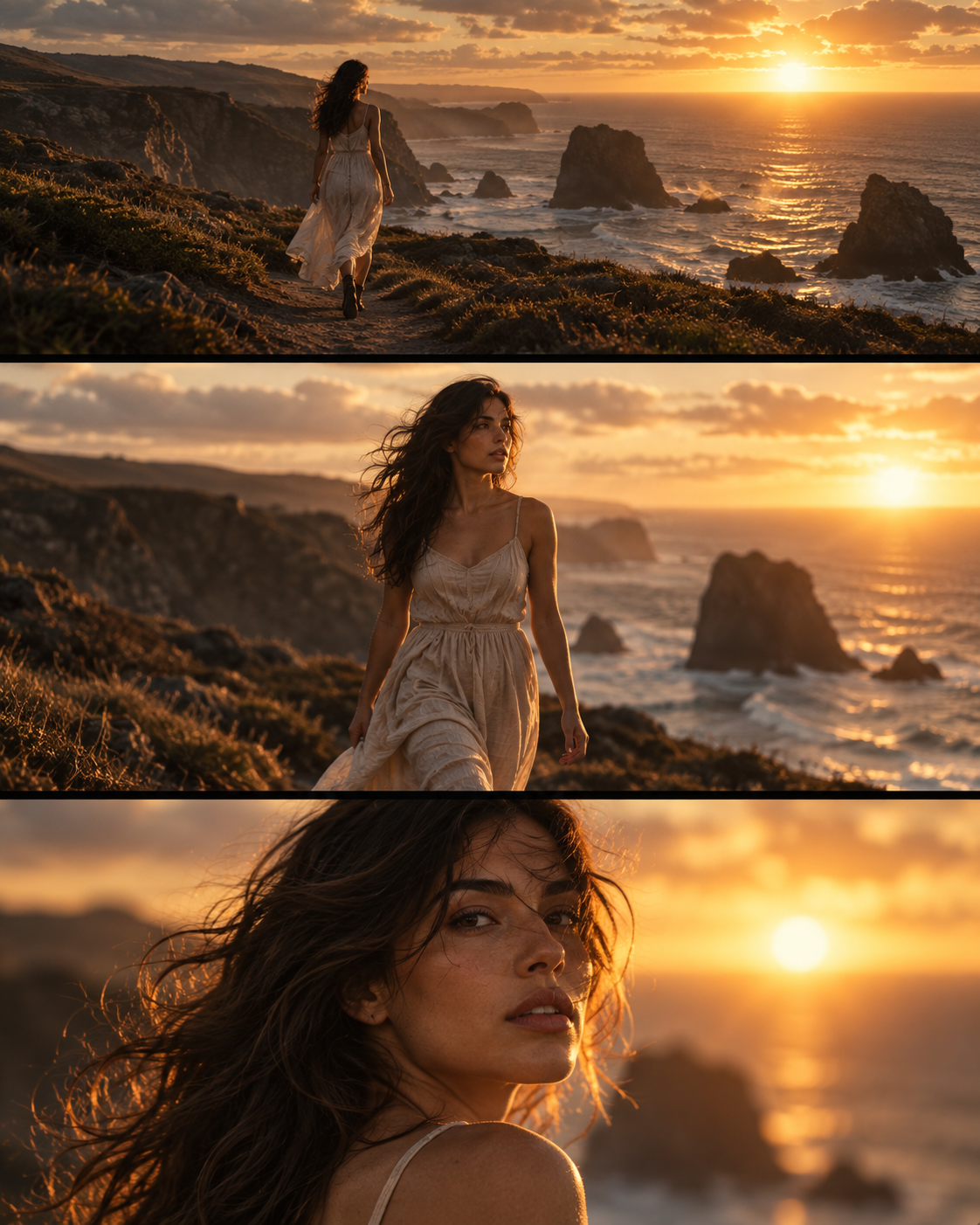
Studio and natural-light portraits, beauty close-ups, editorial fashion, lookbook and catalogue shots, poses, styling and skin rendering.
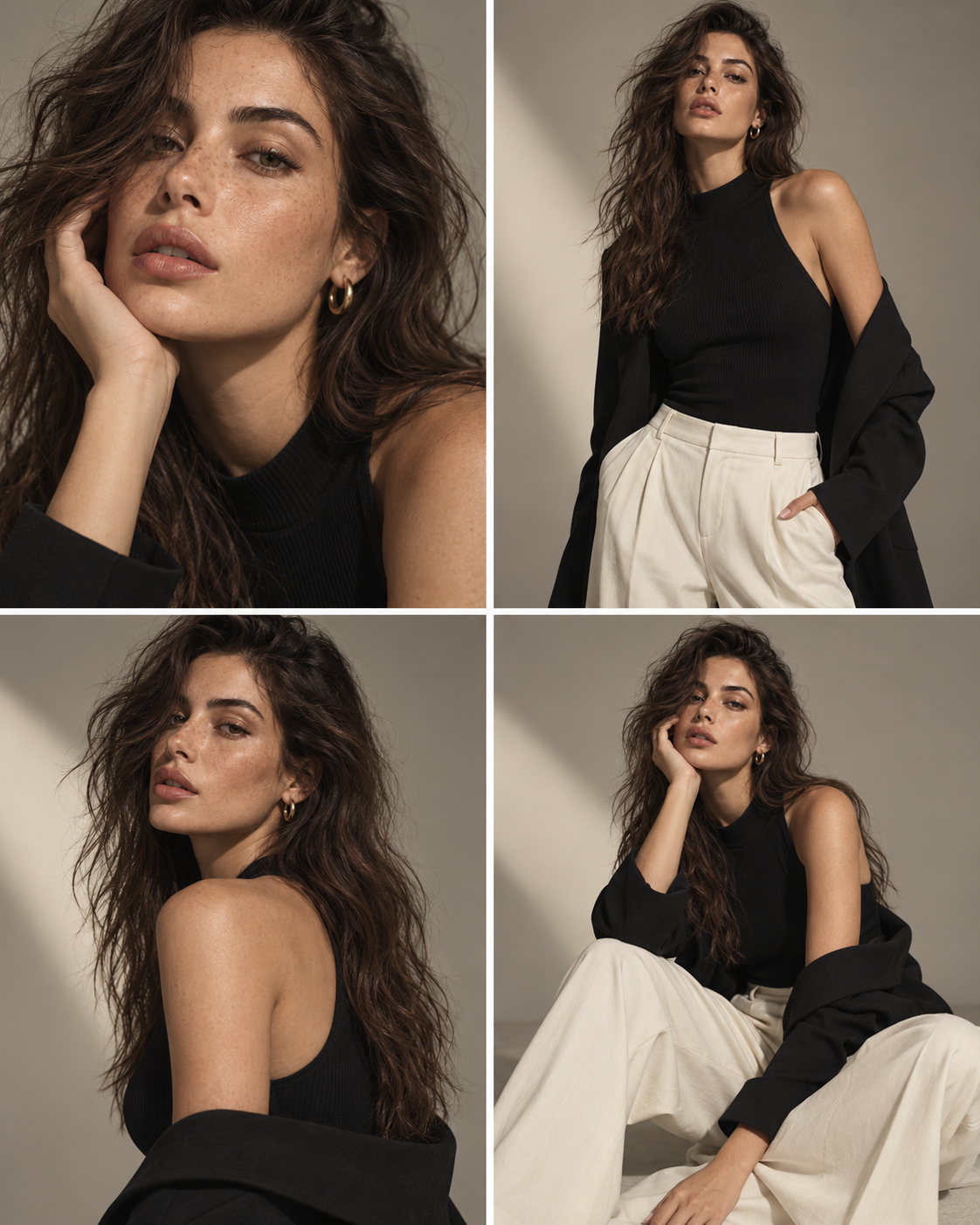
Campaign key visuals, posters, billboard and display formats, product-in-scene compositions and performance creative for paid channels.
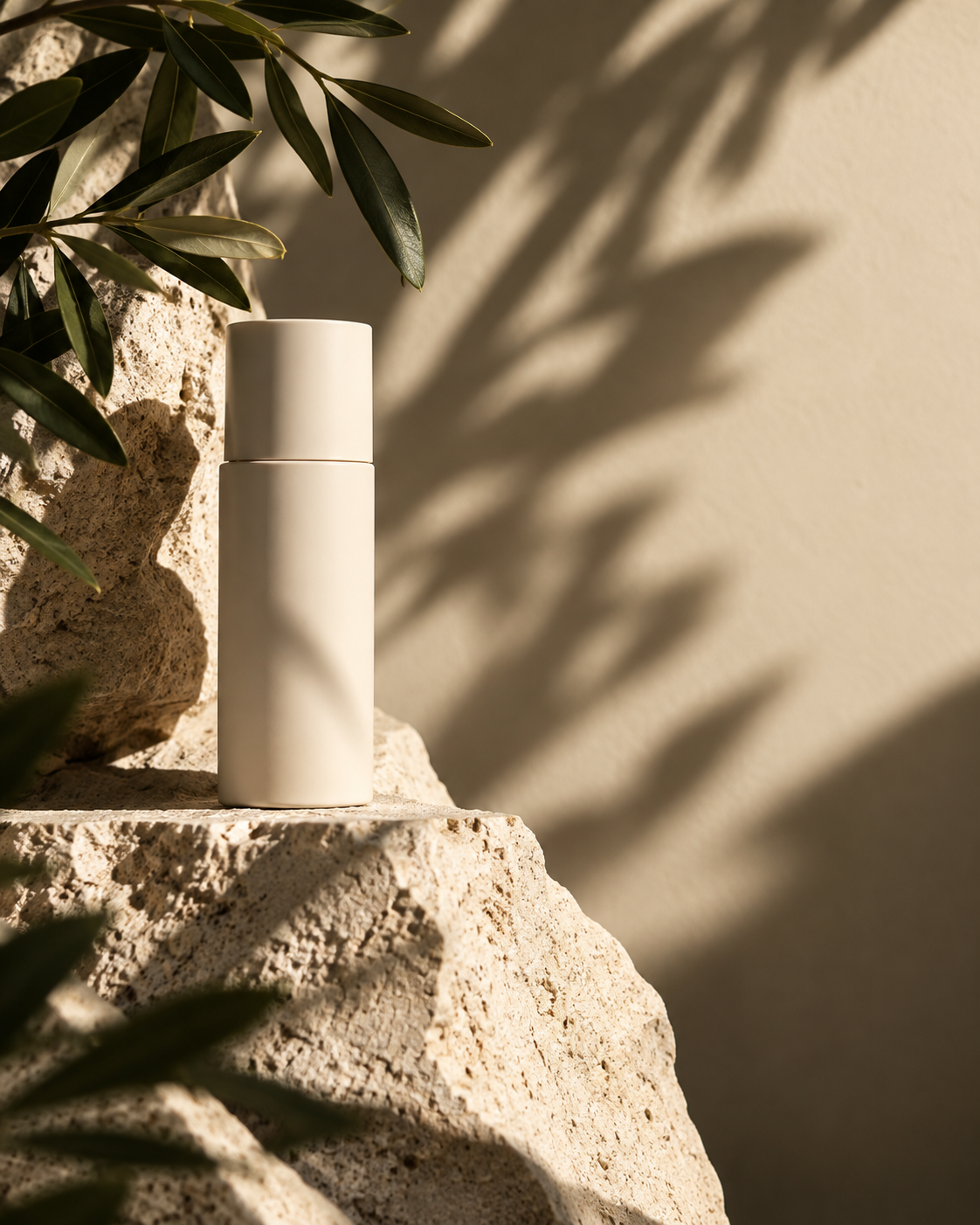
Graphic design, poster layouts, typography-led visuals, 3D renders, vector and editorial illustration, textures and conceptual art.
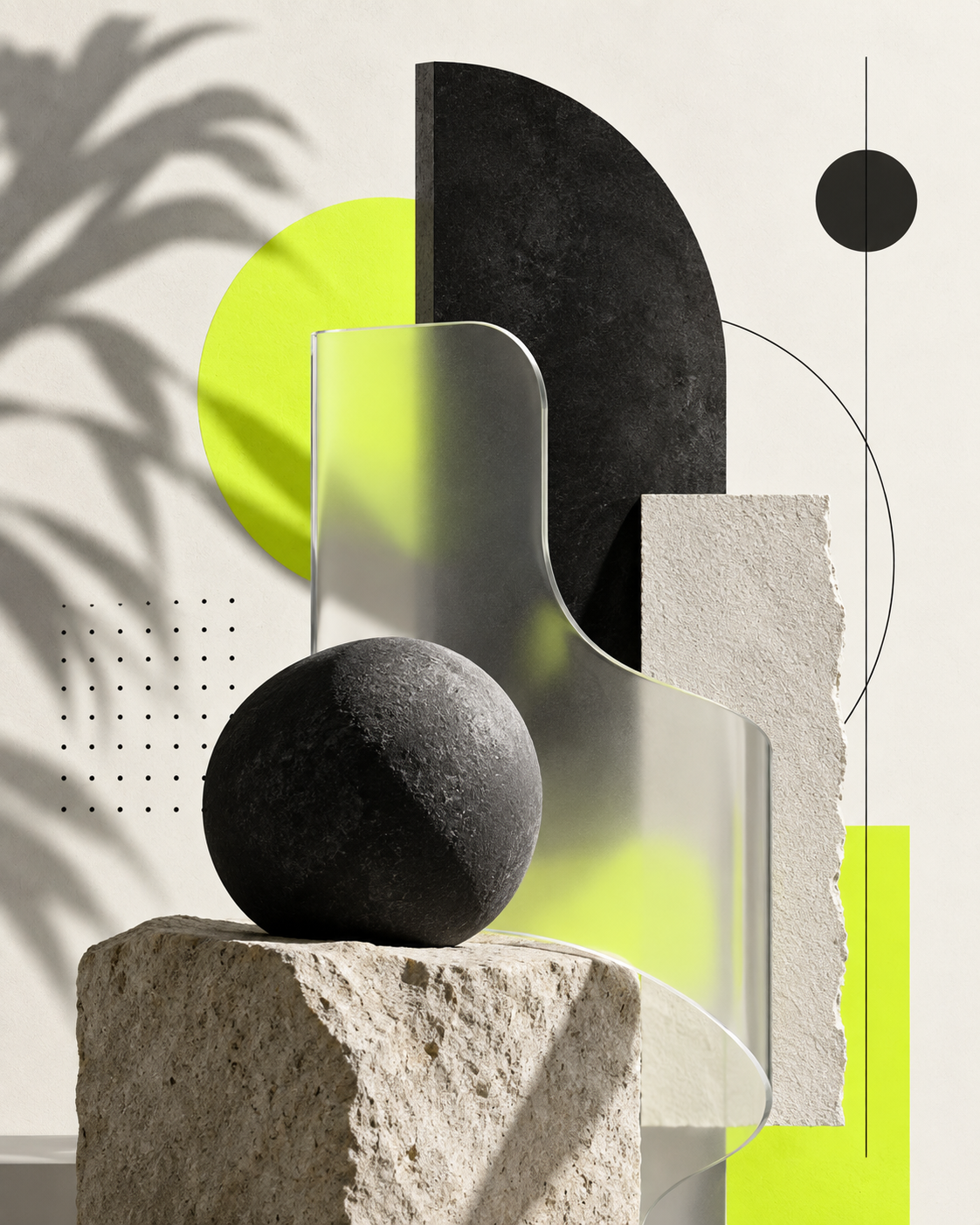
Prompts for virtual influencers, AI models, brand ambassadors and digital personas — built to keep the same face consistent across posts, products and campaigns.
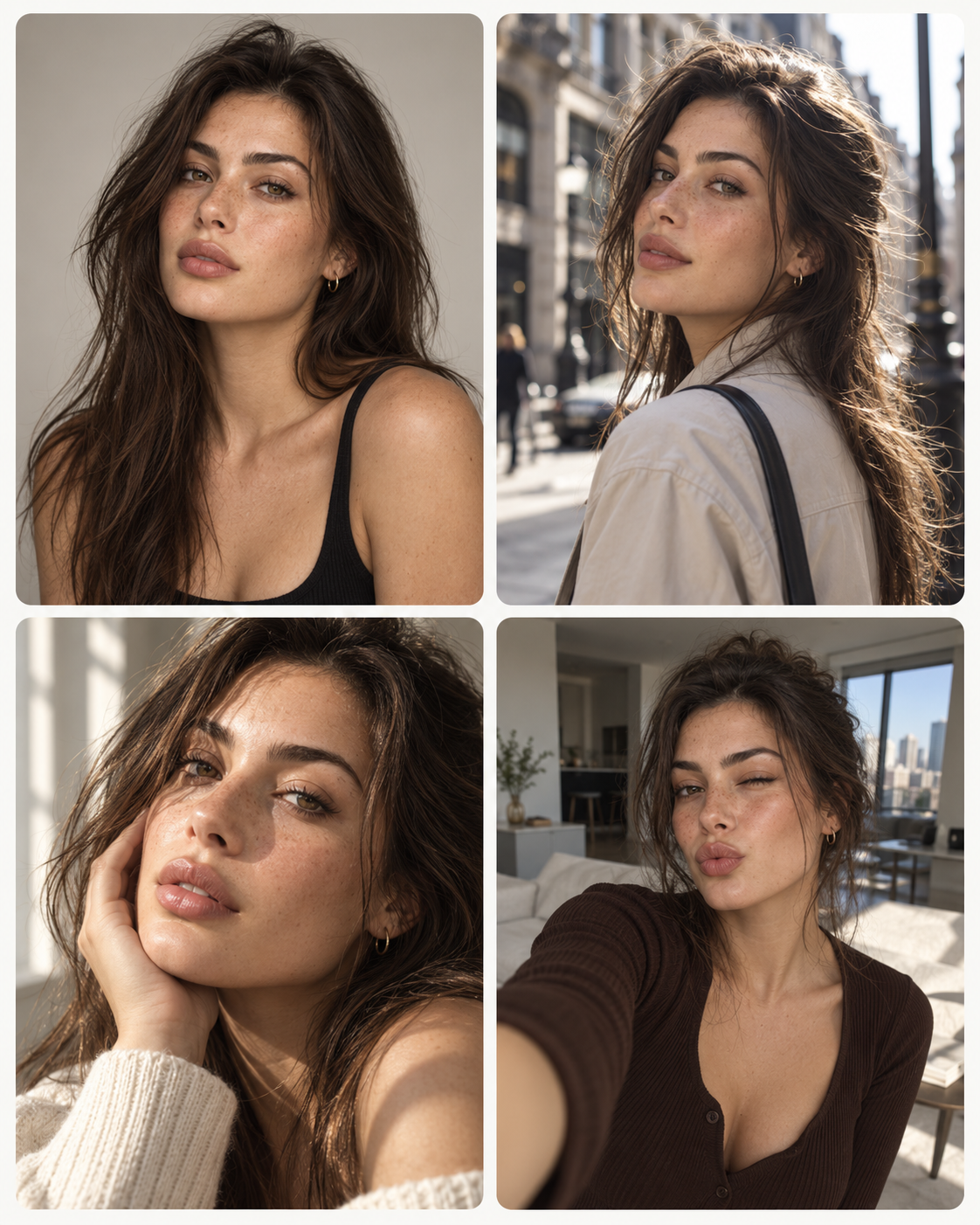
The transformations, effects and visual formats that are spreading right now, with the exact prompt and model behind each one.
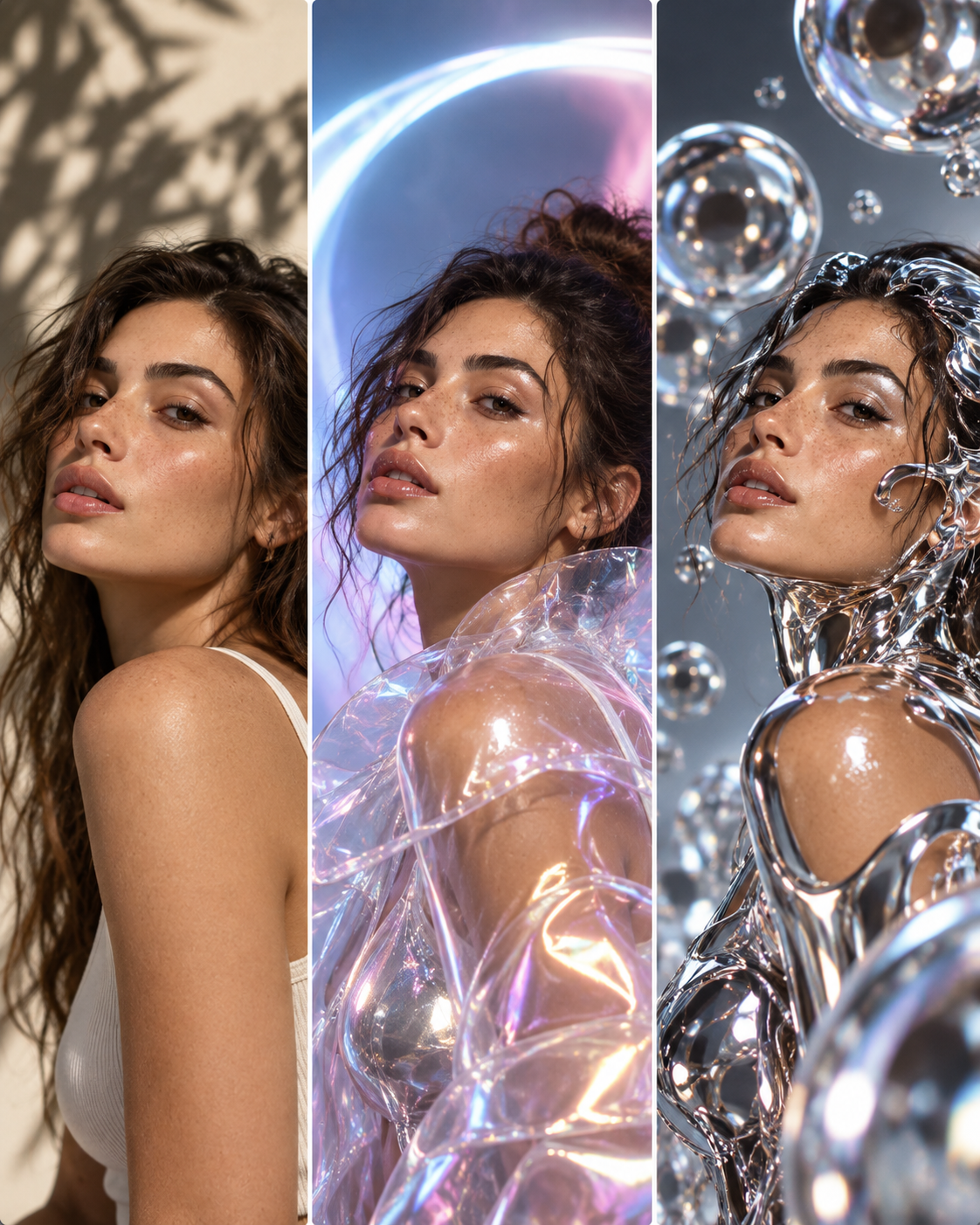
Searching "Nano Banana prompts" or "Midjourney prompts" is the most common way people look, and for good reason: the same sentence produces a different picture on each model. One reads instructions literally, another needs a reference image, a third follows the light and ignores half your adjectives. Each pack below is written for one model, with a note on what it responds to.
OpenAI's image model. Handles written instructions and text in the frame well — prompts here lean on clear composition, layout and product-in-scene description.
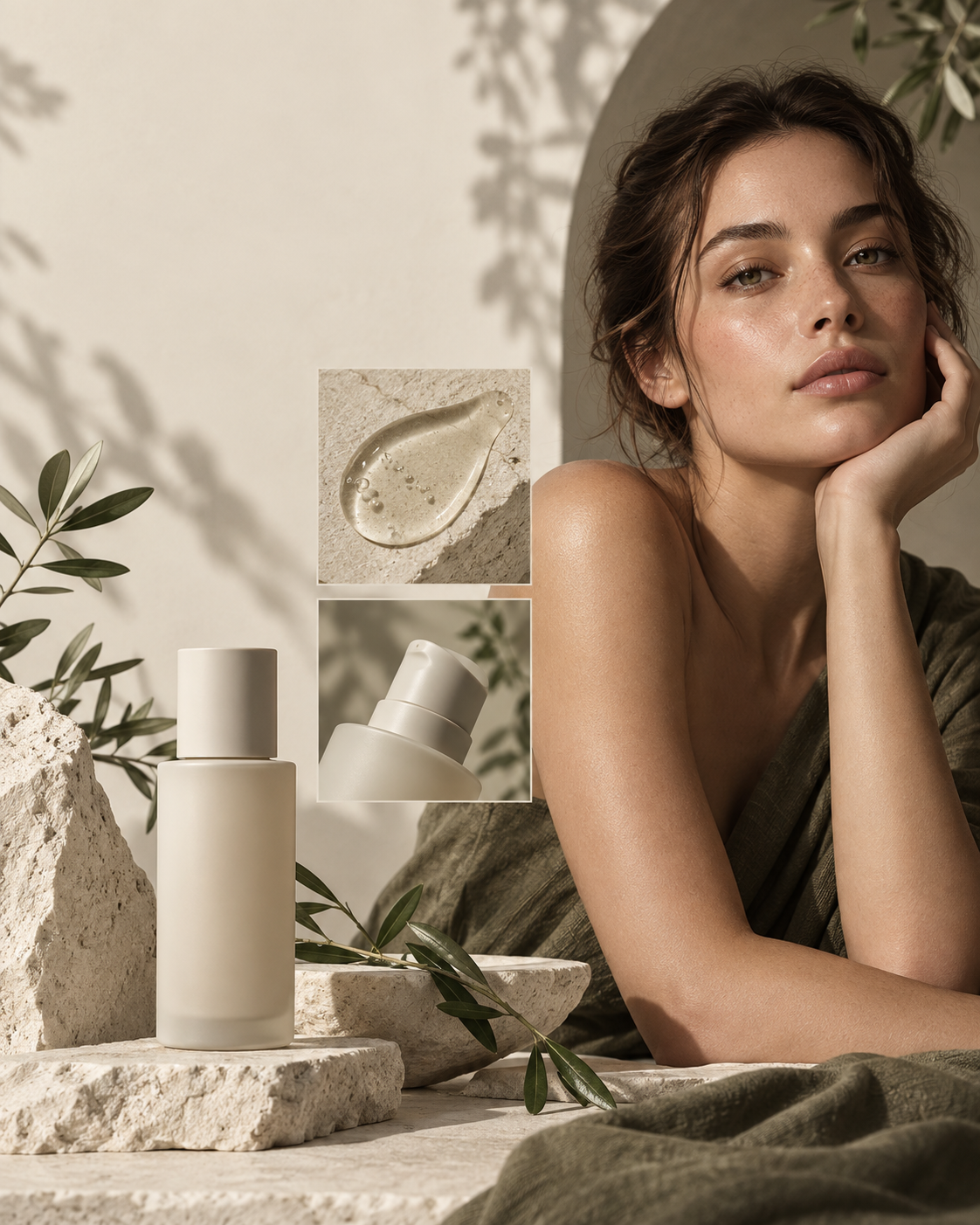
The most stylised of the image models. Prompts lean on mood, art direction and reference style rather than literal instruction — good for concepts, posters and editorial looks.
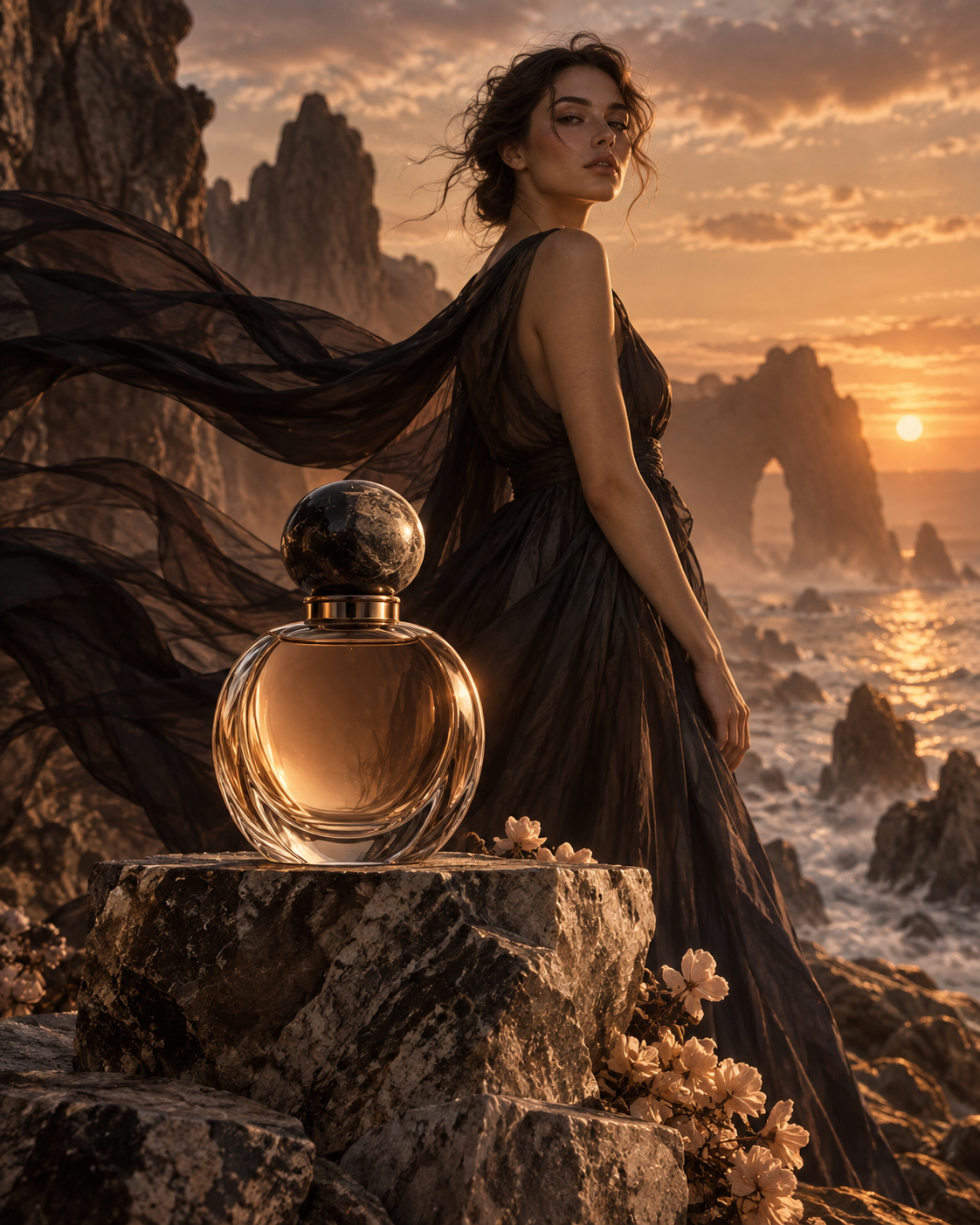
Google's image model. Strong on reference-based generation and editing, so prompts are written around a source image, a change to make and what to keep.
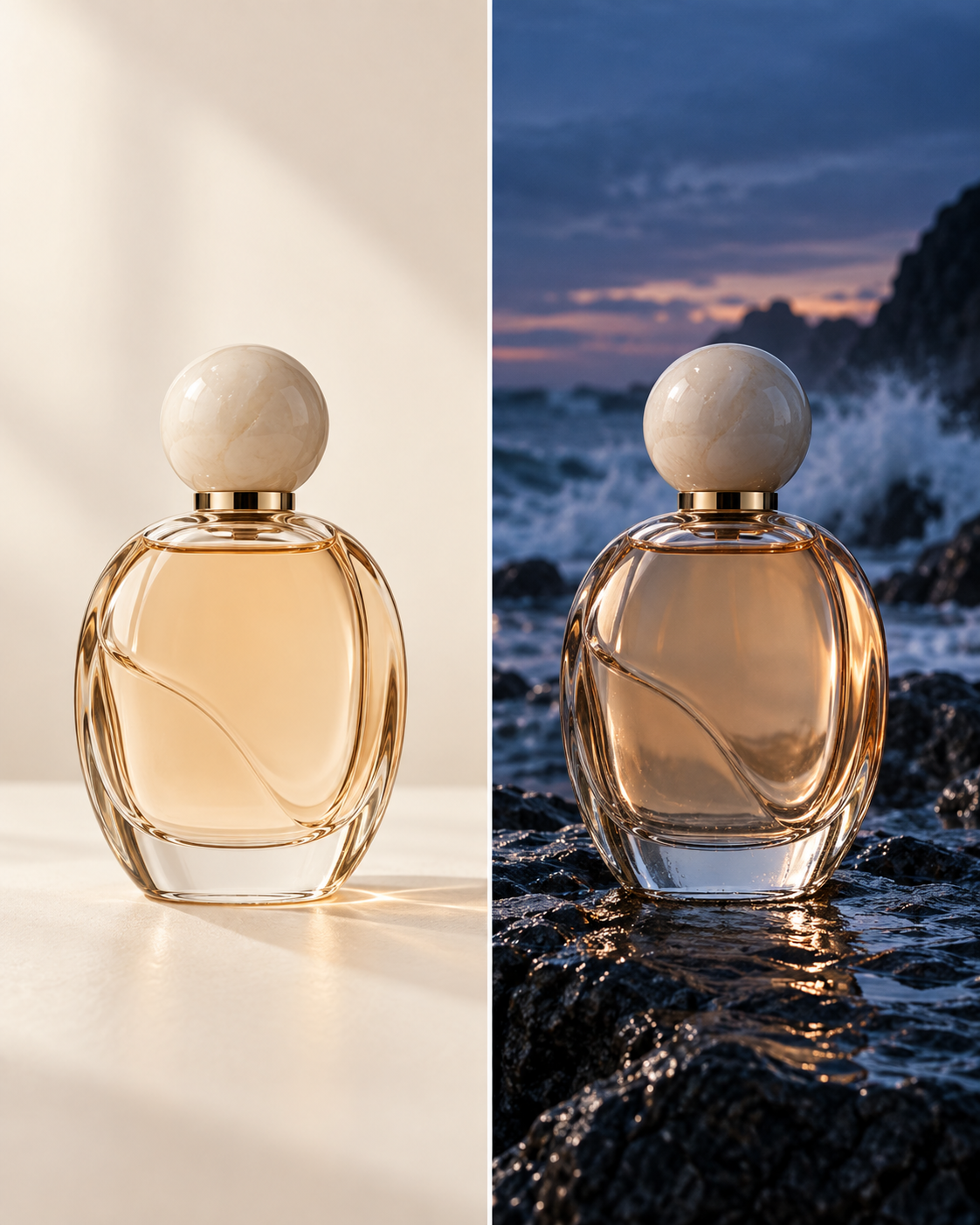
ByteDance's image model. Used most for commercial imagery — product content, campaign visuals and clean, high-resolution output.
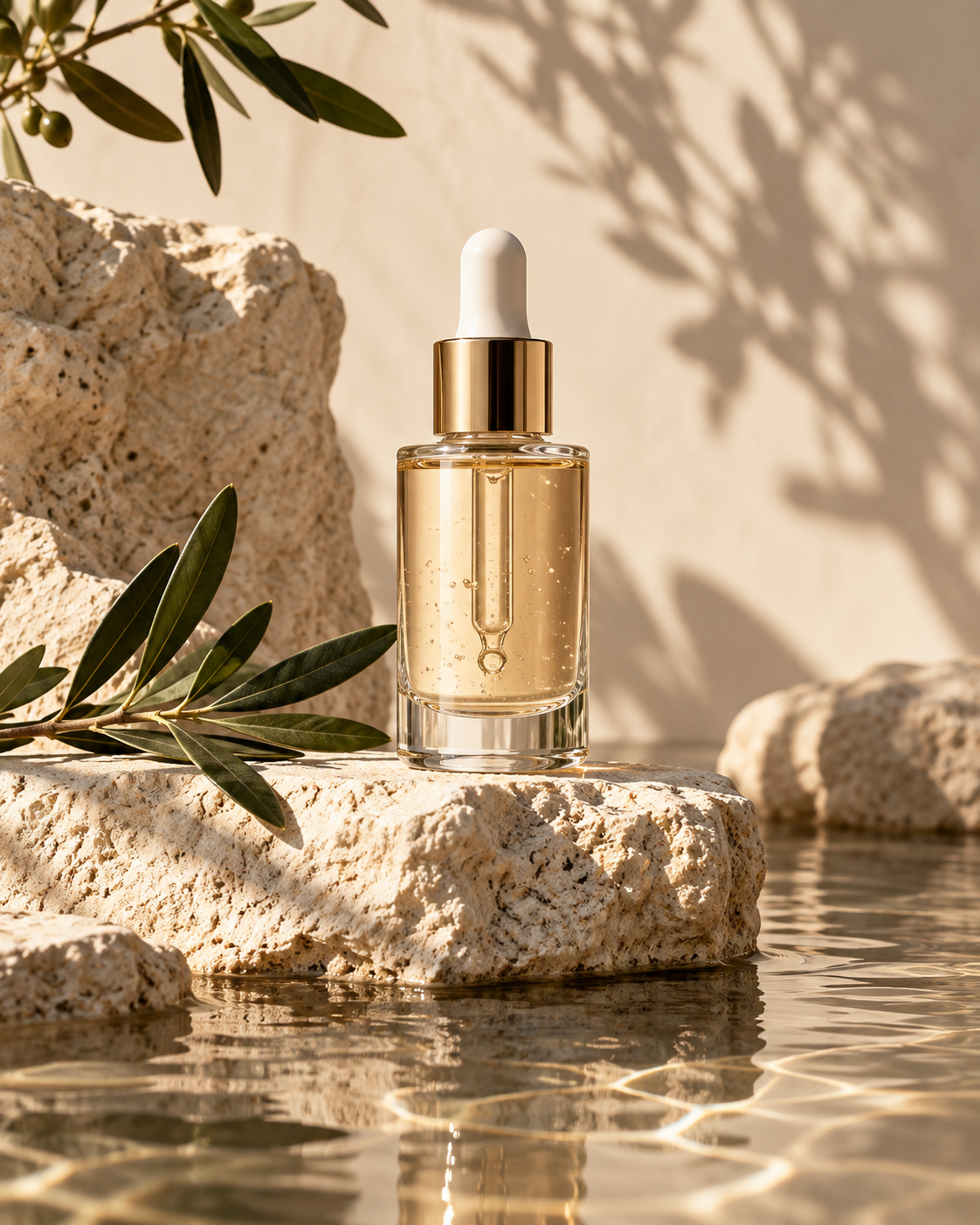
Video model. Prompts describe motion, camera movement and shot length for cinematic scenes, ads and social video.
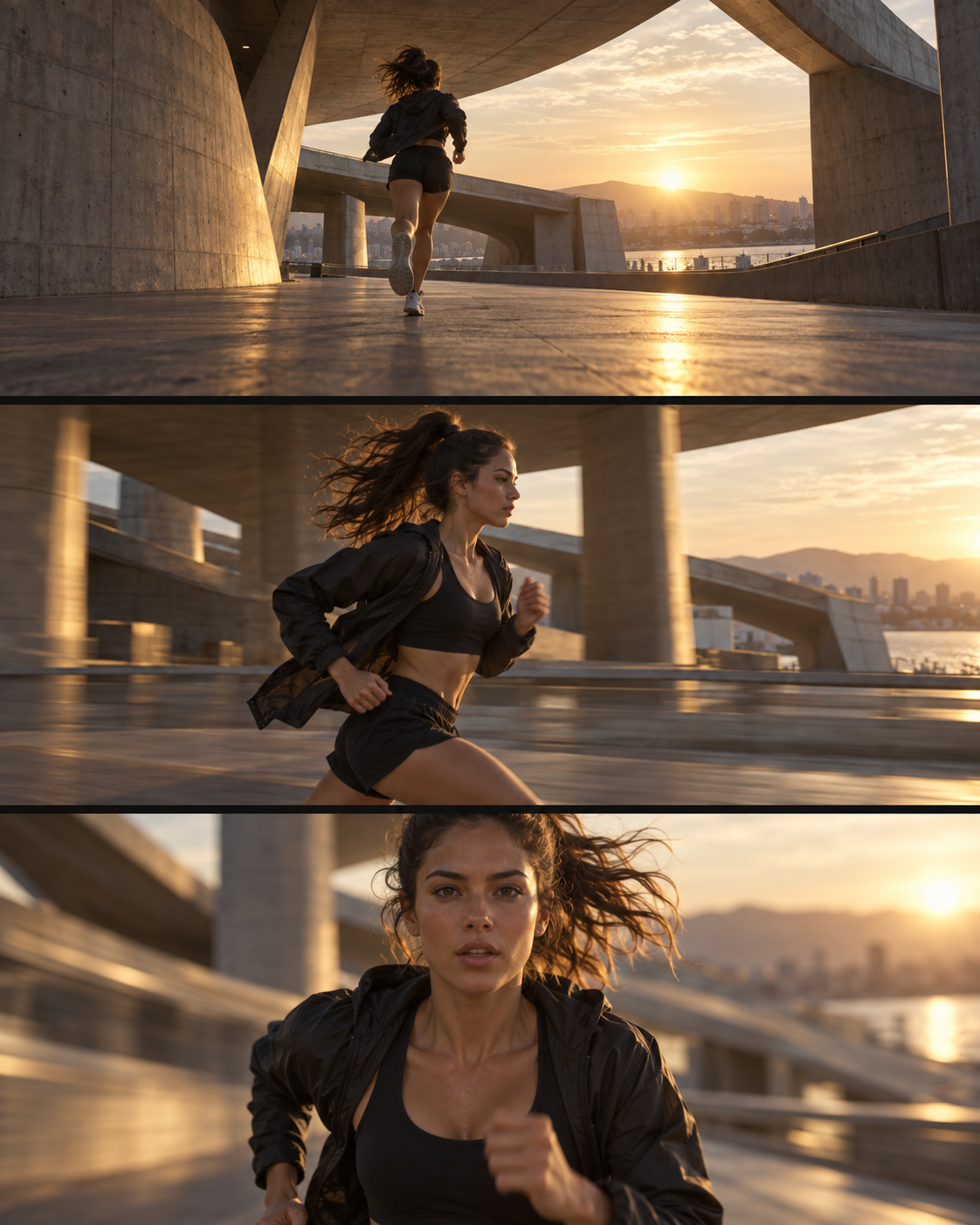
Video model. Built around image-to-video and text-to-video work — turning a still into movement without losing the product or the face.
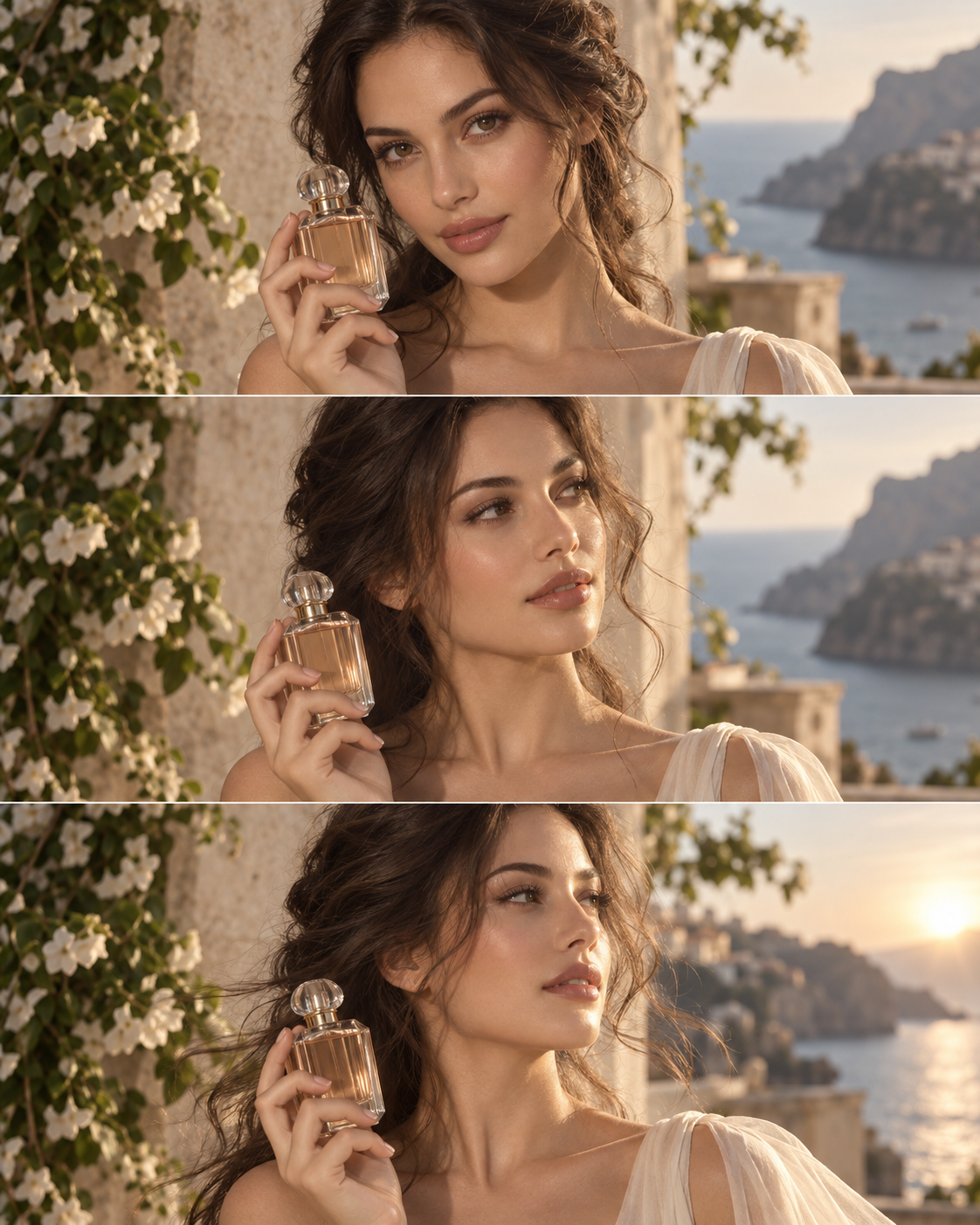
A good image or video prompt is not a longer sentence — it is six decisions made on purpose. Every prompt in the library is built from the same six, which is why you can take one apart, swap a single element and keep the rest of the result intact. In Mujo these are also available as creative controls, so you can set them from a menu instead of describing them in words.
See the creative controlsWhat is in the frame, described concretely: the product, the person, the garment, what they are doing and what surrounds them.
The visual register — editorial, documentary, minimal, premium, vibrant — plus colour palette and mood. This is what makes two versions of the same scene look like different brands.
Golden hour, soft studio, hard side light, high key, low key. Lighting changes a result more than almost any other word in a prompt.
Shot size, angle, lens, depth of field and where the negative space sits — the difference between a usable banner and a nice picture you cannot place text on.
Aspect ratio, resolution and, for video, duration. Decide the placement first; reframing afterwards costs more than getting it right in the prompt.
The last variable, and the one most people forget. A prompt tuned for one model is a starting draft on another, not a finished instruction.
A video prompt has to describe time as well as the frame — what moves, how the camera travels, how long the shot runs, and what has to stay recognisable while everything else changes. Pasting a good image prompt into a video model is the most common reason a first attempt comes out wrong. The library keeps them separate and labels which is which.
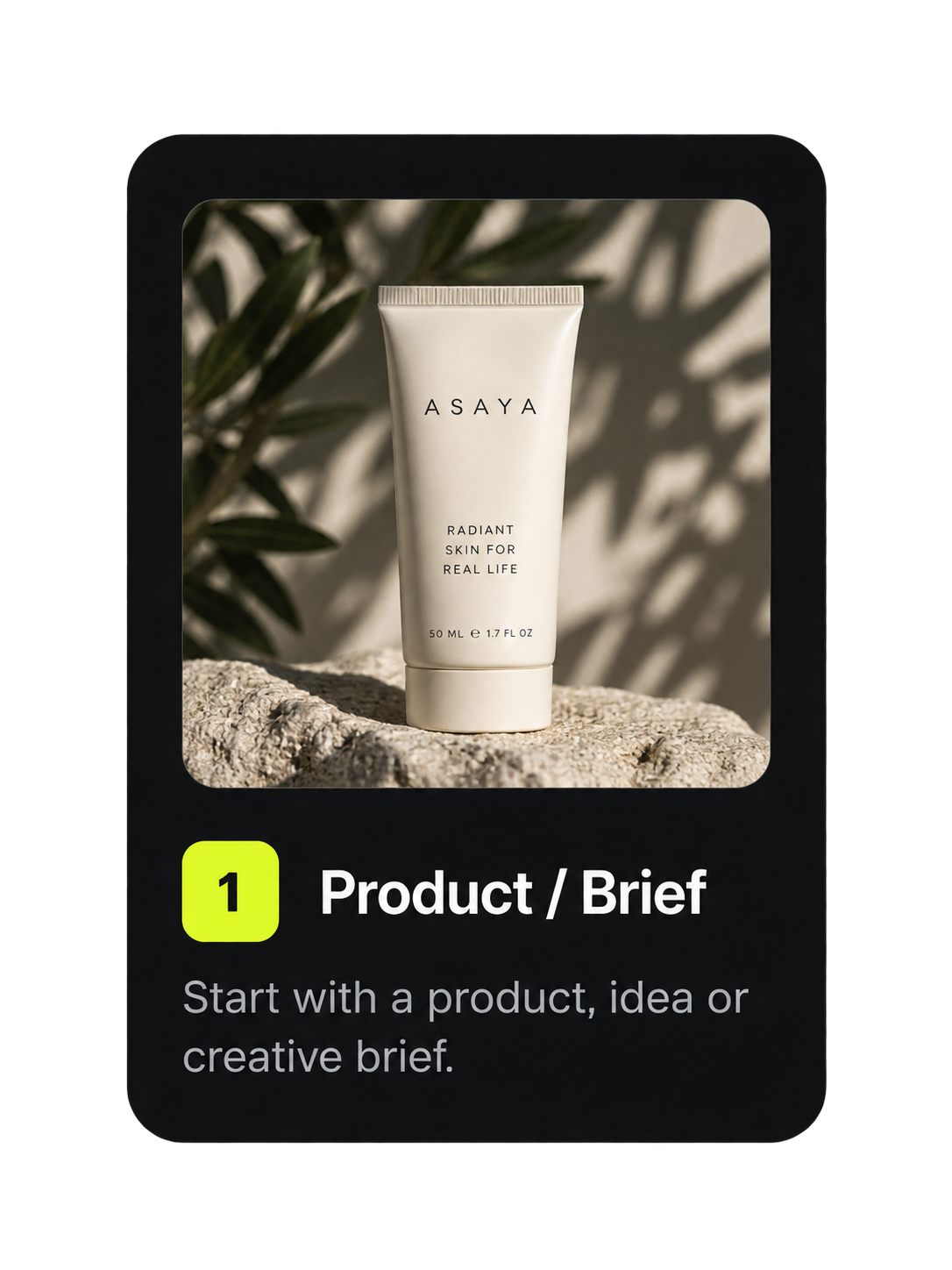
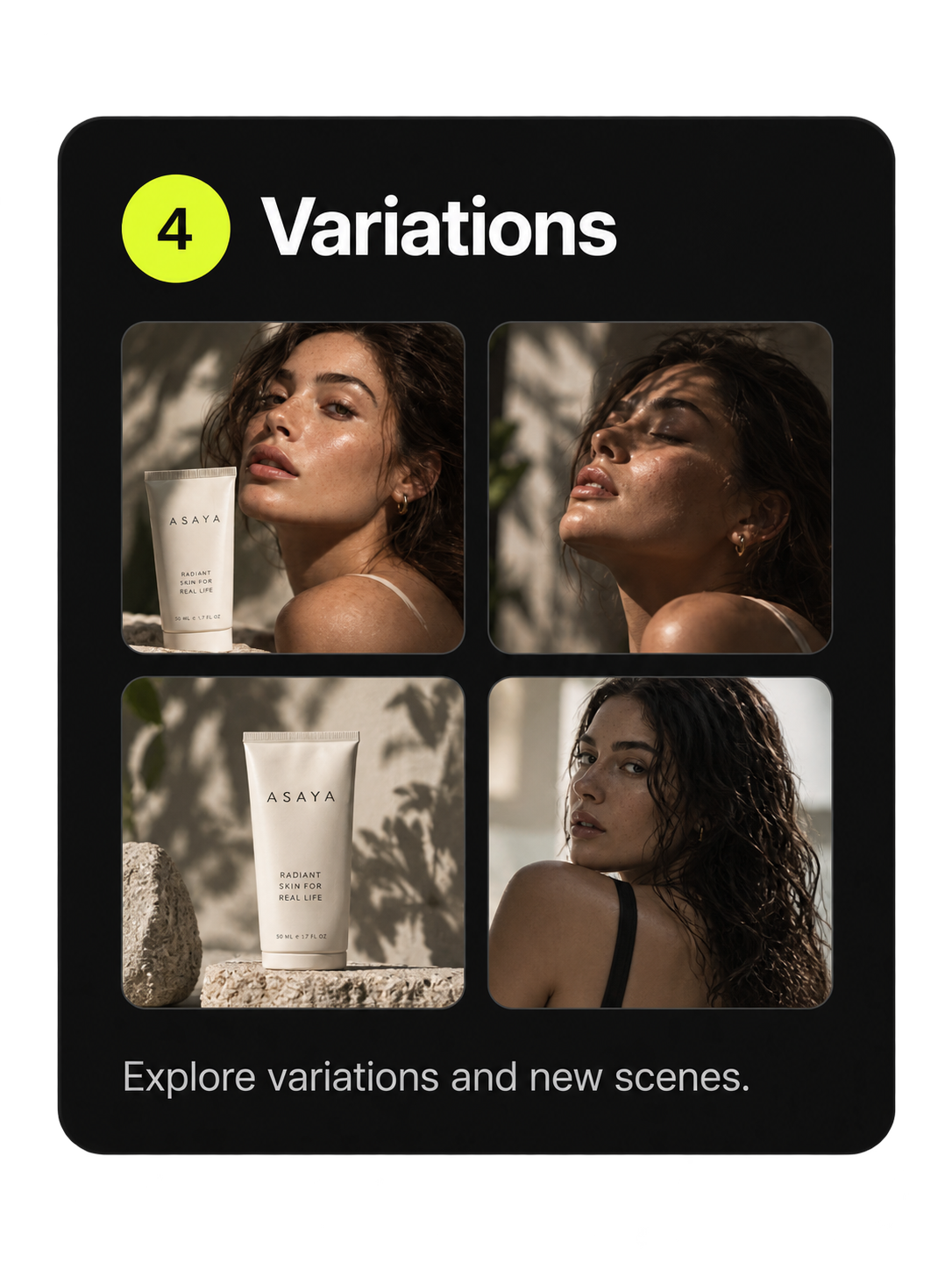
Swap the product, change the lighting, move the camera, point it at your own reference — the structure holds while the specifics change. A prompt copied out of a social post arrives without any of that context, which is why it works once and never again.
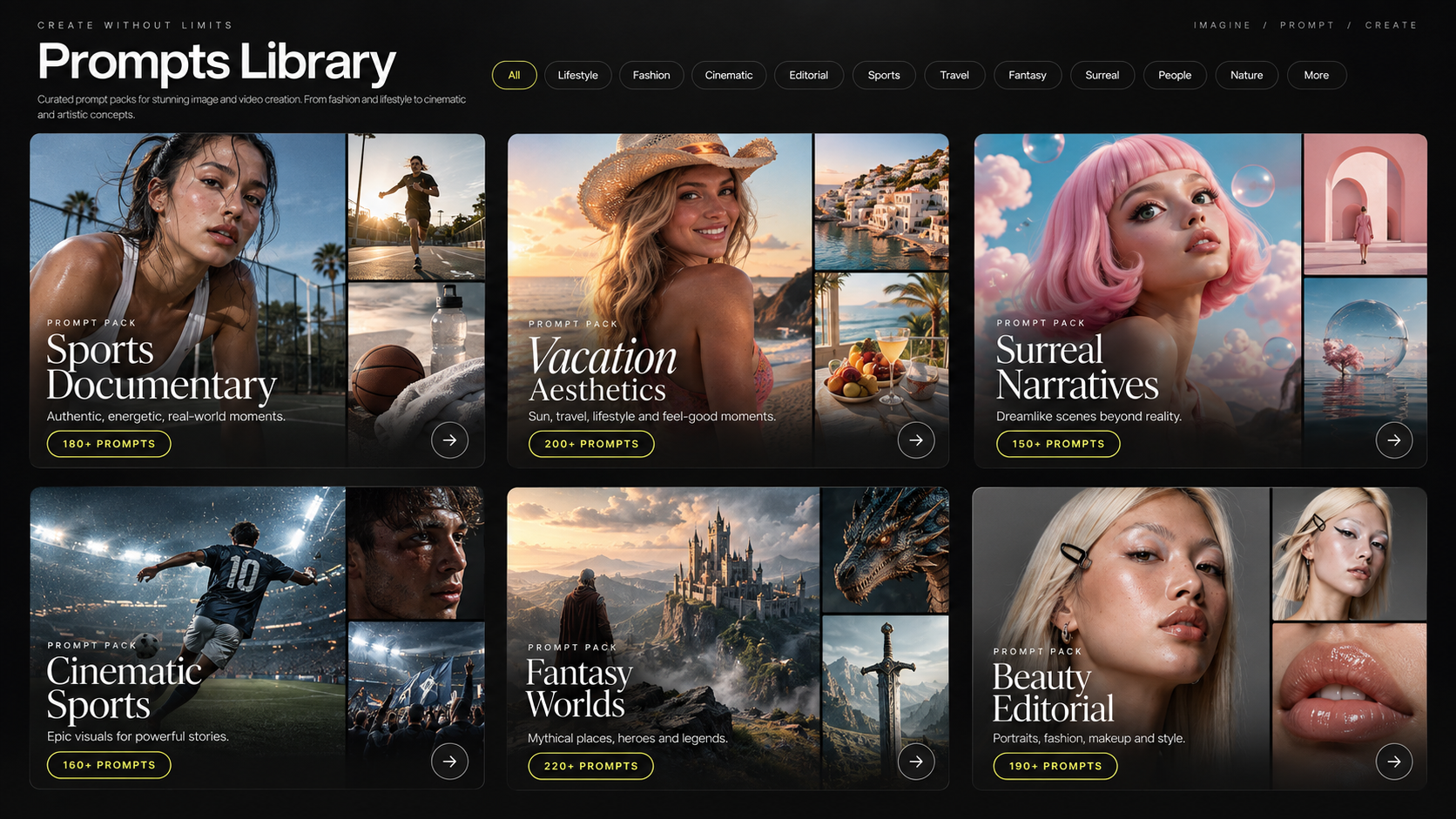
Visual trends in AI move in weeks, and most of that knowledge lives in scattered posts that are hard to search and impossible to verify. New prompt ideas, formats and techniques are added here continuously, each with the example that proves it works.
The prompts and formats being used most right now, updated as usage shifts.
Recently added prompts, including examples for models that have just landed in Mujo.
Techniques worth stealing, chosen by the Mujo creative team rather than by a counter.
In most prompt collections the prompt is the end of the road: you copy it, paste it somewhere else and hope the settings survive. Here the library sits inside the platform that runs it, so finding and generating are one step.
The prompt opens with its model, references and creative controls in place. Change the product or the light and generate.
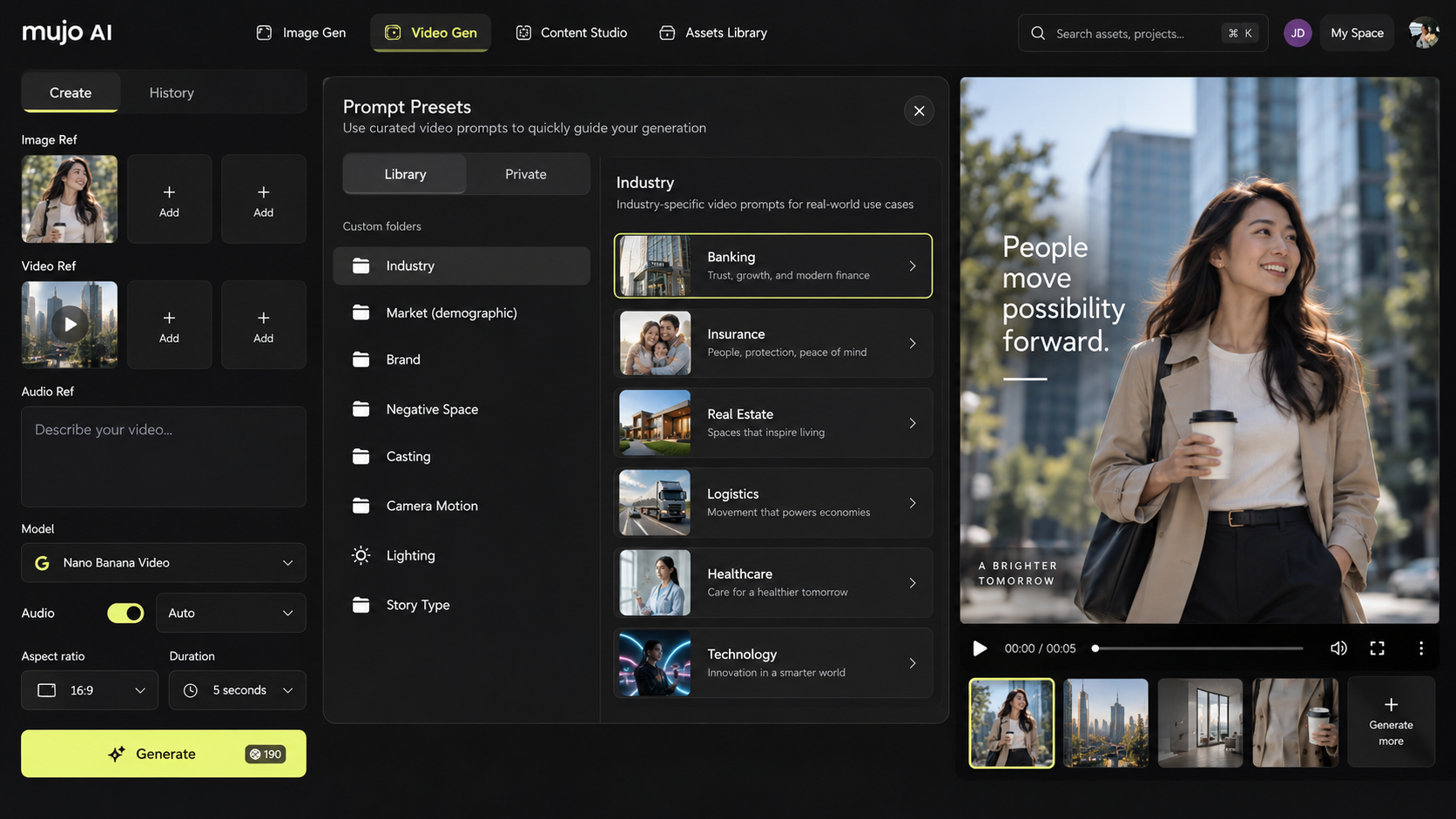
Start from a video prompt that already works, then change the movement, the duration, the reference image or the model.
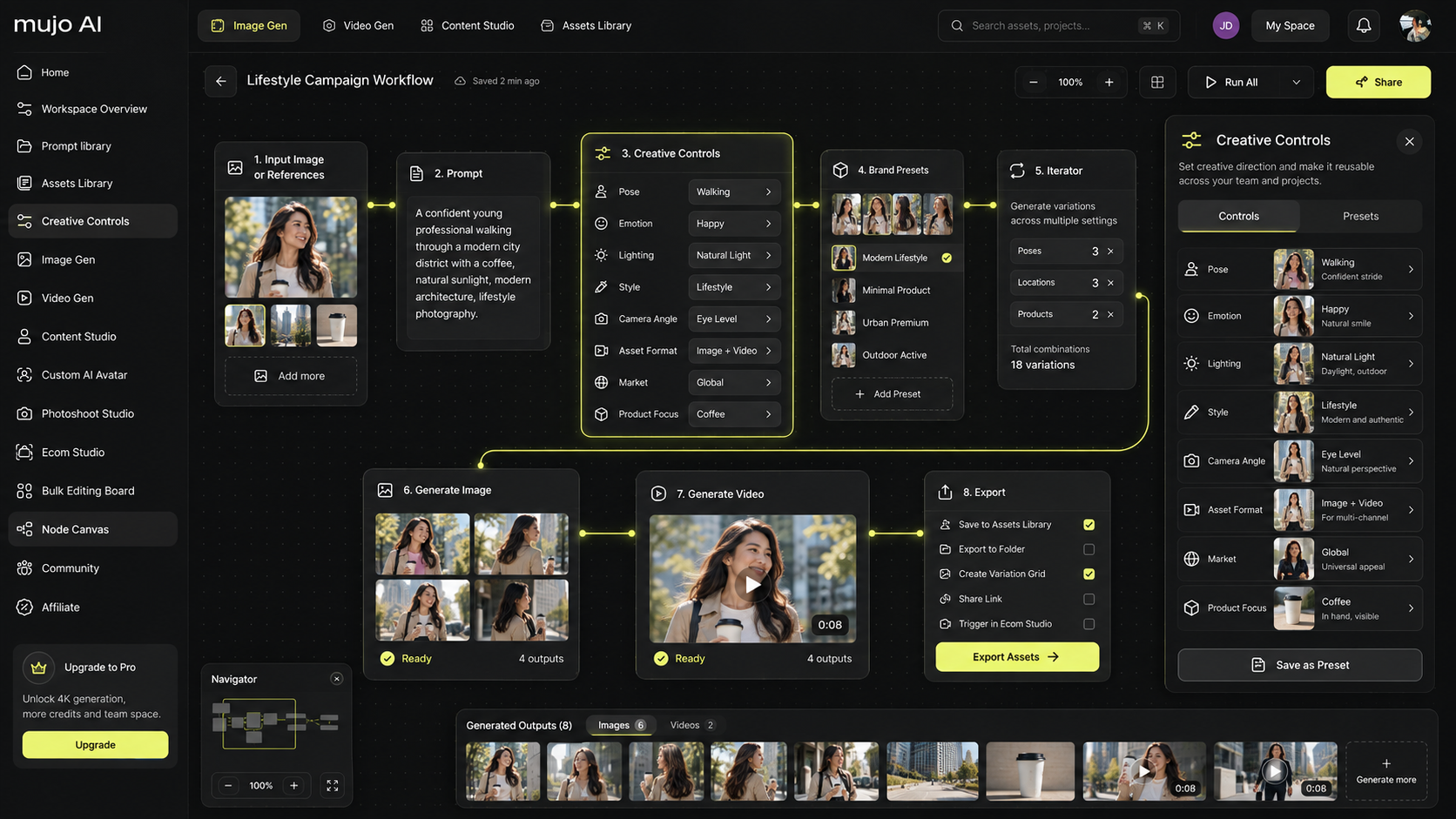
Drop a prompt into a node workflow when the job is a hundred products or twelve markets rather than one image.
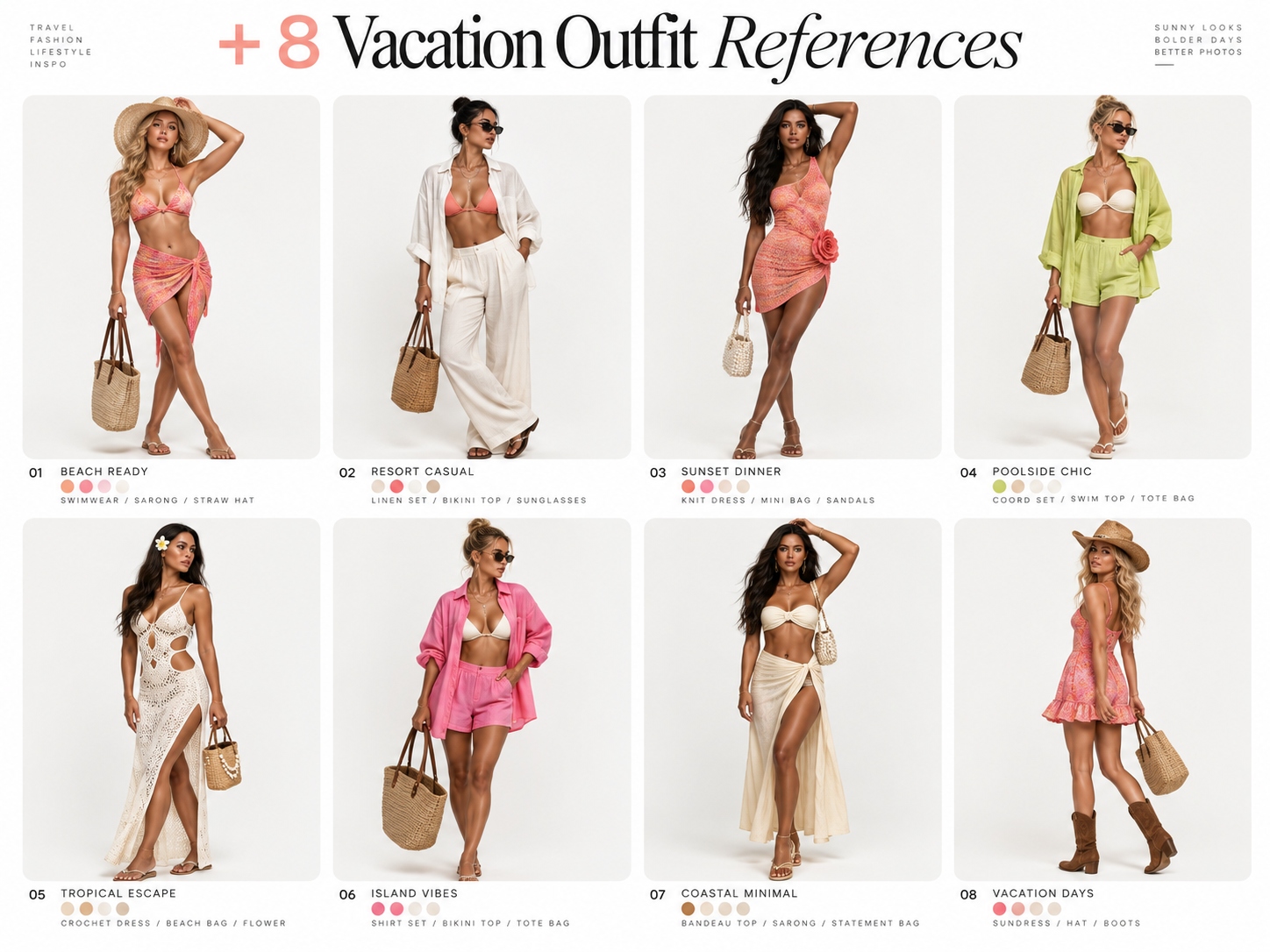
The prompt that finally worked at eleven at night is worth more than any public collection — and it is the one most likely to be lost. Favorites, folders, private prompts and shared team prompts keep your own library next to Mujo's, in the place you generate from.
The library is part of a Mujo subscription — there is no separate prompt pack to buy, and new prompts and categories are added as creative techniques and AI models evolve.
See plansThe full library across all use cases, not a sample of it.
Prompts for both, labelled by which is which.
Prompts added as models and techniques change.
Open any prompt straight into Mujo's generators.
Mujo Prompt Library is a searchable collection of AI prompts for image and video generation, organised as prompt packs by category and by model. Every entry pairs the prompt text with the result it produced, the AI model it was written for and the creative settings behind it — lighting, camera, composition, style and format. Browsing the packs is free; you can open any prompt in the Mujo generator and adapt it before you generate.
Packs cover product photography and e-commerce listing images, advertising and campaign key visuals, UGC and short-form social video, portraits, beauty and fashion editorial, cinematic video, design and illustration, AI influencer and avatar work, and trending effect formats. Image prompts and video prompts are kept separate and labelled, because a video prompt also has to describe motion, camera movement and duration.
The same wording behaves differently on different models. The library groups prompts by the image and video models available in Mujo — Nano Banana, Midjourney, GPT Image, Seedream, Kling and Seedance — with a note on what each model responds to, so a prompt arrives with the context that usually gets lost when it is copied between tools.
Any prompt can be opened directly in the Mujo image generator or video generator with its model and controls already loaded, adapted to your own product, brand or reference image, and generated. Prompts you write or adapt yourself can be saved to favorites and folders, kept private, or shared with your team workspace alongside the public collection.
An AI prompt library is a searchable collection of reusable prompts for AI image and video generation, stored with the result each prompt produced and the model it was written for, so a prompt can be found and reused instead of rewritten from memory.
It is a library organised as packs — by category and by model — but the prompts live inside Mujo rather than in a file you download. You open a prompt, see the image it produced, change what you want and generate, with the model and settings already loaded. Browsing is free; generating uses your credits.
Both have their own pack. Prompts are grouped by the image and video models available in Mujo — Nano Banana, Midjourney, GPT Image, Seedream, Kling and Seedance — because a prompt written for one model is only a starting draft on another.
Describe six things on purpose: the subject, the style and art direction, the lighting, the camera angle and composition, the output format, and the model you are generating on. Vague adjectives produce vague images; naming the light and the lens is what makes a result repeatable.
A video prompt describes time as well as the frame — what moves, how the camera travels, how long the shot runs, and what must stay consistent across frames. An image prompt that works well will usually need rewriting before it produces good video.
No. One model follows written instructions literally, another works best from a reference image, another responds more to light and composition than to adjectives. A prompt written for one model is a good starting draft on another, not a finished instruction.
Prompts are grouped by the image and video models available inside Mujo, including GPT Image, Nano Banana, Seedream, Kling and Seedance. Each prompt names the model it was written for and what that model handles well.
Yes. Supported prompts open straight into the Mujo image generator or video generator with the model, references and creative controls already loaded, and can be adapted before you generate.
Yes. You can save prompts to favorites, organise them in custom folders by client, campaign or channel, keep private prompts of your own, and share prompt setups with your team workspace.
Yes. The library is expanded continuously with new formats, techniques and model-specific examples, including prompts for models added to Mujo after launch.
Browse image and video prompts by use case or by model, then generate directly inside Mujo.