Choose Figma Weave
the work is crafted — one hero image or film, refined until it is right, inside a design team.
Figma acquired Weavy in October 2025 and relaunched it as Figma Weave: a node-based canvas where generative models sit next to real editing tools — masking, colour grading, relighting — so an output can be branched and refined rather than accepted. It is the strongest craft tool in this comparison set. Mujo is pointed at a different moment: not making one piece excellent, but making sixty of them consistent.
Three lines before the detail. If the first one describes you, Figma Weave is the better purchase and the rest of this page will not change that.
the work is crafted — one hero image or film, refined until it is right, inside a design team.
the work repeats — the same direction applied to products, formats and markets every month.
one treats the first prompt as a starting point for craft; the other treats an approved result as a template for volume.
Three things this platform does not do, said before the arguments in its favour.
Mujo does not sit in a design workflow next to files, components and handoff.
Frame-level refinement, masking and colour grading belong in a tool built for it.
No Figma file integration, no design-system link, no shared component library.
A practical comparison of the workflow each platform is designed to support, across nine dimensions.
Figma Weave began as Weavy, founded in Tel Aviv in 2024 and acquired by Figma in October 2025. Its premise is that the first prompt is a creative starting point rather than a finished result, so generation from models such as Sora, Veo, Flux and Ideogram sits on a canvas next to editing tools a professional would actually use.
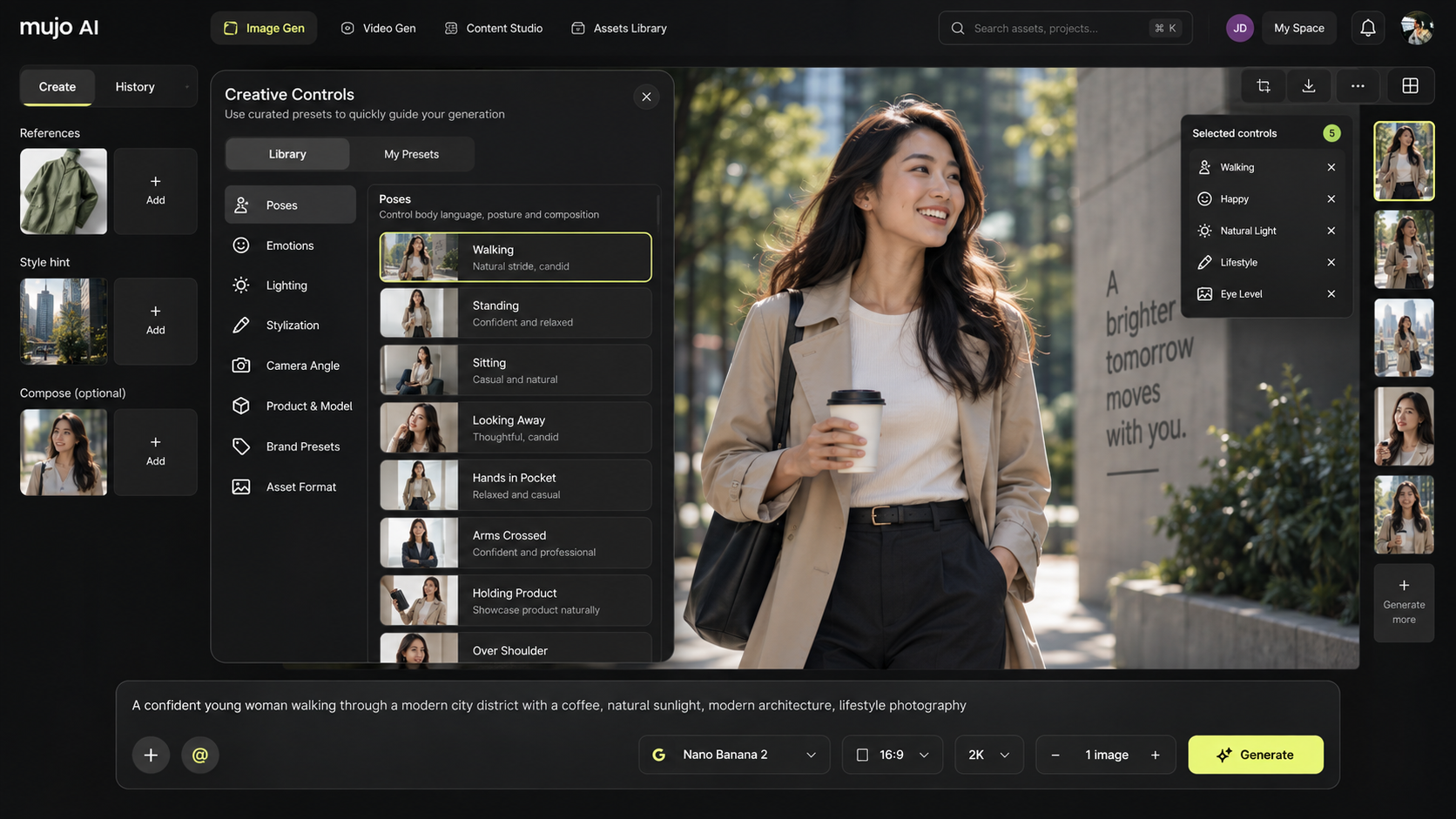
Mujo agrees with the premise and applies it to a different problem. The image workspace runs Nano Banana Lite, Nano Banana 2 and Nano Banana Pro, GPT Image 2, Midjourney, Seedream 5.0 Lite and Seedream 5.0 Pro, Grok Imagine and Kling 3.0 Image and the video workspace runs Veo 3.0 and Veo Fast, Kling 3.0, Seedance 2.5 and Seedance 2.0, with Creative Controls, a shared Prompt Library, an Asset Library and a Node Editor built around repeating a direction rather than perfecting a frame. Craft and throughput pull in opposite directions. A canvas built for branching and refining is exactly what you want for a hero asset, and exactly what you do not want when forty products are due Friday.
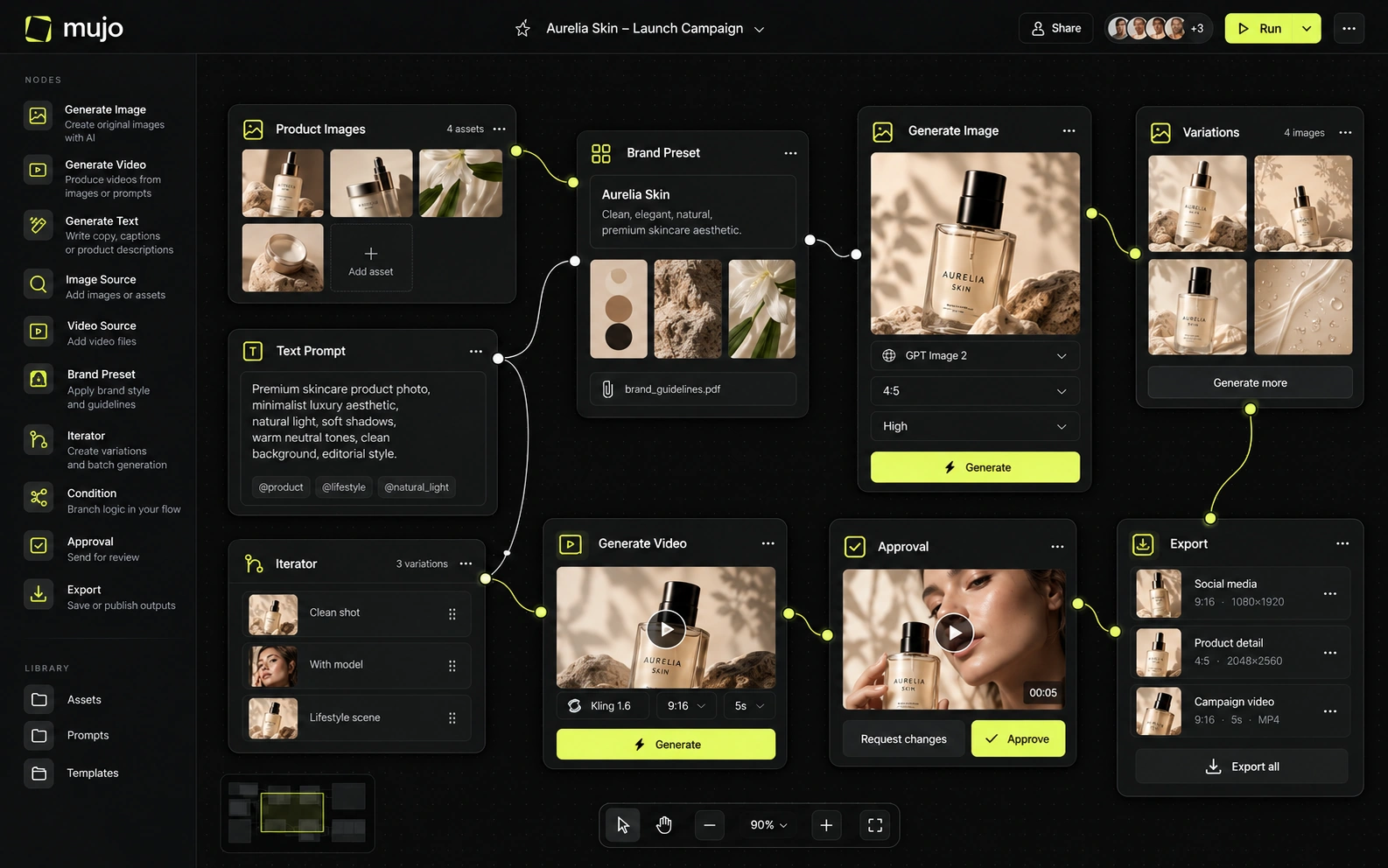
Both put several leading engines behind one surface, and Figma Weave's selection is strong — Sora, Veo, Flux, Ideogram among them. Model list is not where these two separate.
What Mujo does with its nine image and five video engines is narrower: run one brief across them while the prompt, references and Creative Controls stay fixed, then apply the winner down a product list. Two questions worth separating: which engines you can reach, and what happens to the work once the chosen one produces something good. Canvases answer the first; production systems answer the second.
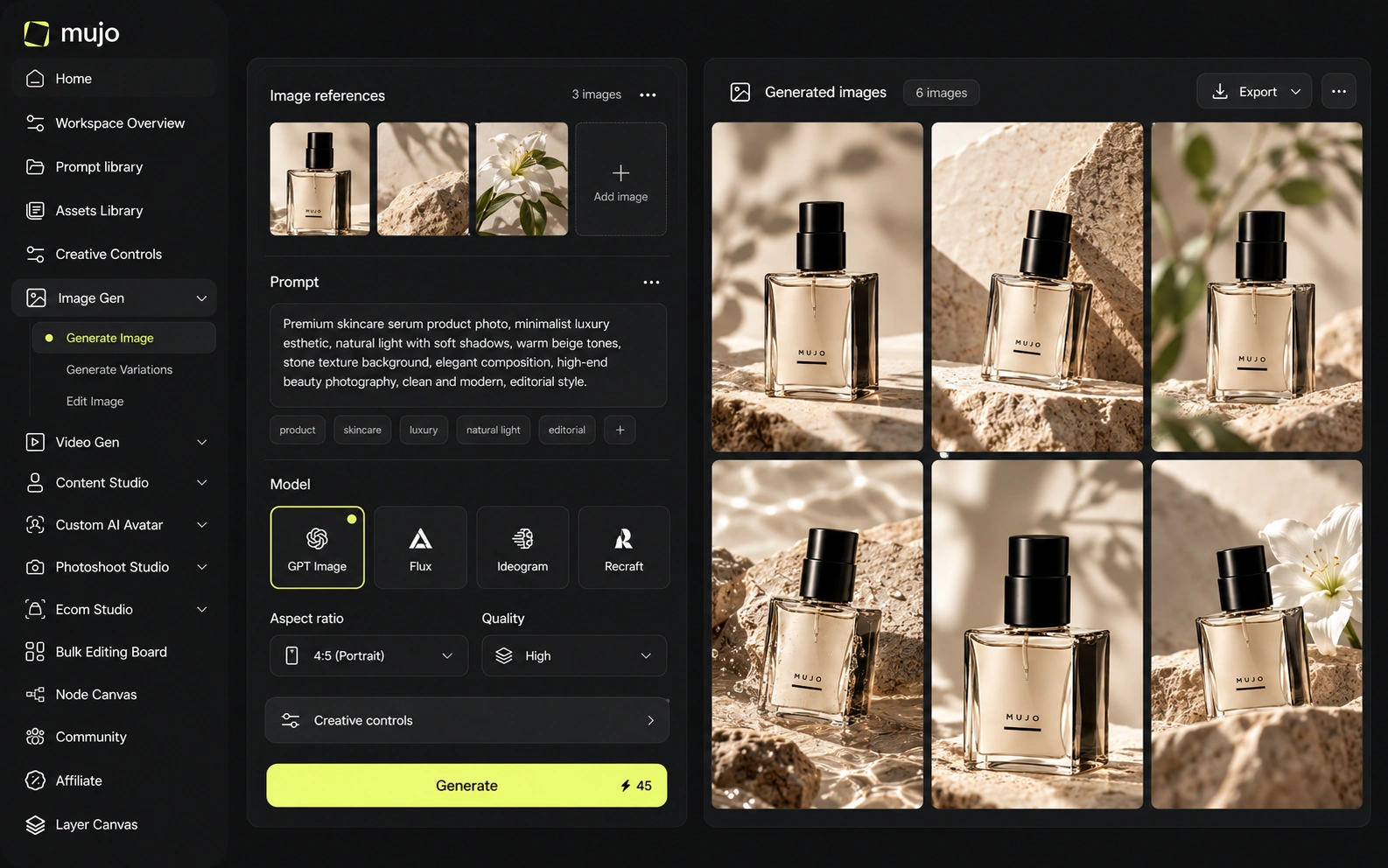
Weave's control is craft-level and genuinely impressive: mask an object, relight a scene, grade a shot, branch an output and remix it. This is editing, not prompting, and it is the reason designers want it.
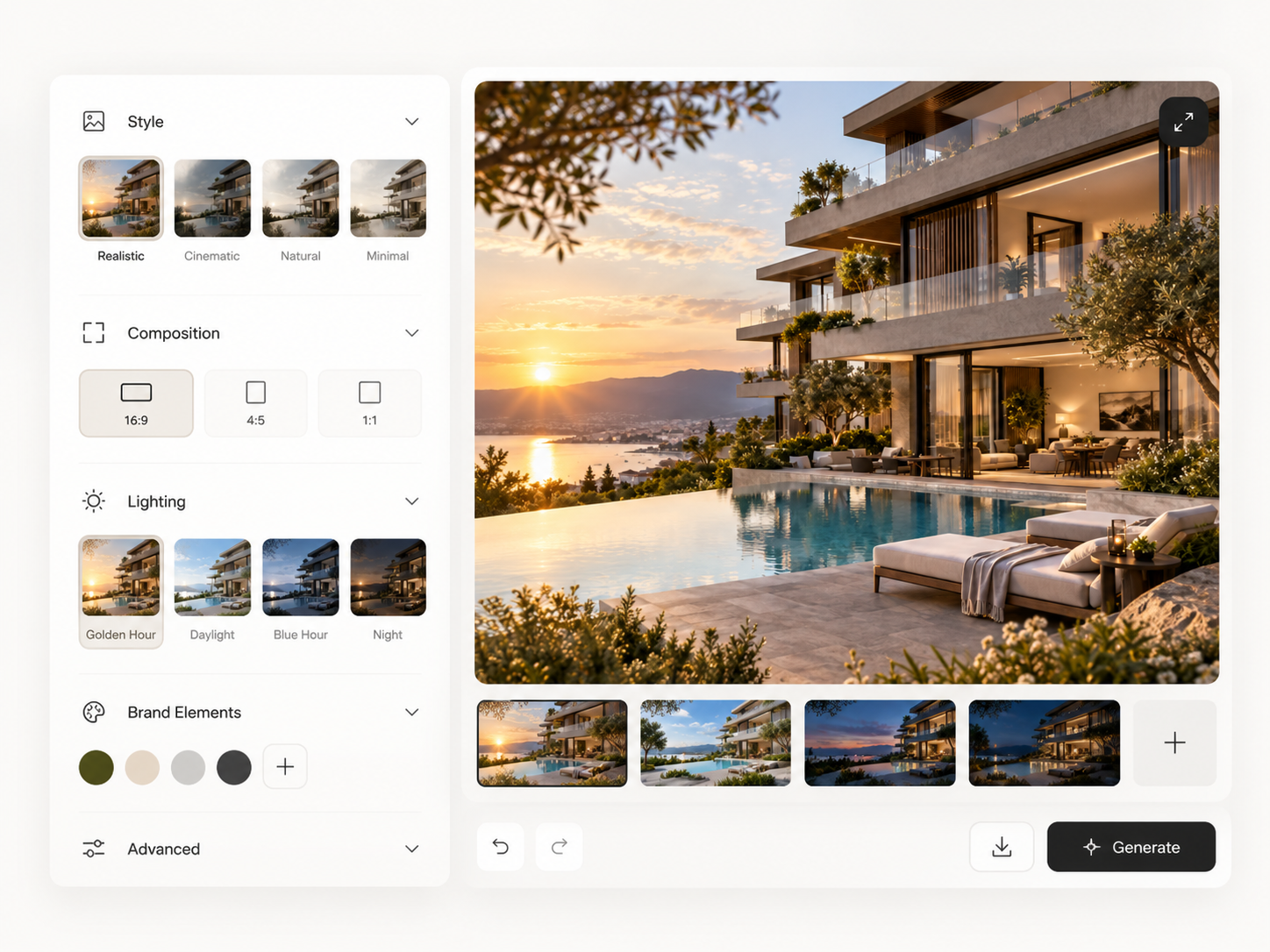
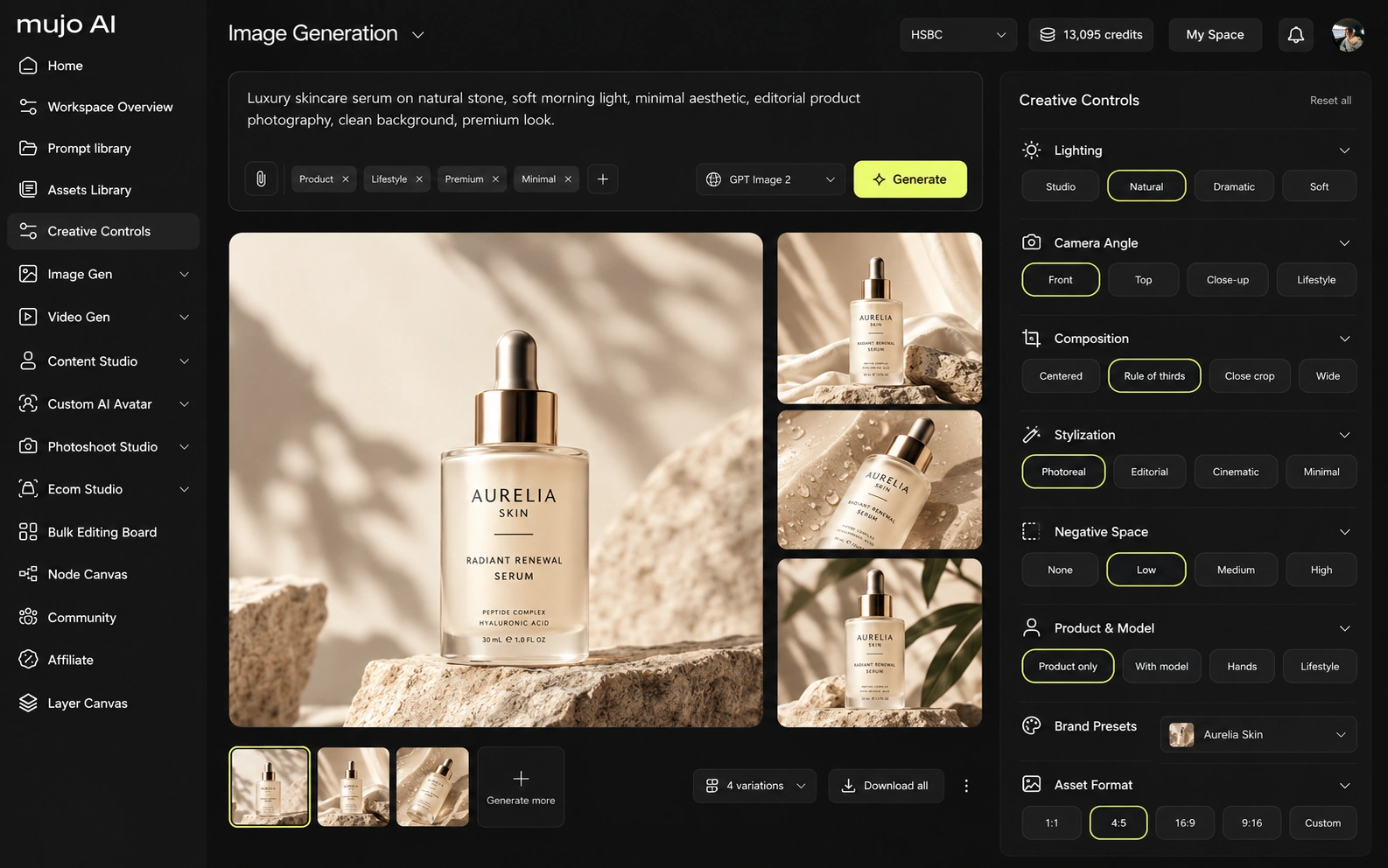
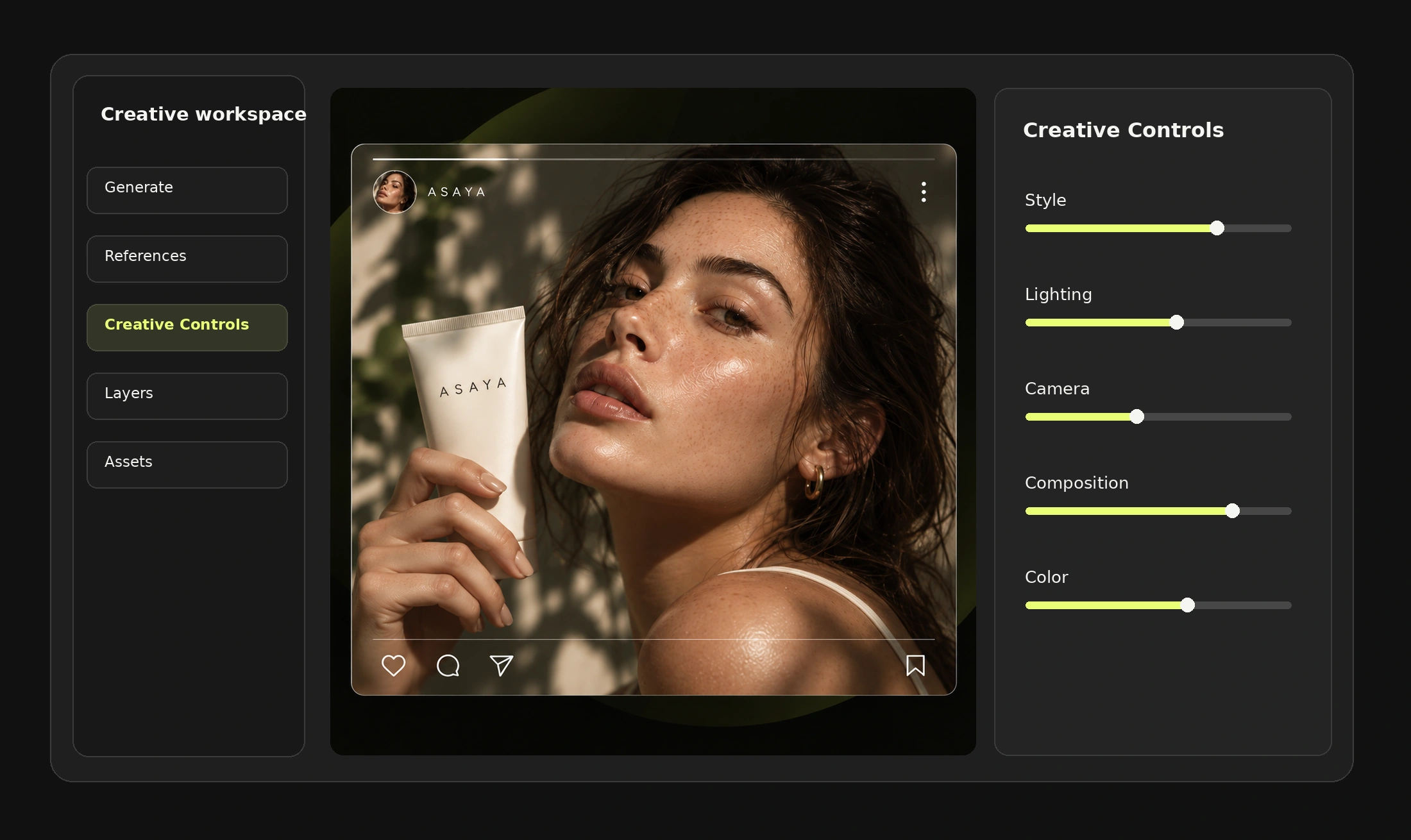
Mujo's control is campaign-level. Creative Controls turn lighting, pose, expression, camera angle, location and style into named parameters, which is a coarser instrument by design. A mask cannot be reapplied to a product that was not in the frame. A saved parameter set can. That single asymmetry is why both tools exist.
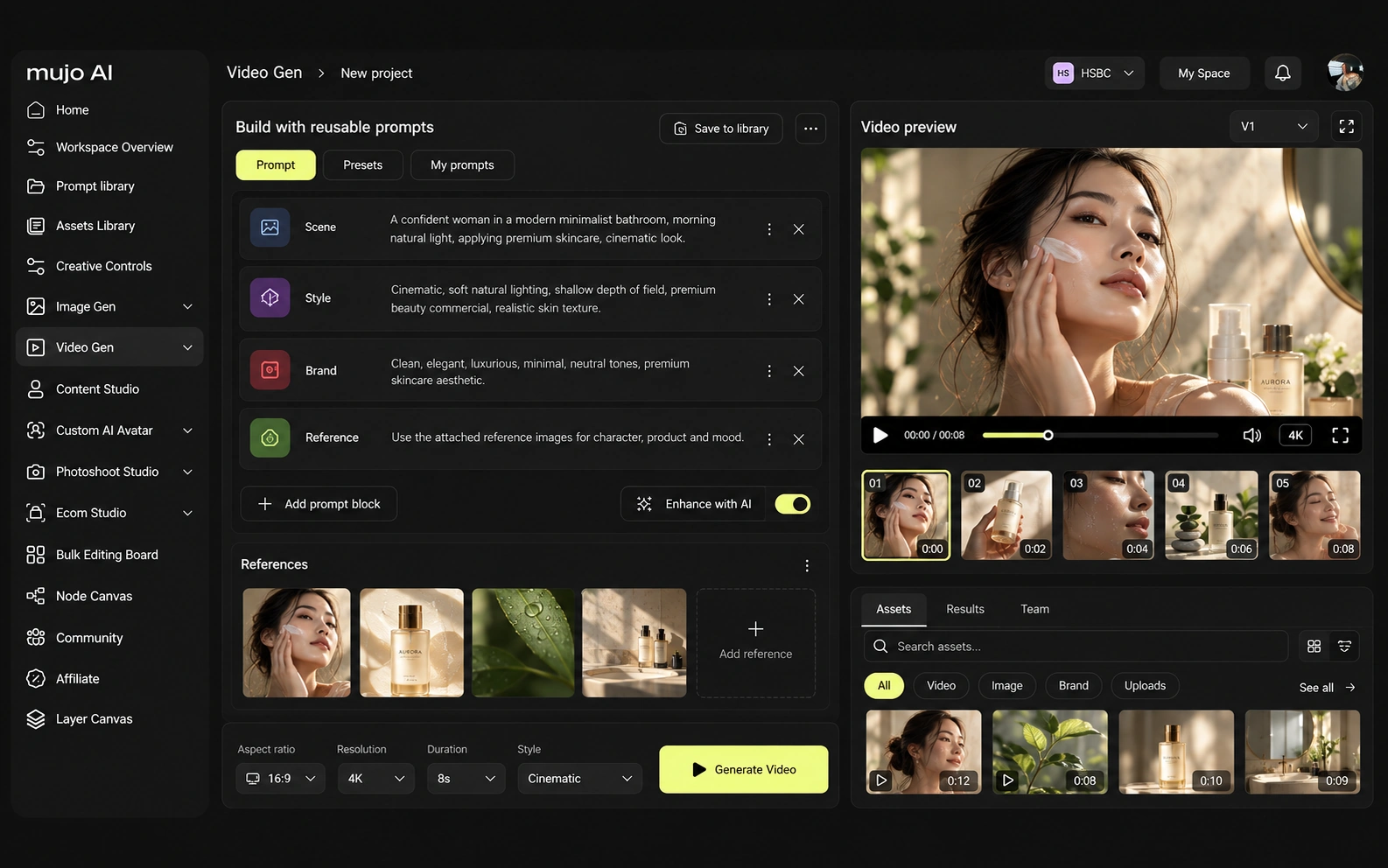
Weave handles video and animation on the same canvas as stills, with VFX-style editing over the generated result — closer to a compositing surface than to a generator.
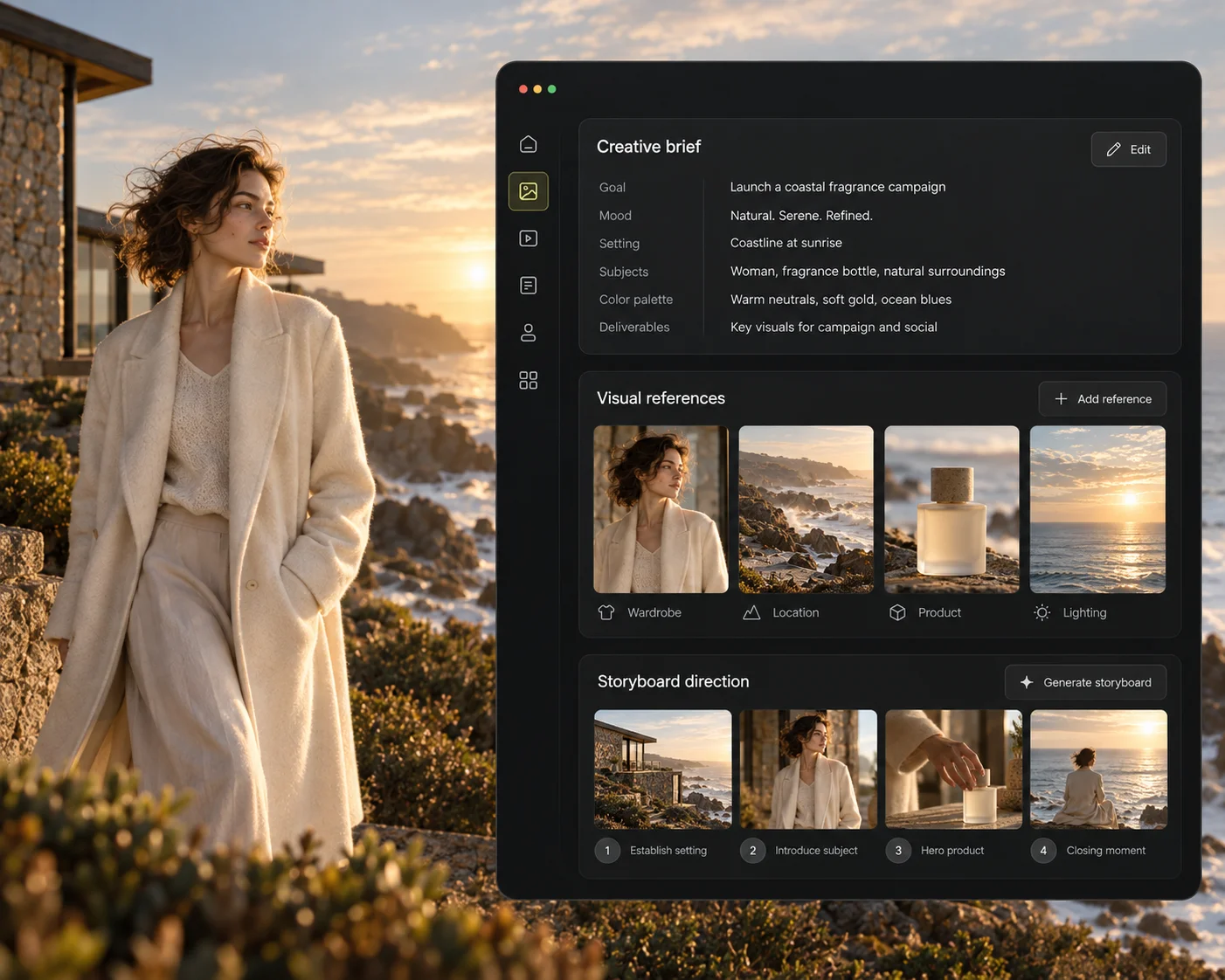
Mujo's video runs on five engines beside the image workspace, with Storyboards feeding motion from approved frames, so a campaign's hero still and its vertical cut come out of one setup.
Consistency splits into four problems: the same person, product, look, or process. A craft canvas solves the first three by hand, beautifully, one asset at a time.
Mujo targets the fourth. What gets stored is the route — references, Creative Controls parameters, saved prompts, model choice, workspace history, shared flows — so a colleague reopens the method, not the file. Hand-solving is better per asset and does not scale; parameter-solving is worse per asset and does. Neither of those statements is a criticism. If the recurring object is a hero piece that deserves attention, the canvas is the right home. If it is a catalogue that has to look like one shoot, the production system is.
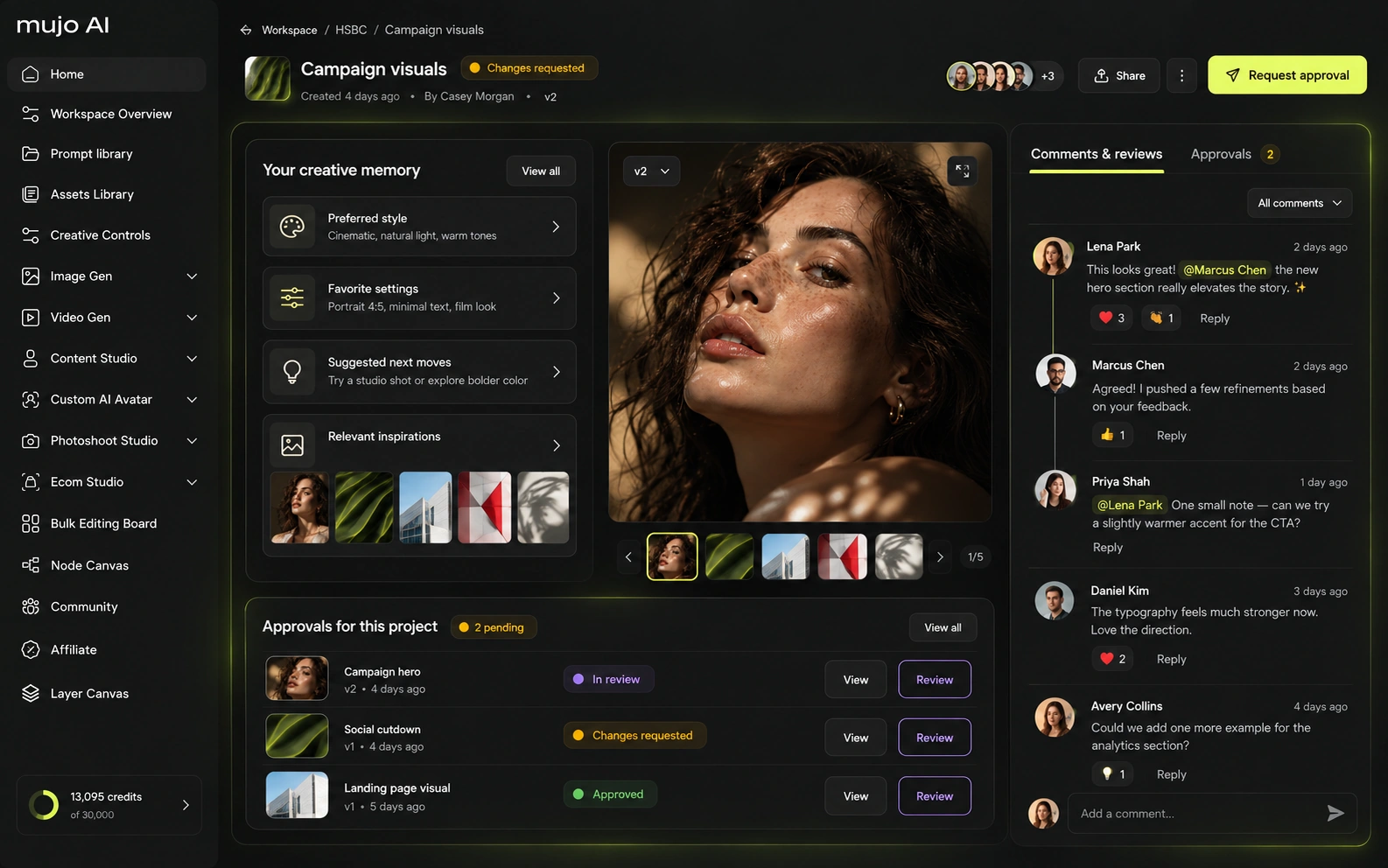
How each platform fits commercial output that repeats
Crafting media inside a design environment: branching, remixing and refining until a piece is right, with Figma's files and libraries around it.
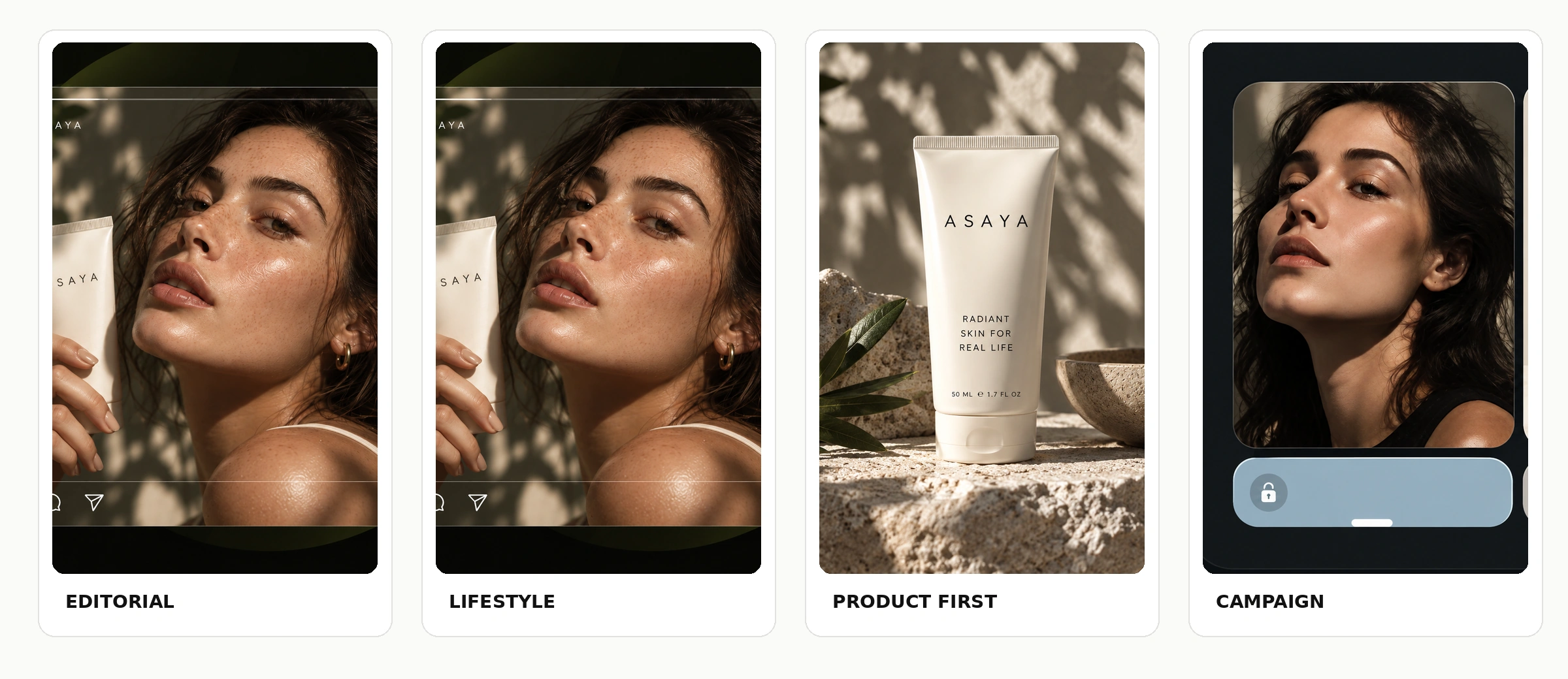
Product Photos, Listing Images, Product Catalog Production, AI Photoshoots, Campaign Creatives, Creative Variations and Social Video Ads as finished workflows.
Weave is where an asset gets made properly. Mujo is where an approved asset becomes sixty assets without anyone opening a canvas.
The product shot, its listing crops, its ad variants and its social cuts come out of the same approved direction. Volume is what makes commercial work expensive, not generation speed — and it is the part a Figma Weave comparison usually leaves out.

Mujo keeps prompts as production assets: refined with structured controls, compared across models, saved into a library of 2,500+ prompts plus your team's own setups. On a craft canvas the reusable unit is the canvas itself, which is richer and considerably harder to hand to a brand manager.
Saved setups live in the Prompt Library where the next person can find them, instead of in the generation history of whoever happened to get it right. Whatever a Figma Weave session leaves behind, it is usually the output rather than the reasoning behind it.

The Bulk Editing Board is the capability a craft canvas structurally cannot have. Rows are assets, columns are the variables, and one approved direction runs down a product list — no canvas opened, no frame refined, which is exactly the point and exactly the trade.
Refinement does not scale: forty products means forty sessions on any canvas, however good. A saved direction run in bulk is the alternative, and it is worse per asset and cheaper per campaign.
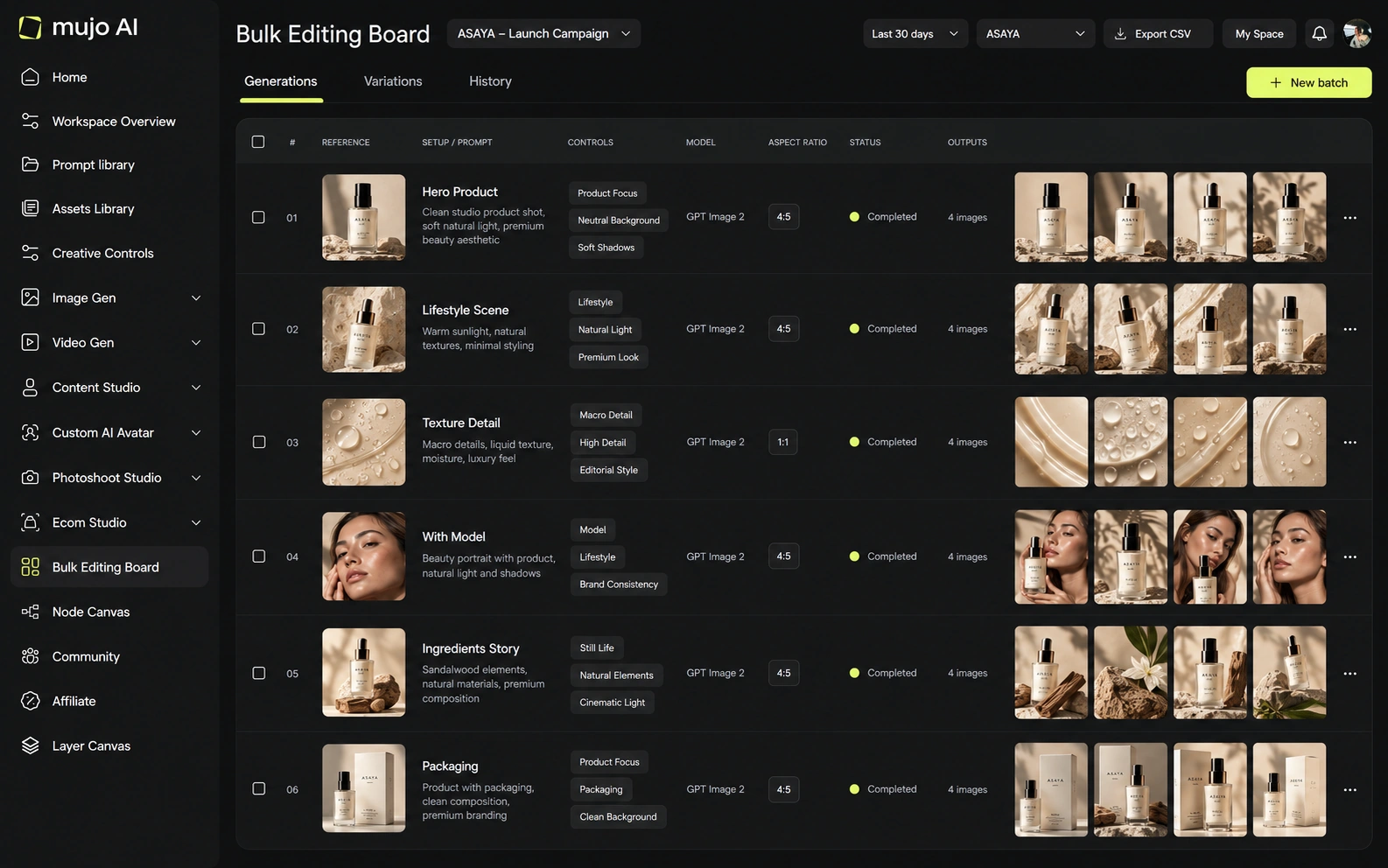
Give both the same brief: one product image in, a hero visual, three square social variants and one vertical motion ad out, then the same direction on a second SKU a week later. Weave will produce the better hero. The second SKU is the question.
Use one source product image and one launch brief.
Produce the hero visual, three square social cuts and one vertical motion ad.
Prompts, references, controls and the engine that produced it.
Rerun the whole set on a second product without reopening a canvas.
Figma Weave clears the first round comfortably, as does almost anything else worth evaluating. The second round is where the difference appears, and it is the round nobody gets to during a two-week trial.
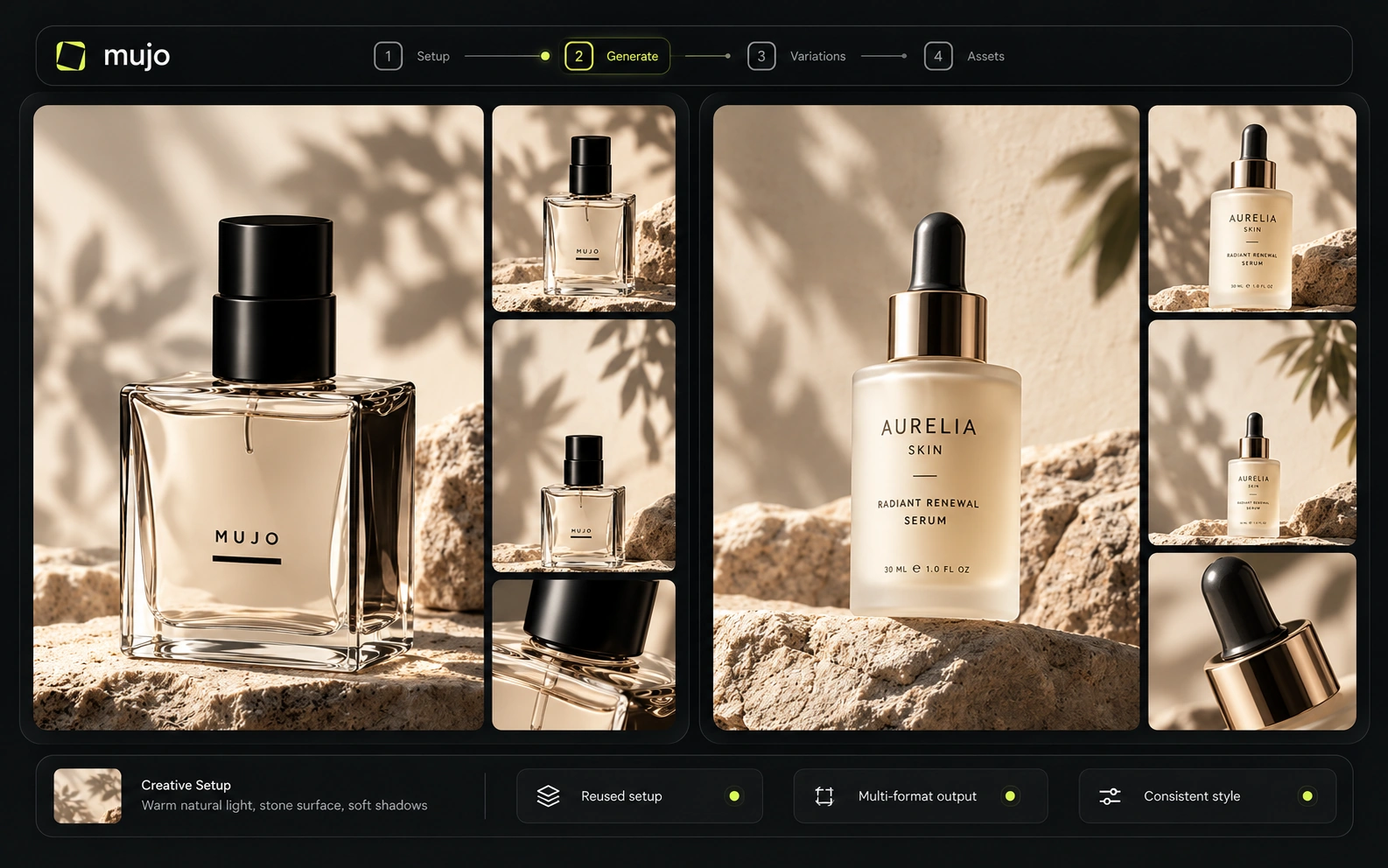
Weave inherits Figma's collaboration model, which is the best in the industry for design teams — files, comments, libraries, and an organisation that already lives there.
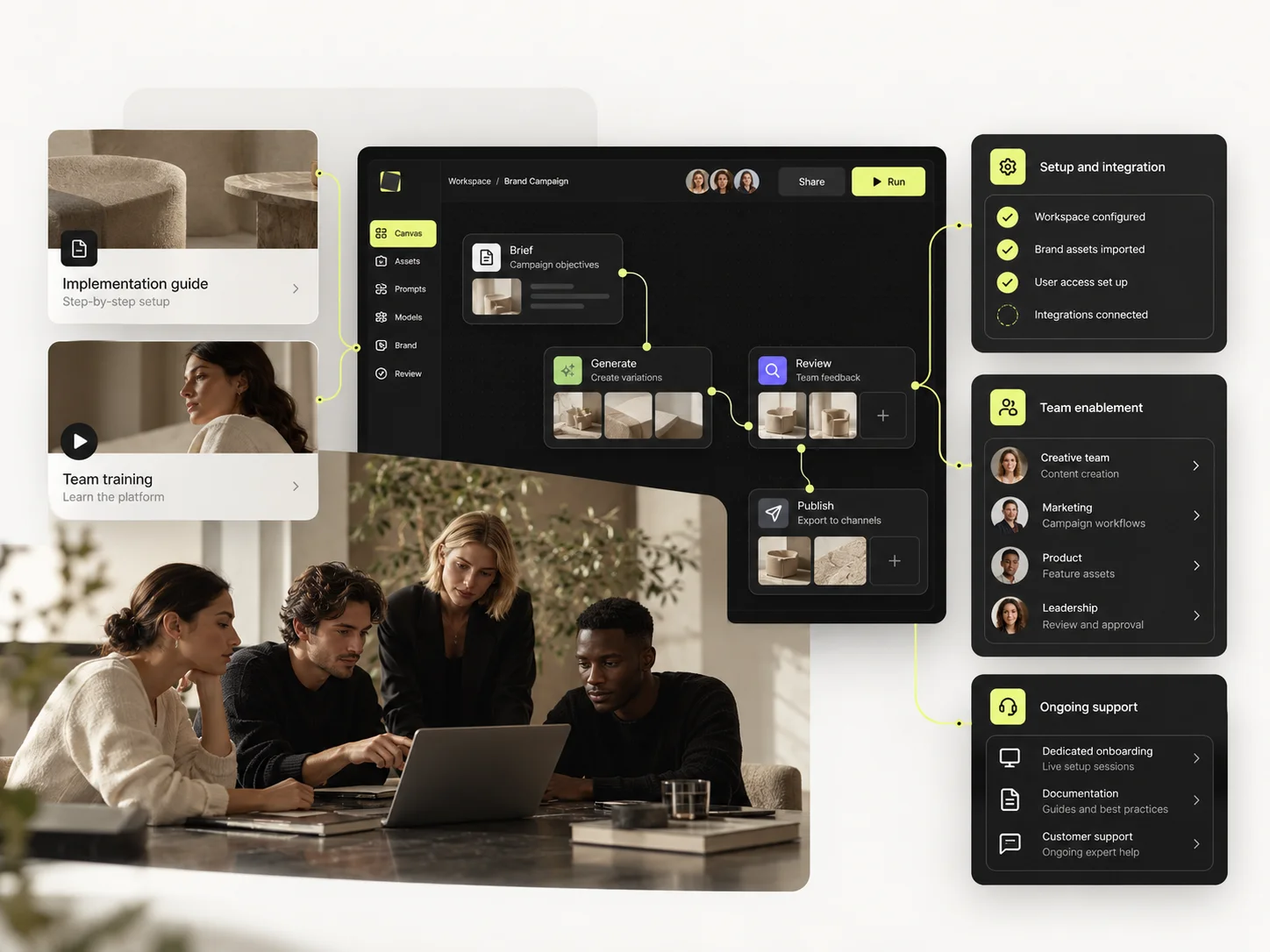
Mujo Enterprise is shaped for production rather than design: connected Node Editor flows, brand context, shared prompt and asset libraries, approval traceability, onboarding, admin and security review. If your creative team already works in Figma every day, that gravity is a real argument and should be weighed as one. If the people producing campaign volume are not in Figma at all, it is not.
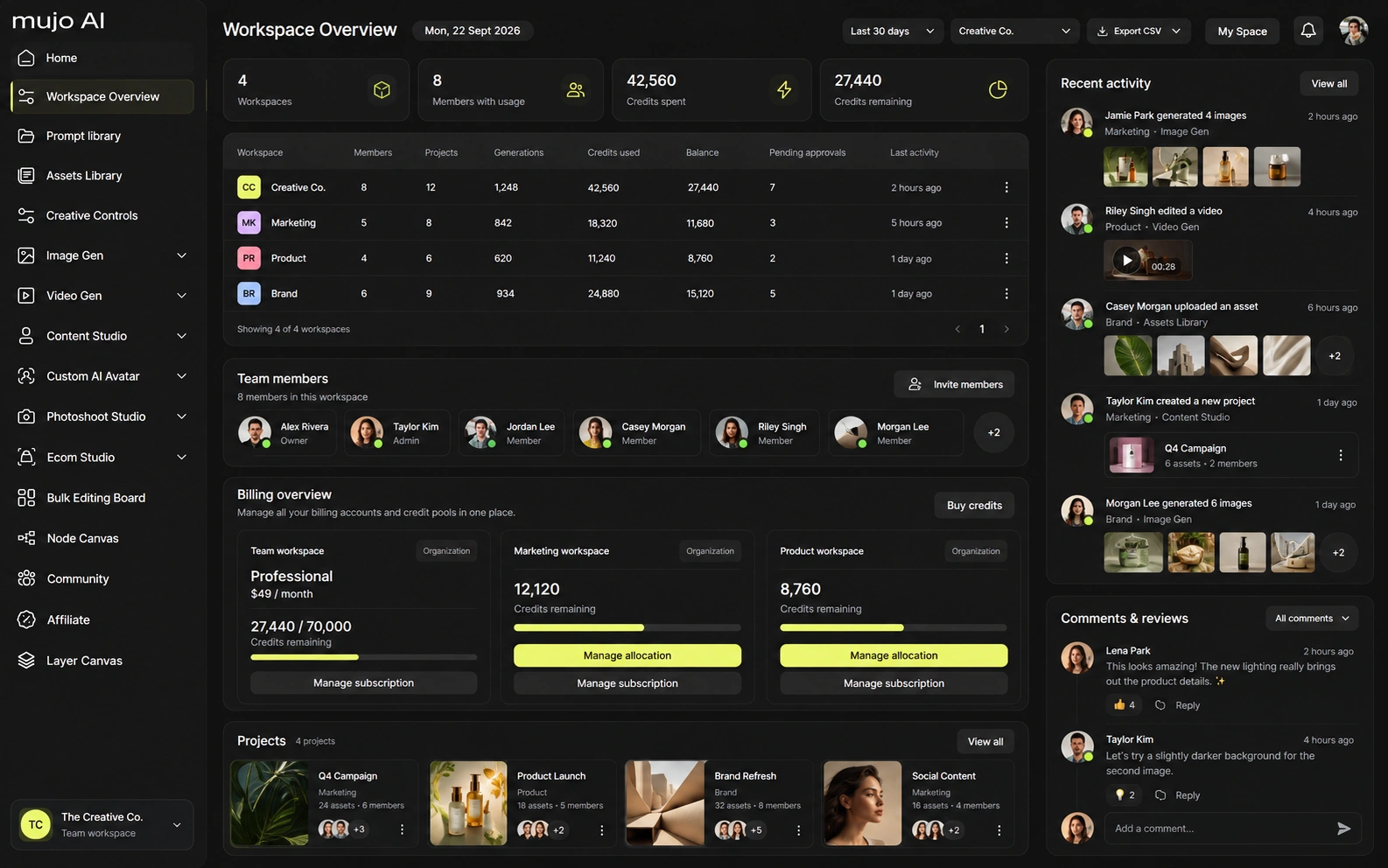
Figma has not published standalone pricing for Weave in its announcement; packaging sits inside Figma's own plans and has been evolving since the acquisition. Confirm the current terms with Figma directly rather than from any comparison page, this one included.
Packaged within Figma's plans; confirm current pricing and AI limits with Figma
Design and collaboration seats priced per editor, separately from AI usage
Organisation-level administration, security and billing
Weave pricing has moved since the October 2025 acquisition — verify before budgeting
Plans Start $9, Basic $19, Pro $34, Creator $84, Business $121 (5 seats); 200-credit packs from $2.60 with no use-by deadline
Mujo's plans run from $9 to $121 a month, with up to 40% off on annual billing. Pay-as-you-go packs start at 200 credits for $2.60, credits carry no use-by deadline, and new accounts start with 20 free. A per-seat design subscription and a per-output credit model are not comparable numbers; compare them against the work each one is actually doing.
Figma publishes its own terms covering content and AI usage; review them for your plan, especially where client work or regulated categories are involved.
Specifically, on Mujo's side: users keep ownership of what they upload and of AI-generated outputs and may use those outputs commercially, subject to applicable law and third-party rights; inputs and outputs are not used to train foundation models without opt-in, and the enterprise terms extend that to the third-party models in the stack. Commercial-use permission is not rights clearance. Trademark, publicity rights and model-provider terms still apply, so client work needs human review before it ships.

What Figma Weave does better, and what Mujo does better. A comparison page that fills in only one side is not a comparison.
Worth reading before a trial rather than after one.
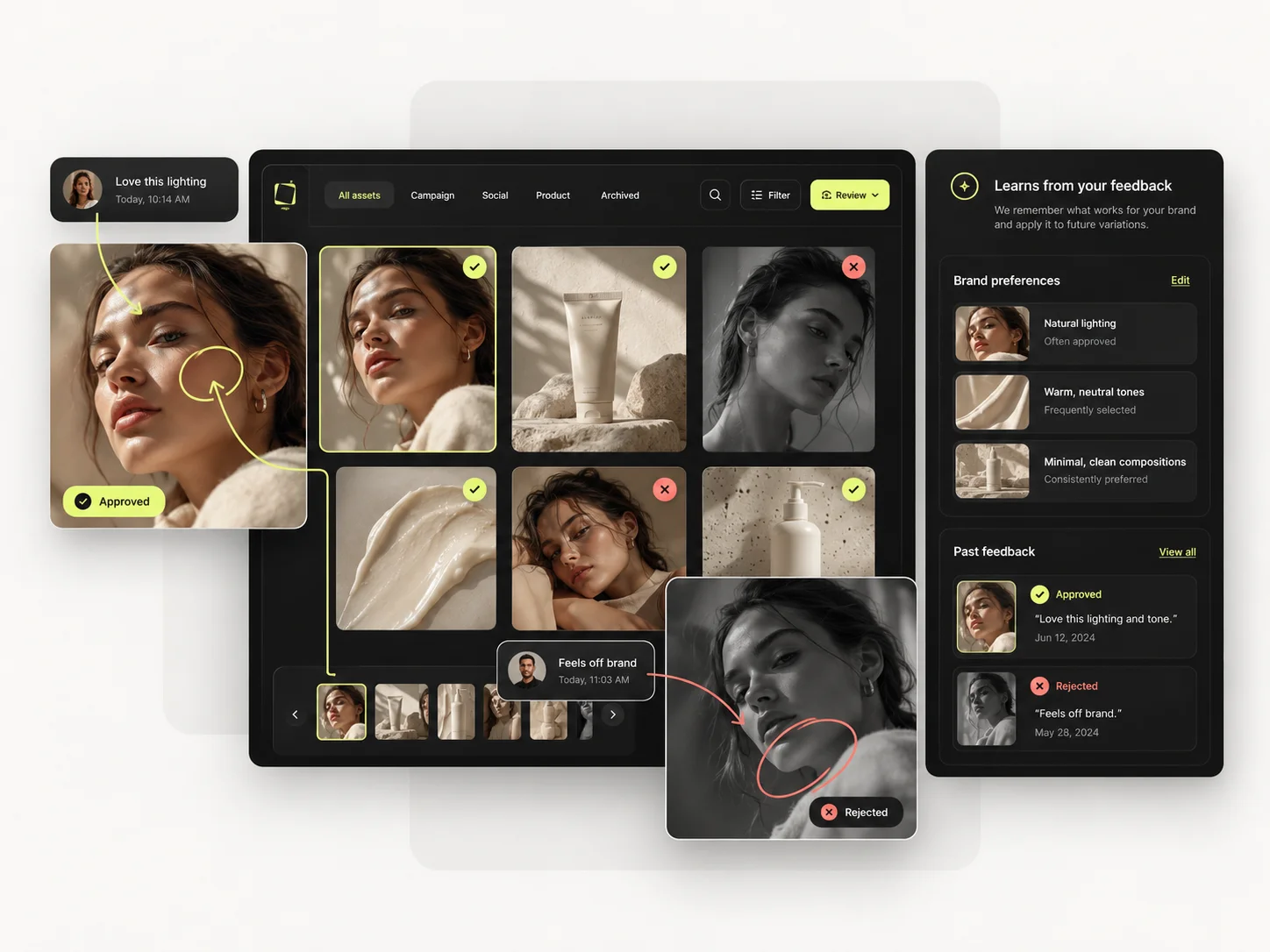
Decide by the unit of work. One excellent asset is a craft problem and belongs on a canvas. Sixty consistent assets is a process problem and belongs in a production system.
Choose Weave when the output is crafted, the team lives in Figma, and the value is in getting one piece exactly right.
Choose Mujo when an approved direction has to become a catalogue, and the people doing it are not designers.
Craft the hero asset in Weave, then produce everything that has to match it in Mujo. The handoff is the approved direction, and it is a clean split.
Most shortlists are settled by the wrong question — which tool makes the better first asset. The question that predicts the next year is which tool still helps on the fortieth.

Short answers about Figma Weave, about Mujo, and about the parts that are easy to get wrong.
It is the product formerly known as Weavy, acquired by Figma in October 2025: a node-based canvas that combines generative models with professional editing tools such as masking, relighting and colour grading.
Weavy was rebranded as Figma Weave after the acquisition. Check Figma's own pages for current availability and packaging.
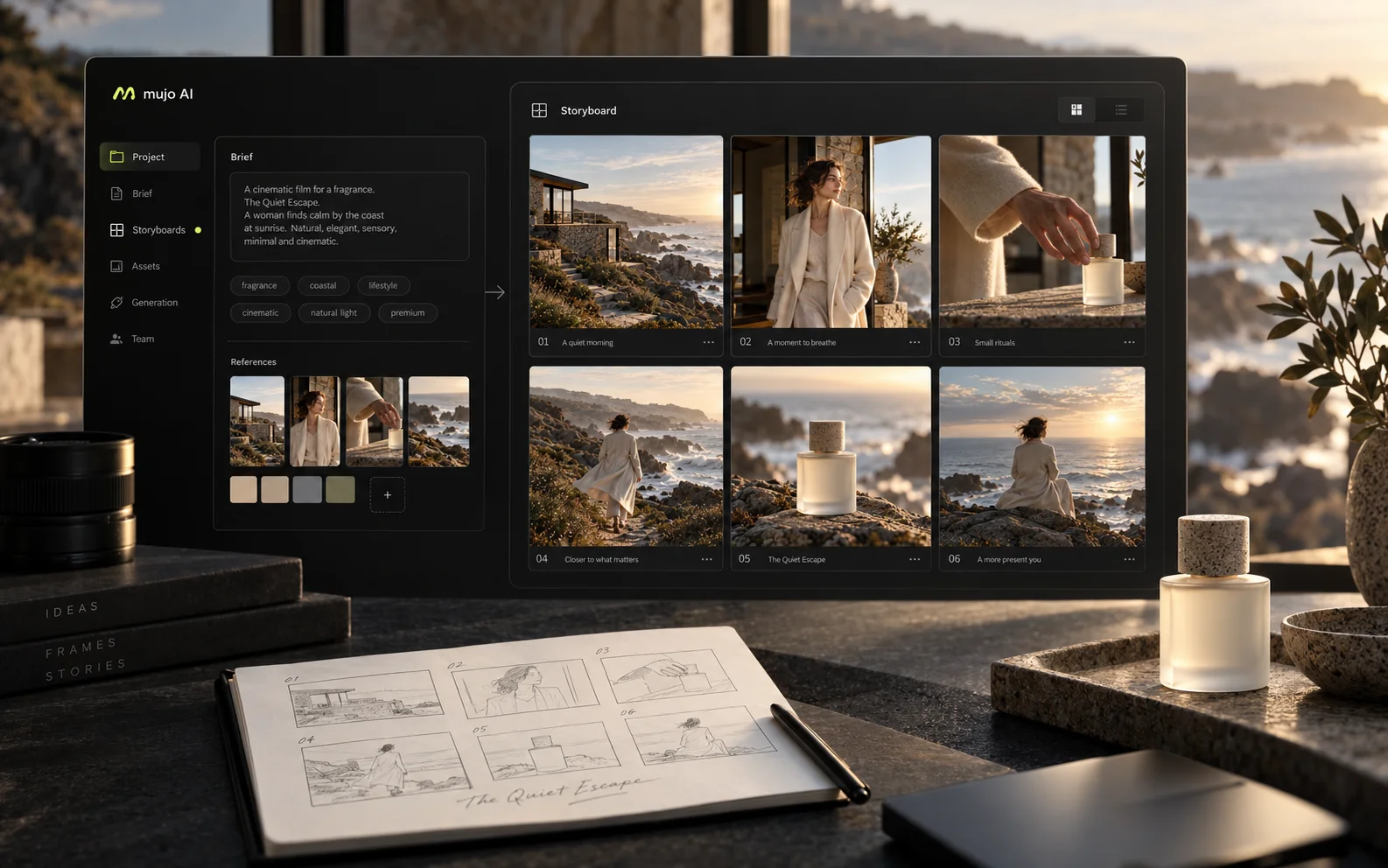
Yes — the Node Editor builds reusable workflows from models, prompts, tools and logic. It is aimed at repeatability rather than frame-level craft.
Weave, in most cases, particularly if the team already works in Figma. Mujo is aimed at marketing and e-commerce production rather than design.
Commonly, yes: craft the hero asset where the craft tools are, then produce the variants, formats and SKU-level work where the production tools are.
A comparison against Figma Weave stays abstract until you look at the work it is about. These are the production workflows Mujo is built around, plus the neighbouring comparisons if you are still shortlisting.
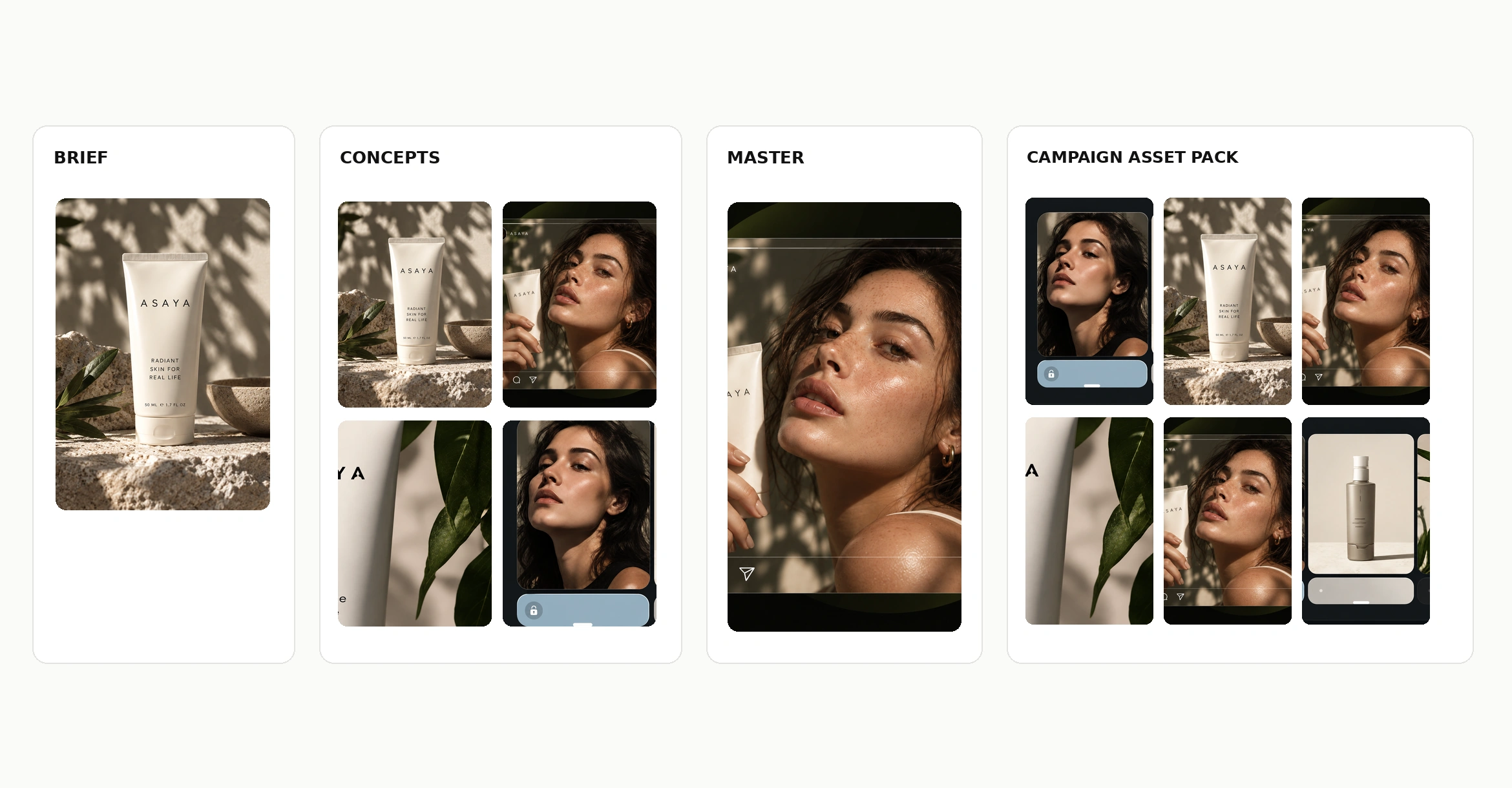
Take a brief to a full set of campaign assets in one workspace.
Turn one approved creative into controlled versions across formats and markets.
Run an approved product direction across a whole SKU list.
Product photography against generated product imagery.
Open-source node graphs against a managed production system.
A very large asset library against a focused production workflow.
If the hero asset is handled and the sixty that have to match it are the bottleneck, that is the half Mujo covers. 20 free credits. Take an approved direction and run it across a product list.