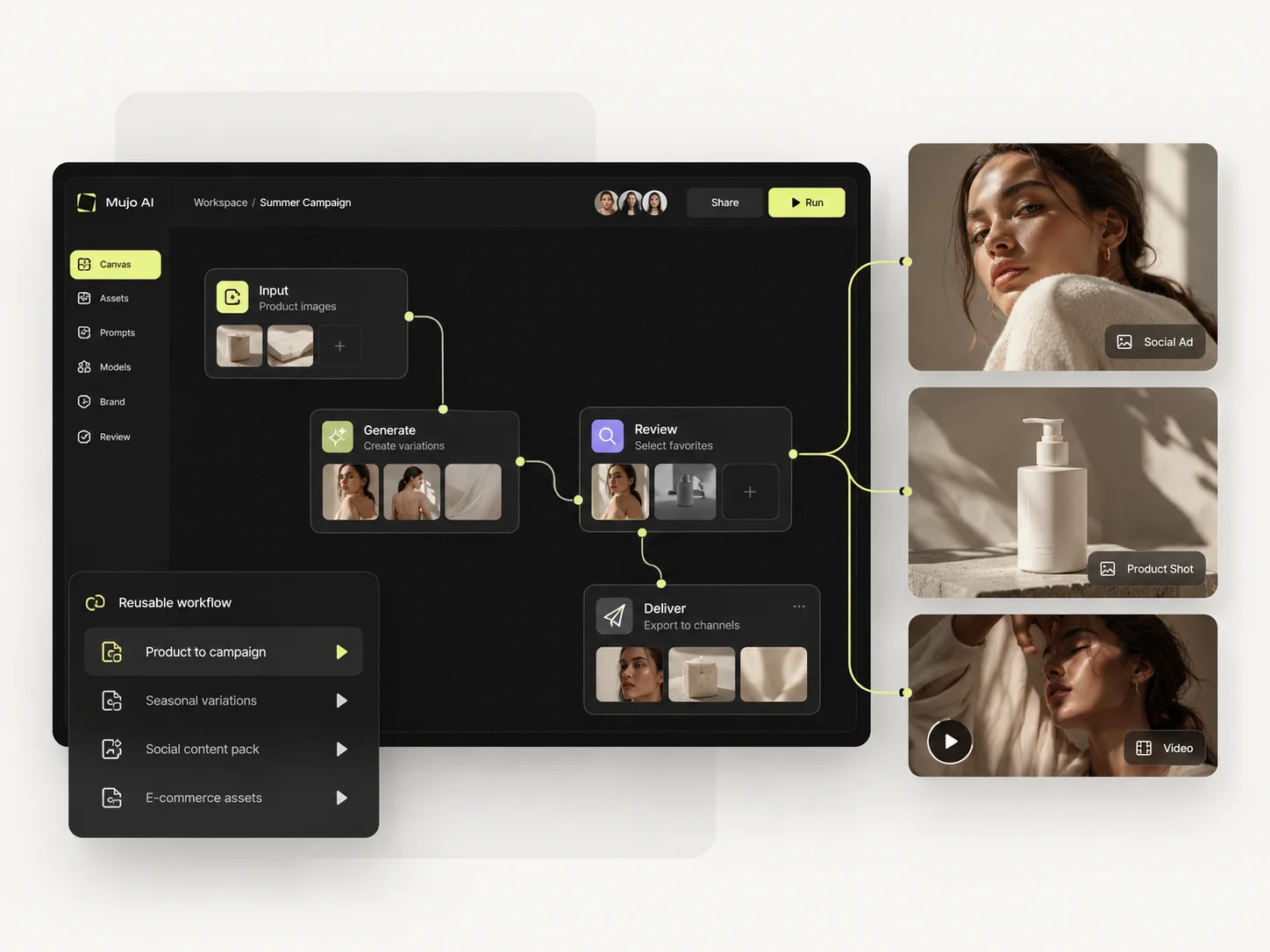
1. Start with one product
One source image and one launch brief. Nothing prepared in advance.
Twenty-one honest comparisons against the platforms teams actually shortlist us against. Each one says where the other tool is stronger, because a comparison page that only argues one side is not a comparison — it is a brochure. Start with the test below, then read the page that matches your shortlist.
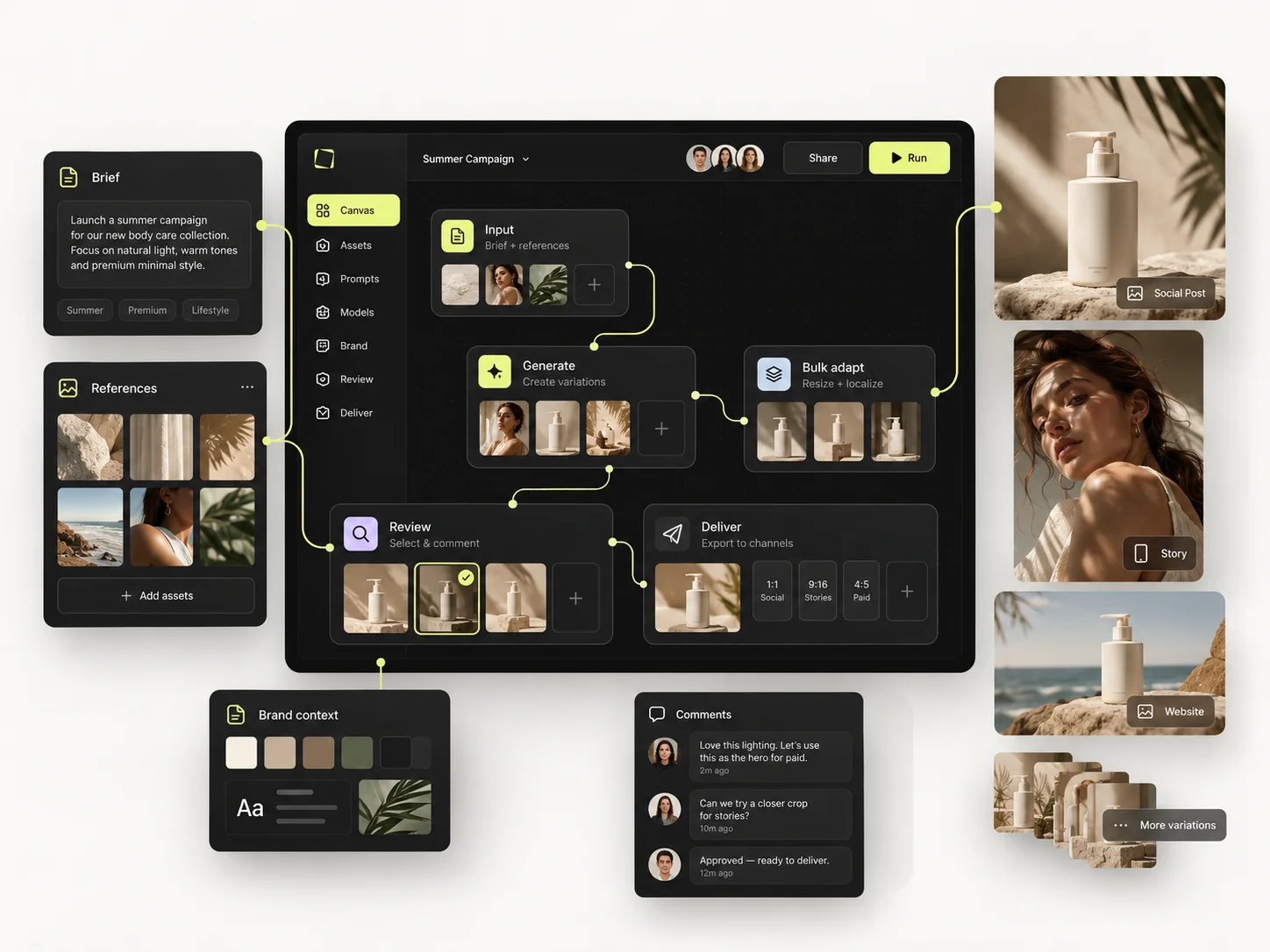
Feature lists stopped being useful once every platform started shipping the same headline features. This is the test we use on every page here, and you can run it on any two tools in an afternoon.
One source image and one launch brief. Nothing prepared in advance.
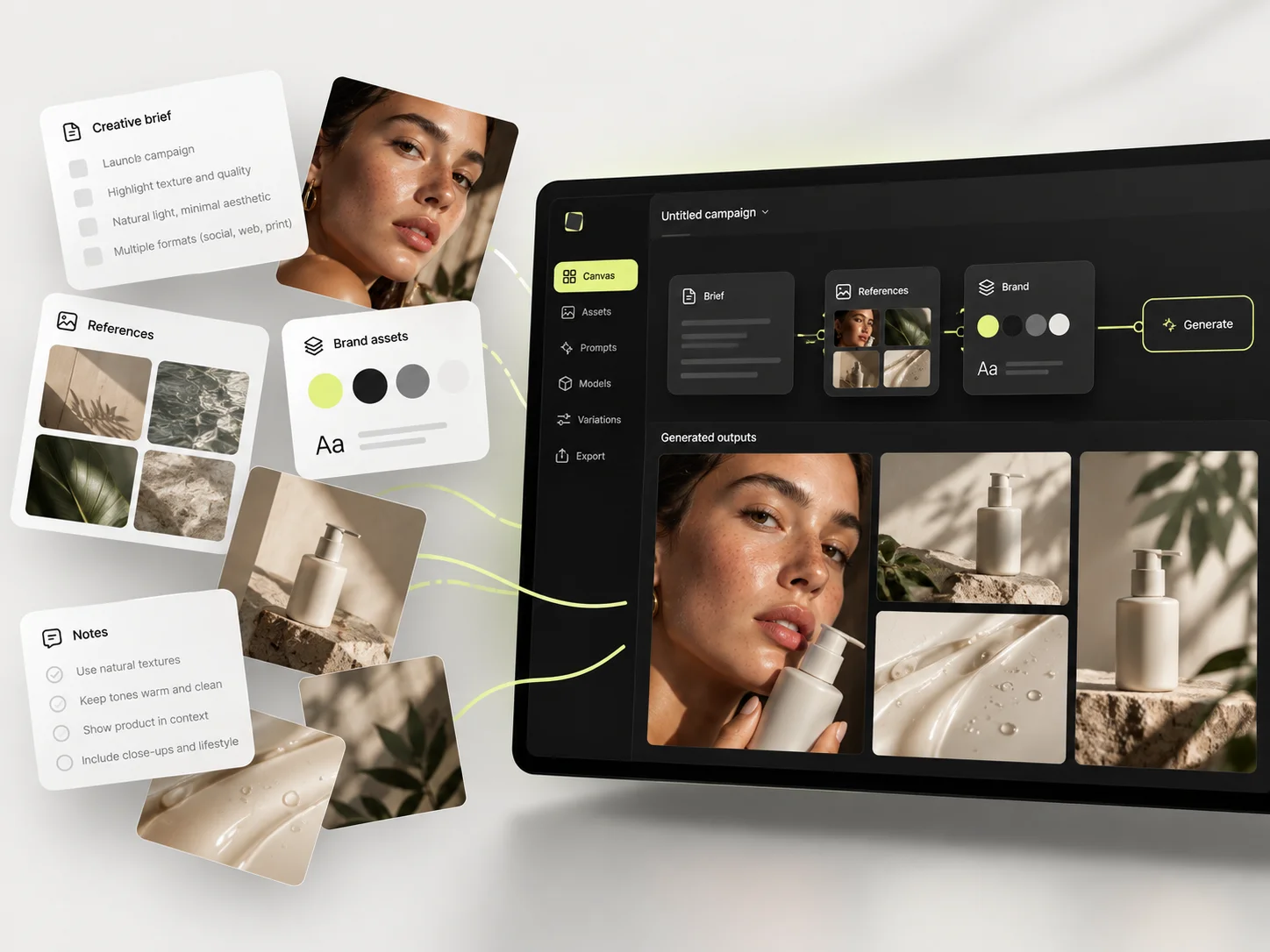
A hero visual, three square social cuts and one vertical motion ad.
Prompts, references, controls and the model you chose — as one reusable thing.
A week later, rebuild the same set for a different product. Time it.
Almost every tool clears the first round — that is what trials are designed to show. The second round is where platforms separate, and it is the round nobody reaches inside a fourteen-day trial. If week two costs the same as week one, nothing was saved; the tool just generated faster.
Tools whose centre of gravity is producing a still image — a model, a canvas, or a style system.
The strongest house aesthetic in the category, compared on what survives after the first good image.
Fine-tuned models and Elements against a reusable production process.
Vectors and brand systems against photographic output at SKU scale.
A realtime creative lab against a production floor for work that repeats.
Surgical editing and character training against repeatable sets.
Characters and storytelling against products and campaigns.
Platforms built around motion, from cinematic generation to avatar-led ads made for performance testing.
A high-end video suite against a system where video is one deliverable in a campaign.
Cinematic camera control against campaign-level repeatability.
A wide video-model menu against the production work that follows the choice.
Avatar-led UGC ads against the creative direction behind them.
Platforms that cover many jobs at once, or that hand you assets rather than generating them. They reach the same shortlist for very different reasons.
A very large asset library and creative suite against a focused production workflow.
The design suite already installed at your company, against a system built for one job.
Licensed footage, music and stock against frames that contain your own product.
A broad affordable suite against a narrower system built for work that repeats.
Platforms that agree a reusable graph beats a reusable prompt, and disagree about who should build and maintain it.
Tools built for one part of the production line — editing product photos, scaling variants, or turning a brand into ad units. These are the closest comparisons in the set.
Editing the product photo you have against generating the shot you never took.
Scored ad units against the creative direction they are derived from.
Enterprise variant automation against creative origination.
A developer API against a finished interface with no integration work.
Sometimes the question is not which platform but which engine. These compare models rather than products.
Said once, here, rather than buried on thirteen separate pages. If one of these is what you need, buy the tool that does it.
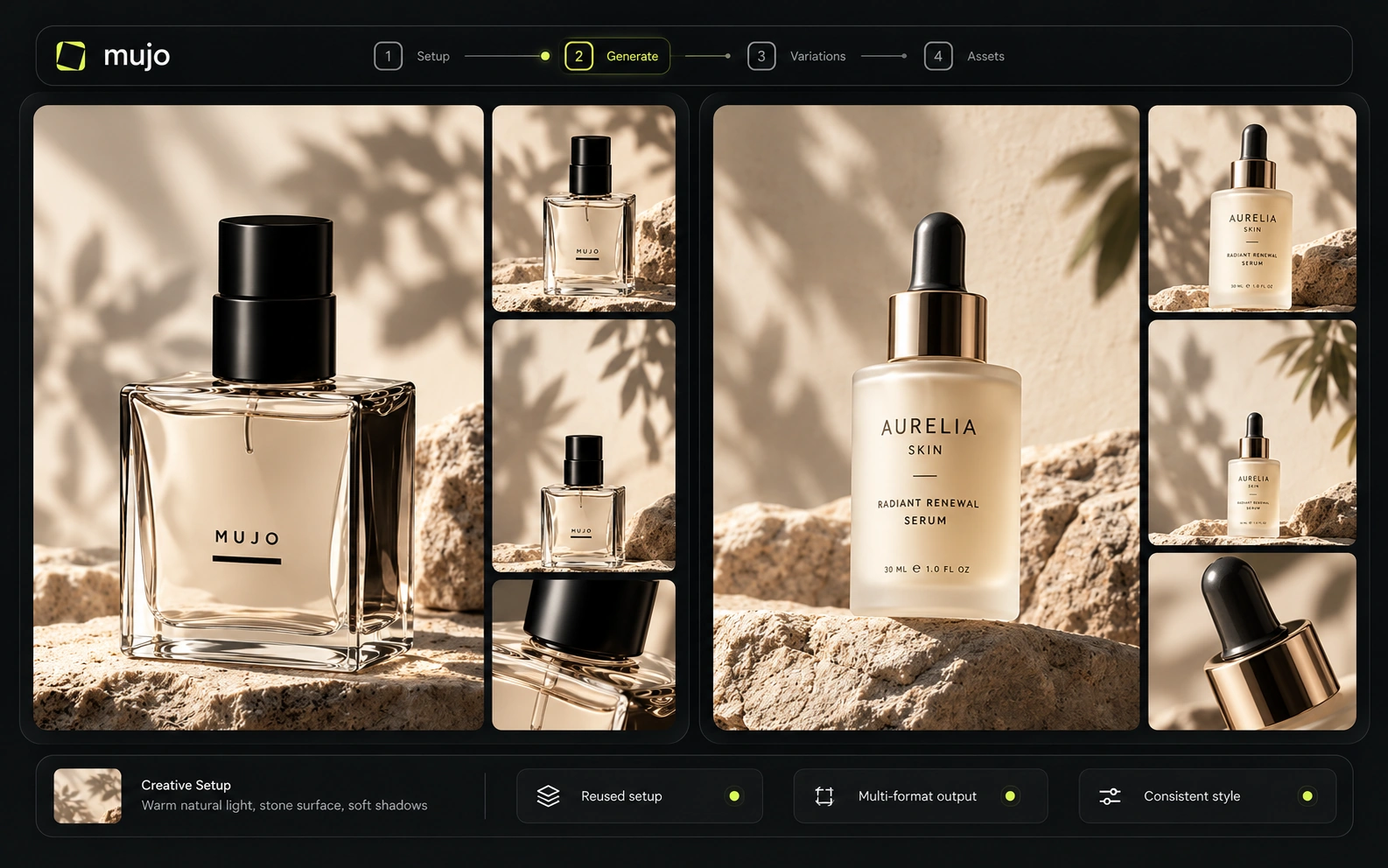
Mujo has no signature look of its own. It gives you other people's engines and the structure around them.
Shot-level motion control, VFX and finishing belong in a dedicated video platform.
No licensed footage, no music, no catalogue of ready-made assets to search.
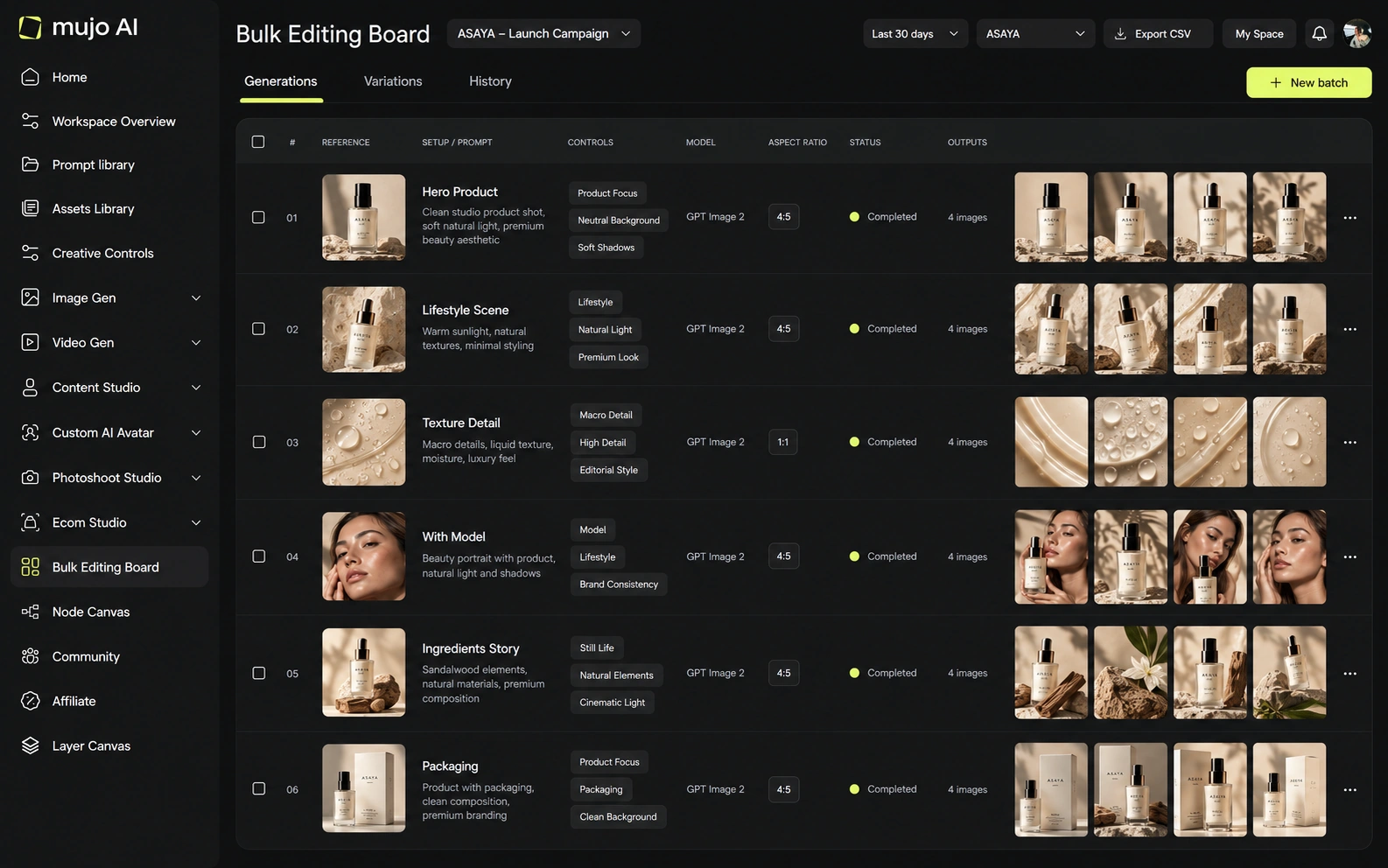
The part every comparison on this site turns on: what happens after the first good result, when the same work has to be done again by someone else.
Lighting, pose, camera, location and style as named parameters a colleague can read and reuse.
2,500+ prompts plus your own saved setups, shared across the team instead of one person's history.
Rows are assets, columns are variables. One approved direction runs down a whole product list.
Reusable workflows built from models, prompts, tools and logic — they survive a change of engine.
References, approved outputs and saved AI characters kept where the next campaign can find them.
Members, model access, usage limits and shared production context, with roles on Business.
Per-asset work scales linearly: forty products means forty sessions. That is true of every tool on this page, including the very good ones. A saved direction run in bulk does not scale that way, and that single difference is what most of these thirteen comparisons come down to.
Published plans and pay-as-you-go credits, so you can do the arithmetic against whatever you are comparing us with.
900 credits a month, all models and features, 3 parallel generations
2,200 credits a month, 6 parallel generations
4,400 credits a month, 10 parallel generations
11,900 credits a month, 4K generations, unlimited parallel generations
5 seats, roles and access management, priority handling, unlimited storage
200-credit packs upward, with no use-by deadline on purchased credits
One credit on one platform is not one credit on another: some price by GPU time, some by seconds of video, some by quality mode or provider multiplier. Any honest cost comparison has to hold six things constant, and most published comparisons hold none of them.
How these twenty-one pages are written, how current they are, and what to do with them.
Each page carries the month it was reviewed, and pricing here was checked against the live pricing pages in September 2026. Competitor plans and model versions change monthly, so verify anything you are about to decide on against the vendor's own page.
Yes, on every page, in a section of its own. Several of these tools do things Mujo does not do at all, and the pages say which.
Commonly, yes. A frequent setup is a specialist tool for one high-value task and Mujo for the production around it. Each page describes the split that works for that particular pairing.
The one matching the tool you already use. Starting from nothing, read the specialist group first — Photoroom, ComfyUI, Figma Weave, AdCreative.ai and Celtra draw the sharpest lines, because each one is better than Mujo at the thing it was built for.
Nine image engines — Nano Banana Lite, 2 and Pro, GPT Image 2, Midjourney, Seedream 5.0 Lite and Pro, Grok Imagine and Kling 3.0 Image — and five video engines: Veo 3.0, Veo Fast, Kling 3.0, Seedance 2.5 and Seedance 2.0.
New accounts start with 20 free credits, which is enough to run a small version of the two-product test described at the top of this page.
Both. Solo creators use the workspace directly; teams add shared libraries, model access, usage limits and roles. The team side is where the reusable layer pays for itself fastest.
The two-product test at the top works on any pair of platforms, including ones not listed here. Run it and the answer usually shows up in week two.
A comparison is abstract until you look at the production it is about. These are the workflows Mujo is built around.
From one product photo to a full campaign — every workflow in one place.
Run an approved product direction across a whole SKU list.
Take a brief to a full set of campaign assets in one workspace.
Turn one approved creative into controlled versions across formats and markets.
Produce editorial and studio photoshoots without booking one.
One product, several hooks, a set of vertical ads built from the same direction.
Reading thirteen comparison pages is slower than running one brief through the tools on your shortlist. Take a campaign you have already shipped, rebuild it, then rebuild it again for a different product a week later. 20 free credits to start, no deadline on what you buy after that.