One engine, many models
Image, video and text models from the leading providers run in the same workspace and are updated centrally — instead of a separate subscription per tool, per person, per account.
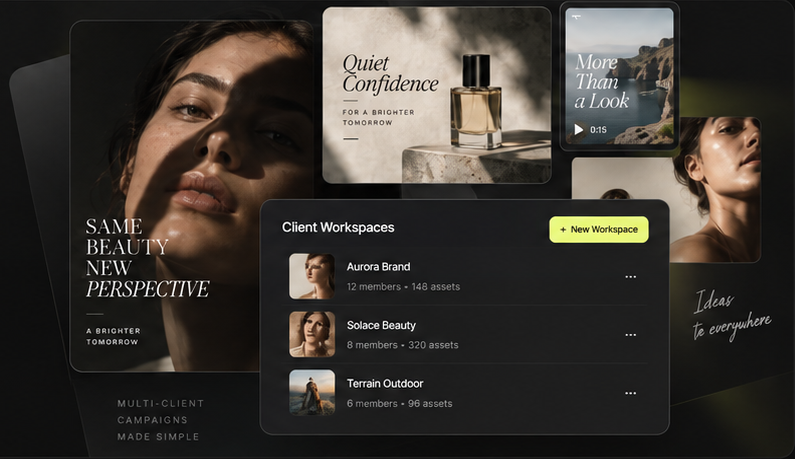
Mujo gives an agency one production layer across every account: generation with structured controls, node workflows, a bulk production board and a layers editor — with each client's assets, brand context and approvals kept in their own workspace.
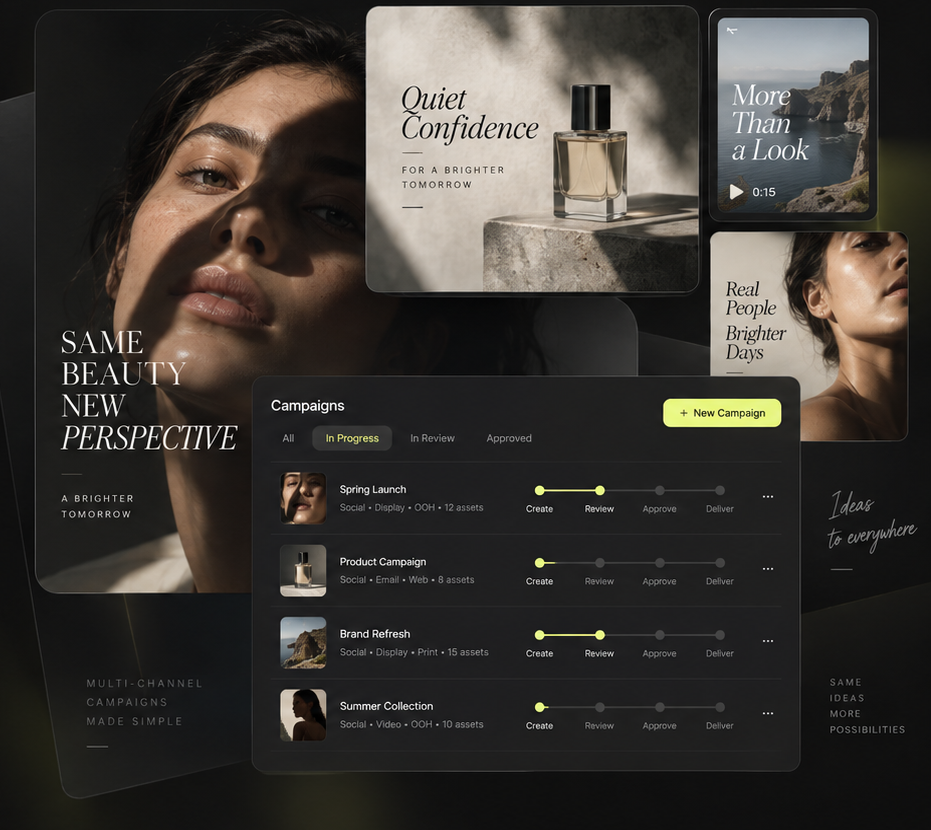
Most AI tools stop at generation — one prompt, one result, no record of how it was made, and nothing that survives to the next brief. Mujo is the layer above that: the models, the controls, the client context and the production steps an agency repeats on every account, held in one place so the work is reproducible rather than rebuilt.
Image, video and text models from the leading providers run in the same workspace and are updated centrally — instead of a separate subscription per tool, per person, per account.
Format, style, lighting, camera, composition, market and brand concept are set as parameters — over 200 of them — so a junior and an art director briefing the same task get comparable results.
Brand kits, products, AI characters, approved directions and prompt templates live in that client's workspace and are reused across briefs, seasons and markets.
Briefs, generation, review, adaptation and hand-off sit in one system, so a campaign is not reassembled from chat histories, shared drives and separate subscriptions every time it moves a step.
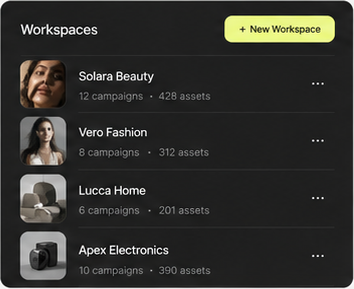
Each client gets its own environment — assets, briefs, brand kit, characters and team access kept separate from every other account.
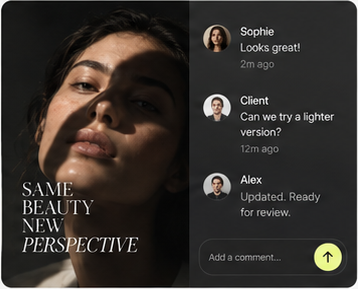
Feedback sits on the asset itself: comments, requested changes and sign-off, with a record of who approved which version.
Key visuals, social sets, product imagery, storyboards and channel adaptations are produced in the same place they are reviewed and delivered.
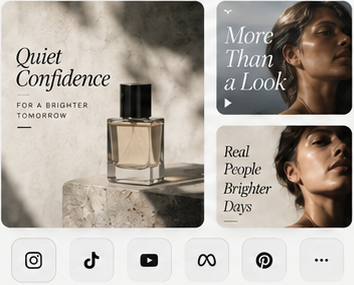
A pipeline built for one campaign is saved and run again for the next brief, the next market or the next account.
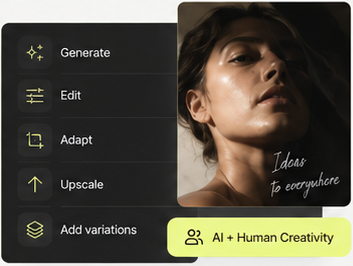
Agency work is not one task, so one interface never fits it. Mujo covers the four modes a creative team moves between — and they share the same models, controls, client assets and output library, so nothing is exported from one tool into another.
For a single asset. Set the parameters, pick the model, generate — a key visual, a concept route, a frame for the pitch.
For a process with branching. Connect sources, prompts, models and edits on a canvas, save it, and run it again for the next brief or the next client.
For volume with fixed logic. One approved setup runs across a table of rows — SKUs, markets, formats — changing only what differs per row.
For finishing. Compose generated images with text, shapes, products and backgrounds on a layered canvas linked to the asset library.
From the concept routes in a pitch to the hundredth market adaptation after it is won — the same system, the same brand context, the same client workspace.
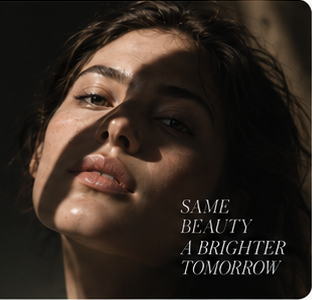
Concept routes, moodboards and hero visuals from a written brief — in time for the pitch.

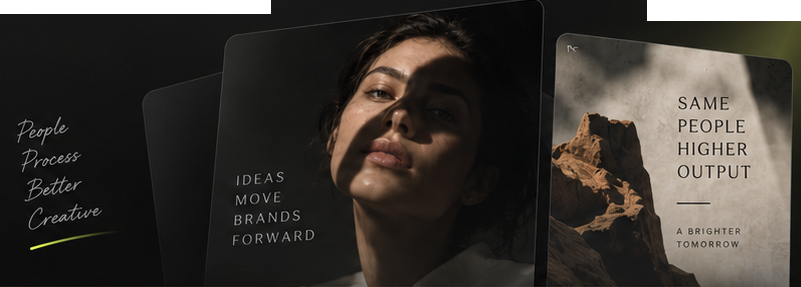
One approved direction expands into posts, stories and cutdowns for every feed.

Packshots, lifestyle scenes and marketplace imagery without booking a shoot.
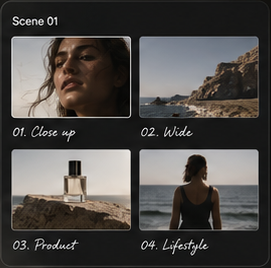
Frame sequences, camera direction and shot lists before production starts.

Creator-style video built from scripts, hooks and AI actors — in volume, from one setup.
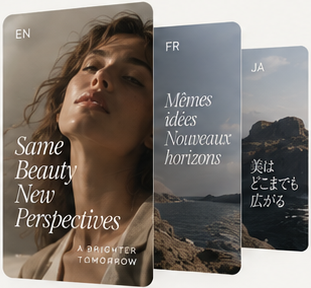
The same campaign resized, re-cast and re-written for each market, season and audience.
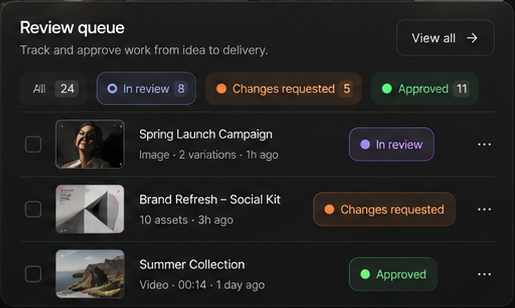
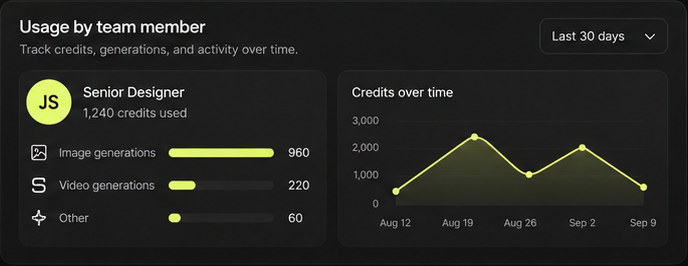
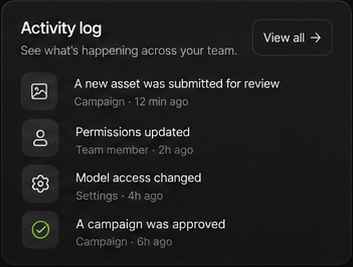
Model and module access per role, credit limits per member, a review queue from draft to approved, usage over time and an activity log of what was generated, changed and signed off.
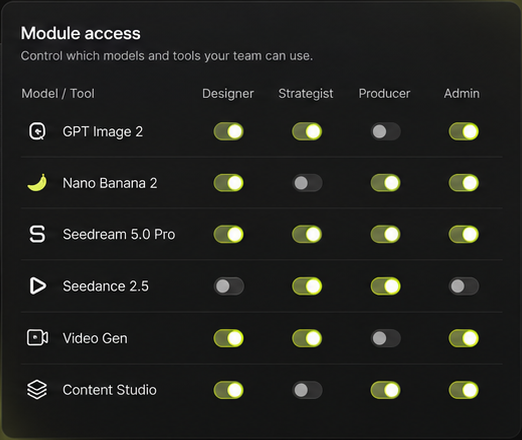
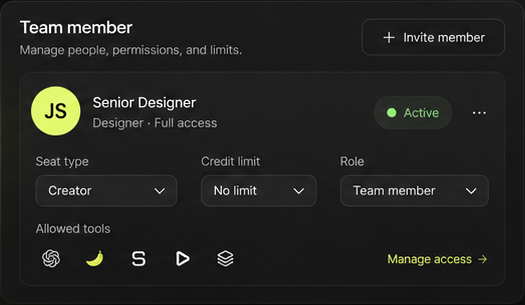
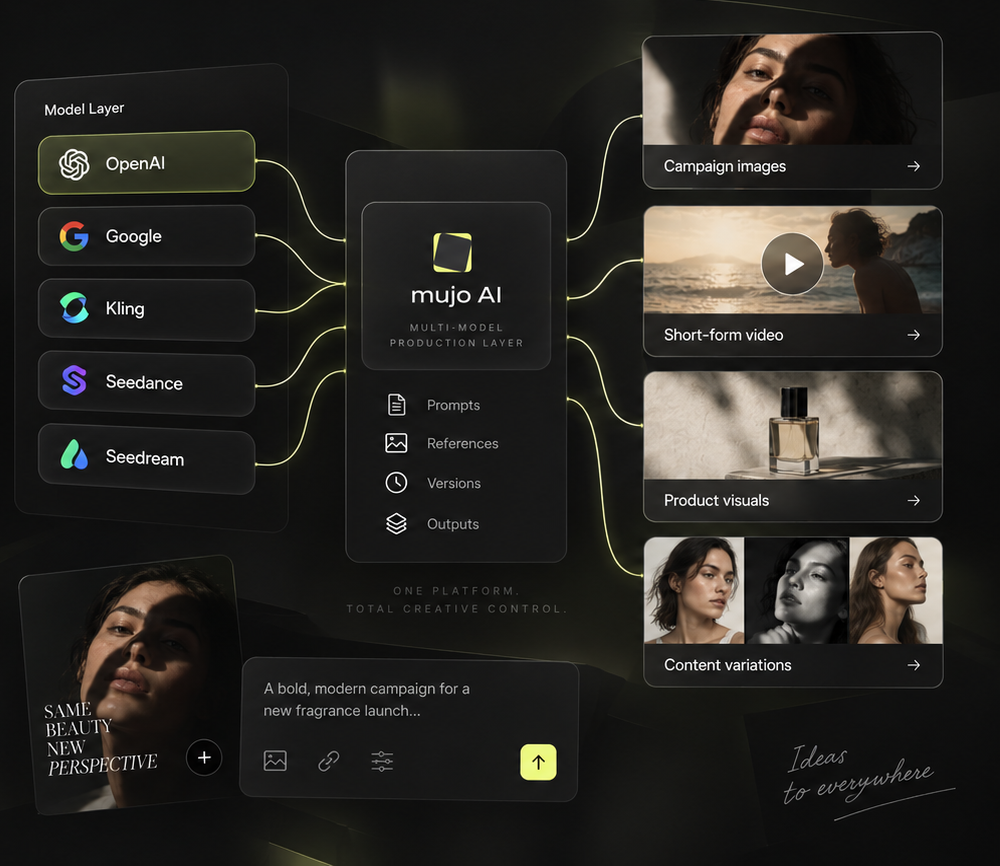
Models from OpenAI, Google, Midjourney, ByteDance, Kling and others run side by side, and each step of a workflow can use a different one. Prompts, references, versions and outputs stay in the client's workspace rather than scattered across individual accounts.
Most agencies arrive from one of three places. What changes is not the quality of a single image — it is whether the process behind it survives to the next brief, the next market and the next account.
Firefly generates with Adobe's own models inside the Creative Cloud stack. Mujo runs models from several providers side by side and adds node workflows, a bulk board and a layers editor in one workspace — with a separate environment per client and no dependency on the rest of a suite.
A generator here, a video tool there, a chat for copy and a design app to assemble it. Each licence is per person, nothing is shared between accounts, and the process behind a good result disappears the moment the person who made it moves on.
Resizing, re-cropping, swapping copy and rebuilding the same layout per market are the hours that are hardest to bill and easiest to automate. Running them as a saved setup changes what the team spends its time on.
No agency moves every account at once. Mujo is normally introduced through one client: a complete working workspace is built for that account, and the difference is measured against the way the work is done today before anything else moves.
We review how the account is produced today: brand guidelines, asset sources, approval steps and the content that recurs every month.
Controls, presets, templates, approved styles, characters, brand assets and model access are set up for that client's recurring workflow.
Creatives and account teams get access, the workflow is documented, and roles, permissions and review steps are agreed.
The new process is compared with how the work is done now, gaps are closed, and the setup becomes the template for the next account.
Agencies are audited by their clients, not only by their own IT. Keeping each account's material in its own environment, with access and activity on record, is what makes that review straightforward.
Assets, brand materials, characters, workflows and permissions belong to one client's workspace and are not visible from another.
Uploads, prompts, references and generations stay private and are not used to train Mujo models or third-party models.
Single sign-on over OIDC, role-based access, configurable data residency and isolated infrastructure for stricter requirements — with documentation and data-handling practices available on request.
It replaces a stack of separate AI subscriptions and manual production steps with one system: generation with structured controls, node workflows, a bulk production board and a layers editor, sharing the same models, client assets and approvals.
Yes. Each client has its own workspace with its own assets, brand kit, characters, workflows and team access. Material in one workspace is not visible from another.
Image, video and text models from several leading providers — among them OpenAI, Google, Midjourney, ByteDance and Kling — run in the same workspace and are updated centrally. Admins decide which models each role can use.
Yes. A workflow built for one campaign is saved as a template and can be duplicated into another account, then repointed at that client's brand kit, products and approved styles.
Comments sit on the asset itself. Work moves through a review queue — in review, changes requested, approved — and the activity log records who submitted and who signed off which version.
Firefly generates with Adobe's own models inside the Creative Cloud stack. Mujo runs models from several providers side by side, adds node workflows, bulk production and a layers editor, and keeps a separate environment per client — without a dependency on the rest of a suite.
No. Uploads, prompts, references and generations stay private to the workspace and are not used to train Mujo models or third-party models. SSO over OIDC, role-based access, configurable data residency and isolated infrastructure are available where a client requires them.
With one client account. The current process is reviewed, a complete workspace is built for that account's recurring work, the team is onboarded, and the result is compared with how the work is done today before the setup is applied to other clients.
We build a complete working workspace for one of your accounts — then you measure it against the way that work is produced today.