Turn an image or video process that works into a workflow you can run again on the next campaign
A reusable AI workflow is a production process you build once as a connected graph of steps — input, references, generation, editing, output — and then run again on new inputs without rebuilding it. Instead of repeating the same sequence of prompts and manual steps for every project, you define the logic once and change only what goes into it.
Most creative teams using AI are still working one generation at a time. It works for the first campaign. By the fourth, the same person is re-doing the same eleven steps from memory, and nobody else on the team can reproduce the result.
This guide covers how to turn a creative process that repeats into a reusable workflow in the Mujo Node Editor: what belongs in a workflow, how to structure it, where teams get it wrong, and when a workflow is the wrong tool for the job.
The short version
- Build a workflow for a process that repeats, not for a one-off idea.
- Separate the parts that stay fixed from the parts that take new input each run.
- Keep each node doing one thing — small steps are easier to fix than one large one.
- Test the workflow on a difficult input, not an easy one.
- Name it so a colleague can tell what it does without opening it.
What is a reusable AI workflow?
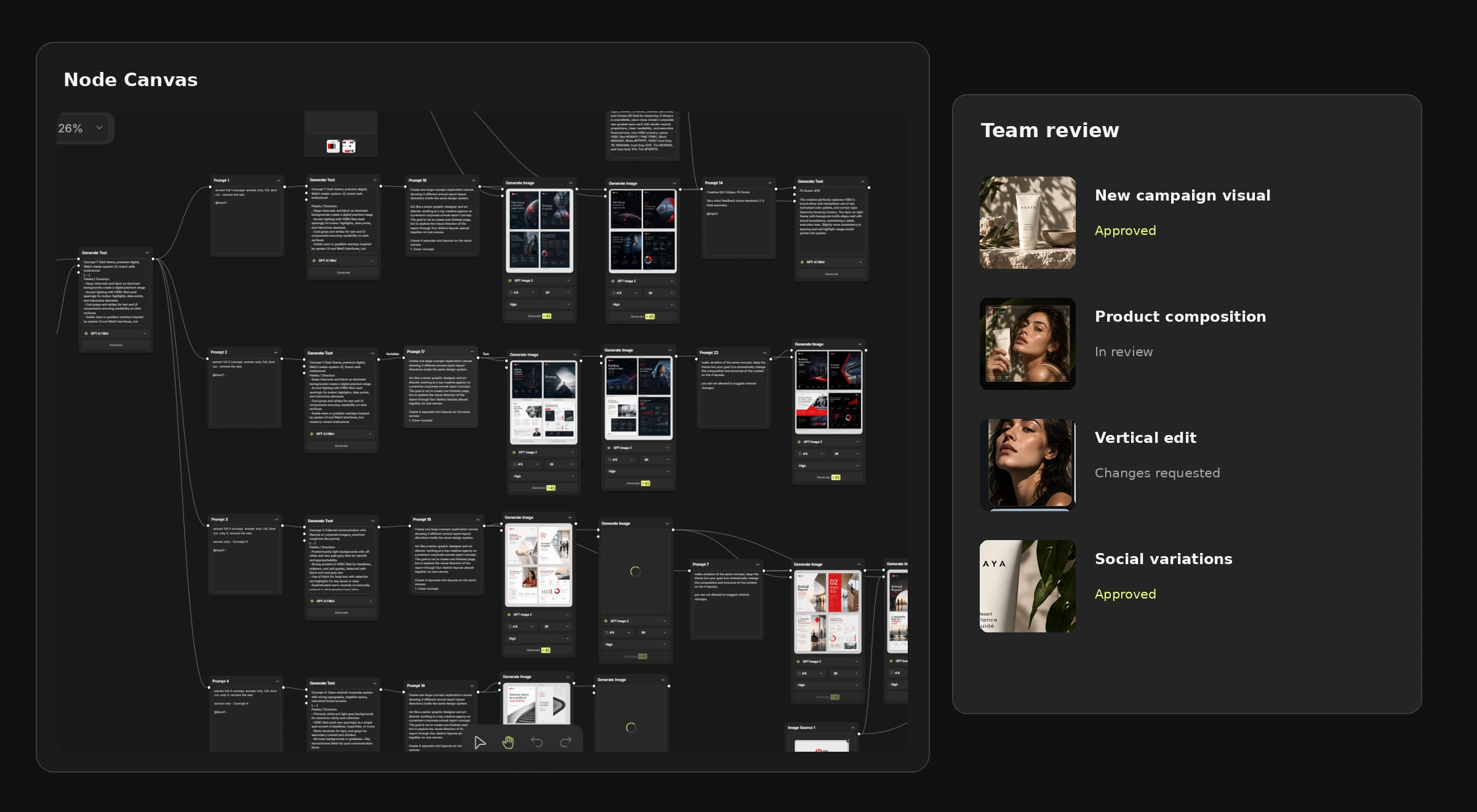
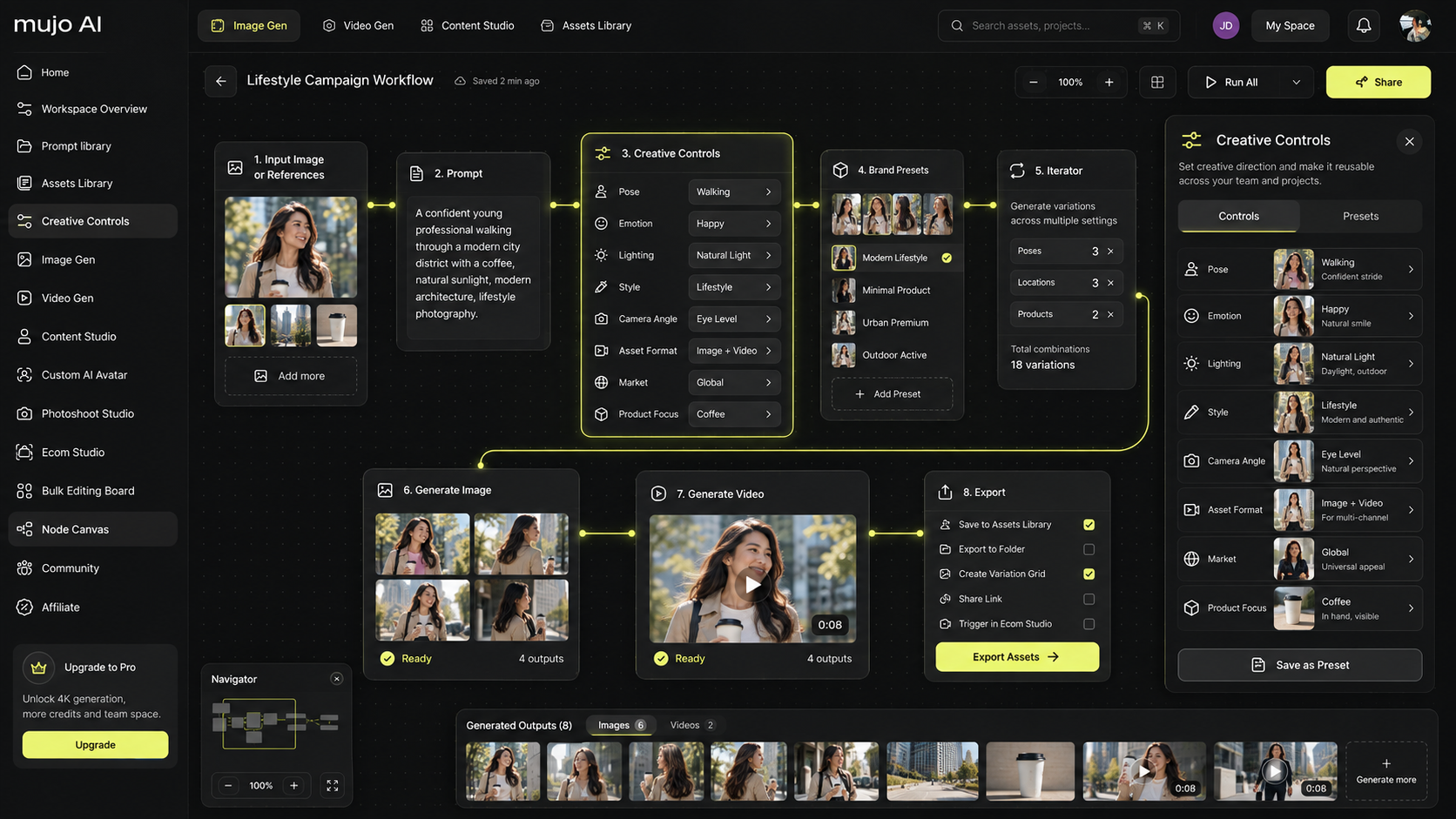
A reusable AI workflow is a defined sequence of creative production steps — connected visually as nodes — that can be run repeatedly against different inputs. A node takes something in, does one thing to it, and passes the result on. A workflow is what those nodes add up to.
The difference from prompting is worth stating plainly. A prompt produces one result. A workflow produces the same result shape every time, from whatever you feed it. That is why it is worth building: consistency stops depending on whoever is at the keyboard.
When a workflow is worth building
Not every creative task deserves one. The test is simple: has this exact sequence happened three times? If yes, build it. If not, you are automating a guess.
Workflows earn their keep when the process is:
- Repeated — every product launch, every month, every client brief.
- Multi-step — reference in, generation, edit, format out.
- Shared — more than one person needs to run it the same way.
- Feeding volume — its output goes into a batch rather than a single file.
A one-off concept for a pitch on Friday is not any of those. Generate it and move on.
Step 1: Write the process down before you build it
Before opening the canvas, write the steps as a sentence. Something like: "take the product photo, apply the approved lighting setup, generate three scene options, produce a vertical and a square crop of the chosen one."
If you cannot write it as a sentence, the process is not settled yet — and a workflow built on an unsettled process just makes the confusion repeatable.
Step 2: Separate the fixed parts from the variable parts
Every workflow has two kinds of content: what stays the same on every run, and what changes. Getting this line right is most of the work.
A good rule: if you find yourself editing the workflow itself on most runs, something in the left column belongs in the right one.
Step 3: Keep each node doing one thing
The temptation is to build one large node that does everything. Resist it. When a five-step workflow produces a bad result, you can see which of the five failed. When a one-step workflow produces a bad result, you are back to guessing.
Small nodes also make a workflow readable by someone who did not build it — which is the whole point of building it in a shared workspace rather than in your own head.
Step 4: Connect the workflow to volume
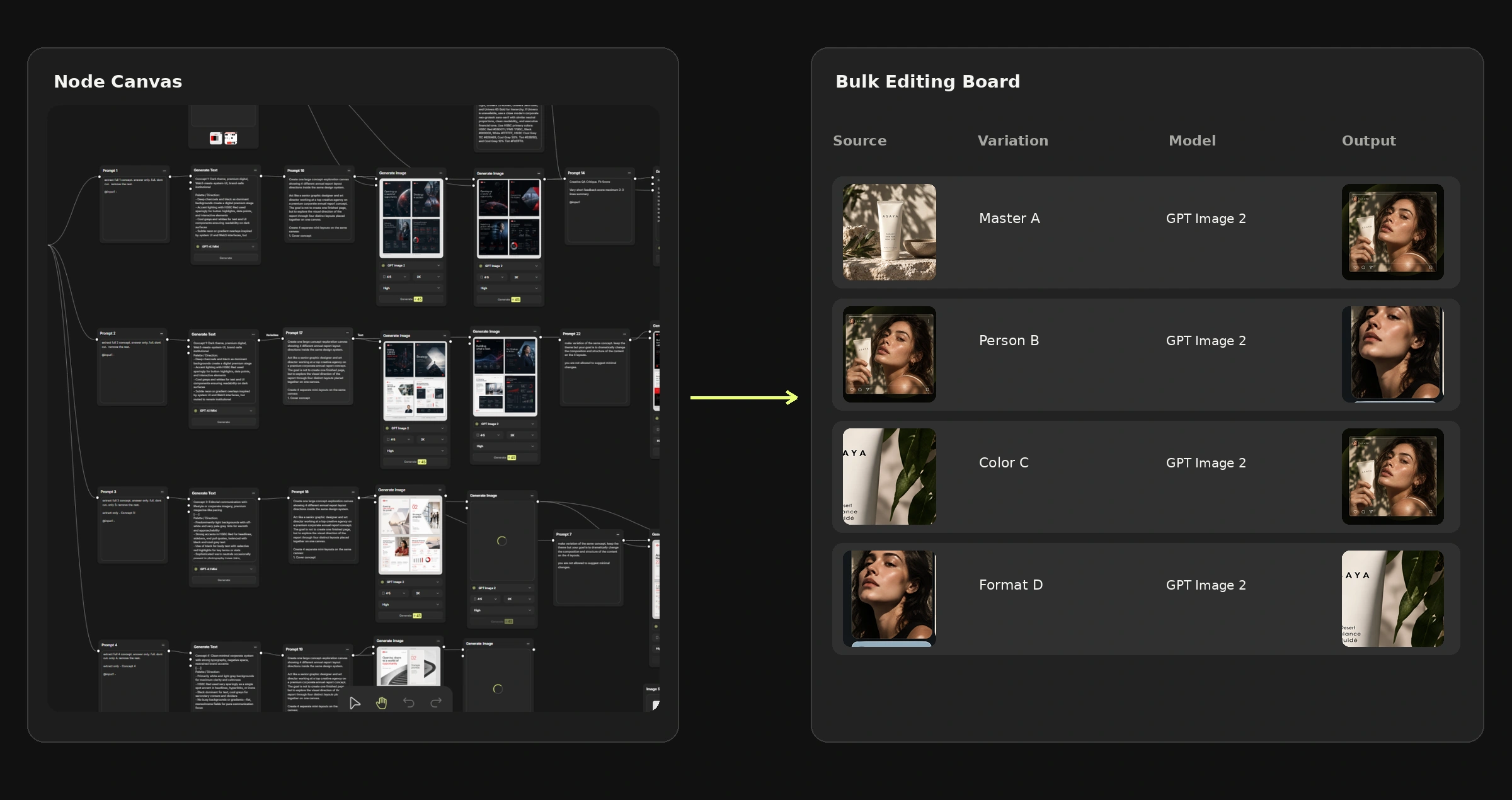
A workflow that runs once is a nice diagram. The value appears when the same logic is applied across a list — products, markets, formats, people.
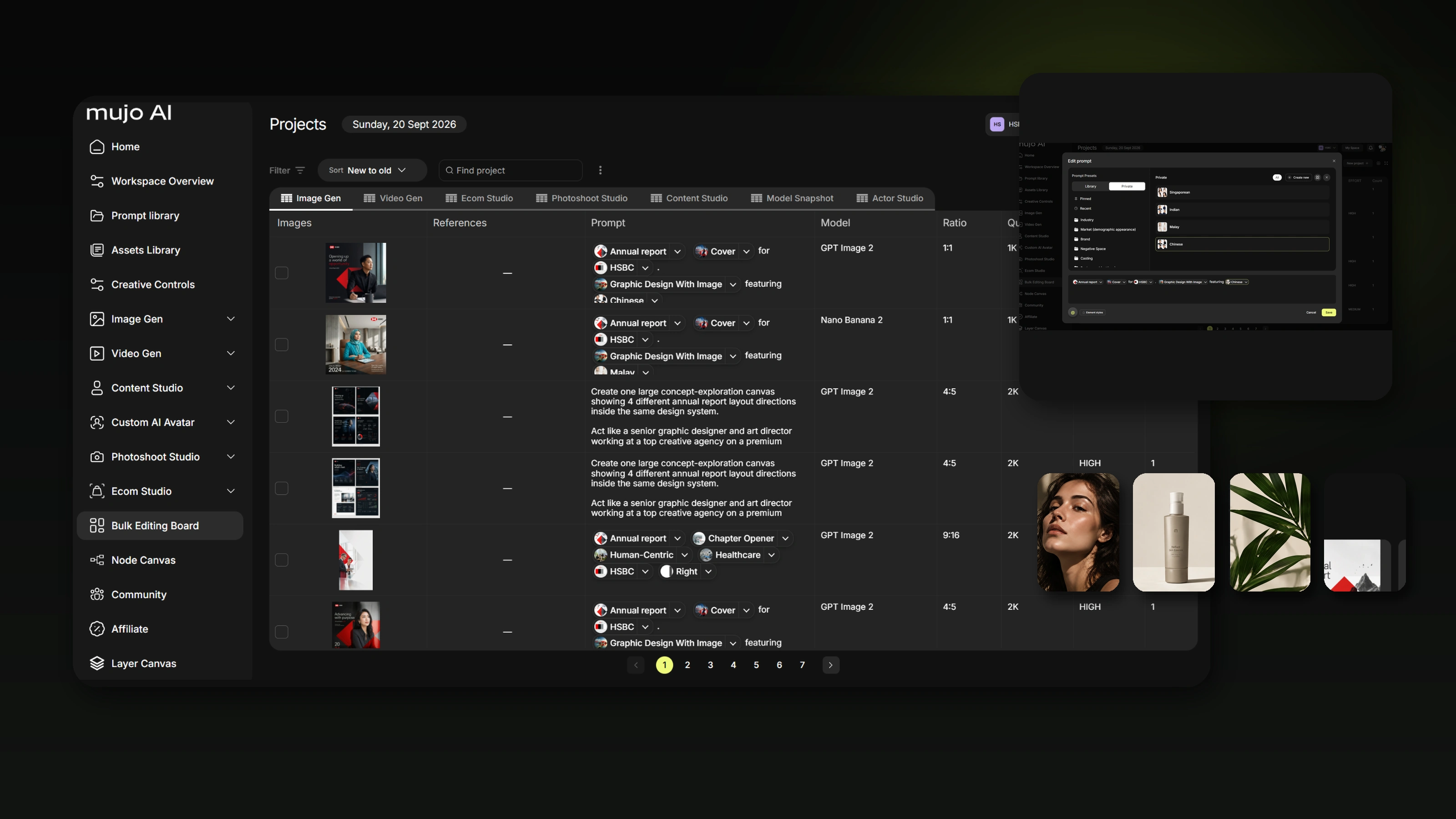
That is the division of labour between the two tools: Node Editor defines how something is produced, and Bulk Editing defines how many and what varies. Confirm the available handoff in your current release before planning a large run around it.
Step 5: Test on the hardest input you have
Everyone tests a new workflow on the clean product shot with the perfect lighting. Then it meets a real input and falls over.
Run the first test against:
- the product with the most text on the packaging;
- the darkest or busiest reference image;
- the tightest output format;
- the input somebody will inevitably supply at the wrong resolution.
A workflow that survives those four is one you can hand to a colleague.
What usually goes wrong with reusable workflows
Four failure modes account for most abandoned workflows. All four come from the same root: building for the ideal case instead of the ordinary one.
Built too early
A process gets turned into a workflow before anyone agrees what the process is. Two weeks later the creative direction changes and the workflow is rebuilt from scratch. Fix: wait until the same sequence has run three times manually.
Too much hardcoded
The product, the market and the format are all baked into the nodes, so every new project means a new copy of the workflow. Six copies later nobody knows which is current. Fix: hardcode process, expose content.
One giant node
Everything happens in a single step, so when the output is wrong there is nothing to inspect. Fix: split until each node has one job you could name in two words.
Nobody else can run it
The workflow works, but only its author knows which input goes where. Fix: name nodes and workflows for what they do, not what they are — "Product to three scenes, vertical and square" beats "Workflow 4 final FINAL".
Where reusable workflows pay off most
Product and catalogue production
The same treatment applied to a range that grows every season. See product catalog production for the catalogue-scale version of this.
Campaign adaptation
An approved master turned into channel versions and market variants — the part of campaign production that is pure repetition.
Recurring content formats
The weekly post format, the monthly launch template, the seasonal refresh. If it has a name in your calendar, it can be a workflow.
Agency retainers
One workflow per client account keeps each brand's setup separate and reproducible, which is the difference between a retainer that scales and one that eats the team.
Do you need a workflow, or just a saved setup?
A fair question, and the answer is often "just a setup". If the only thing that repeats is the look — camera, lighting, composition — then saved creative controls are enough, and they are far less to maintain.
Build a workflow when the sequence repeats, not just the settings: when there is a second step that depends on the first, an edit after the generation, a format pass after the edit. Multi-step is the signal.
Frequently asked questions
What is a node editor in AI image generation?
A node editor is a visual canvas where each step of a creative process is a block and the connections between blocks define the order. It lets you build a multi-step production process you can run again rather than repeating the steps by hand.
How is a workflow different from a prompt?
A prompt describes one result. A workflow describes a process that produces a consistent kind of result from whatever input you give it, including steps that happen after generation.
Can I reuse the same workflow for different products?
Yes — that is the point of separating fixed steps from variable inputs. The product, references and market are supplied per run; the process stays the same.
Can a workflow produce both images and video?
Image and video generation are both available in Mujo. Which models and controls a given step supports depends on the workflow you build and the model you select.
Can my team share workflows?
Workflows, assets and references sit in a shared workspace. Confirm which sharing and permission features are available on your current plan and release.
Does a workflow guarantee identical output every time?
No. Generative models introduce variation even with identical settings. A workflow makes the process identical, which narrows the variation considerably — it does not remove it, and outputs still need review.
How long does it take to build one?
Less time than running the same process manually three more times. The honest answer is that the first workflow takes longer than you expect and the second takes a fraction, because by then you know what belongs in it.
Build the process once
The reason creative teams stall with AI is rarely the quality of a single image. It is that nothing accumulates — every project starts from the same blank canvas as the last one.
A workflow is how work stops evaporating. Write the process down, separate what changes from what does not, keep the steps small, and test it on something difficult. After that, the fourth campaign costs a fraction of the first.
Build it once. Run it every time.
Turn a creative process that repeats into a reusable workflow with the Mujo Node Editor.