Creating multiple ad variations from one creative means taking an approved ad — one that already works — and producing controlled versions of it by changing a single variable at a time: the person, the product, the colour, the hook, the format or the market. The creative direction is settled. What you are producing is test material.
Paid social eats creative faster than any traditional production process can supply it. A winning ad has a shelf life measured in weeks, and the usual response — brief a new concept — is both slower and riskier than the obvious alternative: make more versions of the thing that already performed.
This guide covers how to produce controlled ad variations from an approved creative using Mujo Bulk Editing: which variables are worth changing, how to keep a variation readable as a test, and where variation production goes wrong.
The short version
- Start from an ad that already performed, not from a new concept.
- Change one variable per variation, or you will not know what caused the result.
- Produce the whole set together so the variations are genuinely comparable.
- Keep the approved original in the test as a control.
- Performance is decided by your ad platform, not by the tool that made the file.
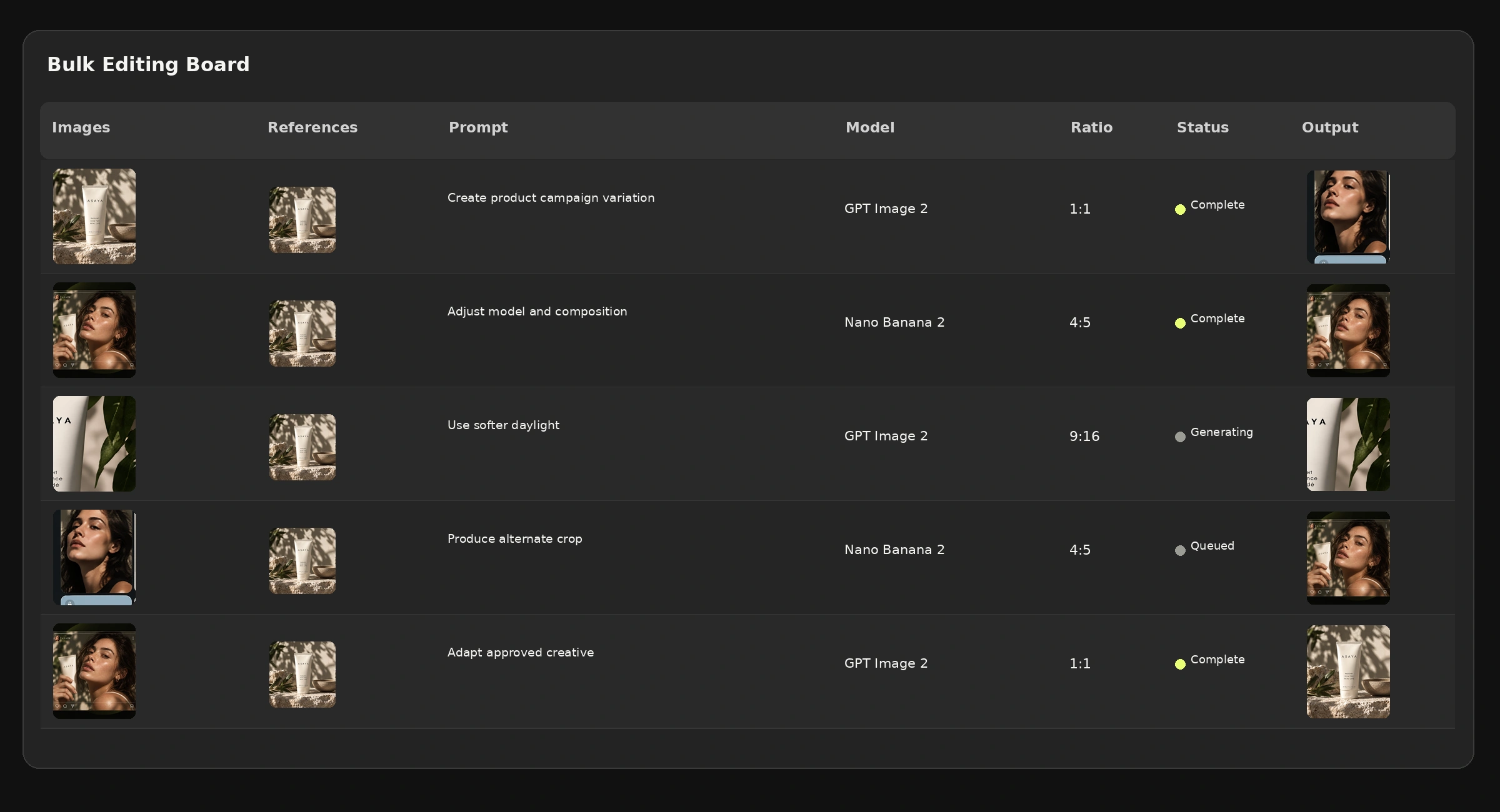
What are AI ad creative variations?
AI creative variations are alternative executions of an existing ad concept, produced by changing defined elements while the overall creative direction stays fixed. They are not new ideas. They are the same idea, shown differently, so a platform can tell you which version performs.
The distinction matters commercially. A new concept costs a briefing cycle and carries the risk that the whole direction fails. A variation costs a row in a table and carries the risk that one element underperforms. Most media budgets would rather take the second risk repeatedly than the first one occasionally.
Which variables are actually worth changing
Not all variables are equal. Some change performance meaningfully; some just change the file. In rough order of how much they usually move a result:
Format belongs in the list but not in the test. A 9:16 version of an ad is not a variation — it is the same ad, delivered correctly. Produce it always; do not count it as a creative experiment.
Step 1: Pick a control, not a favourite
Start from the creative with actual results behind it. Not the one the team likes most, and not the newest — the one the platform data supports.
Keep it in the test set. Without the original running alongside the variations, you have a group of new ads and no baseline, which makes the results much harder to read.
Step 2: Change one thing per variation
This is the rule the whole method rests on, and the one most often broken. If a variation changes the person and the background and the colour, a result tells you nothing about why.
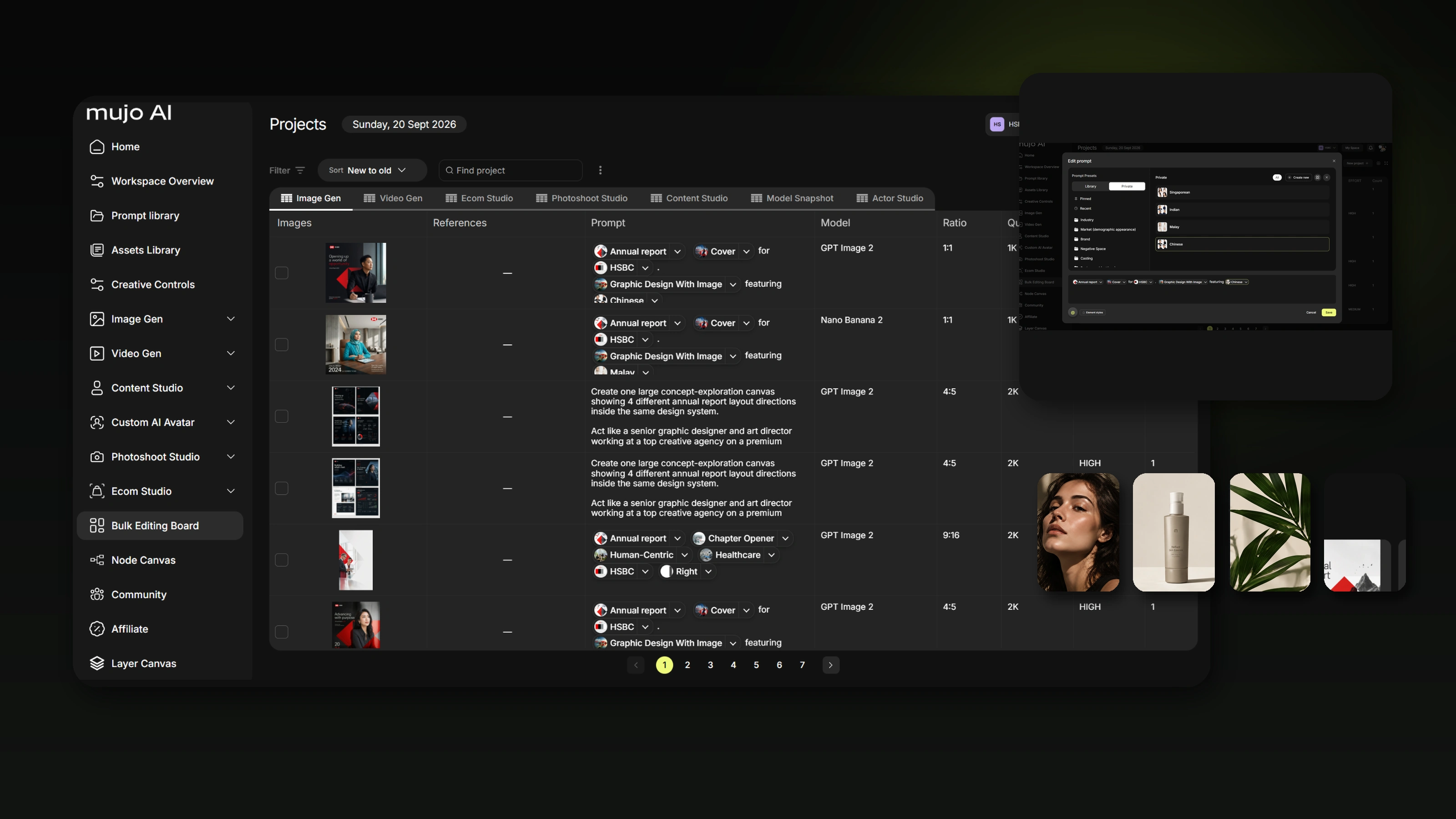
One variable per row. If you want to test three people and two scenes, that is six rows, not one row with everything moved at once. In a production table this costs nothing extra to plan — which is exactly why the discipline is affordable here and was not affordable when each version meant a designer's afternoon.
Step 3: Produce the set together
Variations made on different days, by different people, with settings re-entered by hand, are not comparable. Small differences in lighting or grade creep in and become an invisible second variable.
Producing the whole set from one saved setup removes that. The creative controls stay fixed, the reference assets stay fixed, and only the column you chose moves.
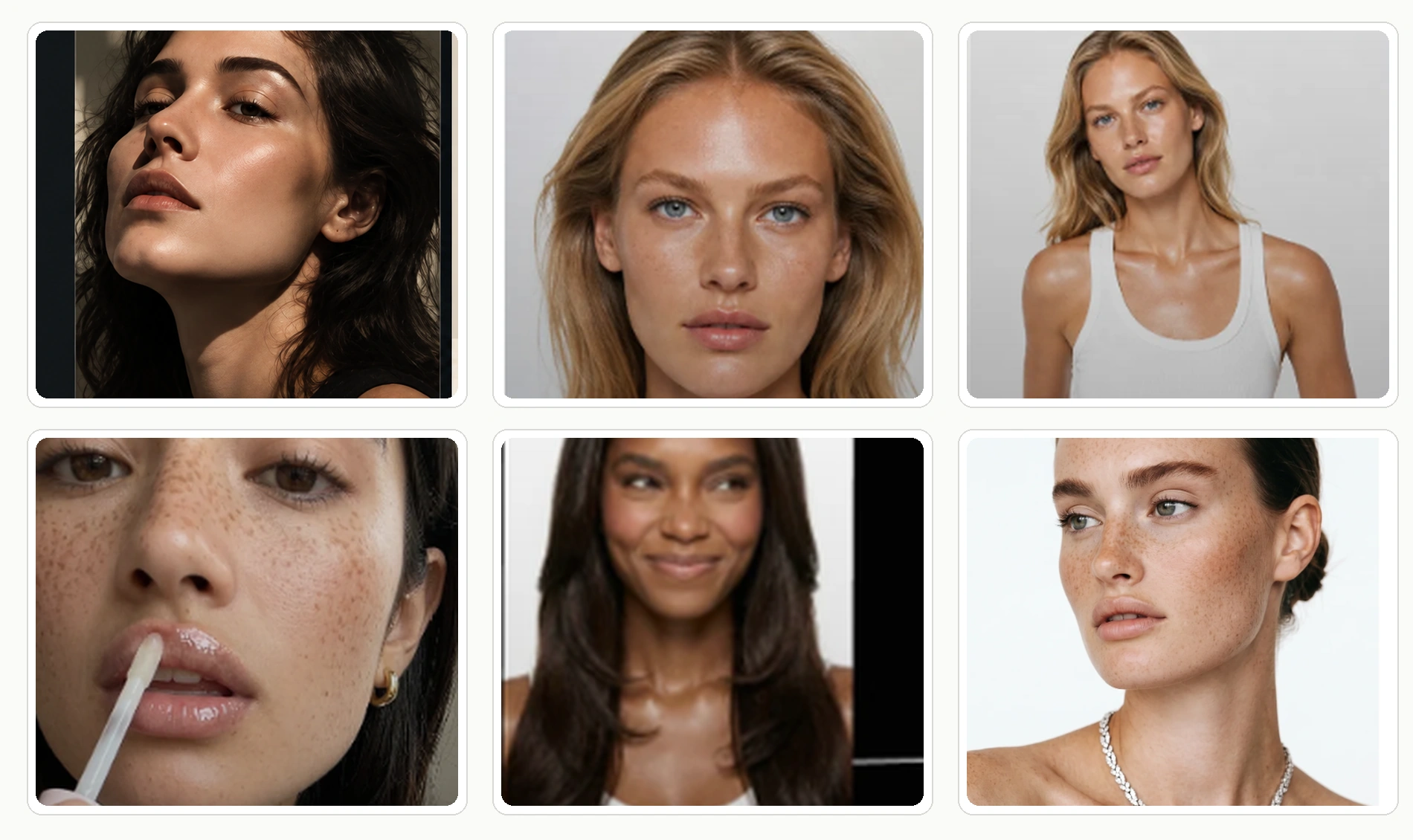
Step 4: Review the set as a set
Look at the variations together, not one file at a time. Two questions:
- Does each one still read as the same campaign? If one variation has drifted into a different brand, it will pollute the test.
- Is the changed variable actually visible? A variation nobody can tell apart from the control is a wasted impression.
Check product fidelity, generated text and packaging details before anything runs. AI output still needs a human pass, and an ad is a particularly public place to discover a misspelled label.
Step 5: Let the platform decide
This is worth stating directly because the category is full of claims to the contrary: no generation tool knows which variation will perform. Mujo produces the creative. Your ad platform reporting decides what worked.
What production tooling actually changes is the number of shots you get. Testing six hooks instead of one is not a smarter guess — it is more attempts at the same cost, which is the only reliable edge in creative testing.
What usually goes wrong
Too many variables at once
The set looks impressive and teaches nothing. Fix: one change per row, and accept that a clean test needs more rows than a messy one.
Variations that are too similar
Six versions where the difference is a slightly different shade of the same background. The platform cannot distinguish them and neither can the audience. Fix: if you cannot name the difference in three words, it is not a variation.
No control in the test
The original ad is retired the moment the new set goes live, so there is nothing to compare against. Fix: keep it running.
Drift across the batch
The first variations match the master and the last ones do not, because settings were re-entered along the way. Fix: one saved setup for the whole run, deliberate exceptions only.
Where this is used most
Performance and paid social
The core case: keeping a testing calendar supplied. See social video ads for the short-form version of this work.
Market and language versions
The same approved ad with market-appropriate casting, references and language. Have any text rendered inside the image checked by someone who reads that language.
Product ranges
One approved treatment applied across SKUs — closer to catalogue production than to creative testing, but the same mechanism.
Seasonal refreshes
A creative that worked last quarter, restyled rather than rebriefed.
Frequently asked questions
How many ad variations should I test at once?
Enough that each variable has a clean comparison, and few enough that your budget gives each one meaningful delivery. Splitting a small budget across twenty variations produces twenty inconclusive results.
Can I change only one element of an approved creative?
That is the intended use. References and creative controls guide the change — but review the output, because generative models can move details you did not target.
Can I keep the same model or character across variations?
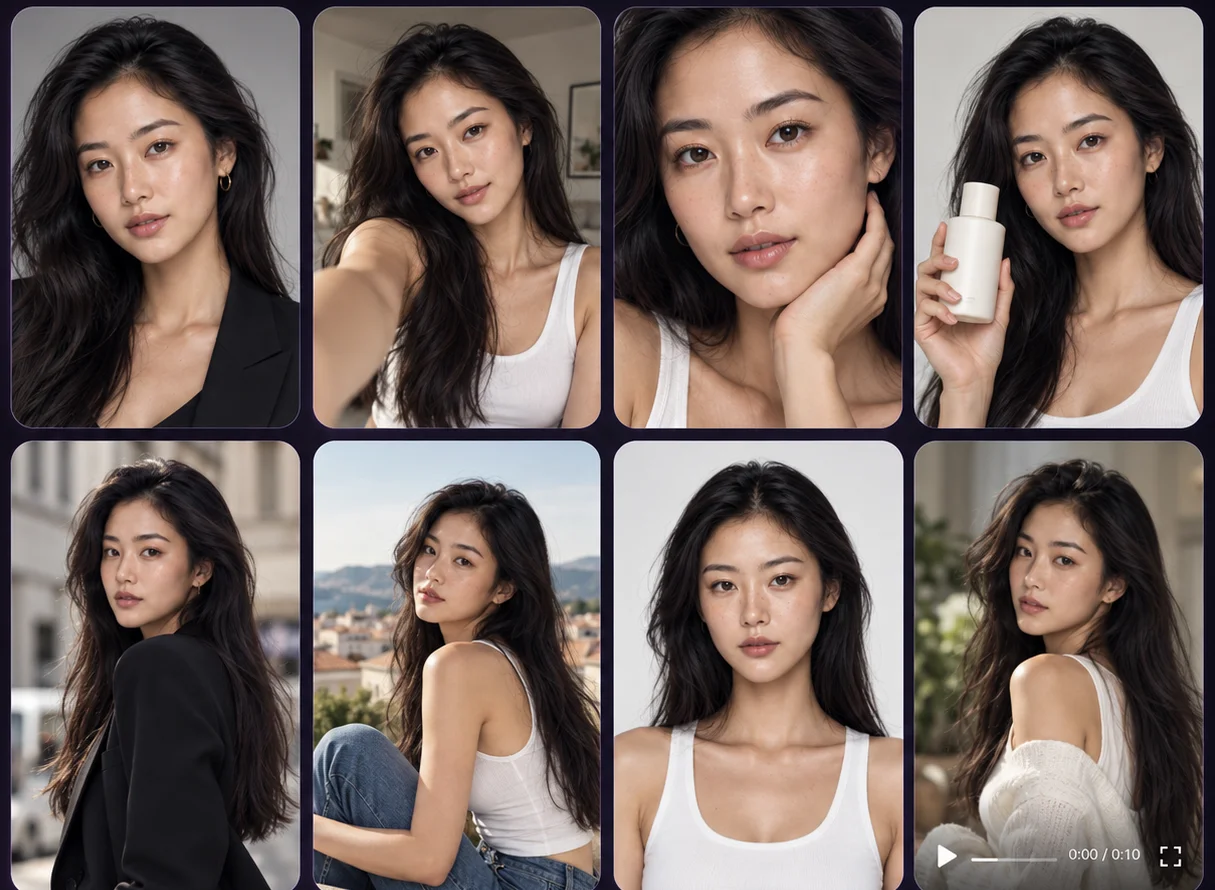
Yes, using a saved AI character as the fixed element while other variables change. How closely identity holds depends on the model, the references and the settings.
Does Mujo tell me which variation will perform best?
No. Mujo produces the variations; performance is determined by your campaign tests and your ad platform's reporting.
Can I produce video ad variations the same way?
Yes, with the caveat that supported controls differ by video model. Confirm what the workflow you pick can do before planning a large video run.
Is there a limit to how many variations I can generate?
Production is governed by credits, model availability and your workspace limits. "Bulk" describes the workflow, not an unlimited allowance.
How is this different from generating new creative?
New creative tests a direction. Variations test elements within a direction that has already proven itself. Most teams need far more of the second than they produce.
Make more of what already works
The hardest part of paid social is not making a good ad. It is making the next twelve before the first one fatigues.
Start from the creative with results behind it, change one thing at a time, produce the set together, and let the platform tell you which version won. That loop is the whole job — and it only becomes affordable when a variation costs a row instead of a production day.
One creative. A full test set.
Turn an approved ad into controlled variations across people, products, formats and markets.