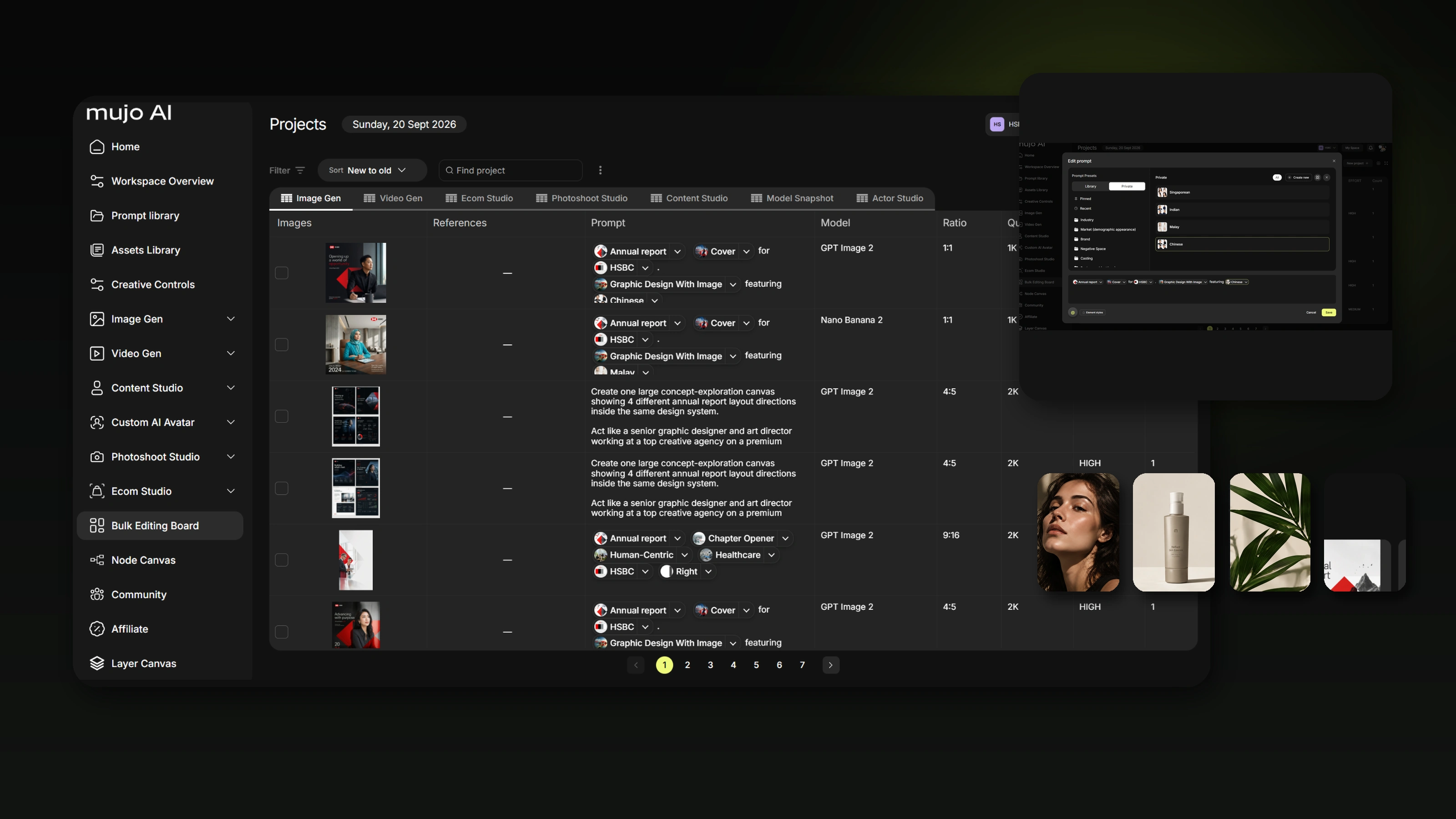
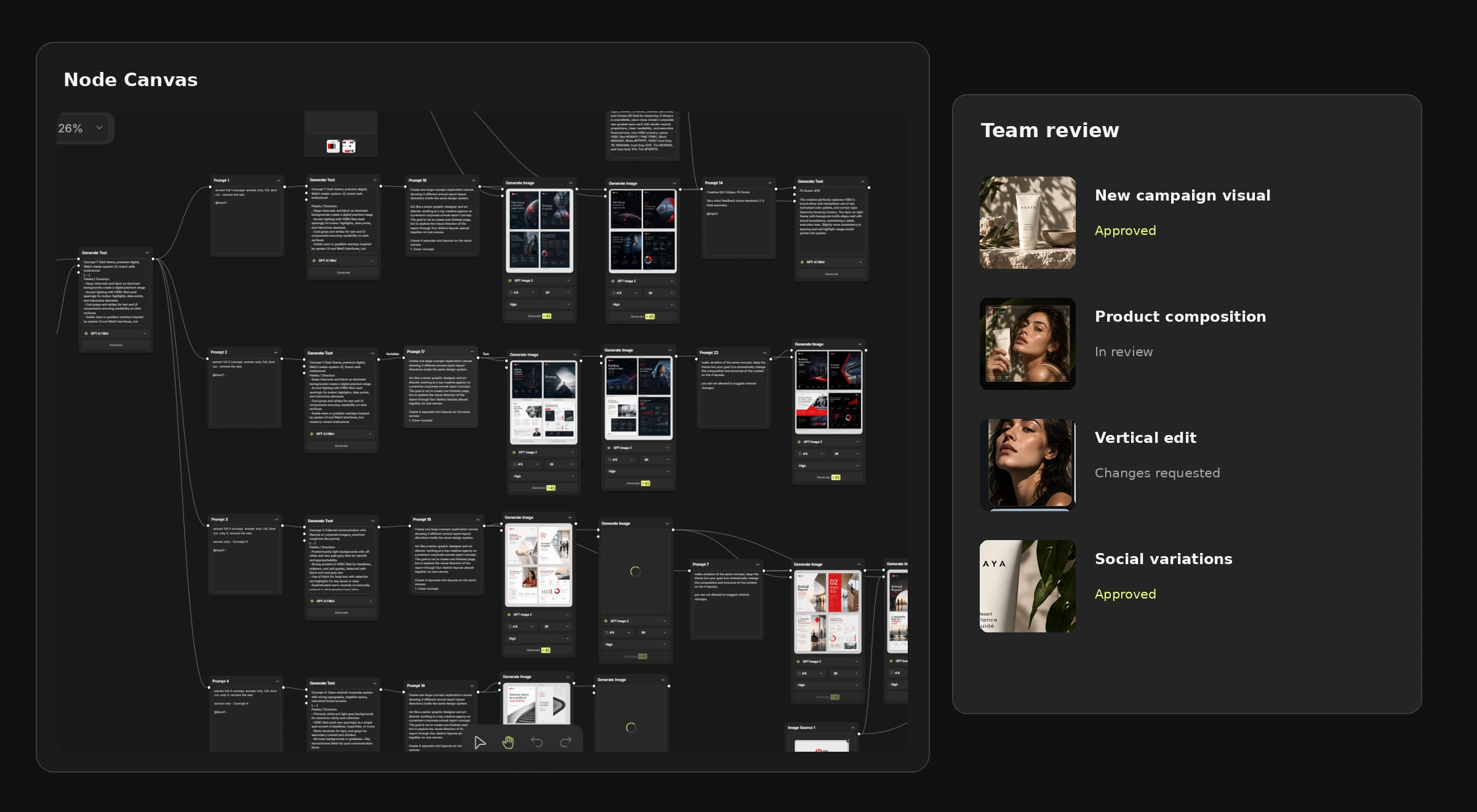
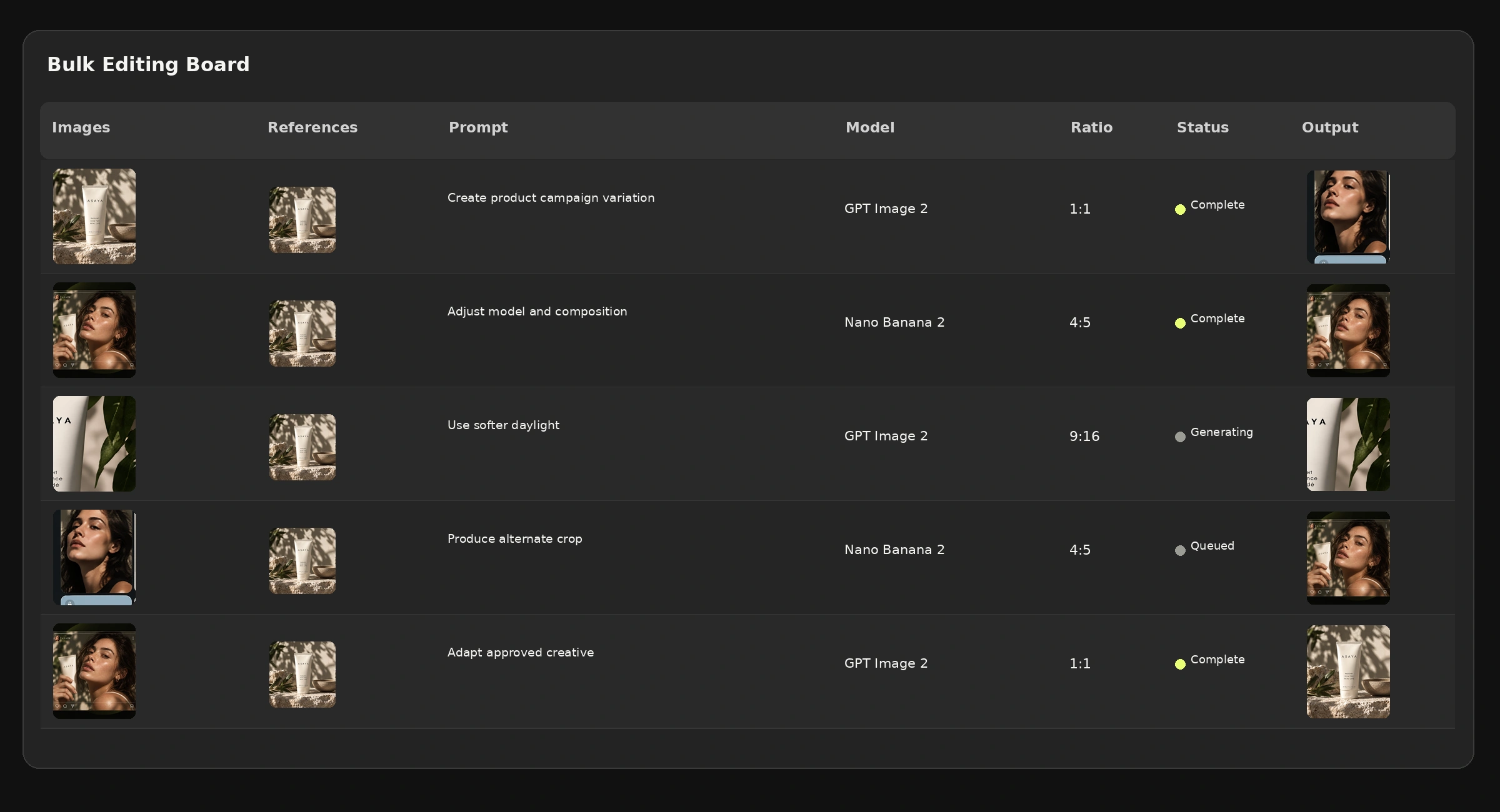
A node-based AI workflow represents a creative process as connected blocks — each block does one thing and passes its result to the next — so the process itself becomes an object a team can share, inspect and change, rather than a sequence of actions living in one person's habits. The paradigm matters more than the interface: it turns creative production from something people do into something a team has.
Most creative teams meet AI through a prompt box, which is a fine way to make one image and a poor way to run a department. The limitation is not quality. It is that nothing produced in a prompt box can be handed to someone else.
This is an explainer rather than a how-to: what node-based means, how it compares with prompting and with templates, what changes when a team adopts it, and when it is more structure than the job deserves. If you already know you want one and need the build steps, start with the Node Editor instead.
The short version
- A prompt is an instruction. A node workflow is a process that can be inspected and reused.
- Templates are rigid; prompting is unrepeatable; nodes sit between the two.
- The team benefit is transferability — someone else can run it, and see why it produced what it did.
- Nodes define how; bulk production defines how many.
- For genuinely one-off creative work, this is overhead. Use the prompt box.
What "node-based" actually means
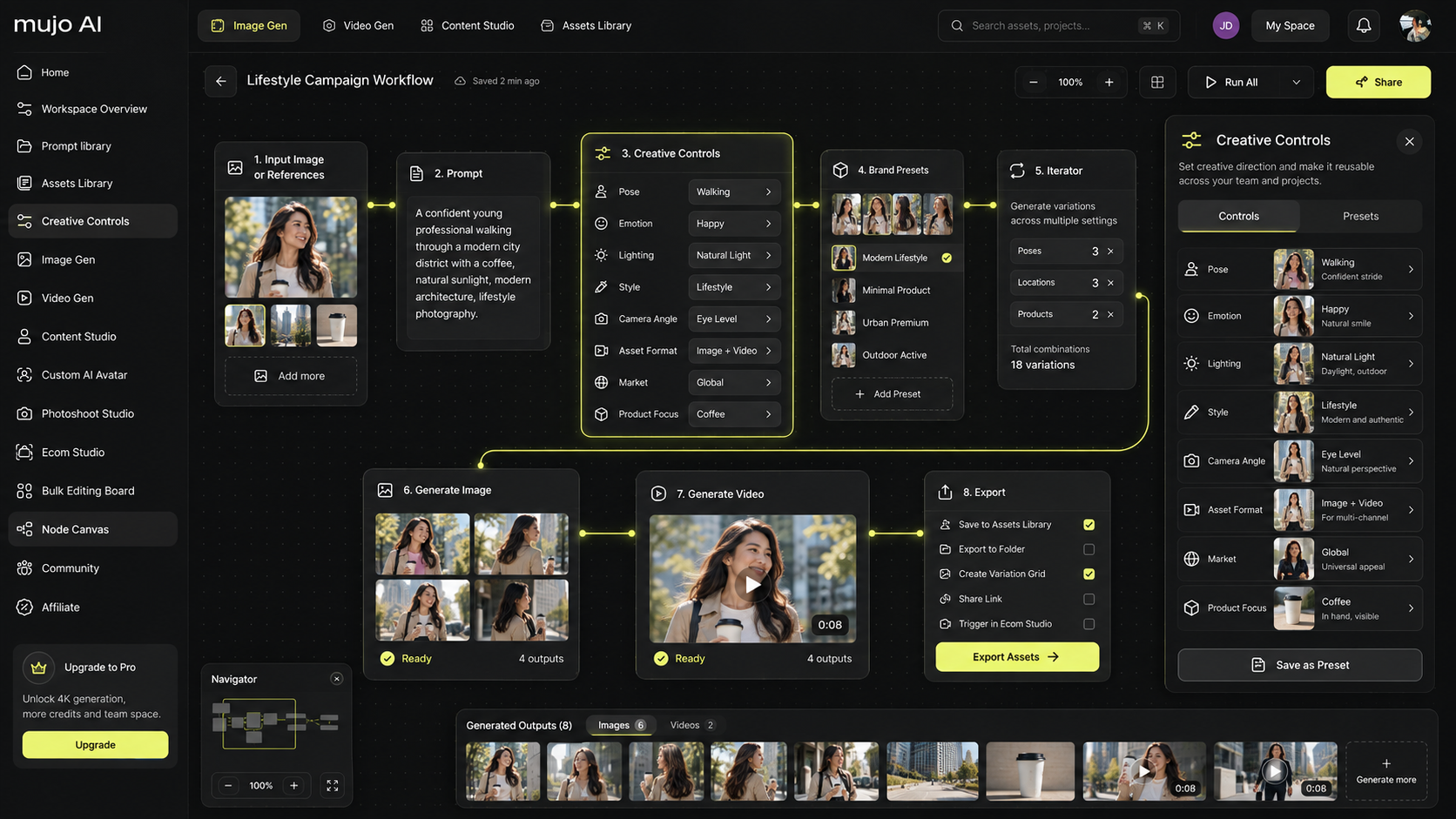
A node is a step that takes an input, does one thing, and produces an output. A reference image goes in; a generation comes out. That output becomes the input of the next node — an edit, a format pass, a variation step.
The idea is not new. Compositing, audio production and 3D have worked this way for decades, for the same reason: when a process has many steps and you need to change one of them, you want to see the steps.
What is new is applying it to generative work, where the failure mode is precisely that nobody can tell which part of a long instruction caused the result.
Three ways to structure AI creative work
The row that matters for teams is "debuggable". When a prompt produces something wrong, the only available move is to rewrite the whole thing and hope. When a five-step workflow produces something wrong, you can look at step three.
What changes when a team adopts node workflows
Process stops living in people
The most expensive thing in a creative team using AI is that the method exists only in the head of whoever developed it. When they are busy, on leave or gone, the method goes with them. A workflow is that knowledge in a form the team owns.
Review becomes possible
An art director can look at a workflow and say "the lighting step is wrong" — a sentence that cannot be said about a paragraph of prompt text. Making the process visible makes it reviewable, which is what turns AI output from individual craft into something a team can hold a standard on.
Onboarding shortens
A new hire does not have to learn how your team prompts. They open the workflow, see the order of operations, and run it. The learning curve moves from tacit to explicit.
Volume becomes reachable
A defined process can be pointed at a list. This is the division of labour worth understanding: nodes describe how one output is made, bulk production describes how many and what varies between them.
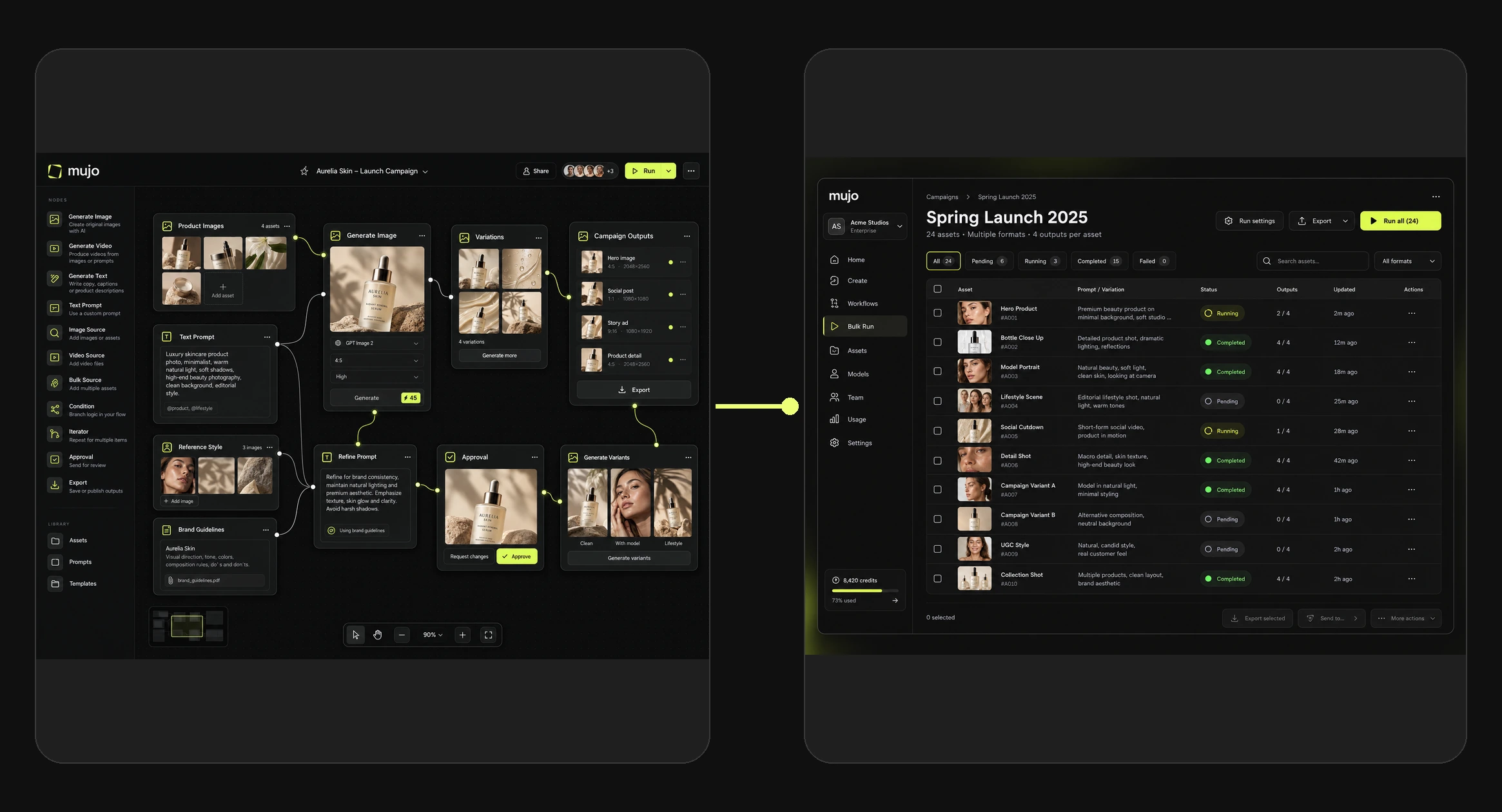
What a creative workflow usually contains
Node graphs can get elaborate. In practice most useful creative workflows are short, and follow the same shape:
- Inputs — the product reference, the brand material, the character.
- Direction — creative controls for camera, lighting, composition and style.
- Generation — the model, selected for this job rather than by habit.
- Refinement — the edit or composition pass on the result.
- Output — the formats and ratios the job actually needs.
Five steps covers most of what agencies and in-house teams repeat. A graph with thirty nodes is usually a sign that two workflows have been merged into one.
Common misconceptions
"Node-based means technical"
It means visible. The reason nodes look technical is that they show the steps — the same steps that exist in a prompt-based process, where they are simply invisible. Teams who have used editing or compositing software find the model immediately familiar.
"It removes creativity"
It removes repetition. The creative decisions — which direction, which reference, which result is good — are still yours at every step, and there are more of them visible than in a single prompt, not fewer.
"We need one workflow for everything"
Several small, well-named workflows beat one large configurable one. The large one becomes a tool only its author can operate, which defeats the purpose.
"It guarantees identical output"
It does not. Generative models vary even with fixed settings. A workflow makes the process identical, which narrows variation substantially — outputs still need review before publication.
When not to use one
- Genuinely one-off work. A concept for a pitch on Friday does not need a workflow; it needs a result.
- The process is not settled. Automating an unresolved process just makes the confusion repeatable.
- A saved setup is enough. If only the look repeats and not the sequence, saved creative controls do the job with far less to maintain.
- Nobody will maintain it. A workflow with no owner rots into a file nobody trusts.
Where teams use them
Agencies with recurring client formats
One workflow per account keeps each brand's process separate and runnable by whoever is free. See Mujo for agencies.
In-house teams with a content calendar
The weekly format, the monthly launch, the seasonal refresh — anything with a name in the calendar is a candidate. See social media content.
Catalogue and range production
Where the same treatment is applied across products that keep arriving. See product catalog production.
Frequently asked questions
What is a node-based AI workflow?
It is a creative process represented as connected blocks, where each block performs one step and passes its result to the next, so the whole process can be reused, inspected and shared rather than repeated by hand.
How is it different from prompting?
A prompt is a single instruction producing a single result. A workflow is a multi-step process that produces a consistent kind of result from whatever inputs it is given, and can be examined step by step when something goes wrong.
Do I need technical skills to use one?
No. The model is visual and familiar to anyone who has used layer-based or node-based creative software. What it requires is knowing your own process well enough to describe it.
Can a workflow use different AI models?
Model choice is part of the workflow rather than a separate subscription. Which models and controls are available depends on the workflow and your plan.
How do node workflows and bulk production relate?
Nodes define how a single output is produced; bulk production applies that logic across many inputs and variables. One is the method, the other is the volume.
Can my team share and edit the same workflow?
Workflows sit in a shared workspace alongside assets and references. Confirm which sharing and permission features are available on your current plan and release.
Is a node workflow worth it for a small team?
It depends on repetition, not team size. A solo creator producing the same format weekly benefits more than a ten-person team doing bespoke work every time.
Make the process visible
The reason creative teams plateau with AI is rarely output quality. It is that the method stays invisible — untransferable, unreviewable, and gone when the person who developed it is busy.
Node-based workflows are simply the decision to make the process an object. Everything else — reuse, review, onboarding, volume — follows from that one change.
Your process, as something the team owns.
Build creative production as connected, reusable steps instead of repeated instructions.