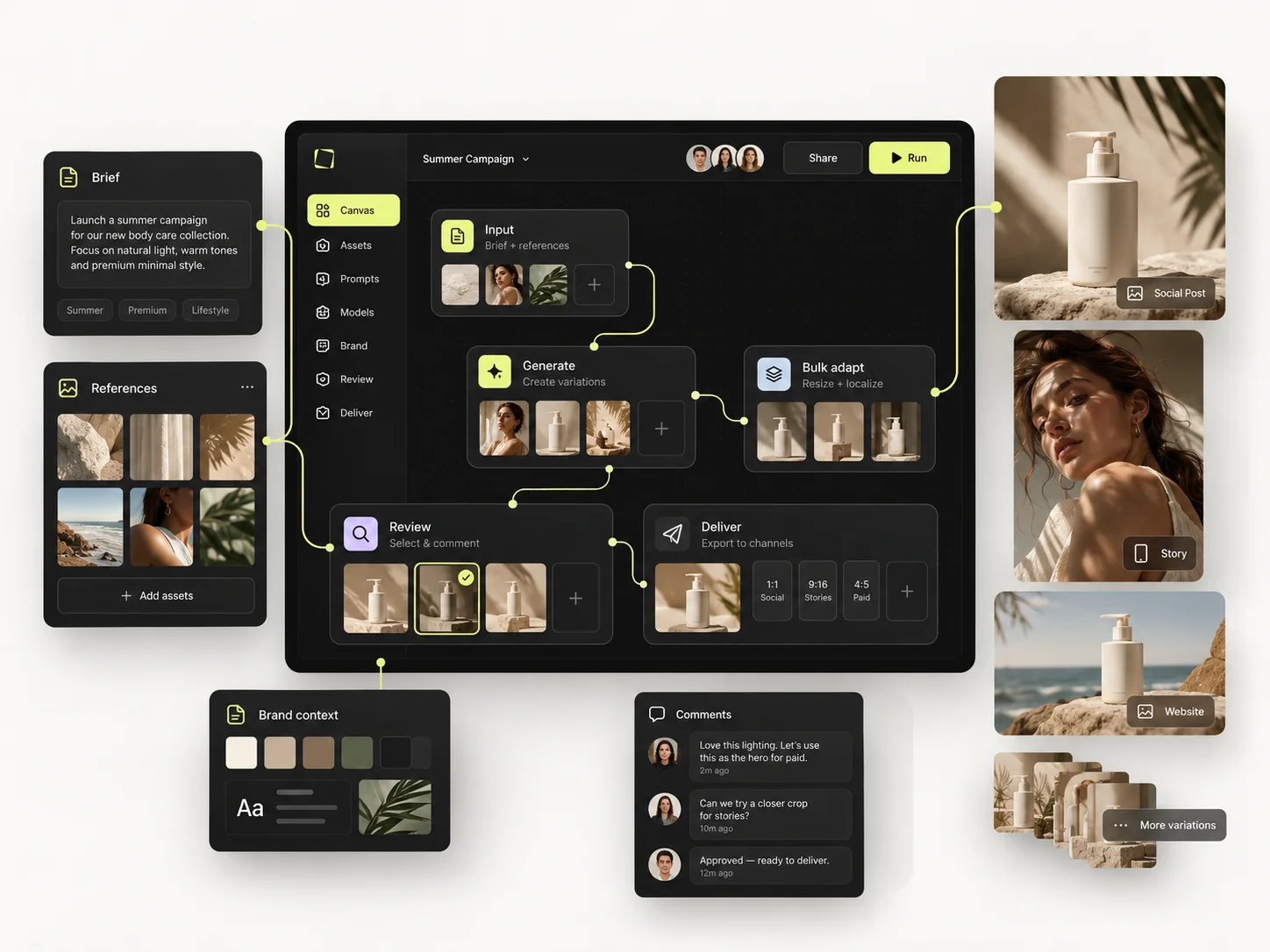
An AI creative production platform for an agency is judged on four things: whether output stays consistent across a team, whether client accounts stay separate, whether the work produced is reusable next month, and whether you can see what it costs per client. Image quality matters far less than any of them, because every serious tool now produces good images.
That is the uncomfortable part of this decision. The demo everyone gives you is a generation demo, and generation is the commodity. What separates platforms is what happens in the ninety minutes after the good image appears.
This guide is a framework for evaluating AI creative platforms as an agency: the categories on the market, the questions worth asking in a sales call, the criteria that actually predict whether a tool survives contact with a retainer, and the cases where the answer is genuinely a different kind of tool.
The short version
- Evaluate on consistency, client separation, reusability and cost visibility — not on sample images.
- Ask what happens on the fiftieth asset, not the first.
- Single-model tools lock you to one vendor's roadmap; that is a strategic decision, not a feature.
- A platform nobody but the AI-curious designer can operate has not been adopted.
- Run a real client brief through a trial before signing anything annual.
The four categories on the market
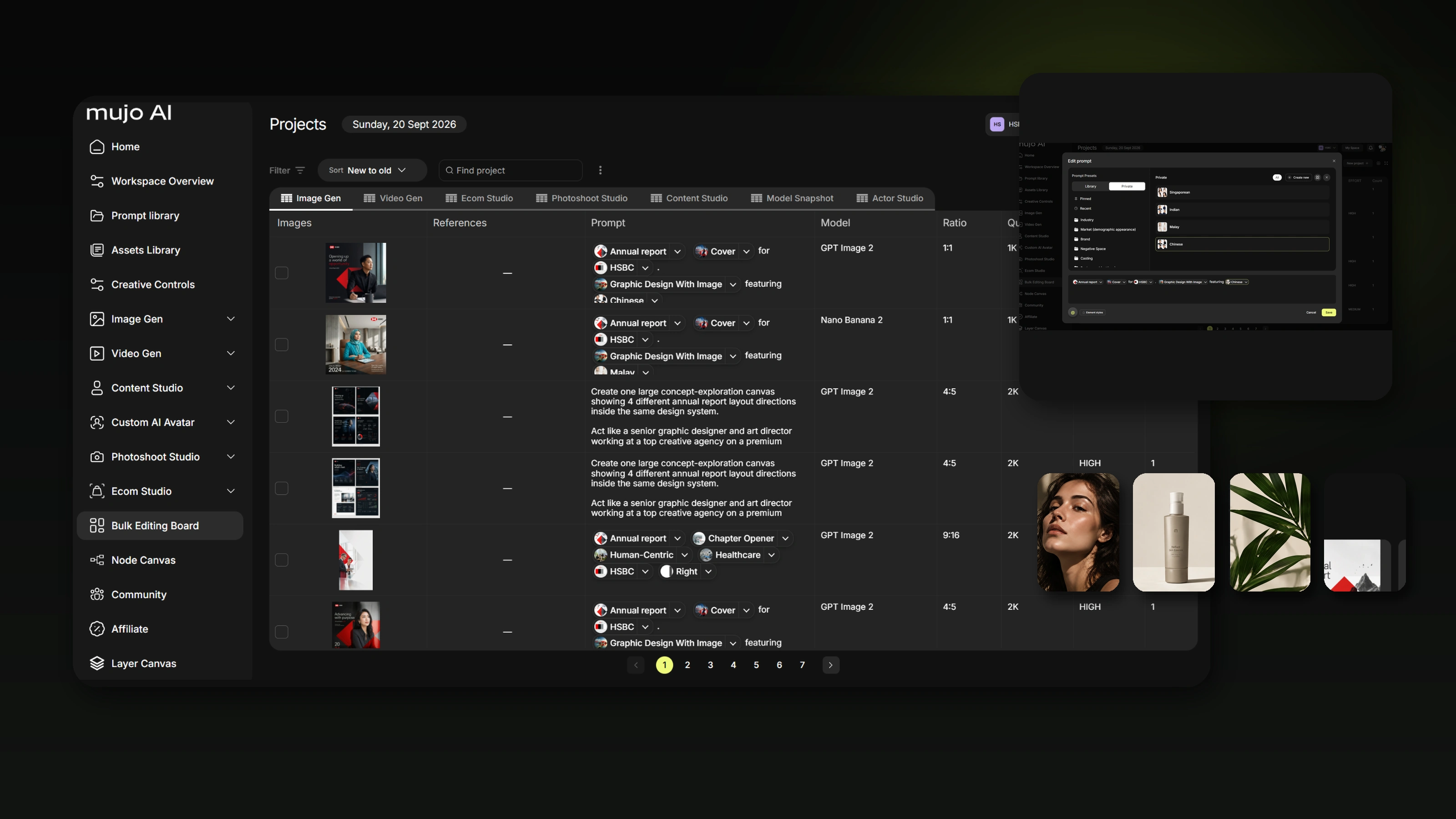
Almost everything being sold to agencies right now falls into one of four groups, and they solve genuinely different problems. Confusing them is the most common buying error.
If your agency produces occasional hero images, the first category is enough and anything more is overhead. If you produce adaptations, market versions and creative test sets on retainer, the fourth is the only one that addresses the actual workload.
The four criteria that predict whether a tool survives
1. Consistency across people
The test: two designers, same brief, no conversation between them. Does the output look like one brand?
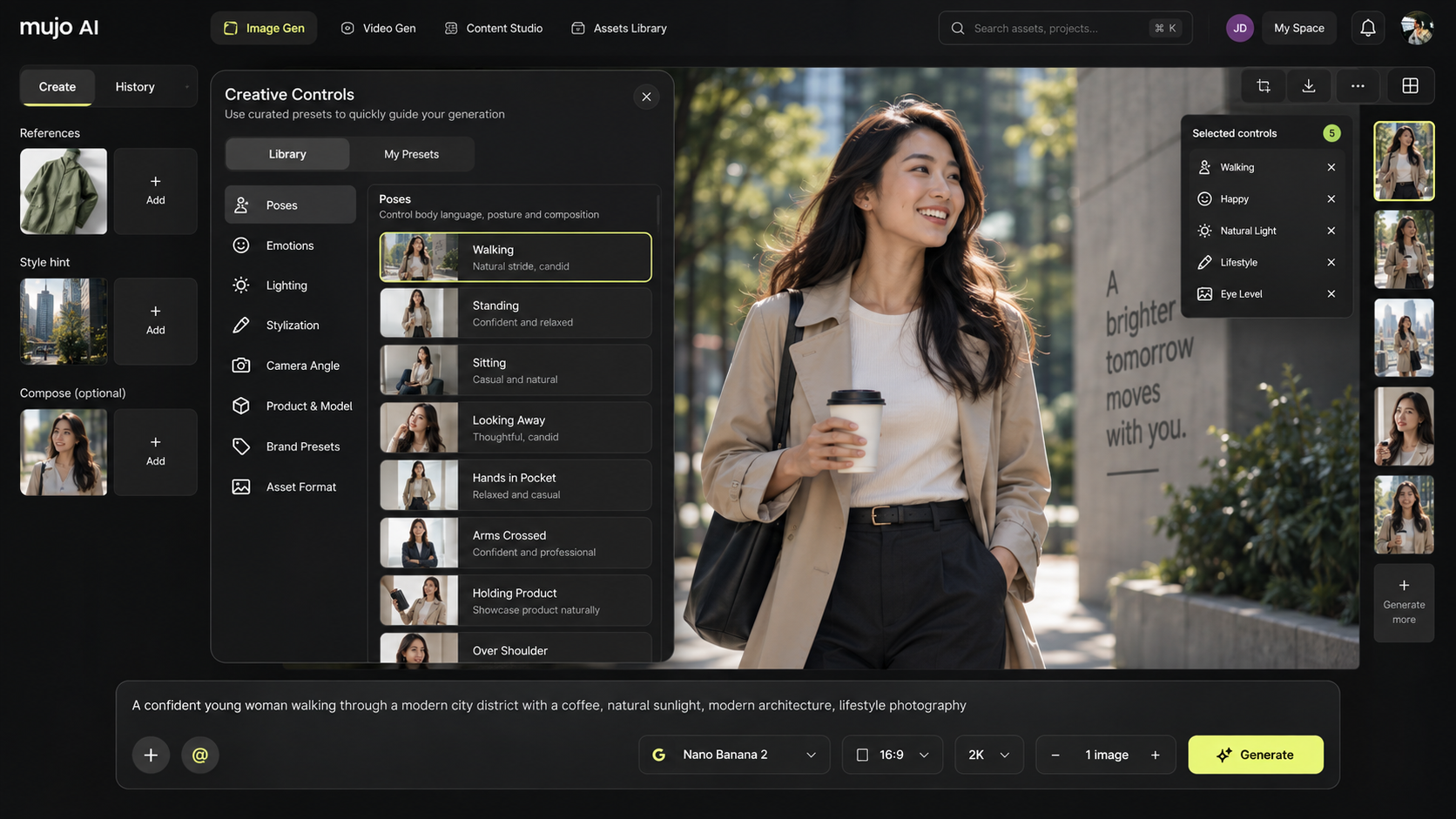
What makes this possible is not model quality. It is whether the look can be saved as a reusable object — references, camera, lighting, composition, characters — and loaded by default. If consistency depends on prompt wording, it depends on the person, and the person will be on holiday during the launch.
2. Client separation
Agencies are not one brand. They are eight, with eight sets of references, approved looks and access rules, and the assets of one must never appear in the work of another.
Ask directly: can each client have its own workspace, its own asset library and its own permissions — and can a freelancer be given access to exactly one of them?
3. Reusability
This is the criterion most buyers skip and most regret. The question is not what the tool produces today; it is whether next month's version of the same job starts from scratch.
Look for: saved setups, saved characters, reusable multi-step workflows, and an asset library that keeps outputs connected to the inputs that made them. Without those, the fourth campaign costs exactly what the first one did — which means the tool has bought you speed per image and nothing per year.
4. Cost visibility per client
Agencies bill clients. A tool that cannot tell you what a client consumed is a tool you cannot price against. Ask whether usage is visible per workspace or project, and whether you can see it during the month rather than on the invoice.
Questions to ask on a sales call
Most demos are structured to show generation. Steer them somewhere more useful:
- "Show me the fiftieth asset, not the first." How does the tool behave at volume?
- "How does a second person reproduce this exact look next week?" Listen for saved objects, not for "you share the prompt".
- "How do I keep two client accounts separate?" If the answer is "separate folders", that is not separation.
- "Which models, and what happens when a better one launches?" A platform that connects several providers absorbs model churn; a single-model tool makes it your migration problem.
- "What do you not do?" The most useful answer in any sales call, and the fastest way to identify who is being straight with you.
- "What does a batch of 200 cost, and can I see it before I run it?"
- "Who on my team can operate this without training?"
What usually goes wrong in the buying process
Buying on sample gallery
Every vendor's gallery is their best work, cherry-picked, by experts. It tells you nothing about your fiftieth asset. Fix: bring your own brief to the trial.
Buying a generator to solve a production problem
The bottleneck in agency work is usually adaptation, versioning and review — not the hero image. A faster generator does not help with any of those. Fix: audit where hours actually go before shortlisting.
One enthusiast, no adoption
The tool gets bought because one designer loves it, and six months later that designer is the only one using it. Fix: include someone sceptical in the trial, and treat their experience as the real signal.
Annual commitment before a real trial
Discounted annual pricing is attractive and it converts a reversible decision into an expensive one. Fix: run one live client brief end to end first. If the tool cannot survive that, the discount is irrelevant.
When a production platform is the wrong answer
Worth saying plainly, because a buyer's guide that recommends buying in every case is not a guide.
- You produce a handful of images a month. A single-model generator is enough and costs less to learn.
- Your bottleneck is strategy, not production. No tool fixes an unclear brief, and a production platform will just help you produce the wrong thing faster.
- You need finished layout and typography control. Generation platforms and design tools are complements, not substitutes.
- You have engineering capacity and unusual requirements. An open-source stack may fit better, at the cost of maintaining it.
How Mujo fits this framework
For transparency about who wrote this: Mujo is a creative production platform — the fourth category. It connects multiple image and video models rather than betting on one, and it is built around the production layer: creative controls as saved settings, reusable node workflows, bulk production for volume, and shared workspaces with roles and review.
Where it is not the right answer is the list above. If you need a single striking image this afternoon, open a generator. Confirm which features are available on your plan and release before designing a process around them — and run a real brief through a trial before signing anything.
Frequently asked questions
What should an agency look for in an AI creative platform?
Consistency across people, separation between client accounts, reusability of setups and workflows, and visibility of cost per client. Image quality is table stakes; these four are what differ.
Is a multi-model platform better than a single-model tool?
For agencies, usually yes — different models suit different jobs, and a platform absorbs model churn instead of passing it to you as a migration. For a solo creator with one style, a single-model tool may be simpler and cheaper.
How do we keep client work separate?
Through separate workspaces with their own assets and permissions, not through folder naming conventions. Ask specifically how a freelancer can be given access to one client only.
How should we trial an AI creative platform?
Take one real client brief end to end: concept, master creative, adaptations, review, delivery. Include a team member who is sceptical. A trial that only tests generation tests the easy part.
What does AI creative production actually cost?
Most platforms bill by credits, so cost scales with output rather than seats. Budget by estimating credits per generation, multiplying by planned volume, and adding test runs and a rejection allowance — the last item is the one people forget.
Do we still need designers?
Yes. What changes is the ratio: less time on resizing and versioning, more on direction and review. A team producing more versions needs more art direction, not less.
How long does it take an agency to adopt one?
The first project takes longer than doing it the old way. The return shows up around the third or fourth, once setups and workflows exist. Budget for that curve rather than expecting week-one savings.
Buy for the fiftieth asset
Every tool looks good producing one image. Agencies do not get paid for one image — they get paid for a campaign, in every format, in four markets, by Thursday.
Evaluate on that job. Consistency between people, separation between clients, reusability between months, and visibility into cost. If a tool handles those four, the generation quality will look after itself.
Built for the way agencies actually produce.
Multi-model generation, reusable setups, bulk production and shared review — in one workspace.