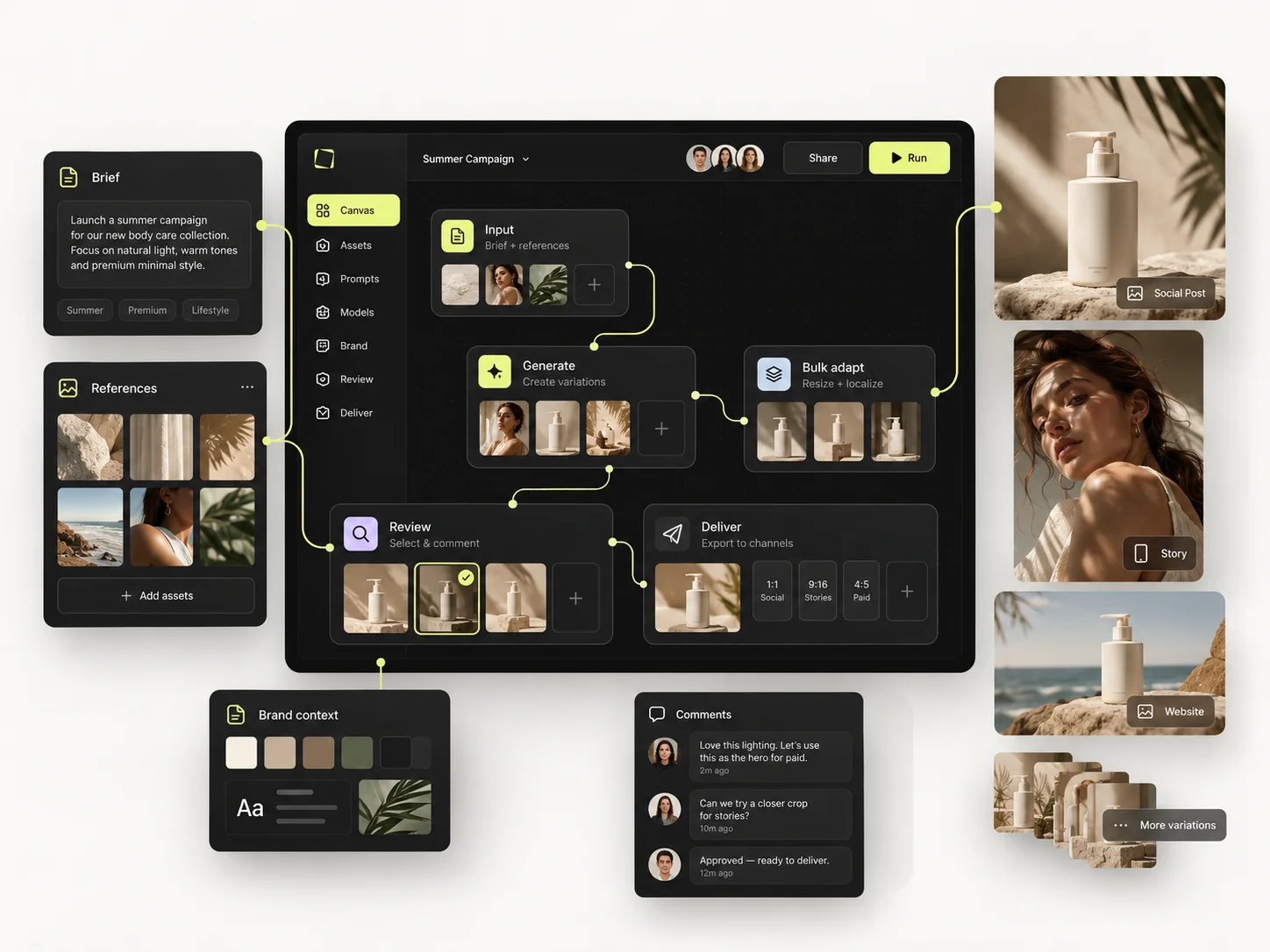
Generating fifty images is not the same as producing a useful creative set. Bulk production starts with one approved master direction and a plan for what varies — scene, hook, angle, format or product — while everything else stays put.
The Bulk Editing Board is built for working with many creative items in one organised production view. It gets valuable at the moment you can say which inputs and variables belong to each row.
The goal is control over the output set. A larger generation count is not an achievement.
The short version
- Approve the master direction before scaling anything.
- Vary one or two axes, not five.
- Run a pilot batch and read it properly.
- Give every variation an ID you can trace back.
- Review the set as a set, not only image by image.
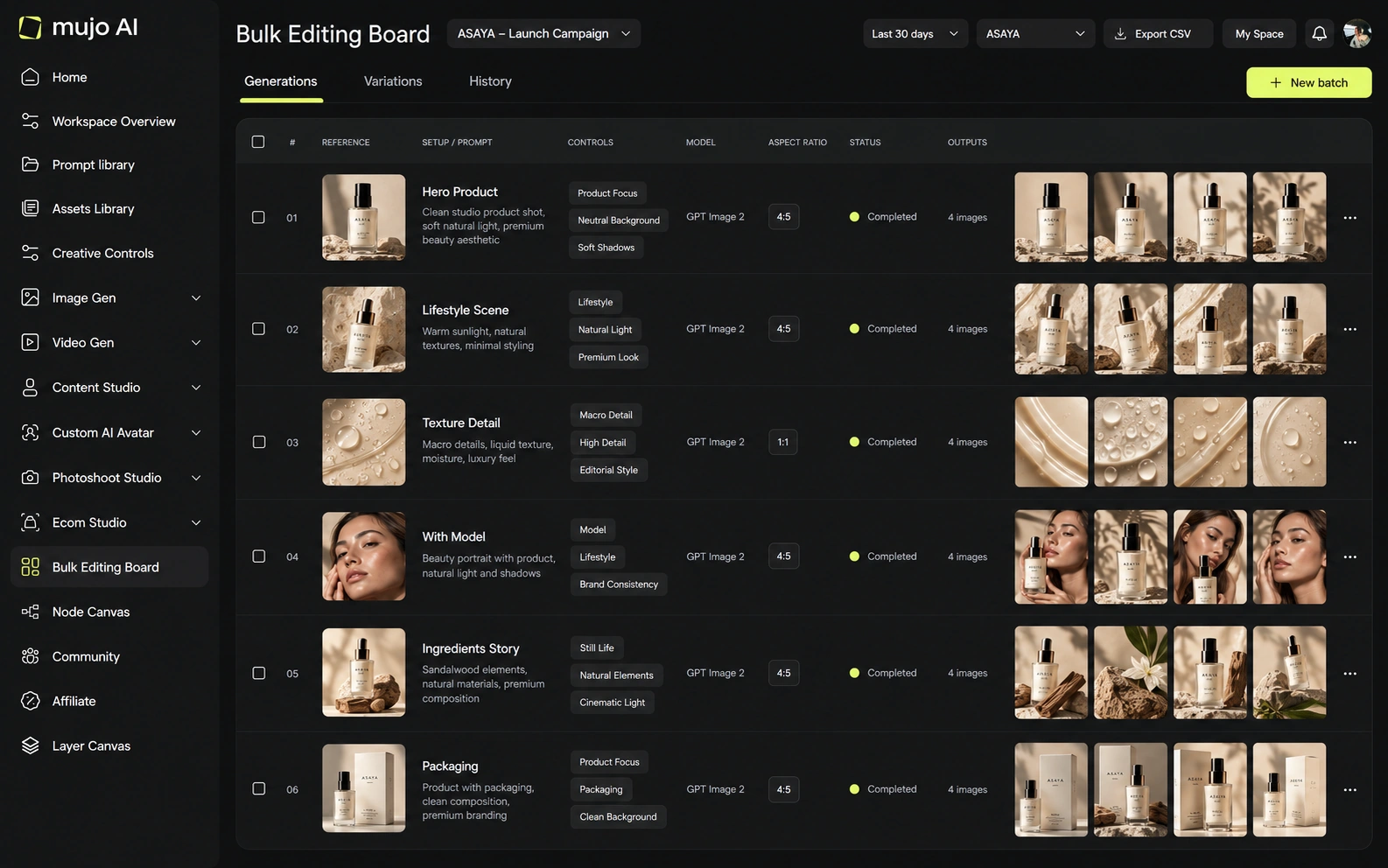
Approve the master direction first
Start with one candidate that meets the brief. For a product campaign that means confirming the product source, the lighting direction, the composition, the tone and the output requirements. Inspect the fine detail before scaling, because a batch built on a flawed master multiplies the flaw perfectly.
Keep the original and the selected master accessible in the workspace so every variation can be traced back to what it came from.
Build a variation matrix
Choose one or two axes that answer a real creative question.
For advertising you might vary composition and aspect ratio; for a catalogue the changing variable is usually the SKU while the visual rules stay fixed. The matrix shows you which combinations are missing and stops you producing two versions of the same thing by accident.
Run a small pilot before the full batch
- Prepare the master asset and the input set.
- Define what is constant and what changes per row.
- Use the Bulk Editing Board to prepare a small pilot batch.
- Review the results — source fidelity, framing, unintended variation.
- Adjust for specific failures, not general dissatisfaction.
- Run the larger batch once the pilot has proven the direction.
- Review, select, and export through the tools available in your workspace.
Example: one master, multiple ad concepts
A small campaign needs five visual directions in two aspect ratios across five product variants. That is 5 × 2 × 5 = 50 planned output slots. This is a planning example — not a claim that any account produces fifty in one click, or that every slot costs the same.
Build the matrix before generating. Confirm each combination is genuinely required; if the pilot approves only three concepts, the final matrix shrinks. This is the cheapest way to avoid producing assets nobody will use.
Use short, consistent variation IDs — STUDIO_4x5_SKU01, OUTDOOR_1x1_SKU03 — so the selected files map back to the request without anyone guessing.
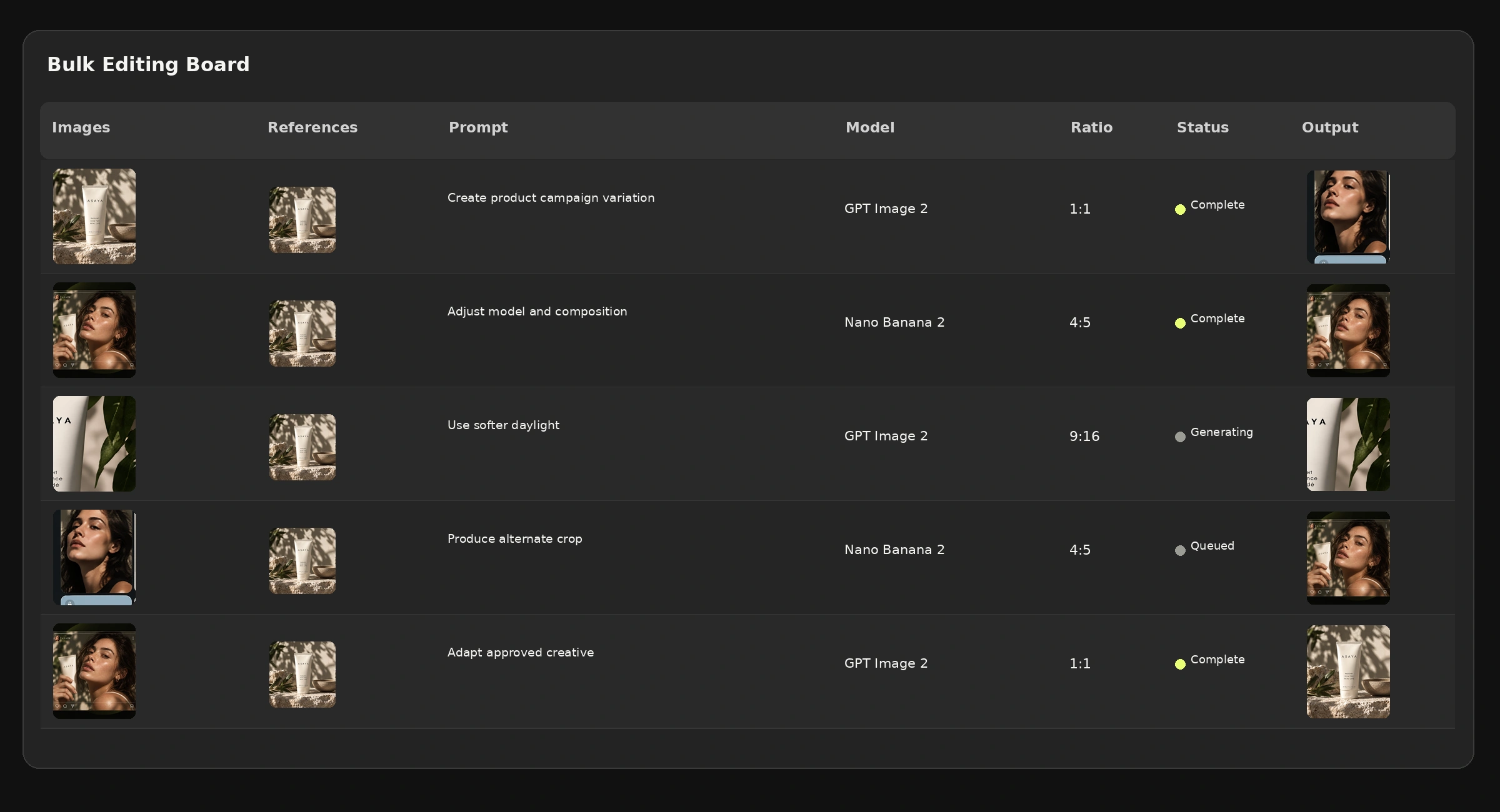
Review quality across the whole set
Check at two levels. Individual quality: is each product, person or scene correct? Set quality: do these belong to the same campaign, do they cover the planned placements, and is anything duplicated without purpose?
For advertising, confirm that any copy and claims are accurate and that critical content sits inside each placement's safe area. For product imagery, inspect packaging and small text. When one variation fails, fix that variation rather than regenerating everything.
Common mistakes
- Scaling before the master direction is genuinely approved.
- Varying four axes at once, so no comparison means anything.
- Skipping the pilot and discovering a source problem fifty images later.
- Reviewing images individually and never looking at the set together.
- Producing every combination the matrix allows rather than the ones anyone asked for.
Bulk production checklist
- □A usable master direction has been reviewed.
- □I know what varies and what stays fixed.
- □The output matrix is written down.
- □A pilot batch was reviewed before scaling.
- □Current displayed credits and usage limits are understood.
- □Every selected output traces back to a variation goal.
- □Final assets are checked in their target aspect ratios.
Frequently asked questions
Should I start with a large batch?
Usually not. A representative pilot surfaces source, model or control problems before they are repeated across the whole set.
Is bulk production the same as a node workflow?
No. The Bulk Editing Board organises many creative items and their variations; the Node Editor structures the connected generation process. They complement each other.
Do more variants guarantee better ad performance?
No. Creative quality and campaign outcomes need human review and, where relevant, testing on the advertising platform. Volume is not an effectiveness metric.
Related guides
- How to Build Your First Reusable AI Workflow in Mujo
- How to Use Fewer AI Credits Without Sacrificing Quality
- How to Save and Reuse Your Best AI Creative Setups
Turn your master creative into an organized variation set.
One approved direction, a matrix you wrote down, and a pilot before the batch.