The cheapest generation is not the best-value generation — an unusable output still costs credits. The question worth asking before every run is narrower than it looks: what is the least expensive next step that actually answers my creative question?
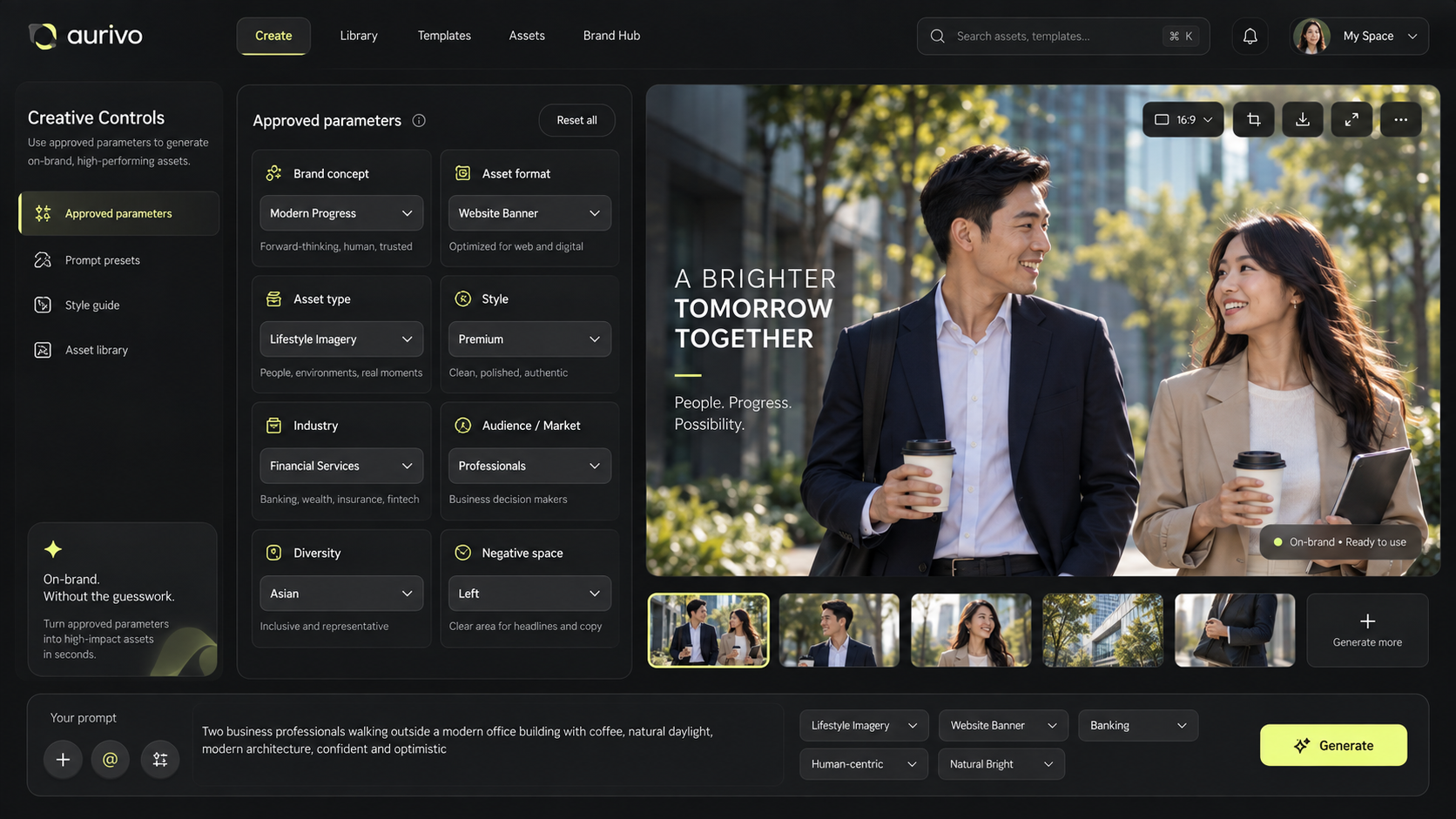
In Mujo, different models and tools carry different credit costs. Check the live cost shown in the interface before you run a job — availability and options change, which is why this guide deliberately publishes no model-by-model rate chart. Current plans and credit packs are on the pricing page.
Almost all avoidable spend comes from the same place: attempts that were never going to answer anything.
The short version
- Most wasted credits are a planning problem, not a pricing problem.
- Work in four stages: brief, explore, refine, finalize.
- Change one expensive variable at a time.
- A low-cost model is not automatically a draft model.
- Check the live displayed cost before each run.
Find out what is causing the retries
Look at your last handful of generations honestly. Did you repeat an attempt because the prompt was vague? Was the product reference unclear? Did you change the model, the lighting and the composition at once, leaving no way to tell what improved? Or did you run a final-quality process before establishing that the concept was worth finishing?
Each of those is a planning failure wearing the costume of a pricing problem. Define the objective, what must be preserved, what may vary, and what done looks like. A five-line brief beats a long prompt full of adjectives that argue with each other.
Use a four-stage production workflow
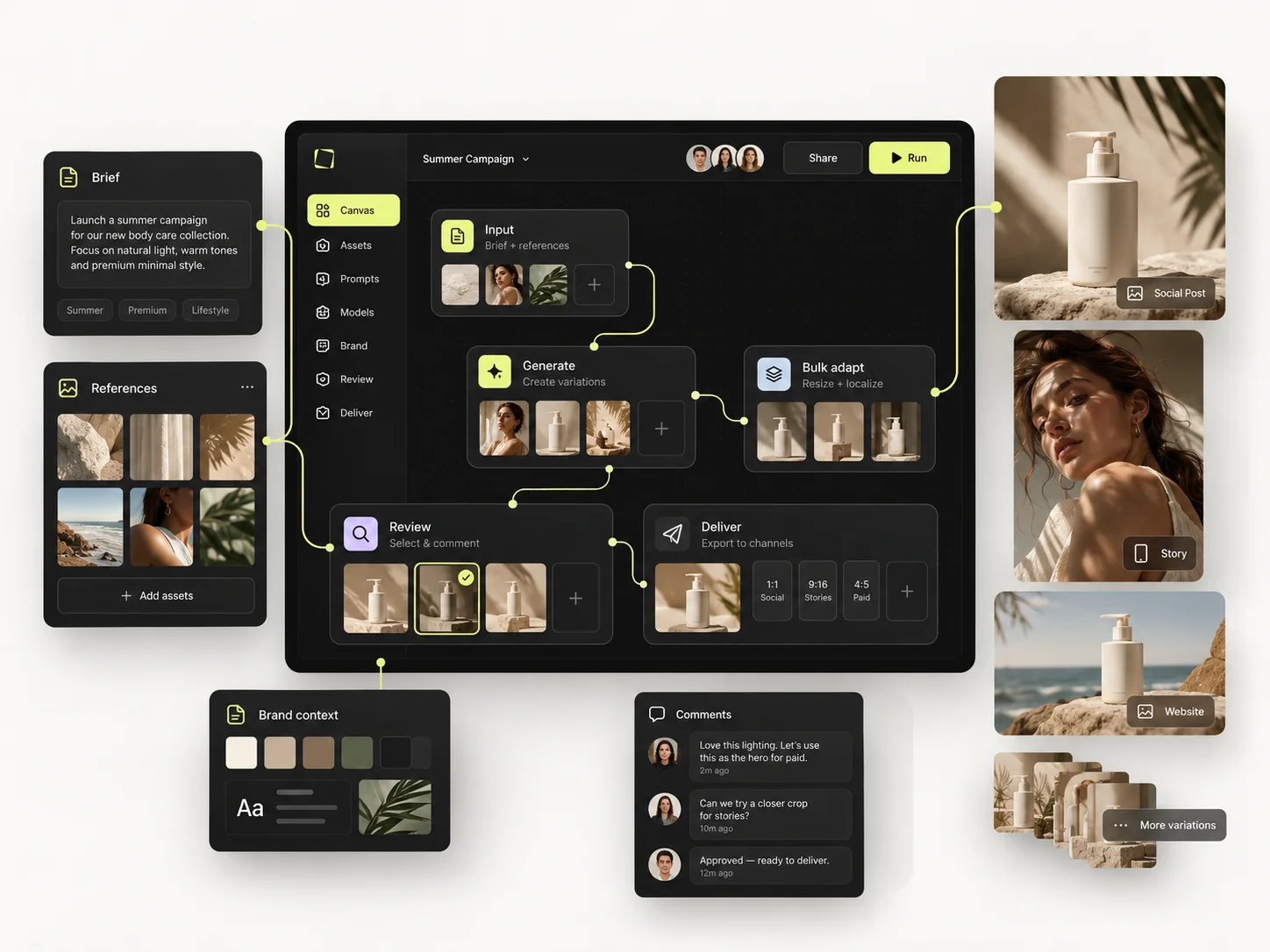
Stage A — brief and references. Target format, must-keep elements, one or two useful references. Look at them before generating anything.
Stage B — explore direction. Pick a model suited to the question and check its displayed cost. A small number of tests to settle composition, mood and concept. You are not producing final variants yet.
Stage C — refine the selection. Keep what works. Change the one thing that does not — angle, background, light, motion — and compare against the same goal rather than against your mood.
Stage D — final output and variations. Once the direction is settled, use the model and settings your final quality needs, and produce the additional formats from that setup rather than starting open-ended exploration again.
A low-cost model is not a universal draft model and a higher-cost model is not automatically the right finisher. Judge the fit for your actual content, and read the cost Mujo shows you.
Change one expensive variable at a time
Your product shot has the right package and the right angle, but the light is flat. Rewriting the prompt and swapping every reference introduces four new unknowns to fix one known problem. Keep the product reference and the framing; test a more directional light. If it works, that adjustment goes into the setup.
For video, validate the key frame and the intended action before requesting motion alternatives. Generating five videos from a still that was already wrong does not improve the underlying decision — it just costs five times as much to confirm it.
Reuse decisions that already worked
A successful setup is more than a prompt. Keep the reference, the model choice, the controls, the target ratio and the review criteria as one package. Saved prompts live in the Prompt Library; the structure around them is what stops you rediscovering your own direction every month.
For recurring image sets, build the process once in the Node Editor, with fixed inputs and editable variables visible, so a new brief changes only what has to change.
Example: a hypothetical 100-credit budget
This is an illustrative planning exercise. It is not a statement about current Mujo prices or the cost of any specific model.
The useful part is the phase boundary, not the numbers. If exploration is still inconclusive, diagnose the brief or the references before spending the finalize allowance. For a real budget, divide your available credits by the current displayed per-job cost, remembering that image, video and tool operations price differently.
Common mistakes
- Running final-quality generations to answer a question a cheap test would have answered.
- Treating the lowest-cost model as a draft stage regardless of the task.
- Batching variations before the master direction is approved.
- Discovering the displayed cost after the run rather than before it.
- Losing a working setup and paying to rediscover it next month.
Before you click Generate
- □I know what this attempt is testing.
- □I have checked the live displayed credit cost.
- □The reference clearly supports the goal.
- □I am not changing several unrelated variables at once.
- □I have saved the last useful result and its setup.
- □I am using final-quality generation only where the direction warrants it.
Frequently asked questions
Is the lowest-credit model always more economical?
No. Compare the cost against the likelihood that the output is usable for your task. A result that needs eight retries can cost more than one run on a more suitable model.
Can reusable workflows eliminate credit usage?
No. They remove repeated setup and avoidable experimentation. Running the models still consumes credits at whatever the platform currently displays.
What if my credit balance is running low?
Prioritise the deliverables you actually owe someone, preserve your best setup, check current costs and account options, and avoid speculative batches.
Related guides
- How to Get More from Mujo AI as a Solo Creator
- How to Save and Reuse Your Best AI Creative Setups
- How to Produce Creative Variations in Bulk
Create with a clearer plan for every credit.
Check the live cost, test one variable, and keep the setup that worked.