Conversion rate optimization sounds technical, but on a product page it is very human. A buyer lands on your PDP and silently asks: can I trust this, is it for me, is it worth the price, will it arrive as expected, what happens if it does not. Your job is to answer those questions faster than doubt grows.
This guide is a practical CRO playbook for ecommerce product pages and marketplace listings. You will see what actually influences conversion, how to structure a PDP so it feels effortless to buy, which visuals work best, and what trust blocks reduce hesitation.
Insert Image 1
Type: Article cover visual
Should show: a clean preview of a product page layout with highlighted blocks such as Gallery, Price / CTA, Reviews, and Trust Icons. Keep text minimal and readable on mobile.
Purpose: immediately show that the article is about PDP structure and conversion, not generic marketing theory.
What Conversion Rate Optimization Means for a Product Page
Conversion rate is the percentage of visitors who take the action you want, usually purchase or add to cart. Optimization is not about tricks. It is about removing friction.
On a product page, the biggest CRO levers are:
- clarity: can the buyer understand the offer in seconds
- confidence: does it feel safe to buy
- motivation: does the value feel worth the price
- ease: is checkout friction low
If your page is beautiful but unclear, conversion drops. If your page is clear but looks untrustworthy, conversion drops. If your page looks trustworthy but does not show value, conversion drops. CRO is getting all three working together.
Insert Image 2
Type: CRO triangle diagram
Should show: a simple triangle with the three corners labeled Clarity, Trust, and Value, with Conversion in the center.
Purpose: reinforce the core concept that drives the whole article.
The Most Important Rule: Your PDP Is a Decision Path
Many product pages are built like brochures. High-converting PDPs are built like decision paths.
A good PDP answers questions in this order:
- What is it and is it right for me
- Why is it better than alternatives
- What exactly do I get and how does it work
- Can I trust delivery, returns, and quality
- Is there proof others like it
- Is it easy to buy now
If the page breaks this order, buyers bounce, scroll forever, or open competitor tabs.
Insert Image 3
Type: Decision path sequence
Should show: a simple vertical sequence of the questions above, aligned with page blocks.
Purpose: teach the reader that PDP structure should follow buyer decision logic.
Section 1. PDP Structure: The Blocks That Drive Conversion
A high-converting product page usually has these blocks, in roughly this sequence.
Above the fold: the conversion cockpit
This is where most decisions start. It should include:
- product name that matches intent
- price and key offer terms
- primary CTA such as Add to Cart or Buy Now
- short value summary with 3–5 highlights
- delivery and returns highlights
- rating snapshot if available
Gallery: your visual sales funnel
A gallery should not be random angles. It should answer doubts in order:
- hero image
- angles
- key benefit visual
- detail proof
- in use
- scale
- what’s included
- comparison
- steps or instructions if needed
Social proof: reviews and UGC
This block is not decoration. It is risk reduction.
Trust blocks: shipping, returns, warranty, payments
These reduce hesitation, especially for first-time buyers.
Details and specs that are actually readable
Specs should support understanding, not overwhelm.
FAQ and support reassurance
For complex products, FAQ is a conversion block, not a support afterthought.
Insert Image 4
Type: PDP block map wireframe
Should show: a product page framework with sections labeled Above the Fold, Gallery, Proof, Details, Trust, and FAQ.
Purpose: give the reader a visual structure they can compare against their own page.
Section 2. Visuals That Increase Conversion
Your images are not just design. They are sales explanations. A buyer may never read your long description if the visuals do the job.
The highest-impact visual improvements are:
- clearer hero image, which wins the click and first impression
- benefit image, which explains why it is worth it
- proof close-ups for materials, texture, and parts
- scale image, which reduces returns
- what’s included image, which removes surprises
- in-use image, which shows the outcome
- comparison image, which helps the buyer choose fast
A strong rule: one image equals one message.
Insert Image 5
Type: Gallery frame grid that converts
Should show: a six-tile grid labeled Hero, Benefit, Details, In Use, Included, and Comparison.
Purpose: teach the reader what to add if their gallery currently contains only angles.
Section 3. Copy That Supports CRO Without Feeling Pushy
Copy on a PDP should do two jobs:
- reduce uncertainty
- increase perceived value
Microcopy that lifts conversion:
- short highlight bullets near the CTA
- a clear what’s included line
- compatibility notes where relevant
- care instructions for sensitive products
- one sentence that defines who it is for
A simple format that works:
Headline benefit → proof line → use-case line
Example:
Comfort all day
Breathable fabric with reinforced seams
Designed for long shifts, travel, and daily wear
Copy mistakes that hurt conversion:
- vague adjectives with no proof
- repeating the same claim in different words
- hiding critical info deep in the page
- making the buyer work to understand the basics
Section 4. Trust Elements That Remove Hesitation
Trust blocks are often the difference between “I’ll think about it” and “Buy now”.
High-impact trust elements:
- delivery promise with a clear range, not vague wording
- returns and refund policy summary that is simple and visible
- warranty or guarantee statement if applicable
- payment badges and security reassurance
- customer support visibility such as chat, email, or response time
- real review distribution and customer photos
A small but powerful CRO move:
Place the top 2–3 trust points near the primary CTA, not only in the footer.
Insert Image 6
Type: Trust panels example
Should show: a compact row of icons or chips such as Fast Delivery, Easy Returns, Secure Checkout, and Warranty.
Purpose: show how trust can be compact and non-intrusive.
Section 5. Common CRO Problems and What to Fix First
Problem: people land but do not add to cart
Most likely causes:
- weak hero image or unclear value above the fold
- price looks high because benefits are not visible
- trust signals are missing near the CTA
Fix:
- rebuild the above-the-fold block with benefits, trust, and a clear CTA
- add one strong benefit image as the third gallery slot
Problem: people add to cart but do not purchase
Likely causes:
- surprise shipping costs or unclear delivery time
- low trust in the returns policy
- checkout friction
Fix:
- surface shipping and returns clearly before checkout
- reduce steps and distractions in checkout
Problem: high returns
Likely causes:
- unclear scale
- mismatch between photos and reality
- unclear what is included
Fix:
- add scale and included images
- improve detail-proof images and realistic in-use frames
Insert Image 7
Type: Problem → Fix mini diagram
Should show: three lines: Low add-to-cart rate, Checkout abandonment, High returns, each with two fixes.
Purpose: help the reader choose quick actions.
Before / After: What a High-Converting PDP Looks Like
Before: common low-converting page
- gallery is mostly angles
- no benefit explanation
- trust information is hidden
- long text block with vague claims
- specs are dense and hard to scan
After: conversion-focused page
- above the fold shows value, trust, and CTA clearly
- gallery follows a funnel: hero → benefit → proof → in-use → scale → included
- reviews and proof appear earlier
- trust icons sit near the CTA
- details are structured and scannable
Before / after example: gallery
Before: 1 hero + 6 angles
After:
- hero
- angle
- benefit
- detail proof
- in use
- scale
- included
- comparison
Insert Image 8
Type: Split-screen before / after PDP layout
Should show: the left side as cluttered and weak, the right side as structured with clear highlighted blocks.
Purpose: make the improvement visually obvious.
A Practical CRO Checklist for Product Pages
Above the fold
- CTA is visible and clearly primary
- 3–5 benefit highlights are scannable
- delivery and returns are visible
- trust icons appear near the CTA
- rating snapshot appears if available
Images
- hero image is clean and instantly readable
- gallery includes benefit, proof, scale, and included frames
- one image equals one message
- variants are consistent
Copy
- benefits include proof, not just adjectives
- what’s included is explicit
- compatibility and constraints are clear
- there is no filler repetition
Trust
- returns and delivery information is simple
- reviews are visible and feel authentic
- support options are clear
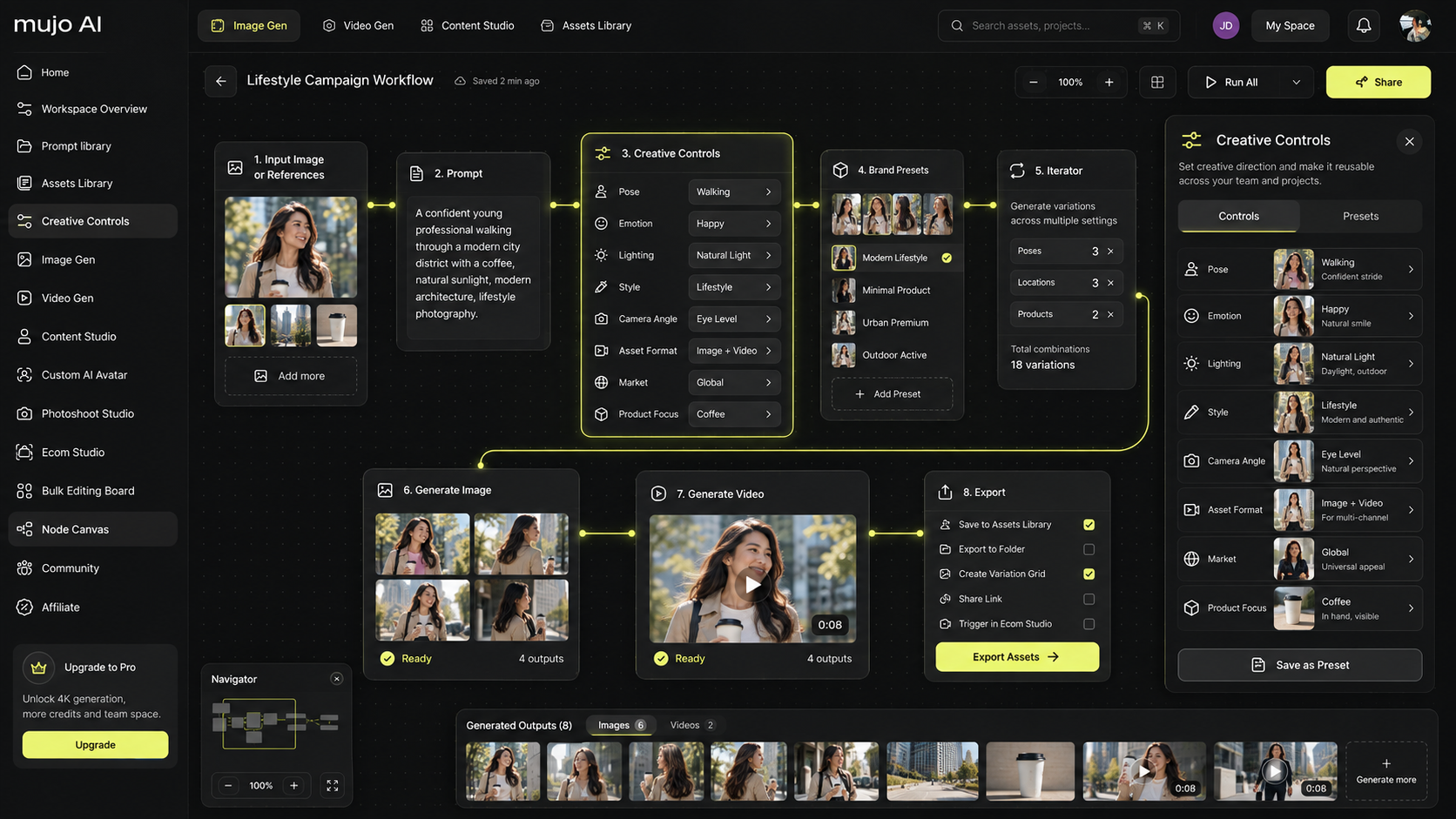
How Mujo AI Helps You Improve Conversion with Better Visuals
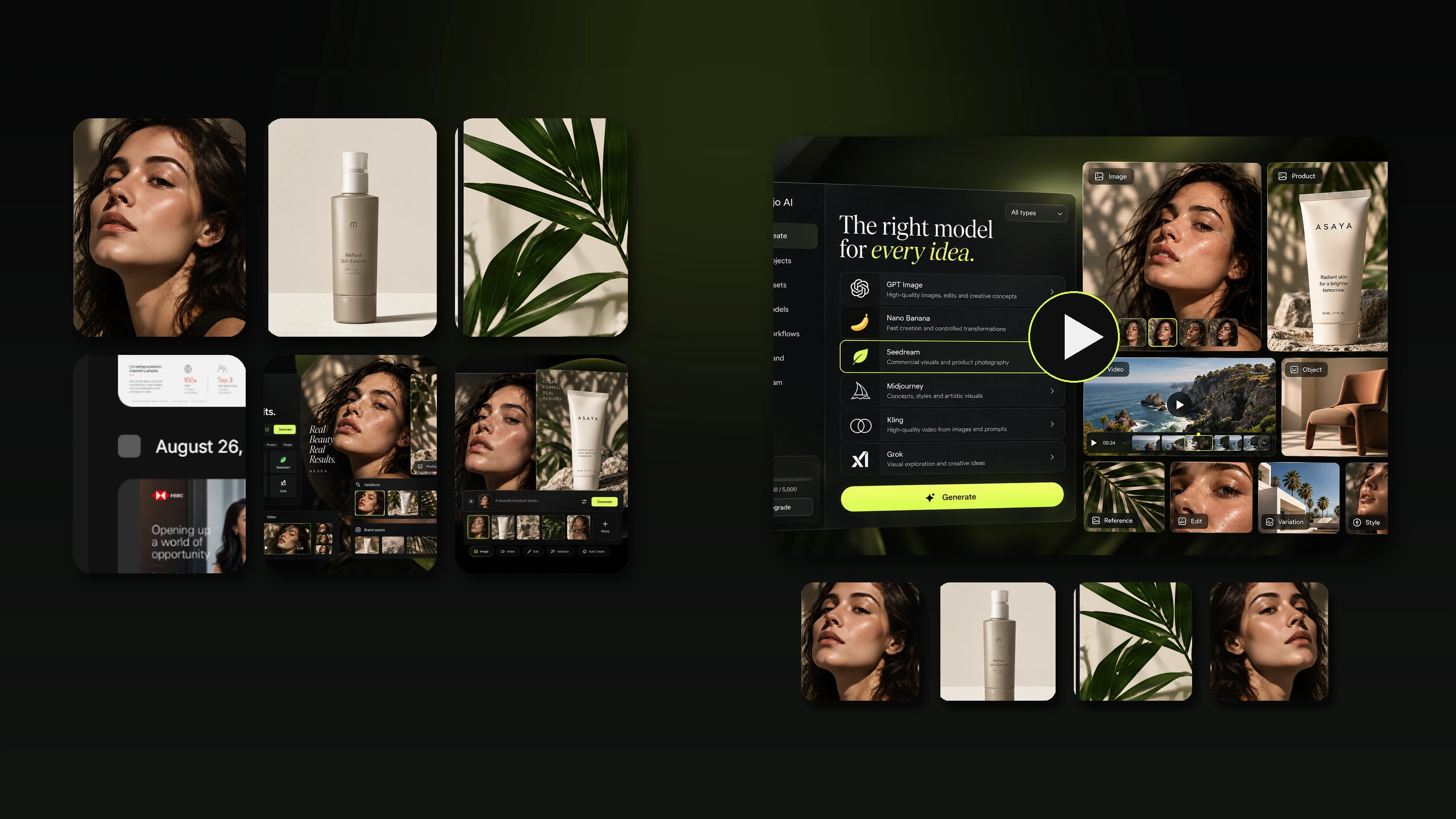
Many teams know what a high-converting gallery should include, but they cannot produce it quickly across a catalog. That is where conversion projects get stuck.
Mujo AI helps you build conversion-friendly image sets and A+ style modules fast:
- generate consistent hero images and clean angles
- create benefit images that explain value in one glance
- produce proof close-ups and texture-style frames
- create what’s included and comparison images
- generate in-use and lifestyle scenes aligned to your audience
- keep variants visually consistent so your store feels trustworthy
A practical workflow:
- Identify which PDP block is leaking conversion: above the fold, gallery, or trust
- Choose 3–5 frames your gallery is missing: benefit, proof, scale, included
- Generate a structured image set in one consistent style with Mujo
- Reorder the gallery so it follows the decision path
- Add compact trust chips near the CTA and re-check performance
Insert Image 9
Type: Mujo AI PDP visual upgrade
Should show: a product photo turning into a structured PDP gallery plus two or three A+ modules.
Purpose: connect Mujo AI with real CRO outcomes: clarity, trust, and perceived value.
How to Run CRO Like a System, Not a One-Time Redesign
CRO becomes powerful when you treat it like a loop.
- Pick one metric to improve. Add-to-cart rate, conversion rate, or returns.
- Diagnose the leak by scrolling like a buyer. Where does doubt appear? What is visually missing?
- Change one high-impact element. Usually the first 3 gallery images and the trust bar near the CTA.
- Measure and iterate. Small improvements compound fast on high-traffic PDPs.
Insert Image 10
Type: CRO loop diagram
Should show: Observe → Change → Measure → Repeat.
Purpose: reinforce that CRO is iterative, not one-and-done.
Mini FAQ
What is the fastest way to improve product page conversion?
Improve the above-the-fold block and rebuild the first 5–7 gallery frames into a funnel. Add trust chips near the CTA.
Do visuals matter more than copy for conversion?
They work together, but visuals often win first because they drive click and understanding. Copy then removes doubt and adds proof.
Which trust elements matter most?
Clear delivery, easy returns, authentic reviews, and support visibility. Put the most important ones near the CTA.
How can I optimize conversion without a full redesign?
Start with the gallery order, add missing proof frames, tighten the value highlights near the CTA, and add compact trust elements above the fold.