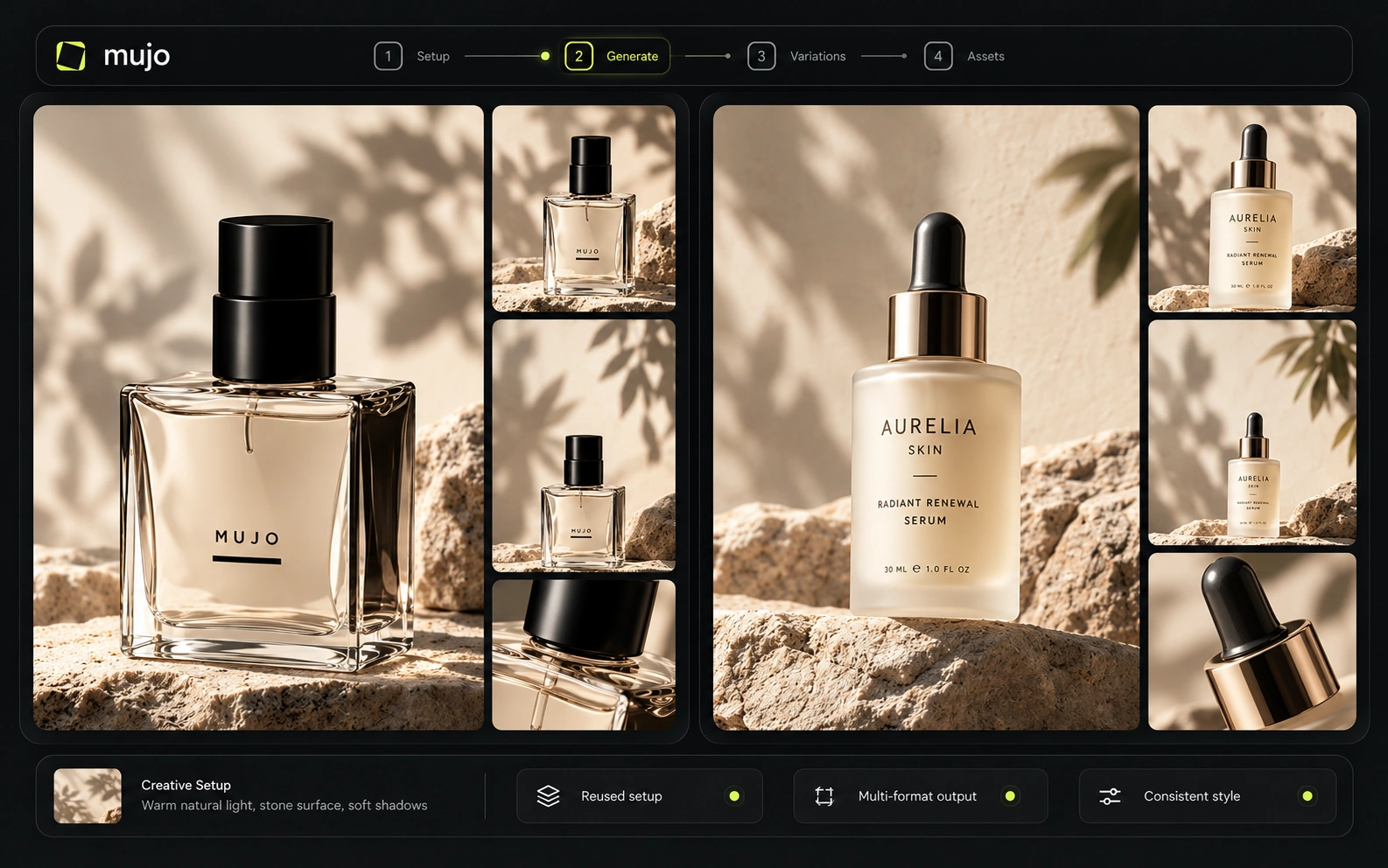
Repeated settings
Generate the same way three times and those settings arrive as a ready control instead of something you retype.
Mujo AI is a creative production platform for image and video. Teams generate with leading AI models in one workspace, direct the result with reusable creative controls, and run production in bulk with shared assets, roles and usage limits. What makes it different sits underneath all of that. Mujo watches how you actually work and turns the patterns into controls, presets and suggestions — so the second campaign costs less than the first.
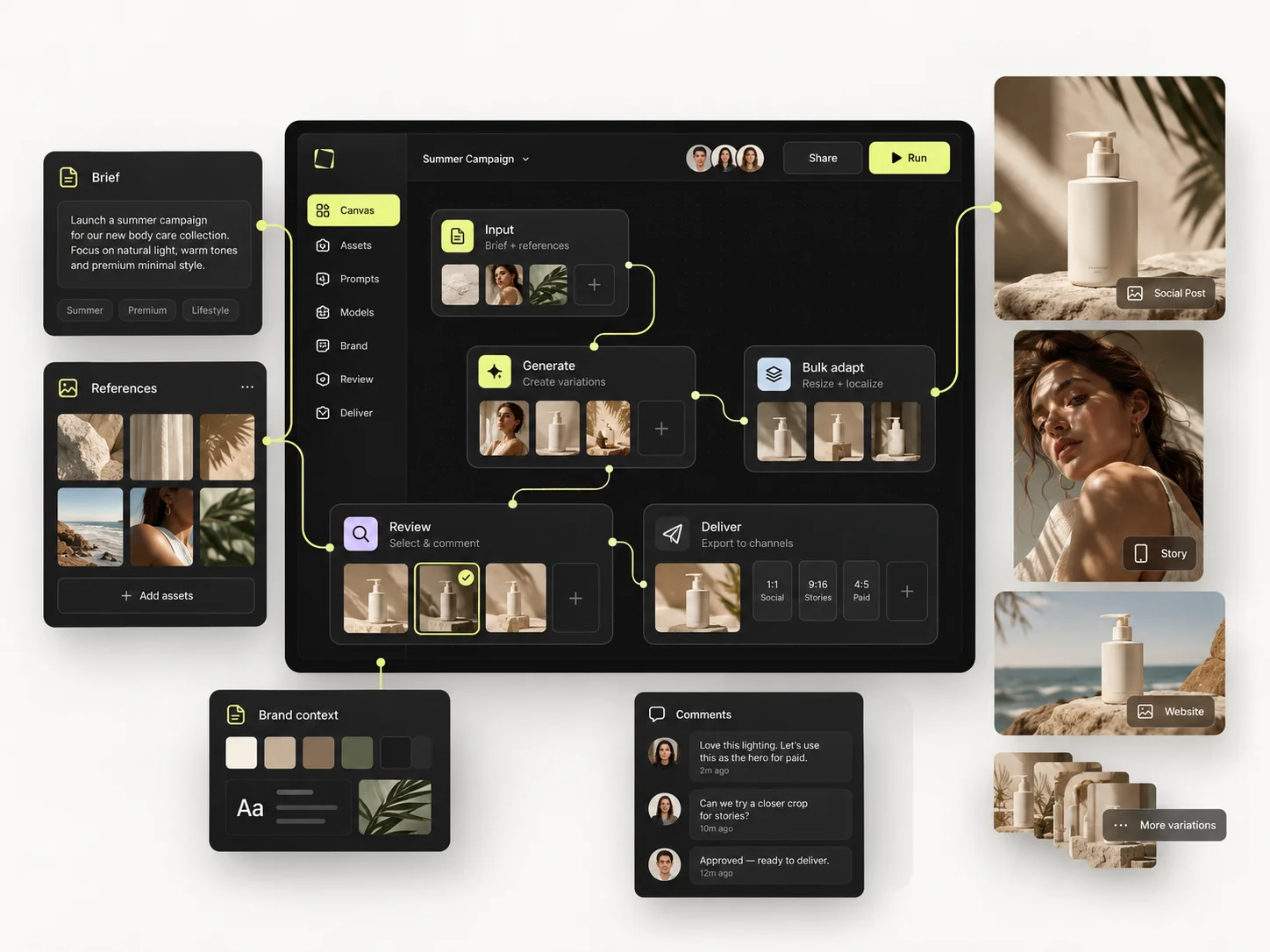
Most AI tools treat each generation as a separate event. The session ends and whatever you worked out goes with it, which is why teams rebuild the same look every quarter and why the good result is never quite reproducible. Mujo treats your history as an asset: it watches what you actually do, finds the patterns, and turns them into things you can reuse.
Creative Memory never changes your setup on its own. It surfaces what it noticed — while you are generating, and on your home screen — and waits for you to accept it. Nothing is applied without you, which is the difference between a copilot and an autopilot. The longer a workspace is used, the more it knows, and the less of each campaign has to be rebuilt by hand.
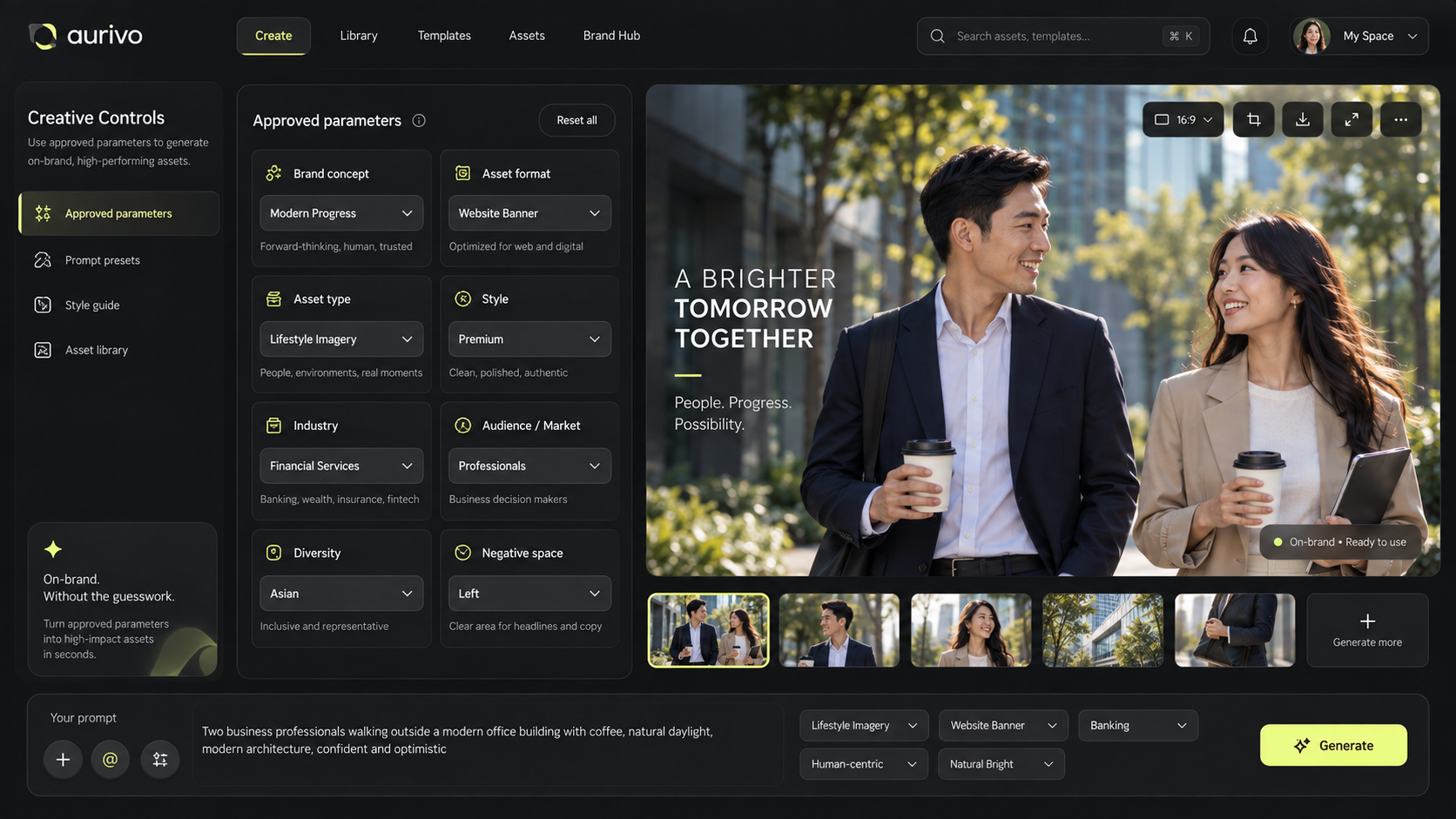
None of this is a setting you configure. It is what the platform observes while you work, offered back when it becomes useful.
Generate the same way three times and those settings arrive as a ready control instead of something you retype.
Always shooting at 35mm? It stops being a habit and becomes a saved parameter in Creative Controls.
The look you keep returning to is stored as a direction, not as a folder of images that happen to match.
Comments the team leaves on work feed the same picture, so feedback becomes part of the setup rather than a chat log nobody reopens.
You used to make animation and you have moved to realism. Mujo notices the shift and offers a new project built around it.
Patterns that show up across several people become shared starting points instead of one person's private method.
The same mechanism runs at four levels, which is what makes it useful past a single person working alone.
How you work: your settings, your camera, your way of getting to a result you like.
Each project keeps its own patterns, so a fragrance campaign and a furniture catalogue do not contaminate each other.
Patterns that emerge across the workspace become shared, so a new joiner starts from the team's method rather than a blank prompt.
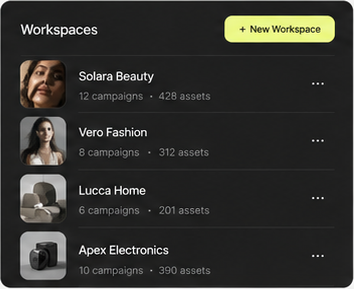
Agencies keep a separate memory for every client, so twelve accounts stay twelve accounts.
Individual habits are convenient. Team and brand memory is the one that changes how an organisation operates: the method survives holidays, handovers and turnover, because it lives in the workspace rather than in the head of whoever found it.
Where images and video are produced, and where the direction behind them is set.
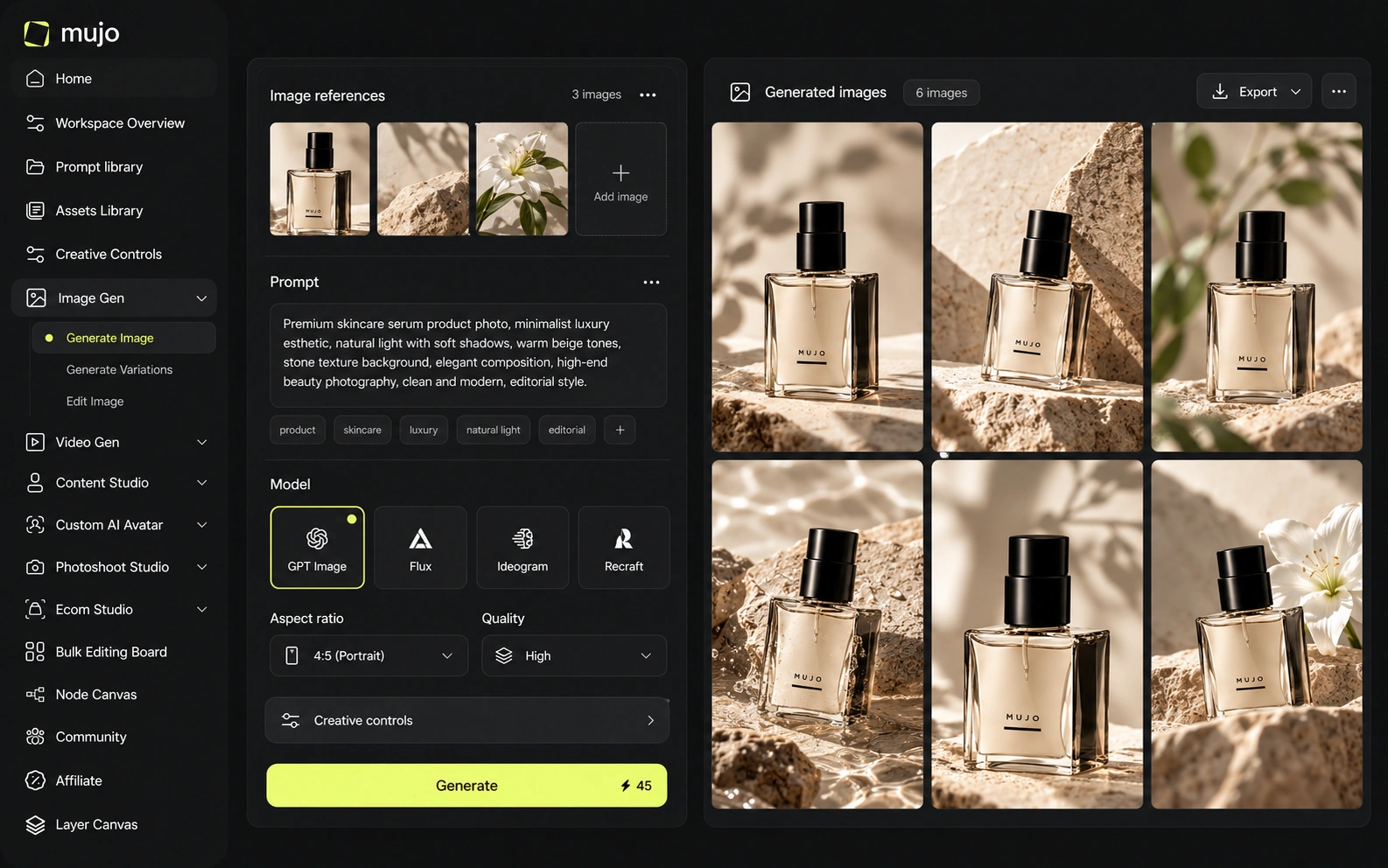
Nine image engines in one workspace, with the same prompt, references and controls across all of them.
Five video engines for text-to-video and image-to-video, beside the stills rather than in another tool.
Lighting, camera, pose, location and style as named parameters — the vocabulary of a shoot, not of a prompt.
2,500+ prompts plus your own saved setups, in a library the whole team can search.
Ready-made workflows for the commercial work that comes back every month.
Consistent AI characters that stay the same person across images, video and campaigns.
Complete product, fashion and lifestyle photoshoots without booking a studio.
Product inputs turned into complete, listing-ready visual sets for every marketplace.
Characters, products, locations and presets combined into publish-ready social content.
The layer that turns one approved result into a production line, and a production line into something a team can run.
Reusable workflows built from models, prompts, tools and logic — they survive a change of engine.
Rows are assets, columns are variables. One approved direction runs down a whole product list.
Members, model access, usage limits, roles and shared production context in one place.
Every product on this page sits somewhere on the same circle. Memory is what closes it — without that step the loop is a straight line that ends when the session does.
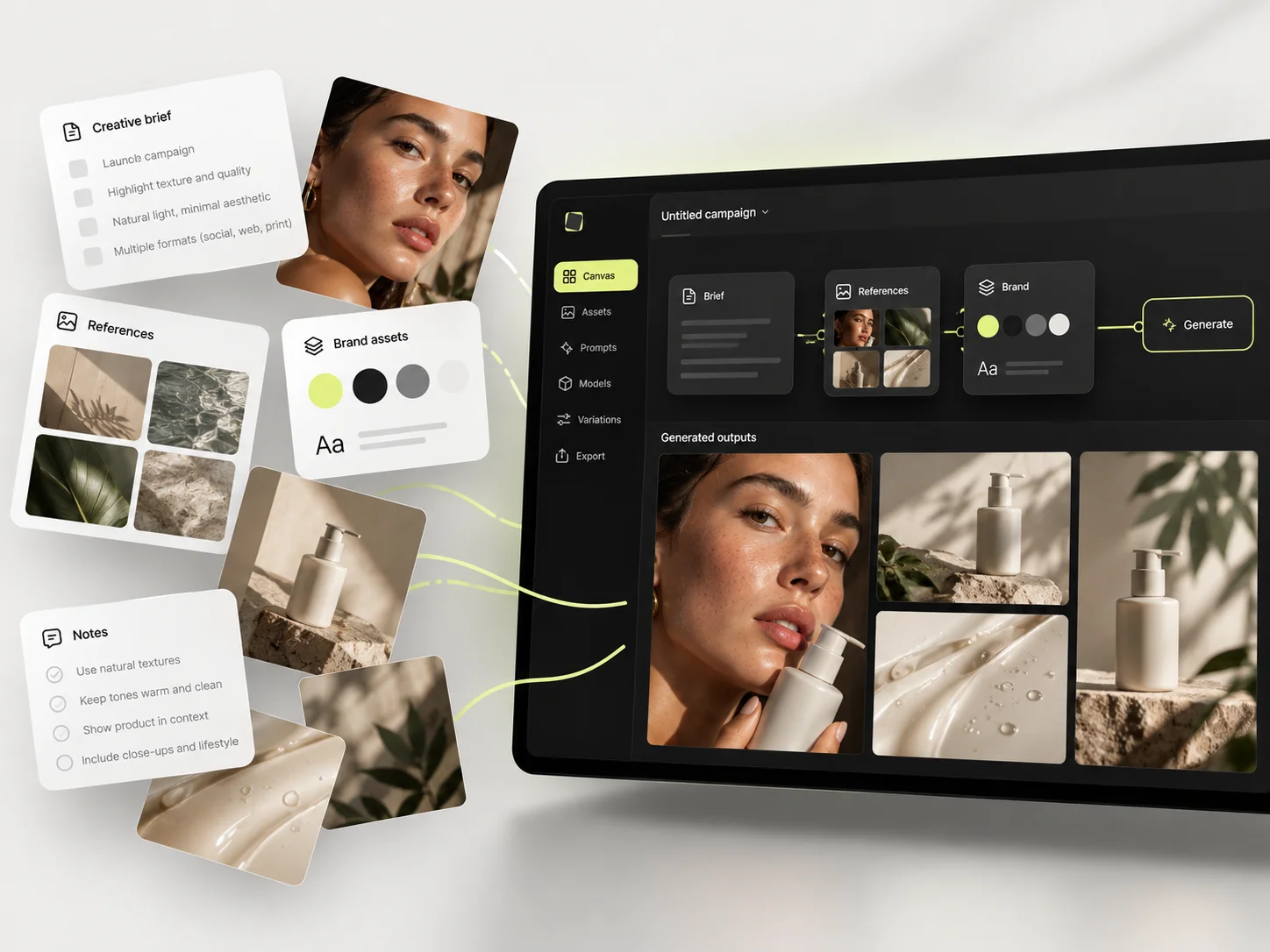
Run a brief across several engines and pick what works.
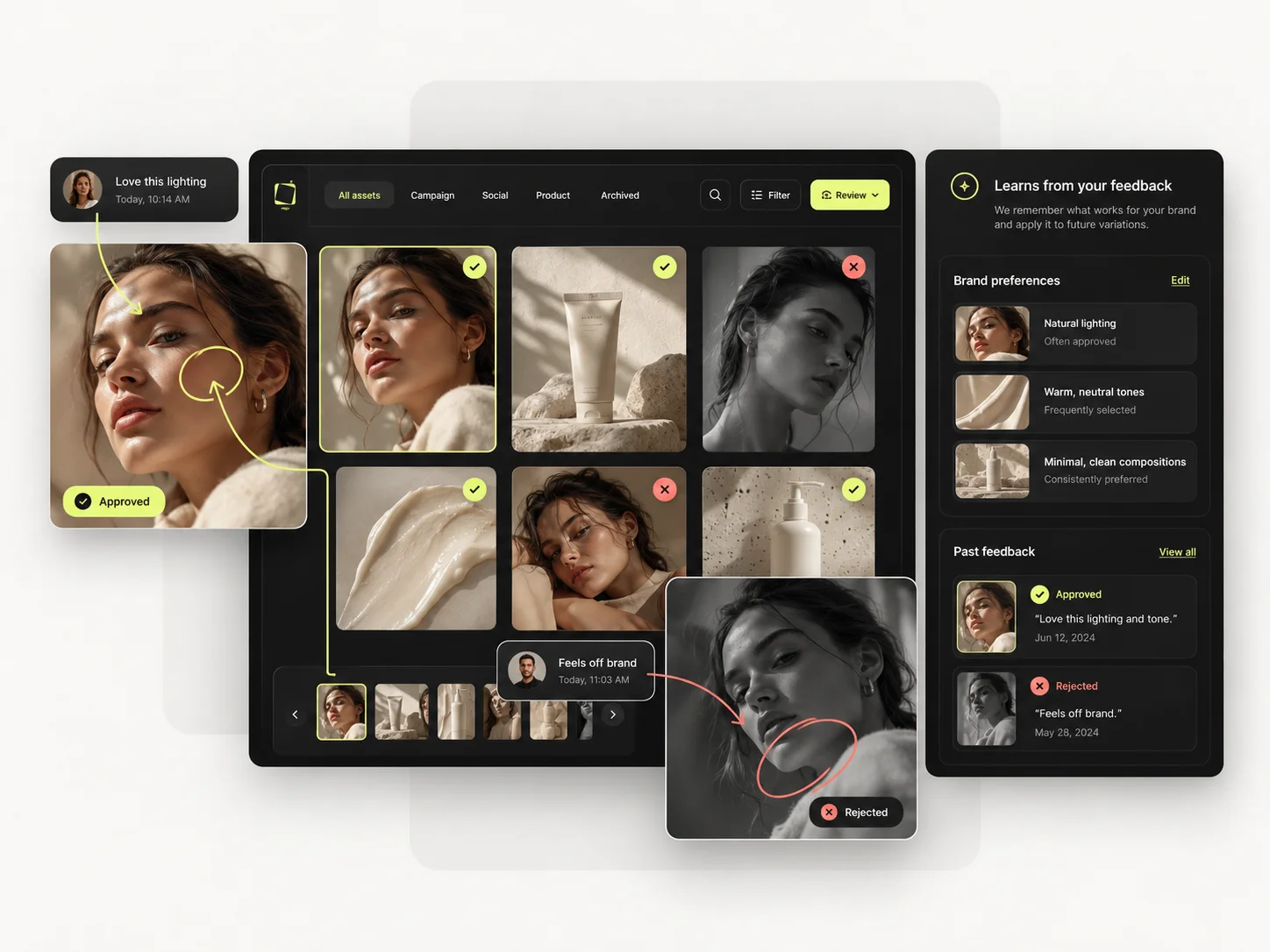
The platform notices what you repeat, accept and reject.
Patterns come back as controls and saved setups you can accept.
Accepted setups become reusable flows in the Node Editor.
One approved direction runs across a product list.
What the team approves and rejects feeds the memory again.
That is the whole claim, and it is measurable inside your own team: rebuild a campaign you already shipped, then rebuild it again for a different product a week later. On most platforms those two weeks cost the same. Here the second one should not.
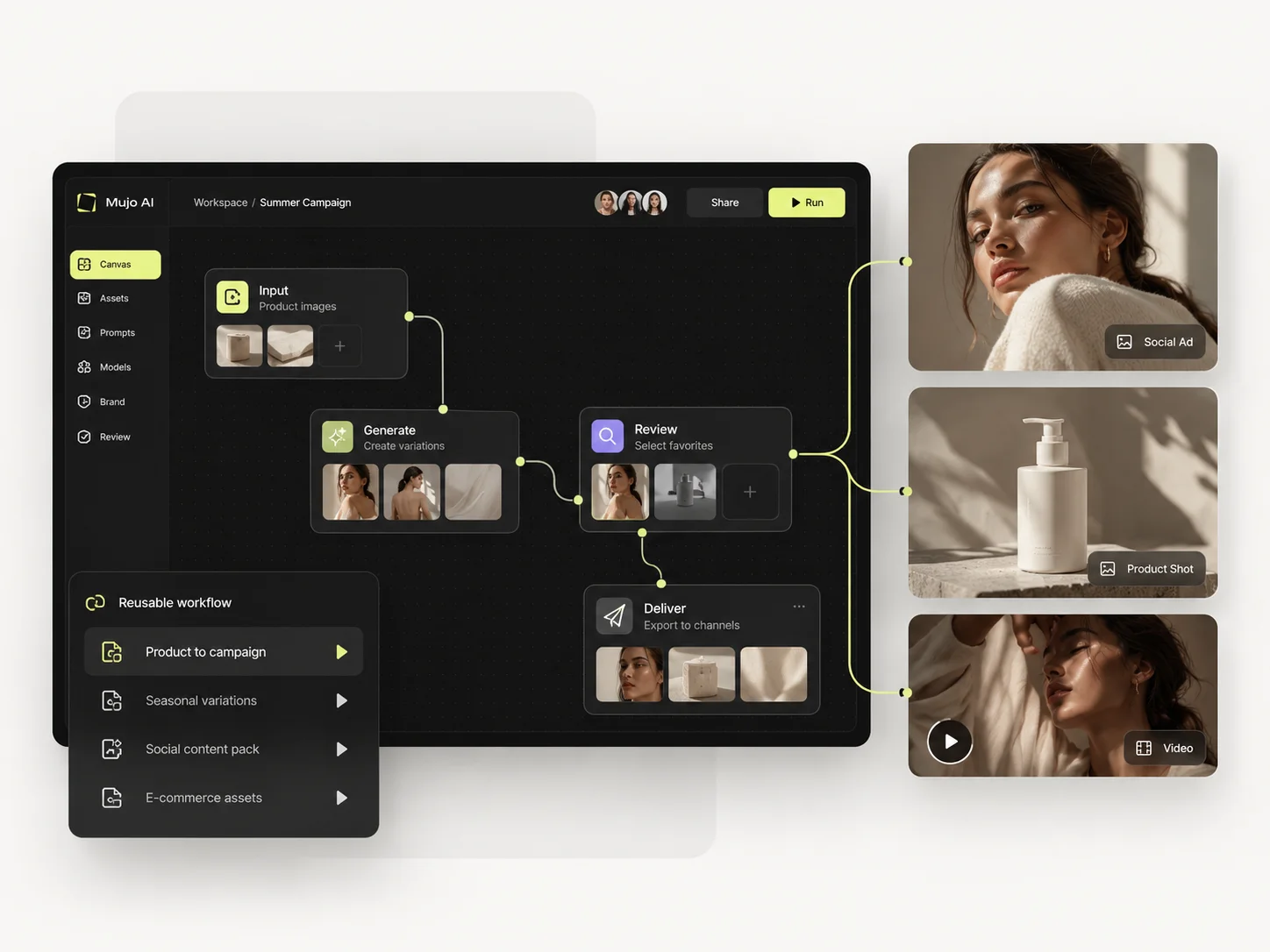
Mujo does not train its own models. It runs the leading ones and puts the structure around them, so the engine can change without the direction changing with it.
Images run on Nano Banana Lite, Nano Banana 2 and Nano Banana Pro, GPT Image 2, Midjourney, Seedream 5.0 Lite and Seedream 5.0 Pro, Grok Imagine and Kling 3.0 Image. Video runs on Veo 3.0 and Veo Fast, Kling 3.0, Seedance 2.5 and Seedance 2.0. The point is not the count. It is that the same prompt, references and Creative Controls feed all of them, so comparing engines is a click rather than a migration.
The products below are the same for everyone. What changes is which part of the loop hurts most.
Leading models, reusable controls and a portfolio, without assembling five subscriptions.
Campaign content produced and adapted across channels, with shared context instead of shared folders.
More client work through one workspace, with memory kept separately per brand.
Product photos, listing images and catalogue production at SKU scale.
Said here rather than discovered later. If one of these is the job, buy the tool that does it.
No presentations, documents, print or layout. Mujo produces imagery; other tools assemble and publish it.
Shot-level motion control, VFX and finishing belong in a dedicated video platform.
Nothing licensed and nothing pre-made. Everything here is generated from your brief and your references.
The same platform, seen through the work it is doing. Ten workflows, each with its own page.
Every comparison page on this site has a section saying where the other tool is better, because a page that only argues one side is a brochure.
Midjourney, Runway, Canva, Photoroom, ComfyUI, Figma Weave, Celtra and fourteen more — with the same two-product test run against each of them.
Subscriptions for steady production, pay-as-you-go packs for everything else. Purchased credits carry no use-by deadline.
900 credits a month, all models and features, 3 parallel generations
2,200 credits a month, 6 parallel generations
4,400 credits a month, 10 parallel generations
11,900 credits a month, 4K generations, unlimited parallel generations
5 seats, roles and access management, priority handling, unlimited storage
200-credit packs upward, with no use-by deadline on purchased credits
New accounts start with 20 free credits, which is enough to run a small version of the two-product test. Annual billing saves up to 40%.
Short answers about what Mujo is, what Creative Memory does, and what it costs.
A creative production platform for image and video. Teams generate with leading AI models in one workspace, direct the result with reusable creative controls, build repeatable workflows, and run production in bulk with shared assets, roles and usage limits.
The layer that watches how you work and turns the patterns into things you can reuse. Repeated settings become controls, a camera you keep returning to becomes a saved parameter, and a change of creative direction can become a new project.
No. It only suggests. Patterns are surfaced while you generate and on your home screen, and nothing is applied until you accept it.
It runs at four levels: personal, per project, across the team, and separately per brand or client. Agencies keep each client's patterns apart.
Nine image engines — Nano Banana Lite, 2 and Pro, GPT Image 2, Midjourney, Seedream 5.0 Lite and Pro, Grok Imagine and Kling 3.0 Image — and five video engines: Veo 3.0, Veo Fast, Kling 3.0, Seedance 2.5 and Seedance 2.0.
Mujo's terms state that users keep ownership of what they upload and of AI-generated outputs, and that inputs and outputs are not used to train foundation models without opt-in. The enterprise terms extend that to the third-party models in the stack.
Plans run from $9 to $121 a month with up to 40% off on annual billing, and pay-as-you-go packs start at 200 credits for $2.60 with no use-by deadline. New accounts get 20 free credits.
With the work rather than the tool. Pick the use case closest to what you produce every month, run one real brief through it, then run the same brief again on a second product a week later.
Every claim on this page reduces to one test you can run yourself: rebuild a campaign you have already shipped, then rebuild it for a different product a week later. The gap between those two weeks is the product. 20 free credits to start, and no deadline on what you buy after that.