Master concept
The single approved visual everything downstream is built from.

Explore advertising concepts, product photography, fashion imagery, portraits and creative campaigns. Find a direction for your next project, then build your own in Mujo. Every visual on this page is a demonstration concept made with the platform — not a published client project.
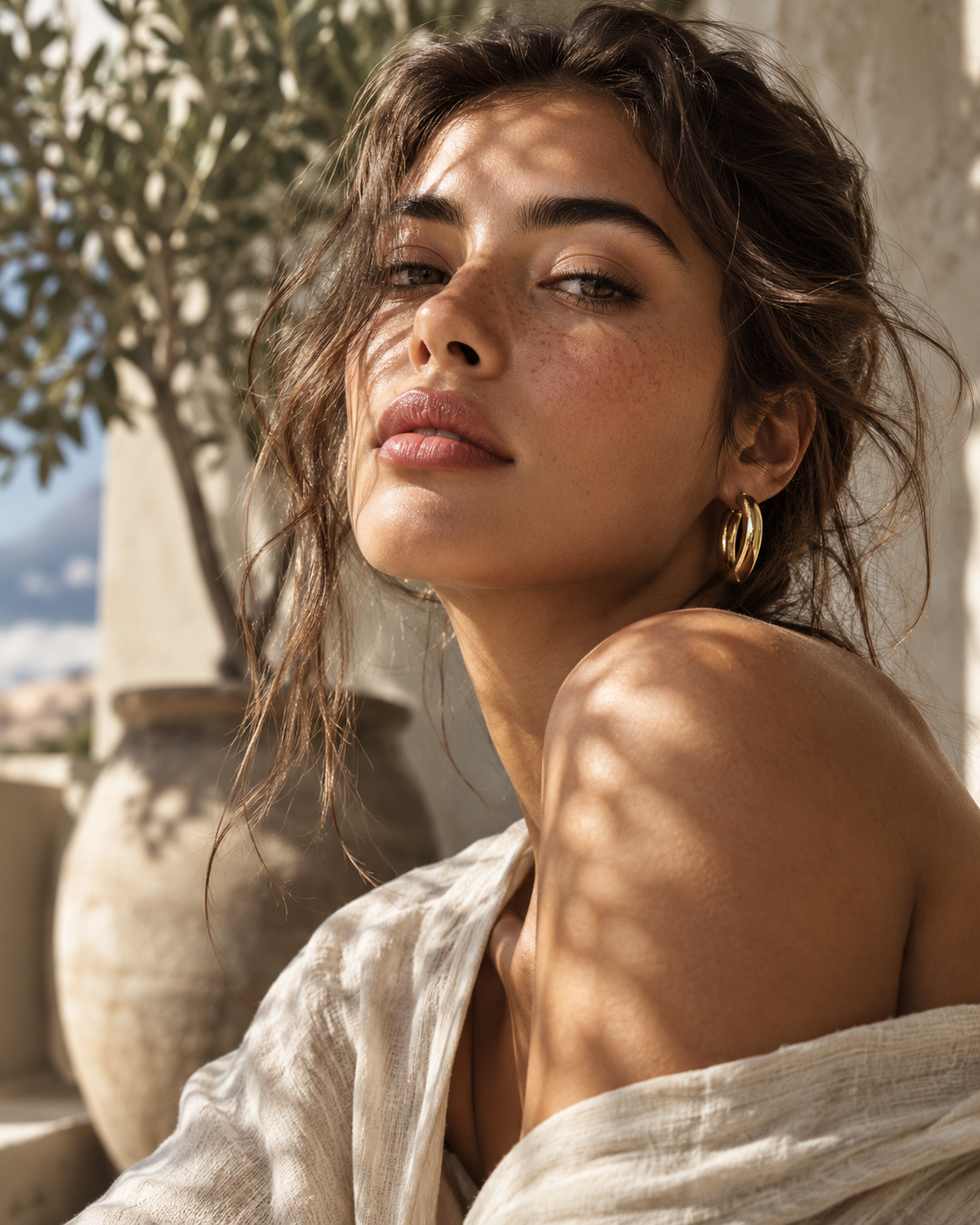
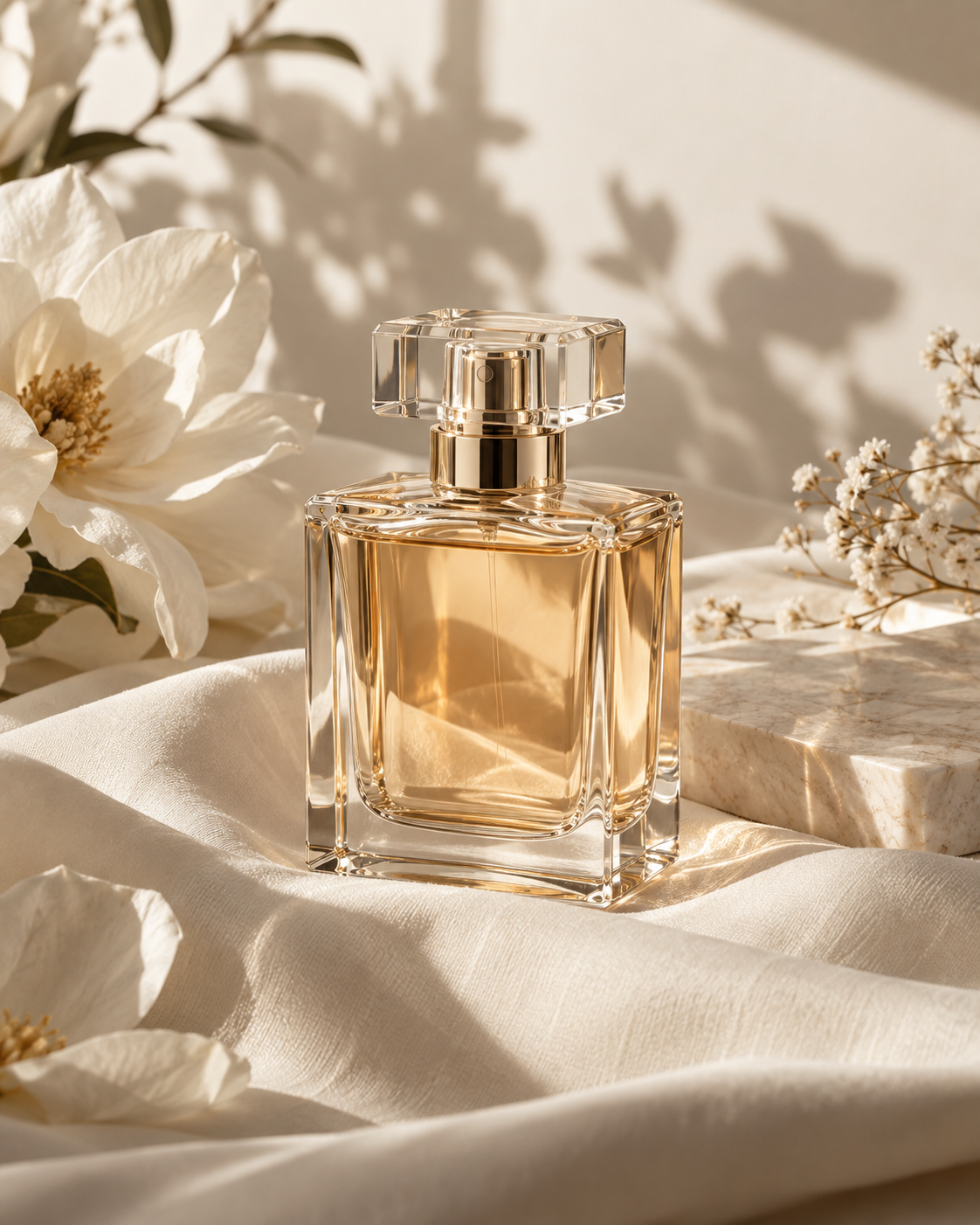
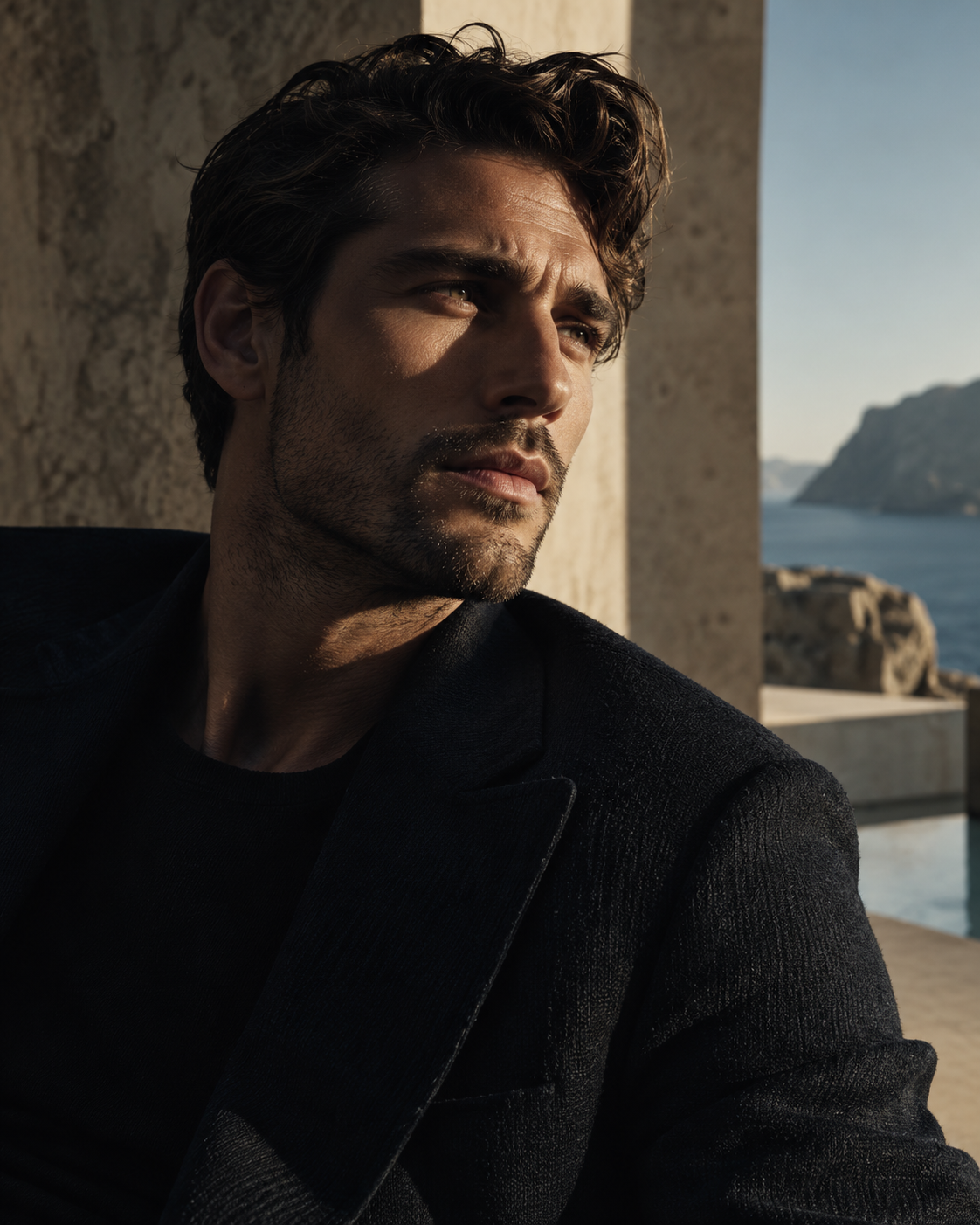
Ideas across different creative directions. These are demo concepts rather than client work — each one opens the page explaining how that kind of project is actually produced.
Fashion & beauty · A single styling direction carried through a portrait series.
Product & e-commerce · Still life built around one product reference.
Real estate & advertising · A location concept developed as a campaign visual.

Portraits & avatars · One saved character, reusable across projects.
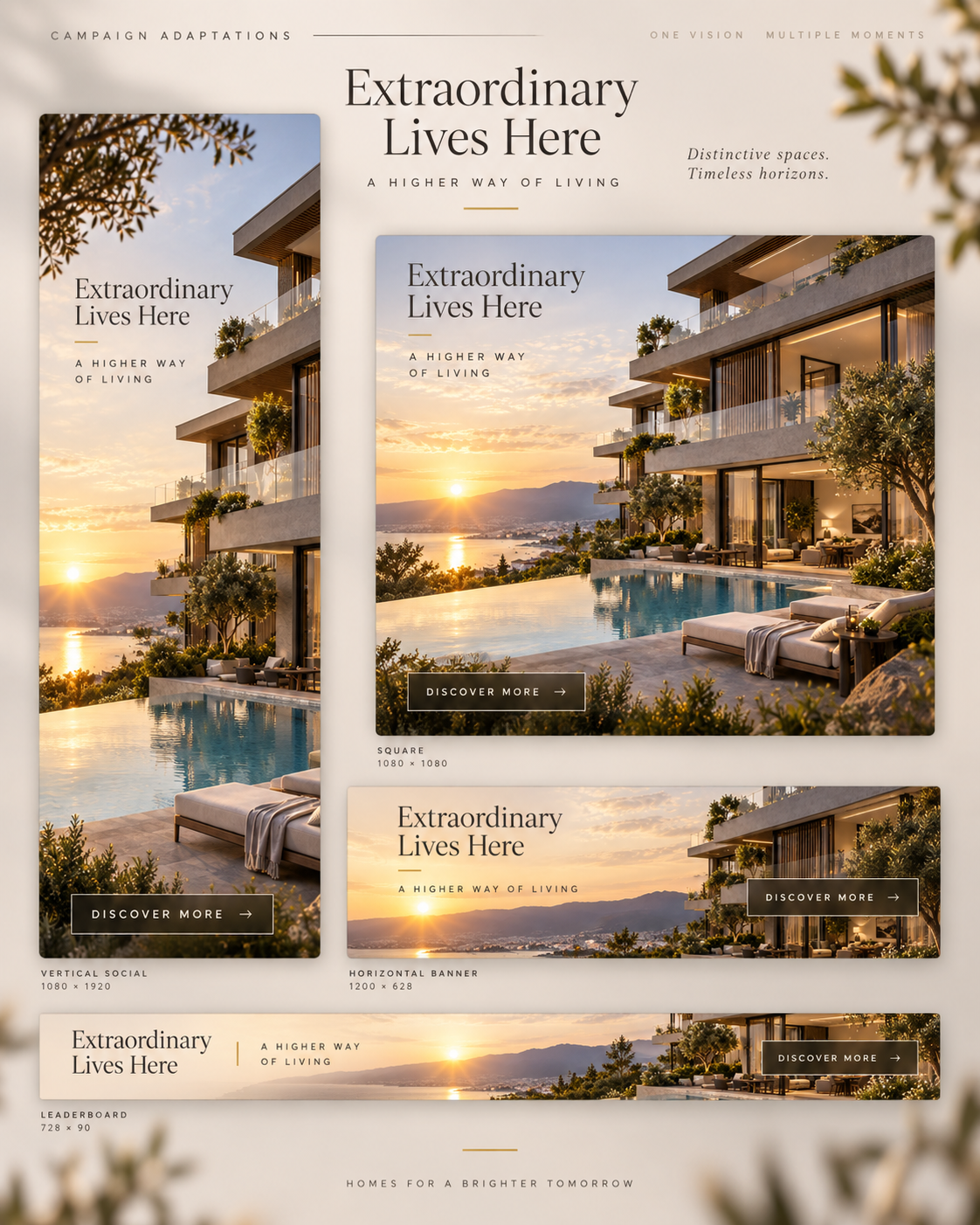
Advertising · One master visual taken through to format adaptations.
How one creative direction develops into a master visual, campaign adaptations and multiple formats through a connected production workflow. Demo campaign — an illustrative concept, not a delivered client case.
See how campaigns are builtThe single approved visual everything downstream is built from.
An illustrative board of placements. A concept layout, not a set of exported production files.
The wide cut, built on the same references and creative settings as the master.

Go beyond a single image. Develop visual series, product imagery and campaign-ready concepts in one creative workspace — each of these is a different kind of output from the same set of references and controls.
Several frames that hold one direction, rather than six unrelated generations.
Studio, lifestyle and detail shots built from one product reference.
A brief taken through directions, a master visual and channel versions.
Cast a face once and keep the same person across a whole project.
Short-form and campaign motion, produced from an approved still.
A month of posts that read as one account rather than one good picture.
Start with a reference, guide the visual direction, and create the related assets the project needs. The reason a series holds together is that all of it is built from the same inputs — not regenerated from scratch each time.
Explore Creative ControlsA brief, an image or a creative reference. Something real to build from rather than a blank prompt field.
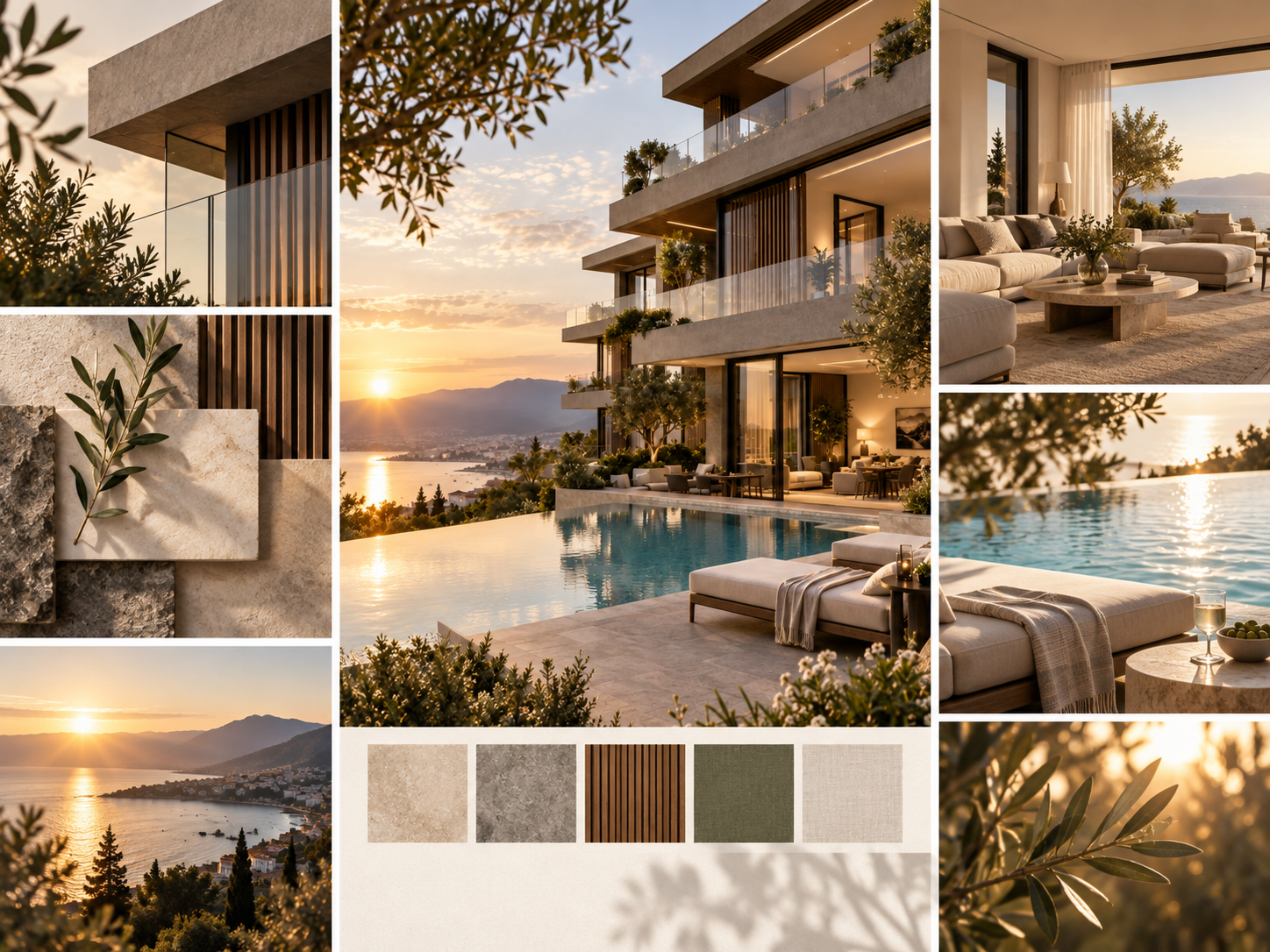
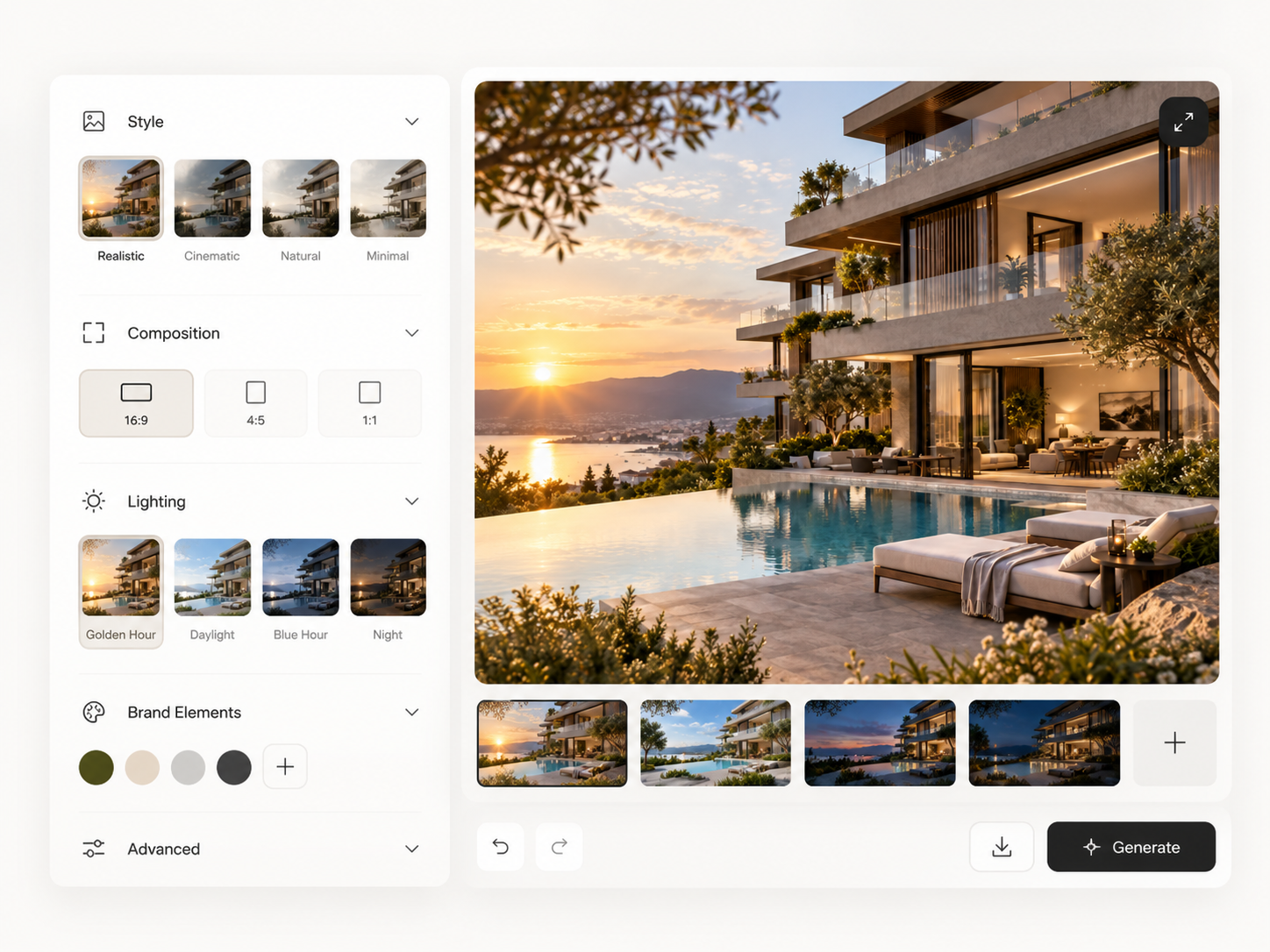
Choose style, composition, lighting and the controls the model supports. Illustrative workflow concept, not a product screenshot.
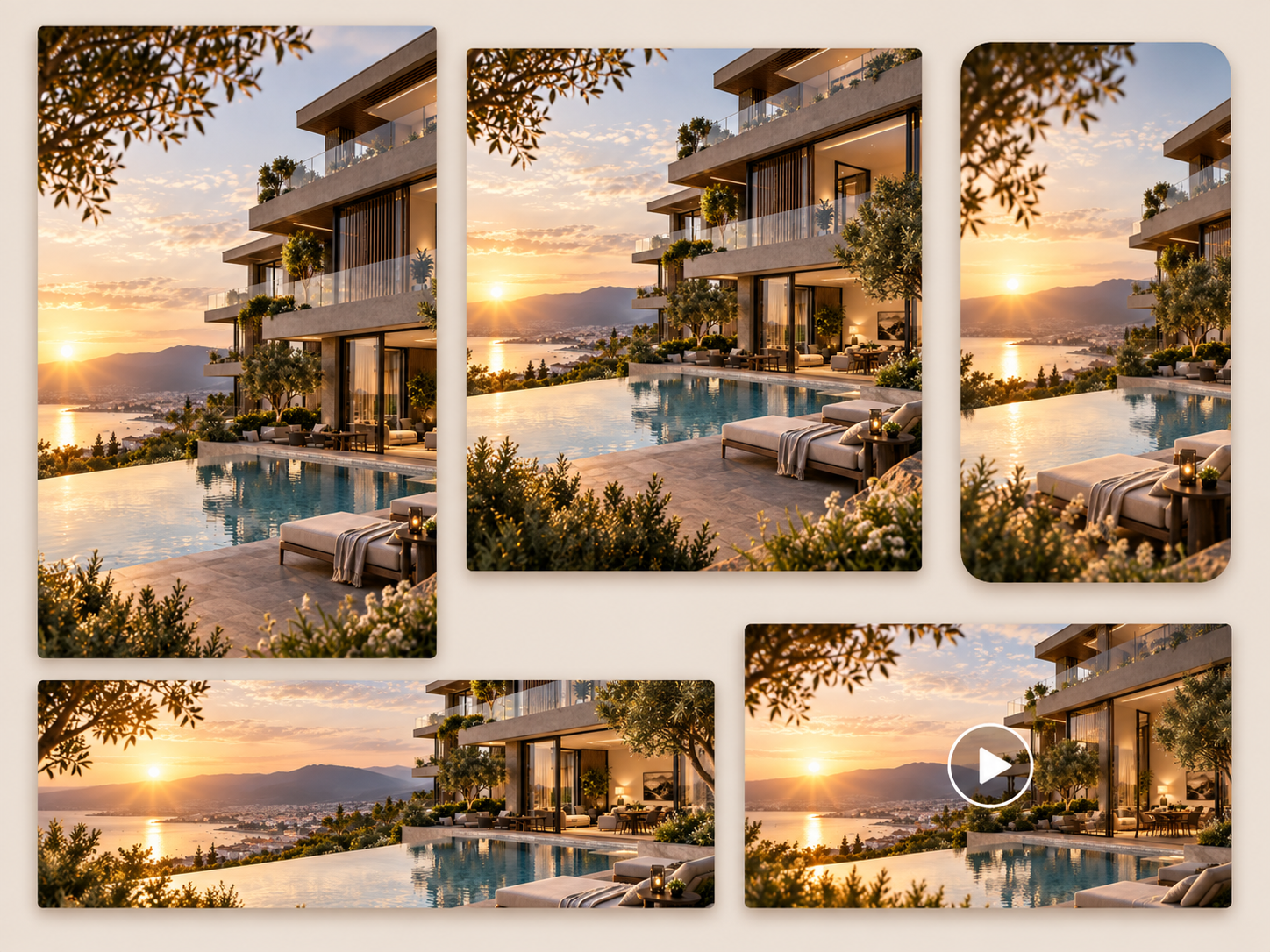
Develop variants and layouts from the same concept. The play symbol in the artwork is part of the illustration, not a playable file.
Create independently or collaborate across a brand and its creative partners. The work on this page is the same whether one person or ten are producing it — what changes is how much of it has to be repeatable and shared.
Explore Mujo for TeamsChoose a starting point and turn a creative idea into your next project. Results depend on your inputs, the model you pick and the settings you use.
Imagery, product visuals, creative concepts, portraits and video, using the tools available in your workspace. The examples on this page cover fashion, product, real estate advertising and portraits.
Yes — use them as creative references for your own project. Results will depend on your inputs, the model you choose and the settings you apply.
No. Everything shown here is a demonstration concept produced with the platform. No client is named, and none of these are presented as delivered or published work.
Image generation and creative workflows can be used to develop campaign concepts and visual variations. Final advertising materials should be reviewed against brand and placement requirements before they run.
Yes — use the upload and asset-management tools available in your Mujo workspace, then work from those references rather than from a text description.
Team and Enterprise workflows are available. Check the current Teams page for what is included on your plan and release.
Reuse the same references, saved characters and creative settings across the set. Consistency comes from reusing the setup, not from rewriting the prompt each time — and every frame is still worth reviewing before it ships.
From the first reference to your next creative direction — make it with Mujo.