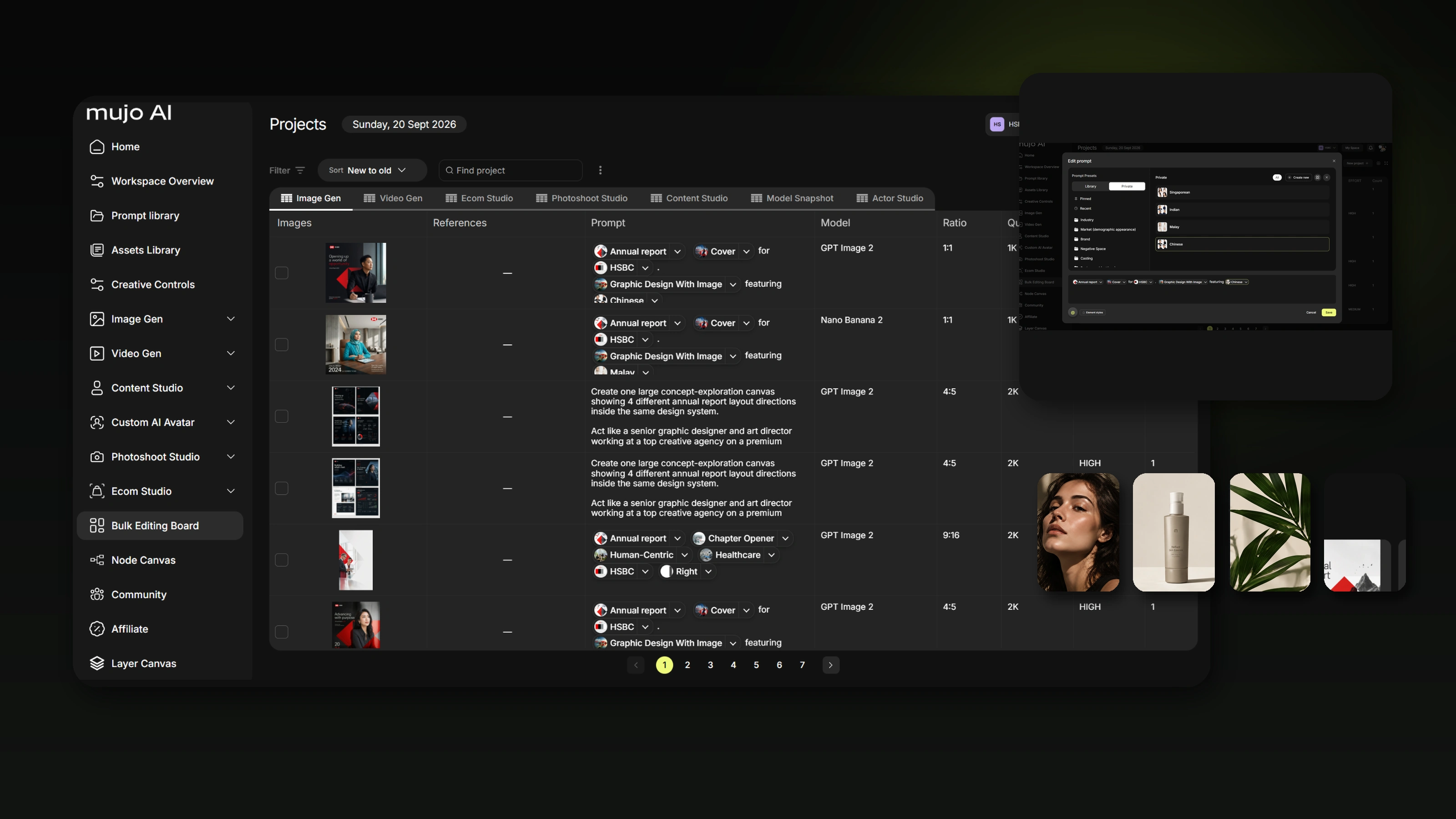
Make the creative decisions explicit before the model makes them for you, so your AI work stops looking like everyone else’s
AI creative converges on the same look because every decision you leave unspecified gets resolved by the system instead of by you. The fix is not longer prompts. It is making the important creative decisions visible — as variables, as labelled references and as a deliberate model choice — before the model makes them on your behalf.
The problem with AI creative is no longer that it looks obviously bad. The problem is that a lot of it looks obviously AI.
Glossy skin. Familiar cinematic lighting. The same shallow depth of field. The same premium product shot. The same symmetrical composition, the same vocabulary of polished reflections and vaguely expensive environments. You can change the model and still feel the same pull.
This is what people increasingly call AI slop: content that is technically competent, quickly produced and instantly forgettable. The cause is not simply bad prompting. It is structural.
The short version
- Models have defaults. Anything your instruction leaves open gets filled from learned patterns and product defaults.
- What you type is only part of the generation system — product defaults, safety rules, model priors and, in some products, explicit prompt revision all shape the result.
- “Make it better” hands the definition of better to the model.
- Longer prompts help, but they do not scale: you cannot specify every variable, and you often do not know which one is missing until you see the output.
- Variables, labelled references and deliberate model routing restore authorship without removing surprise.

1. Models have defaults
Generative models learn patterns from enormous datasets. When your instruction leaves a decision open, the system still has to fill the gap.
Ask for “a premium skincare campaign” and you have not specified camera distance, lens character, lighting source, lighting hardness, time of day, skin texture, framing, environment, material palette, product prominence, amount of retouching, negative space or emotional tone. The model still renders all of them. It fills the gaps using patterns it has learned and the defaults encouraged by the product around the model. That is where creative work begins to converge.
2. Your prompt is not always the final instruction the model receives
Different products handle prompts differently, and this is worth stating precisely rather than dramatically. Some image systems explicitly use prompt-rewriting or prompt-enhancement layers — OpenAI documents automatic prompt revision in its image-generation tool flow, and Google’s Imagen documentation exposes an LLM-based enhancePrompt setting. Others apply default aesthetics, hidden system instructions, safety constraints, personalisation or model-specific priors rather than a literal rewrite. Midjourney documents default styling behaviour and a raw mode intended to reduce it, which supports the point about product priors without being evidence of prompt rewriting.
So the accurate claim is not that every model secretly rewrites every prompt. It is that what you type is only one part of the generation system.
The final output is shaped by the model, the product defaults, safety rules, prompt mediation where it is used, and every creative decision you did not specify. Which is why adding more adjectives does not reliably make the work more distinctive.
3. “Make it better” usually means “move toward the model’s idea of better”
Another common path to slop is iterative optimisation without a target. You generate an image, then ask for it to be more premium, more cinematic, more beautiful, better lit, more like an ad. Each instruction is reasonable on its own. Each one also hands the system permission to decide what premium, cinematic or better means.
If the creator does not define the direction, the model increasingly defines it — and the result gets more polished and less personal at the same time.
4. Long prompts do not fully solve the problem
The obvious response is to write a longer prompt. It helps, and it has limits. You cannot specify every visual variable on every generation. You often do not know which variable is missing until you see the result. Long prompts become hard to maintain, because changing one idea accidentally affects another. And different models interpret the same language differently.
The real question is not “how do I write more?” but “how do I make the important creative decisions visible before the model makes them for me?”
5. Find the missing decisions instead of rewriting your taste
This is the idea behind prompt analysis and creative recommendations in Mujo. Rather than silently replacing a creator’s prompt with a “better” generic one, the system can look at what has been specified and surface what is still open.
“Create a premium skincare campaign with a woman by the sea”
Already defined
- Category: skincare.
- Subject: a woman.
- Environment: the sea.
- Commercial intent: premium campaign.
Still open — and the model will decide
- Shot size, camera angle, lens and perspective.
- Time of day, light source, light hardness.
- Skin treatment and wardrobe.
- Product prominence and colour palette.
- Surface and material detail, negative space.
- The relationship between talent and product.
A recommendation should expand your control surface, not replace your creative voice.
6. Variables are an anti-slop tool
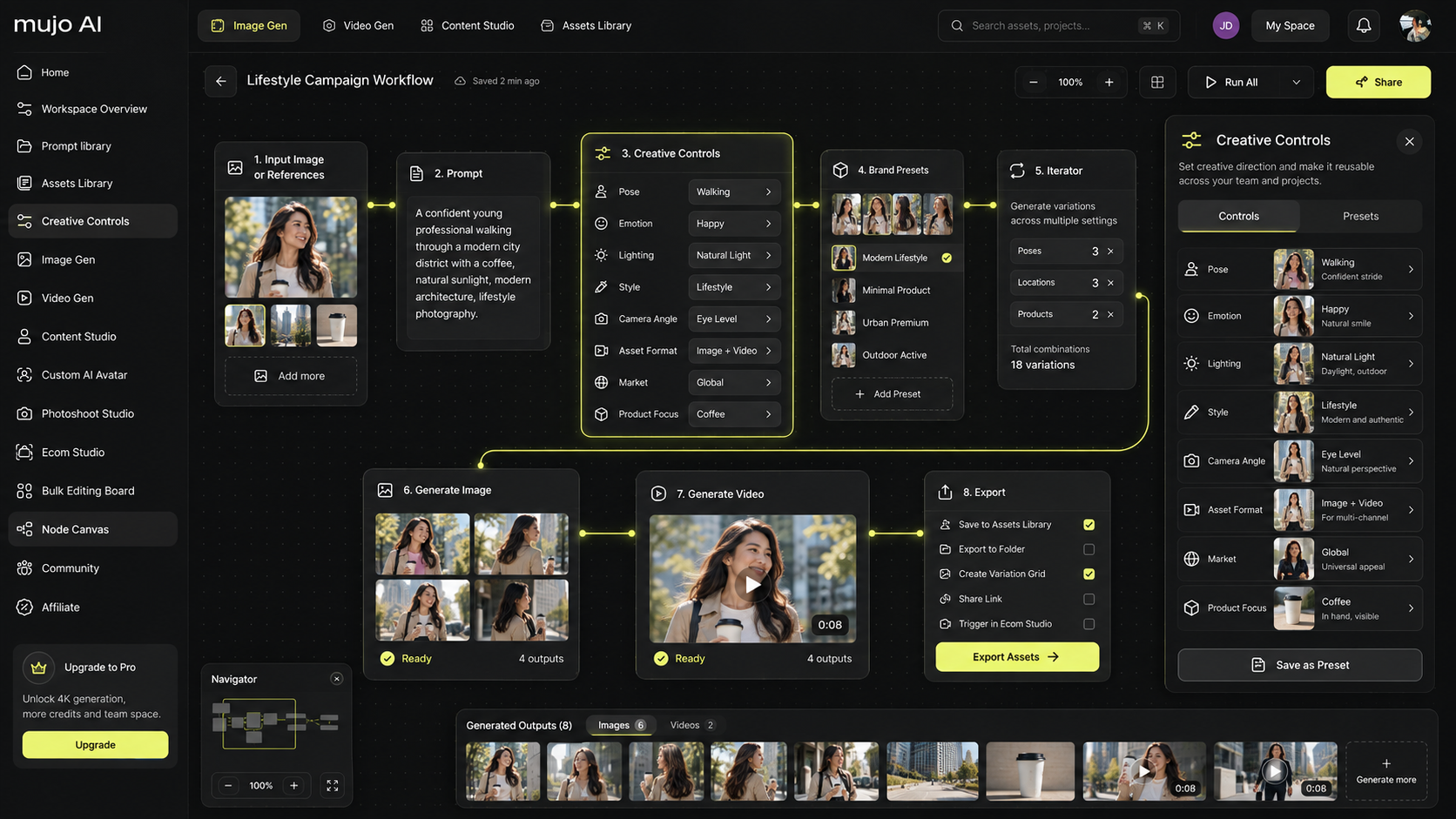
A variable makes an implicit model decision explicit. Instead of “make the shot more cinematic”, choose a low camera angle, a 35mm lens feeling, hard sunrise backlight, deep foreground shadow, handheld framing, muted skin retouching, low saturation and strong sea haze. Now the result is not merely more cinematic — it reflects a specific decision somebody made.
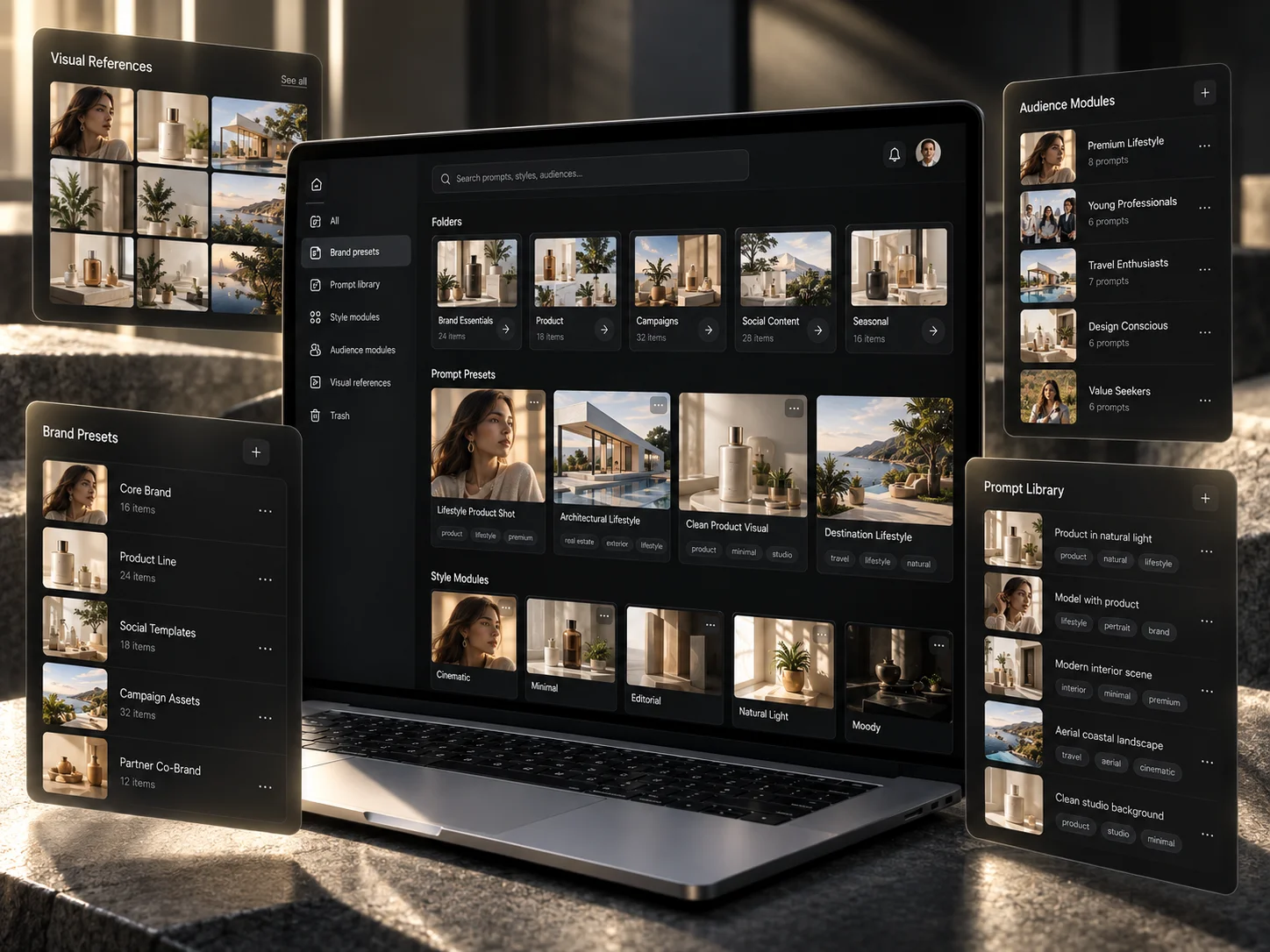
This is what Creative Controls are for, and why a control set is worth saving rather than rebuilding: the decisions that made one image distinctive are the same ones that will make the next forty distinctive.
7. References preserve the specificity that words lose
Words are broad. References are precise. A lighting reference communicates shadow edge, highlight roll-off, direction, contrast and time of day more clearly than five paragraphs of adjectives. The same holds for composition, wardrobe, product, character, colour, location and motion.
The key is telling the system what each reference is for. A reference should not mean “make it like this”.
Assign a role to every reference
- Image 1 → subject identity.
- Image 2 → lighting.
- Image 3 → framing and composition.
- Image 4 → material palette.
That is what keeps the creator’s intention visible as the production scales.
8. Creative Memory should remember your decisions, not erase them
Personalisation can produce generic work too, if it only optimises for what is statistically common. The direction we are building toward with Creative Memory is different: learn recurring creative choices and surface them as reusable context.
Two kinds of memory
Averaging
- “Users like premium images.”
- Optimises toward what is common across everyone.
- Pulls every creator toward the same centre.
Useful memory
- “This creator repeatedly chooses hard side light.”
- Natural skin texture rather than glossy retouching.
- Products low in frame; 35mm environmental portraits.
- This workspace keeps rejecting symmetrical studio backgrounds.
Memory should make your working language easier to reuse, not push you toward a global average.
9. Model routing matters
Different models carry different visual priors and strengths. A single default model produces a single default look — which is a surprisingly common and surprisingly invisible cause of sameness.

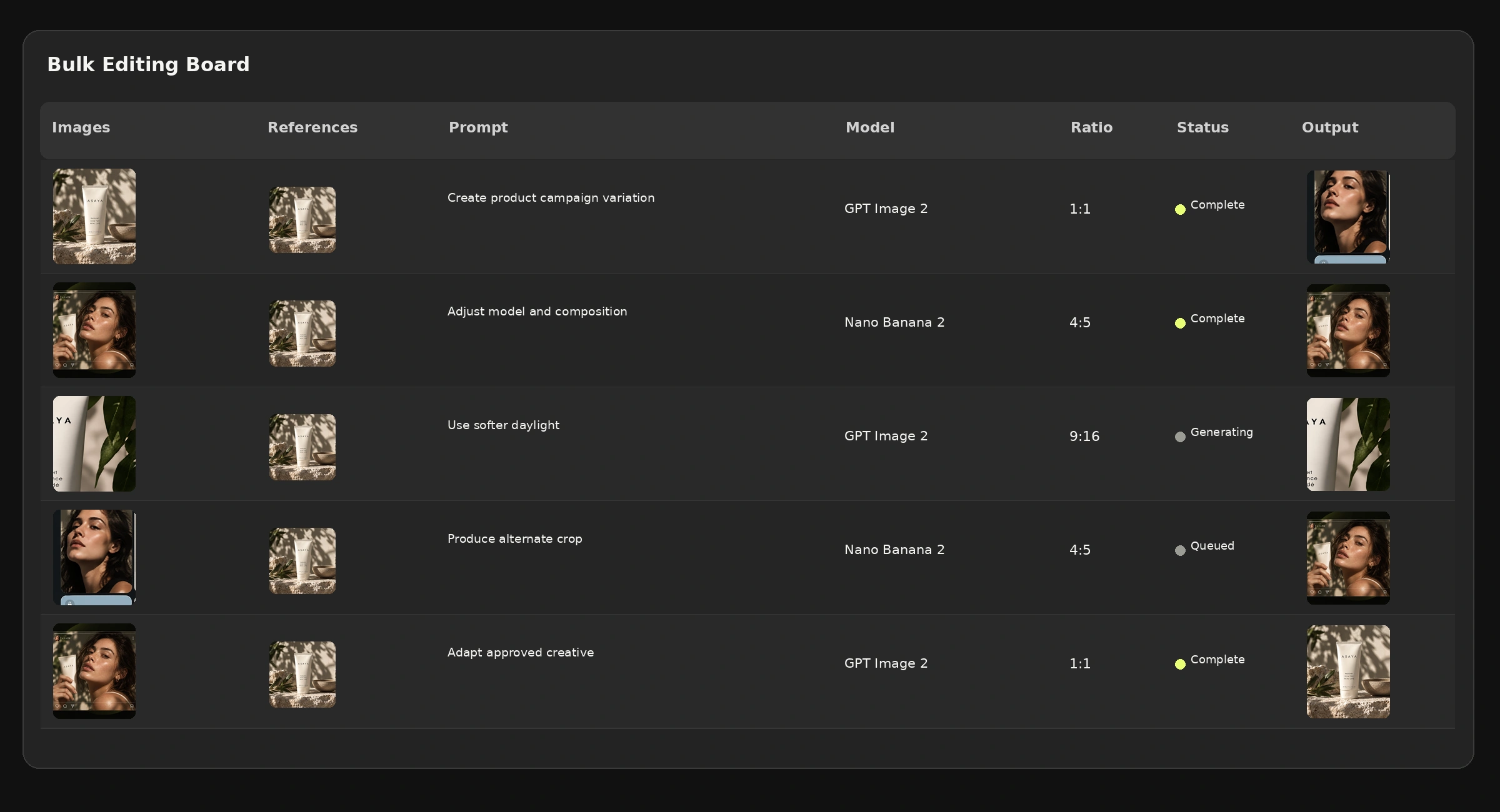
The same task may need different models depending on whether the priority is product fidelity, skin and people, typography, concept breadth, reference adherence, motion, speed or cost. You can see the current stack on the AI Image Generator and AI Video Generator pages.
10. Feedback should improve recommendations, not homogenise taste
A creative system can learn from outcomes: what was selected, reused, downloaded, approved in review or rejected, and which controls changed before acceptance. Those signals are useful when they improve the next recommendation. There is a design principle worth protecting around them.
The system should learn what works for this creator, brand, project or workspace — not turn everyone into the same creator.
That is the difference between personalisation and averaging, and it is a choice a product makes deliberately rather than something that happens on its own.
11. Anti-slop does not mean anti-automation
Manual work is not automatically more authentic, and automation is not automatically generic. The question is what you automate.
Two kinds of automation
Bad automation
- Prompt → generate a thousand generic variants.
- Scale before the direction is decided.
- Let the model resolve the open variables at volume.
Better automation
- Define specific art direction.
- Approve the references and assign their roles.
- Choose the variables, then approve the master.
- Save the setup, and automate the repetition of those decisions.

12. A practical anti-slop workflow
Seven questions to answer before generating
- What is intentionally fixed? Product, character, brand, palette, composition rules.
- What is intentionally variable? Location, angle, lighting, crop, movement.
- Which references define the direction? Assign each one a role.
- Which creative dimensions are missing? Use controls rather than letting the model invent all of them.
- Which model fits this job? Do not default to one model for everything.
- What does the creator actually approve? Save the accepted decisions.
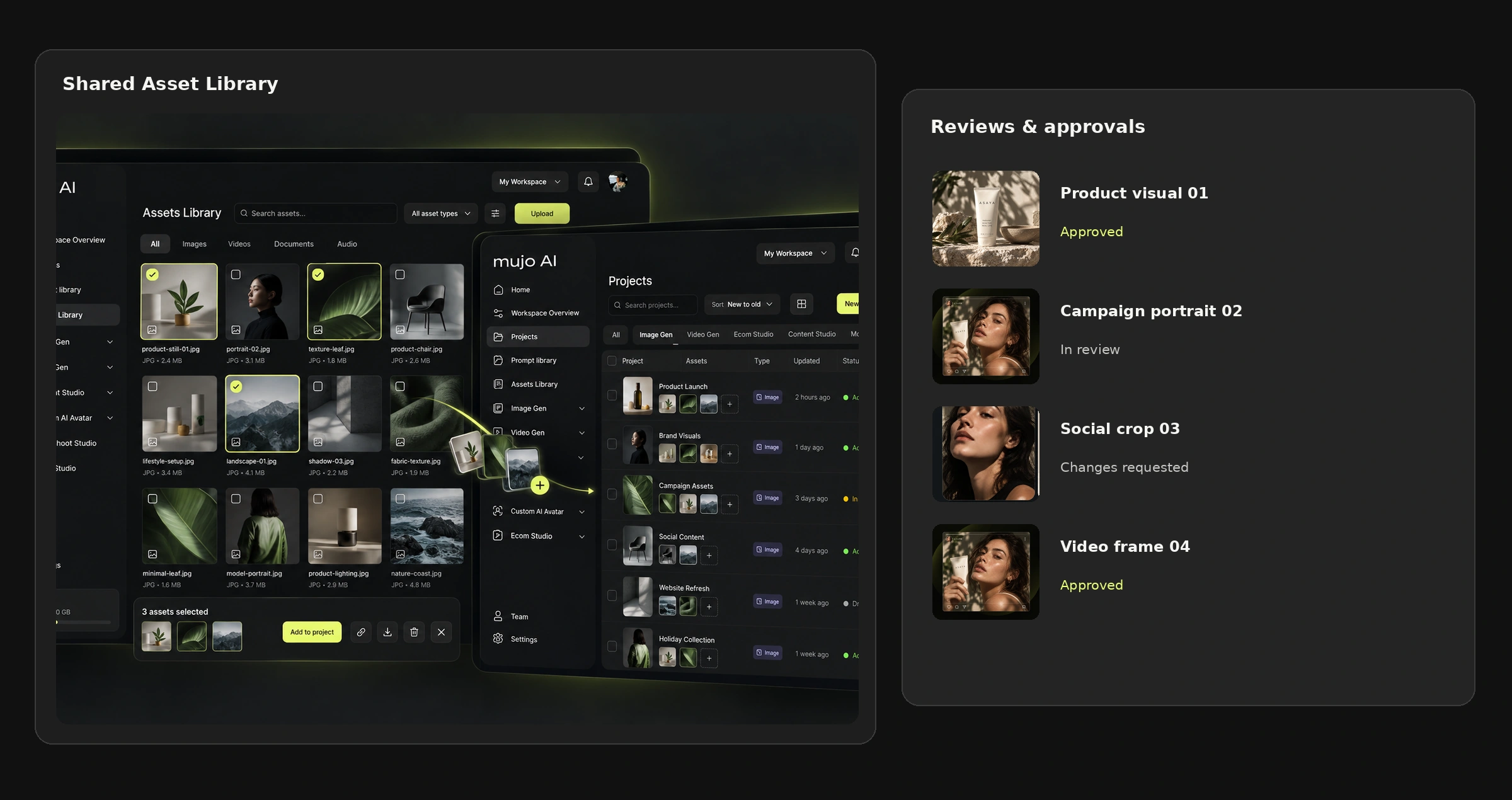
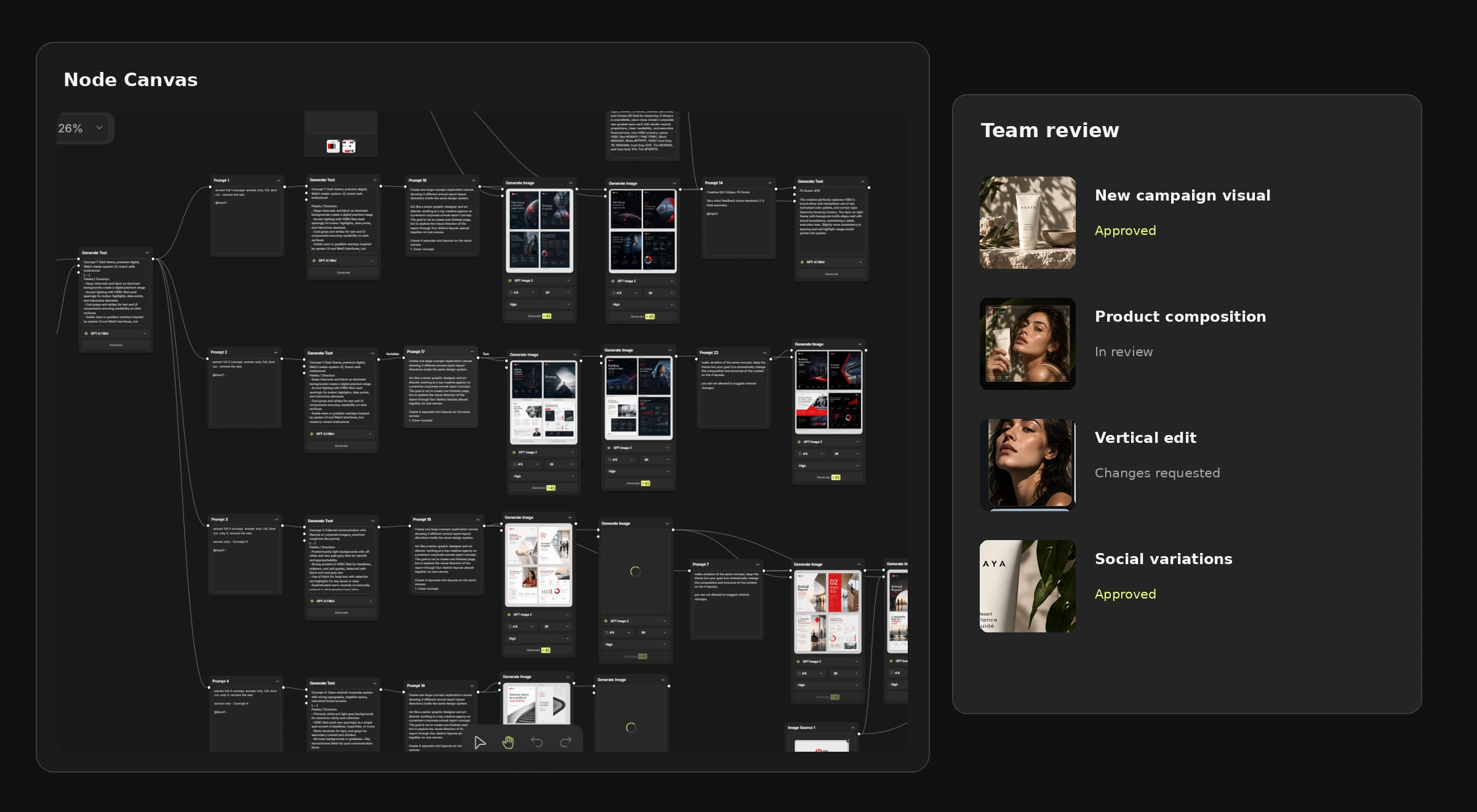
- What should be reused? Turn successful controls, references and workflows into components.
The loop gets more efficient without making the work more generic, which is the only version of efficiency worth having here.
The goal is not to remove the model’s creativity
A model should still surprise you. The problem is not surprise — it is accidental sameness. The creator should choose where the model has freedom and where it does not.
Not a machine for producing the largest number of AI assets, but a production layer that helps people keep more authorship as they scale.
Common mistakes
- Treating “make it better” as a creative instruction.
- Adding adjectives instead of adding variables.
- Loading references without saying what each one is for.
- Running every creative problem through the same default model.
- Letting personalisation optimise toward what is statistically common.
- Scaling a direction nobody has actually decided on.
Frequently asked questions
What is AI slop?
Content that is technically competent, quickly produced and instantly forgettable — AI output that converges on a familiar look because the creator left most of the visual decisions unspecified.
Why does AI-generated content all look the same?
Because any decision an instruction leaves open has to be resolved by the system. Models fill those gaps from learned patterns and product defaults, so unspecified work drifts toward a shared average.
Do AI models rewrite your prompt?
Some products do and document it — OpenAI describes automatic prompt revision in its image-generation flow, and Google's Imagen exposes an LLM-based enhancePrompt setting. Others apply default aesthetics, safety instructions, personalisation or model priors instead. The accurate statement is that your prompt is one part of a larger generation system, not that every model secretly rewrites it.
How do I avoid generic AI images?
Make the open decisions explicit: choose camera, lighting, composition, texture and environment as variables; give each reference a defined role; pick the model per job; and save the decisions that worked so they can be reused rather than rediscovered.
Does avoiding AI slop mean avoiding automation?
No. It means automating the repetition of decisions you made deliberately, rather than automating the generation of variants whose direction nobody has decided.
Related guides
- Build Once, Reuse Everywhere: turn your brand brief into an AI creative system
- From One Brief to Hundreds of Assets: a scalable AI production workflow
- How to use reference images and Creative Controls
- How to save and reuse your best AI creative setups
- How to get more from Mujo AI as a solo creator
Create with more control in Mujo
Use labelled references, Creative Controls, multiple models and reusable workflows to make the system adapt to your direction — rather than the other way around.