AI Prompt Packs & Creative Presets
Reusable prompt systems and visual presets for consistent AI-generated images
AI Prompt Packs
Create consistent AI-generated visuals with reusable prompt systems and creative workflows
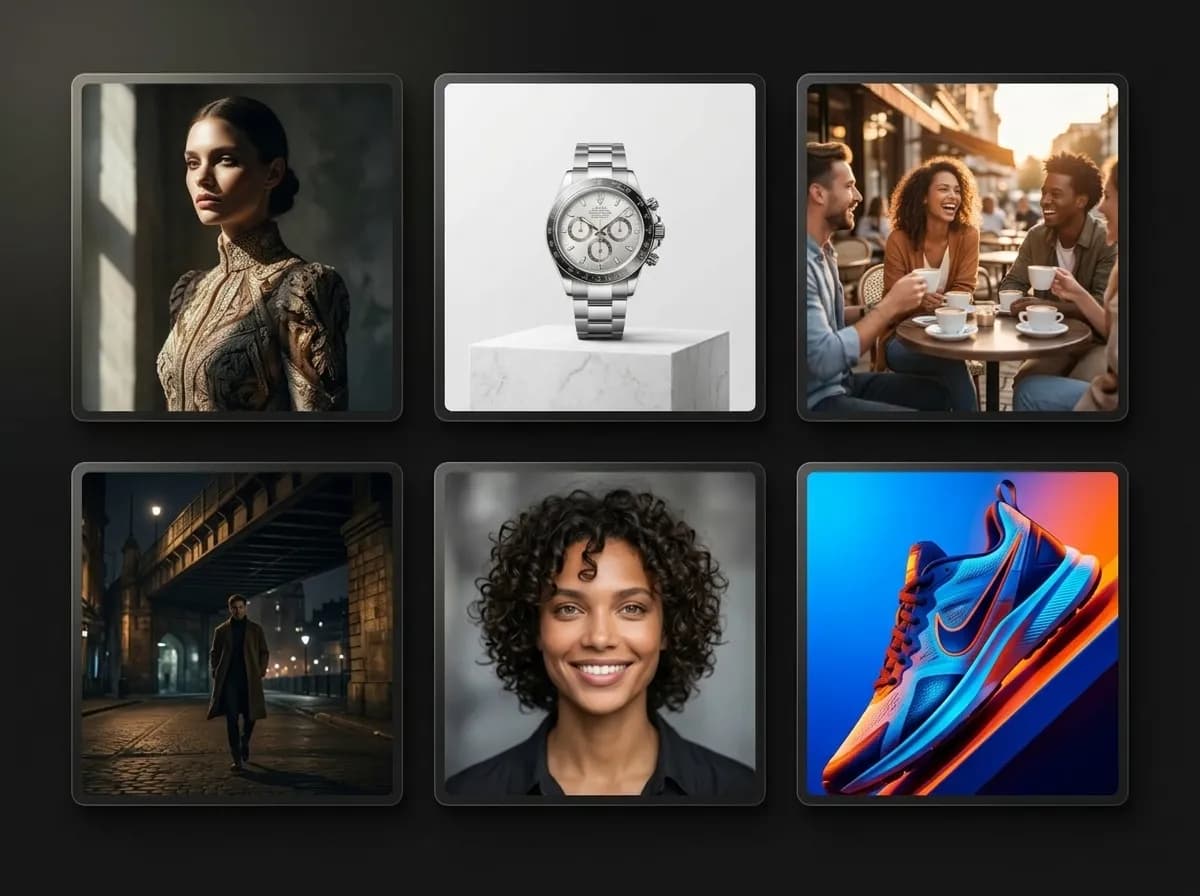
AI Prompt Packs are reusable prompt systems designed to generate visually consistent image series, campaigns, photoshoots, and creative outputs. Instead of rebuilding prompts from scratch every time, Prompt Packs combine prompts, visual direction, composition logic, style references, and generation controls into repeatable workflows. With Mujo AI, Prompt Packs help creators generate cinematic portraits, fashion editorials, product photography, social media creatives, advertising visuals, and AI campaigns faster and with more consistency. Creative Presets reduce prompt guesswork and make AI image generation more scalable by turning successful visual setups into reusable systems.
Explore Prompt Packs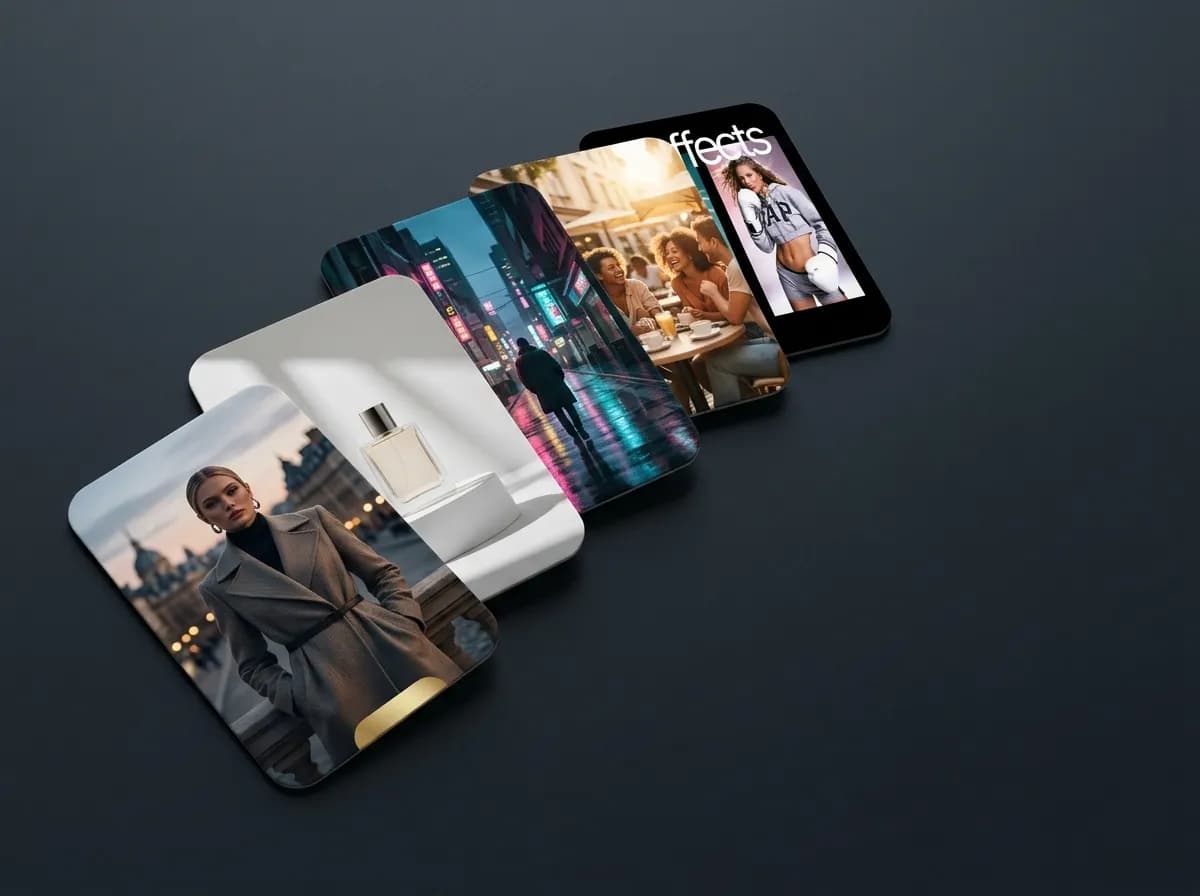
What are AI Prompt Packs?
Reusable prompt workflows for AI image generation
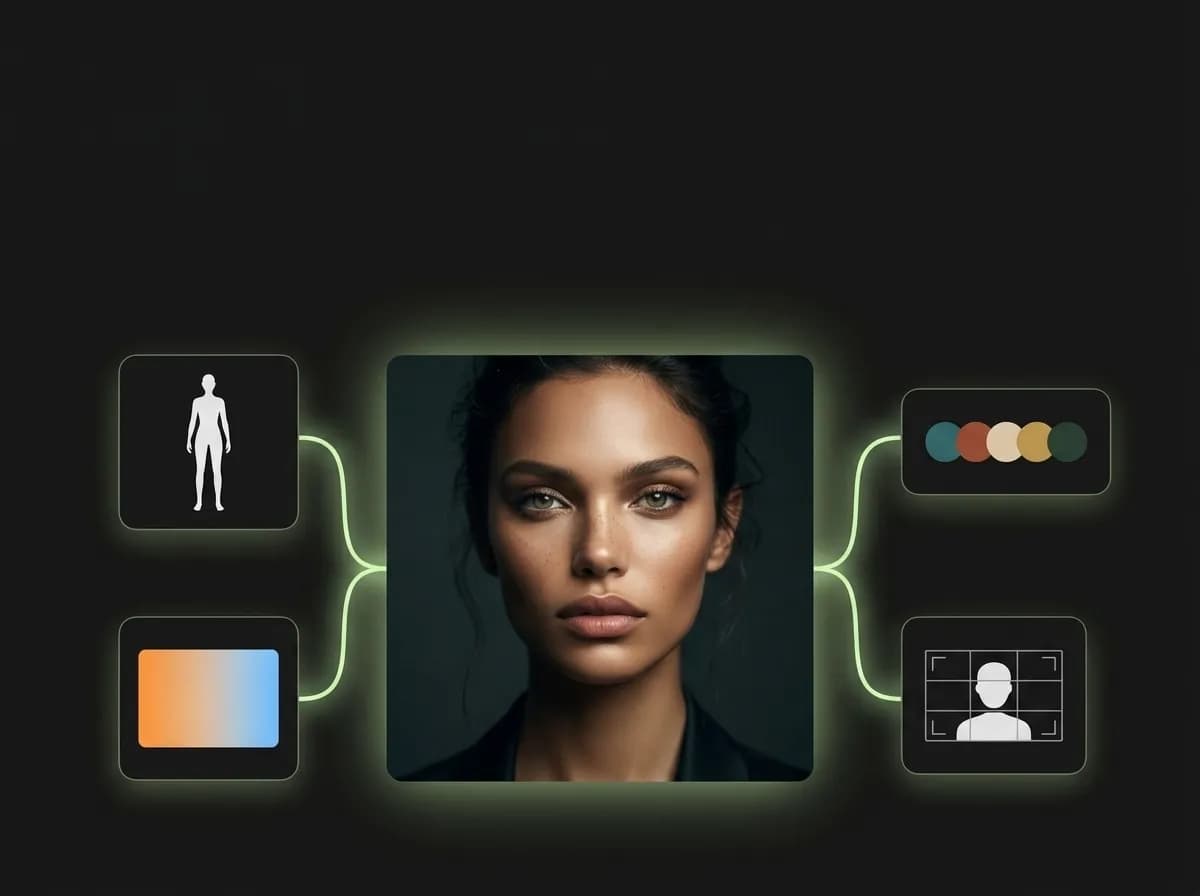
AI Prompt Packs are structured collections of prompts, visual settings, and creative presets designed around a specific visual goal. Instead of generating isolated images, Prompt Packs help creators produce entire visual systems with more stable style, composition, mood, and aesthetic consistency. A Prompt Pack can include: - visual direction - style logic - composition rules - lighting setups - camera framing - pose systems - color palettes - mood guidance - reusable generation prompts This turns AI image generation into a scalable workflow instead of a trial-and-error process. Prompt Packs are especially useful for creators building fashion editorials, AI photoshoots, product campaigns, cinematic image series, influencer content, social media visuals, and advertising creatives where visual continuity matters.
Explore AI PacksHow AI Prompt Packs work
Build reusable image generation workflows instead of single prompts
Choose a Prompt Pack
Select a preset designed for portraits, fashion, products, ads, or cinematic visuals.
Customize the creative direction
Adjust styling, subject, mood, references, and visual details.
Generate multiple variations
Create entire visual series using the same structured workflow.
Reuse and scale
Apply successful Prompt Packs across campaigns, products, or content systems.
Types of AI Prompt Packs
Different creative presets for different visual workflows
Different Prompt Packs are optimized for different generation goals, visual styles, and production workflows.
Explore Brand AdsFashion editorials
Create cinematic fashion campaigns, model photoshoots, and magazine-style visual series.
Product photography
Generate ecommerce visuals, product hero shots, listing images, and ad creatives.
Social media creatives
Build visually consistent content systems for Instagram, TikTok, and branded campaigns.
Cinematic storytelling
Generate film-inspired scenes, dramatic lighting setups, and narrative image sequences.
AI portraits and headshots
Create portrait systems with stable lighting, pose logic, and visual identity.
Brand campaigns
Build repeatable advertising visuals and branded image systems for marketing workflows.
Prompt Packs vs single prompts
Why reusable prompt systems improve AI image generation
Single prompts can generate strong images, but scaling consistency across multiple outputs becomes difficult. Prompt Packs solve this by turning successful generation logic into reusable systems.
Try AI Image GenerationWith Prompt Packs
Reusable creative workflows
More stable visual consistency
Cleaner generation process
Faster image iteration
Better campaign scalability
More repeatable cinematic aesthetics
With isolated prompts
Repeated prompt rebuilding
Higher visual drift
Less consistent compositions
Harder to scale visual systems
Longer experimentation cycles
More manual prompt adjustments
Creative Presets for faster AI workflows
Turn successful visual directions into reusable generation systems
Creative Presets make AI image generation more efficient by saving successful visual setups and turning them into reusable workflows. Instead of recreating the same cinematic lighting, camera angle, style logic, or mood repeatedly, creators can reuse existing presets to generate consistent outputs faster. This is especially important for creators managing large-scale content production, social media campaigns, ecommerce visuals, AI photoshoots, or branded creative systems. By combining Prompt Packs with ControlBar settings, Mujo AI allows creators to build more structured and scalable image generation workflows.
Explore ControlBarWhere AI Prompt Packs are useful
Creative workflows that depend on repeatable visual direction
Prompt Packs are useful for creators, marketers, ecommerce teams, and brands building scalable AI-generated visual systems.
Explore Use CasesAI photoshoots
Generate full visual series with stable composition, lighting, and styling.
Social campaigns
Create reusable visual systems for branded content and social media.
Product launches
Generate multiple campaign visuals and listing images from one creative direction.
Advertising creatives
Produce scalable ad visuals with repeatable cinematic and commercial aesthetics.
Creator portfolios
Build consistent visual identity across creative projects and AI-generated portfolios.
Brand systems
Maintain recognizable visual style across campaigns, visuals, and creative assets.
Best practices for AI Prompt Packs
How to build cleaner and more scalable creative workflows
Strong Prompt Packs combine reusable structure with enough flexibility for creative variation.
Explore ControlBarBest workflow structure
Build packs around one visual goal
Keep composition and lighting consistent
Combine packs with ControlBar presets
Use references for stronger continuity
Generate multiple variations from one setup
Save successful workflows for reuse
What to avoid
Combining conflicting aesthetics
Overloading prompts with unnecessary detail
Changing all variables at once
Using inconsistent references
Creating overly broad packs
Ignoring visual continuity between outputs