How to Use Reference Images in Mujo AI
Create more consistent AI-generated images with reference-based workflows
How to Use
Guide AI image generation with visual references for more consistent outputs
Reference images help AI image models understand visual direction more clearly than prompts alone. Instead of describing every detail through text, you can upload a reference image to guide composition, character appearance, pose, product identity, lighting, styling, framing, or overall visual atmosphere. In Mujo AI, reference images are part of a structured image generation workflow. They can be combined with prompts, Camera Presets, Lighting Presets, Pose Control, and image editing workflows to create more stable and repeatable results. Reference-based workflows are especially useful when generating consistent characters, product photos, fashion editorials, social media creatives, advertising visuals, or cinematic image series where visual continuity matters.
Try Reference Images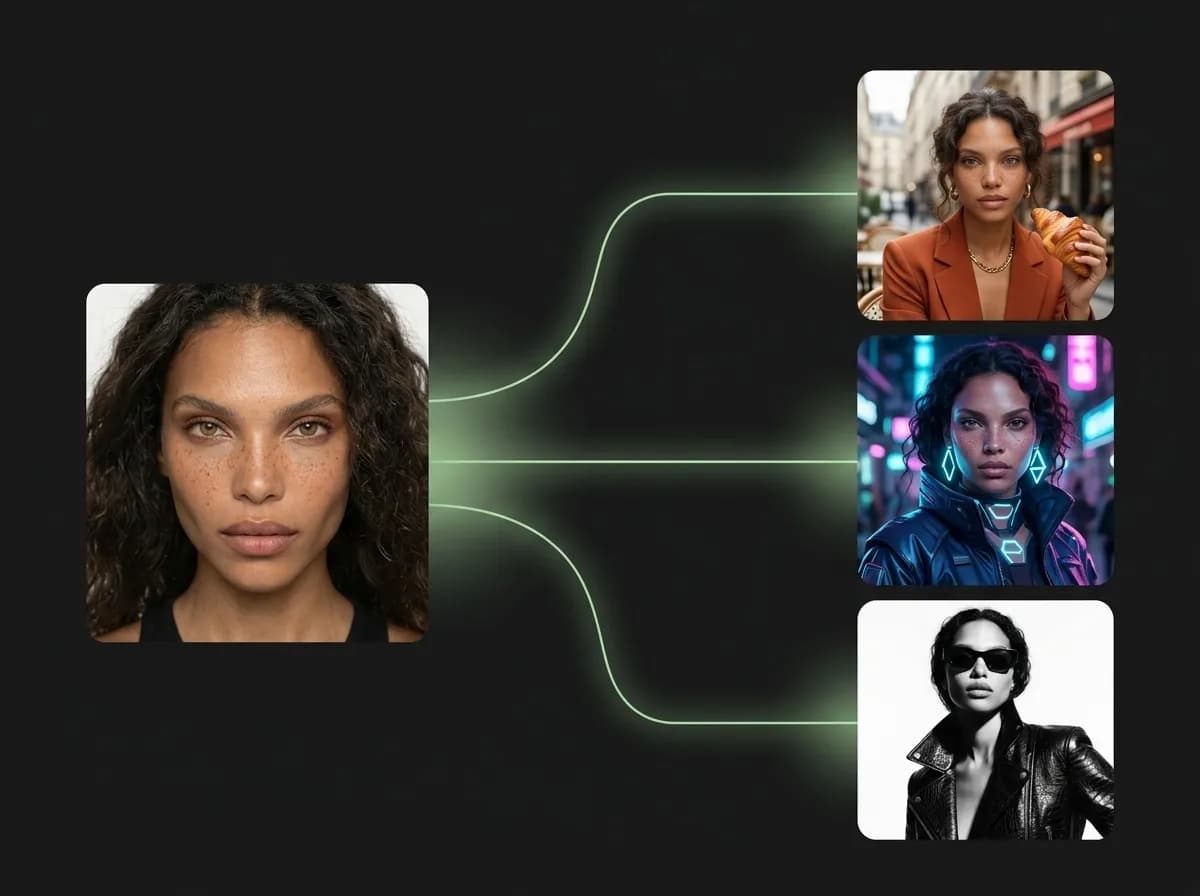
What are reference images in AI image generation?
Visual inputs that guide style, composition, identity, and creative direction
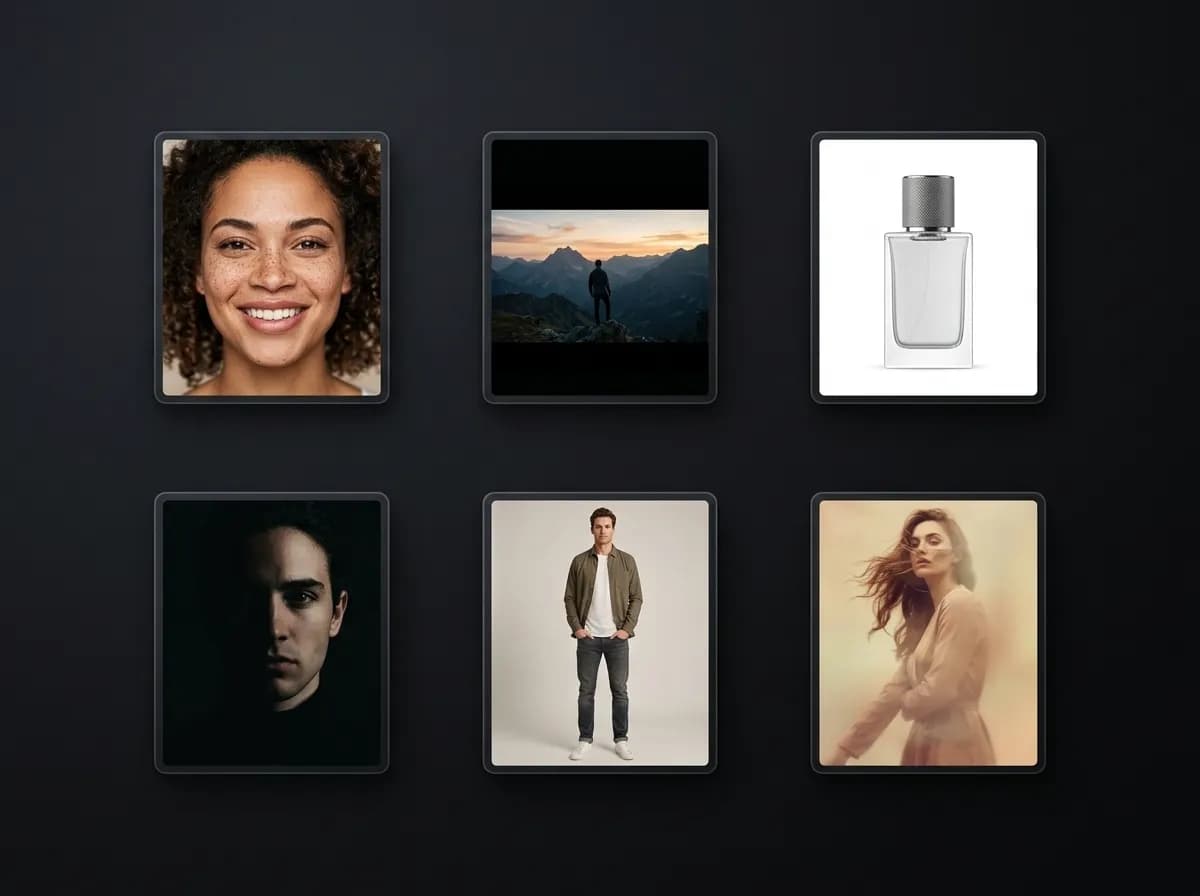
Reference images are uploaded visuals used to guide AI image generation. Instead of relying entirely on text prompts, the AI model can analyze the reference image to understand visual structure, styling, composition, camera direction, lighting, subject placement, color palette, or object identity. This creates more stable and predictable outputs because visual information is often easier for AI models to interpret consistently than long prompt descriptions. For example, a reference image can help preserve: - character appearance - product shape and design - clothing style - framing and composition - lighting direction - camera perspective - visual atmosphere - brand aesthetics Reference workflows are commonly used in AI fashion photography, AI product photography, character consistency workflows, brand campaigns, social media content creation, and cinematic storytelling projects.
Explore Image to ImageHow to use reference images in Mujo AI
A simple workflow for more consistent AI-generated images
Upload a reference image
Choose a portrait, product image, composition reference, mood reference, or visual style example.
Write your prompt
Describe the scene, mood, environment, styling, and creative direction you want to generate.
Combine with ControlBar settings
Use Camera Presets, Lighting Presets, or Pose Control to structure the visual output further.
Generate and refine
Create multiple variations while maintaining stronger consistency across outputs.
What reference images can control
Different ways visual references improve AI-generated images
Reference images can guide many different parts of image generation workflows depending on the type of image being uploaded and the creative goal.
Explore Pose ControlCharacter consistency
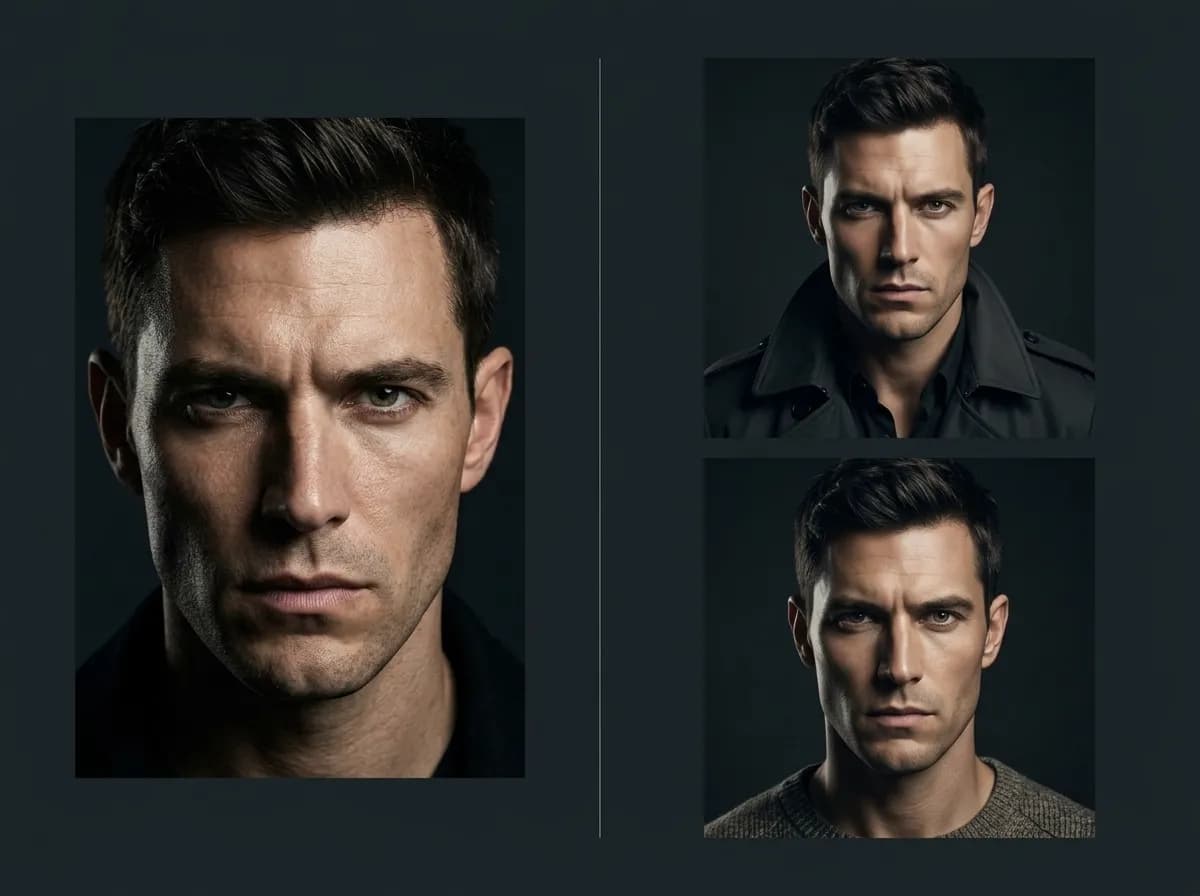
Keep facial structure, hairstyle, clothing, and identity more stable across multiple generations.
Product identity
Preserve shape, packaging, materials, branding, and product details for ecommerce and advertising.
Composition and framing
Guide camera angle, crop, perspective, and overall shot structure.
Lighting and mood
Reference cinematic, editorial, studio, or natural lighting environments.
Visual style
Use references to guide color palette, texture, styling, aesthetic direction, and atmosphere.
Pose and body position
Guide stance, movement, orientation, and subject positioning more accurately.
What makes a good reference image?
Clear visual structure improves AI interpretation
The best reference images are visually clear and focused on the main thing you want the AI to understand. For example: - Use clean portraits for character consistency. - Use uncluttered product photos for ecommerce workflows. - Use strong cinematic frames for composition guidance. - Use lighting-focused references for mood and atmosphere. Avoid overly compressed, blurry, noisy, distorted, or visually chaotic images because they make interpretation harder for the AI model. Reference images do not need to match the final output perfectly. Their role is to guide structure, not fully replace the prompt.
Explore Lighting PresetsReference image workflows vs prompt-only workflows
Why visual guidance creates more stable AI image generation
Prompt-only workflows can work well for simple images, but consistency becomes difficult when you need repeatable characters, products, or cinematic composition. Reference images reduce visual drift and make outputs more controllable.
Try AI Image GenerationWith reference images
More stable character and product consistency
Clearer framing and composition
Better visual continuity across generations
Fewer prompt iterations needed
Stronger cinematic and editorial direction
More predictable outputs for campaigns and visual systems
Without reference images
Higher risk of visual drift
More inconsistent compositions
Harder to preserve identity and styling
Longer prompts required
More generation retries
Less repeatable visual direction
Where reference images are most useful
Creative workflows that depend on visual consistency
Reference-based workflows are useful whenever visual continuity matters across multiple outputs.
Explore Use CasesAI fashion photography
Preserve model appearance, outfit structure, styling, and editorial composition.
Product photography
Maintain product identity and packaging consistency across campaigns and marketplaces.
Brand advertising
Keep campaign visuals aligned with existing brand aesthetics and composition systems.
Social media creatives
Create visually consistent posts, thumbnails, and campaign content.
AI headshots
Generate cleaner portrait consistency across professional profile images.
Cinematic storytelling
Maintain recurring characters, environments, framing, and atmosphere across scenes.
Best practices for using reference images
How to get cleaner and more consistent AI outputs
Reference images work best when they guide structure while the prompt focuses on creative direction.
Explore ControlBarBest workflow structure
Use visually clear references
Focus each reference on one main goal
Combine references with Camera and Lighting Presets
Keep prompts focused on scene and mood
Generate multiple variations from one setup
Reuse successful reference workflows
What to avoid
Uploading blurry or low-quality references
Combining too many conflicting references
Overloading prompts with unnecessary detail
Changing all variables at once
Using chaotic compositions
Expecting exact one-to-one image replication