Image to Image
Transform existing images into new directions inside a reusable AI workflow
Transform Images into
Use existing visuals as a stronger starting point for AI image creation
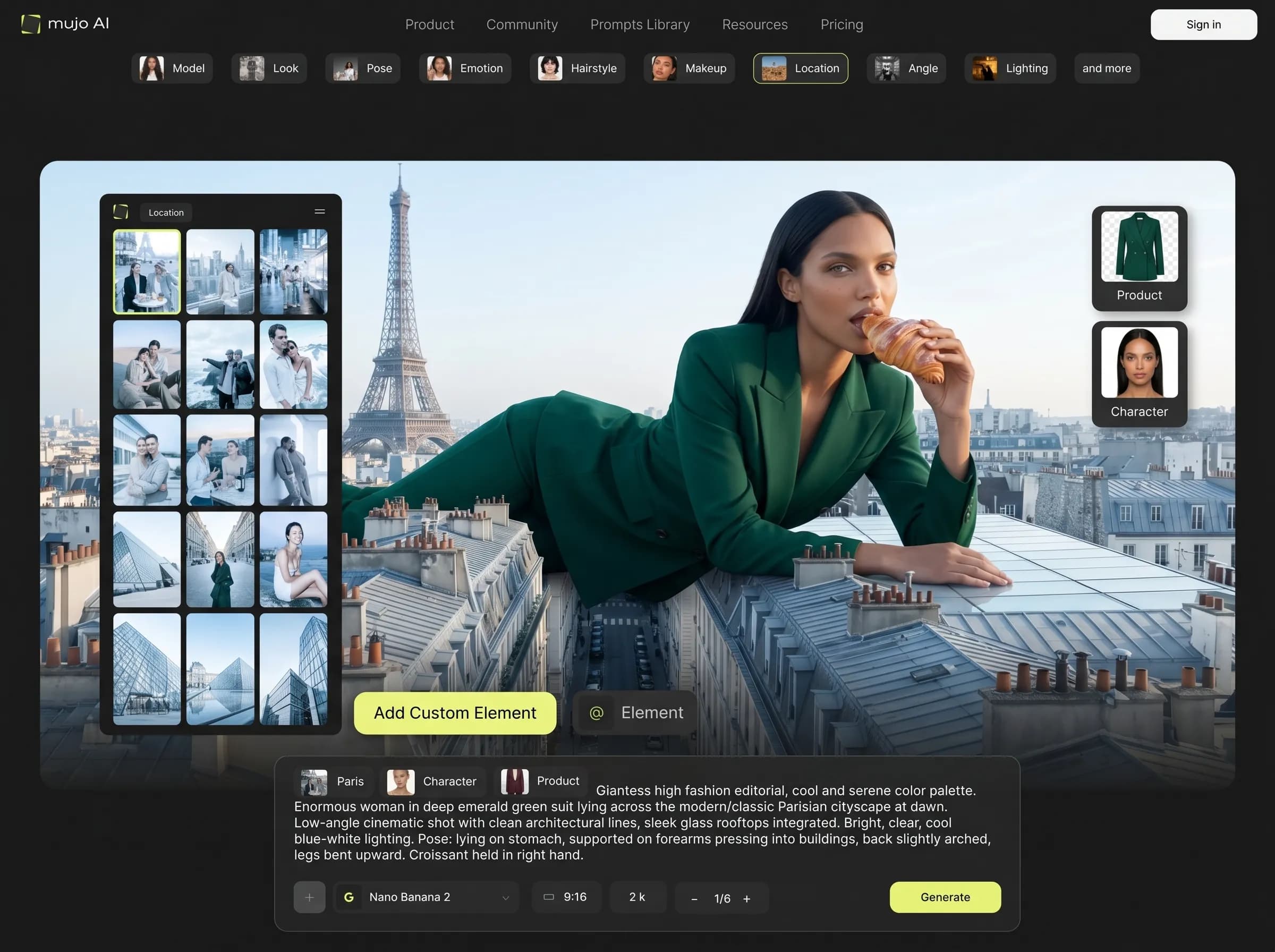
Mujo image-to-image workflows help creators turn one visual into new styles, improved variations, and more directed results. Instead of prompting from zero every time, you can start with a real image, guide the transformation, and keep that process inside the same creator workflow.
Start Free with 50 Credits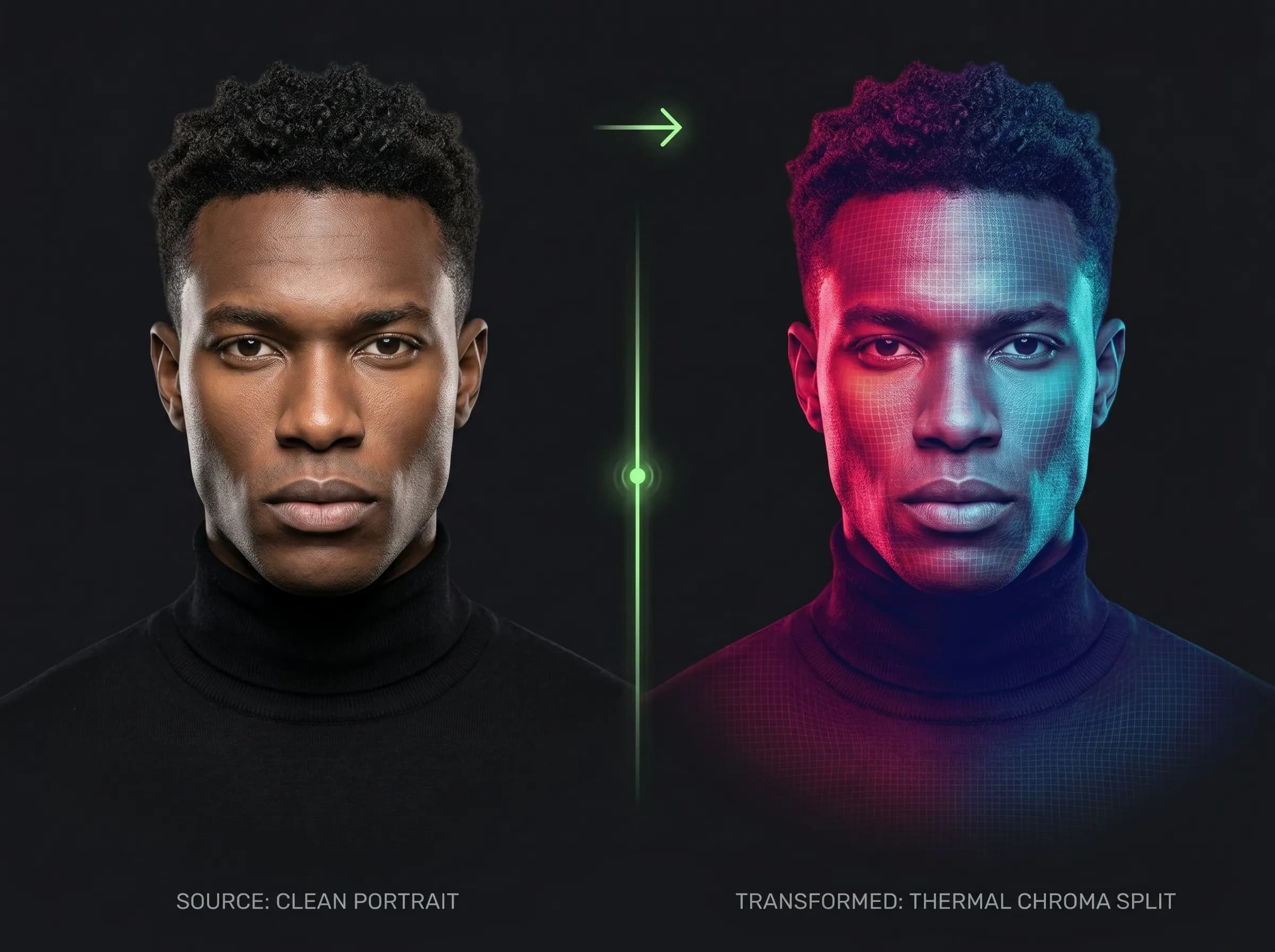
What is image to image in Mujo?
Transform existing images into new directions inside a reusable AI workflow
Image to image is the process of using an existing visual as the starting point for a new AI-generated result. In Mujo, this supports creators who want continuity, stronger control, and faster iteration when the rough image already exists.
Related ProductWhy image to image matters
Built around workflow continuity and repeatable output
Explore Next Related PageEach page in this category should stay on one primary intent and avoid mixing creator, seller, and portrait intent on the same money page.
Image-to-image workflow
Use an existing image as creative context
Preserve more of the visual direction you already like
Build variations faster from a stronger starting point
Reduce randomness when consistency matters
Prompt-from-zero workflow
Every output starts from a blank prompt
More variation can mean less consistency
Takes longer to recover a look you already had
Harder to keep continuity across edits
Style transfer direction
Move one image toward a new visual feel without losing all structure.
Variation building
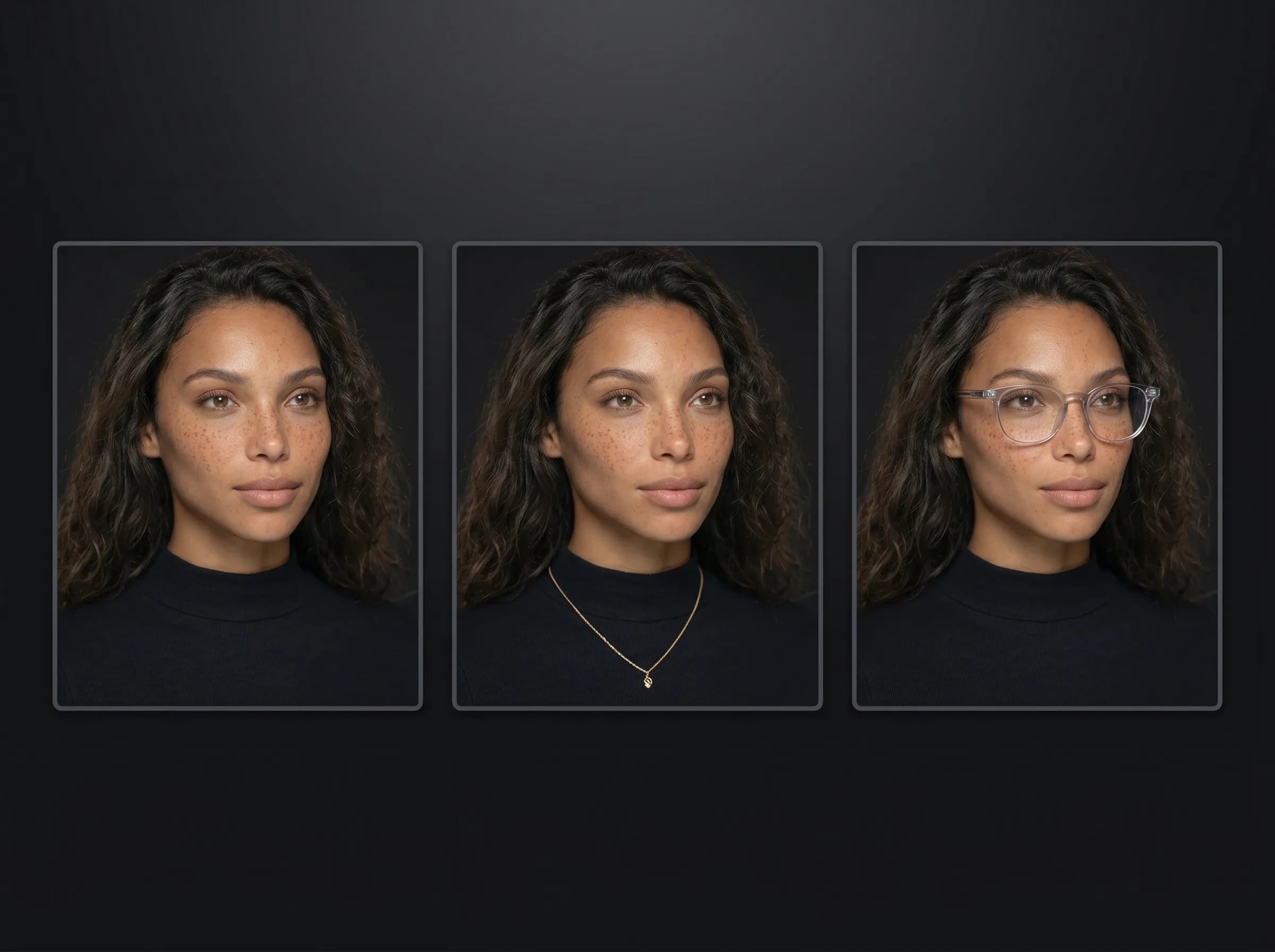
Create multiple directions from one promising image.
Reference-led generation
Use existing visuals to guide more controlled output.
Workflow continuity
Keep image input, generation, and refinement close together.
Image-to-image benefits
Need | Image to image | Prompt from scratch |
|---|---|---|
Continuity | High | Lower |
Reference strength | High | None |
Variation speed | Fast | Medium |
Visual consistency | Better | Less predictable |
Page takeaways
Keep this page focused on one core workflow.
Support it with internal links to adjacent products, guides, and use cases.
Use distinct examples and screenshots so it does not look like a thin duplicate.
A structured comparison helps both users and search engines understand how this page differs from adjacent product pages.
How image-to-image works in Mujo
A simple repeatable workflow
Start with a source image
Bring in the image you want to transform or use as reference.
Set the new direction
Choose the style, mood, or output direction you want to push toward.
Generate variations
Create new results while keeping more continuity from the original input.
Save and reuse
Keep strong outcomes and reuse them in future creative workflows.