Nano Banana 2 vs Midjourney
Compare two AI image models for product visuals, portraits, style exploration, and creative workflows
Nano Banana 2 vs Midjourney
Compare prompt accuracy, style control, realism, product visuals, and creative workflow fit
Nano Banana 2 and Midjourney are both powerful AI image models, but they are not built for the same type of workflow. Midjourney is known for strong visual style, artistic direction, and striking image aesthetics. Nano Banana 2 is useful when creators need fast, structured, prompt-driven image generation for product visuals, creative testing, and repeatable workflows. The best choice depends on what you are trying to create. If your priority is polished artistic exploration, Midjourney can be a strong option. If your priority is controlled image production, product visuals, prompt accuracy, and reusable workflows inside Mujo, Nano Banana 2 may be easier to integrate into a scalable creative system. This comparison explains how Nano Banana 2 and Midjourney differ across image quality, prompt following, style control, consistency, ecommerce use cases, social media visuals, and multi-model workflows.
Compare Models in Mujo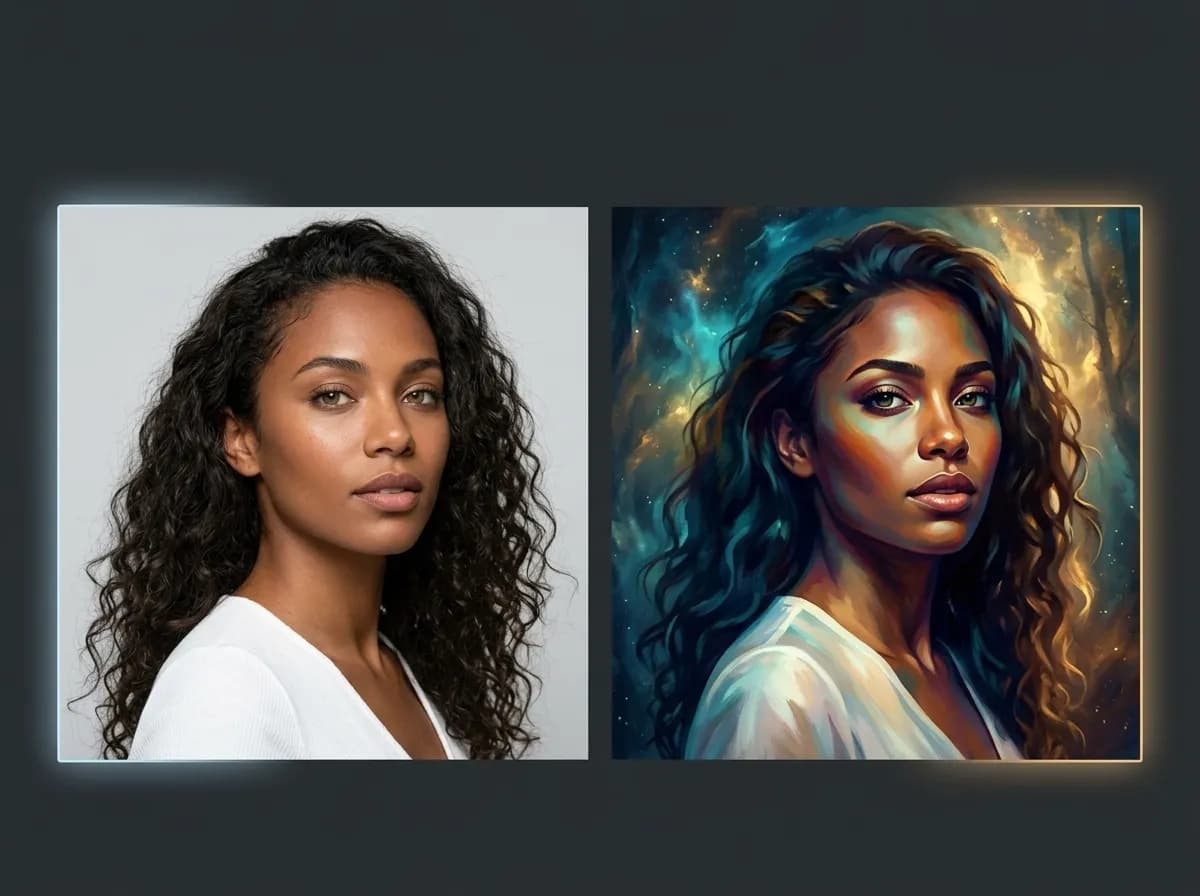
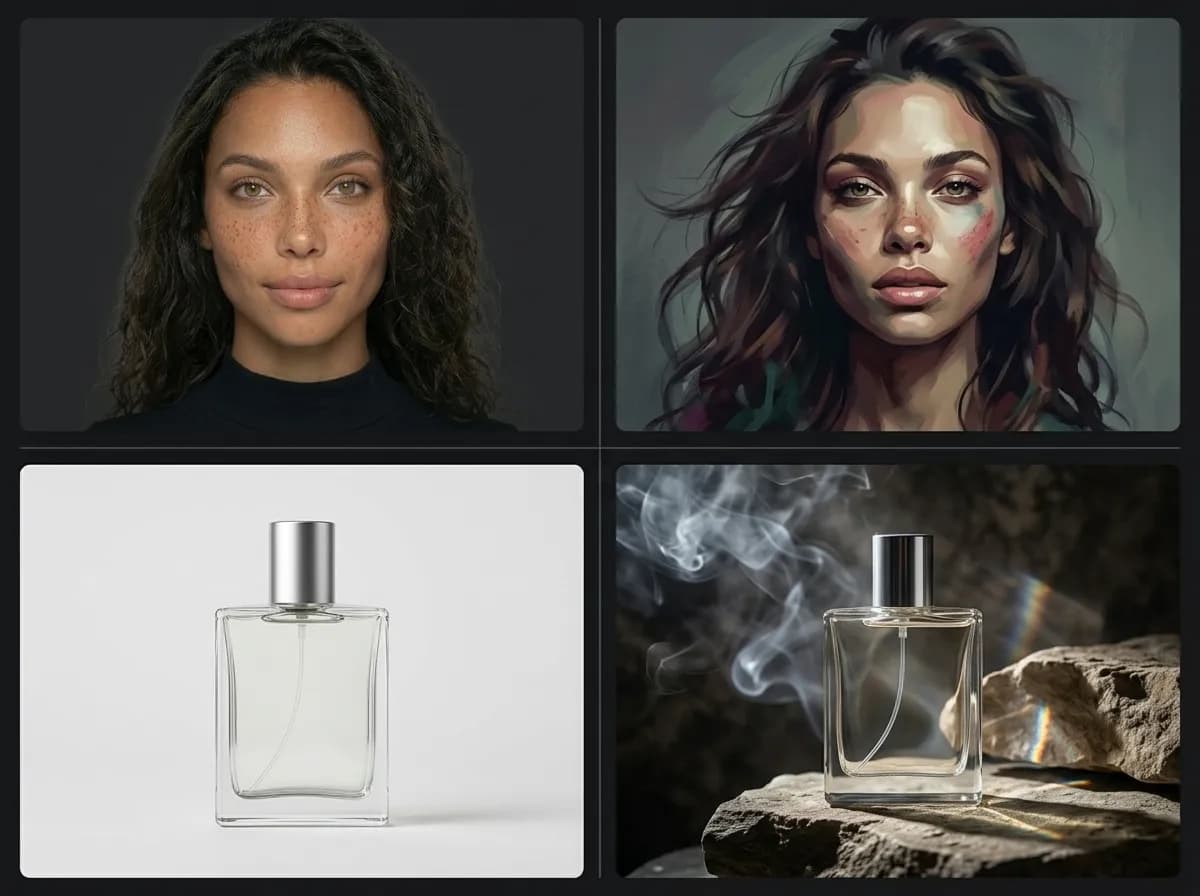
Nano Banana 2 vs Midjourney: quick overview
Two AI image models with different strengths for different creative goals
Nano Banana 2 and Midjourney can both generate high-quality AI images, but they serve different creative needs. Midjourney is often chosen for highly stylized images, dramatic aesthetics, and visually impressive concepts. It is especially useful when the creator wants a strong artistic look and is comfortable exploring variations until the right image appears. Nano Banana 2 is better suited for structured creative workflows where speed, prompt control, and repeatability matter. It can be useful for product photos, campaign images, social media creatives, ecommerce visuals, and workflows where the output needs to be generated, compared, edited, and reused inside a broader production system. In Mujo, the comparison is not only about which model is better. It is about which model fits the job. A multi-model workflow lets creators test Nano Banana 2 and Midjourney side by side, then choose the output that best matches the project.
Explore Multi-Model WorkflowsWhich model should you use?
Choose based on the output, workflow, and level of control you need
Choose the Right ModelUse Nano Banana 2 for structured workflows
Best when you need prompt-driven generation, repeatable outputs, product visuals, and faster creative testing.
Use Midjourney for visual exploration
Best when you want strong artistic direction, stylized concepts, and visually expressive creative exploration.
Use both for model comparison
Generate the same idea through both models to compare style, realism, detail, and usability.
Use Mujo to organize the workflow
Keep prompts, outputs, references, and model tests inside one creative production system.
Nano Banana 2 vs Midjourney: workflow comparison
How each model behaves in real creative production
The biggest difference is not only visual quality. It is workflow fit. Some creators need strong style exploration. Others need reusable image systems, product consistency, and faster testing across many creative directions.
Explore Nano Banana 2Nano Banana 2 is stronger when you need
Fast AI image generation for repeated creative testing
Structured prompt workflows inside Mujo
Product visuals, ecommerce images, and campaign concepts
Outputs that can fit into reusable prompt systems
More practical workflows for ads, social creatives, and product pages
Side-by-side model testing inside a multi-model workspace
Midjourney is stronger when you need
Highly stylized and visually expressive images
Artistic exploration and moodboard-style concepts
Strong aesthetic direction from short prompts
Editorial, fantasy, cinematic, or conceptual image styles
Creative ideation when exact product or layout control matters less
Distinctive visual output that feels more like art direction
Nano Banana 2 vs Midjourney comparison table
Category | Nano Banana 2 | Midjourney |
|---|---|---|
Best use case | Structured image generation, product visuals, creative testing, and reusable workflows | Stylized image creation, artistic concepts, moodboards, and visual exploration |
Prompt workflow | Works well for structured prompts and repeatable production logic | Often produces strong aesthetics from shorter creative prompts |
Style control | Useful when style needs to fit a practical workflow | Very strong for expressive and distinctive visual styles |
Product visuals | Better suited for ecommerce, campaign concepts, and controlled visual systems | Useful for stylized product concepts, but may require more iteration for practical constraints |
Creative exploration | Good for fast testing across multiple directions | Strong for visual ideation and art-direction-heavy concepts |
Workflow scalability | Fits well into Mujo multi-model workflows, packs, and reusable systems | Best when used as one model inside a broader comparison workflow |
Best for teams | Teams that need repeatable creative production and output organization | Teams that need high-impact visuals and exploratory creative directions |
Best decision rule
Choose Nano Banana 2 when the output needs to fit a practical workflow.
Choose Midjourney when the visual style and creative direction are the main priority.
Use both in Mujo when you want to compare models before committing to a final direction.
Use this table to decide which model is better for your specific image generation workflow.
How to compare Nano Banana 2 and Midjourney in Mujo
A simple workflow for testing both models with the same creative idea
Start with one clear creative goal
Define whether you need product photos, social media creatives, brand ads, portraits, editorial visuals, or concept images.
Use the same prompt for both models
Keep the prompt stable so the comparison shows model behavior rather than prompt variation.
Compare style, structure, and usability
Look at visual quality, prompt accuracy, product clarity, composition, and whether the output is usable for the final workflow.
Save the stronger setup
When one model works better for a specific task, save that workflow for future campaigns, packs, or generation systems.
Best use cases for each model
Where Nano Banana 2 and Midjourney fit best in creative workflows
The right choice depends on whether your project needs practical production control, strong artistic style, or both.
Explore MidjourneyProduct photos
Nano Banana 2 is better suited when product clarity, structured prompts, and ecommerce workflow fit matter.
Social media creatives
Use Nano Banana 2 for scalable social content systems and Midjourney for more expressive visual concepts.
Brand ads
Nano Banana 2 works well for practical ad variations, while Midjourney can help explore bold campaign aesthetics.
Editorial concepts
Midjourney is strong for fashion, cinematic, fantasy, and highly stylized editorial directions.
Prompt packs
Nano Banana 2 can fit structured reusable workflows, while Midjourney can support visual exploration packs.
Multi-model testing
Use Mujo to test both models and choose the result that best fits your campaign, product, or creative system.
Prompt tips for comparing Nano Banana 2 and Midjourney
How to make the comparison cleaner and more useful
Model comparisons work best when the test is controlled. If the prompt, reference, aspect ratio, and output goal all change at once, it becomes harder to understand which model is actually better for the task.
Explore AI Image GeneratorBest testing approach
Use the same prompt for both models
Keep the output goal clear before comparing
Compare prompt accuracy, style, realism, and usability separately
Use product or campaign references when identity matters
Generate a small batch before choosing the model
Save the model choice that works best for each workflow
What to avoid
Changing prompt structure between models
Judging only by the first output
Choosing the most beautiful image even if it does not fit the workflow
Ignoring product accuracy or composition needs
Using one model for every task by default
Skipping notes after finding a strong model setup
Why compare models inside Mujo?
A multi-model workspace makes model choice part of the workflow
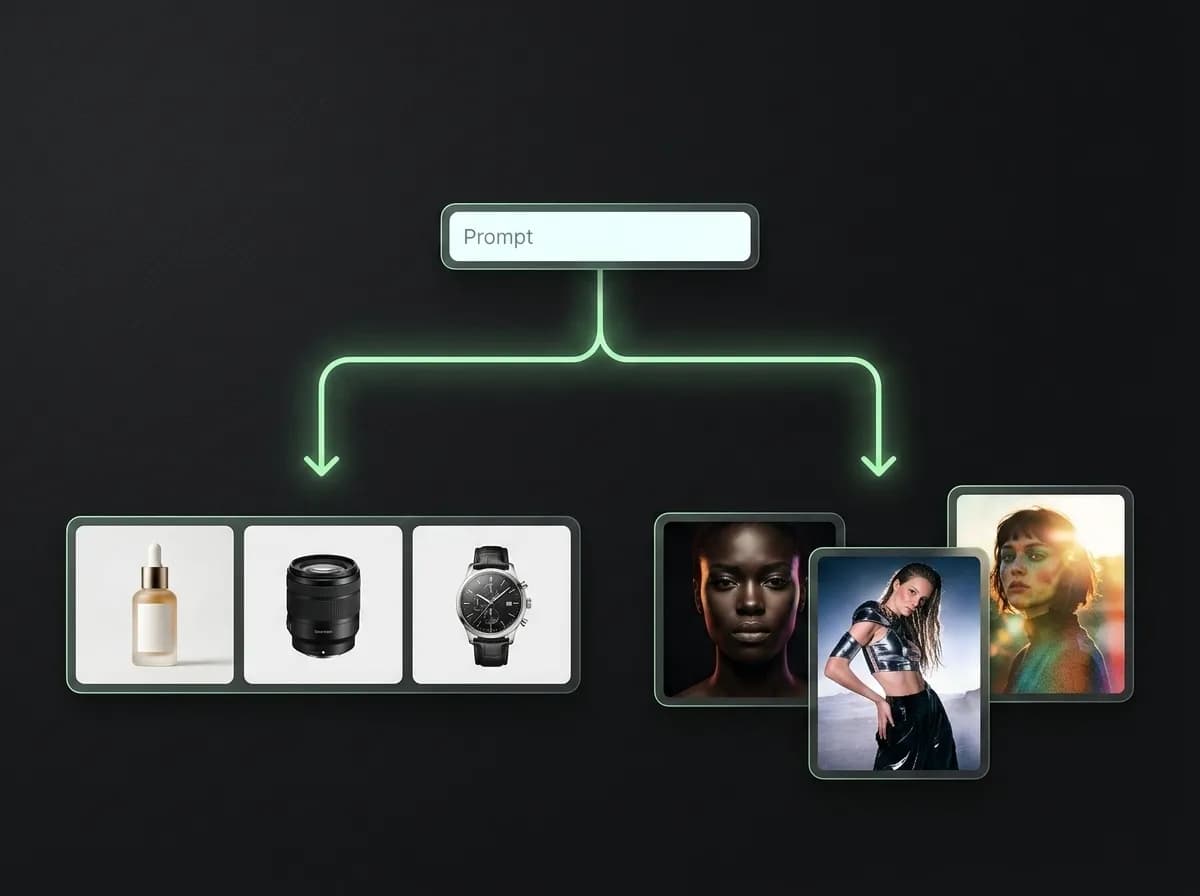
Model comparison is most useful when it stays connected to the rest of the creative workflow. If prompts, references, outputs, and notes are scattered across tools, it becomes harder to understand which model worked and why. Mujo lets creators work with multiple AI models in one workspace so they can compare outputs, organize results, reuse prompts, and build repeatable workflows. This is especially useful for teams producing product images, brand creatives, social media visuals, AI photoshoots, and campaign concepts. Instead of choosing Nano Banana 2 or Midjourney as a permanent default, you can test both against the task and save the model choice that performs best for that specific workflow.
Explore Multi-Model Generator