Multi-Model AI Image Generator
Switch between leading image models without leaving one workspace
Use Multiple AI Models in
A multi-model image workspace for creators who compare, iterate, and reuse at speed
Mujo AI is designed for creators who do not want one model to define their whole workflow. Switch between Nano Banana 2, Nano Banana Pro, Midjourney, and Seedream 5.0 Lite inside one workspace, compare output quality, keep prompts organized, and build a faster production system around the models you already use.
Start Free with 50 Credits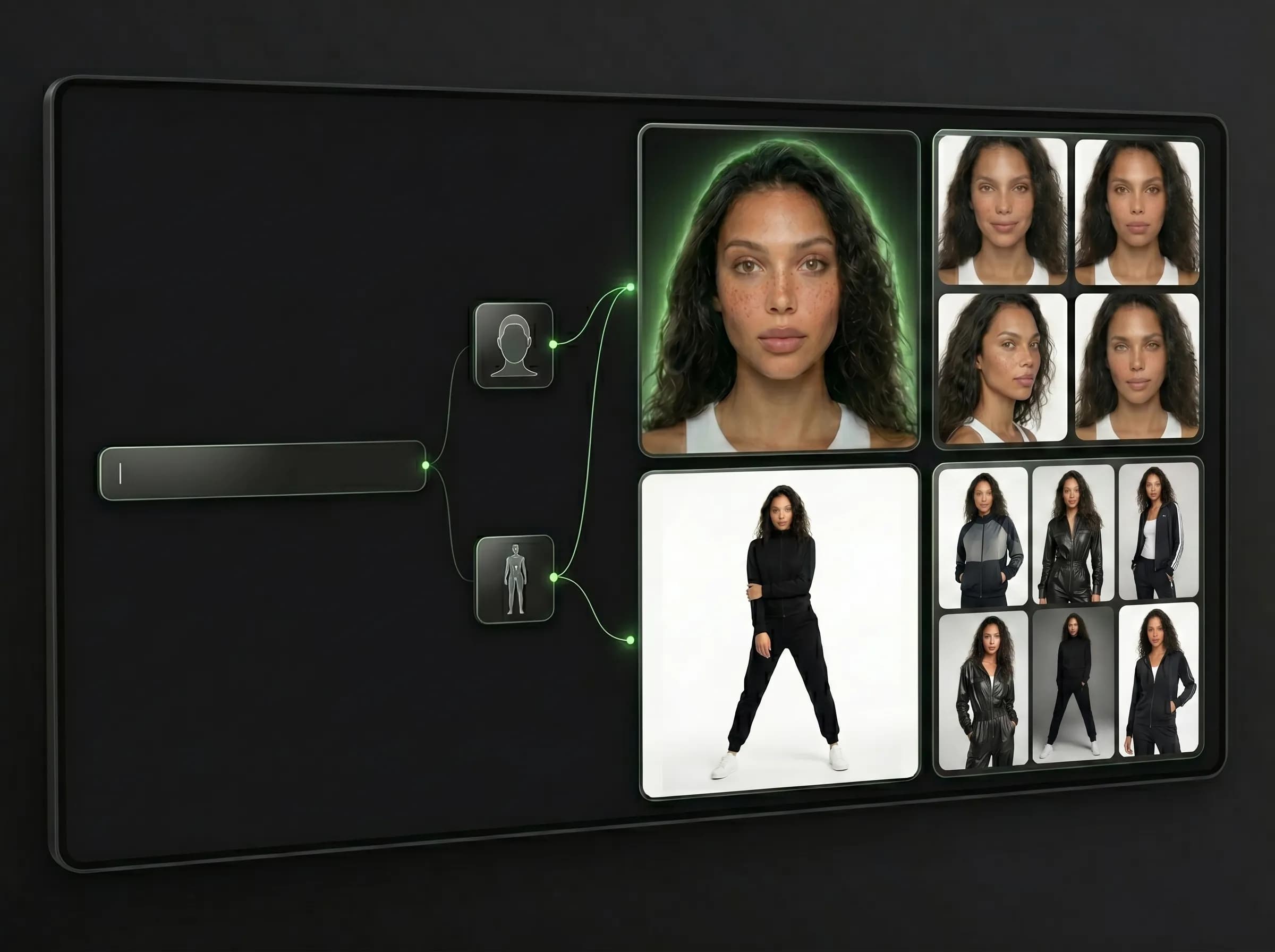
What makes a multi-model workflow better?
Switch between leading image models without leaving one workspace
A multi-model AI image generator gives you more than model access. It gives you comparison, flexibility, and continuity. In Mujo, the same creative direction can be tested across multiple image engines while your prompts, controls, and generated outputs stay organized in a single workspace.
Related ProductWhy creators move to multi-model workflows
Built around workflow continuity and repeatable output
Explore Next Related PageEach page in this category should stay on one primary intent and avoid mixing creator, seller, and portrait intent on the same money page.
Multi-model workspace
Choose the right model for the specific task
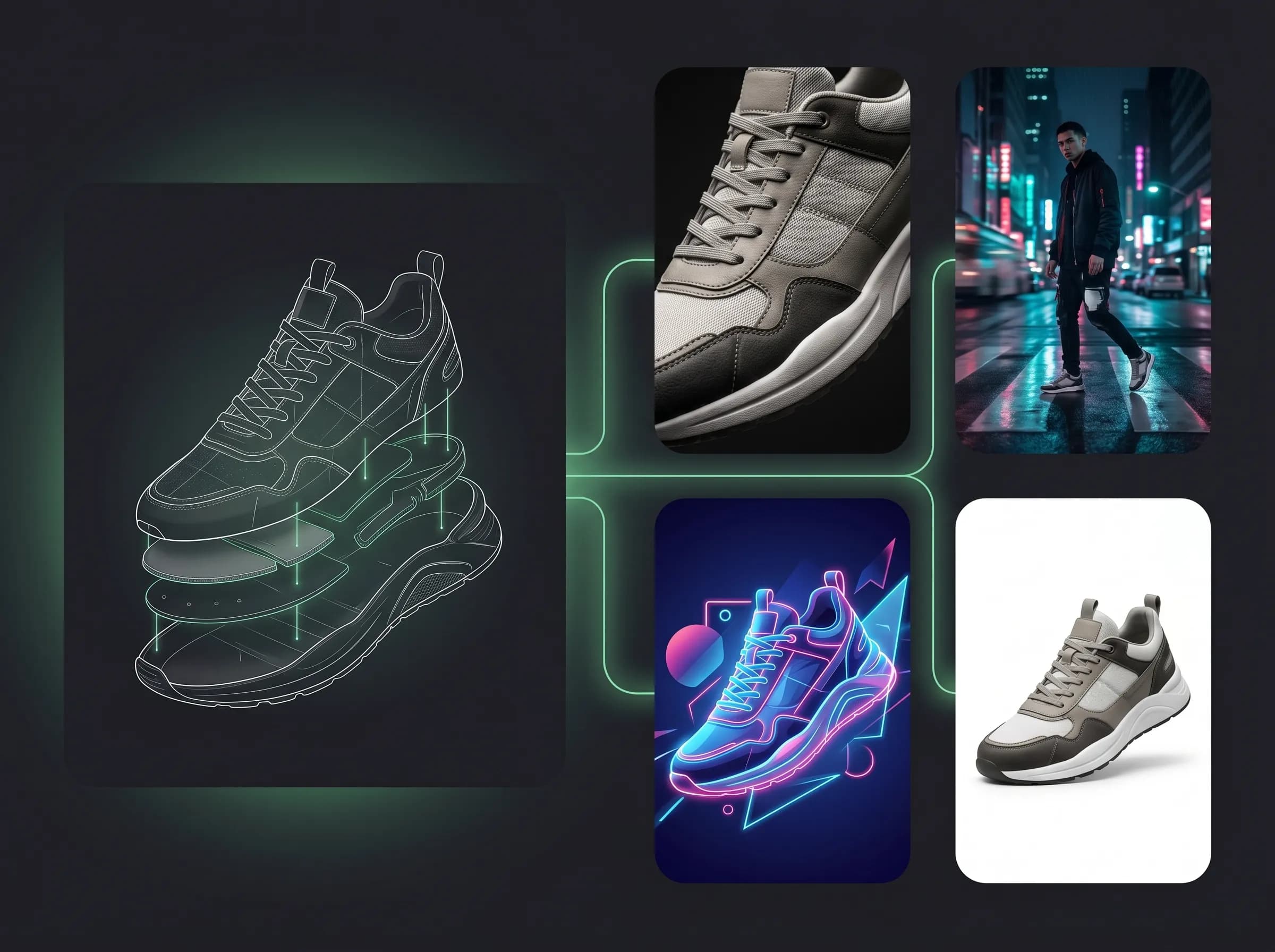
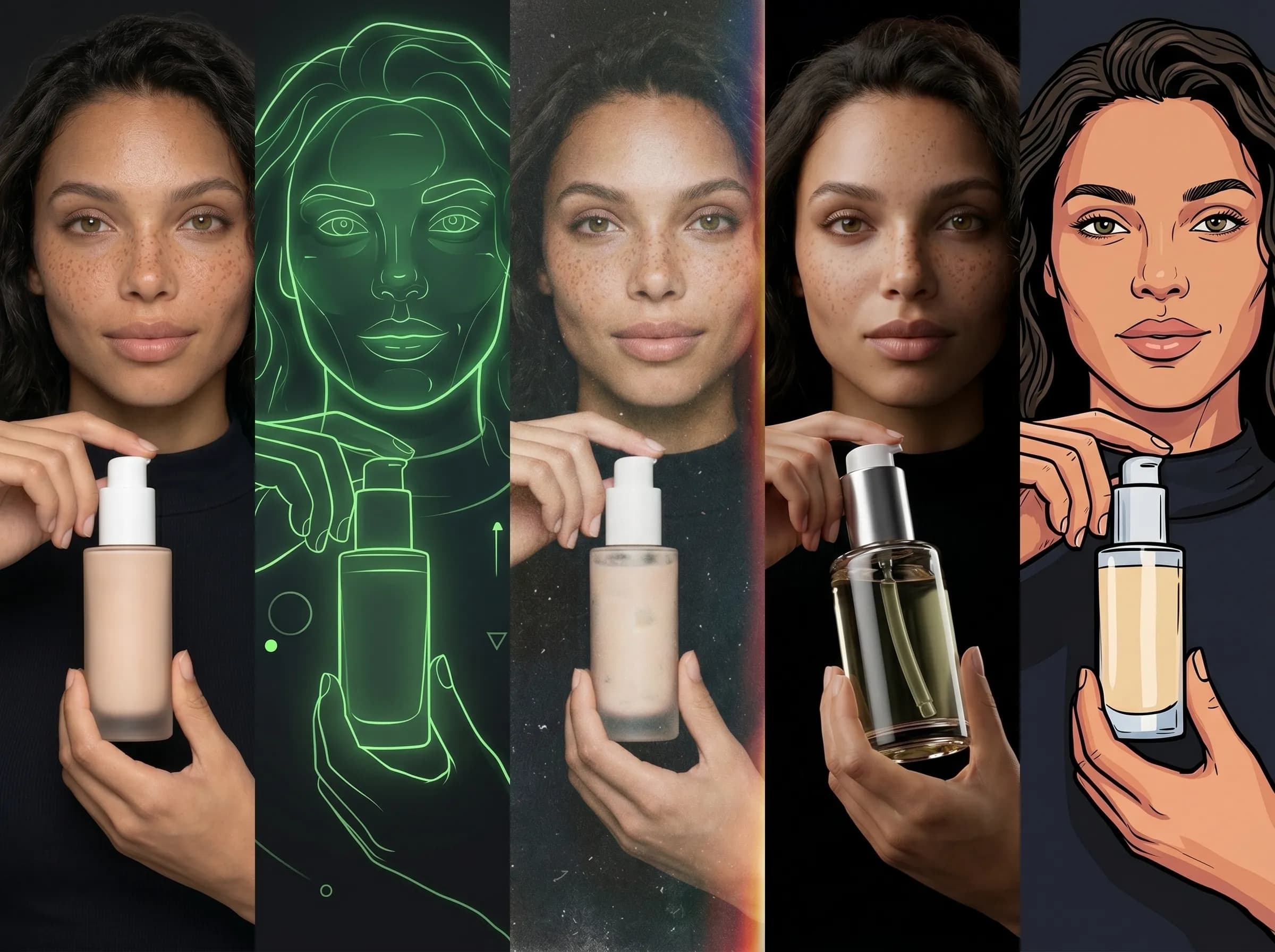
Run the same concept across several engines
Keep outputs side by side in one place
Reduce repetition when testing prompts
Build repeatable workflows instead of isolated generations
One-model-only workflow
Get locked into one model behavior
Need separate tools when one model is not enough
Lose time recreating the same prompt context
Make comparisons manually across different apps
Have less flexibility when deadlines are short
Nano Banana 2
Useful for fast creator workflows that benefit from structured control and repeatability.
Nano Banana Pro
A stronger option when you want higher-end generations within the same shared workspace.
Midjourney
A familiar benchmark model for creators who want artistic exploration within a more organized workflow.
Seedream 5.0 Lite
A useful model to test against other engines when you want different visual responses from similar prompts.
Why one workspace matters
Workflow need | Mujo multi-model workspace | Separate tools |
|---|---|---|
Model switching | Built in | Manual |
Prompt reuse | Shared | Fragmented |
Output organization | Centralized | Scattered |
Model comparison | Fast | Slower |
Workflow memory | Reusable | Mostly manual |
Page takeaways
Keep this page focused on one core workflow.
Support it with internal links to adjacent products, guides, and use cases.
Use distinct examples and screenshots so it does not look like a thin duplicate.
A structured comparison helps both users and search engines understand how this page differs from adjacent product pages.
How to work across models in Mujo
A simple repeatable workflow
Start with one creative direction
Write the prompt or bring in a visual direction you want to test.
Switch models inside the same workspace
Move between supported models without starting from zero in another tool.
Compare outputs and keep winners
Review which engine gives the strongest composition, style, or detail for your task.
Save what works
Reuse working prompts and controls in future creative cycles.