How to Write Better AI Text-to-Video Prompts
A practical guide to writing clearer prompts for cinematic AI videos, product clips, and social video ads
How to Write Better
Turn simple ideas into clearer video prompts for cinematic clips, product ads, and social-first AI videos
Text-to-video prompting works best when the prompt describes more than a visual idea. A strong AI video prompt explains the scene, subject, action, camera movement, mood, pacing, lighting, and final use case. This gives the model enough structure to generate a video that feels intentional instead of random. With Mujo AI, text-to-video prompts can be used to create cinematic concepts, product videos, UGC-style ad ideas, social video ads, short-form campaign clips, and creative tests. The better the prompt structure, the easier it becomes to control what happens in the video and how the final output feels. This guide shows how to write better AI text-to-video prompts, what details matter most, what mistakes to avoid, and how to build reusable prompt structures for faster video generation workflows.
Start Creating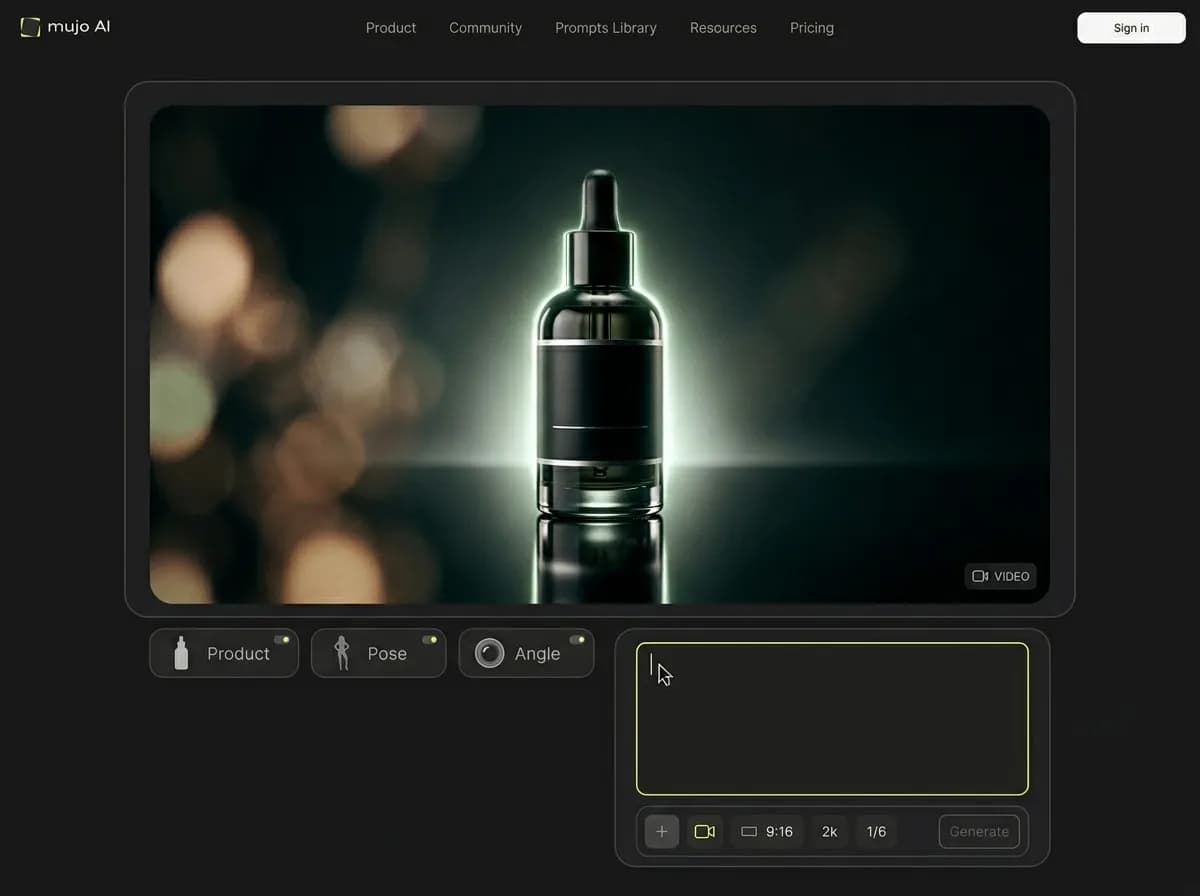
What is an AI text-to-video prompt?
A written instruction that tells the model what video to generate and how it should move
An AI text-to-video prompt is a written description used to generate a video clip from scratch. It tells the model what the scene should contain, what action should happen, how the camera should move, what the atmosphere should feel like, and what kind of visual style the output should follow. A weak prompt usually describes only the subject. A stronger prompt describes the full video moment: subject, setting, motion, camera behavior, lighting, mood, pacing, and purpose. For example, instead of writing “a product on a table,” a better prompt would explain the product, the environment, the camera movement, the lighting, and the intended ad style. This helps the model understand the clip as a short scene, not just a static image with motion. Text-to-video prompting is especially useful when you want to create a new concept without starting from a reference image. It is ideal for cinematic ideas, abstract scenes, story moments, product concepts, social video ads, and early creative exploration.
Explore Text to VideoWhy prompt structure matters
Better prompts help control action, camera, pacing, and visual direction
Explore AI Video GeneratorClearer motion
Structured prompts explain what should move, how it should move, and what should stay stable.
Better camera direction
Camera movement, framing, and perspective become easier to guide when they are written clearly.
Stronger visual style
Lighting, mood, color, atmosphere, and realism are more consistent when the prompt defines them.
More useful outputs
Prompts built around a clear use case produce videos that are easier to use for ads, concepts, or campaigns.
How to write a better text-to-video prompt
A simple structure for clearer AI video generation
Define the subject
Start with the main person, object, product, place, or scene. Be specific enough for the model to understand what matters most.
Describe the action
Explain what happens during the video: walking, turning, revealing, opening, using, showing, reacting, moving, or transforming.
Set the camera movement
Add camera behavior such as slow push-in, handheld movement, tracking shot, close-up, wide shot, orbit, pan, tilt, or locked-off frame.
Add lighting and mood
Describe the atmosphere: cinematic, natural, studio-lit, dramatic, warm, cold, premium, realistic, dreamy, or social-first.
Specify the output purpose
Tell the model whether the video should feel like a product demo, TikTok ad, UGC-style clip, cinematic shot, fashion editorial, or brand campaign.
Keep the prompt focused
Use one clear scene and one main action. Short AI videos work better when they do not try to include too many moments at once.
Key parts of a strong AI video prompt
What to include when writing text-to-video prompts
A good text-to-video prompt gives the model enough information to generate a coherent video moment. Each part of the prompt should support the same scene and the same final goal.
Explore Social Video AdsSubject
Who or what appears in the video: a person, product, model, object, environment, or scene.
Action
What happens during the clip: reveal, movement, demonstration, interaction, reaction, transformation, or camera-led motion.
Scene
Where the video takes place: studio, street, bedroom, kitchen, bathroom, office, nature, marketplace, or abstract environment.
Camera
How the viewer sees the scene: close-up, wide shot, handheld, tracking shot, orbit, slow push-in, overhead, or low angle.
Lighting and mood
The emotional and visual tone: cinematic, natural, soft, dramatic, warm, cold, high contrast, editorial, or premium.
Use case
The purpose of the output: social video ad, product demo, UGC-style creative, campaign clip, concept video, or cinematic scene.
Structured prompts vs vague prompts
Why clear scene logic produces better AI video results
Vague prompts often produce unpredictable videos because the model has to invent too many details. Structured prompts reduce guesswork by giving the model a clearer scene, action, and visual direction.
Explore Text to VideoWith a structured prompt
The subject is clear
The action is defined
The camera movement supports the scene
Lighting and mood match the use case
The video has one main idea
The output is easier to refine and reuse
With a vague prompt
The model decides too many details
Motion can feel random or unclear
Camera direction may change unexpectedly
Lighting may not match the goal
The video may include too many unrelated ideas
More retries are needed to reach a usable result
AI text-to-video prompt examples
Use these prompt structures for different video generation goals
The best examples are not overly long. They describe the subject, scene, motion, camera, and final use case in one focused direction.
Explore UGC-Style Video CreativesCinematic product reveal
A premium skincare bottle standing on a reflective surface in a dark studio, slow camera push-in, soft cinematic rim light, subtle mist in the background, elegant product reveal, high-end commercial video style.
UGC-style product demo
A casual creator holds a beauty product near a bathroom mirror, shows the packaging to camera, then demonstrates the texture on hand, natural handheld phone-style video, bright morning light, social-first ad format.
TikTok-style hook video
A fast opening shot of a messy desk transforming into a clean organized setup with the product placed in the center, quick camera movement, bright lighting, energetic social video style, designed for a short TikTok ad.
Fashion editorial motion
A model in a sculptural black coat walks slowly through a minimal studio with dramatic side lighting, low-angle camera, soft fabric movement, cinematic fashion editorial video.
Lifestyle product scene
A reusable water bottle on a kitchen counter during a morning routine, gentle natural light, camera pans from breakfast setup to the product, calm lifestyle video, clean premium brand aesthetic.
Social video ad concept
A product appears in a clean home setup while the camera moves closer, quick visual hook, clear product focus, natural lifestyle background, short-form paid social ad style.
Text-to-video prompt structure
Prompt element | What it controls | Example |
|---|---|---|
Subject | The main person, object, product, or scene | A skincare bottle on a reflective studio surface |
Action | What happens during the video | The product slowly rotates as mist moves behind it |
Camera | Framing, perspective, and movement | Slow push-in, close-up, handheld, low angle |
Lighting | Mood, realism, depth, and atmosphere | Soft cinematic rim light, natural daylight, studio lighting |
Style | The overall visual language | UGC-style, premium commercial, cinematic, editorial |
Use case | How the video should function | TikTok ad, product demo, campaign visual, concept clip |
When to use structured text-to-video prompts
You need a video concept from scratch rather than a video based on an uploaded image.
You want to test multiple ad hooks, scenes, or motion directions.
You need cinematic, product, social, or UGC-style video ideas with clearer creative direction.
A strong text-to-video prompt works like a mini creative brief. Each element gives the model a different kind of direction.
Best practices for AI text-to-video prompts
How to make prompts clearer, more cinematic, and easier to control
Text-to-video prompting improves when you treat each prompt like a short scene brief. Avoid vague instructions and focus on one strong visual moment.
Read AI Video Ads GuideDo this
Write one clear scene instead of a full script
Describe what moves and what stays stable
Add camera movement only when it supports the idea
Use specific lighting and mood language
Define the final format, such as TikTok ad or cinematic product reveal
Keep the prompt focused on one main action
Avoid this
Asking for too many scenes in one short clip
Using vague prompts like make it cinematic without detail
Adding conflicting camera directions
Overloading the prompt with too many styles
Ignoring the first-second hook for social ads
Expecting the model to infer product details without context
When to use text-to-video instead of image-to-video
Use text-to-video when you want to build a new scene from an idea
Text-to-video is strongest when you want to create a new concept from scratch. It works well for cinematic scenes, abstract ideas, social ad hooks, storytelling concepts, and video directions that do not need to preserve a specific product or reference image. Image-to-video is better when you already have a product photo, campaign visual, character reference, or composition that should stay visually connected to the final output. For example, if you want to create a general TikTok ad concept for a productivity product, text-to-video can help you explore the scene. If you already have a real product photo and need it to stay recognizable, image-to-video is usually the better workflow. The strongest creative systems often use both: text-to-video for concept exploration and image-to-video for product-specific execution.
Explore Image to Video