Image to Video
Turn still images into AI video clips in one structured workflow
Turn Images into
An image-to-video workflow for creators and marketers who want motion from existing assets
Mujo Image to Video helps you turn still images into generated video clips with Kling 3.0, Seedance 2.0, and Veo 3. Start from a product shot, creative reference, or campaign visual, test multiple models in one workspace, and keep your image-to-video workflow organized instead of rebuilding it across separate tools.
Start Free with 50 Credits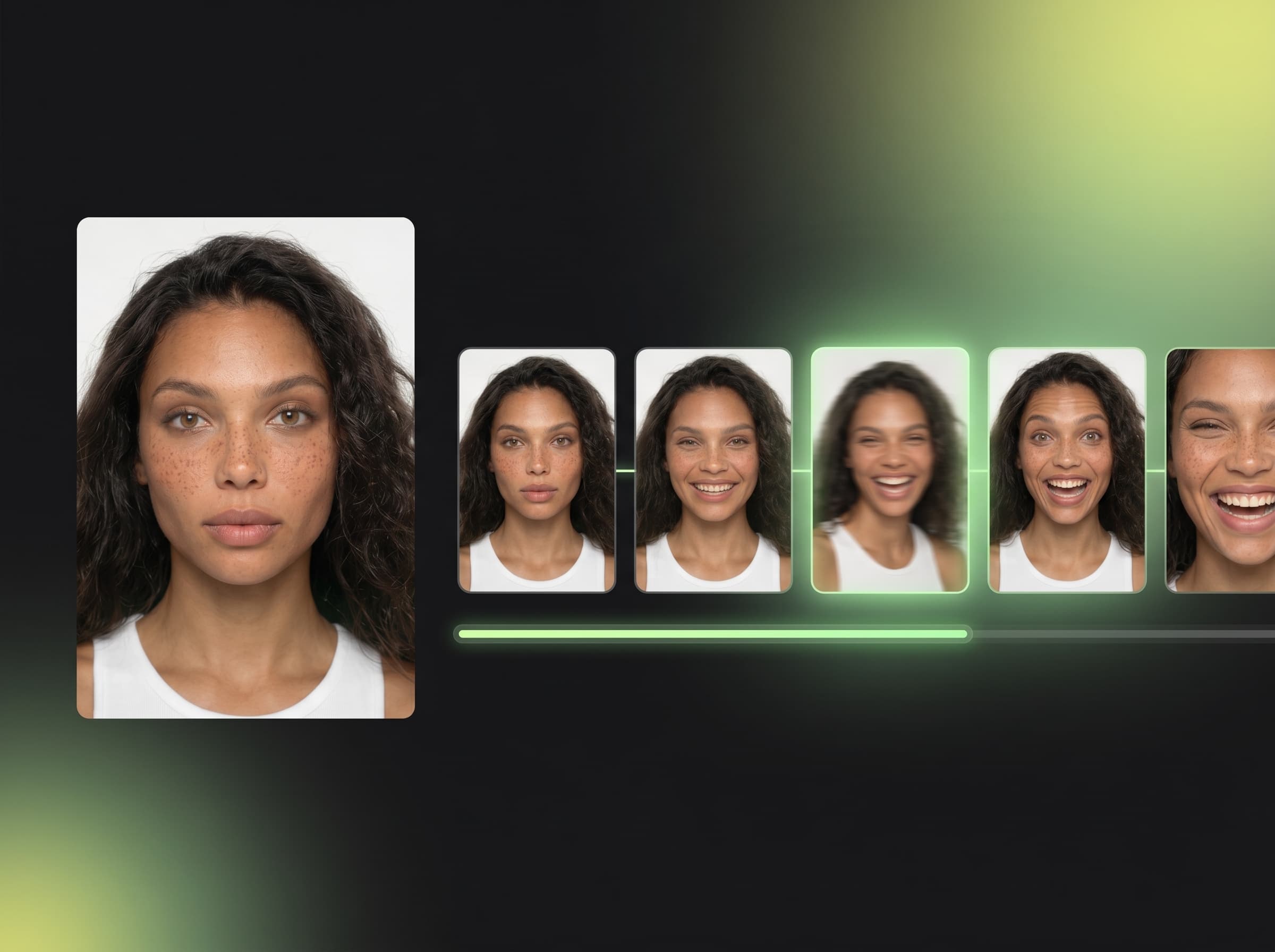
What is image to video in Mujo?
Animate a still image into a generated video clip inside one reusable workflow
Image to video is the process of using an existing image as the starting point for AI video generation. In Mujo, image-to-video works as part of a broader multi-model video workflow, which means you can test motion styles, compare outputs, and keep reference assets together in one place.
Related ProductWhy image-to-video matters
Built for continuity, reference strength, and faster asset expansion
Explore UGC-Style Video CreativesImage-to-video workflow
Use an existing image as visual context for motion generation
Keep more continuity from the original creative asset
Turn static content into video variations faster
Compare multiple video models from the same starting image
Build video assets from visuals you already have
Video-from-zero workflow
Start every clip from a blank prompt
Lose some continuity from the original visual
Create more work when strong image assets already exist
Make motion testing slower for existing campaigns
Reduce reuse of image assets you already paid to create
What image-to-video is useful for
Image-led video generation is especially strong when you already have source visuals
Open Related GuideProduct motion creatives
Turn product images into short-form motion assets for campaigns and marketplaces.
UGC-style ad variations
Start from a creator image or still frame and build more video outputs from it.
Social media video assets
Transform static campaign images into moving social creatives.
Reference-driven storytelling
Use one visual as the foundation for multiple motion directions.
Image-to-video workflow value
Need | Image to Video in Mujo | Prompt-from-zero workflow |
|---|---|---|
Visual continuity | Higher | Lower |
Reuse of existing assets | Yes | Limited |
Motion testing speed | Higher | Lower |
Reference strength | Stronger | Weaker |
What this means for users
This page focuses on one primary workflow and one core search intent.
Internal links connect this page to adjacent products, guides, use cases, and compare pages.
Distinct examples and screenshots should reinforce the differences from neighboring pages.
This page focuses on the advantages of generating AI video from existing images.
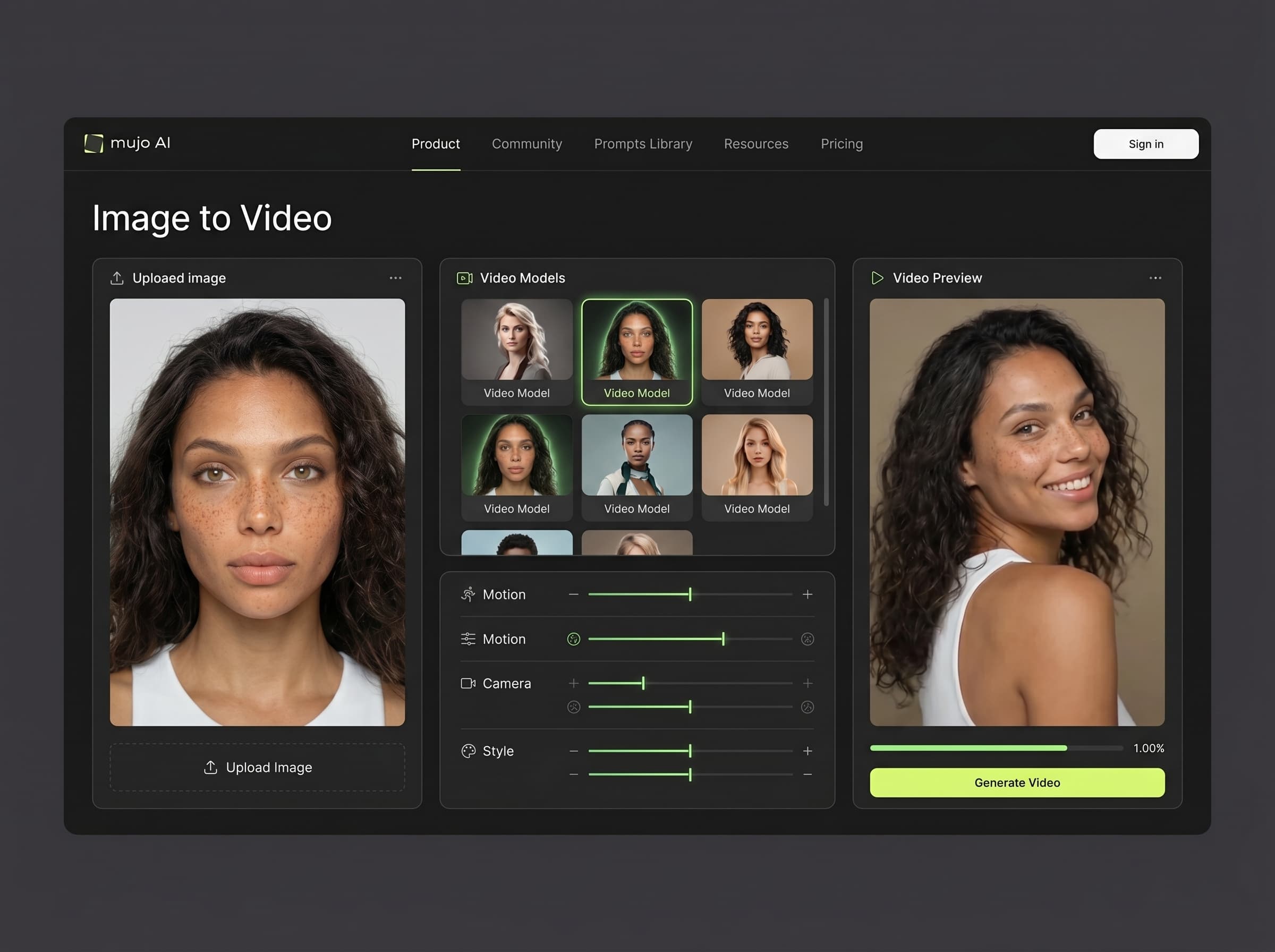
How image-to-video works in Mujo
A simple repeatable workflow for turning still assets into motion
Start with a source image
Upload the image you want to animate or use as the visual base.
Choose the model
Test Kling 3.0, Seedance 2.0, or Veo 3 depending on the result you want.
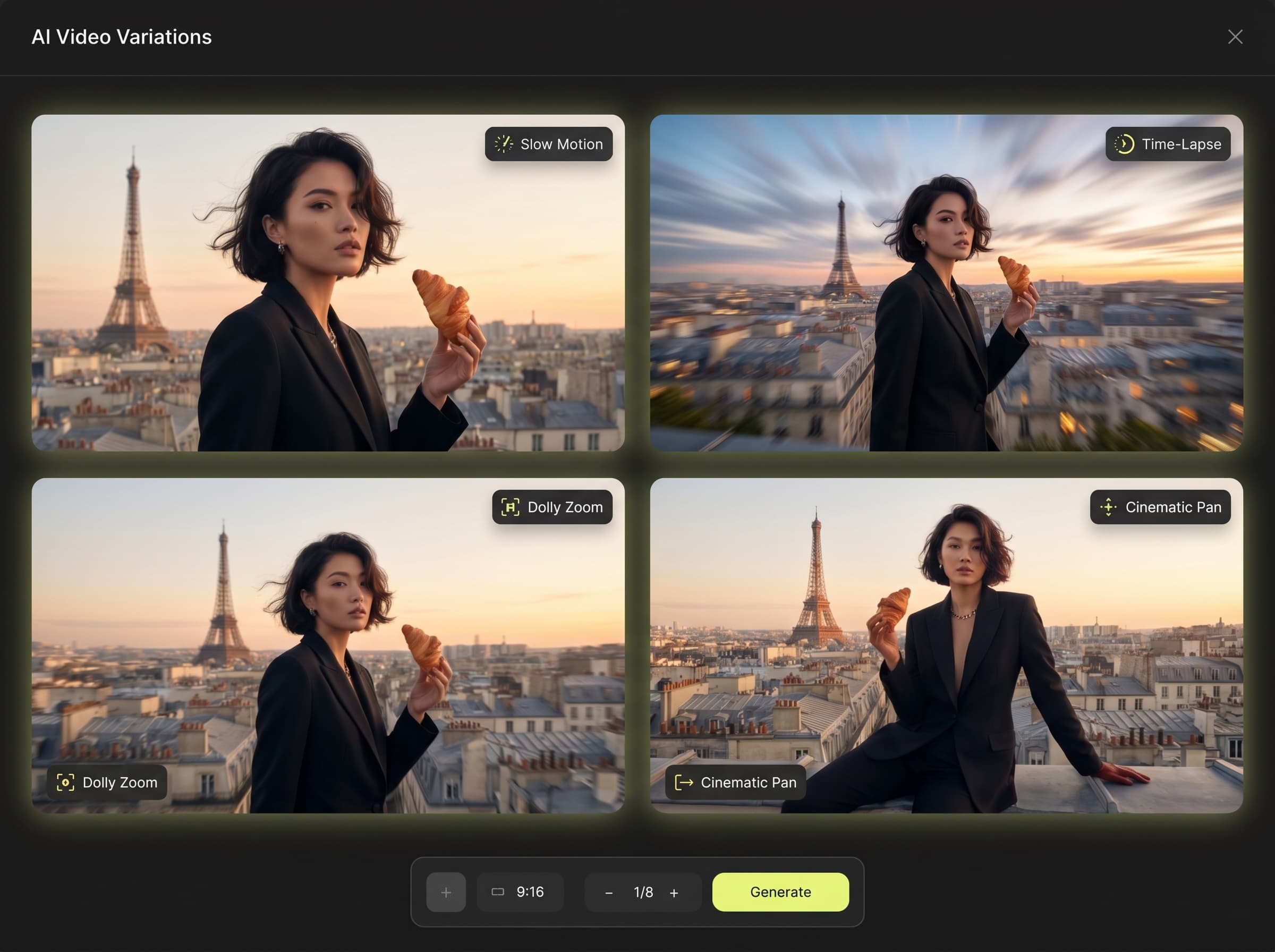
Generate video variations
Create several motion directions while keeping more continuity from the source visual.
Save and reuse
Keep the strongest clips and repeat the workflow across future assets.