Text to Video
Create AI videos from text prompts in one structured workflow
Turn Prompts into
A text-to-video workflow for users who want to go from idea to clip faster and with less tool switching
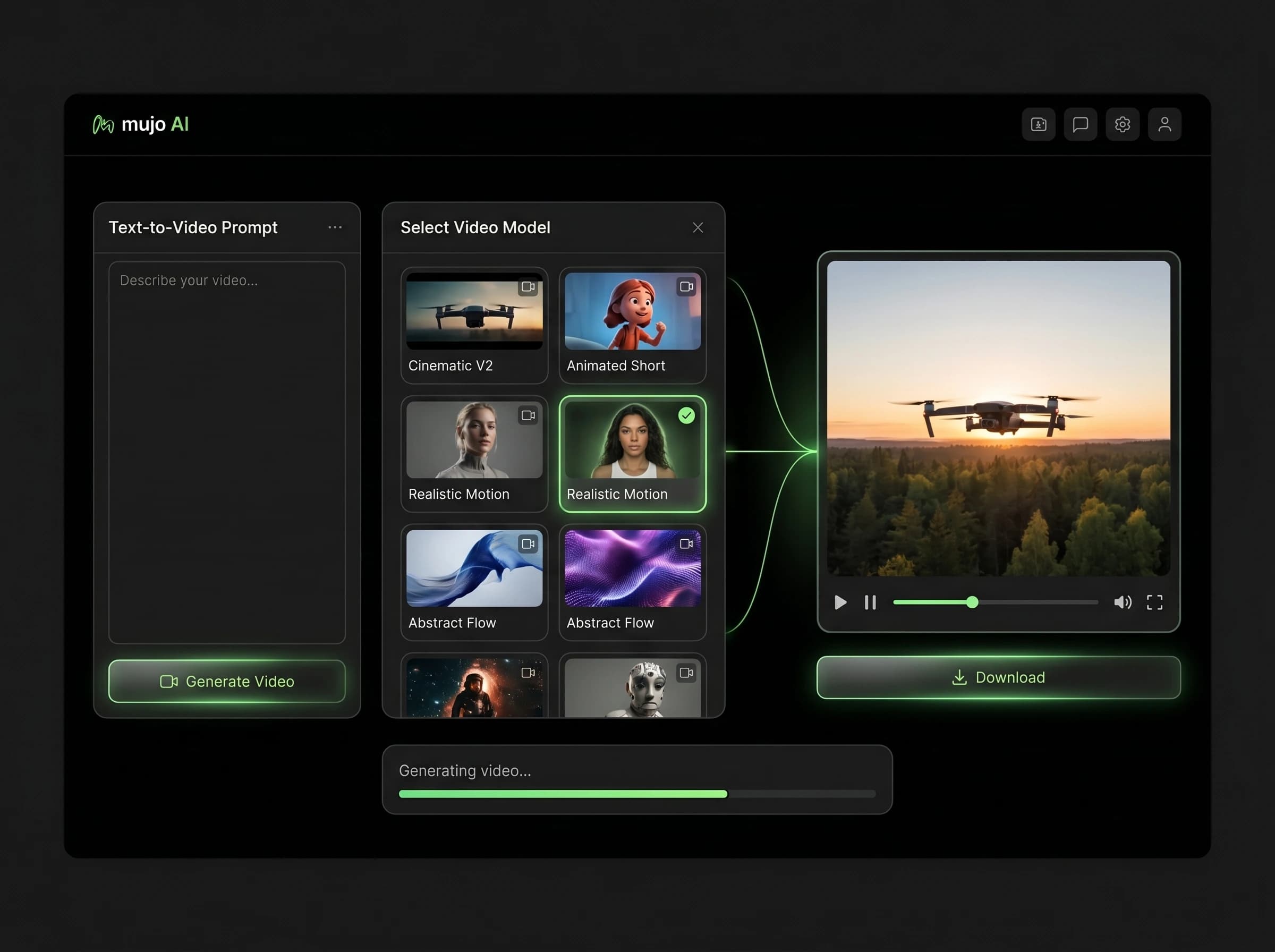
Mujo Text to Video helps you generate AI videos from prompts using Kling 3.0, Seedance 2.0, and Veo 3 in one workspace. Write one concept, test it across multiple video models, compare outputs, and keep your prompt history and generated clips organized in a cleaner production flow.
Start Free with 50 Credits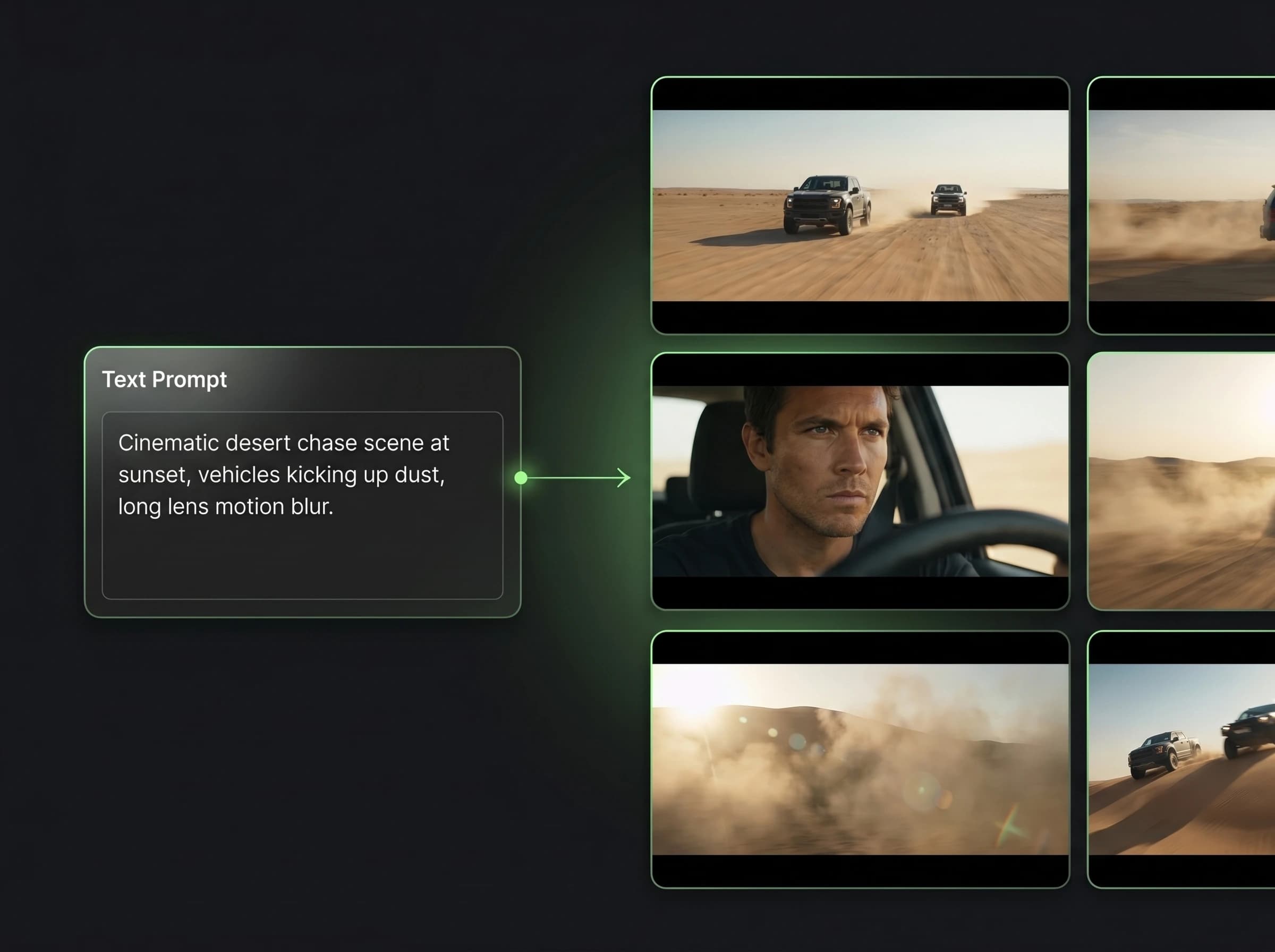
What is text to video in Mujo?
Generate AI videos from written prompts inside one reusable workflow
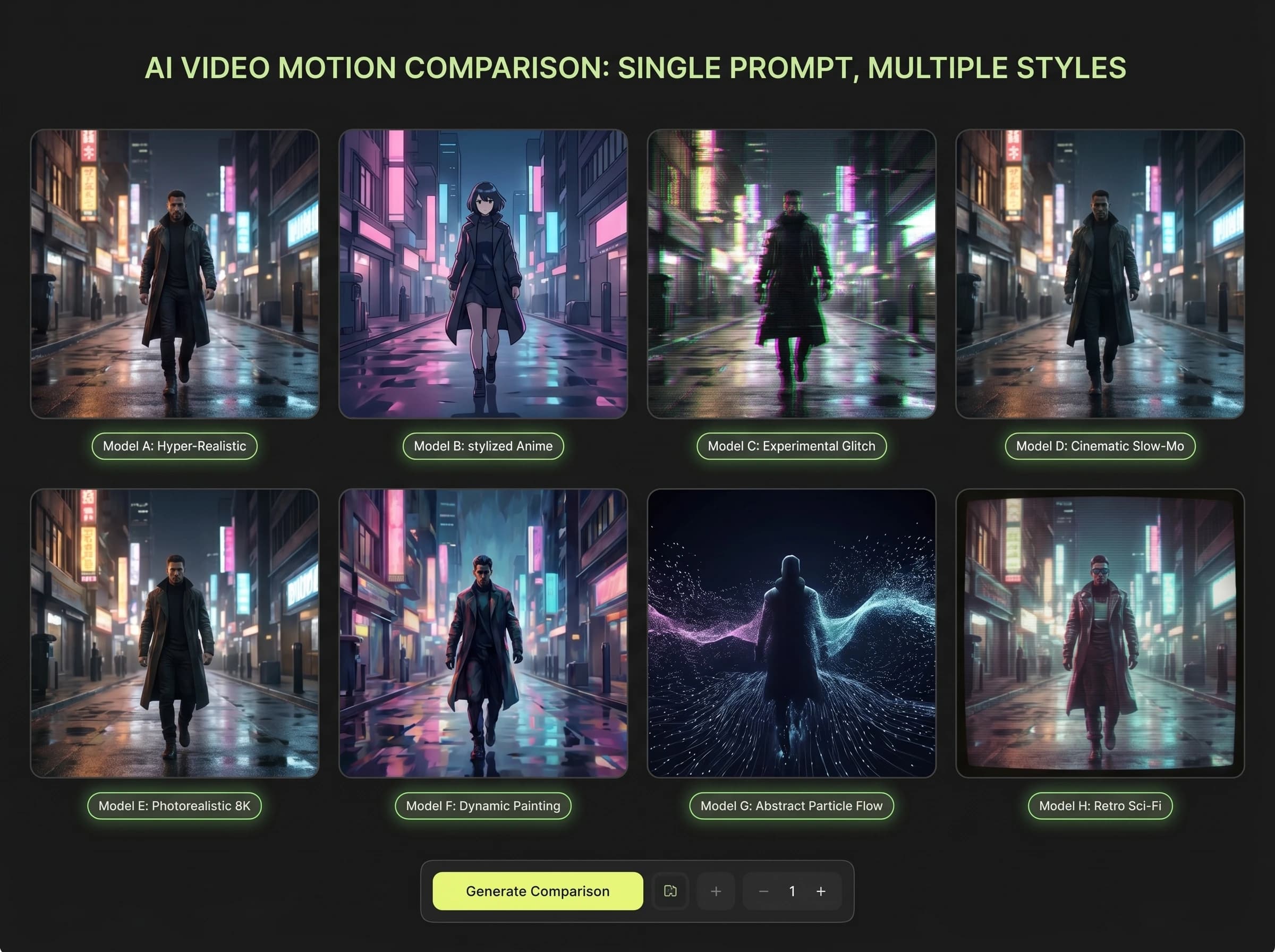
Text to video is the process of turning a written prompt into a generated video clip. In Mujo, text-to-video becomes easier to test because you can use multiple supported models in one place, compare how they interpret the same prompt, and build a more repeatable workflow around video prompting.
Related ProductWhy use a dedicated text-to-video workflow?
Built for prompt quality, model comparison, and faster iteration
See Seedance 2.0Text-to-video inside Mujo
Start from a written prompt and turn it into a video clip
Test the same concept across several supported video models
Keep prompt history, references, and outputs together
Improve prompt quality over time instead of losing good prompts
Move faster from idea to ad, concept clip, or creative test
Ad hoc text-to-video workflow
Write prompts in one tool and test again in another
Lose track of what prompt versions worked best
Make model comparison slower and more manual
Scatter clips and references across different platforms
Create more friction when you need repeated testing
What text-to-video is useful for
Text-led video generation can serve several high-intent commercial and creative workflows
Explore Social Video AdsAI video ads
Create short-form campaign clips from prompt-driven concepts.
Concept videos
Turn rough ideas into visual motion tests before larger production.
Prompt-based experimentation
See which prompt structures work best across several models.
Creative direction testing
Explore mood, style, motion, and framing through written prompts.
Text-to-video workflow value
Workflow need | Text to Video in Mujo | Separate tools or one-off tests |
|---|---|---|
Prompt-to-clip speed | Higher | Lower |
Model comparison | Built in | Manual |
Prompt reuse | Stronger | Weaker |
Output organization | Centralized | Scattered |
What this means for users
This page focuses on one primary workflow and one core search intent.
Internal links connect this page to adjacent products, guides, use cases, and compare pages.
Distinct examples and screenshots should reinforce the differences from neighboring pages.
This page focuses on the workflow advantages of generating AI videos directly from prompts.
How text-to-video works in Mujo
A simple repeatable workflow for prompt-led video generation
Write the prompt
Describe the scene, subject, motion, and style you want in the video.
Choose the model
Test Kling 3.0, Seedance 2.0, or Veo 3 depending on the result you need.
Generate and compare
Review how each model interprets the same prompt inside one workspace.
Save what works
Keep the best prompts, clips, and prompt patterns for future use.