Product Photos
Create professional AI product photos for ecommerce, marketplaces, and marketing
Create AI
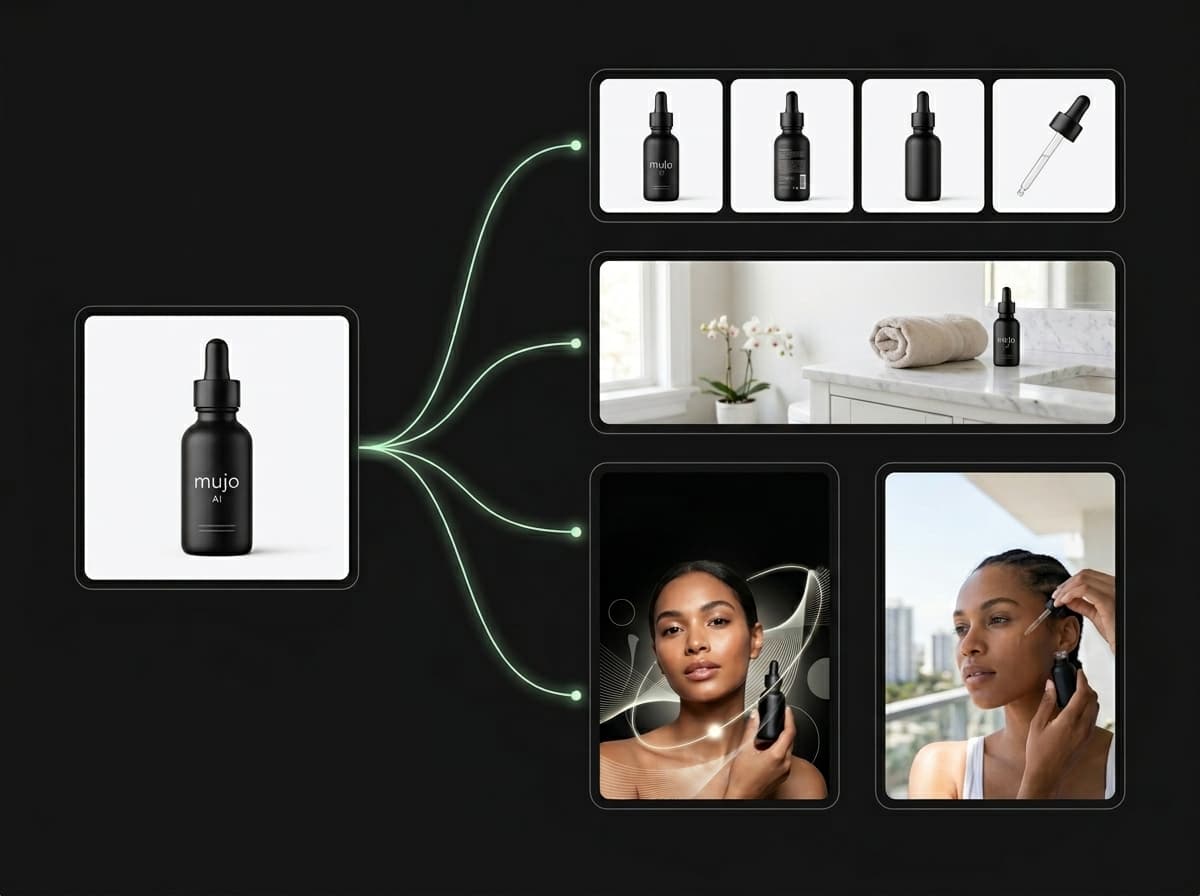
Turn one product image into a complete ecommerce-ready visual gallery
Create high-quality product photos for ecommerce, marketplaces, and marketing without a traditional photoshoot. With Mujo AI, you can turn a single product image into a complete set of professional visuals, including hero shots, lifestyle images, feature breakdowns, comparison visuals, and campaign-ready creatives. Instead of shooting dozens of images manually, you can generate a structured product gallery that is consistent, scalable, and optimized for conversion.
Create Product PhotosWhat are AI product photos?
A faster way to create product images for ecommerce, ads, and brand content
AI product photos are generated or enhanced images that present a product in different contexts, styles, and compositions without physically photographing every variation. With Mujo AI, product photography becomes a repeatable workflow: upload one product image, generate multiple visual directions, and organize the results into a complete content system. This helps replace expensive studio setups, repeated shooting sessions, and manual editing pipelines. Instead of relying on one static product image, you can move from a single input to a full product gallery designed for ecommerce, marketplaces, landing pages, and paid advertising.
Try Product Photos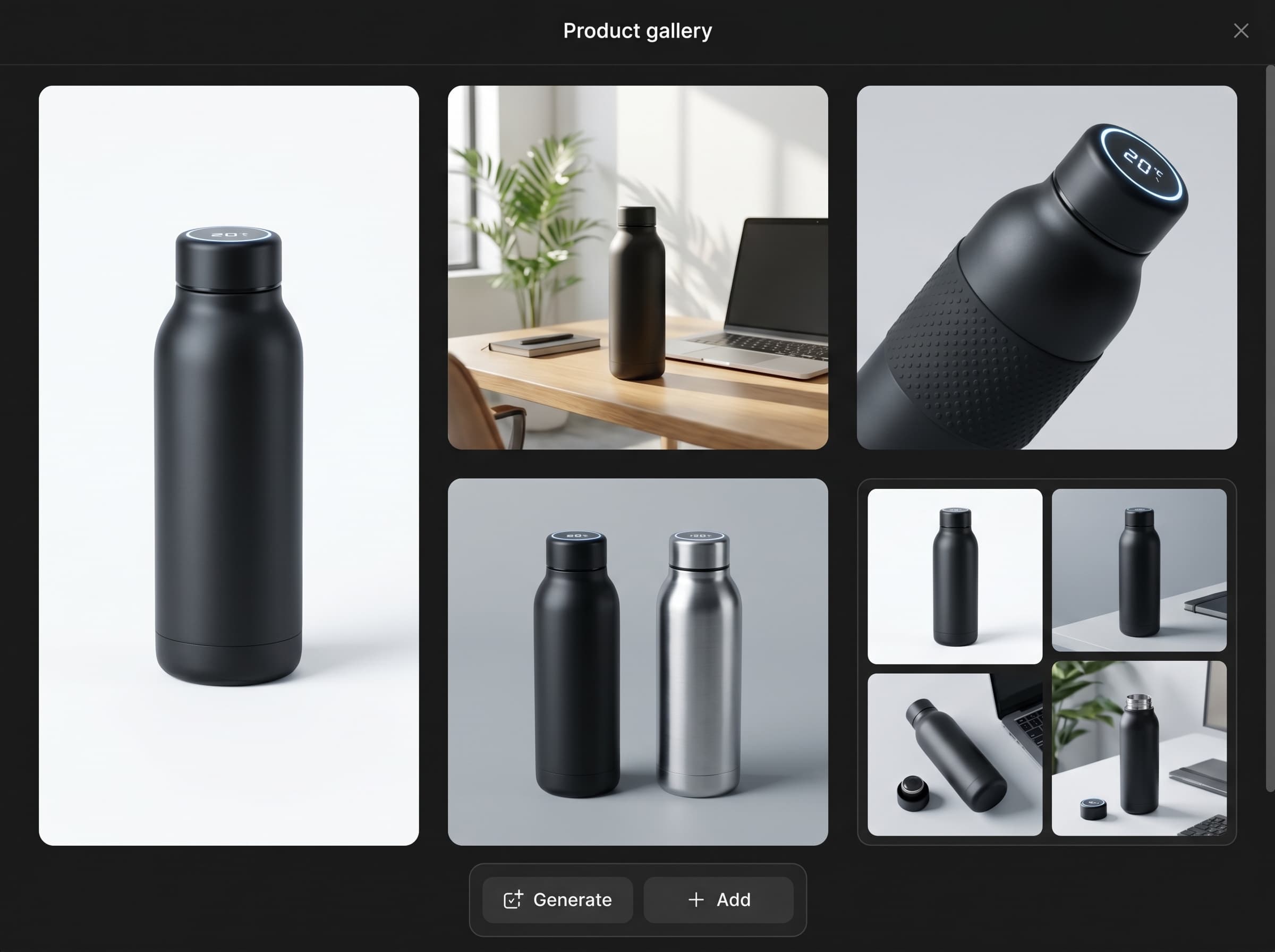
Why product photos matter for conversion
Better product visuals help customers understand, trust, and choose your product
Product images are one of the most important parts of ecommerce performance. Before customers read every detail, they look at the visuals to understand what the product is, how it works, how it looks in real life, and whether it feels trustworthy. Strong product photos help reduce uncertainty, explain features faster, improve click-through rate, build trust, and support purchase decisions. A good product gallery answers key questions visually before the customer reaches the description. With AI-generated product photos, you can test and improve these visuals much faster than with traditional production. You can generate different backgrounds, angles, use cases, and campaign styles, then choose the versions that best support your listing or marketing goal.
Generate Ecommerce Photos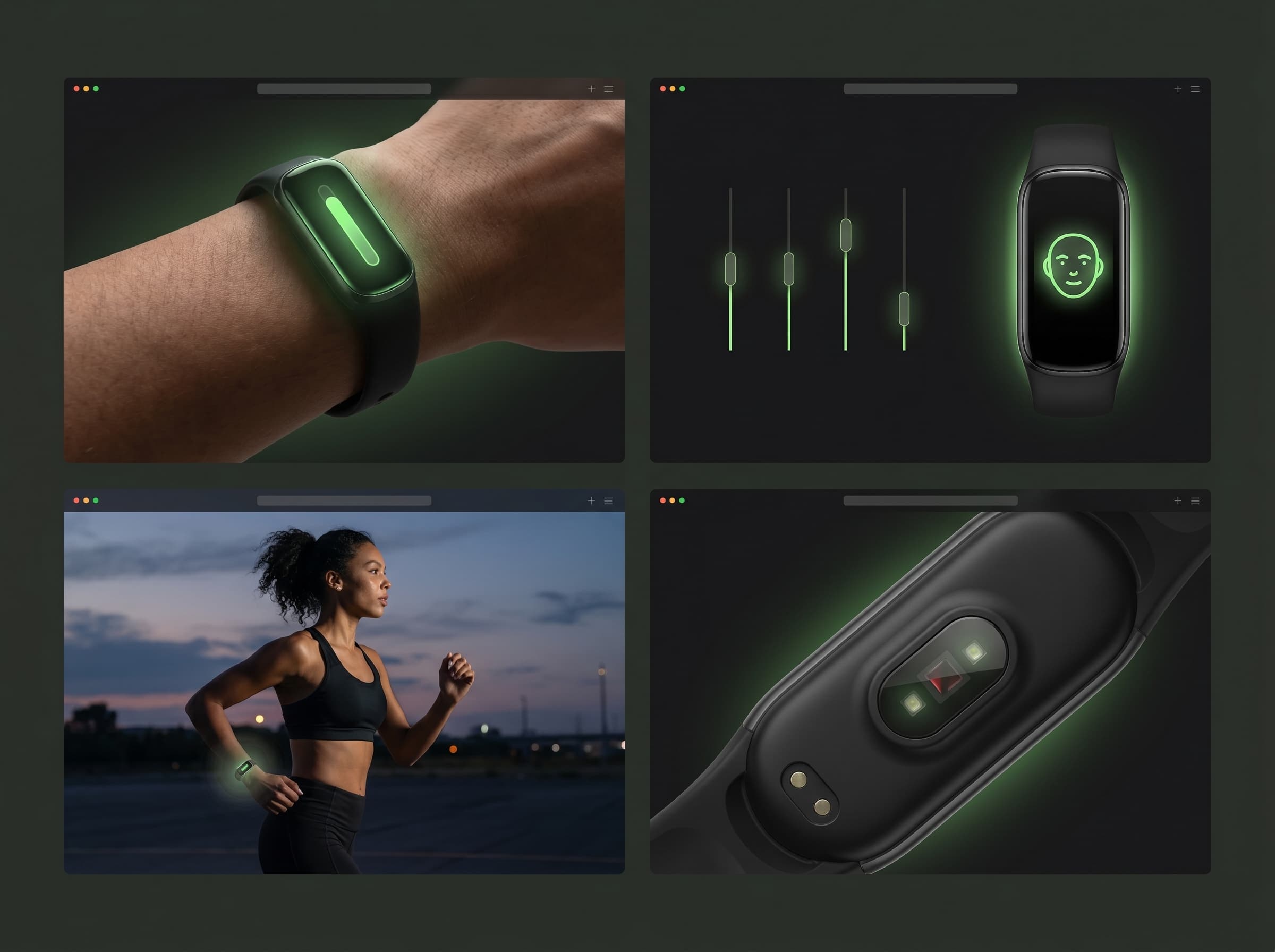
AI product photos vs traditional product photography
Create more product visuals with less production overhead
Traditional product photography is useful, but it can be slow, expensive, and difficult to scale when you need many variations for different platforms. AI product photos make the workflow faster and more flexible by turning one product image into multiple structured outputs.
Start Product WorkflowWith Mujo AI product photos
Upload one product image and create multiple variations
Generate hero shots, lifestyle scenes, feature images, and ad creatives
Keep lighting, styling, and composition more consistent across outputs
Create new product visuals without reshooting
Test different backgrounds and formats faster
Scale ecommerce content for marketplaces, websites, and campaigns
With traditional product photography
Plan a studio shoot for every new visual direction
Spend more time on lighting, setup, styling, and editing
Repeat production when you need new backgrounds or formats
Create fewer variations because each one costs more
Risk inconsistent lighting or styling across different shoots
Move slower when testing product listing or ad creatives
What product photos you can create
Build a complete product gallery from one input image
Mujo AI helps you create a full set of product visuals for ecommerce and marketing. Each image type serves a different purpose, from clean listing clarity to lifestyle storytelling and performance-focused advertising.
Create Product GalleryHero product images
Clean, focused product shots on neutral backgrounds for ecommerce listings, websites, and marketplaces.
Lifestyle images
Context-driven product visuals that show the item in real environments, use cases, or aspirational scenes.
Feature breakdowns
Images that highlight materials, product benefits, details, components, or key selling points.
Comparison visuals
Side-by-side product images that explain size, variations, bundles, differences, or value.
Advertising creatives
Campaign-ready images for paid ads, landing pages, email marketing, and social media promotions.
Brand content
Consistent product visuals for seasonal campaigns, product launches, and visual storytelling.
Built for ecommerce workflows
Create product images for Shopify, Amazon, DTC stores, marketplaces, and social commerce
Mujo AI product photos are designed for practical ecommerce use cases. You can create clean listing visuals, lifestyle scenes, campaign images, and content variations for product pages, ads, marketplaces, and brand websites. Instead of generating generic visuals, you can create images tailored for listing clarity, product positioning, conversion optimization, and brand consistency. This is especially useful for ecommerce teams, Shopify store owners, Amazon sellers, DTC startups, and marketing teams that need to create product content quickly without losing quality.
Create Ecommerce Images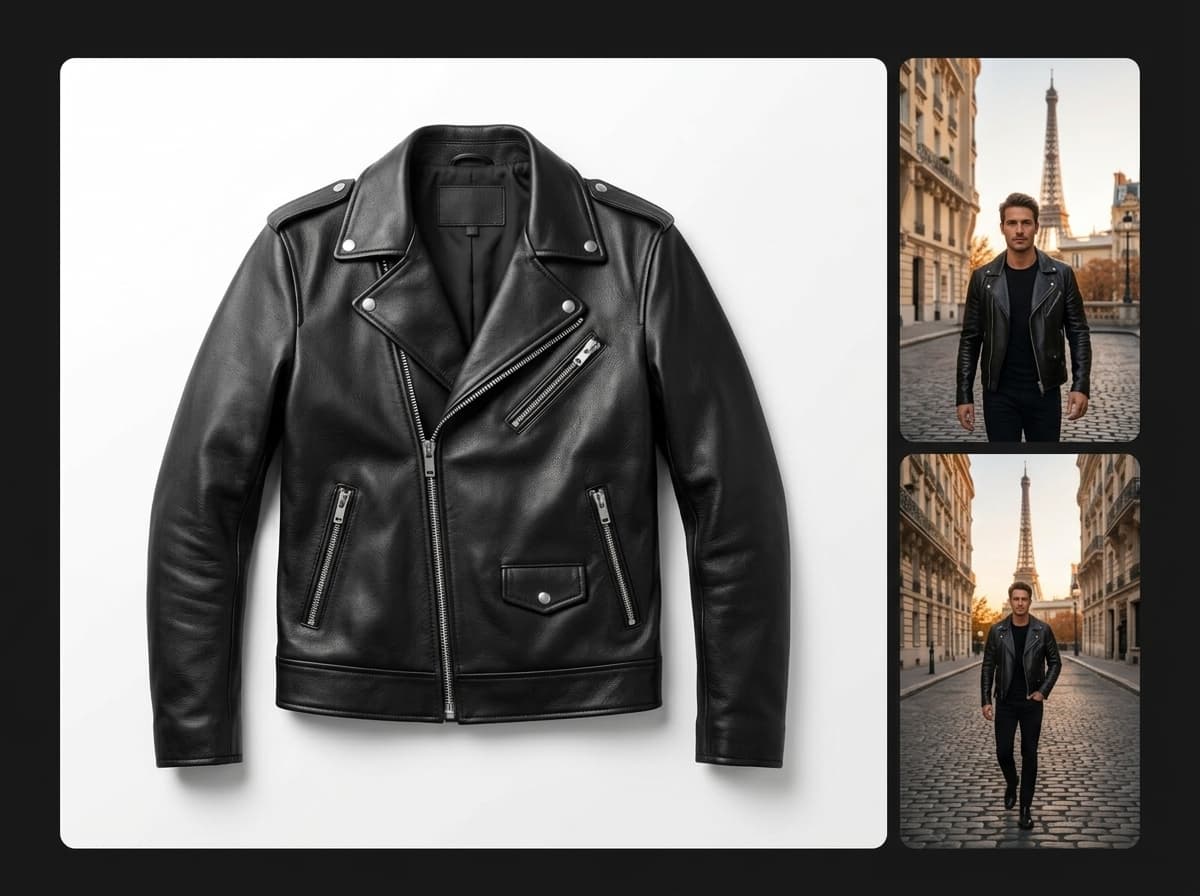
Consistent product visuals across every image
Keep lighting, composition, and brand direction aligned
One of the biggest problems in product content is inconsistency. Different lighting, angles, colors, and backgrounds can make a store look less professional and reduce customer trust. With Mujo AI, you can create product images that follow the same visual direction. Lighting can stay consistent, composition can remain aligned, and the overall brand style can feel more polished across the full gallery. This helps turn separate product images into a clean, professional visual system.
Build Visual System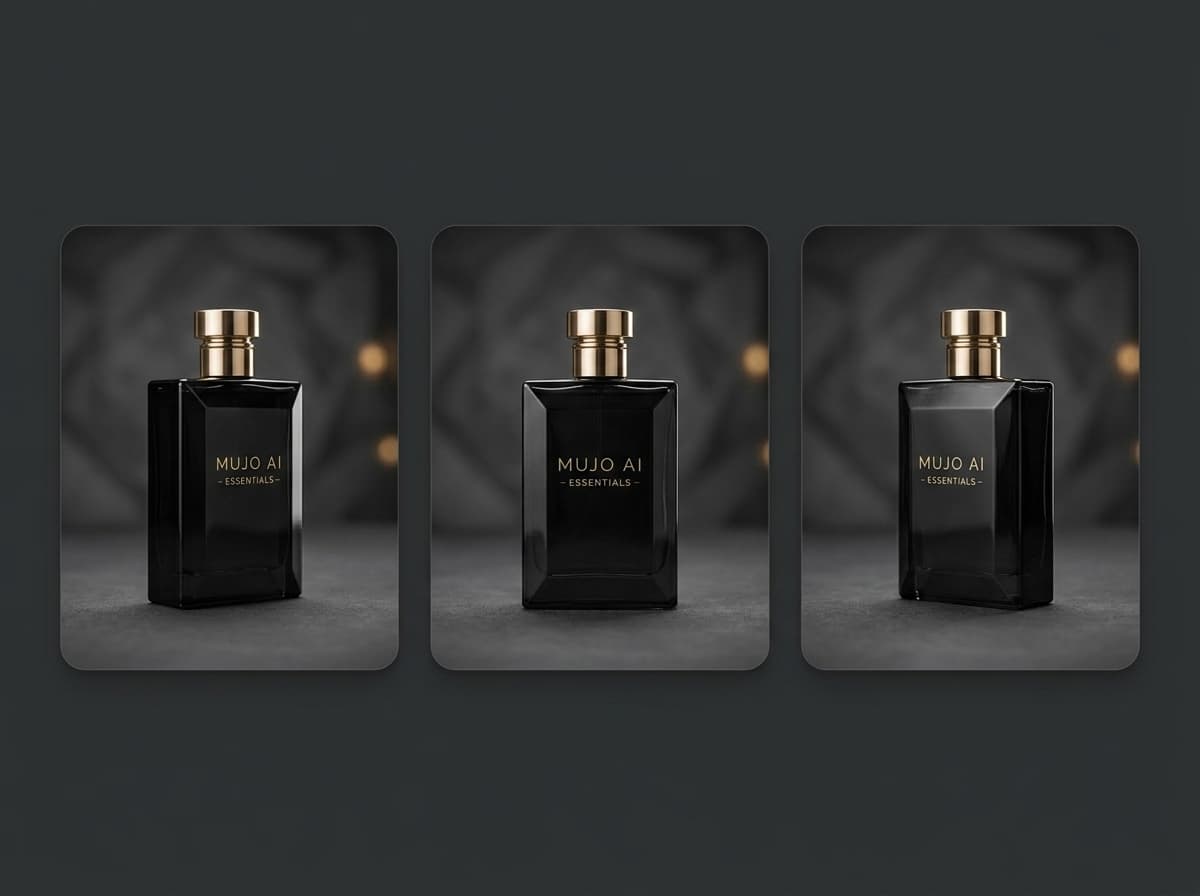
Faster testing and creative iteration
Generate, compare, and improve product visuals faster
With traditional product photography, testing new visuals can be expensive and slow. Every new background, composition, or ad concept may require extra design work or another shoot. With AI product photos, you can generate several versions quickly and compare different creative directions. Test clean studio images against lifestyle scenes, minimal backgrounds against bold campaign visuals, or close-up details against full product compositions. This makes it easier to understand which image attracts attention, explains the product clearly, and supports conversion.
Test Product Visuals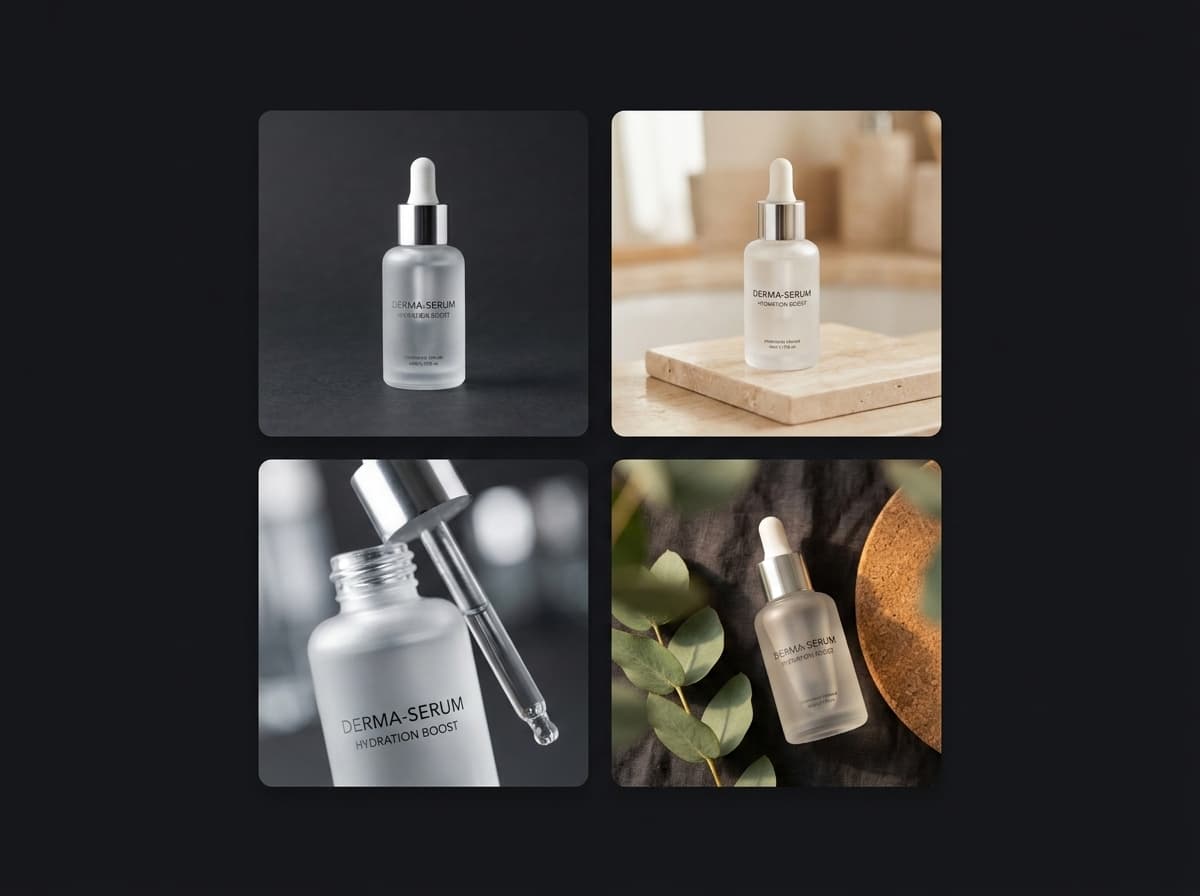
Prompt tips for better AI product photos
How to generate cleaner, more realistic, and more useful product images
For stronger product photos, write prompts that describe the product, background, lighting, composition, and use case. The more clearly you define the purpose of the image, the easier it is to generate a result that works for ecommerce or marketing.
Try Product PromptBest prompt structure
Product: describe the shape, material, color, size, and key details
Background: choose clean white, studio, lifestyle, minimal, premium, or seasonal
Lighting: use soft studio lighting, realistic shadows, natural light, or high-contrast campaign lighting
Composition: specify centered, close-up, angled, flat lay, hero shot, or lifestyle scene
Use case: define ecommerce listing, Shopify product page, Amazon gallery, ad creative, or social post
Style: add premium, minimal, realistic, clean, modern, editorial, or high-converting
What to avoid
Vague prompts without product details
Too many conflicting backgrounds or styles
No lighting direction
No composition guidance
Unclear use case for the final image
Overloading one image with too many visual goals
Example AI product photo prompt
A simple structure for clean ecommerce product images
Minimal product photo, clean white background, soft studio lighting, centered composition, high detail, realistic shadows, premium ecommerce style, sharp product edges, professional product photography, marketplace-ready image. You can adapt this prompt depending on your product category. For beauty products, add glossy packaging, soft reflections, and premium bathroom or studio styling. For tech products, add clean surfaces, modern lighting, and precise shadow control. For fashion accessories, use editorial composition, lifestyle context, or close-up texture details.
Use This Workflow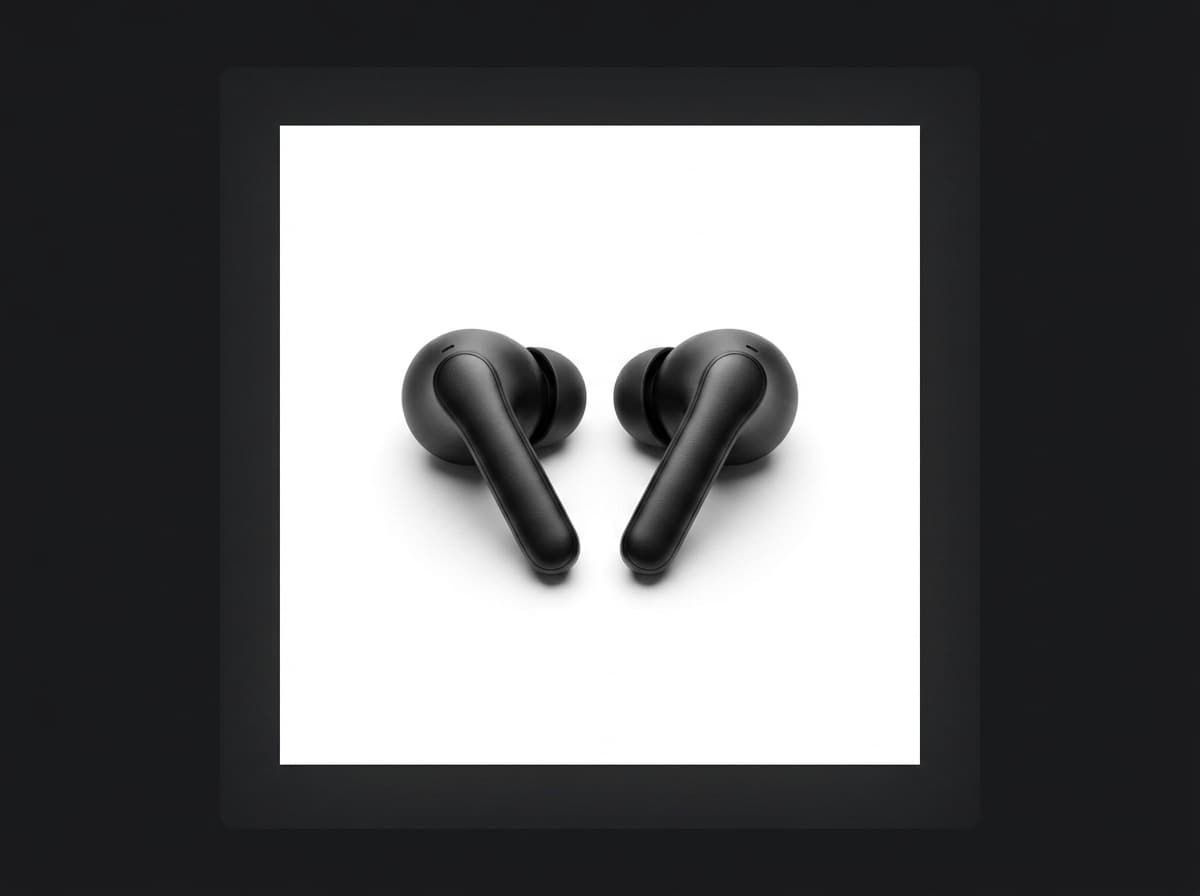
Who AI product photos are for
A faster visual production workflow for sellers, brands, and marketing teams
Create Product ContentEcommerce brands
Create product galleries, launch visuals, seasonal content, and campaign images faster.
Shopify store owners
Generate product page images, homepage visuals, and social assets from one product input.
Amazon sellers
Build listing galleries with hero images, feature visuals, comparison images, and lifestyle scenes.
DTC startups
Produce polished product content without hiring a studio for every new campaign.
Marketing teams
Create ad variations, landing page visuals, and branded product creatives for testing.
Creators selling products
Turn simple product photos into professional visuals for stores, drops, and social commerce.
AI product photo workflow value
Workflow need | Mujo AI product photos | Manual product photo workflow |
|---|---|---|
Input | Start from one product image | Requires planning, shooting, and editing |
Output volume | Generate many variations quickly | Limited by shoot time and editing budget |
Visual consistency | Keep lighting, background, and style aligned | Can vary between shoots and editors |
Ecommerce use | Create listing, lifestyle, feature, and ad images | Often requires separate production for each format |
Creative testing | Test multiple backgrounds and compositions faster | Testing is slower and more expensive |
Scalability | Repeat the workflow across products and campaigns | Harder to scale without increasing production cost |
AI product photos are most valuable when they turn visual production into a repeatable system. Instead of creating one image at a time, Mujo AI helps generate, organize, test, and reuse product visuals across ecommerce and marketing workflows.
AI Product Photos FAQ
Everything you need to know before creating product images with AI
Create Product PhotosWhat are AI product photos?
AI product photos are generated or enhanced product images created with artificial intelligence. They can show the same product in different backgrounds, compositions, lighting styles, and use cases without requiring a new physical photoshoot for every variation.
Can I create product photos from one image?
Yes. With Mujo AI, you can start from one product image and generate multiple product visuals, including clean ecommerce shots, lifestyle images, feature visuals, comparison graphics, and advertising creatives.
Are AI product photos useful for ecommerce?
Yes. AI product photos are useful for ecommerce because they help create clearer, more consistent, and more scalable product galleries. They can support Shopify stores, Amazon listings, DTC websites, marketplaces, landing pages, and social commerce.
What types of product images can I generate?
You can generate hero product shots, lifestyle images, feature breakdowns, comparison visuals, campaign creatives, social media assets, and brand content. Each image type can support a different part of the customer journey.
Do AI product photos replace traditional photography?
AI product photos do not need to replace every traditional shoot. They are especially useful for scaling variations, testing creative directions, building product galleries, and creating campaign visuals faster. Many teams use AI alongside original product photography.
Do I need design skills to create product photos?
No. You need a clear product image and a structured prompt. Mujo AI helps generate the background, lighting, composition, and visual style, making product content creation easier for sellers, creators, and marketing teams.
From product image to visual content system
Turn product photography into a scalable ecommerce workflow
Product photos are no longer just single images. For modern ecommerce, they are part of a larger visual system that supports product discovery, trust, conversion, advertising, and brand storytelling. Mujo AI turns product photography into a scalable workflow where you can generate images, organize them, test variations, and reuse successful visual directions across products and campaigns. Instead of producing every piece of content manually, you can build a repeatable visual pipeline that grows with your product and brand.
Start Creating Product Photos