AI Portfolio Examples & Creative Inspiration
Explore AI-generated portfolios, visual series, creative projects, and reusable workflows built with Mujo
AI Portfolio Examples
Discover visual series, campaign concepts, creator projects, and AI-generated portfolio ideas
AI portfolio examples help creators understand what a strong AI-generated project can look like. Instead of saving isolated images, creators can organize AI outputs into visual series, campaign concepts, product stories, fashion editorials, social content systems, and portfolio-ready creative projects. With Mujo AI, portfolios can combine AI images, AI videos, prompt packs, reference workflows, model comparisons, ControlBar settings, and reusable creative systems. This makes it easier to move from random generations to organized bodies of work. Use this page as creative inspiration for building your own AI portfolio: explore what kinds of projects you can create, how to structure them, and how to turn successful workflows into repeatable creative systems.
Build Your Portfolio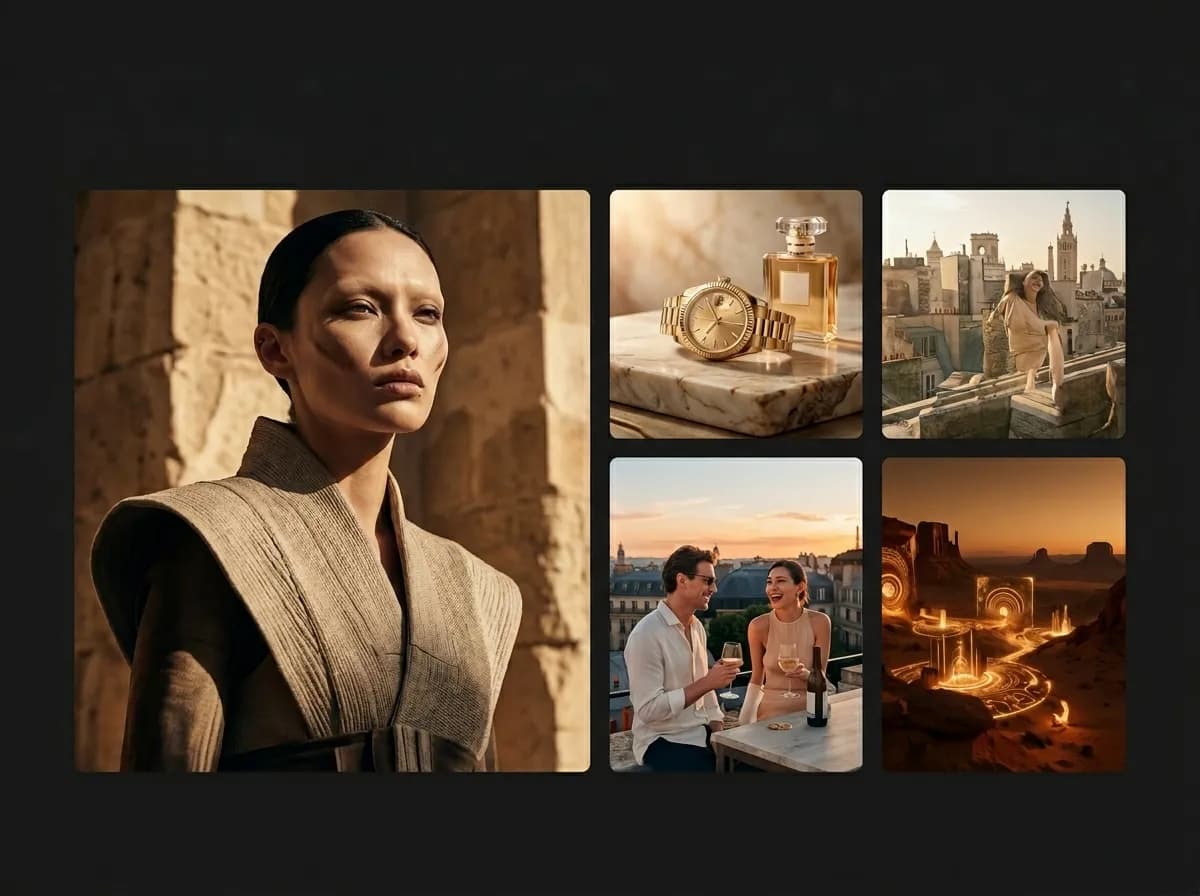
What are AI portfolio examples?
Structured AI-generated projects that show creative direction, consistency, and workflow quality
AI portfolio examples are curated visual projects created with artificial intelligence. They can include images, videos, product visuals, advertising concepts, fashion editorials, character studies, social media systems, prompt packs, and campaign ideas. A strong AI portfolio example is not just one beautiful image. It shows a clear concept, consistent visual direction, thoughtful composition, and a workflow that can be repeated or expanded. This is what makes a portfolio feel professional instead of random. For creators, designers, marketers, and AI artists, portfolio examples are useful because they show how AI outputs can become complete projects. A single generation may be impressive, but a structured series tells a stronger story about taste, skill, workflow, and creative decision-making.
Explore Portfolio BuilderWhy AI portfolio examples matter
Good examples show how to turn AI outputs into professional creative work
Explore Top AI CreatorsCreative direction
Portfolio examples show how a project can have a clear concept, mood, style, and visual logic.
Visual consistency
Strong portfolios prove that AI outputs can stay coherent across multiple images or videos.
Workflow inspiration
Examples help creators understand how prompts, references, presets, and models can work together.
Professional presentation
Organized projects feel stronger than isolated generations and are easier to share, pitch, or reuse.
Types of AI portfolio examples
Different creative project formats you can build with Mujo
AI portfolios can be built around many different creative goals. The strongest examples usually focus on one clear format or visual system instead of mixing unrelated outputs.
Explore AI Prompt PacksFashion editorial portfolios
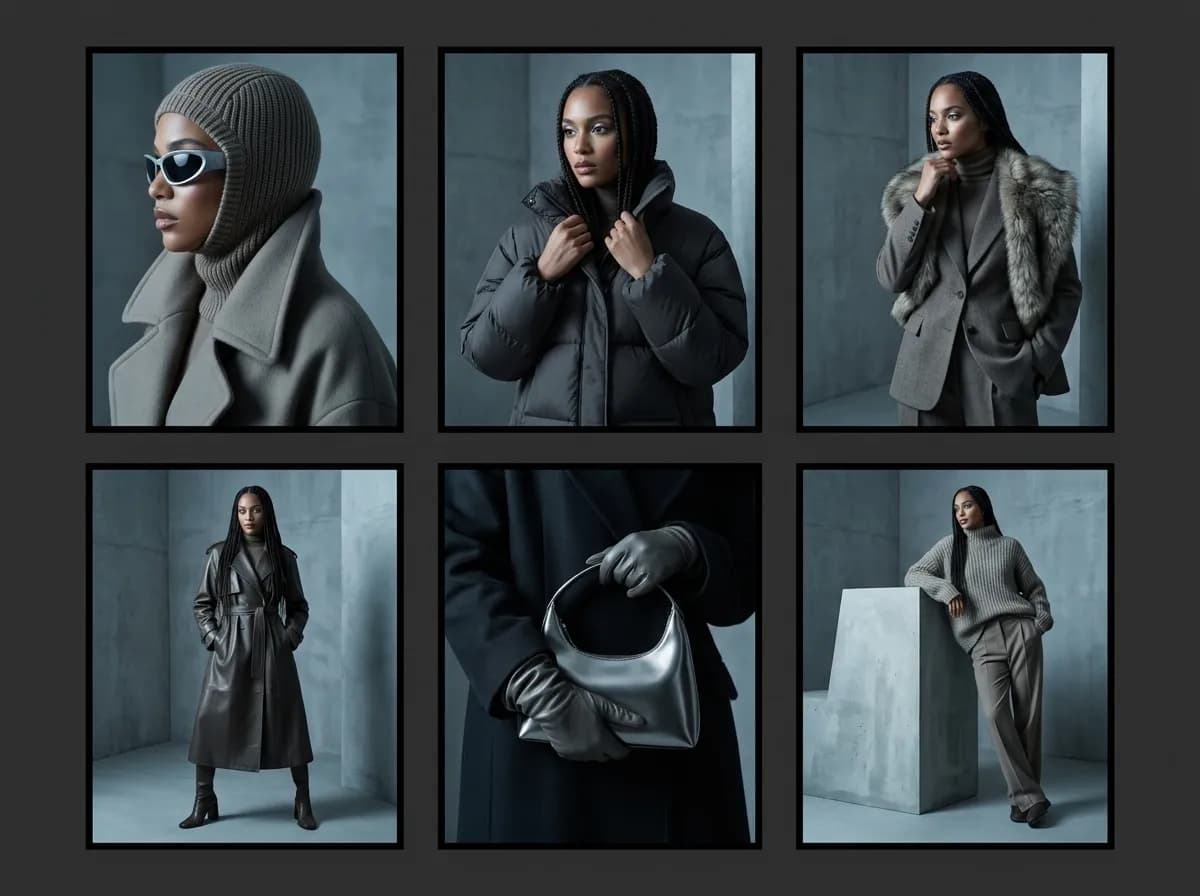
Create magazine-style image series with consistent styling, lighting, model direction, and cinematic composition.
Product photography portfolios
Show ecommerce product visuals, lifestyle scenes, listing images, product campaigns, and commercial image systems.
Brand campaign portfolios
Build advertising concepts, launch visuals, social creatives, and campaign-ready visual directions.
AI video portfolios
Organize short-form videos, UGC-style concepts, product clips, cinematic scenes, and social video ads.
Prompt pack portfolios
Show reusable prompt systems, creative presets, visual examples, and repeatable generation workflows.
Concept art portfolios
Create visual worlds, character concepts, mood studies, cinematic frames, and storytelling-driven projects.
AI portfolio examples vs random generations
Why structured projects create stronger creative presentation
Random generations can look impressive, but they rarely communicate a complete creative idea. Portfolio examples become stronger when they show structure, consistency, and intention.
Build Reusable WorkflowsStrong AI portfolio examples
Built around one clear creative concept
Show consistent style, lighting, composition, or subject logic
Include multiple connected outputs
Demonstrate a reusable workflow or visual system
Feel like a project, campaign, editorial, or case study
Are easier to present to clients, teams, or audiences
Random AI generations
Often mix unrelated styles and subjects
May look good individually but feel disconnected
Do not explain the creator’s process or direction
Are harder to organize into a professional portfolio
Usually cannot be reused as a workflow
Create weaker long-term creative identity
How to build an AI portfolio example
A simple workflow for turning generations into a portfolio-ready project
Choose one project concept
Start with a clear direction: fashion editorial, product campaign, brand ad system, AI video series, prompt pack, or visual world.
Define the visual system
Set the style, lighting, camera direction, composition, mood, references, and output format before generating.
Generate a connected series
Create multiple images or videos that feel like they belong to the same project.
Select the strongest outputs
Choose the visuals that best communicate the concept, quality, consistency, and creative direction.
Document the workflow
Save prompts, references, presets, model choices, and notes so the project can be reused or expanded.
Organize it into a portfolio
Turn the final outputs into a clear presentation with title, concept, visuals, use case, and workflow notes.
AI portfolio project ideas
Use these concepts as inspiration for your own creative portfolio
A strong AI portfolio usually starts with a specific project idea. These examples can be adapted into images, videos, campaigns, prompt packs, or full visual systems.
Explore Product PhotosLuxury skincare campaign
A product-focused portfolio with hero shots, texture close-ups, lifestyle visuals, and AI video ad concepts.
Winter fashion editorial
A cinematic portrait series with consistent styling, dramatic lighting, snow atmosphere, and magazine-style framing.
Social ads concept board
A set of AI-generated brand ads, UGC-style video concepts, and short-form campaign visuals for one product.
Creator identity system
A personal branding portfolio with AI headshots, profile visuals, social images, and consistent visual direction.
Ecommerce product gallery
A complete product visual system with listing images, lifestyle scenes, feature visuals, and video ad concepts.
Cinematic worldbuilding series
A concept art portfolio with recurring characters, environments, moods, and story-driven AI-generated visuals.
AI portfolio example structure
Portfolio element | What it shows | Why it matters |
|---|---|---|
Project title | The concept or creative direction | Makes the work easier to understand and remember |
Visual series | Multiple connected images or videos | Shows consistency beyond one generation |
Use case | Portfolio, campaign, product launch, ad set, editorial, or social content | Connects the visuals to a practical creative goal |
Workflow notes | Prompts, references, presets, model choices, or pack logic | Shows process and repeatability |
Style consistency | Lighting, color, framing, mood, and subject direction | Makes the project feel professional |
Final selection | The strongest outputs from the generation process | Keeps the portfolio polished and focused |
A strong portfolio example should
Show a clear concept instead of unrelated outputs.
Include a connected series, not just one image.
Make the workflow reusable or understandable.
Use this structure when turning AI outputs into portfolio-ready creative work.
Build portfolio examples with Mujo
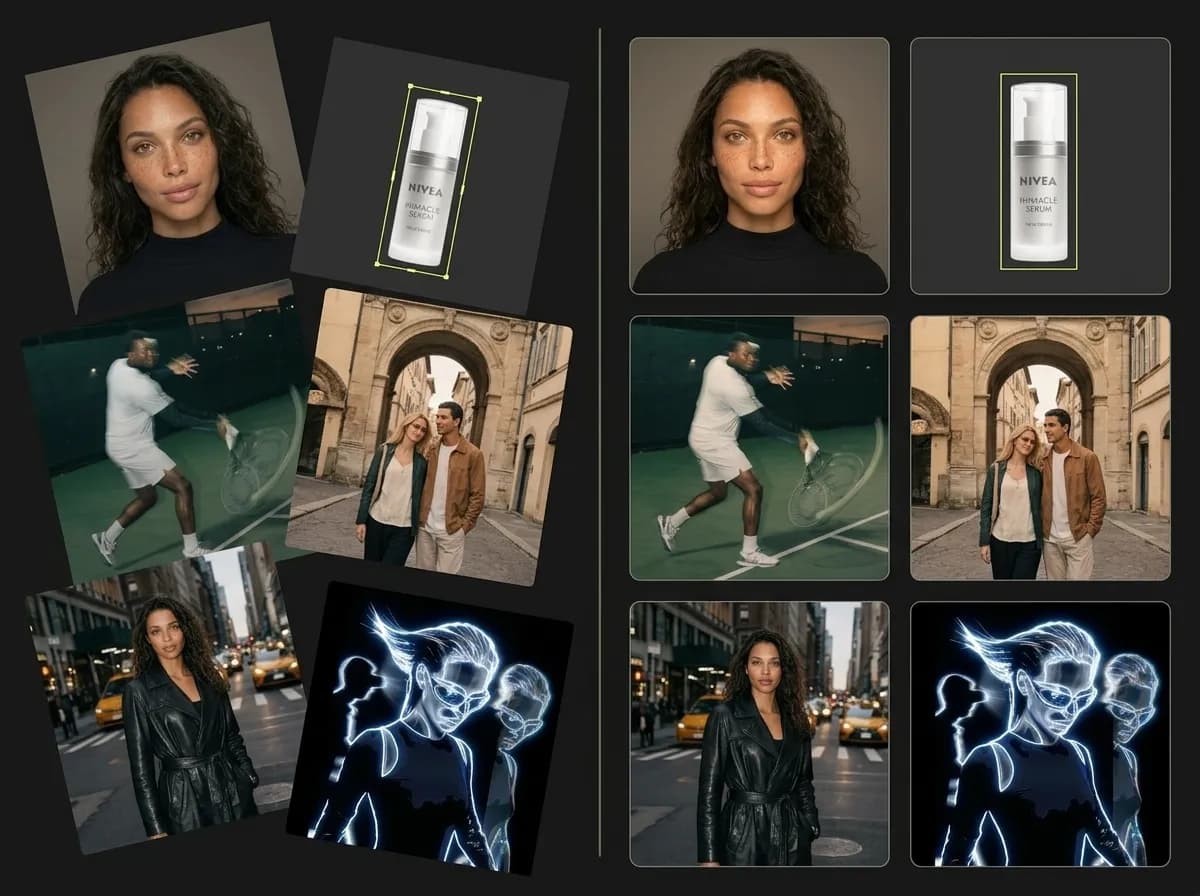
Use prompts, references, AI models, ControlBar, packs, and video workflows to create organized projects
Mujo helps creators build portfolio examples by organizing the full AI creative workflow in one place. You can generate images, compare models, use reference images, apply ControlBar settings, create videos, save Prompt Packs, and build repeatable systems around the outputs that work best. This makes portfolio creation easier because the work is not only about generating visuals. It is also about preserving the process: what prompt worked, what reference helped, what lighting setup created consistency, what model produced the strongest output, and what workflow can be reused later. For AI artists, designers, marketers, ecommerce teams, and creators, this turns AI portfolio building into a structured creative process instead of a folder of random outputs.
Build an AI Pack SystemBest practices for AI portfolio examples
How to make AI-generated work feel professional and intentional
The strongest AI portfolio examples look curated. They show choice, direction, and repeatability. Do not include every output. Build a focused project and show the strongest results.
Explore AI CreatorsDo this
Build around one clear concept
Use consistent lighting, style, and composition
Create a series instead of one image
Save prompts, references, and workflow notes
Select only the strongest outputs
Connect the project to a real use case
Avoid this
Mixing unrelated images into one project
Publishing every generation without editing
Changing style too much between outputs
Skipping workflow documentation
Using vague project titles
Presenting random images as a portfolio