Portfolio Builder
Turn your best AI work into a cleaner, shareable portfolio for brands and clients
Build an AI Creator
A portfolio builder for creators who want their work to be seen, shared, and evaluated more clearly
Mujo Portfolio Builder helps creators turn scattered outputs into a cleaner public presence. Instead of leaving strong work buried inside generation history, you can organize it, present it, and share it in a way that feels more professional for brands, clients, and collaborators.
Start Free with 50 Credits
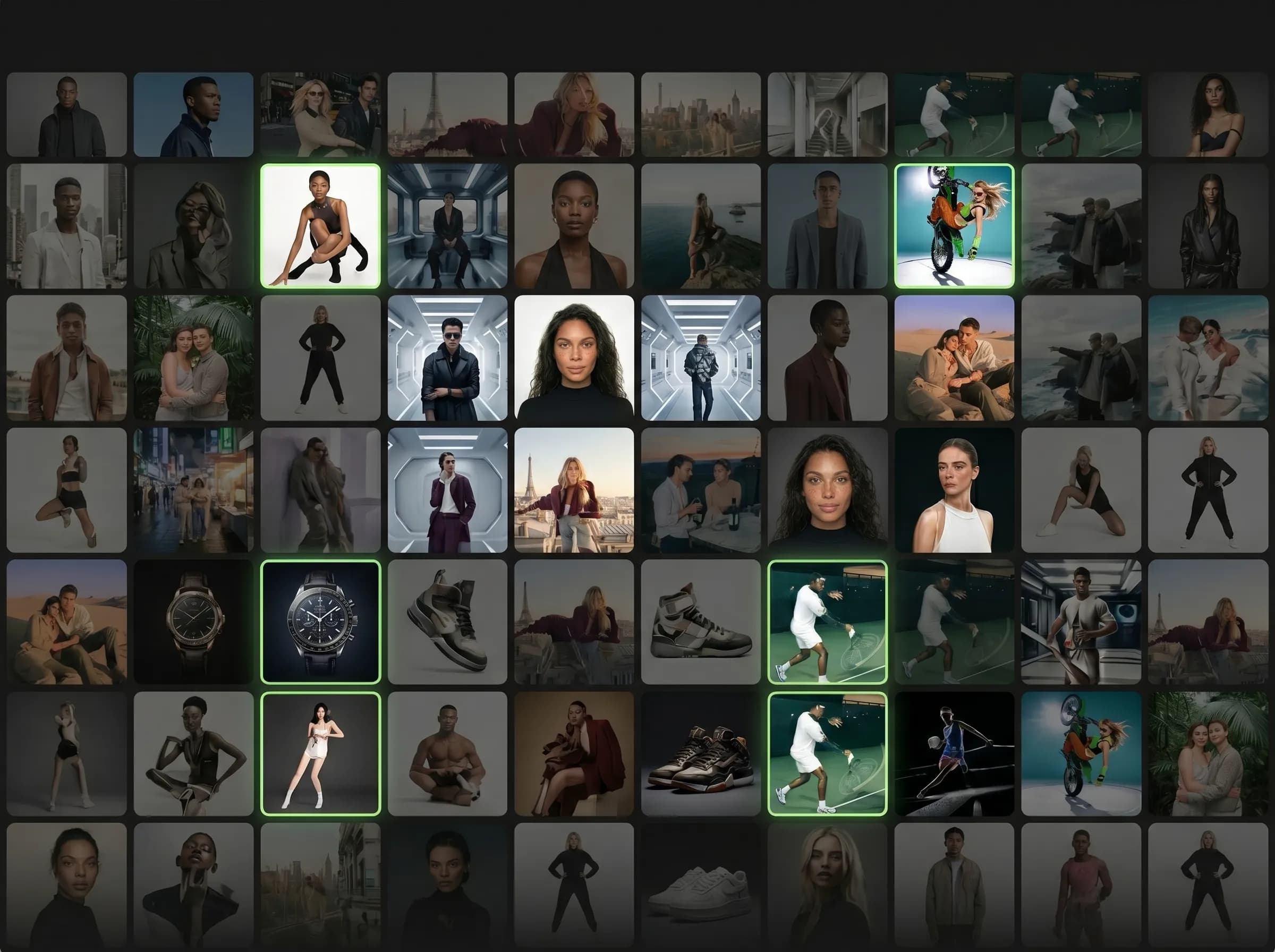
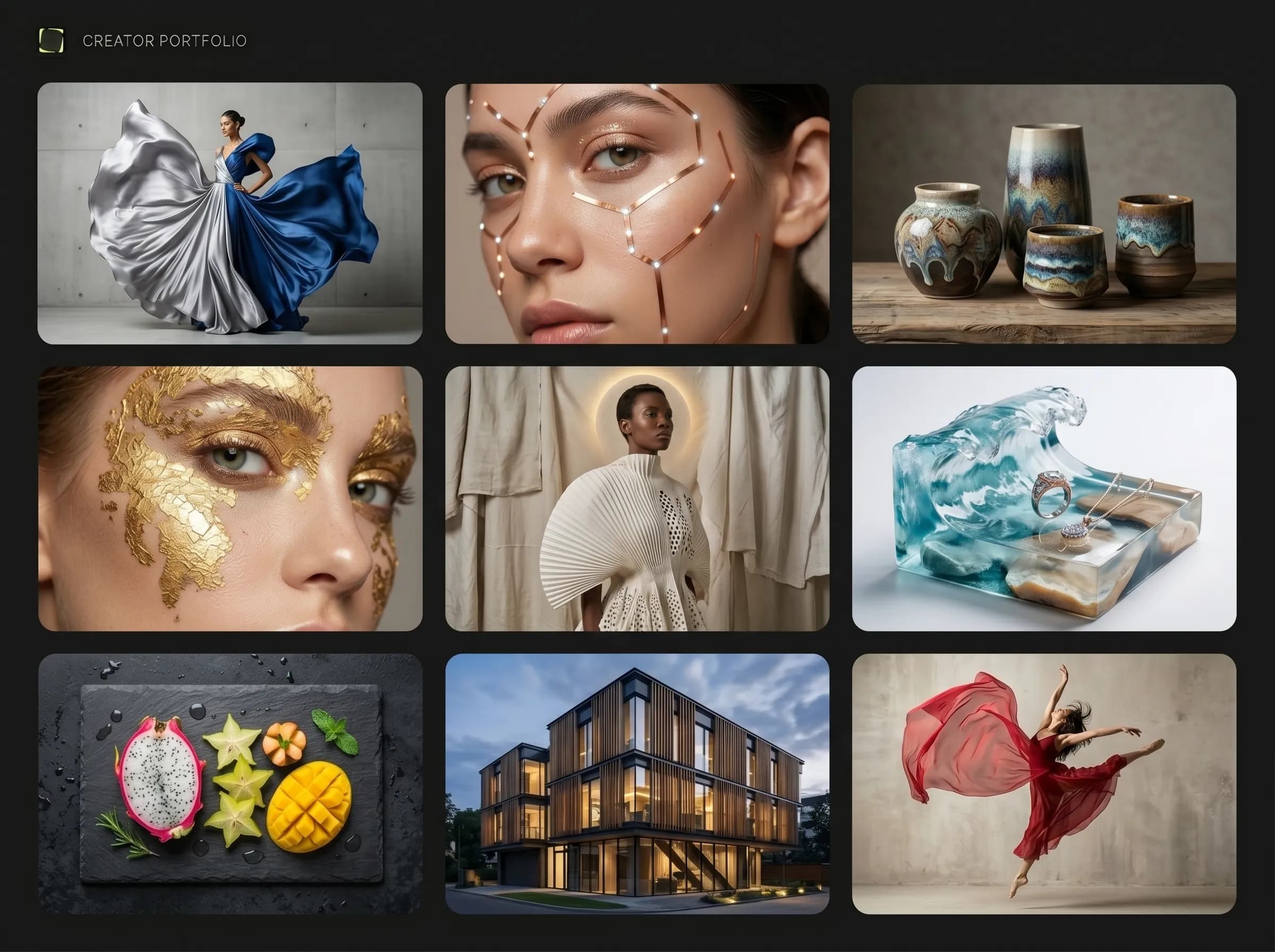
What is Mujo Portfolio Builder?
Turn your best AI work into a cleaner, shareable portfolio for brands and clients
Portfolio Builder is the public presentation layer of Mujo for creators. It helps you move from raw generation output to a more visible creator identity by organizing selected work into a cleaner page that can be shared by link and explored by others.
Related ProductWhy build a portfolio inside a workflow?
Built around workflow continuity and repeatable output
Explore Next Related PageEach page in this category should stay on one primary intent and avoid mixing creator, seller, and portrait intent on the same money page.
With a portfolio system
Show your best work in a more intentional format
Make your output easier to share with brands and collaborators
Keep stronger continuity between creation and presentation
Turn production into a visible creator asset
Without a portfolio system
Leave strong work hidden inside tools or folders
Share images one by one without a stronger presentation layer
Make brand review more fragmented
Reduce the visibility of your best output
Work presentation
Curate stronger outputs into a cleaner public-facing page.
Professional sharing
Send one link instead of many scattered assets.
Creator visibility
Make your work easier to review and remember.
Workflow continuity
Keep creation, selection, and presentation connected.
Portfolio Builder benefits
Need | With portfolio builder | Without portfolio builder |
|---|---|---|
Shareability | Higher | Lower |
Work curation | Structured | Manual |
Brand readiness | Better | Less clear |
Creator presentation | Stronger | Weaker |
Page takeaways
Keep this page focused on one core workflow.
Support it with internal links to adjacent products, guides, and use cases.
Use distinct examples and screenshots so it does not look like a thin duplicate.
A structured comparison helps both users and search engines understand how this page differs from adjacent product pages.
How creators use Portfolio Builder
A simple repeatable workflow
Choose your strongest work
Select images worth showing publicly.
Organize the presentation
Arrange work into a cleaner creator page.
Share by link
Send one destination instead of many scattered files.
Keep improving the portfolio
Update it as your best work evolves.