How to Build a Reusable AI Generation Workflow
Create scalable systems for AI images, videos, prompts, presets, and creative production
How to Build a
Turn successful prompts, references, presets, and creative systems into scalable AI workflows
Most AI creators waste time rebuilding the same workflow repeatedly. A reusable AI generation workflow solves this problem by turning successful prompts, references, presets, lighting setups, camera direction, and creative logic into a structured system that can be reused across projects. Instead of treating every AI image or video as a one-time experiment, reusable workflows help creators generate more consistent outputs faster. This is especially important for brands, ecommerce teams, agencies, creators, and marketers producing large amounts of visual content. With Mujo AI, reusable workflows can combine prompts, reference images, ControlBar settings, AI Packs, generation presets, image-to-video systems, and creative templates into repeatable production pipelines. The result is a workflow that scales across campaigns, products, content systems, and creative teams.
Build Your Workflow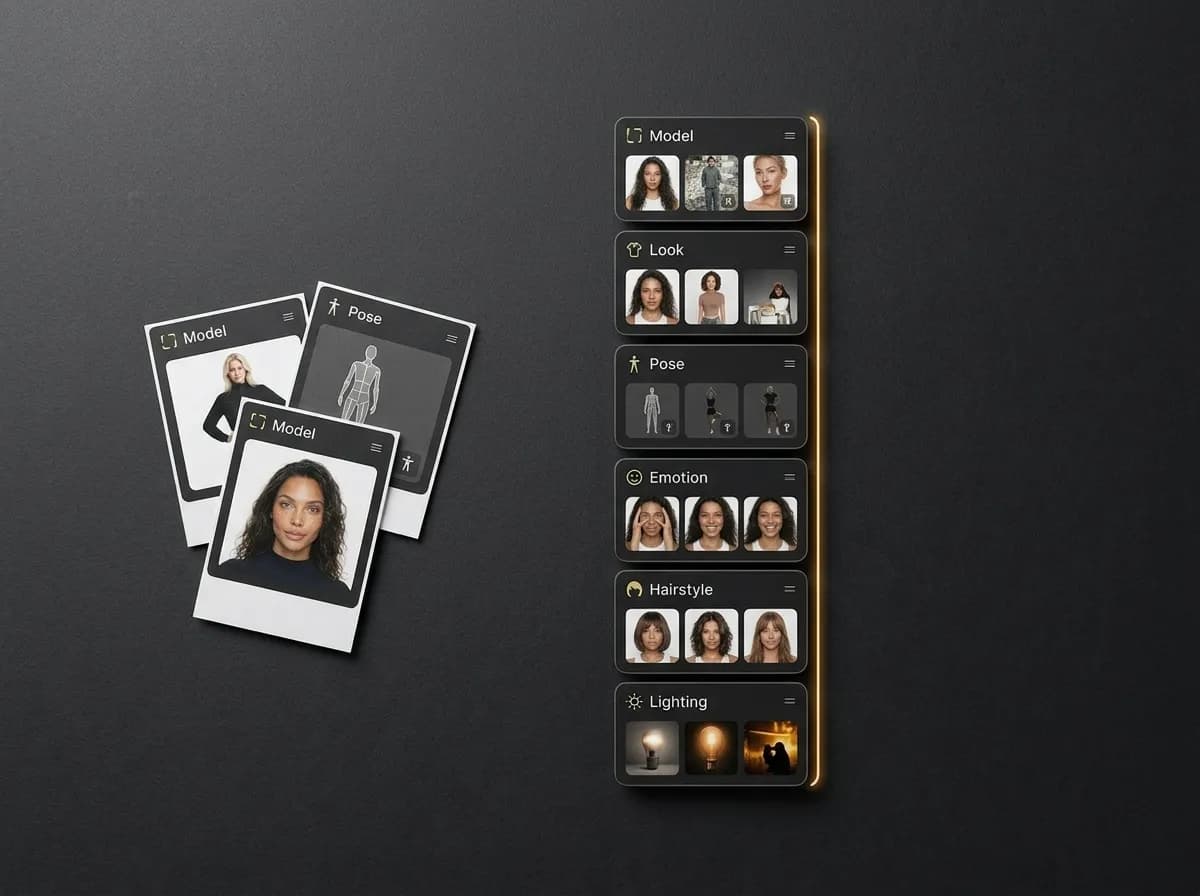
What is a reusable AI generation workflow?
A structured system for creating repeatable AI outputs instead of isolated generations
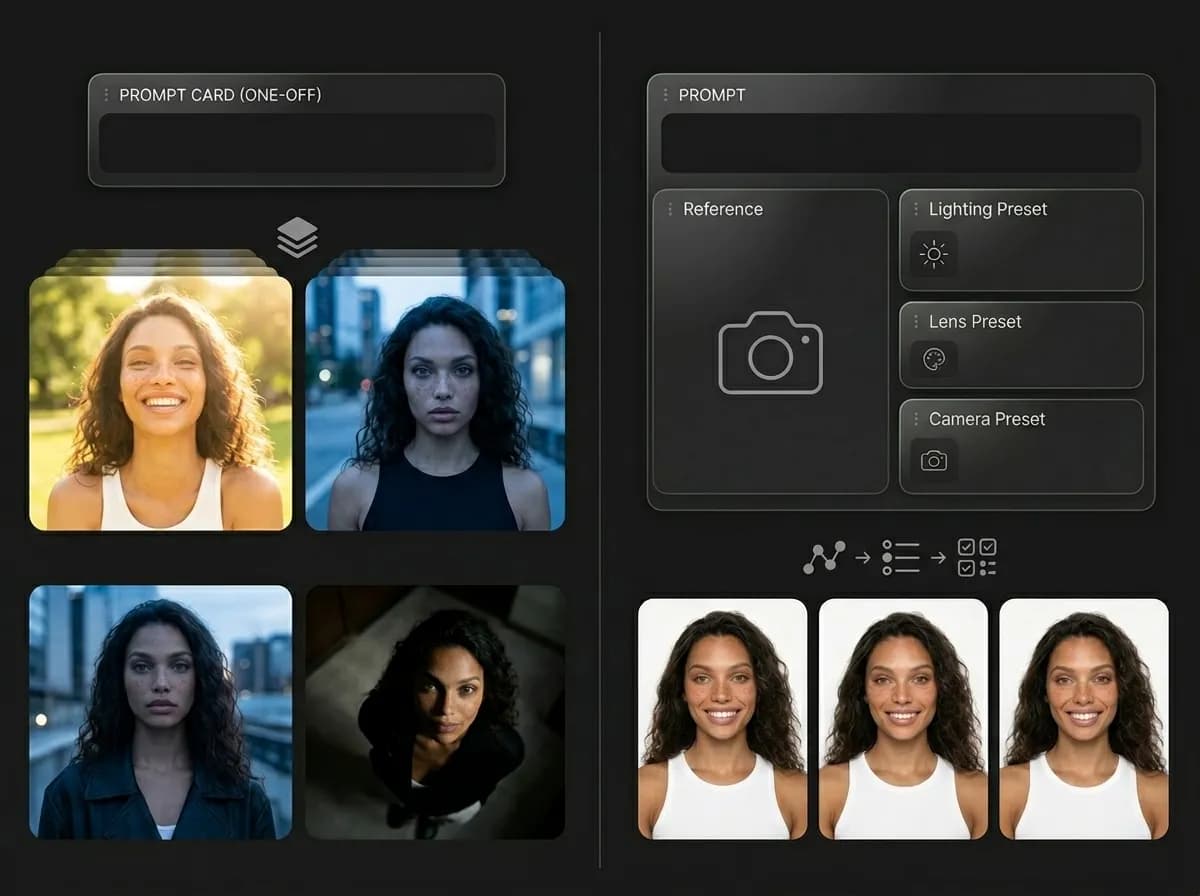
A reusable AI generation workflow is a structured creative process that can be repeated across different projects while keeping visual quality, style, and output consistency more stable. Instead of relying on random prompt experimentation every time, the workflow captures the elements that already work well: prompt structures, references, camera direction, lighting presets, pose systems, generation settings, visual style rules, and output goals. The idea is simple: once you discover a workflow that creates strong results, you should not lose it. Reusable workflows help creators save successful creative logic and apply it to new products, campaigns, concepts, subjects, or content systems. This approach is becoming increasingly important because AI content production is shifting from single-image experimentation toward scalable creative operations. Teams need workflows that can generate consistent outputs repeatedly instead of relying on trial-and-error every time a new campaign starts. :contentReference[oaicite:0]{index=0}
Read AI Pack System GuideWhy reusable AI workflows matter
Reusable systems reduce repetition and improve consistency
Explore AI Prompt PacksFaster generation
Reuse successful setups instead of rebuilding prompts and settings from scratch.
Better consistency
Keep lighting, composition, style, and visual identity more stable across outputs.
Scalable production
Generate larger volumes of AI content across campaigns, products, and creative systems.
Cleaner collaboration
Document generation logic so teams can reuse and improve workflows together.
Core parts of a reusable AI workflow
The building blocks behind scalable AI generation systems
A reusable AI workflow works best when every important creative variable is structured clearly instead of hidden inside one giant prompt.
Explore ControlBarPrompt systems
Reusable prompt templates with editable variables for subject, scene, style, mood, and format.
Reference workflows
Reference images that guide composition, identity, product structure, style, or atmosphere.
Control presets
Lighting, camera, pose, framing, and visual controls that can be reused across generations.
Output rules
Guidelines for aspect ratio, visual quality, composition, pacing, and intended platform use.
Creative direction
Clear definitions of what the workflow is designed to generate and what success looks like.
Iteration logic
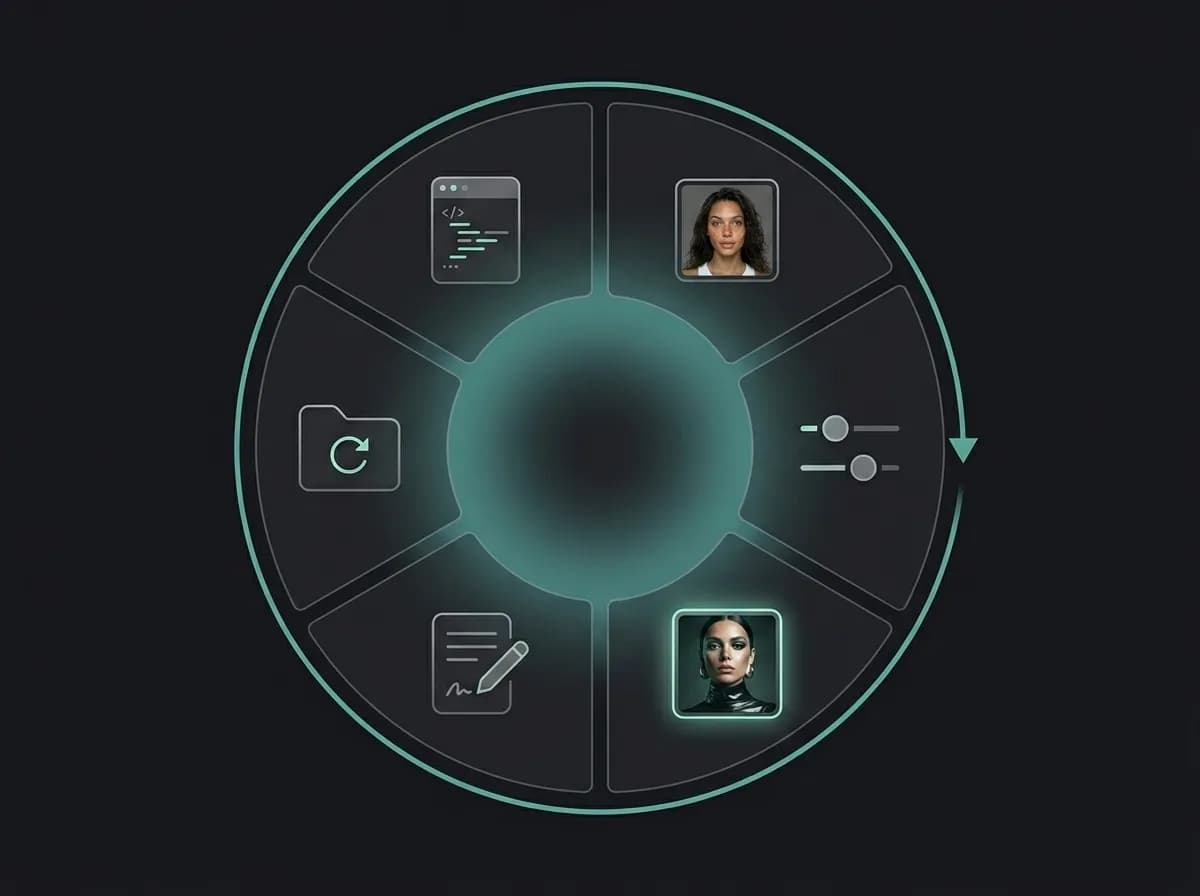
Systems for testing, saving, refining, and reusing the strongest outputs over time.
How to build a reusable AI generation workflow
A practical system for turning experiments into scalable creative production
Define one clear creative goal
Start with a specific output type: product photos, social ads, fashion editorials, AI headshots, video creatives, or campaign visuals.
Build a repeatable prompt structure
Separate the prompt into reusable parts like subject, scene, lighting, style, camera, and output format.
Add references and controls
Combine prompts with reference images, ControlBar presets, camera systems, lighting setups, or pose workflows.
Generate and compare variations
Create multiple outputs to identify which settings and structures produce the most reliable results.
Document what works
Save prompts, references, presets, generation settings, and notes about why the workflow succeeds.
Reuse and scale the workflow
Apply the workflow across new products, campaigns, creators, formats, and creative projects.
Types of reusable AI workflows
Different systems for different creative production goals
Reusable workflows work best when they are built around a clear production task rather than a vague aesthetic idea.
Explore Social Media CreativesAI image workflows
Generate consistent product photos, portraits, editorials, campaigns, and visual systems.
AI video workflows
Create repeatable social video ads, UGC-style clips, cinematic concepts, and motion creatives.
Product generation workflows
Reuse product photography structures across SKUs, marketplaces, campaigns, and ecommerce galleries.
Social content workflows
Scale content systems for TikTok, Instagram, Shorts, Reels, and social-first campaign production.
Brand campaign workflows
Keep campaign visuals aligned across multiple creatives, ads, formats, and platforms.
Creative exploration workflows
Use reusable prompt systems for ideation, concept development, and rapid visual testing.
Reusable workflows vs rebuilding everything manually
Why scalable AI systems outperform isolated experimentation
Most AI generation problems come from rebuilding workflows repeatedly instead of preserving successful systems. Reusable workflows reduce visual drift, speed up production, and make creative scaling easier. :contentReference[oaicite:1]{index=1}
Explore AI Image GeneratorWith reusable AI workflows
Reuse prompts, presets, and references across projects
Generate more consistent outputs
Scale campaigns and creative systems faster
Reduce repetitive prompt rebuilding
Keep visual logic documented and shareable
Improve workflows over time through iteration
Without reusable workflows
Restart the generation process every time
Lose successful settings and creative structures
Spend more time experimenting repeatedly
Get less consistent results between outputs
Make team collaboration harder
Scale slower across products and campaigns
Reusable AI workflow structure
Workflow element | Reusable workflow approach | Manual generation approach |
|---|---|---|
Prompting | Reusable templates with editable variables | New prompts written from scratch |
References | Structured reference systems | Random references chosen ad hoc |
Visual consistency | Lighting, style, and composition remain more stable | Outputs drift between generations |
Production speed | Successful workflows can be reused immediately | Creative logic must be rebuilt repeatedly |
Campaign scaling | Systems can expand across products and formats | Scaling requires more manual effort |
Team collaboration | Workflows become shareable and documented | Generation knowledge stays fragmented |
When reusable AI workflows are most useful
You generate content repeatedly for products, campaigns, social media, or clients.
You need stronger visual consistency across images or videos.
You want scalable AI production instead of isolated prompt experimentation.
Reusable workflows help organize AI generation into repeatable production systems instead of isolated prompt experiments.
Best practices for reusable AI workflows
How to create workflows that stay useful over time
The best workflows are structured enough to produce consistent outputs, but flexible enough to evolve. The goal is not to freeze creativity. The goal is to preserve what works and reuse it intelligently.
Learn Reference WorkflowsBest workflow habits
Separate prompts into reusable components
Document successful references and settings
Reuse lighting and camera systems consistently
Build workflows around one clear use case
Save successful outputs as reusable templates
Continuously refine workflows instead of replacing them
Common workflow mistakes
Keeping everything inside one giant prompt
Changing too many variables at once
Not documenting successful generation setups
Creating workflows without a clear production goal
Using inconsistent references and style direction
Treating every generation as a one-time experiment
How Mujo AI supports reusable workflows
Combine prompts, presets, references, and creative systems inside one workflow
Mujo AI is designed around reusable creative production systems instead of isolated generations. Features like AI Packs, ControlBar, presets, reusable galleries, image-to-video workflows, and structured generation systems help creators preserve successful setups and scale them across projects. For example, a creator can save a successful ecommerce gallery, apply it to another product, and preserve the same funnel structure, visual style, composition, and design logic while swapping the product itself. :contentReference[oaicite:2]{index=2} This makes reusable workflows especially useful for brands, agencies, ecommerce teams, creators, and marketers producing content at scale.
Explore AI Prompt Packs