AI Headshots
Create professional headshots with AI for LinkedIn, resumes, and personal branding
Create AI
Generate professional portraits for LinkedIn, resumes, and personal branding
Create professional headshots with AI without booking a studio or organizing a photoshoot. With Mujo AI, you can turn a single photo into multiple polished portrait variations with clean backgrounds, professional lighting, and refined composition. Generate high-quality headshots for LinkedIn, resumes, websites, and social profiles that look consistent, modern, and studio-grade.
Create HeadshotsWhat are AI headshots?
Professional portraits generated from a single image
AI headshots are digitally generated or enhanced portraits that recreate the look of professional studio photography. Instead of organizing a traditional photoshoot, you can upload one image and generate multiple headshot variations with controlled lighting, clean backgrounds, and consistent styling. With Mujo AI, headshot creation becomes a simple workflow: upload your photo, generate different looks, and select the best version for your profile, resume, or brand presence. This allows you to create professional portraits quickly while maintaining a high level of visual quality.
Try Headshots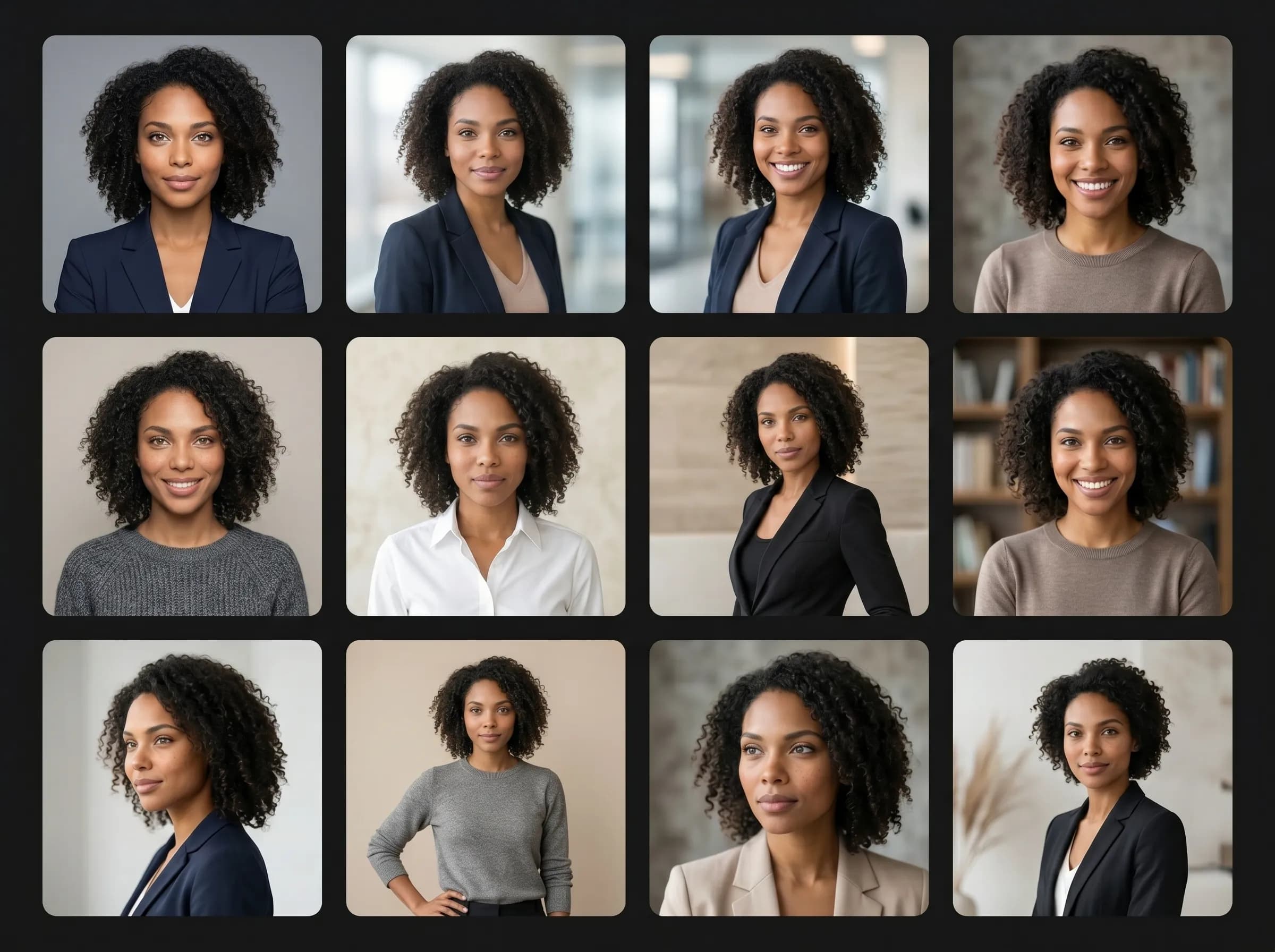
Why headshots matter
Professional portraits influence first impressions
Your headshot is often the first visual impression people have of you. Whether on LinkedIn, a resume, a website, or social media, a strong portrait can influence how professional, trustworthy, and credible you appear. High-quality headshots help: - build trust and credibility - improve profile engagement - create a stronger personal brand - present a more polished and professional image With AI headshots, you can achieve a consistent and high-quality look without needing a photographer or studio setup.
Upgrade Your Profile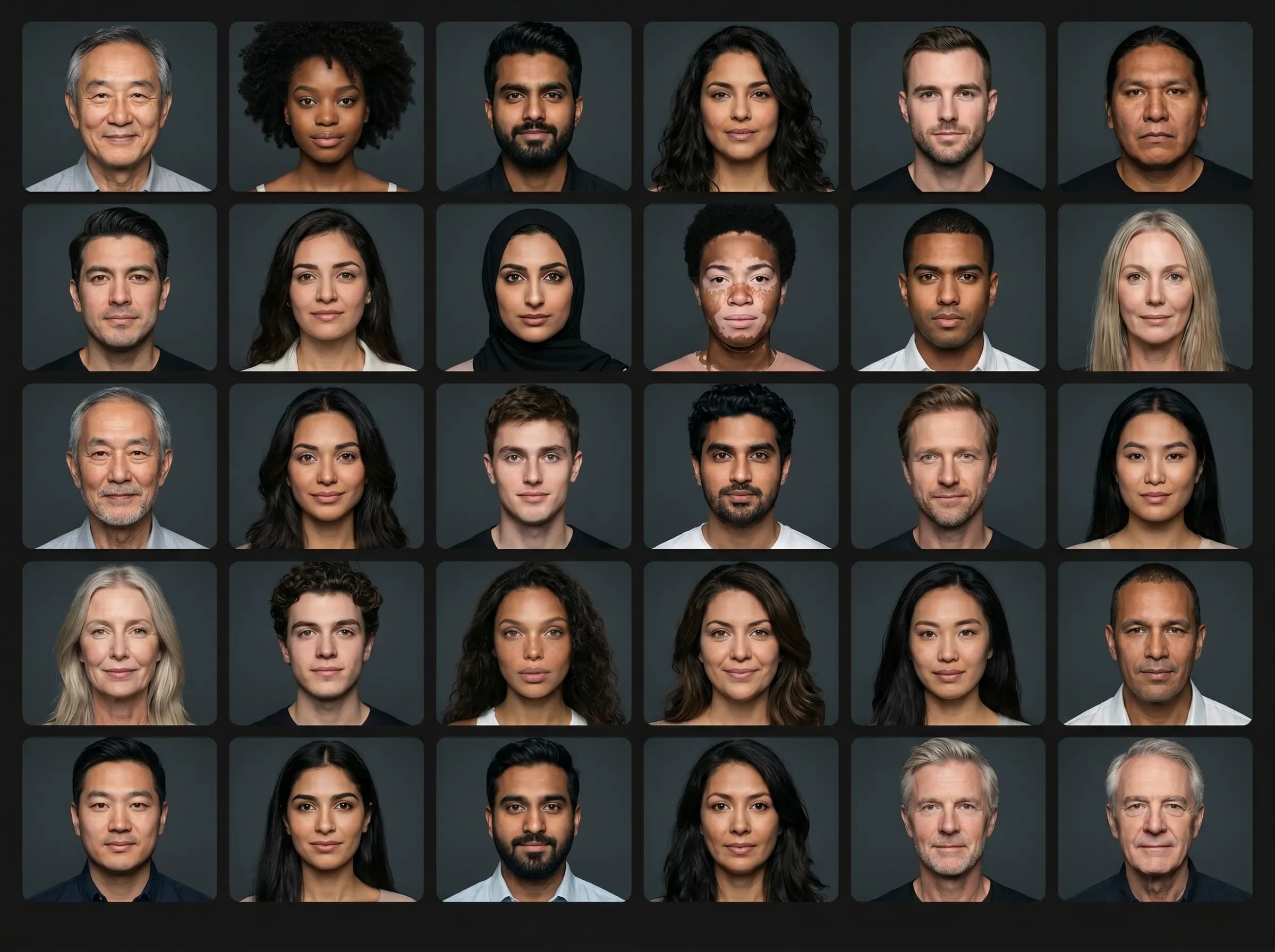
AI headshots vs traditional photoshoots
Create portraits faster without production overhead
Traditional headshot photography requires time, preparation, and cost. AI headshots simplify this process by generating professional portraits from one image.
Start Headshot WorkflowWith Mujo AI
Create multiple headshot variations instantly
No need for studio, lighting, or photographer
Maintain consistent quality across images
Test different styles and looks
Update portraits anytime
Lower cost and faster workflow
With traditional photoshoots
Book a photographer and location
Prepare lighting and styling
Limited number of photos per shoot
Difficult to update regularly
Higher cost per session
More time required
Types of AI headshots you can create
Generate portraits for different professional and personal use cases
Mujo AI allows you to create different styles of headshots depending on where the image will be used.
Create HeadshotsLinkedIn headshots
Clean, professional portraits optimized for business profiles
Resume photos
Formal headshots suitable for CVs and applications
Personal branding portraits
Creative but polished images for websites and online presence
Corporate headshots
Consistent team portraits for companies and organizations
Casual professional portraits
Balanced images for social platforms and networking
Profile pictures
Optimized images for visibility and recognition across platforms
Consistency across all headshots
Maintain a unified visual identity
Consistency is important when building a personal or professional brand. With AI headshots, you can generate portraits that follow the same lighting, composition, and style. This is especially useful for teams, companies, and creators who want all their profile images to look aligned and professional across different platforms.
Build Consistency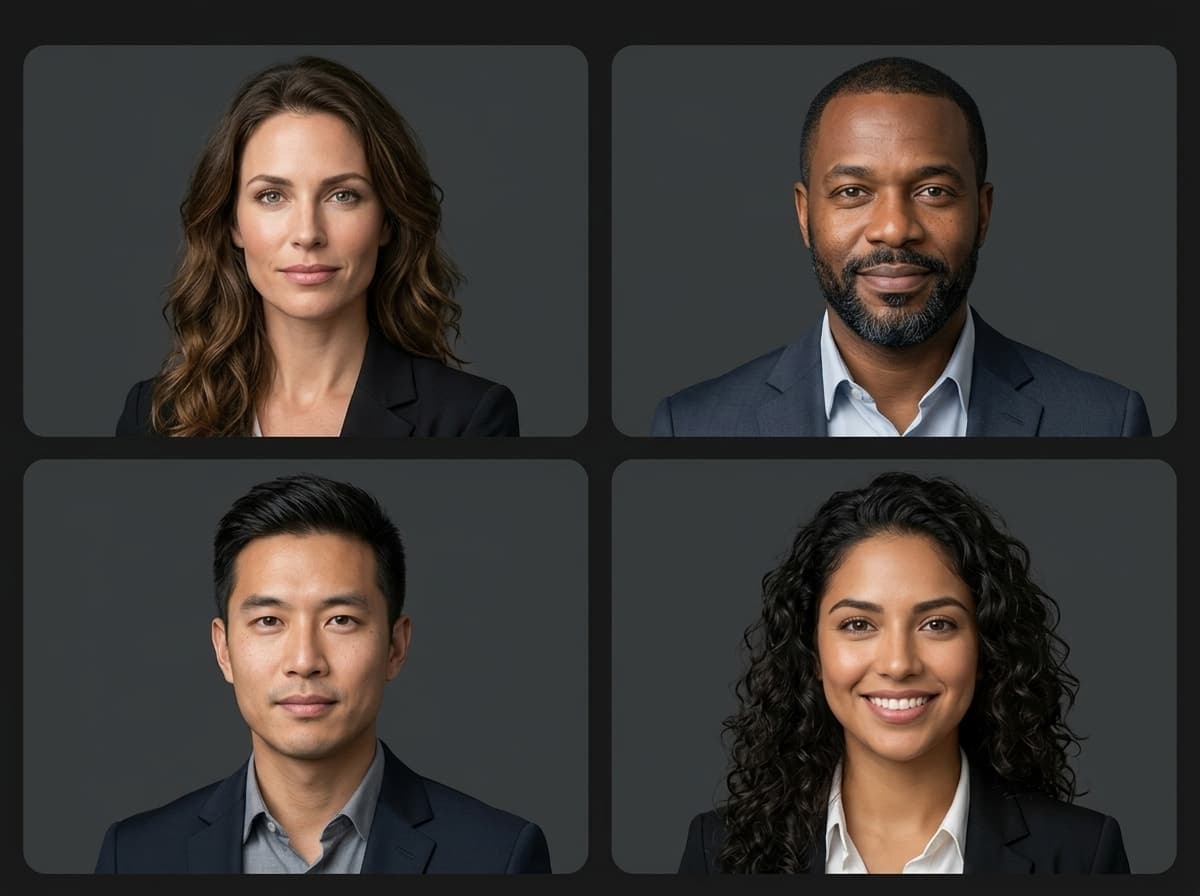
Faster updates and variations
Refresh your headshots anytime
With traditional photography, updating a headshot requires another shoot. With AI, you can generate new variations anytime. You can adjust background, lighting, style, and composition to match new branding, career changes, or platform needs. This makes it easier to keep your profile image up to date.
Create Variations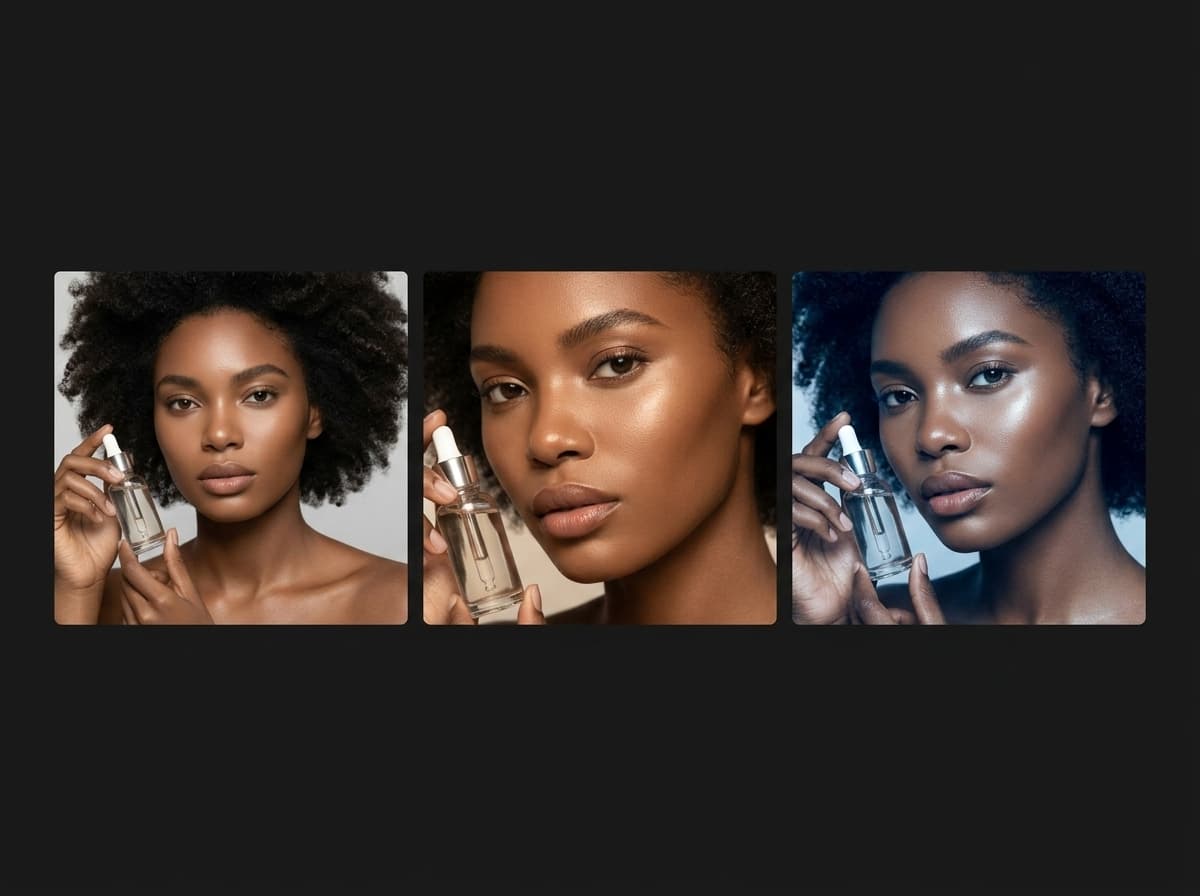
Prompt tips for AI headshots
How to generate clean and professional portraits
For strong headshots, focus on clarity, lighting, and composition.
Try Headshot PromptBest prompt structure
Portrait type: professional headshot
Background: clean, neutral, minimal
Lighting: soft studio lighting
Composition: centered, close-up
Expression: natural, confident
Style: professional, modern
What to avoid
Overly complex backgrounds
Too many styles
Unnatural lighting
Distracting elements
Low clarity prompts
Lack of focus on subject
Headshot creation workflow
Workflow need | AI headshots | Traditional photoshoot |
|---|---|---|
Speed | Generate portraits instantly | Requires scheduling and setup |
Cost | Low cost per image | Higher cost per shoot |
Variations | Multiple versions easily | Limited outputs |
Consistency | Aligned visual style | May vary between shoots |
Flexibility | Update anytime | Requires new shoot |
AI headshots turn portrait creation into a fast and scalable workflow.
What are AI headshots?
AI headshots are professional portraits generated from a single image using artificial intelligence.
Can I use my own photo?
Yes. You can upload a photo and generate multiple headshot variations.
Are AI headshots good for LinkedIn?
Yes. They are optimized for professional profiles and personal branding.
Do I need a photographer?
No. AI replaces the need for a traditional photoshoot.
Can I update my headshots?
Yes. You can generate new versions anytime.