AI Video Generator
Generate AI videos with multiple video models in one workspace
Generate AI Videos in
A multi-model AI video generator for creators, marketers, and visual teams that need faster output and cleaner workflows
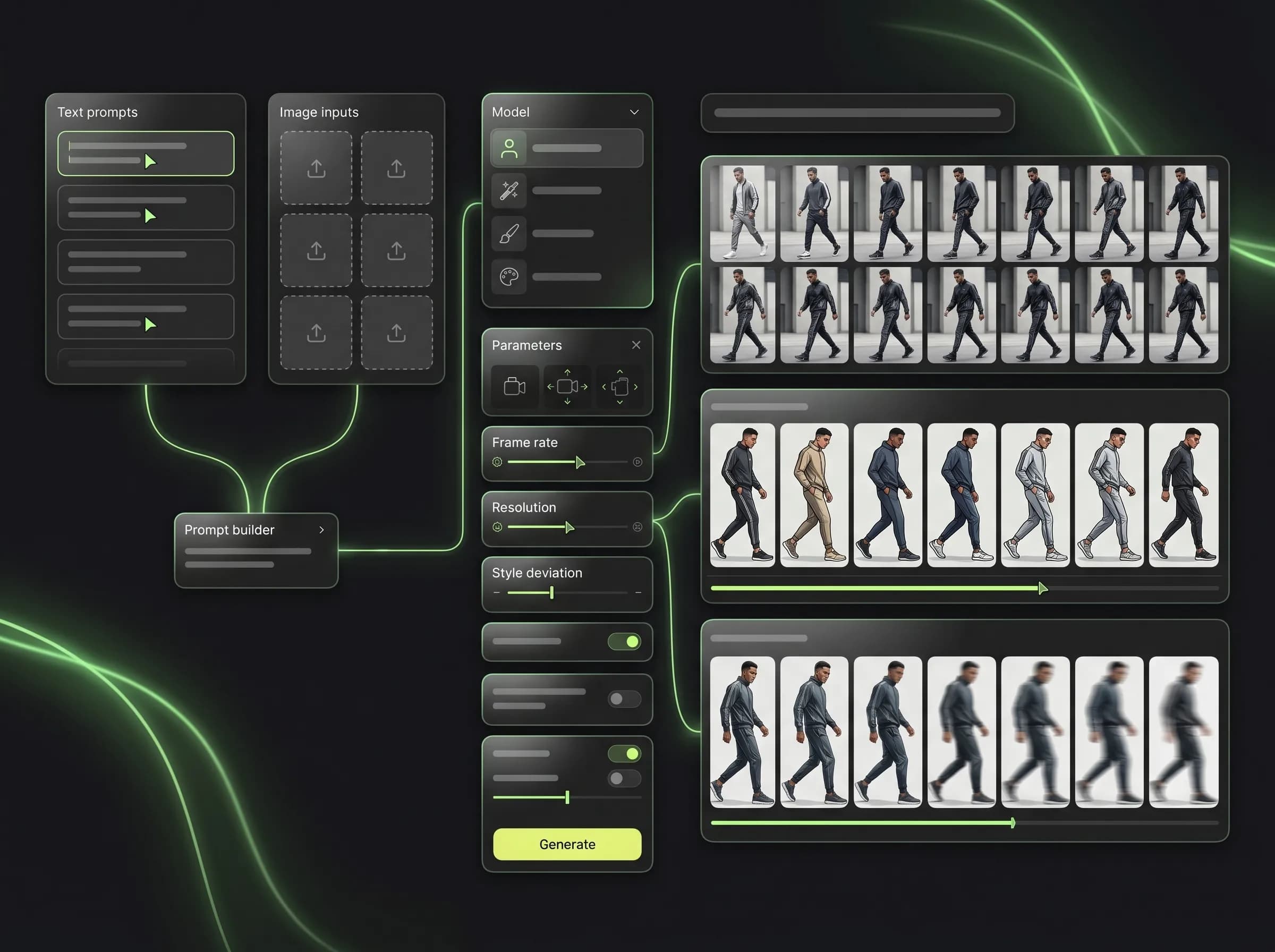
Mujo AI Video Generator gives you one place to create videos with Kling 3.0, Seedance 2.0, and Veo 3. Instead of switching between separate tools, you can run text-to-video and image-to-video workflows, compare results across models, and keep prompts, references, and outputs organized inside one video creation workspace.
Start Free with 50 Credits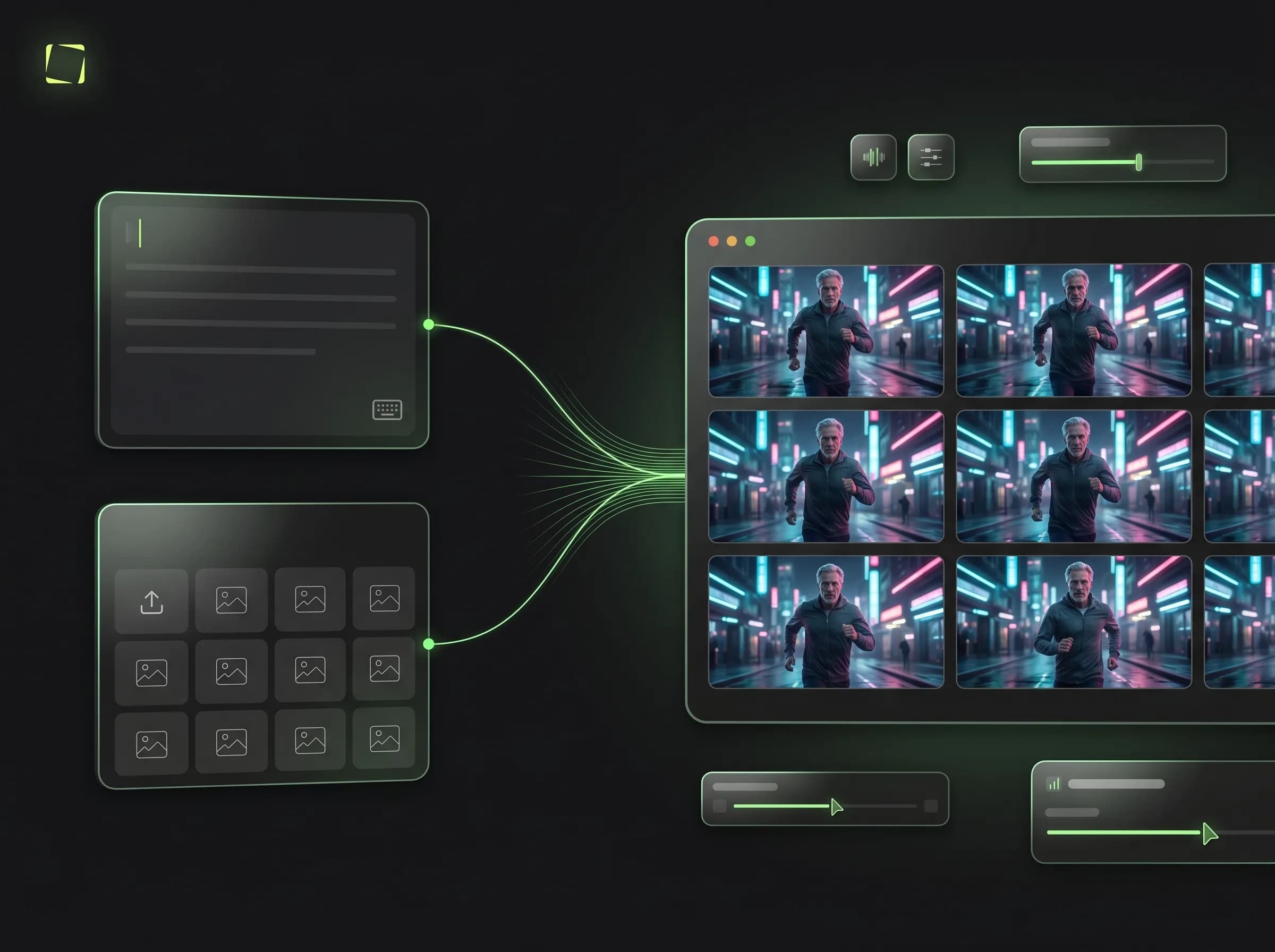
What is Mujo AI Video Generator?
A multi-model AI video workspace built for practical production
Mujo AI Video Generator is the video creation layer of Mujo. It is designed for users who want one workflow for AI video generation instead of juggling multiple apps for different video models. You can test models, compare outputs, keep references together, and move faster from concept to usable clip.
Related WorkflowWhy use a multi-model AI video generator?
Built for workflow continuity, model comparison, and faster iteration
Explore Image to VideoWith Mujo AI Video Generator
Generate AI videos with multiple models in one interface
Run text-to-video and image-to-video workflows side by side
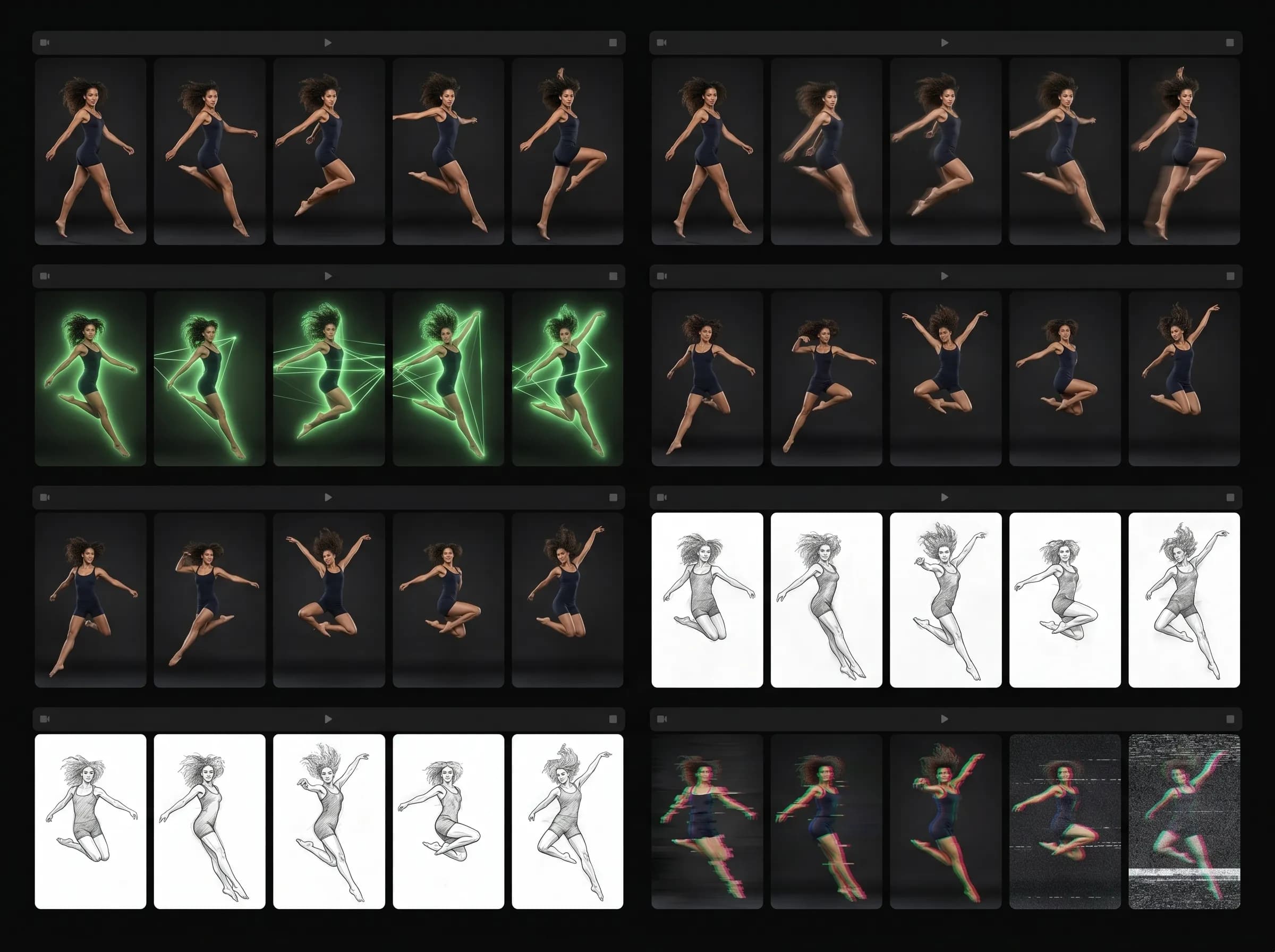
Compare model behavior without rebuilding the same setup in another app
Keep references, prompts, and outputs in one organized workspace
Reduce friction when you need speed, testing, and repeatability
With disconnected video tools
Switch between separate platforms for each model
Lose continuity between prompts, references, and outputs
Repeat setup work manually for every model test
Make comparison slower and less structured
Create more production overhead as volume increases
Supported AI video models in one place
The models users already search for, available inside one Mujo workflow
See Kling 3.0 on MujoKling 3.0
Use Kling 3.0 inside Mujo for fast cinematic video workflows based on text prompts or image inputs.
Seedance 2.0
Use Seedance 2.0 for advanced multimodal video generation with stronger narrative and reference-driven workflows.
Veo 3
Use Veo 3 for high-quality video generation in the same workspace without breaking your production flow.
Unified video workflow
Keep prompts, reference assets, and generated clips together instead of splitting work across separate tools.
What Mujo adds to AI video generation
Capability | Mujo AI Video Generator | Single-model or separate-tool workflow |
|---|---|---|
Multiple video models in one place | Yes | Usually no |
Text-to-video and image-to-video routing | Yes | Fragmented |
Model comparison speed | Higher | Lower |
Centralized output organization | Yes | Fragmented |
Reusable workflow memory | Yes | Mostly manual |
What this means for users
This page focuses on one primary workflow and one core search intent.
Internal links connect this page to adjacent products, guides, use cases, and compare pages.
Distinct examples and screenshots should reinforce the differences from neighboring pages.
This page is not only about access to models. It is about the workflow layer around them.
How the AI video workflow works
A simple repeatable workflow for testing, refining, and keeping what works
Choose a video workflow
Start with text-to-video or image-to-video based on your input and goal.
Select the model
Use Kling 3.0, Seedance 2.0, or Veo 3 depending on the result you want.
Generate and compare
Review multiple outputs inside one workspace instead of splitting them across tools.
Save and reuse
Keep the strongest prompts, references, and clips for future video production.