UGC-Style AI Video Creatives for Ads
Create creator-style AI video ads for products, campaigns, and social platforms
UGC-Style AI Video
Generate creator-style video concepts for products, social campaigns, and performance marketing
UGC-style AI video creatives help brands create video ads that feel natural, social-first, and built for real platform behavior. Instead of producing only polished studio ads, Mujo AI helps you generate creator-style concepts that can look closer to product demos, testimonial-style clips, lifestyle moments, hook-driven ads, and short-form social video content. With Mujo AI, you can turn product images, prompts, campaign ideas, or visual references into AI-generated video creatives for ads. Use UGC-style workflows to test hooks, product angles, creator scenarios, lifestyle contexts, and short-form concepts faster across Instagram, TikTok, Reels, Shorts, and paid social campaigns. The goal is not to replace creative strategy. The goal is to help teams generate more ad concepts, test more directions, and scale video creative production without starting every concept from scratch.
Create UGC-Style Videos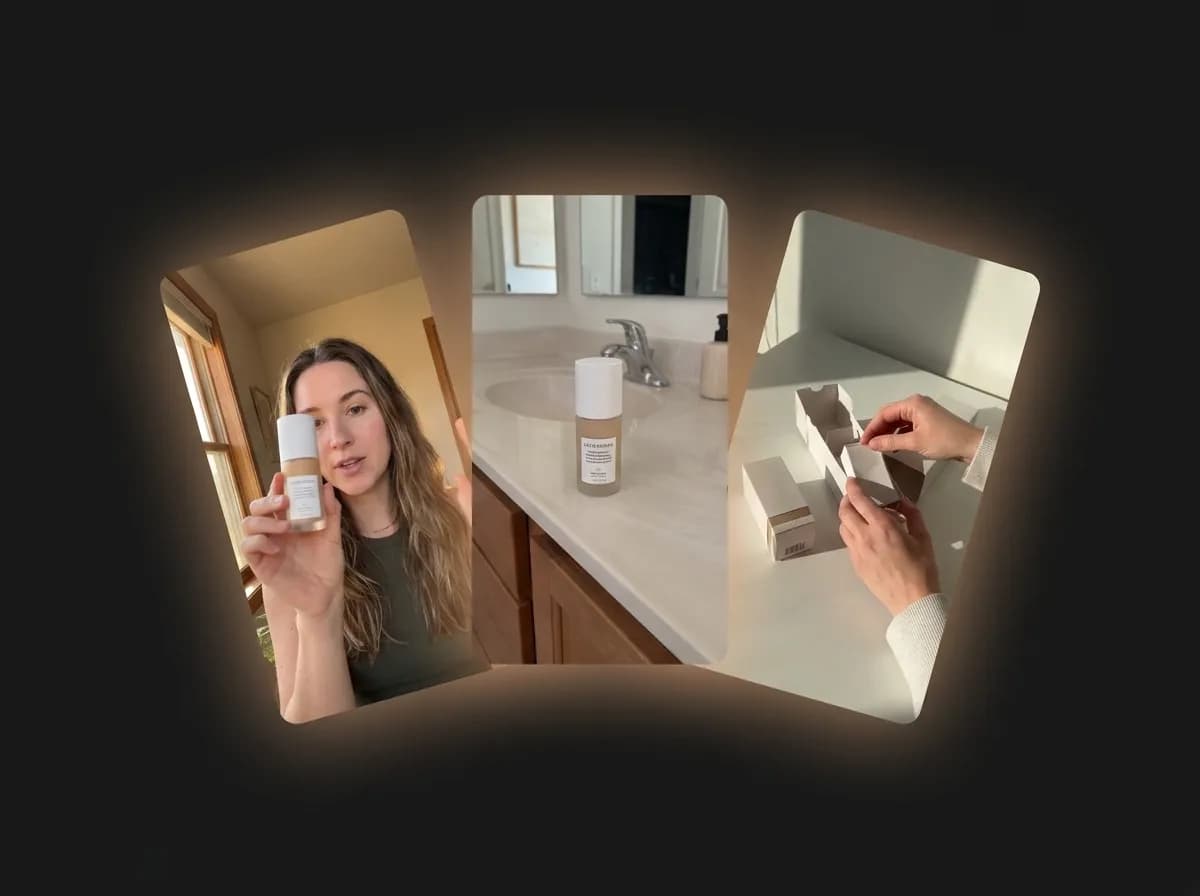
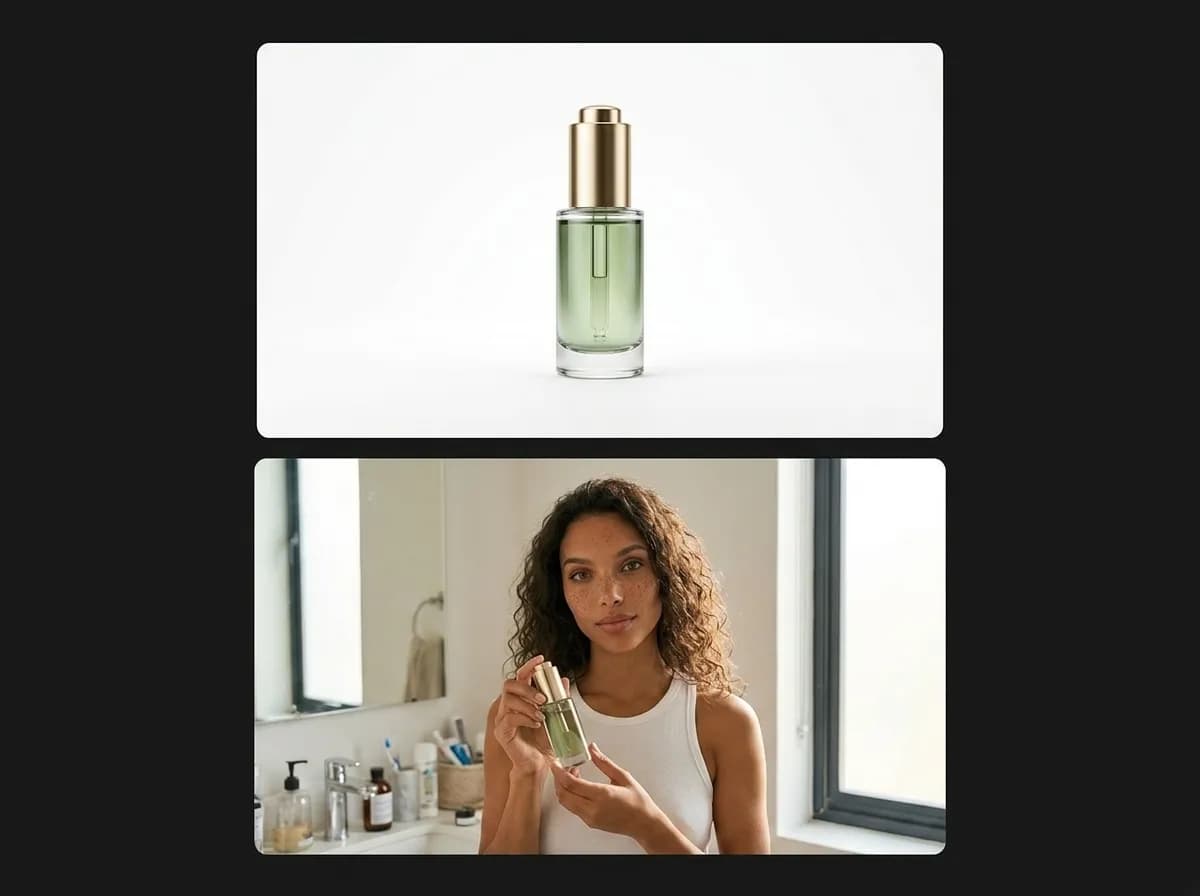
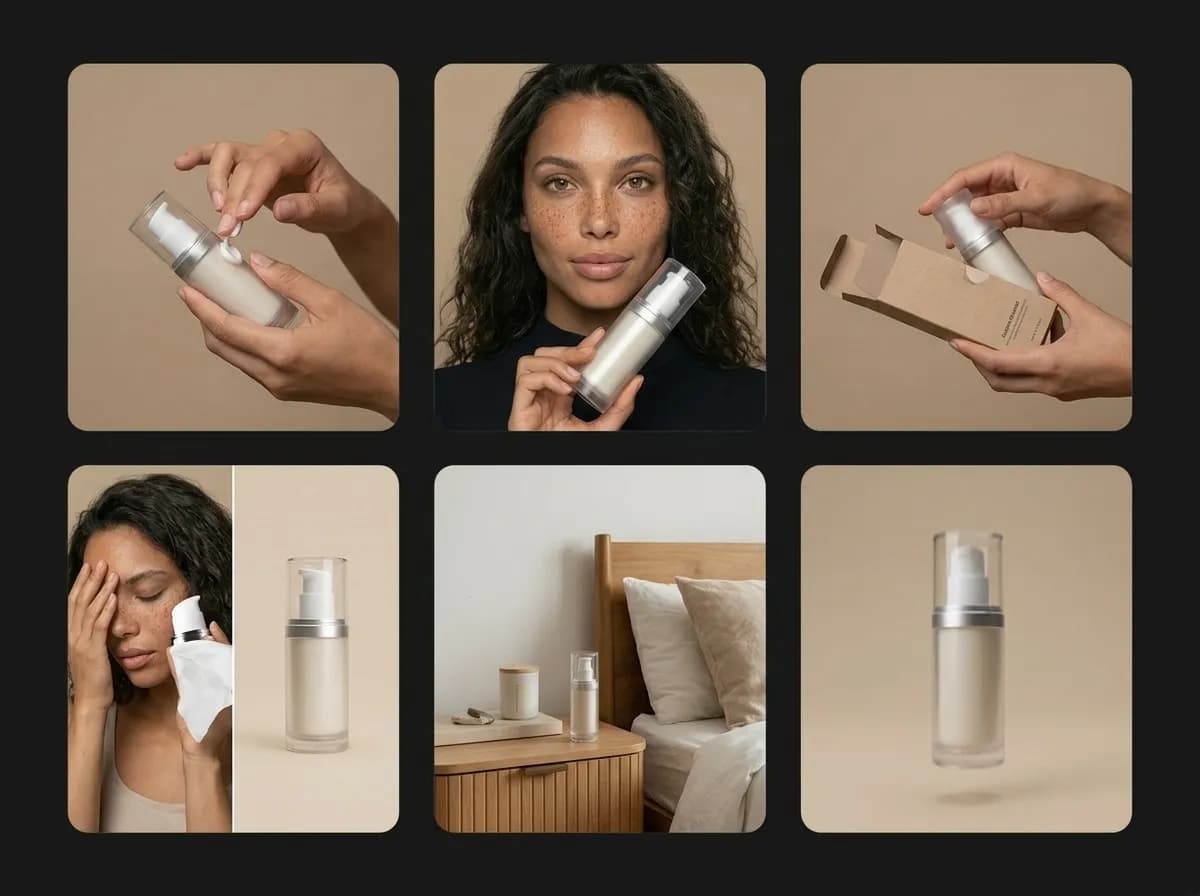
What are UGC-style AI video creatives?
Short-form video ad concepts designed to feel social-first, creator-led, and performance-ready
UGC-style AI video creatives are video ad concepts inspired by user-generated content formats. They often feel more casual, direct, and native to social platforms than traditional brand commercials. A UGC-style video can show a product being used, introduced, reviewed, demonstrated, held, unboxed, compared, or placed inside a relatable lifestyle moment. In AI video workflows, UGC-style creatives can be generated from text prompts, product images, reference images, or existing campaign concepts. This makes it easier to build multiple video directions quickly: product demos, problem-solution ads, creator-style testimonials, lifestyle clips, before-and-after concepts, and social-first hooks. Mujo AI helps turn these concepts into a repeatable creative workflow. Instead of manually producing every video idea, teams can generate structured variations and test which angles deserve deeper production, editing, or media spend.
Explore AI Video GeneratorWhy UGC-style video ads matter
Social platforms reward fast hooks, clear product context, and native-looking creative
Explore Social Video AdsFaster creative testing
Generate more video ad angles before committing time and budget to full production.
More native social feel
Create concepts that feel closer to creator content, product demos, and short-form platform behavior.
Clearer product storytelling
Show what the product is, how it is used, and why it matters in a more direct visual format.
Scalable ad production
Turn one product idea into multiple hooks, scenes, formats, and campaign directions.
How to create UGC-style AI video creatives in Mujo
A structured workflow for testing product angles and social video concepts
Start with a product, offer, or campaign idea
Use a product image, prompt, campaign brief, or existing visual reference as the starting point for your video concept.
Choose the UGC-style video angle
Define the creative format: product demo, creator testimonial, unboxing, lifestyle use case, problem-solution hook, or comparison concept.
Generate video variations
Create multiple AI video outputs with different framing, pacing, movement, creator context, product focus, or social-first composition.
Review, refine, and scale the winners
Use the strongest concepts for ad testing, campaign ideation, creative direction, or further video production.
Types of UGC-style AI video creatives
Generate multiple ad formats from one product or campaign idea
UGC-style ads work best when they are built around a clear creative angle. Mujo AI helps you generate different short-form video concepts so you can test what communicates the product most clearly and what feels most native to social platforms.
Read AI Video Ads GuideProduct demo videos
Show the product in use, highlight its core function, and make the value clear in a short video format.
Creator-style testimonials
Build video concepts that feel like a person explaining, reacting to, or recommending a product.
Unboxing and first impression ads
Create short-form videos around product reveal, packaging, texture, detail, and immediate reaction.
Problem-solution creatives
Frame the product around a common pain point and show how it fits into a simple solution.
Lifestyle use-case clips
Place the product into realistic routines, home scenes, travel moments, beauty setups, or creator environments.
Hook-driven social ads
Generate video concepts built around the first seconds: strong visual hook, product focus, and fast context.
AI UGC-style video creatives vs traditional video production
Use AI to explore more video angles before production becomes expensive
Traditional UGC-style ad production can involve briefs, creators, shooting, editing, reshoots, and many rounds of testing. AI video generation does not remove the need for strategy, but it helps teams explore and validate more ideas before investing in full production.
Explore Text to VideoWith Mujo AI video workflows
Generate multiple UGC-style concepts from one product image or prompt
Test different hooks, formats, and visual angles faster
Create product demos, lifestyle clips, and creator-style concepts without starting from scratch
Use image-to-video and text-to-video workflows inside one system
Build a repeatable creative testing process for social ads
Scale video concept generation across products and campaigns
With traditional UGC production only
Brief creators before knowing which concept direction works
Spend more time and budget on early idea exploration
Produce fewer variations because each video requires more coordination
Rely on manual editing for every new test angle
Move slower when campaigns need more creative volume
Repeat production work for every product or format
UGC-style AI video creative workflow
Workflow need | With Mujo AI | Without AI video workflow |
|---|---|---|
Creative ideation | Generate multiple UGC-style video concepts quickly | Brainstorm and storyboard concepts manually |
Product starting point | Use product images, prompts, or references | Requires filming or detailed production setup |
Hook testing | Create several visual hook directions faster | Testing is limited by production volume |
Format variation | Explore demo, testimonial, unboxing, lifestyle, and problem-solution formats | Each format requires separate planning and production |
Campaign scaling | Repeat workflows across products and ad angles | Creative volume depends on manual resources |
Iteration speed | Refine concepts before committing to full production | Changes often require edits, reshoots, or new briefs |
When UGC-style AI video creatives are most useful
You need to test multiple ad angles before choosing what to produce at scale.
You have product images but need short-form video concepts for social ads.
You want to generate more campaign ideas for TikTok, Instagram, Reels, Shorts, or paid social.
UGC-style video performance depends on fast creative testing. AI workflows help teams move from one product idea to multiple social-first video concepts with less production friction.
Turn product images into UGC-style video concepts
Use image-to-video workflows to animate product visuals into short-form ad ideas
Image-to-video workflows are especially useful for UGC-style ad creation because many products already have strong still images. Instead of starting every video from a blank prompt, you can use an existing product photo, campaign visual, packaging shot, or lifestyle image as the visual foundation. From there, Mujo AI can help generate motion-led concepts: a product being held, revealed, used, shown in context, moved through a scene, or placed inside a creator-style video setup. This approach gives teams a faster path from static product content to social-first video ideas. It also helps preserve visual continuity between ecommerce images, product pages, social posts, and performance ads.
Open Product Image to Video GuidePrompt tips for UGC-style AI video ads
How to write clearer prompts for creator-style video concepts
UGC-style video prompts work best when they define the product, the social context, the creator-style action, and the intended ad angle. Keep the prompt focused on what the viewer should understand in the first few seconds.
Explore AI Video GeneratorFocus your prompt on these
Product: what it is, what it does, and what should stay visible
Ad angle: demo, testimonial, unboxing, comparison, lifestyle, or problem-solution
Scene context: bathroom counter, kitchen, desk setup, street, bedroom, studio, travel, or daily routine
Creator behavior: holding, showing, using, pointing, reacting, comparing, or demonstrating
Video style: handheld, social-first, natural, casual, creator-style, product-focused
Hook logic: what should grab attention in the first seconds
Avoid these mistakes
Writing only a generic product description without an ad angle
Trying to fit too many scenes into one short video concept
Using vague phrases like make it viral without visual direction
Ignoring the first-second hook
Changing product identity too much from the reference image
Overloading the prompt with conflicting camera, lighting, and action instructions