Nano Banana 2
Generate images with Nano Banana 2 inside one Mujo workspace
Create Images with
Use Nano Banana 2 in Mujo for fast image generation inside one organized workspace
Nano Banana 2 is one of the supported image models inside Mujo AI. It is a strong fit for fast AI image generation workflows where users want speed, cleaner organization, and the ability to keep prompts, controls, and outputs inside a broader multi-model image system.
Start Free with 50 Credits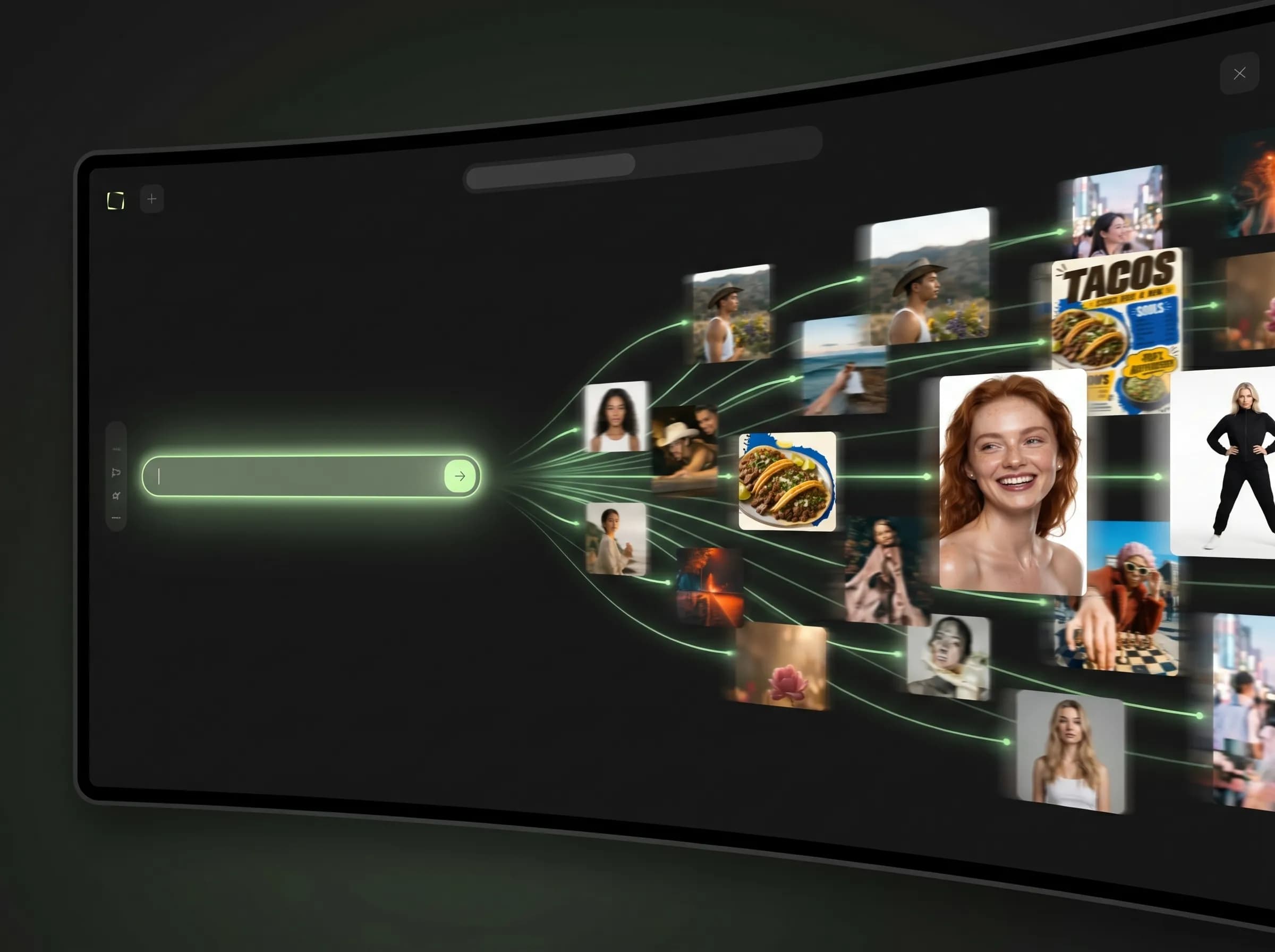
What is Nano Banana 2 on Mujo?
Generate images with Nano Banana 2 inside one Mujo workspace
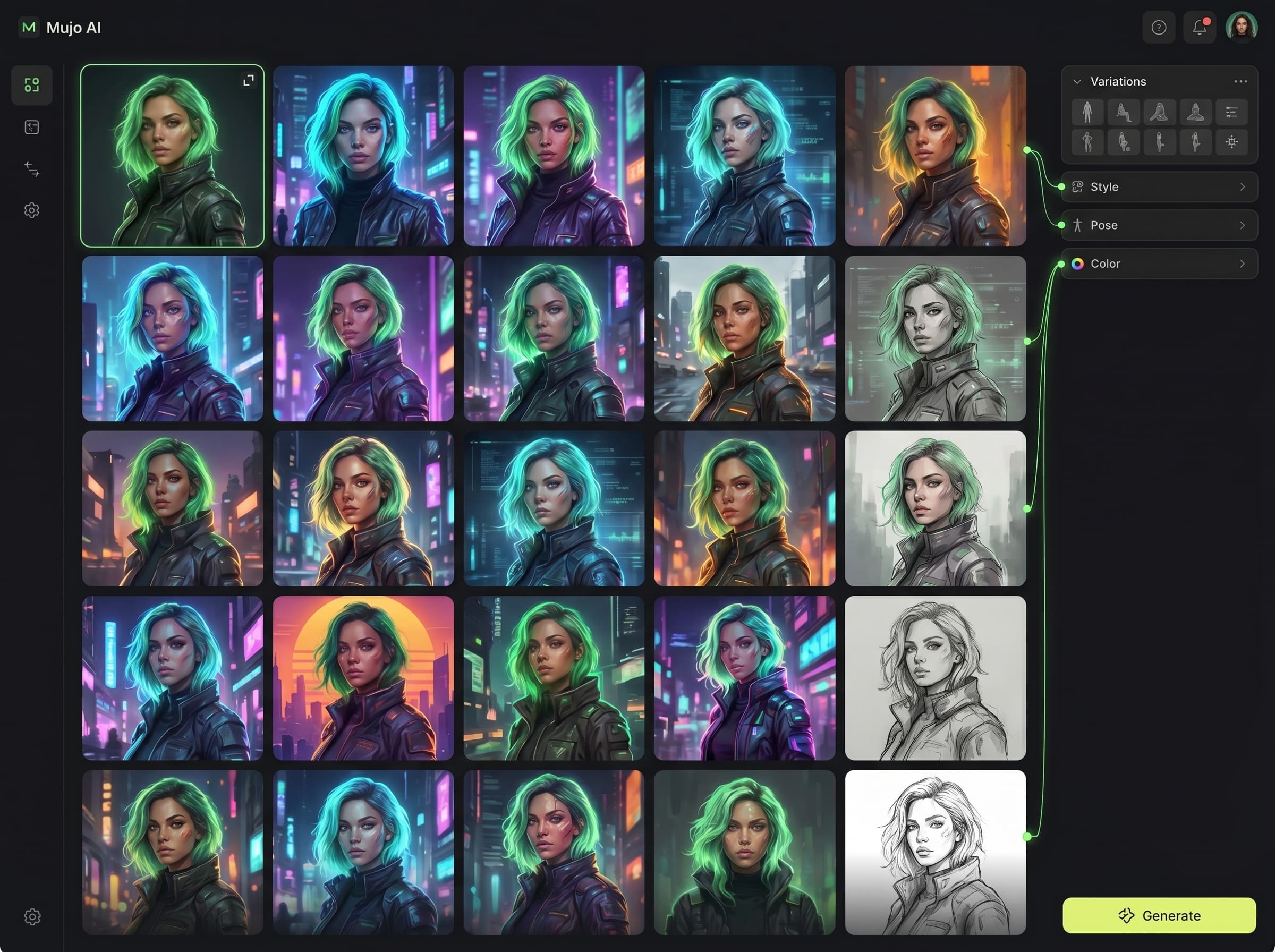
On Mujo, Nano Banana 2 becomes part of a workflow rather than a standalone model. You can use it for prompt-led image generation, compare it with other supported image models, and keep your prompts, controls, and outputs inside one repeatable workspace.
Related ProductWith Nano Banana 2 on Mujo
Use Nano Banana 2 inside the same workspace as other supported image models
Keep prompts, controls, and outputs together
Move faster when speed and iteration matter
Compare results against Midjourney, Seedream 5.0 Lite, and Nano Banana Pro
With disconnected image tools
Switch between separate tools for different models
Repeat setup work more often
Scatter prompts and outputs across apps
Make comparison and reuse slower
Fast image generation
Use Nano Banana 2 when speed and high iteration volume matter.
Prompt-led creative exploration
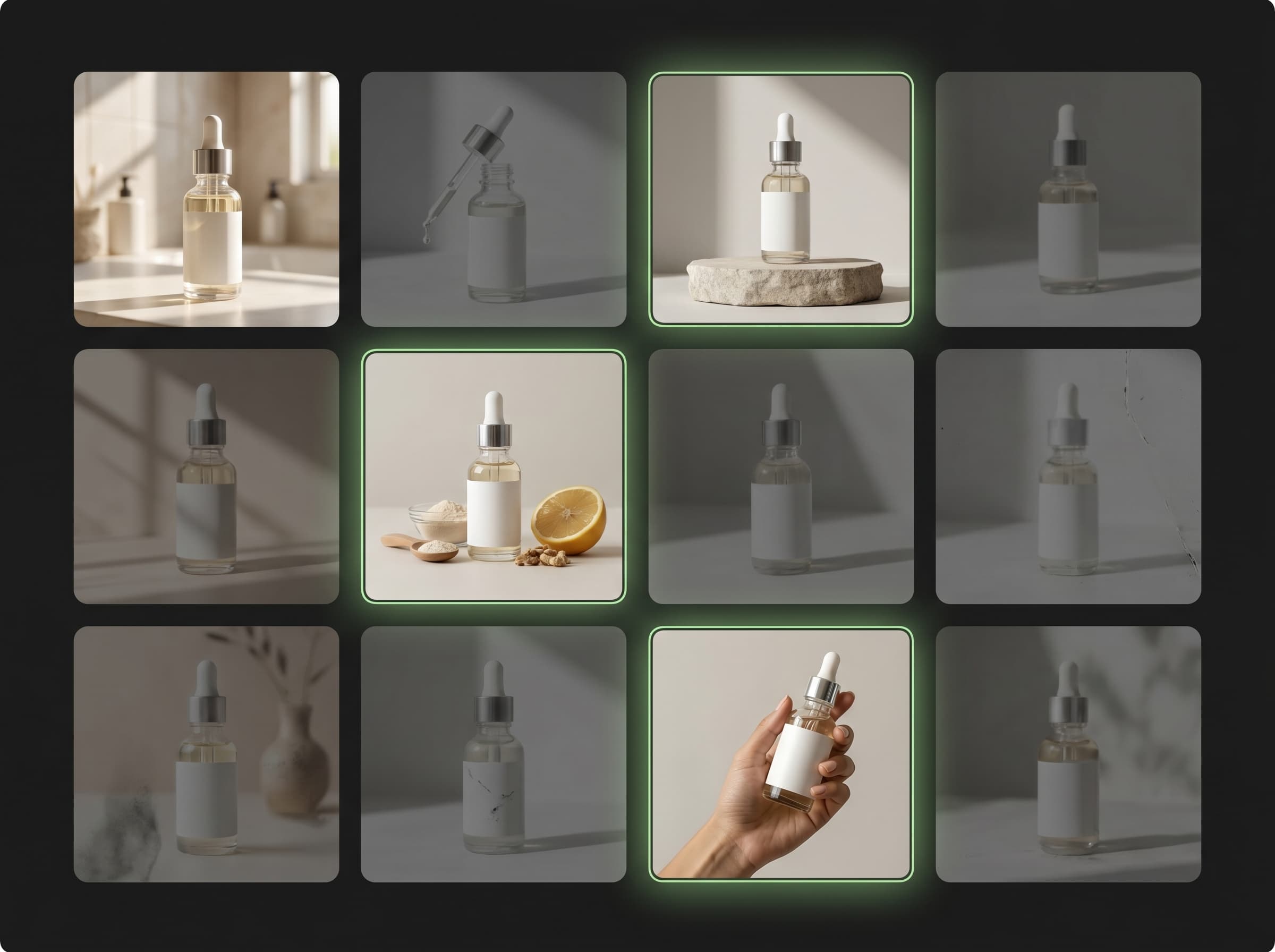
Test ideas and variations without rebuilding your workflow.
Reusable creator workflows
Keep successful prompts and controls easier to reuse.
Model comparison
See how Nano Banana 2 performs next to Midjourney, Seedream, and Nano Banana Pro.
Nano Banana 2 workflow value
Workflow need | Nano Banana 2 on Mujo | Generic or disconnected workflow |
|---|---|---|
Fast image generation | Strong | Varies |
Prompt and output organization | Centralized | Fragmented |
ControlBar compatibility | Yes | Not guaranteed |
Model comparison inside one workspace | Yes | Manual |
What this means for users
This page focuses on one primary workflow and one core search intent.
Internal links connect this page to adjacent products, guides, use cases, and compare pages.
Distinct examples and screenshots should reinforce the differences from neighboring pages.
This page explains why this model page exists separately from broader generator pages.
How to use Nano Banana 2 in Mujo
A simple repeatable workflow
Choose Nano Banana 2
Select Nano Banana 2 when you want a fast image workflow inside Mujo.
Write the prompt
Start from a text prompt and define the image direction.
Refine the workflow
Use ControlBar and adjacent tools when you need more structure.
Save and compare
Keep the best prompts and compare results across supported models.