AI Image Editor
Refine generated images instead of restarting every visual from zero
Edit AI Images with
A practical AI image editor for creators who need revisions, cleanup, and faster iteration
Mujo AI Image Editor is built for creators who need to improve an image instead of restarting from scratch. Move from first result to better composition, cleaner output, and more usable visual variations inside one workflow that keeps generation and editing closer together.
Start Free with 50 Credits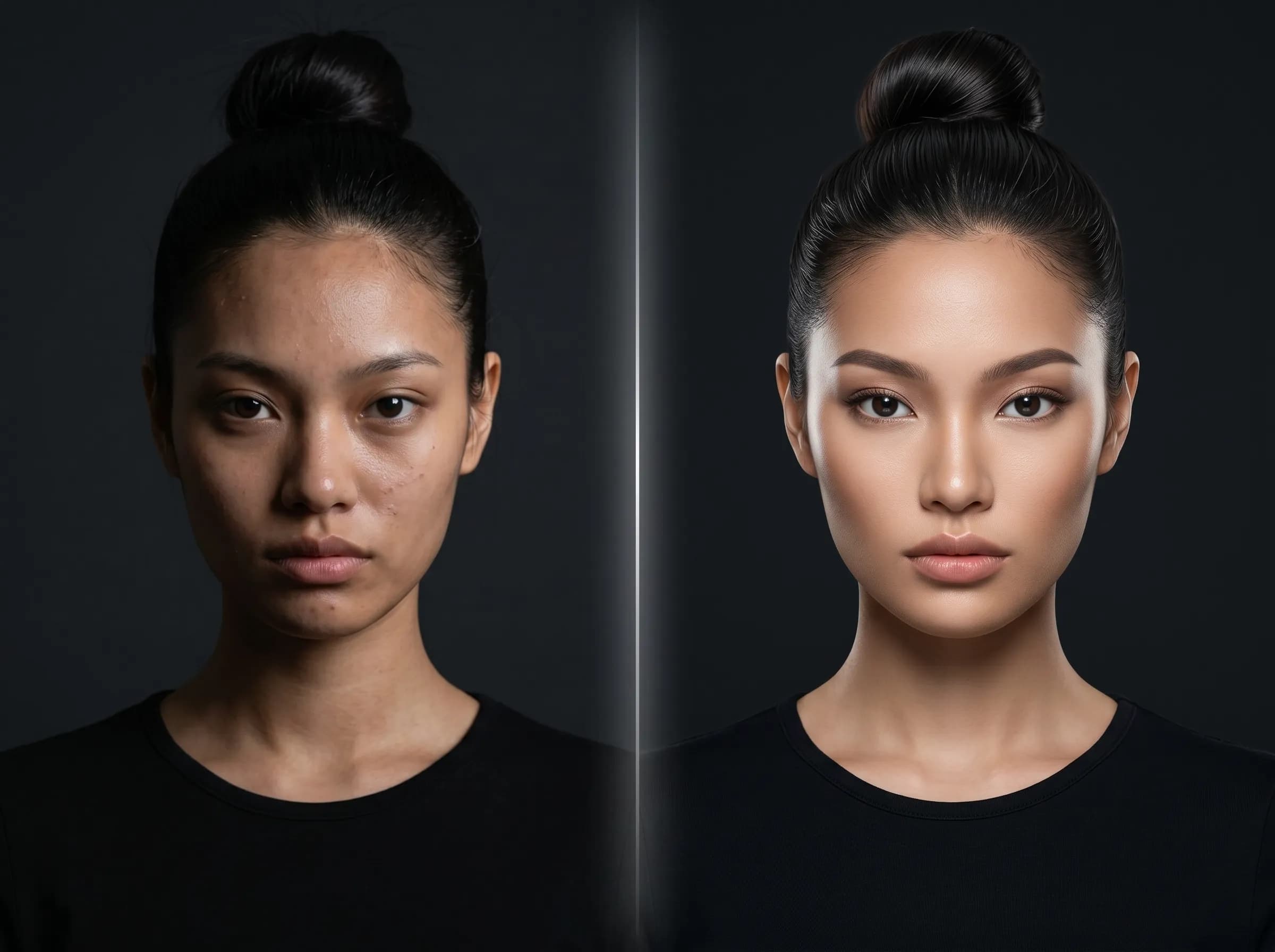
What is Mujo AI Image Editor?
Refine generated images instead of restarting every visual from zero
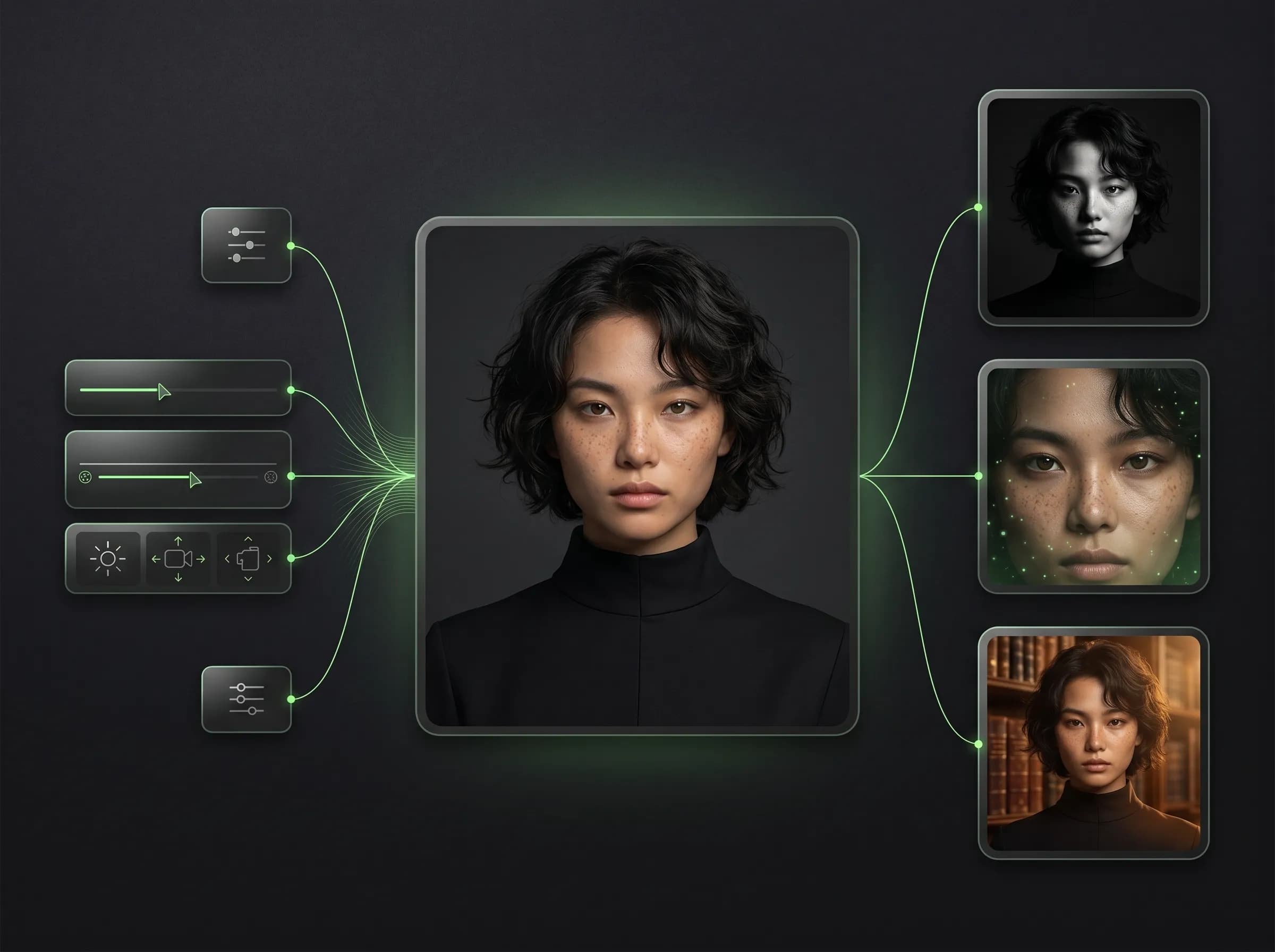
Mujo AI Image Editor is the refinement layer around your image workflow. It helps you move from rough generations to stronger outputs by making edits, trying variations, and keeping your creative process more manageable instead of starting over with every revision.
Related ProductWhy creators need an editor layer
Built around workflow continuity and repeatable output
Explore Next Related PageEach page in this category should stay on one primary intent and avoid mixing creator, seller, and portrait intent on the same money page.
Editing inside a workflow
Refine promising outputs instead of discarding them
Keep workflow continuity between generation and revision
Reduce wasted time when a concept is close but not ready
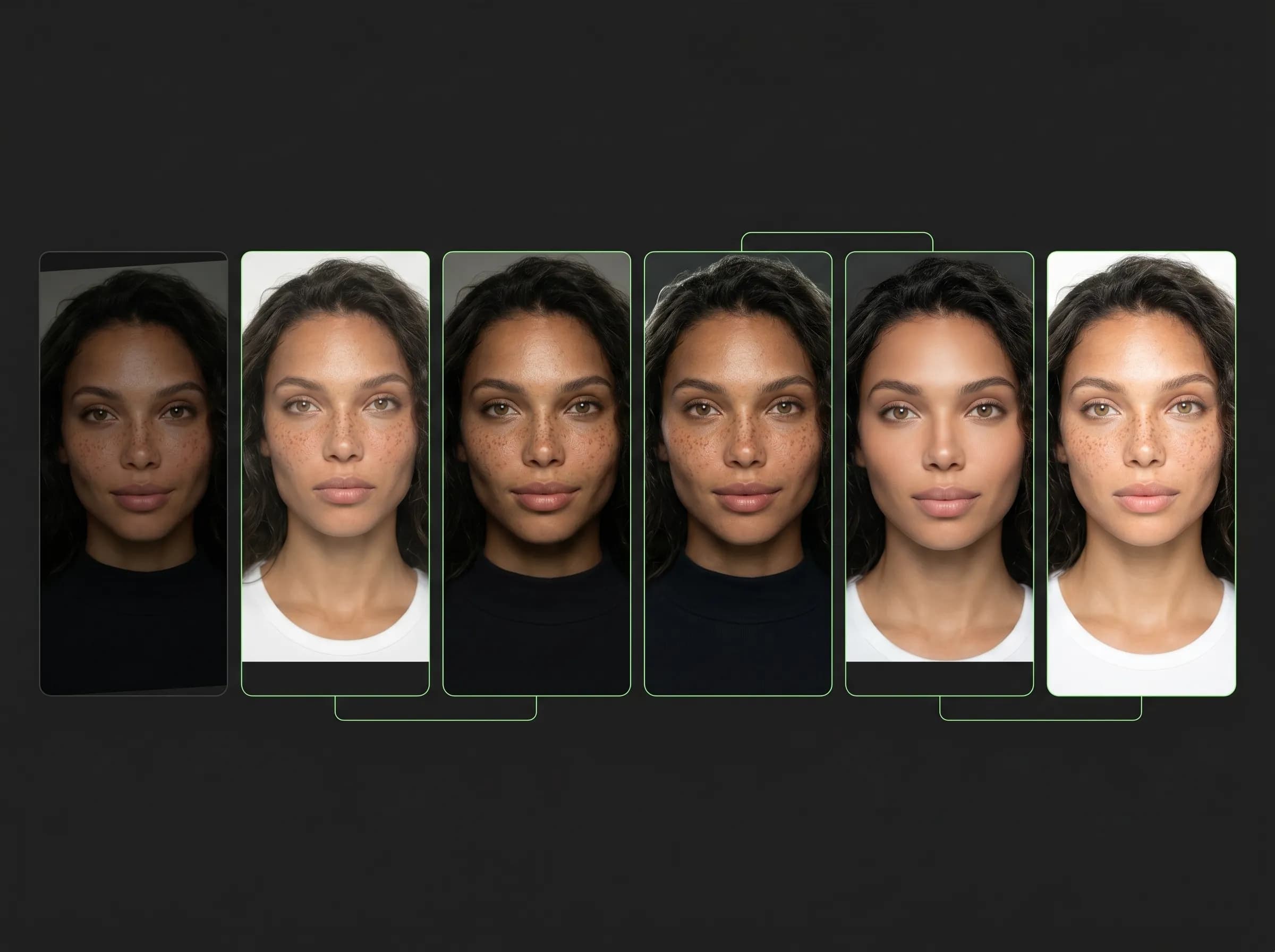
Make more useful variations from a stronger starting point
Starting over every time
Lose promising results too early
Repeat the same prompt logic again and again
Create more friction between ideation and delivery
Spend more credits and time on avoidable restarts
Refine generated outputs
Improve images that are close to the result you want.
Create cleaner revisions
Make visual changes without rebuilding the whole concept.
Keep editing near generation
Stay in a more continuous workflow instead of moving across disconnected tools.
Build repeatable revisions
Use your strongest outputs as a better starting point for new edits.
Editing value in practice
Editing task | Mujo workflow | Manual restart workflow |
|---|---|---|
Fix near-miss outputs | Faster | Slower |
Keep visual continuity | Yes | Often lost |
Reuse working direction | Yes | Limited |
Reduce repeated prompt work | Yes | No |
Page takeaways
Keep this page focused on one core workflow.
Support it with internal links to adjacent products, guides, and use cases.
Use distinct examples and screenshots so it does not look like a thin duplicate.
A structured comparison helps both users and search engines understand how this page differs from adjacent product pages.
How to use Mujo AI Image Editor
A simple repeatable workflow
Start from a usable image
Choose a generated image that has potential.
Adjust and refine the direction
Edit the image rather than rebuilding the concept from zero.
Review new versions
Compare revisions and keep the strongest output.
Continue the workflow
Use the edited result in a broader creator or product workflow.