Product Image Types Guide: Lifestyle vs. Studio for a Sales Funnel
Why do two similar listings with the same price and reviews produce different results in clicks and sales? In many cases, the reason is not media budget or product copy. The issue is that the image type does not match the stage of the funnel.
A bright lifestyle image is used where a clean studio silhouette is needed. Detailed macro shots are added where the shopper has not even understood the product shape yet. As a result, content costs rise while performance falls.
This article is a practical plan for building the right mix of lifestyle vs. studio product photos with mobile search results in mind, creating a working product images types guide for your category, and understanding why the rule “one screen, one meaning” saves money from the very first week. Inside, you will find a category matrix, a checklist for the main image, a rollout plan without chaos, a simple ROI model, and practical shooting tips. If you want to speed up production and maintain a consistent visual style without endless revisions, take a look at how this is handled in MujoAI and which options are available on the pricing page.
Why Image Format Should Match the Funnel Stage
The buyer moves through a short path: see, understand, trust, want, buy. At each step, a different image type does the heavy lifting. Studio images give shape, clarity, and precision. Lifestyle images add context, scale, and emotion. If these roles are reversed, the viewer misses the key value points, while your content budget gets wasted.
Image order is a scenario. A strong studio hero in the first slot lifts CTR, and then lifestyle context and detail images expand the story in the right sequence. When the sequence is structured properly, shoppers hesitate less, ask fewer questions, and add the product to cart more often.
Studio Photo Best Practices: The Role of Studio Images in a Listing
A studio shot wins in thumbnail view. It gives you a clean silhouette, calm shadow, and predictable color. It is the foundation of the main image and of every frame where precise details need to be shown.
What Should Stay in Focus
- Silhouette strength. Let the product fill 85–90% of the frame and keep margins even.
- Clean background. No textures, glare, or gradients that weaken contrast.
- Soft light. Enough volume, but no blown highlights. Shadows should not tear the outline apart.
- No badges or text on the main image. Clarity and form sell better than clutter.
- Thumbnail check. Compress the image to 160–200 pixels wide and confirm that the meaning is clear within one second.
The studio setup is also ideal for proof-oriented frames. Macro shots capture materials, fasteners, seams, ports, and texture. This is where the rational part of the brain switches on: the shopper sees real quality rather than marketing adjectives.
When to Use Lifestyle Images: Where Real-Life Scenes Beat the Studio
Lifestyle imagery shows the product as “how it would look in my life.” It reduces uncertainty around scale and makes dry specifications feel real. But it works only after the viewer has already recognized the product shape in a studio frame. If lifestyle comes too early, readability in search results drops.
Where Lifestyle Is Especially Effective
- Scale. A hand, desk, shelf, or laptop. One clear reference point per frame.
- Usage context. Kitchen, bathroom, living room, outdoors. No decorative museum of props.
- Emotion. Subtle, not theatrical. One micro-scene, one gesture, one answer to “how this fits into my life.”
The logic is simple: studio catches attention and defines form, while lifestyle persuades and helps the buyer imagine real use. This pairing works on marketplaces and on DTC storefronts alike.
Category Matrix: Lifestyle vs. Studio Product Photos by Gallery Position
Use this matrix as the basis for your product images types guide. It helps you decide which image type should occupy each key gallery position.
| Category | Main Image (1) | Slides 2–3 | Slides 4–5 | Slides 6–7 | Mobile Notes |
|---|---|---|---|---|---|
| Electronics | Studio | Studio macro + infographic | Lifestyle on desk | Variants, box contents | Control glare, place text only in quiet zones |
| Home appliances | Studio | Benefit infographic | Lifestyle in kitchen/bathroom | Comparison, warranty | Large numbers, minimum icons |
| Home and kitchen | Studio | Lifestyle for scale | Material macros | What’s in the box | Light backgrounds need heavier font weight |
| Beauty and care | Studio | Texture macros | Lifestyle with hand/mirror | Ingredients, instructions | Do not overload with icons |
| Apparel | Studio flat lay | Lifestyle fit | Seam details | Care / size chart | Fabric-to-background contrast is critical |
| Footwear | Studio pair / angled turn | Sole macro | Lifestyle in city / gym | Care, sizing | Toe toward center, soft shadows |
| Sports | Studio | Lifestyle in action | Fastener macros | Comparison, warranty | More space, less decoration |
| Outdoor | Studio | Lifestyle in nature | Material macros | Box contents | Never place text over textured surfaces |
| Tools | Studio | Durability macros | Lifestyle in use | Comparison | Facts and numbers only |
| Furniture | Studio | Lifestyle interior | Fabric and hardware macros | Variants | Camera distance defines perceived scale |
| Jewelry | Studio | Setting macros | Lifestyle on skin | Certifications | Keep contrast and highlights controlled |
| Kids’ products | Studio | Lifestyle with child / room | Box contents | Instructions | Less text, more scale |
The matrix is not a strict law. If your niche clearly sells better through a different structure, document that rule in your guide and apply it consistently across the full SKU line.
Main Image Rules for Higher CTR
Everyone sees the main image. It decides whether the click happens or not. That is why all creative experiments belong in secondary positions. Keep the fundamentals strong:
- Strong silhouette. Even margins, calm shadow, no blown-out highlights.
- Neutral color correction. Overly cold studio tones often flatten texture.
- Test angles. Rotate the object a few degrees until the edges come alive.
- Thumbnail review. At 160–200 pixels wide, the meaning should still be instantly clear.
This is the practical layer of studio photo best practices. When the main image lands correctly, the rest of the gallery works much harder with far less friction.
Infographics on Mobile: Fonts, Contrast, and Density
Even the best image loses power if the text on it cannot be read in thumbnail view. A few simple rules help prevent that on mobile:
- headline text on an infographic should be about 3% of the long side of the source image, and labels should be about 2%
- outer margins should stay within 4–6%
- keep no more than two or three markers in one frame
- use contrast pairs that avoid near-white on white or near-black on dark
- place text only in quiet zones, and use a subtle plate if the background is noisy
These rules strengthen both studio and lifestyle frames. On mobile, they are not optional.
Gallery Scenario: From Form to Trust
Build a sequence in which each frame answers one specific buyer question.
- Slide 1. Form — clean studio image with a strong silhouette.
- Slide 2. Value — a short infographic with two or three benefit markers.
- Slide 3. Context — the first lifestyle frame for scale and usage scene.
- Slide 4. Proof — macro shots of materials and construction quality.
- Slide 5. Comparison — us vs. a typical alternative across three or four criteria.
- Slide 6. Box Contents — what comes in the box, without surprises.
- Slide 7. Variants and Warranty — a soft final push.
This structure works naturally with the logic of lifestyle vs. studio product photos and creates a clear reading rhythm in mobile search results.
Ten-Day Rollout Plan
- Day 1 — Audit. Duplicate the current galleries. Sort each image by role. Mark duplicates and images that look attractive but do not read clearly.
- Days 2–3 — Main Studio Shot. Shoot a new main image, test it in thumbnail size, and choose the angle that performs best.
- Day 4 — Macro Proof Frames. Create two or three images showing materials, fasteners, and joints clearly.
- Day 5 — First Lifestyle Scene. One honest scene. One clear scale reference. No decorative clutter.
- Day 6 — Infographic. Large font, two or three markers, and a calm background plate.
- Day 7 — Box Contents. Lay out the full contents without extras. Label them briefly and clearly.
- Day 8 — Comparison. Three or four objective criteria. No competitor brands.
- Day 9 — Assembly. Build the sequence, review thumbnails, and align the margins.
- Day 10 — Quiet A/B Test. Replace one element on part of the SKU range and wait for the data.
Then roll out the winning approach across the full line. The more repeatable patterns you have, the faster you scale and the more recognizable the brand becomes.
The Economics of Order: Why This Pays Off
Imagine a listing with 60,000 impressions per month. CTR is 1.5%, and CR is 11%. That equals 900 clicks and 99 orders. Rebuilding the gallery according to a lifestyle vs. studio product photos framework raises CTR to 1.9% without changing the price. That gives you 1,140 clicks. At the same conversion rate, that becomes 125 orders. The difference is 26 extra orders from the same traffic.
Even with a modest average order value, the content update can pay for the shoot in a short period. Content is an investment. When you create a product images types guide and actually follow it, every next image set becomes faster and cheaper to produce. The team argues less and executes more.
Team Process: How to Avoid Drowning in Versions
It is much easier to maintain order when the process has anchors.
- Mini style guide by category. Fonts, type sizes, contrast pairs, grid, and examples of what is allowed and what is not.
- File naming. SKU_TOPIC_V01 and SKU_MAIN_A/B for tests. No final_final_new.
- Infographic templates. Two or three patterns that remain readable on mobile.
- Background plate library. Tested combinations of brand color with white or black.
- Control strip. A set of frames always used for thumbnail readability checks.
When this is built into the process, studio and lifestyle stop competing with each other. They start working as one system.
Mini Case: “Chaos” vs. “Scenario”
A kitchen appliance listing originally opened with packaging and a complicated infographic. The main image felt too airy, and the outline disappeared. We rebuilt the sequence from scratch. Slide 1 became a dense studio silhouette. Slide 2 showed three benefit markers in large type. Slide 3 introduced a real tabletop scene after a workout. Slide 4 showed macro shots of the blades and bowl. Slide 5 compared noise, weight, and materials. Slide 6 showed the honest box contents. Slide 7 displayed size options and warranty.
Within two weeks, CTR increased, gallery depth improved, and returns dropped because the box contents were communicated clearly. No magic. Just structure.
Where MujoAI Helps You Move Faster and Stay Consistent
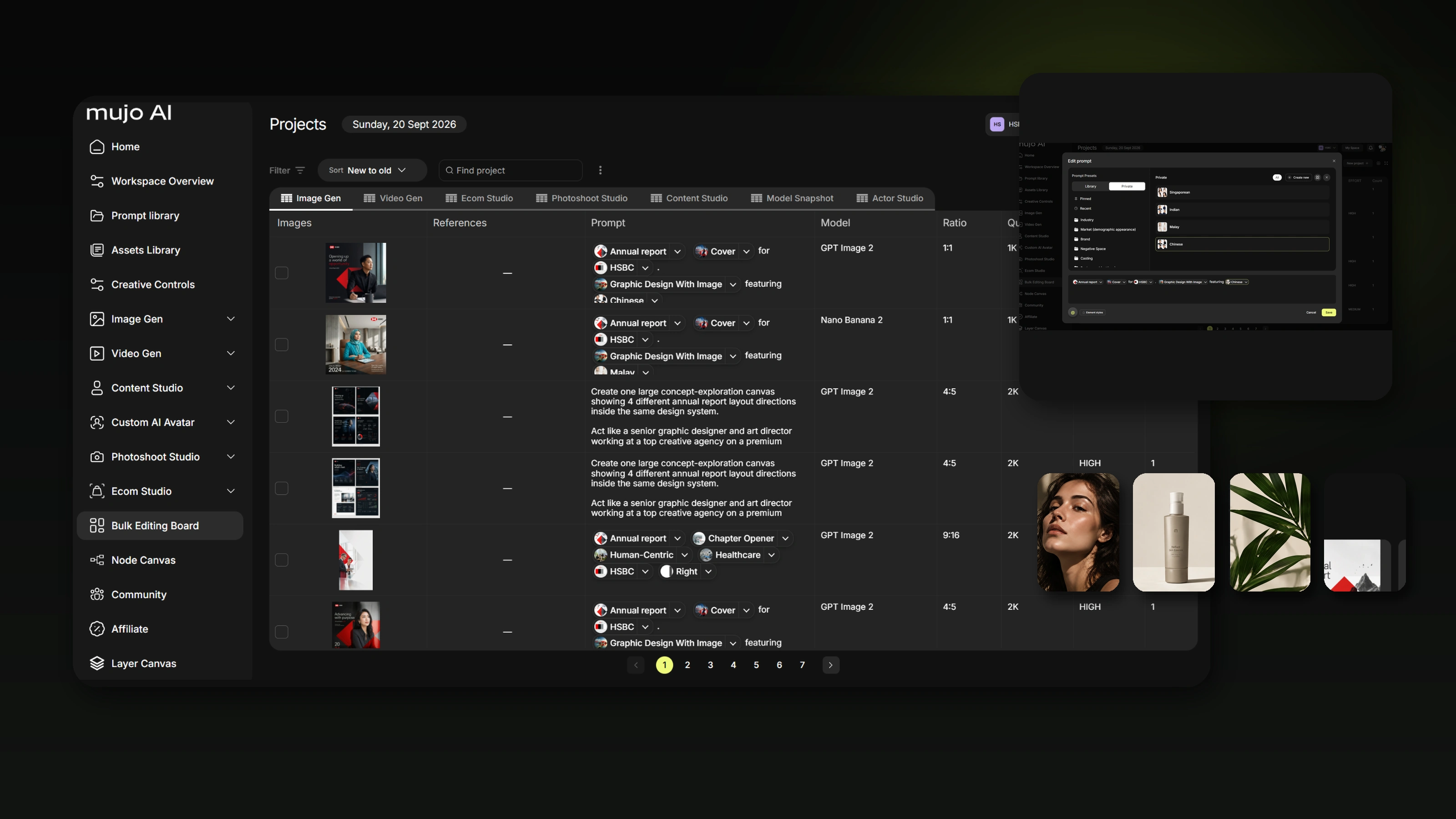
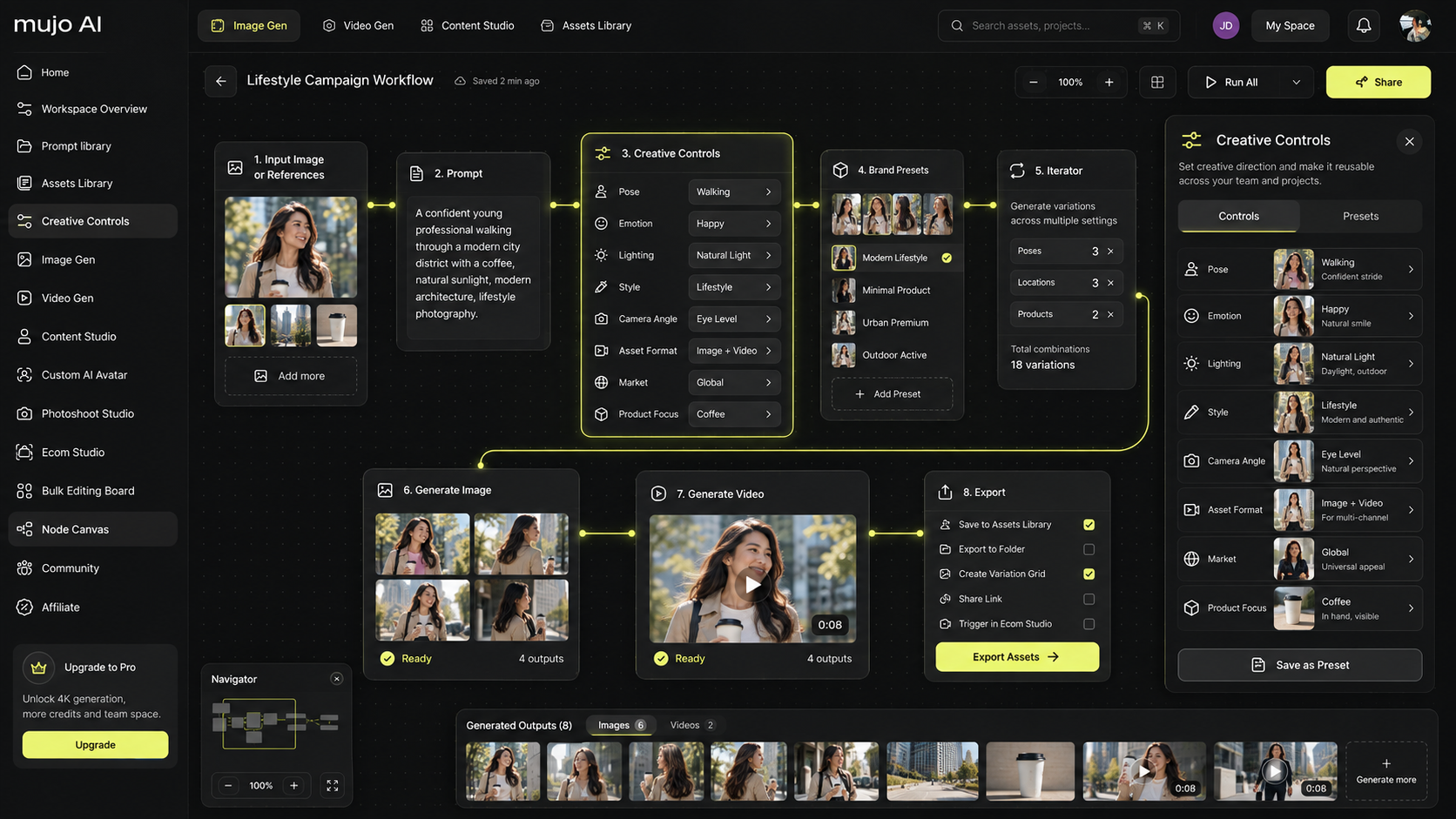
Everything above can be built manually. But once the SKU count grows, speed and consistency become the critical variables. In MujoAI, the gallery is assembled like a funnel: a strong studio hero, ready-made infographic patterns, mobile-first readability, and fast export for marketplaces. That reduces approval time and helps preserve a unified visual language across categories.
A practical way to start is with a smaller package on the pricing page, then test two or three listings, review the numbers, and scale the winning patterns.
FAQ — Brief and Clear
Should the main slide always be a studio image?
In nine cases out of ten, yes. The exception is a product whose shape is readable only in context. Even then, a studio silhouette usually delivers more stable CTR.
How many lifestyle frames should a gallery include?
Usually two or three. One for scale, one for use scenario, and one for post-purchase context or variant presentation. More than that often turns into overload.
Where should comparison with an alternative appear?
In the middle of the gallery, after proof-of-quality frames. Never on the main image. Comparison should be based on facts and numbers.
How do I know whether text on the image is readable?
Compress the frame to 160–200 pixels wide and view it at arm’s length. If the meaning is not instantly clear, simplify it.
Can the main image for apparel be lifestyle-based?
Sometimes yes, if the silhouette reads perfectly and the background stays extremely clean. But a studio shot is usually more predictable.
How often should images be updated?
Whenever there is a real growth hypothesis. Change one variable, measure CTR and gallery depth, then roll out winners across the line.
What matters more: the photo or the text on the photo?
The image catches attention. The text locks in the meaning. On mobile, they work properly only as a pair.
Which key phrases make sense inside a content guide?
Keep them concise and natural. It is enough to mention lifestyle vs. studio product photos, product images types guide, when to use lifestyle images, and studio photo best practices a few times in headings and paragraphs without forcing them.
Final Takeaway: One Frame, One Role; One Type, One Stage
The right choice between a studio image and a lifestyle image is not a matter of taste. It is a matter of funnel stage. Studio gives form and clarity. Lifestyle adds context and removes doubt. Build a product images types guide, test readability on mobile, create a seven-slide sequence, and measure the outcome.