Amazon Main Image: A Mobile-First Guide to CTR and Conversion
On Amazon, everything is decided in the thumbnail. The shopper scrolls through the feed and makes a decision in seconds. The main image has one mission: capture attention instantly and communicate the product honestly.
If the image does not read clearly in a small preview, it loses even when the price and reviews are perfect.
Below is a practical method for designing a main image with a mobile-first mindset, following Amazon main image best practices and running thoughtful main image thumbnail tests that truly help increase CTR on Amazon images, rather than just repainting the background for the sake of compliance. At the end, you will also see how MujoAI helps implement this process without routine overload and with stronger quality control.
The core idea is simple: a benchmark-quality main image plus a logical sequence of secondary images leads to more predictable CTR and fewer reasons for rejection.
Amazon Main Image Best Practices: What Actually Works in 2025
Mobile-First Product Images Are Not a Slogan. They Are Your Ticket Into the Feed
On a phone, the preview is smaller than a business card. Any minor detail disappears. That means the main image must have a clear silhouette, an instantly readable form, one focal point, and zero visual noise. The product should take up most of the frame. Empty space and decorative backgrounds need to go.
Silhouette and Frame Fill
The main trigger is shape. If the product has a strong profile, such as a bottle, blender, or sneaker, show it at an angle where volume is readable but the outline does not break. A practical rule is that the product should occupy about 80–90% of the thumbnail’s height or width without sticking to the borders.
Light Without Drama
Soft, even light brings out texture and avoids parasitic shadows that turn into visual dirt in a thumbnail. Dramatic backlighting may work for social media, but it hurts readability in Amazon search results.
Color and Honest Presentation
White balance is the invisible hero of CTR. Yellow tint or overly cold color on a white background reduces trust. The working standard is sRGB, careful contrast, and color without oversaturation.
Details and Unnecessary Elements
The main image is not the place for text or arrows. Any label in thumbnail view turns into noise and distracts from the shape. Benefits and explanation belong in secondary images and infographics.
The Psychology of Composition
The eye tends to scan an image from top left to bottom right. Give it an entry point: rotate the product diagonally toward the center and leave a soft highlight on the front-facing plane. This quietly guides the eye and increases the chance of a click.
Increase CTR on Amazon Images: 10 Fast Main Image Improvements
- Make the product slightly larger than feels “normal.” In thumbnail view, it will look balanced and substantial.
- Limit the palette to two or three calm tones. Strong color accents can live in secondary images.
- Choose one hero angle and remove everything that competes with the form.
- A soft shadow down and to the right grounds the object without creating visual dirt.
- The background must be perfectly white. Even a slight gradient can read as a gray stain in thumbnail view.
- Check the image at 120–160 px. If the form disappears there, it will disappear in the feed too.
- Keep margins even around the object. The frame should not feel like it is cutting into the product.
- Remove micro-defects and dust. Tiny specks are highly visible on white.
- Test two product colors. Sometimes one shade simply pops more in the feed and delivers higher CTR.
- Create two camera-angle versions, slightly above and slightly below horizon level. A small test often reveals a real click difference.
Before and After: How One Angle Can Repair CTR in Mobile Search Results
Take a water bottle as an example. Before: a strict frontal angle, glare on the glossy surface, and too much empty space above and below. In thumbnail view, it looks like a thin vertical stick. After: a subtle three-quarter angle, a soft shadow, balanced margins, and the body filling 85–90% of the height. The shape becomes heavier, the volume appears, and the cap catches the eye.
Everything follows Amazon main image best practices, without decorative tricks.
Main Image Composition Map: A Mobile Thumbnail Template
Grid and Outer Frame
Think in a 3×3 grid or within a frame of even margins. The product should hold the center without pressing into the edges. The leading edge, such as the toe of a sneaker or the spout of a kettle, should face inward rather than outward.
Balance and Direction
A slight diagonal adds motion without breaking the form. The center of mass should stay near the middle. Asymmetry works only when it strengthens volume.
Light Accent
The brightest area should align with the key plane of the product, where the outline reads best. That makes the thumbnail feel sharper and more alive.
Main Image Thumbnail Tests: How to Test Hypotheses Without Chaos
Success Metrics
Watch CTR in search results and conversion on the listing. Change only the main image. Otherwise, the result gets blurred by seasonality, price shifts, or other variables. If the goal is to increase CTR on Amazon images, the experiment must stay clean.
Experiment Design
Prepare two or three versions. Each version should differ by only one variable: angle, frame fill, product color, or shadow style. Test periods should be short, but long enough to produce meaningful data. If you have several SKUs, distribute versions across them.
Keeping the Test Clean
Do not touch the price, title, or coupons until the test is over. The best-performing image is not always the most beautiful one. It is the one that reads best in thumbnail view. That is the practical meaning of Amazon main image best practices.
Mobile-First Product Images by Category
Apparel
The main image should show the garment on white. Secondary images can show model fit and close fabric detail. Complex draping and catalog-style drama on the main image usually reduce readability.
Footwear
Angle the toe toward the center and raise the camera slightly. The sole and toe box should be visible, but without distortion. Keep shadow contrast moderate.
Home and Kitchen
Silhouette is king. Use even lighting, a moderate shadow, and careful glare control on metal and glass. Show full contents in the secondary images, not through collages.
Electronics and Gadgets
Glossy surfaces respond well to a soft overhead light and flags that reduce unwanted reflections. Logos should not dominate. The focus should stay on shape and line.
Beauty and Personal Care
Avoid spa-like gradients and tinted backgrounds on the main image. Texture and usage flow belong in additional images, while the main image should stay extremely clean.
Why a Main Image Fails to Get Clicks: Common Traps and Fast Fixes
| Symptom | What to Fix |
|---|---|
| Too much empty space | Enlarge the object to about 85–90% of the height and align margins |
| Harsh light and contrast | Use diffusers, soften the shadow, remove blown highlights and muddy dark areas |
| A complex background added “for beauty” | Return to pure white, remove textures and gradients |
| “Let’s add a badge” | Badges belong only in secondary infographics, never on the main image |
| Background looks white only by eye | Check with the eyedropper tool. The background must be RGB 255-255-255 |
Deep Diagnostic: A Five-Level Thumbnail Check
Level 1 — Silhouette
Reduce the preview to 120–160 px. Is the shape clear without guesswork? If not, enlarge the object and simplify the angle.
Level 2 — Edges and Contours
The contours should be clean, without jagged stepping. Harsh shadows need softening, and blown-out edges should be avoided.
Level 3 — Tactility
Can the viewer read the material? Plastic needs soft highlights. Fabric needs controlled folds. Oversharpening does not create real texture.
Level 4 — Scale
Is the expected size intuitive? If not, add a hand or usage scene in the secondary images, but keep the main image clean.
Level 5 — Background Conflict
Any tonal hum on the white background lowers CTR. Clean it up fully and remove unwanted tints.
Shooting Without Surprises: Lighting Setups and Working Presets
Two Soft Lights at 45 Degrees
This is the base setup for most products. It creates balanced volume and soft shadows. Control light density through distance, not ISO.
Overhead Light for Glossy Products
A top light combined with flags removes hot spots and long glare streaks. That improves shape readability in thumbnails.
A White Bounce Card Under the Product
A white card under the object returns a soft shadow and grounds it visually. The result feels realistic without adding dirt.
Unified Post-Production Presets
Build one preset for contrast, white balance, and sharpening across the full product line. This helps maintain Amazon main image best practices at scale.
Click Economics: How to Read the Numbers Instead of Guessing
A Simple Example
Before: 50,000 impressions, 1.4% CTR, 700 clicks. After: 1.9% CTR, 950 clicks. At an average conversion rate of 12%, that means 30 extra orders from the same number of impressions. Even at the same traffic cost, a CTR lift can pay back the reshoot.
Common Interpretation Traps
Seasonality, promotions, price changes, and bidding adjustments all create noise. When running main image thumbnail tests, keep the environment stable or the conclusions will be false.
Gallery Order as a Funnel: Category Scenarios
Tech and Electronics
- main image
- key detail such as a port or fastener
- infographic with two or three markers
- lifestyle image in a work setup
- variants or instructions
Apparel and Footwear
- main image
- fabric or sole texture
- fit
- infographic with sizing or care
- colors or variants
Home Products
- main image
- material or surface detail
- lifestyle image in interior use
- infographic
- box contents or variants
Team Roles and Quality Control at Scale
Product Team
Defines value propositions and usage scenarios. Approves the key angle.
Photo Production
Builds the lighting, grid, and margins. Maintains clean background and readable form.
Retouching
Applies unified presets, removes defects, and brings the background to RGB 255-255-255 without burning the edges.
Content Team
Builds the secondary frames: infographics, lifestyle, and details. Checks mobile readability.
Quality Control
Runs the final checklist: compliance with Amazon main image best practices, correct image order, and consistent file naming.
Naming and Versioning: How Not to Lose Files and Hypotheses
Use a format such as SKU_color_angle_V01.jpg. For tests, use SKU_MAIN_A.jpg and SKU_MAIN_B.jpg. Keep a log with date, variable tested, and CTR result. This makes it much easier to scale winning versions.
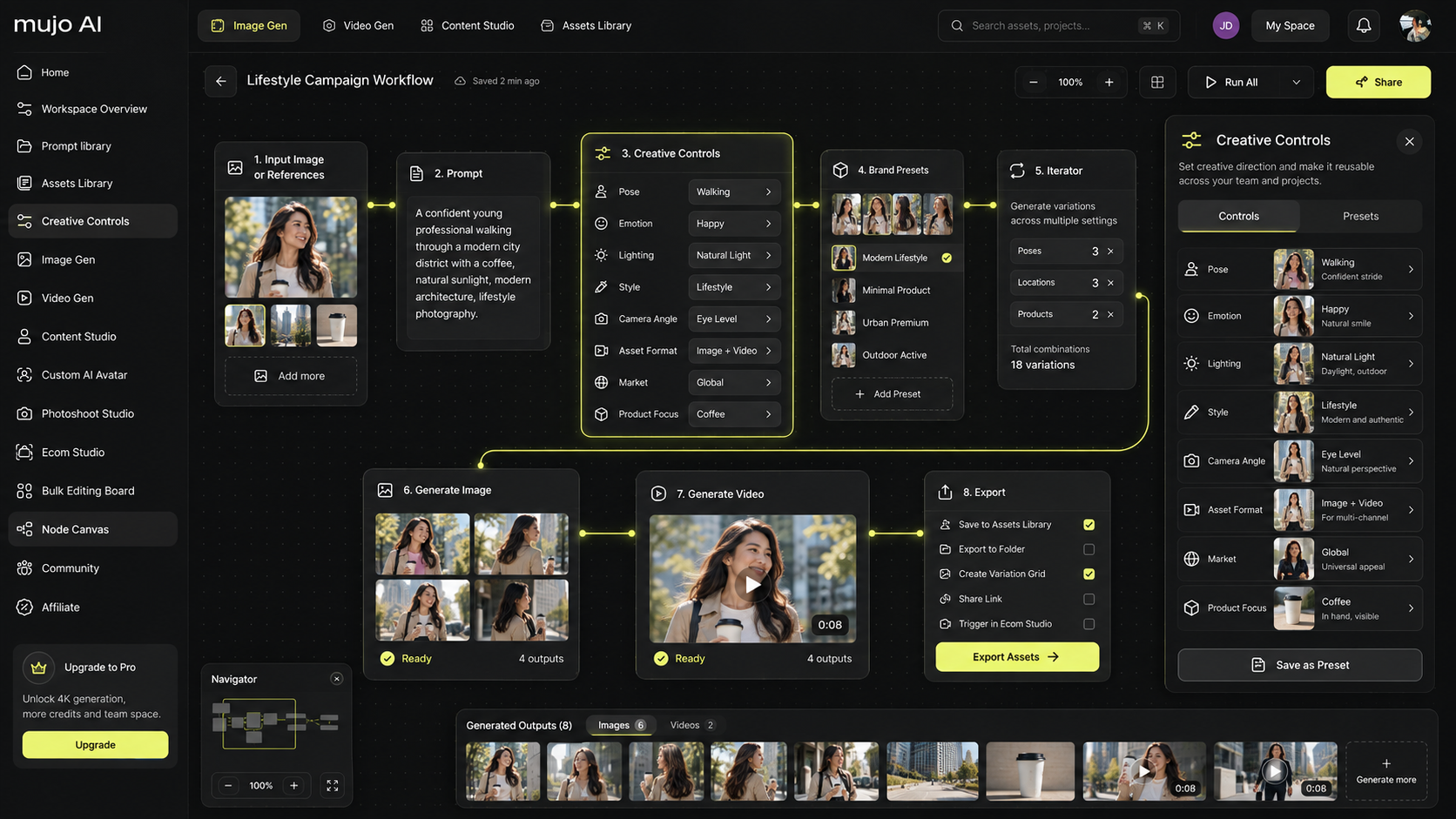
To speed up assembly and reduce chaos, MujoAI helps with a unified visual style, mobile readability, fast main-image replacements, and marketplace-ready export. You can review the options on the pricing page.
Quick Reference for the Core Concepts
Amazon Main Image Best Practices
A clean main image, strong silhouette, controlled light, and no visual noise.
Increase CTR on Amazon Images
Readable product form in thumbnail view, plus short tests with one variable at a time.
Mobile-First Product Images
Priority goes to the mobile preview and the speed of recognition.
Main Image Thumbnail Tests
Small, honest hypothesis tests, not a total listing rebuild.
FAQ — Short Answers
Why Does a Beautiful Photo Fail to Drive Clicks?
Because beautiful does not always mean readable in thumbnail view. For CTR, silhouette, white background, frame fill, and soft light matter more than decorative beauty.
How Often Should Main Image Thumbnail Tests Be Run?
Usually once per season or during a new product-line launch. Testing too often reduces stability, while testing too rarely leaves money on the table.
Will Increasing Brightness Alone Help?
Sometimes, yes. But without shadow control, the image becomes flat. Judge readability by form, not exposure alone.
What Matters More: Background or Angle?
Angle matters more. But the background must still be perfectly clean or it will eat away the result.
How Many Variants Should Be Tested at Once?
Two or three. More than that spreads traffic too thin and slows conclusions. Change one variable at a time.
How Do I Know Whether an Image Is Truly Mobile-First?
Shrink it to 120–160 px and see whether the form still holds attention. If not, simplify and enlarge.
What If the Product Shape Is Complex and Has No Hero Angle?
Look for the clearest edge and add a subtle diagonal. A small camera tilt often adds volume without distortion.
Can CTR Be Increased Through Product Color?
Often yes. Some colors simply light up better in the feed and produce a measurable CTR lift. That is worth testing through careful thumbnail experiments.
Should There Be Separate Main Images for Mobile and Desktop?
No. Use one main image, but design it with the mobile thumbnail as the priority. That is what mobile-first product images really means.
Final Takeaway: What to Do Today So CTR Improves Tomorrow
The main image is not an art object. It is a performance tool. Treat it with a mobile-first mindset, follow Amazon main image best practices, and test ideas through clean main image thumbnail tests. That is how you truly increase CTR on Amazon images and win attention in the feed.